




This guide demonstrates how to use OBDSTAR P50 to erase crash data and clear fault codes from a Jaguar SRS airbag control module equipped with the R7F7010643 processor.
Required Equipment
- OBDSTAR P50
- MP001 Programmer
- High-Power DC Regulated Power Supply
- Main Cable
- Jumper Wires
- Jaguar SRS Airbag ECU (R7F7010643)
Make sure OBDSTAR P50 software has been updated to the latest version.
1. Enter Airbag Reset Function
Power on the OBDSTAR P50.
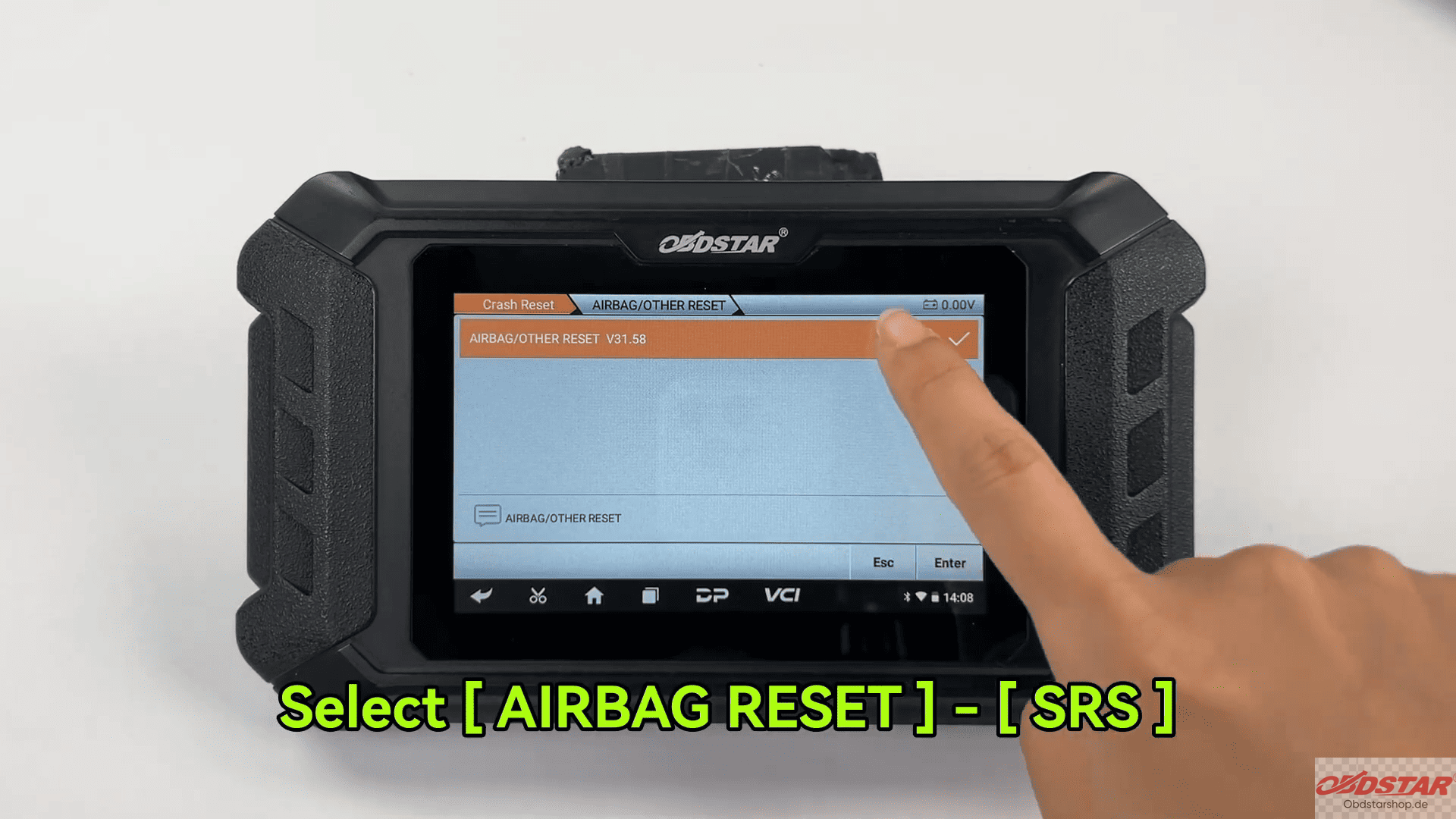
Navigate to Crash Reset → AIRBAG RESET → SRS
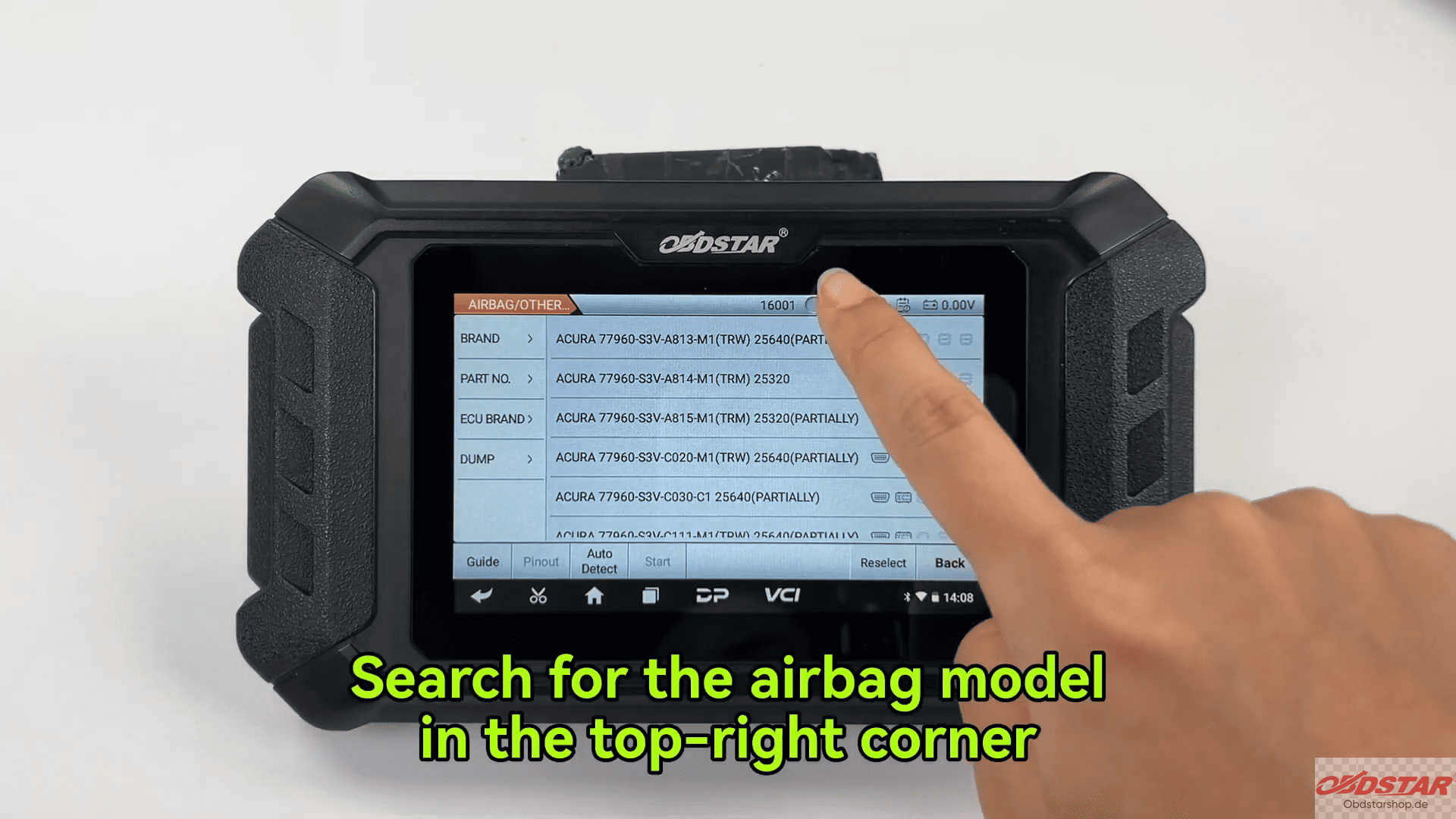
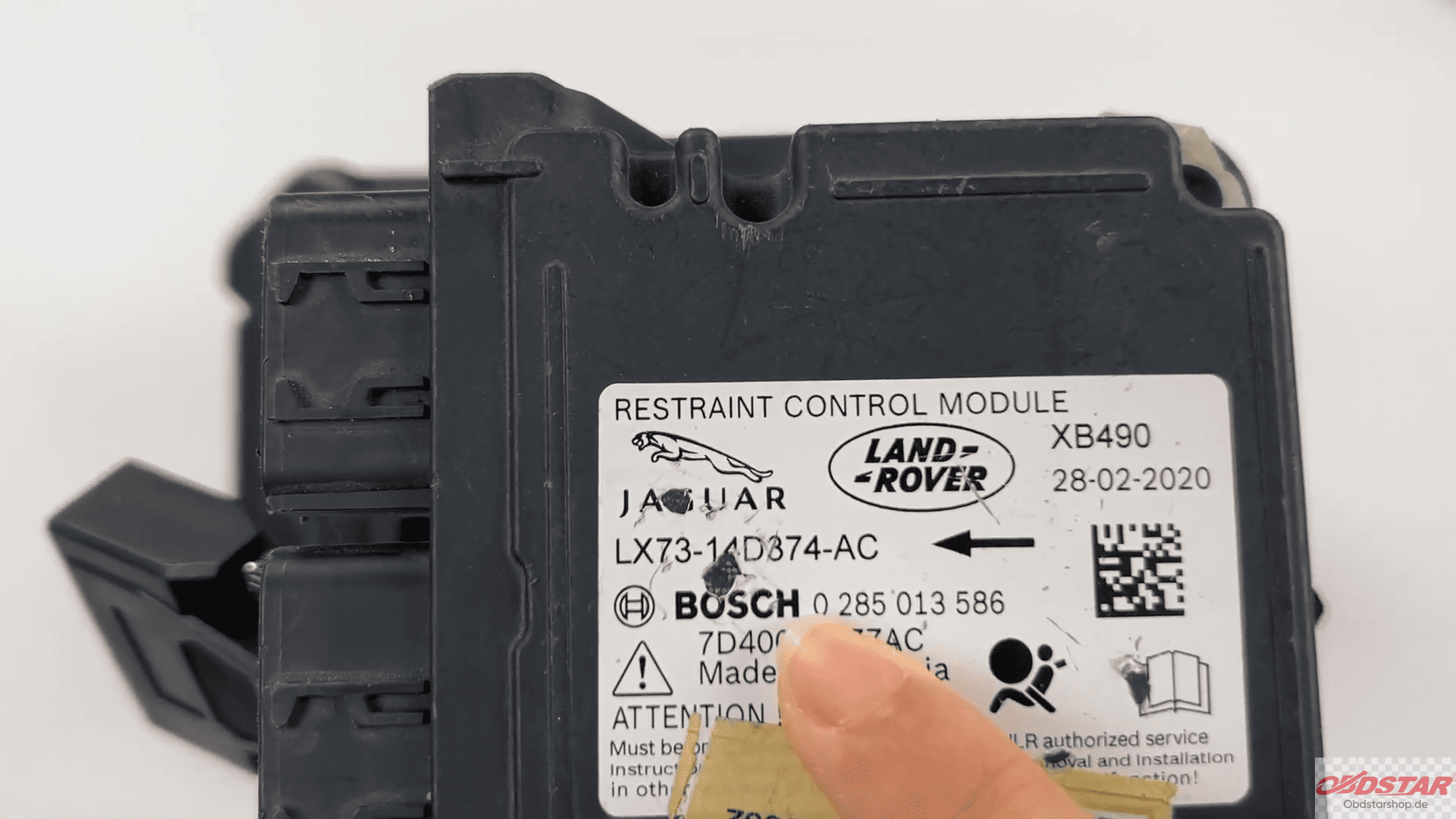
Search for the corresponding Jaguar airbag ECU model and select it.
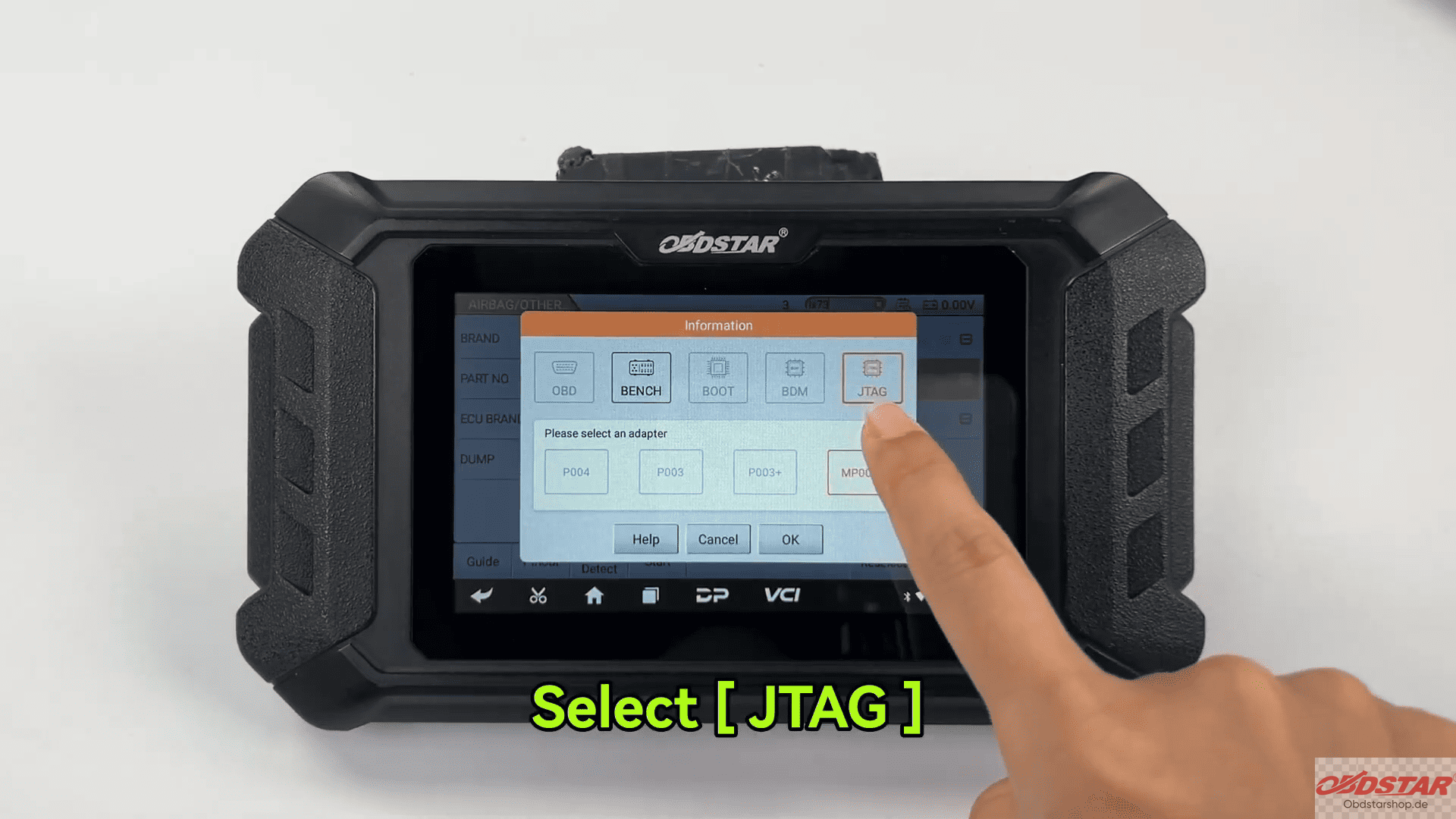
Tap [Start] and choose [JTAG] mode.
Use the Guide function to review menu descriptions, wiring instructions, and adapter information.
2. Check ECU Information and Fault Codes
Select [Connector Pinout] and connect the ECU according to the displayed wiring diagram.
Once connected: Read ECU information → Verify the part number → Read DTCs
The system will display stored fault codes and indicate that crash records are present in the module.
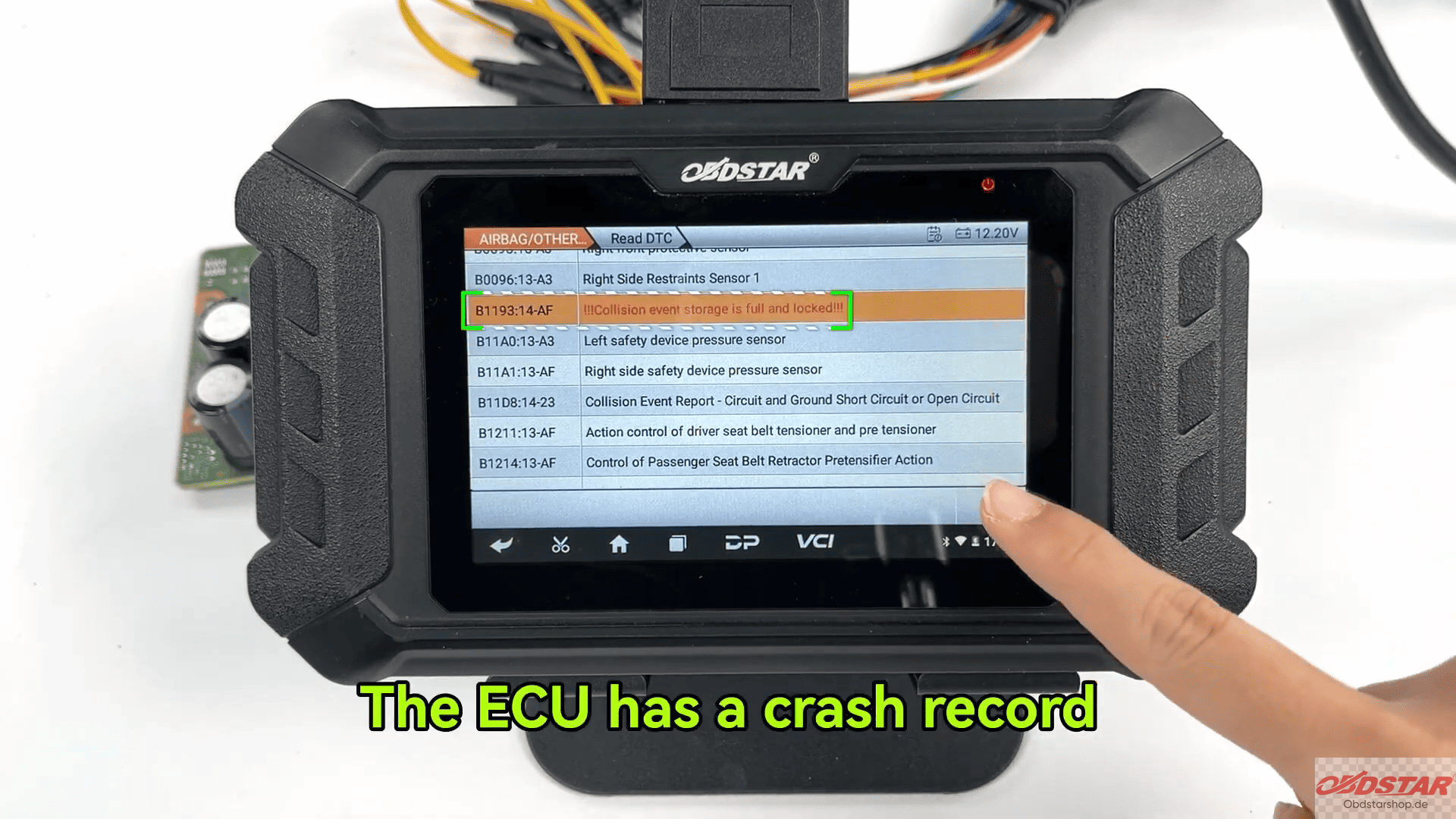
Attempt to select [Erase DTC].
The operation will fail because the crash record remains stored inside the ECU memory.
3. Prepare for JTAG Operation
Select [Erase Crash (JTAG)].
Tap [PCB Pinout] to view the board-level wiring diagram.
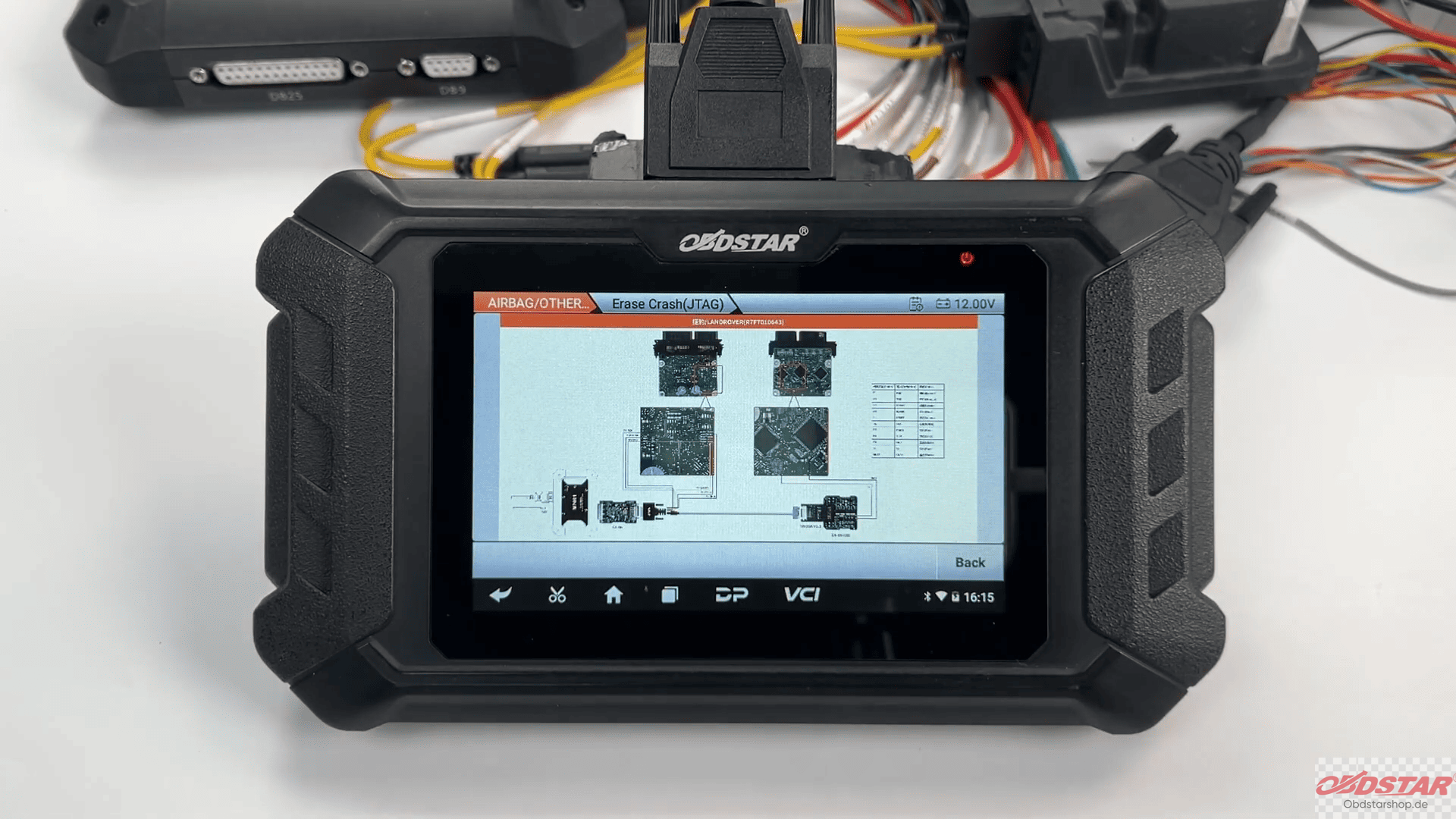
Open the airbag ECU housing and solder the required wires according to the displayed JTAG pinout.
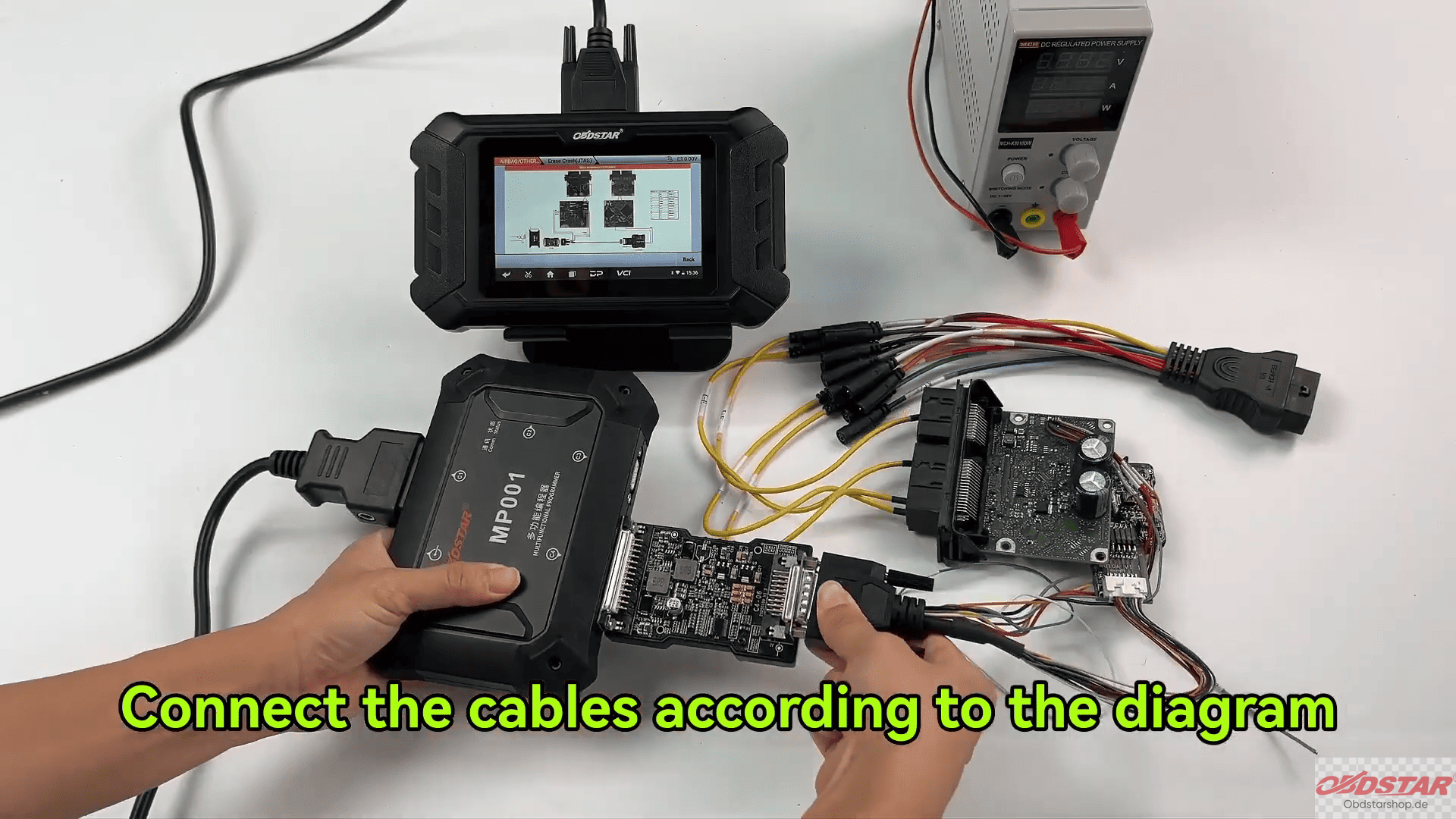
Connect all wiring exactly as instructed. After wiring is complete, return to the previous menu.
4. Back Up Original Data
Before modifying any module data, perform a complete backup.
Read and save all ECU data.
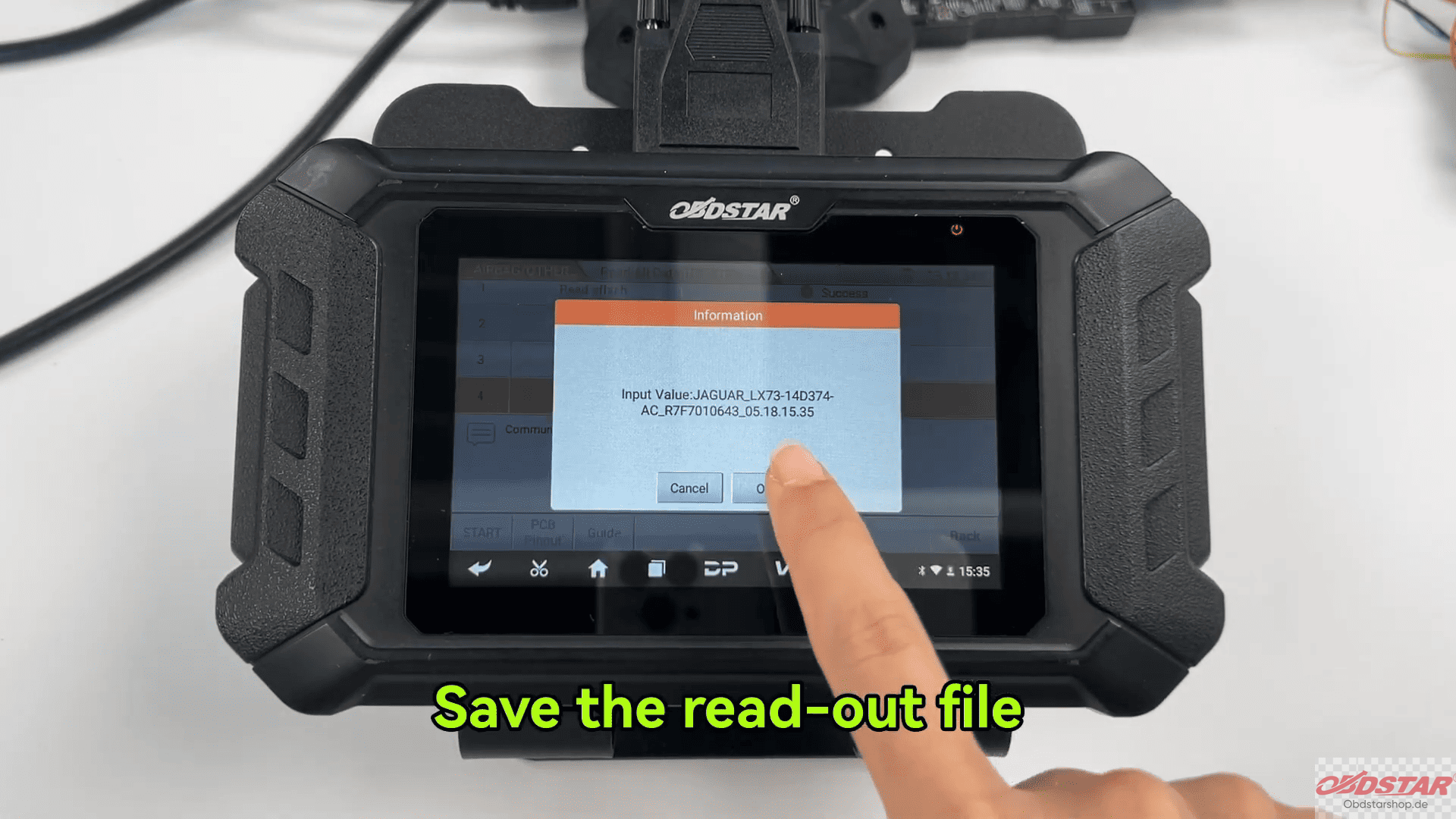
Store the backup file in a secure location in case recovery is required later.
This step is highly recommended before any memory modification operation.
5. Erase Crash Data
Select [Erase Crash]. Confirm that the ECU data has been successfully backed up. Tap [Start].
Follow the on-screen instructions and load the required backup file when prompted.
The OBDSTAR P50 will process the file and remove the stored crash information.
When completed, the device will display Crash Record Cleared Successfully
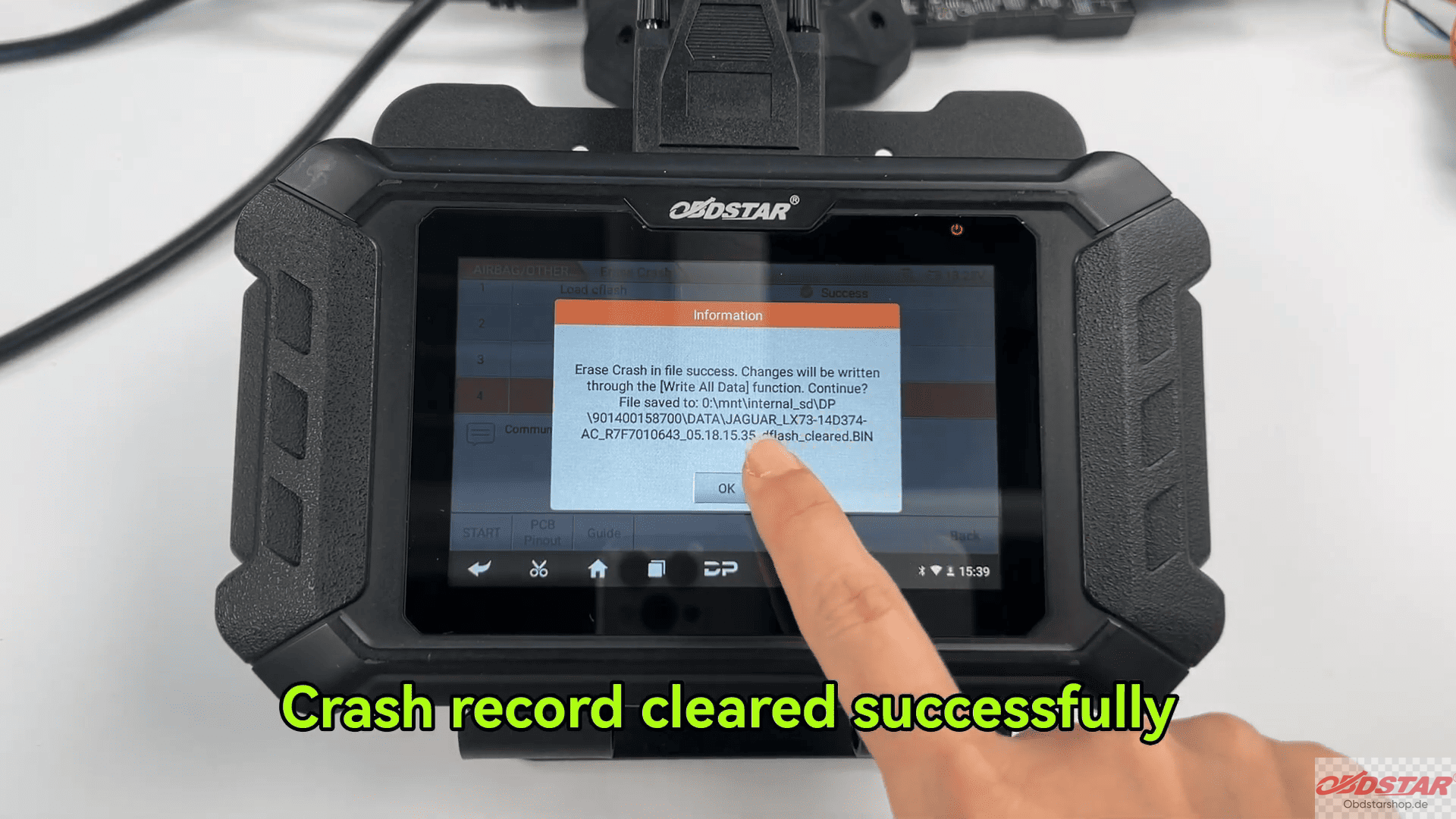
Tap [OK] to continue.
6. Clear Diagnostic Trouble Codes
Reconnect the required jumper wiring according to the instructions.
Select [Erase DTC]. The operation should now complete successfully.
Next, select [Read DTC] again to verify the result.
No crash-related fault codes should remain stored in the module.
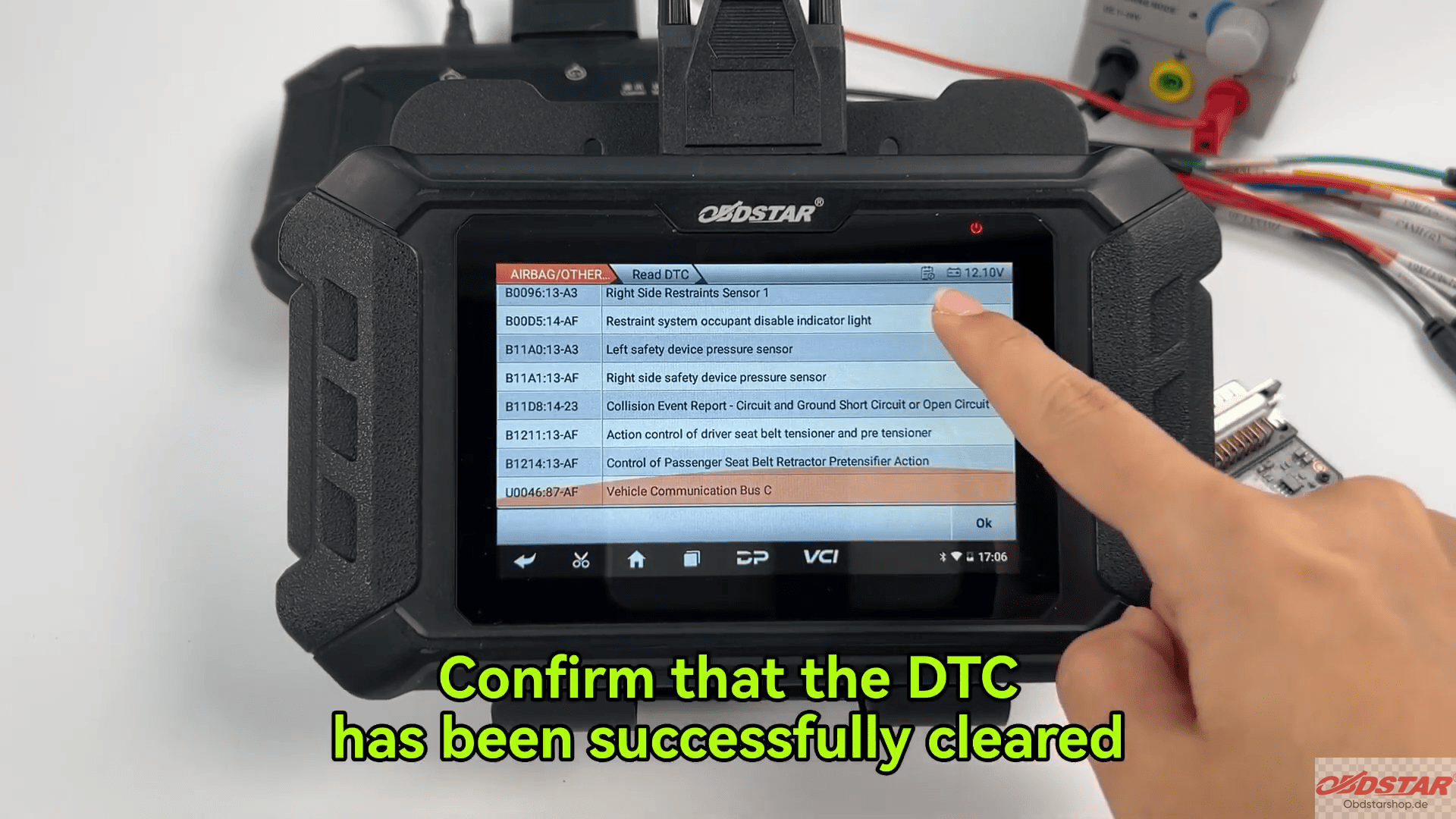
OBDSTAR P50 airbag reset tool JTAG function provides an effective solution for restoring Jaguar airbag control modules that contain locked crash records after an accident.
Read also:
How to Reset XPENG Airbag Control Module Using OBDSTAR P50
Leave a Reply