



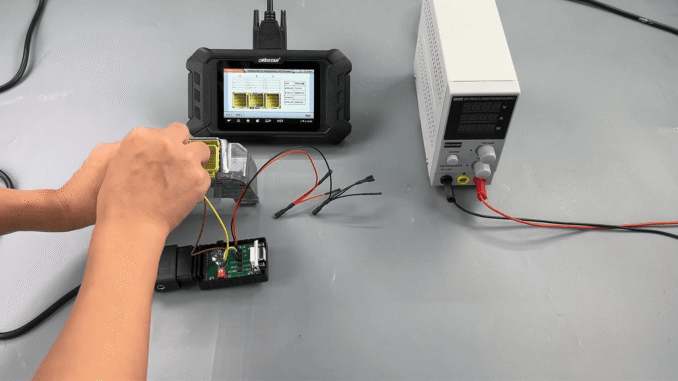
This post explains the complete process for resetting crash data on the DENSO R7F7016843 airbag ECU using OBDSTAR P50 and P004 adapter.
Required Tools for Toyota Airbag Reset
OBDSTAR P50 or KeyMaster G3
High-power DC regulated power supply
Main diagnostic cable
P004 jumper
P004 adapter
Toyota 89170-78380 airbag control module
Before starting, ensure that your OBDSTAR device software is updated to the latest version.
Toyota 89170-78380 Airbag ECU Reset Procedure
1. Open the Crash Reset software on the OBDSTAR device.
2. Select AIRBAG / OTHER RESET from the menu.
3. Search for the ECU part number 89170-78380 to locate the correct option quickly.
4. Choose BENCH mode and select P004 as the connection method.
5. Tap Guide and carefully review the wiring diagram and operation instructions.
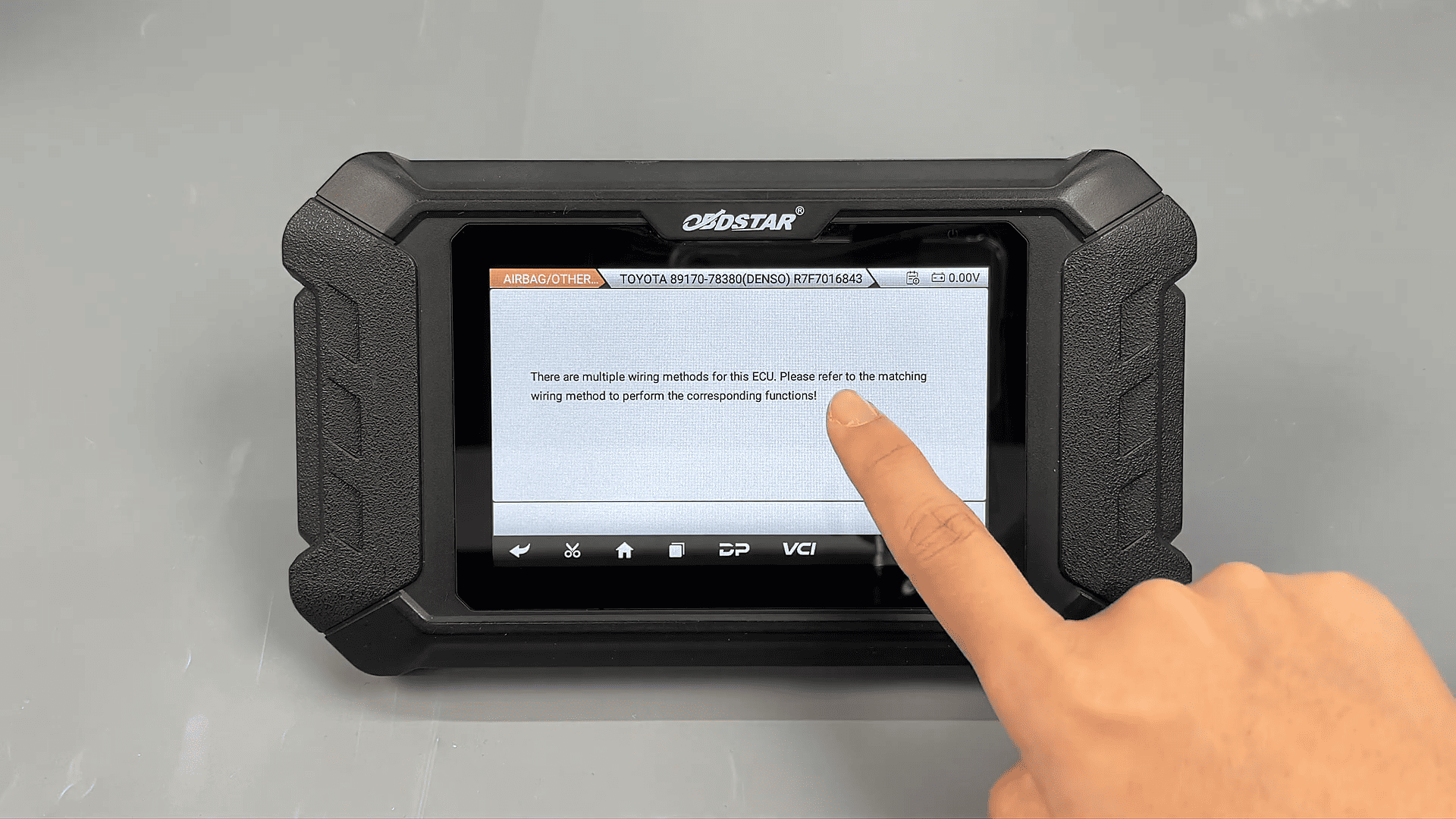
6. Connect the wiring according to the diagram that matches your airbag module.
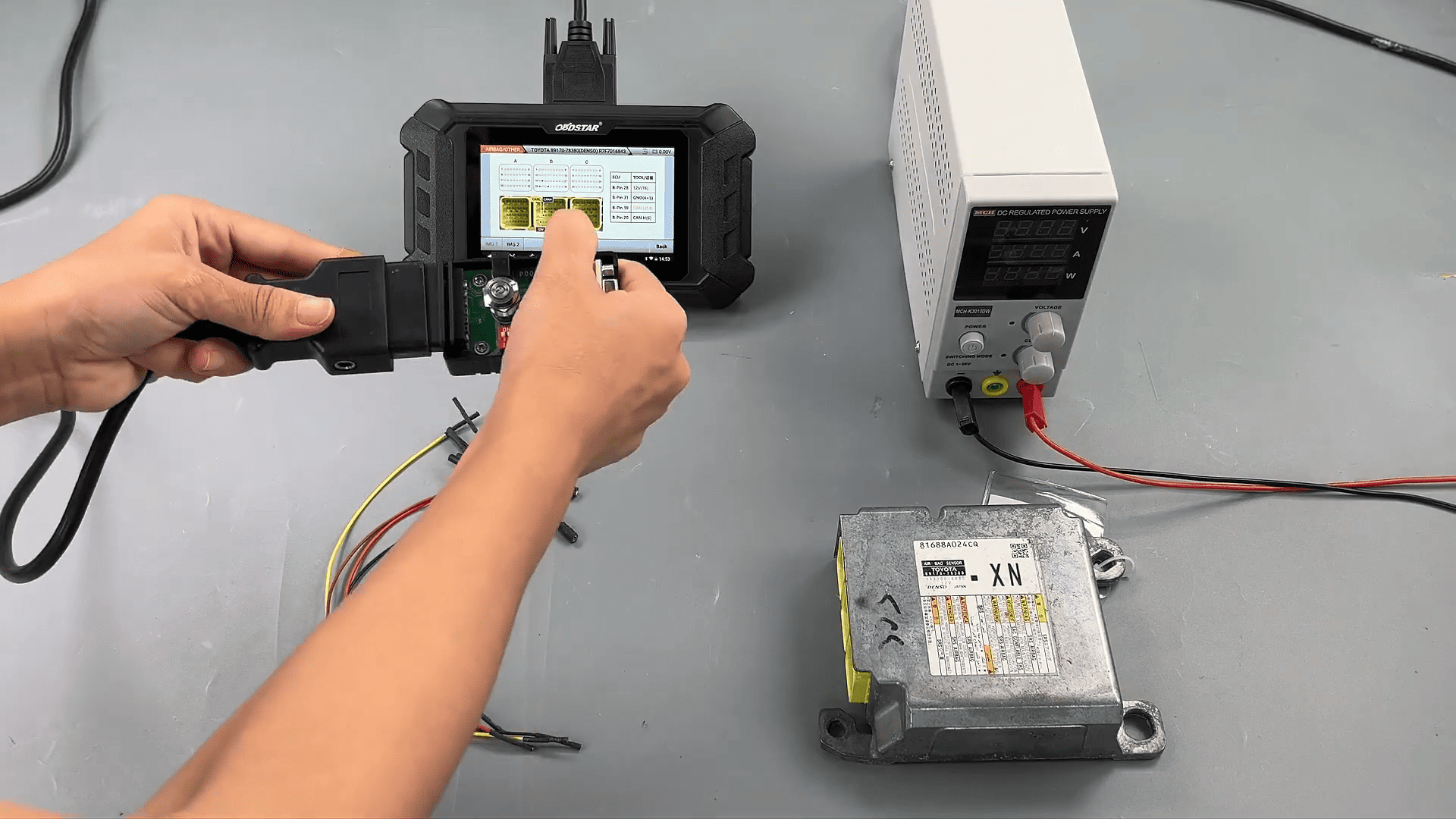
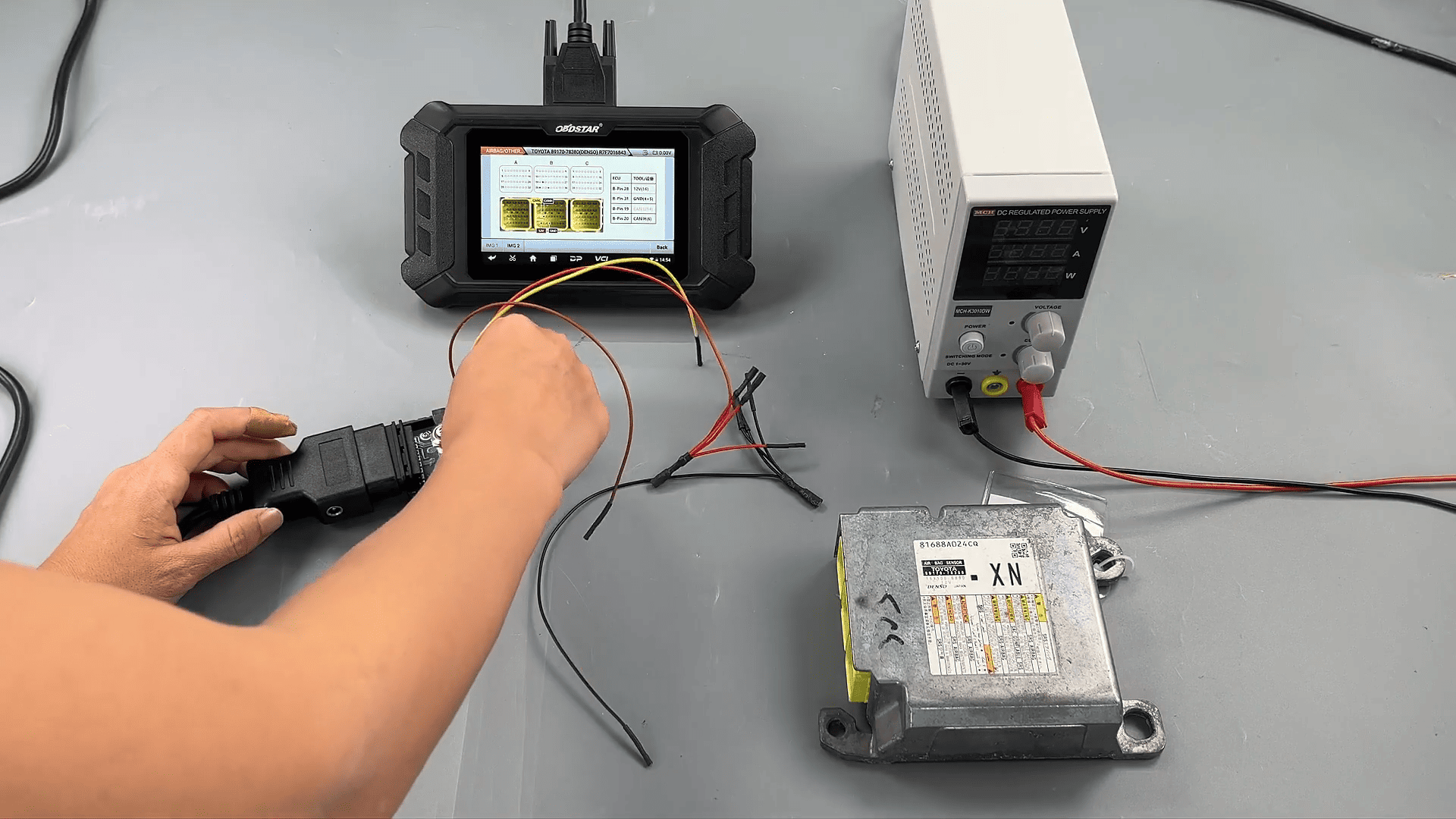
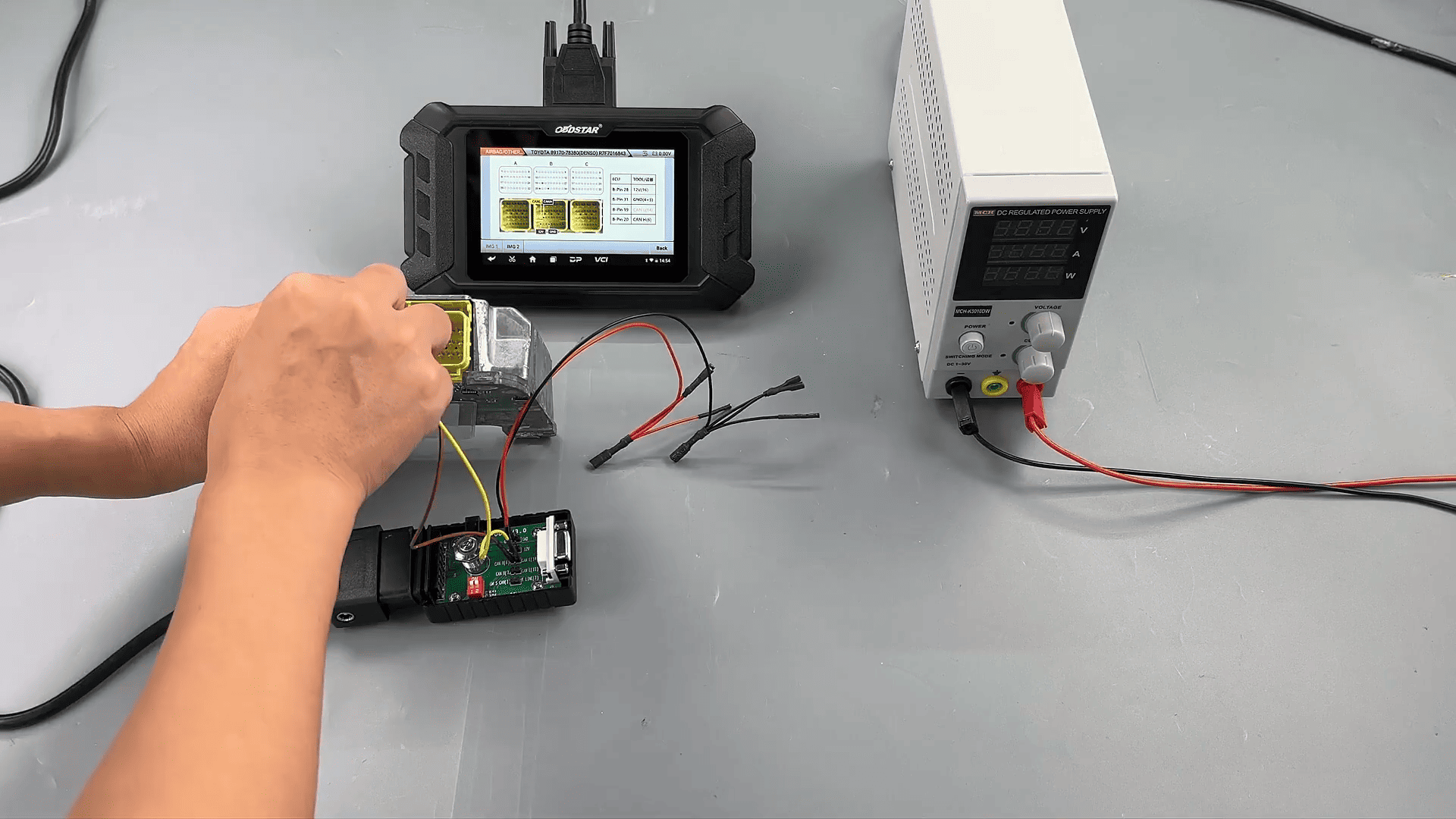
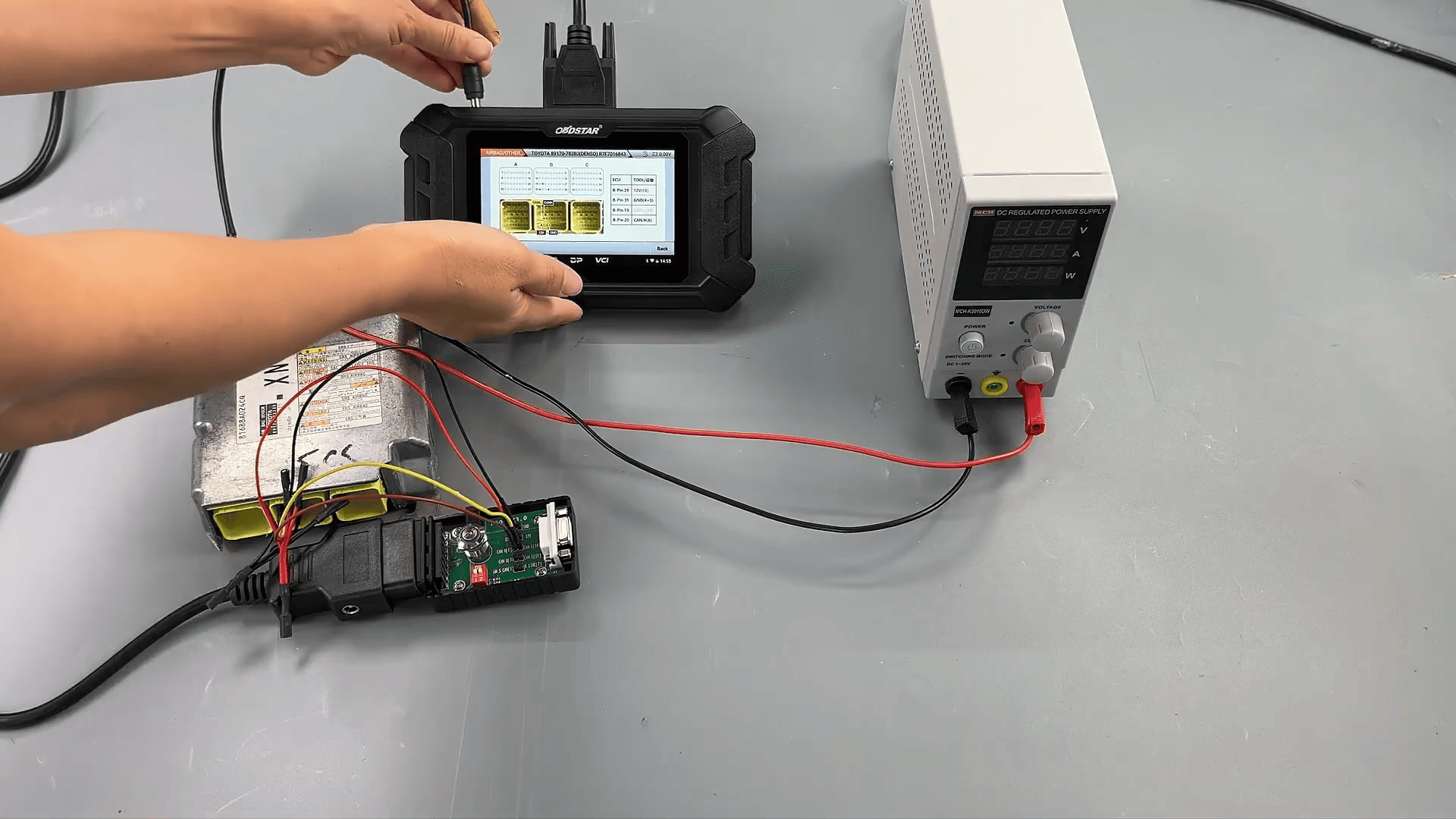
7. Read the ECU information to confirm the airbag part number.
8. Backup and Erase Crash Data
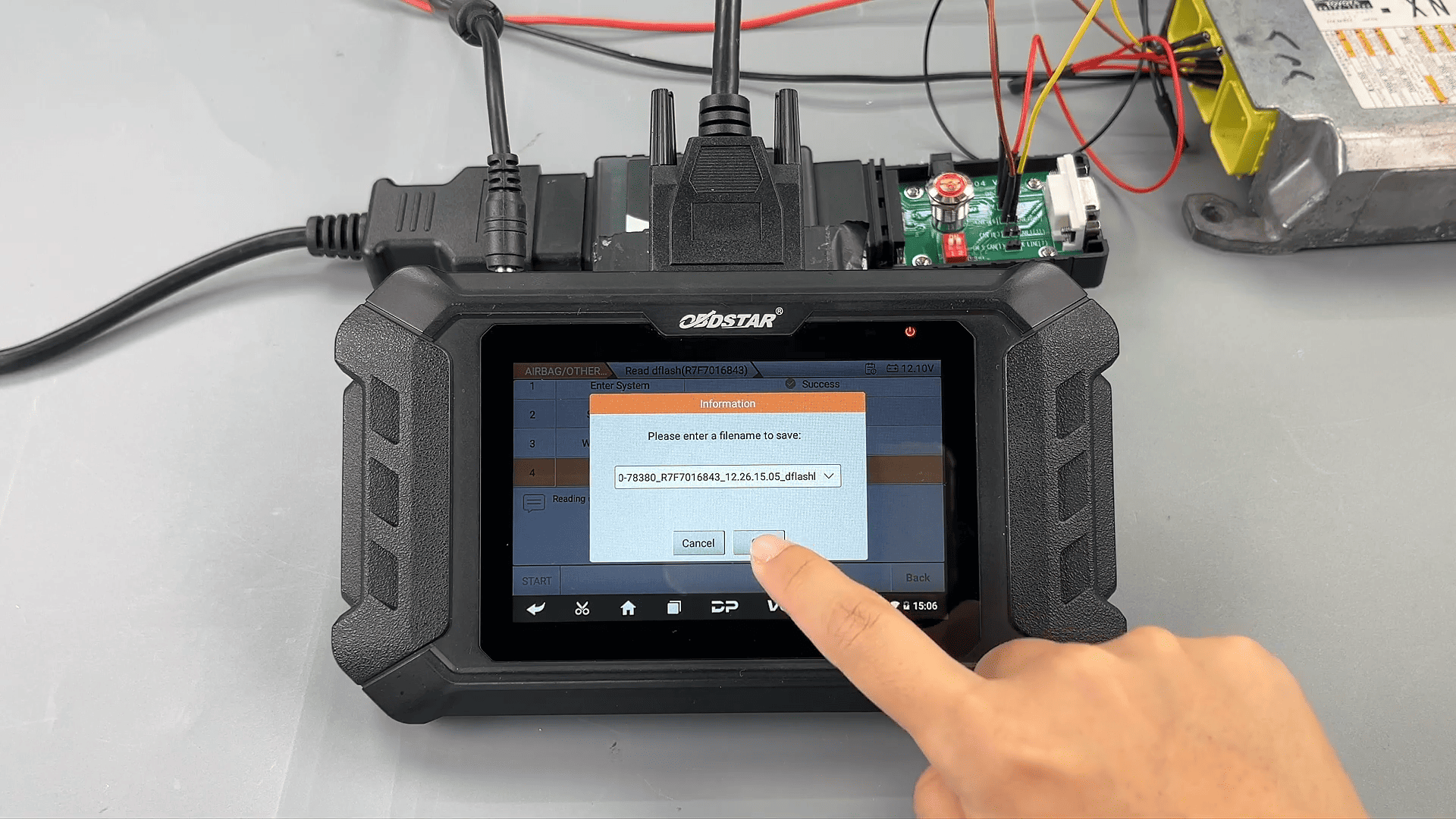
Before performing any reset operation, it is strongly recommended to back up the data:
1. Enter Advanced Function and back up the D-Flash file.
2. After the backup is complete, return to the main menu.
3. Select Read DTC to check for crash-related fault codes.
4. Choose Erase Crash and wait for the operation to complete successfully.
5. Perform Erase DTC to clear all diagnostic trouble codes.
6. Read the fault codes again to confirm that the crash-related codes have been removed.
Using OBDSTAR bench mode, resetting the Toyota 89170-78380 airbag control module is a safe and reliable process when performed correctly. Always back up the ECU data before erasing crash information to avoid data loss. This method is ideal for professional technicians and automotive locksmiths handling Toyota airbag ECU repairs.
Leave a Reply