




This guide demonstrates how to perform data read/write operations on CFMOTO BOSCH MED17.8.10 ECM using OBDSTAR MotoMaster. Whether you’re backing up EEPROM/Flash data or writing new files with checksum verification, this bench mode process ensures safe and efficient ECU management for CFMOTO motorcycles.
Required Tools
OBDSTAR MotoMaster\
High-power DC regulated power supply
Main cable
ECU clone jumper
MP001 Programmer
BOSCH MED17.8.10 ECM module
Always update the OBDSTAR MotoMaster software to the latest version before starting to access new features like improved file management.
Steps
1. Enter ECU Flasher Menu:
Launch the OBDSTAR MotoMaster and tap [ECU Flasher]. Use the search bar in the upper right corner to quickly locate the CFMOTO BOSCH MED17.8.10 ECM module.
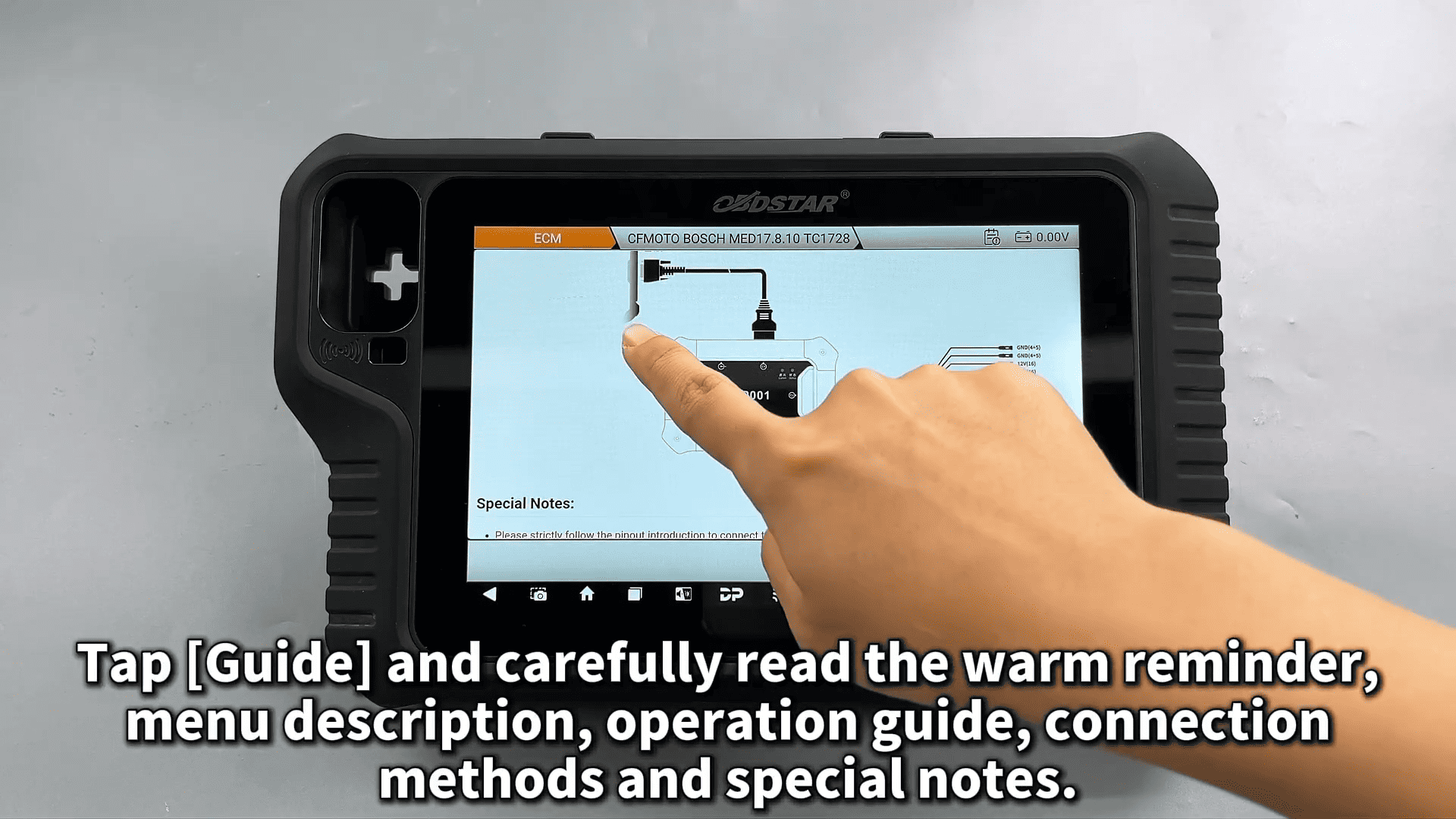
2. Review the Guide:
Tap [Guide] and carefully read the warm reminders, menu descriptions, operation guide, connection methods, and special notes for safe handling.
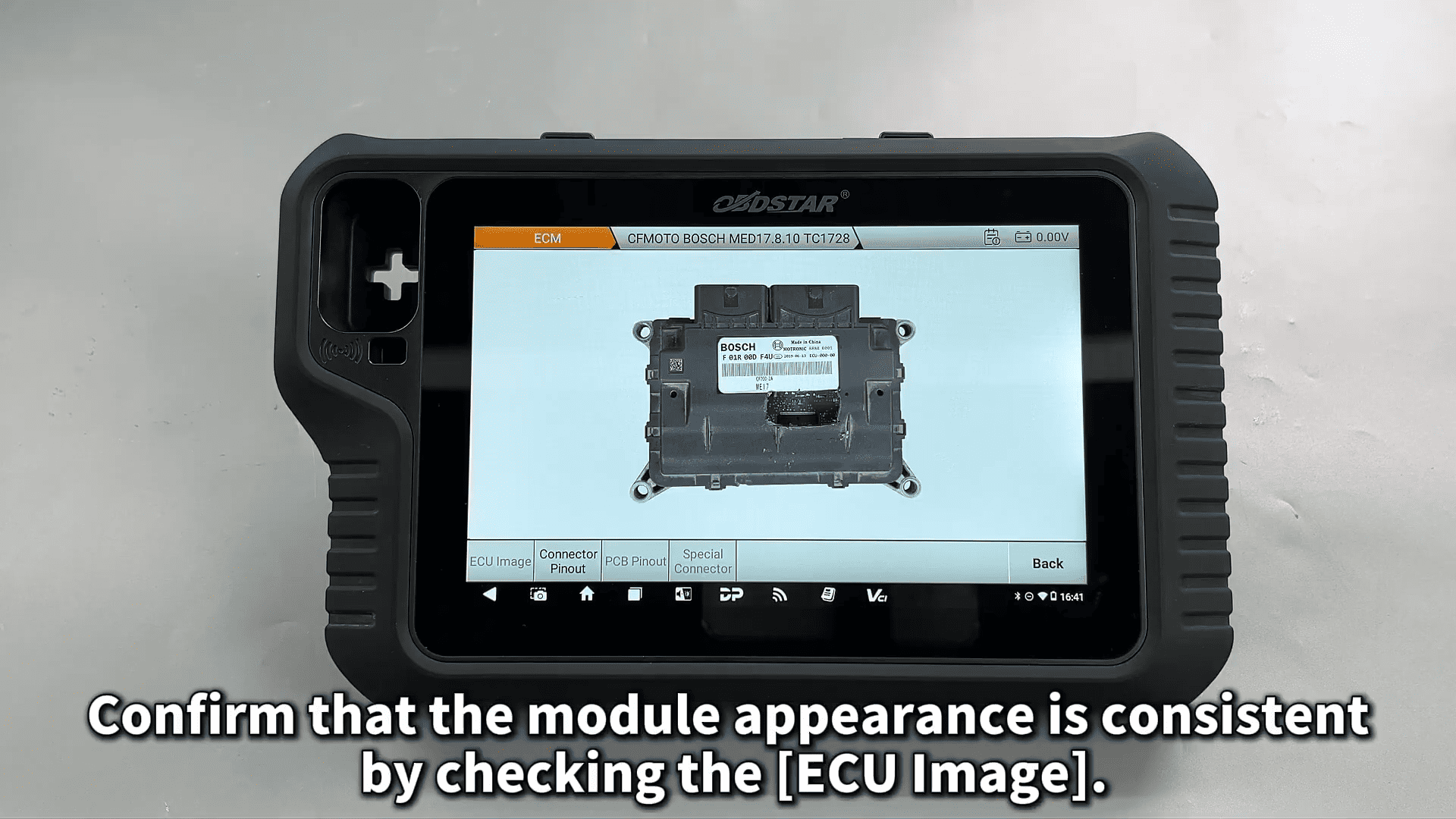
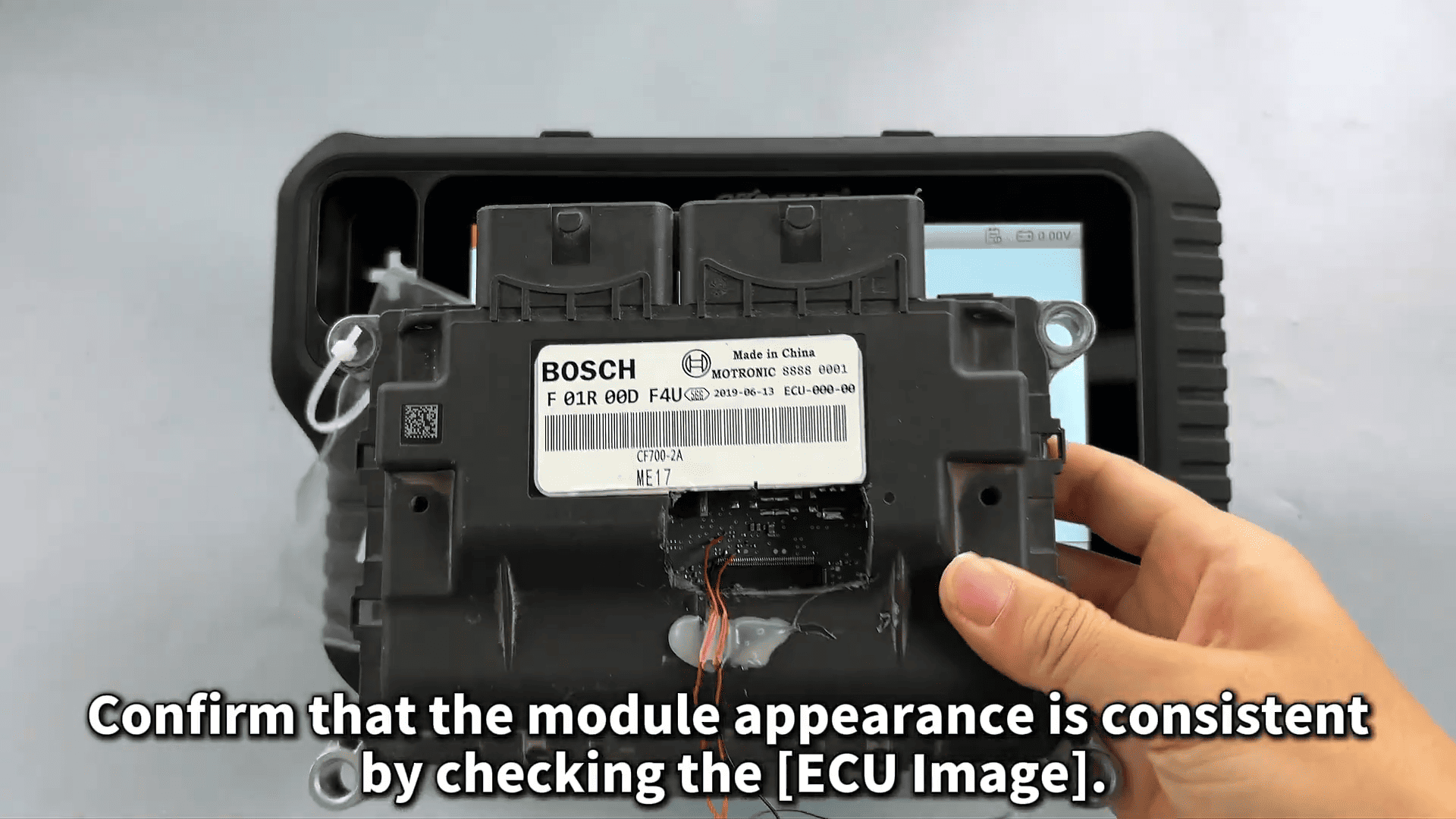
3. Check Pinout:
Select [Pinout] → [BENCH] mode, and verify that the module appearance matches the diagram.
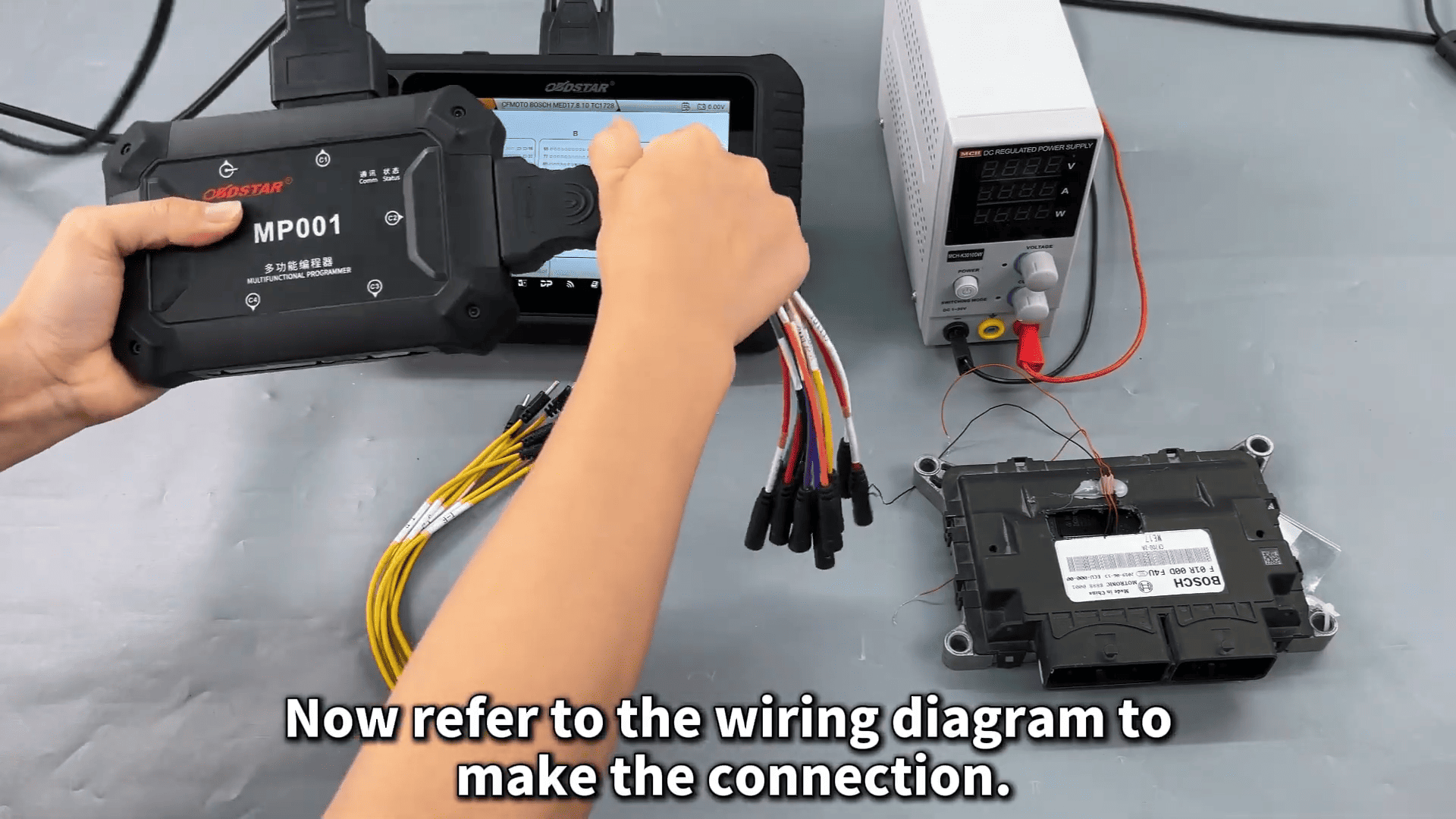
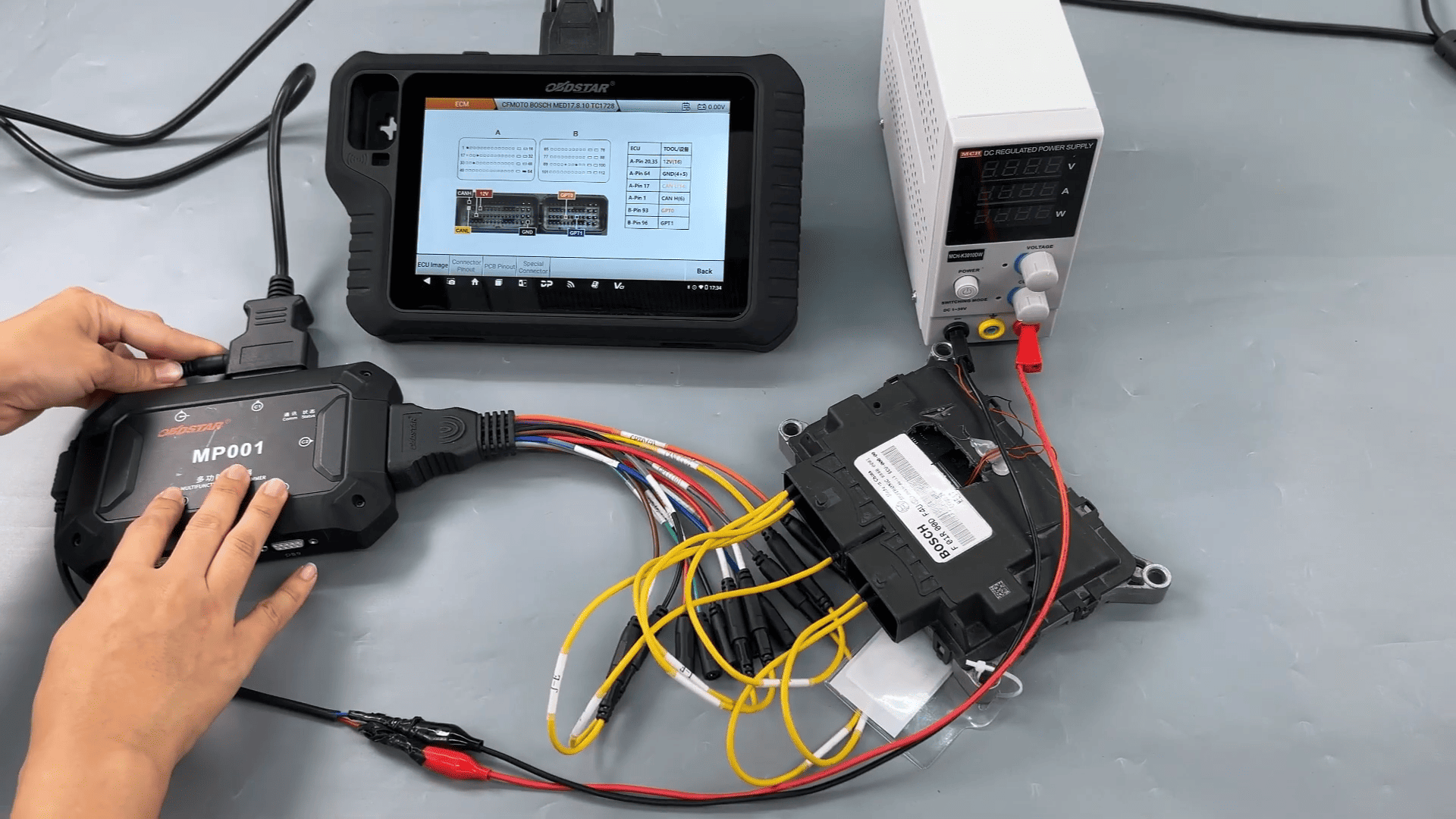
4. Connect the Wiring:
Refer to the [Connector Pinout] diagram to connect MotoMaster scanner with OBDSTAR MP001, jumper, and power supply.
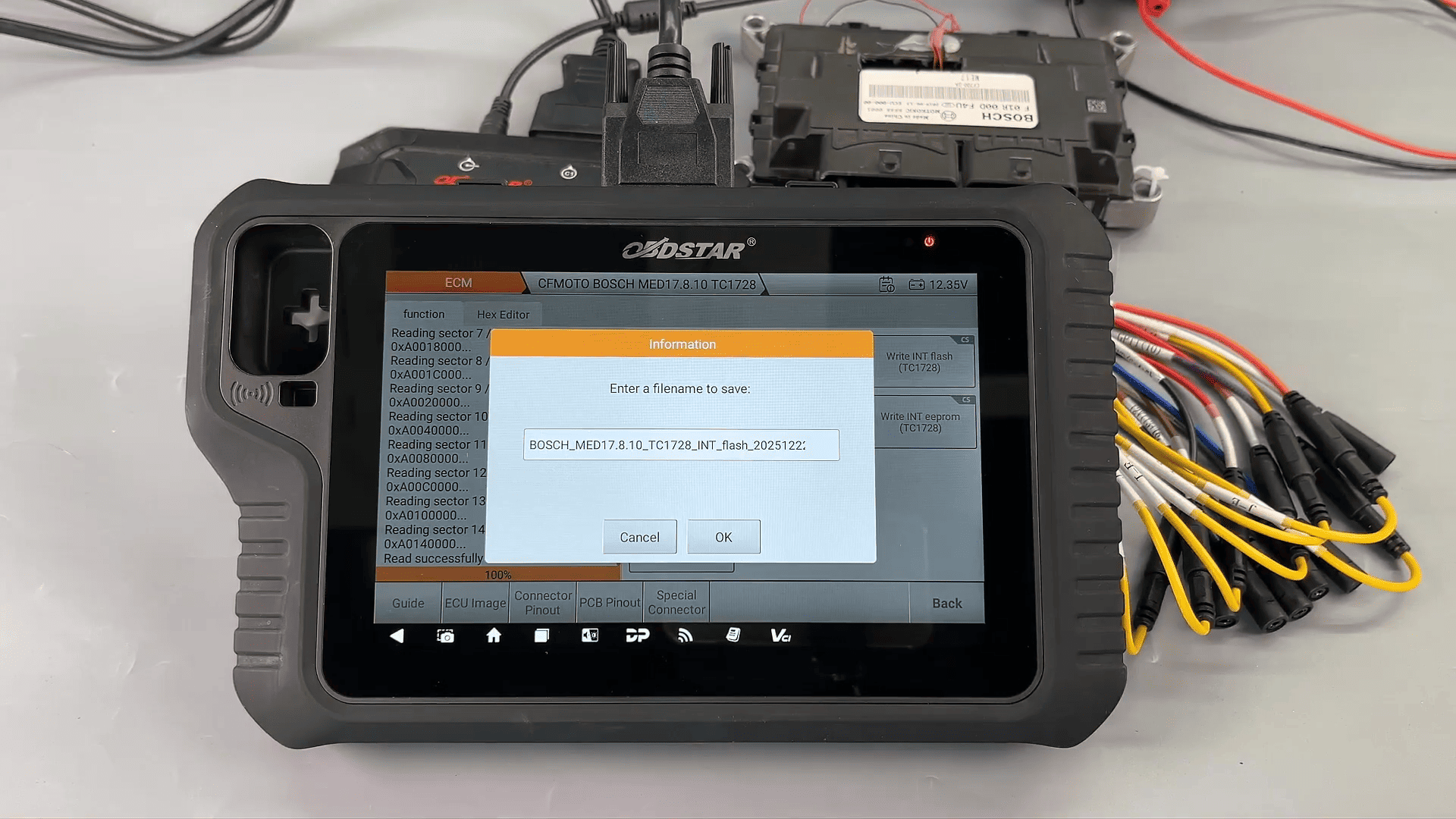
5. Backup Original Data:
After successful connection, back up the EEPROM/Flash data first. Customize the file name – the saving path and operation records will appear on the left side.
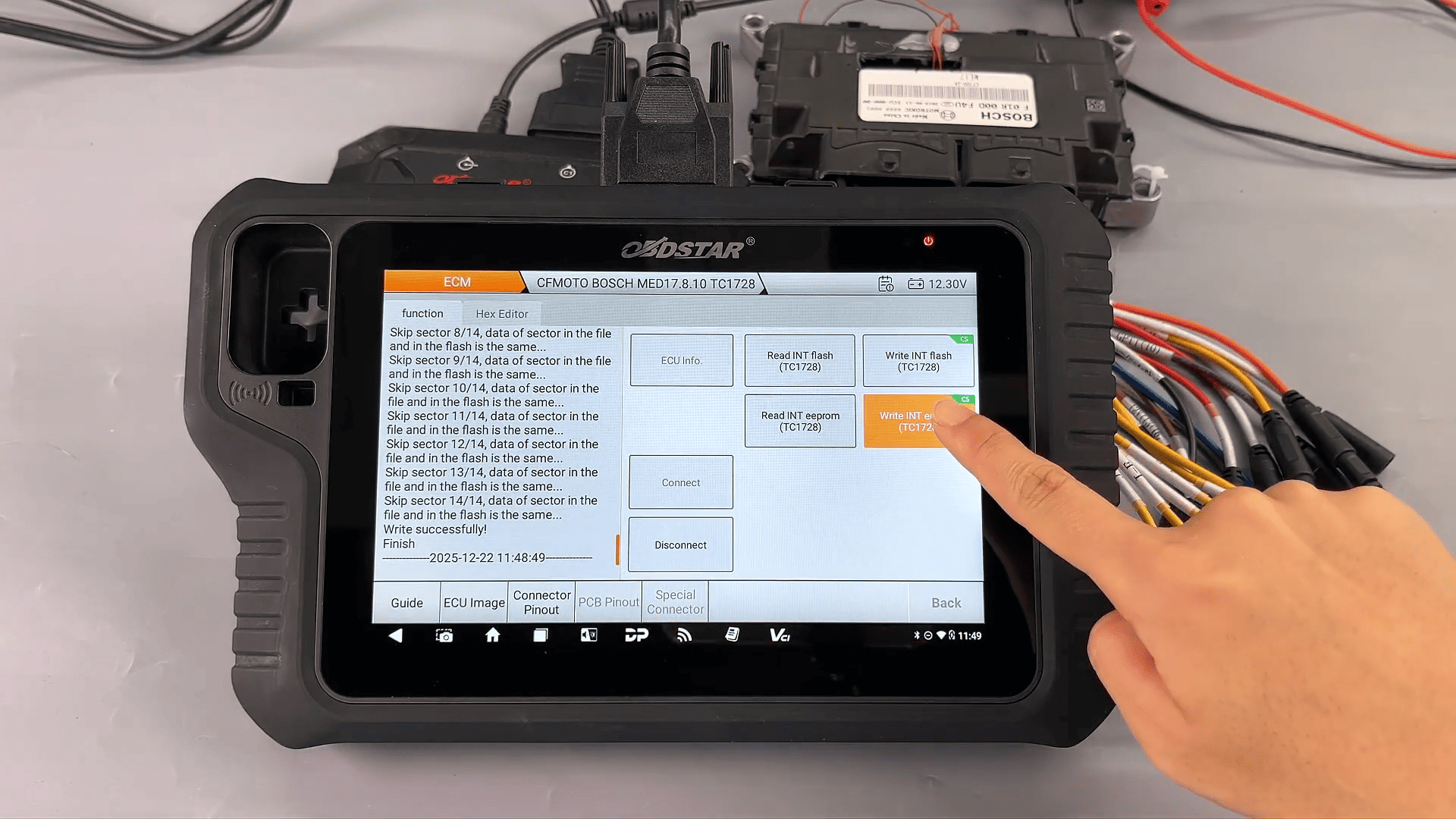
6. Write Data to Module:
Proceed to write the backed-up data. The ‘CS’ label on the write button indicates checksum verification support for data integrity.
7. Use Upgraded File Management:
The new file management allows filtering by file name, modification time, or file size for easier organization.
This OBDSTAR MotoMaster Motorcycle Scanner CFMOTO BOSCH MED17.8.10 ECM data read/write method is ideal for motorcycle ECU repair, cloning, or upgrades, ensuring no data loss with built-in checksums.
Leave a Reply