




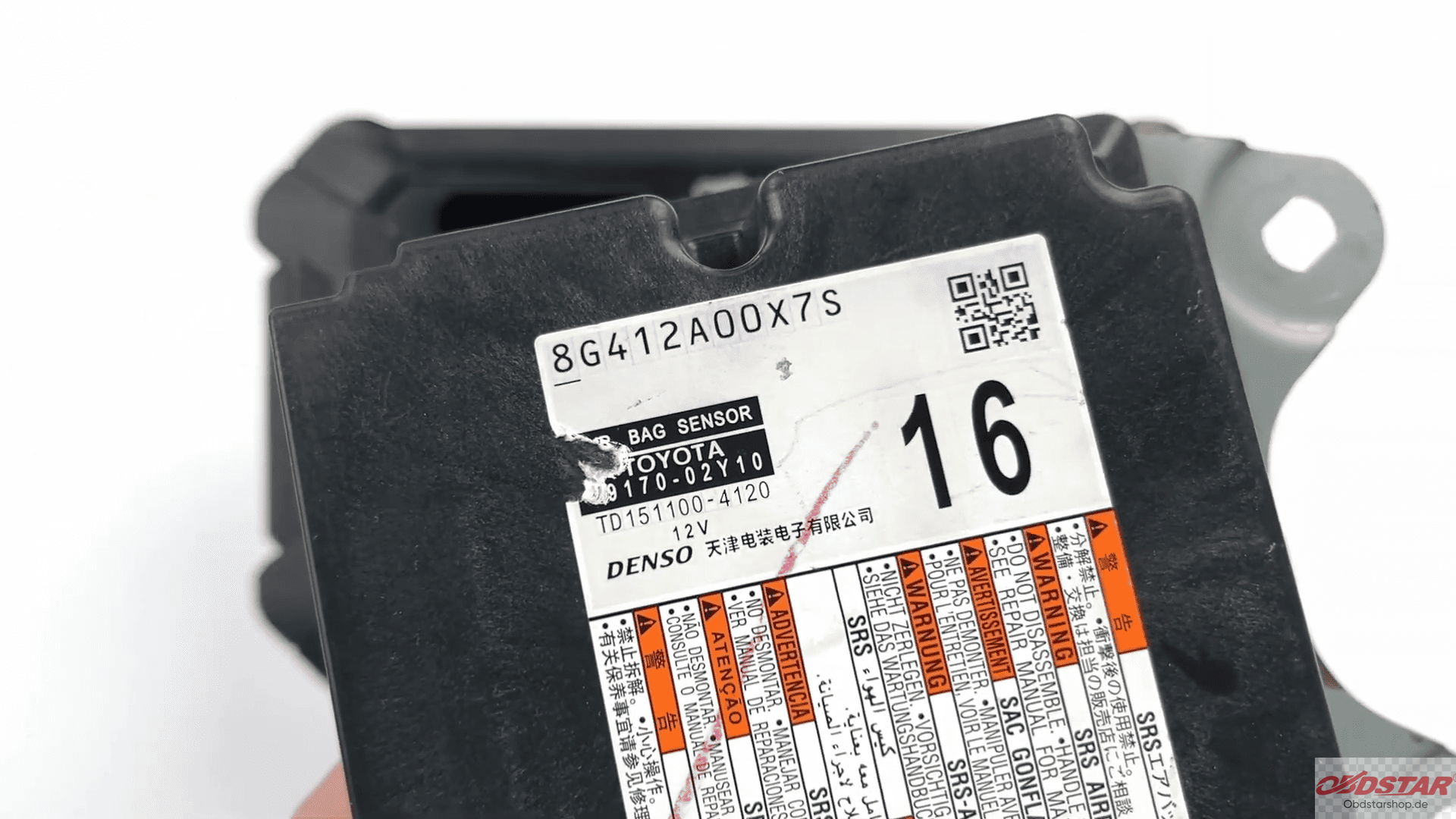
This guide demonstrates the complete workflow using a Toyota Airbag ECU equipped with the CYT2B93BAC chip using OBDSTAR P50 airbag reset tool.
Required Equipment
- OBDSTAR P50
- High-Power DC Power Supply
- Main Cable
- Jumper Wires
- C4-06 Adapter Kit
- P004 Adapter
- Toyota Airbag ECU (CYT2B93BAC)
Make sure your P50 is updated to the latest software version before beginning the procedure.
1. Enter the Airbag Reset Function
From the main menu, select: [Crash Reset] → [AIRBAG RESET] → [SRS]
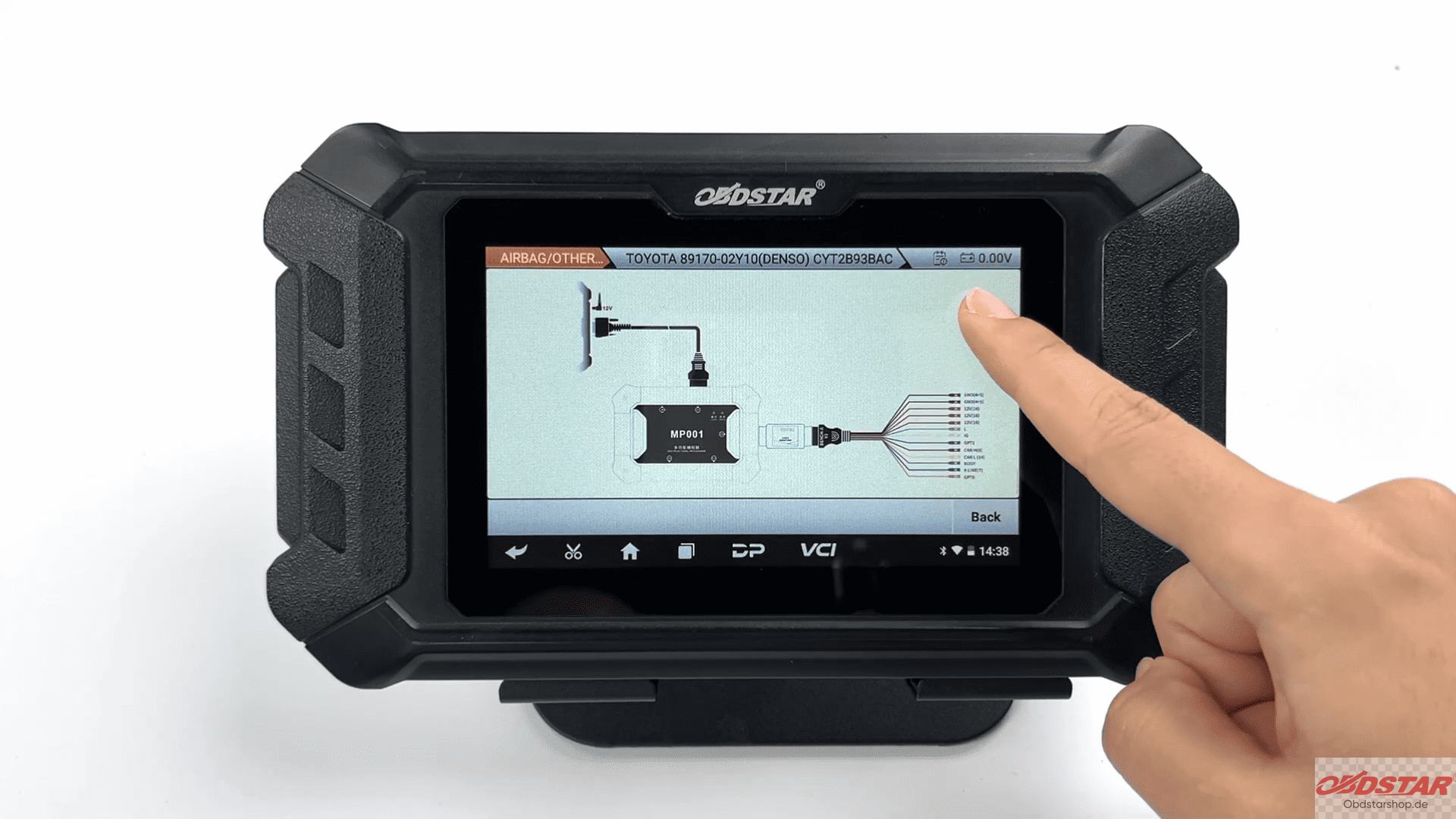
Search for the corresponding Toyota airbag module and tap [Start].
Choose the required adapter, then open the [Guide] to review the operation instructions, supported adapters, and wiring information.
2. Connect the ECU
Open [Connector Pinout] and connect the ECU according to the wiring diagram.
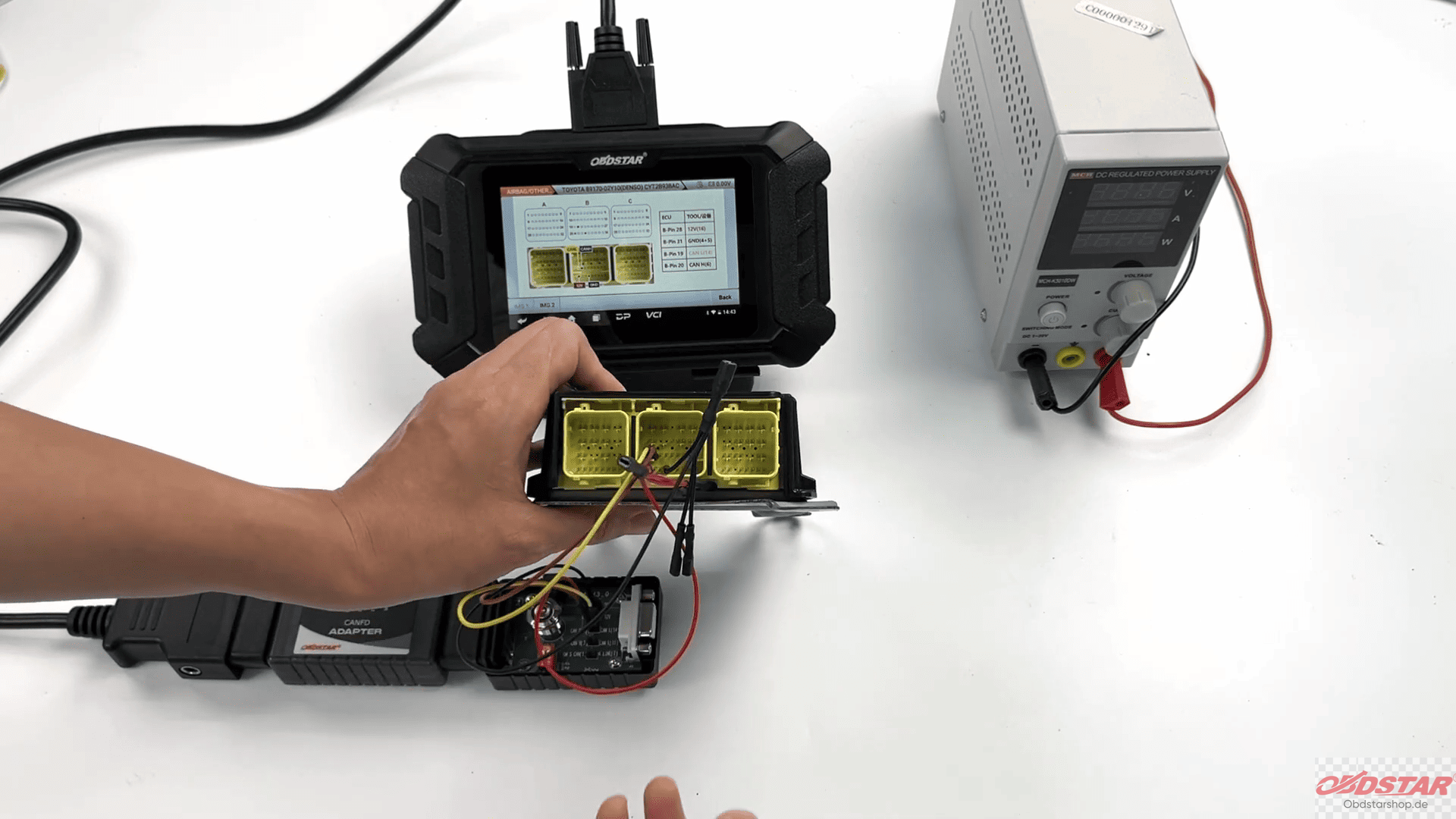
Once connected, the device will:
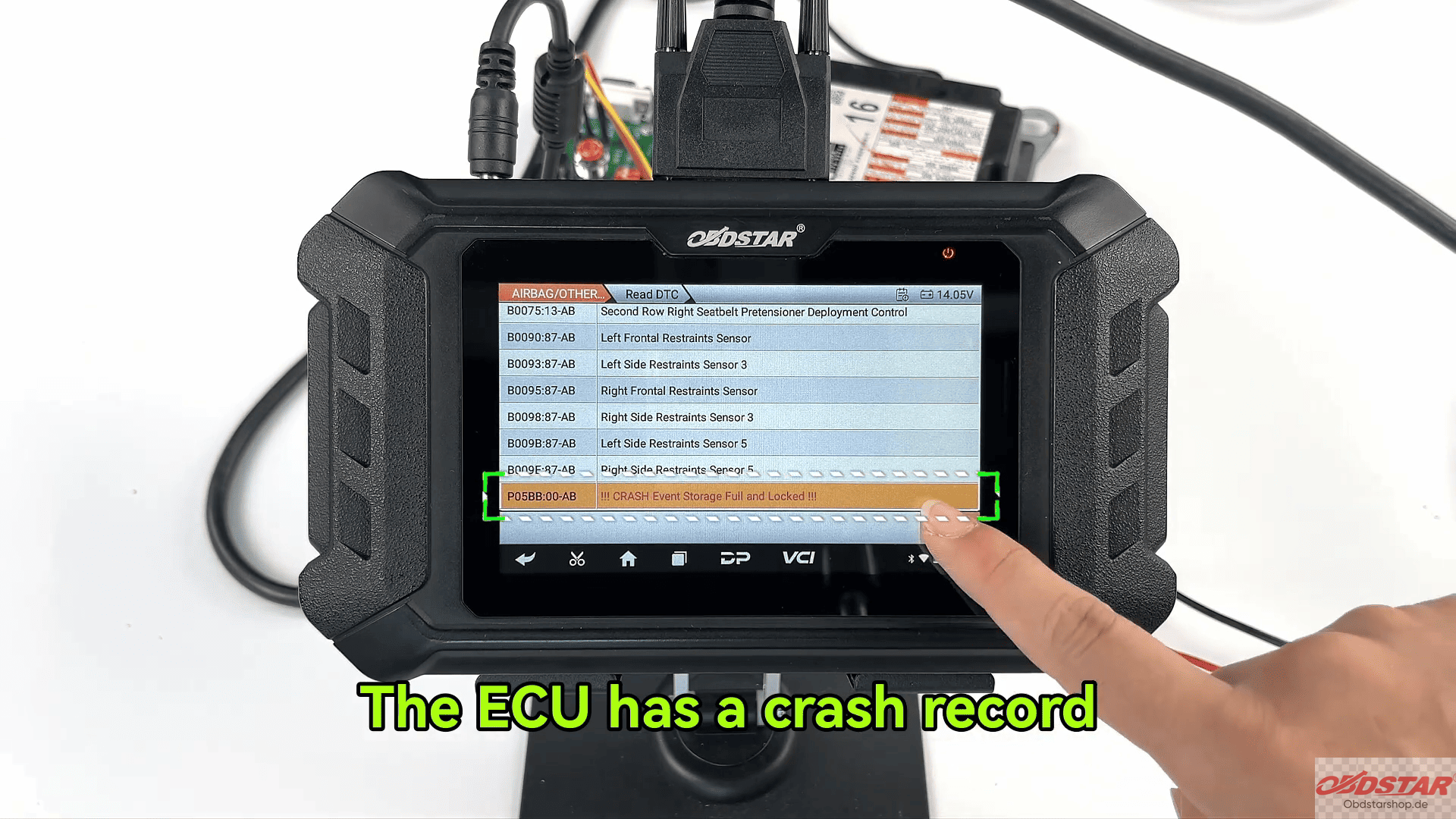
- Read ECU information
- Verify the part number
- Read Diagnostic Trouble Codes (DTCs)
At this point, the system detects that the airbag ECU contains crash data.
3. Clear Crash Data
Attempting to erase DTCs first will fail because the crash record is still stored inside the ECU.
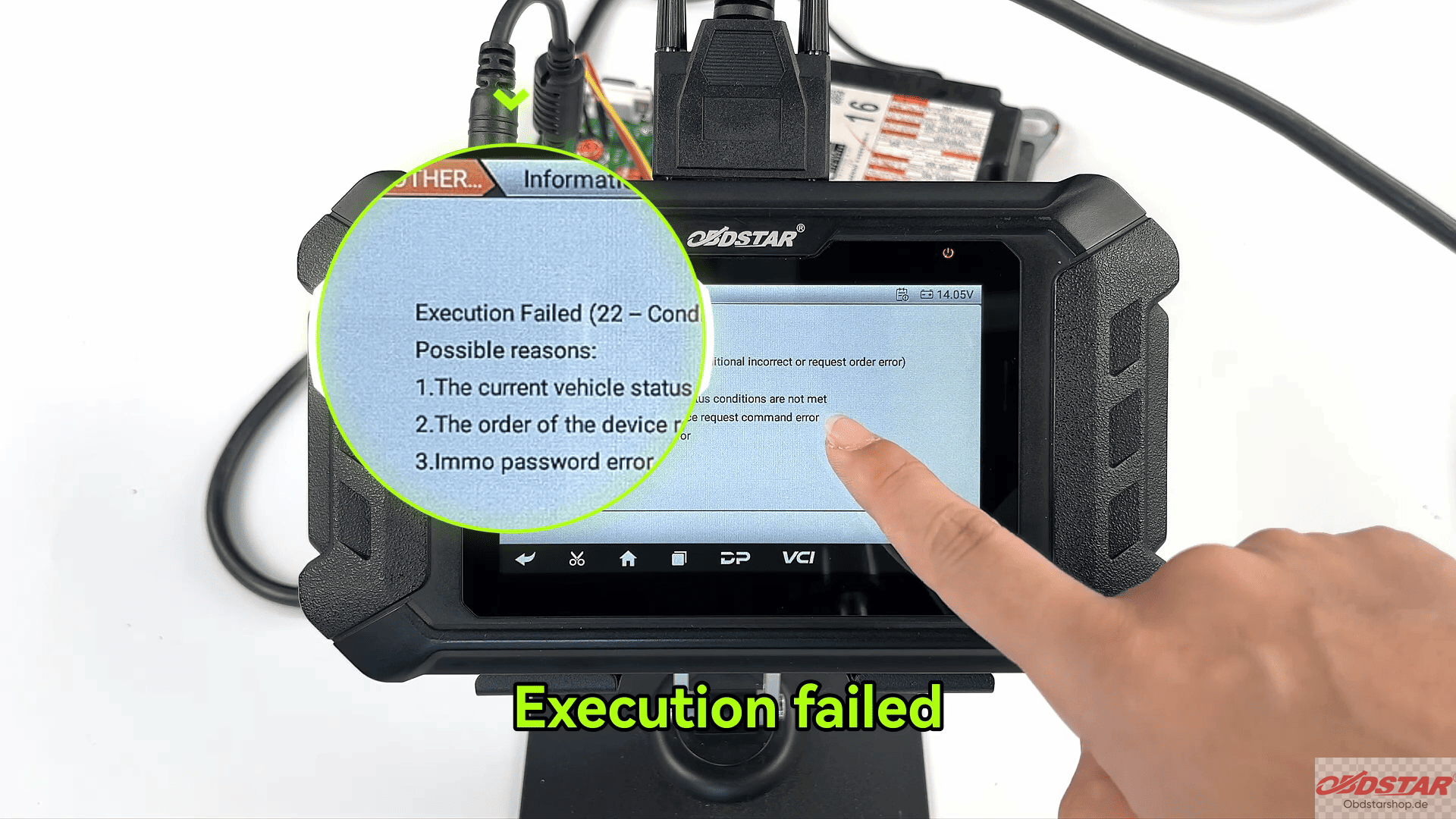
Instead, tap [Start] to begin the crash data reset process.
After a few moments, the device confirms that the crash data has been erased successfully.
Follow the on-screen instructions:
- Turn the ignition OFF
- Wait approximately 30 seconds
- Turn the ignition ON again
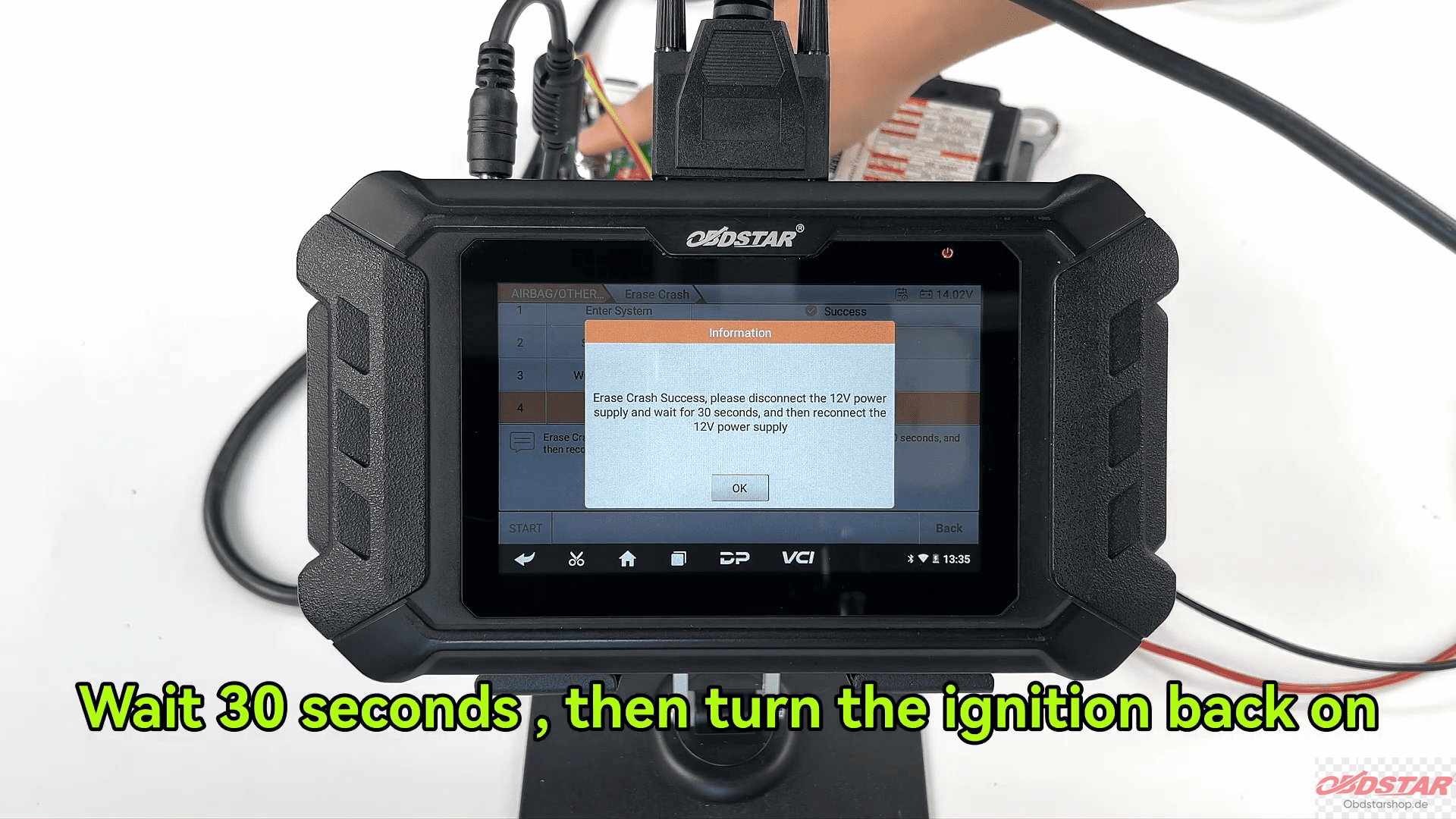
Tap [OK] to continue.
4. Verify the Repair
Return to the previous menu and select [Erase DTC] again.
This time, the operation completes successfully.
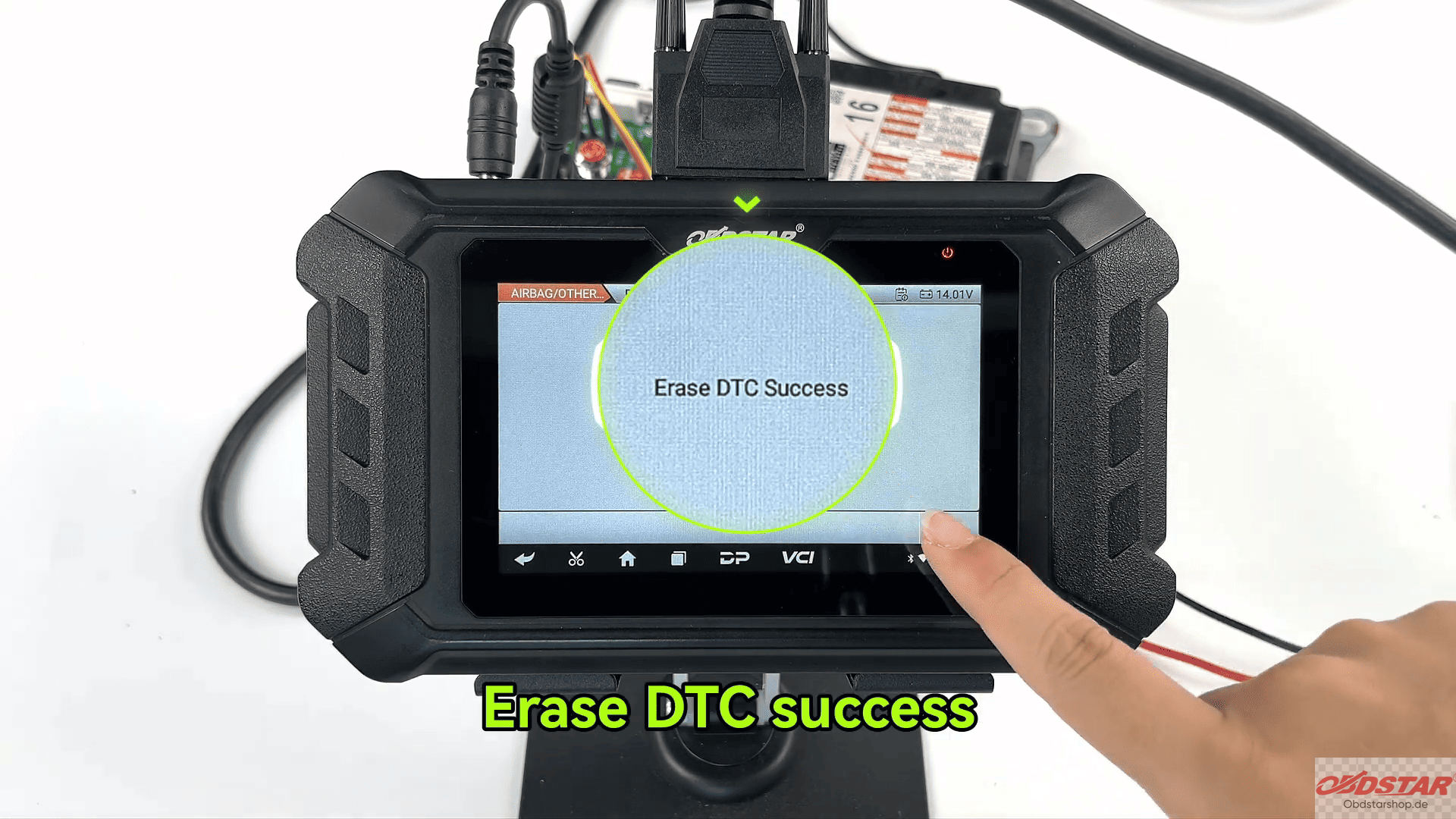
Finally, perform [Read DTC] to verify that all fault codes have been cleared and the crash record has been removed.
Video guide:
Read also:
OBDSTAR P50 Jaguar SRS Airbag Module Crash Data Reset Guide
Leave a Reply