



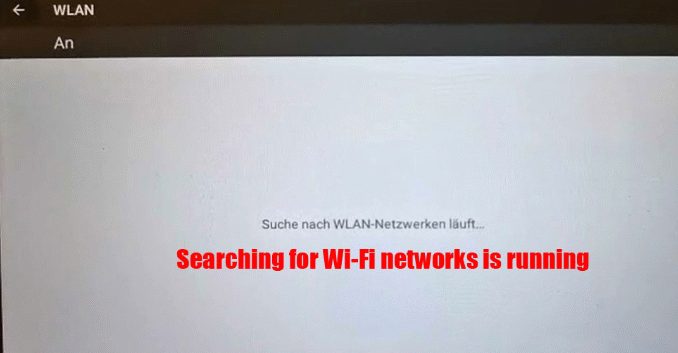
Issue Description
Some users reported that OBDSTAR DC706 ECU Tool cannot connect to WiFi properly.
Even after trying several solutions such as switching networks, restarting the device, or using a mobile hotspot, the connection still fails.
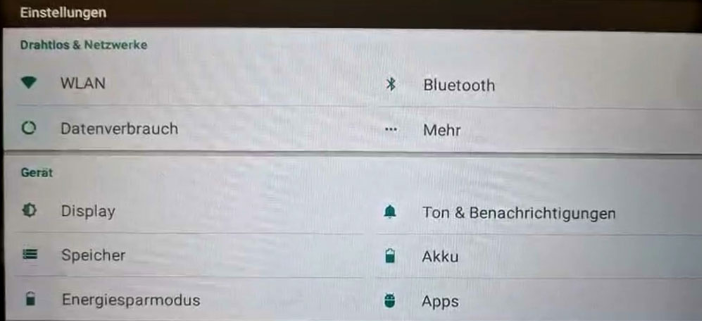
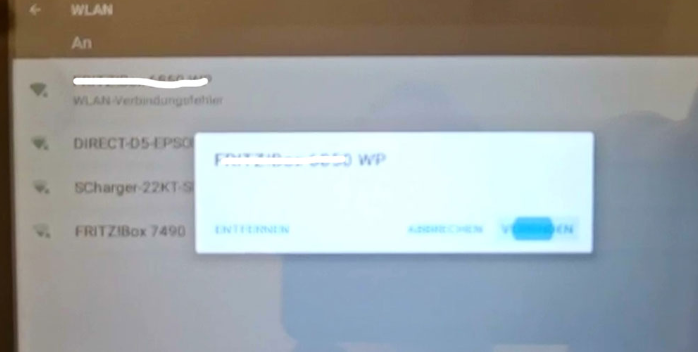
Solution Provided by Cardiagtool Engineers
If your OBDSTAR DC706 WiFi connection fails, you can follow the troubleshooting methods below.
1. Check Router WiFi Settings
Make sure the router uses compatible settings.
Recommended configuration:
Encryption type: WPA / WPA2 PSK
Frequency band: 2.4GHz
Note:
The DC706 does not support the 5GHz WiFi band, so the router must broadcast a 2.4GHz signal.
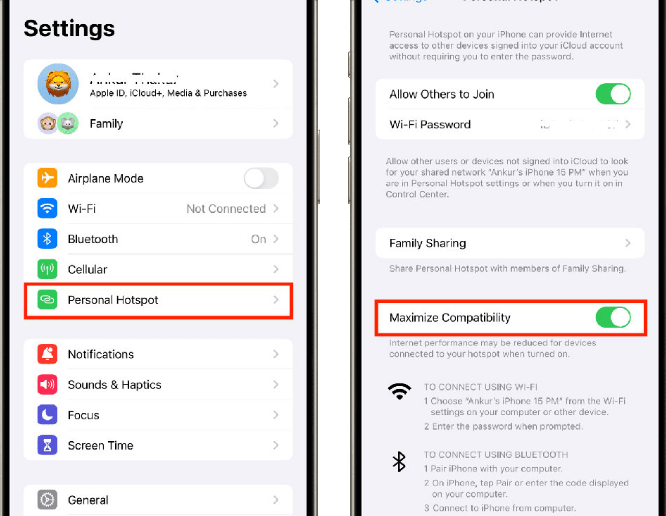
2. iPhone Hotspot Settings
If you are connecting through an iPhone hotspot, check whether the Maximum Compatibility option is available.
If the option exists, turn it ON to improve compatibility.
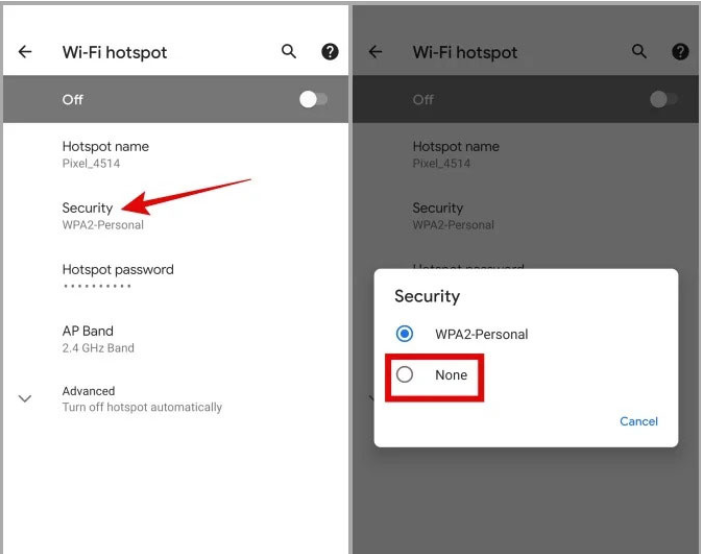
3. Android Hotspot Settings
For Android phone hotspots, open the hotspot Security settings.
If available, set the security mode to:
None
This can help the OBDSTAR DC706 connect successfully to the hotspot.
Read also:
How to Export Data from OBDSTAR DC706
Technical Support
If the problem still exists, please contact technical support:
WhatsApp: +86 150 0270 5698
Skype: cardiag.co.uk
Email: sales@CardiagTool.co.uk
www.obdstarshop.de
Leave a Reply