



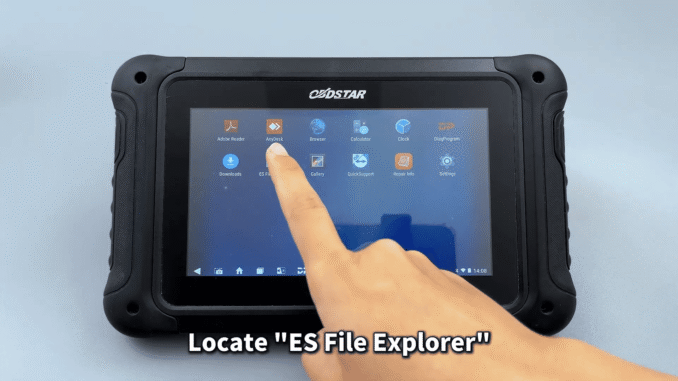
Exporting and backing up data from OBDSTAR DC706 is simple and flexible. The device supports three convenient data export methods: USB disk, Type-C cable connection, and wireless transfer.
Method 1: USB Disk Export
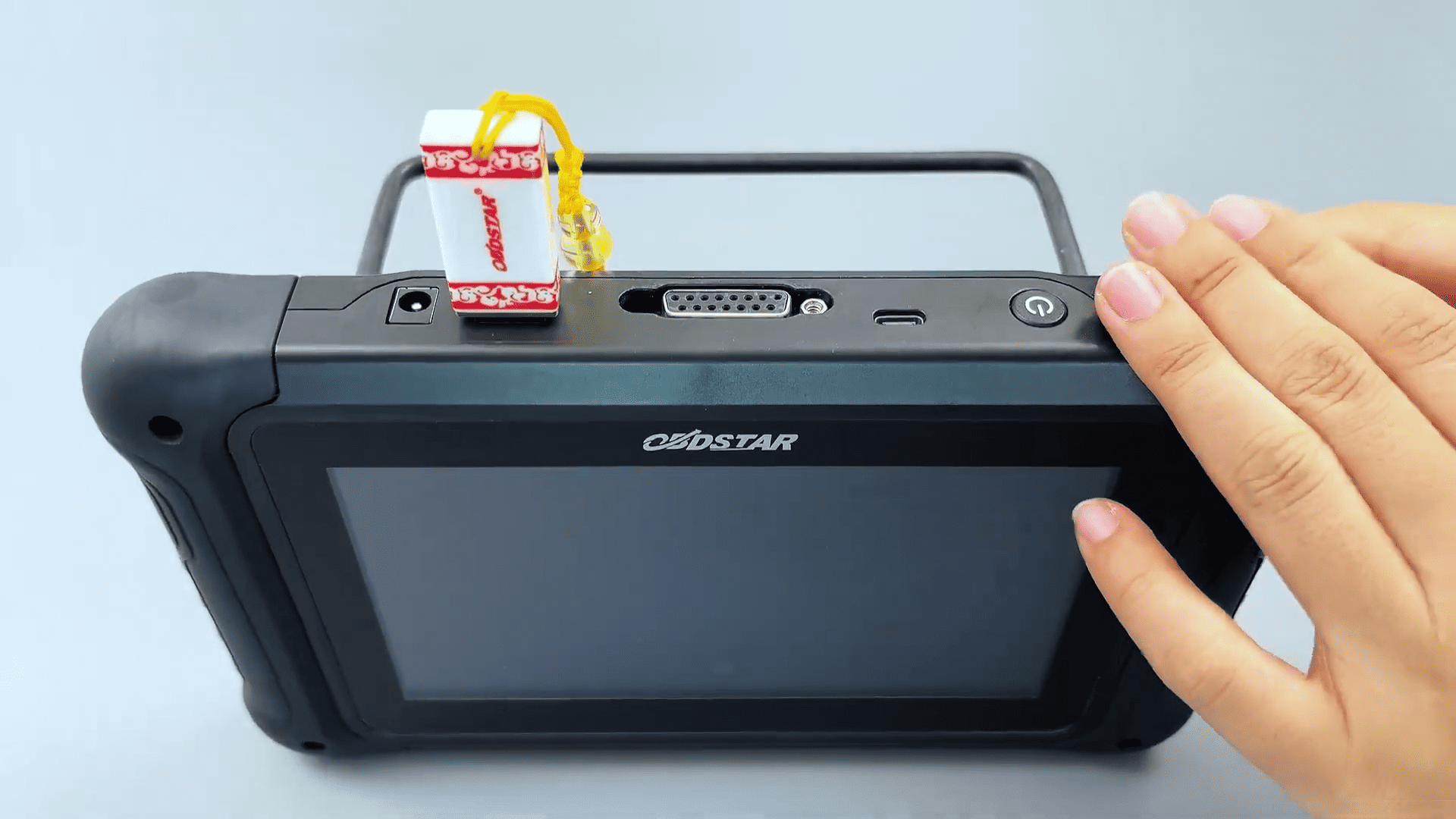
Insert a USB disk into the device and go to DP → Data Management → My Data. Select the files, tap Copy, choose the USB disk, and paste the files. This is the quickest offline backup method.
Method 2: Type-C Cable to Computer
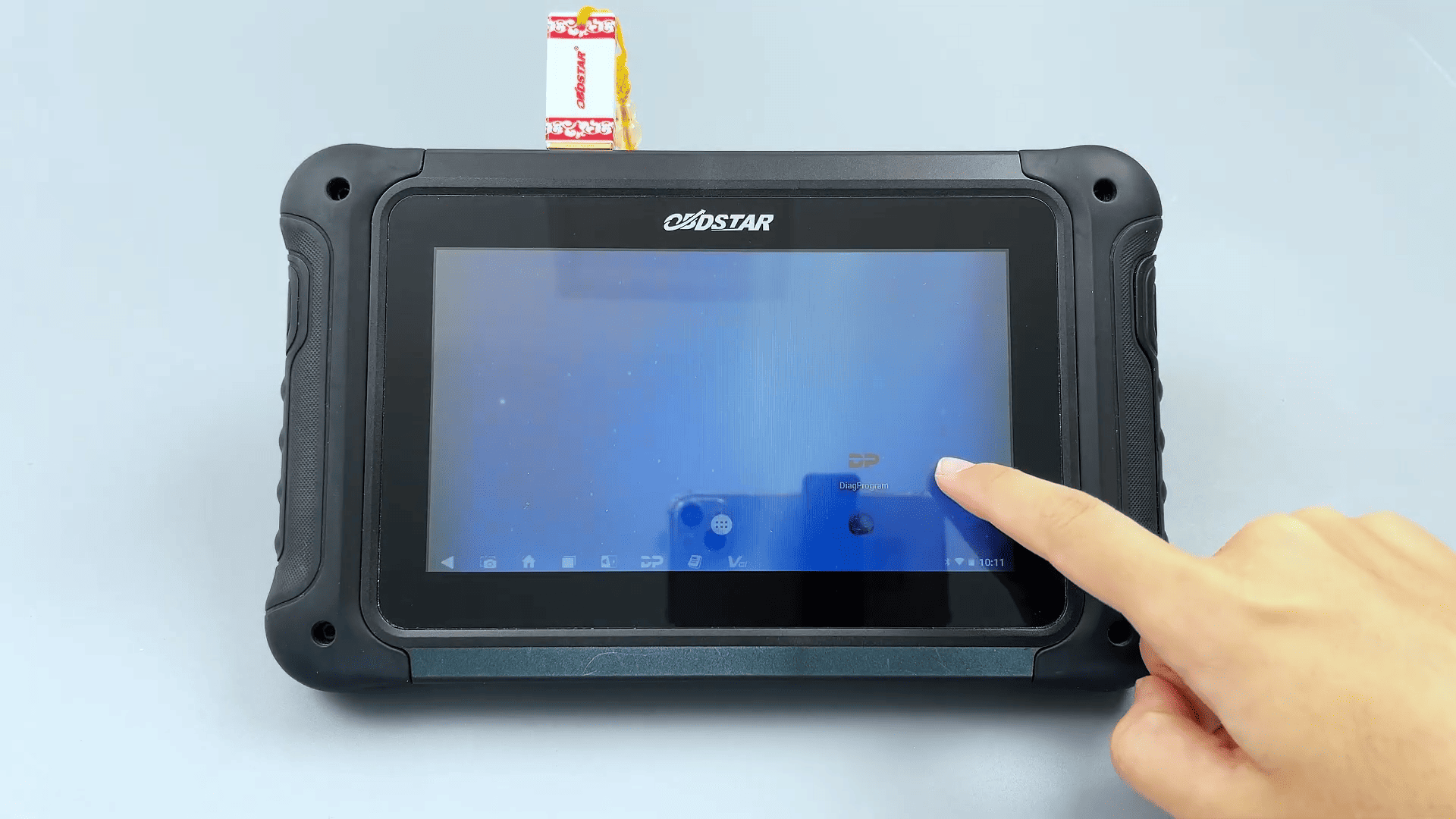
Connect the DC706 to your PC using a Type-C cable. Access the device storage through the displayed path:
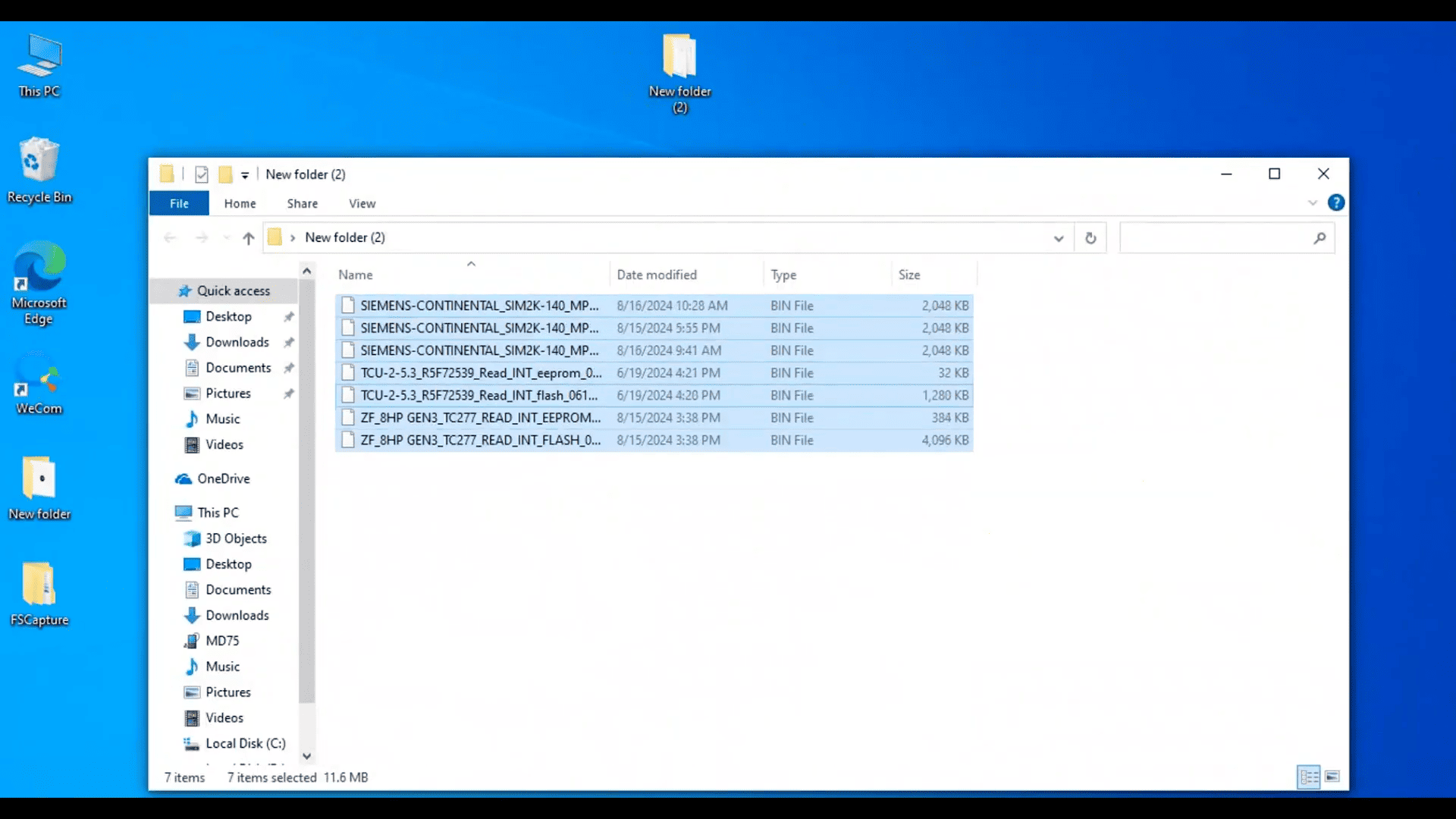
This PC → MD75 → NAND FLASH → DP → Serial Number → DATA.
Copy the required files to your computer.
Method 3: Wireless Transfer
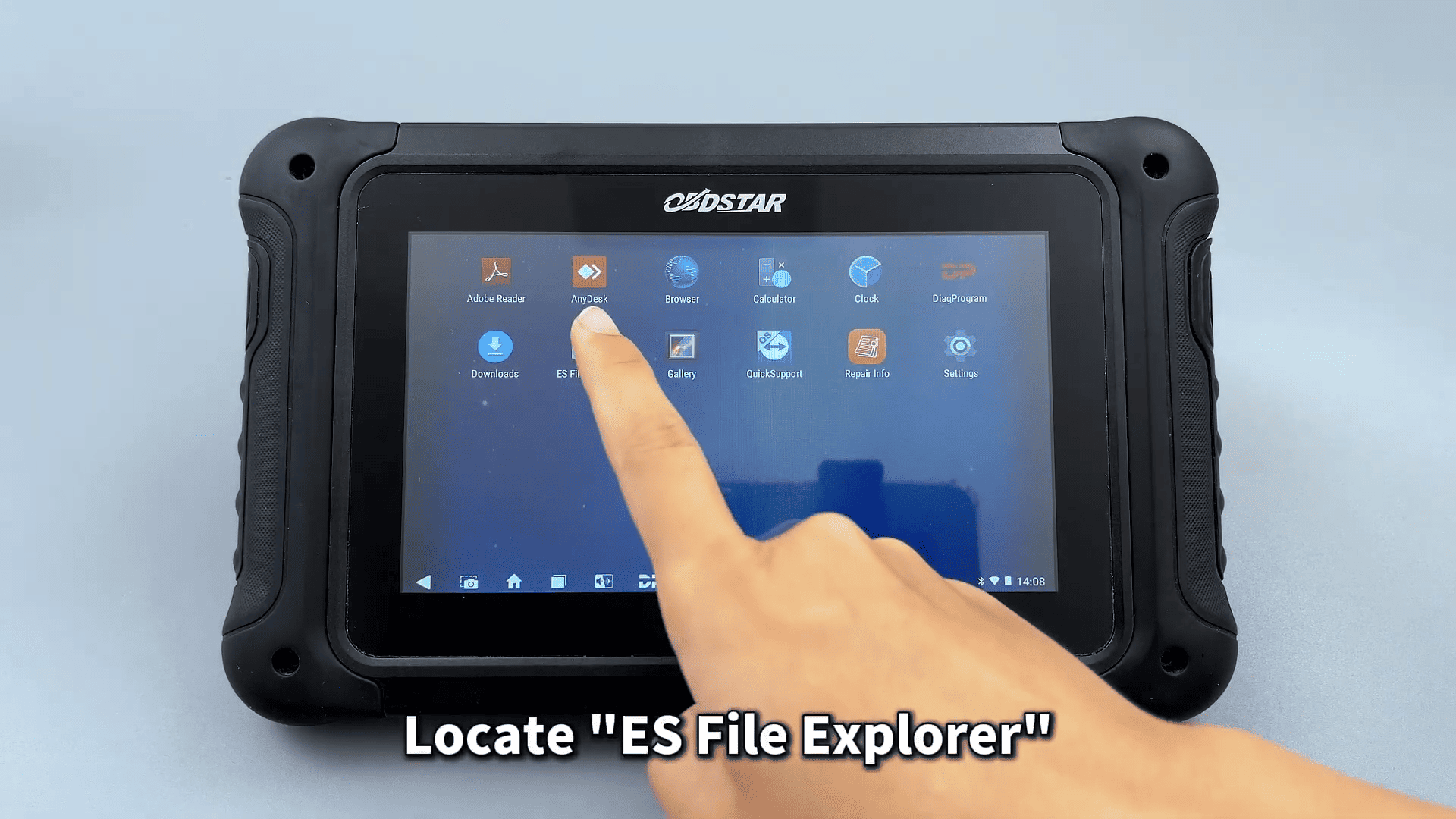
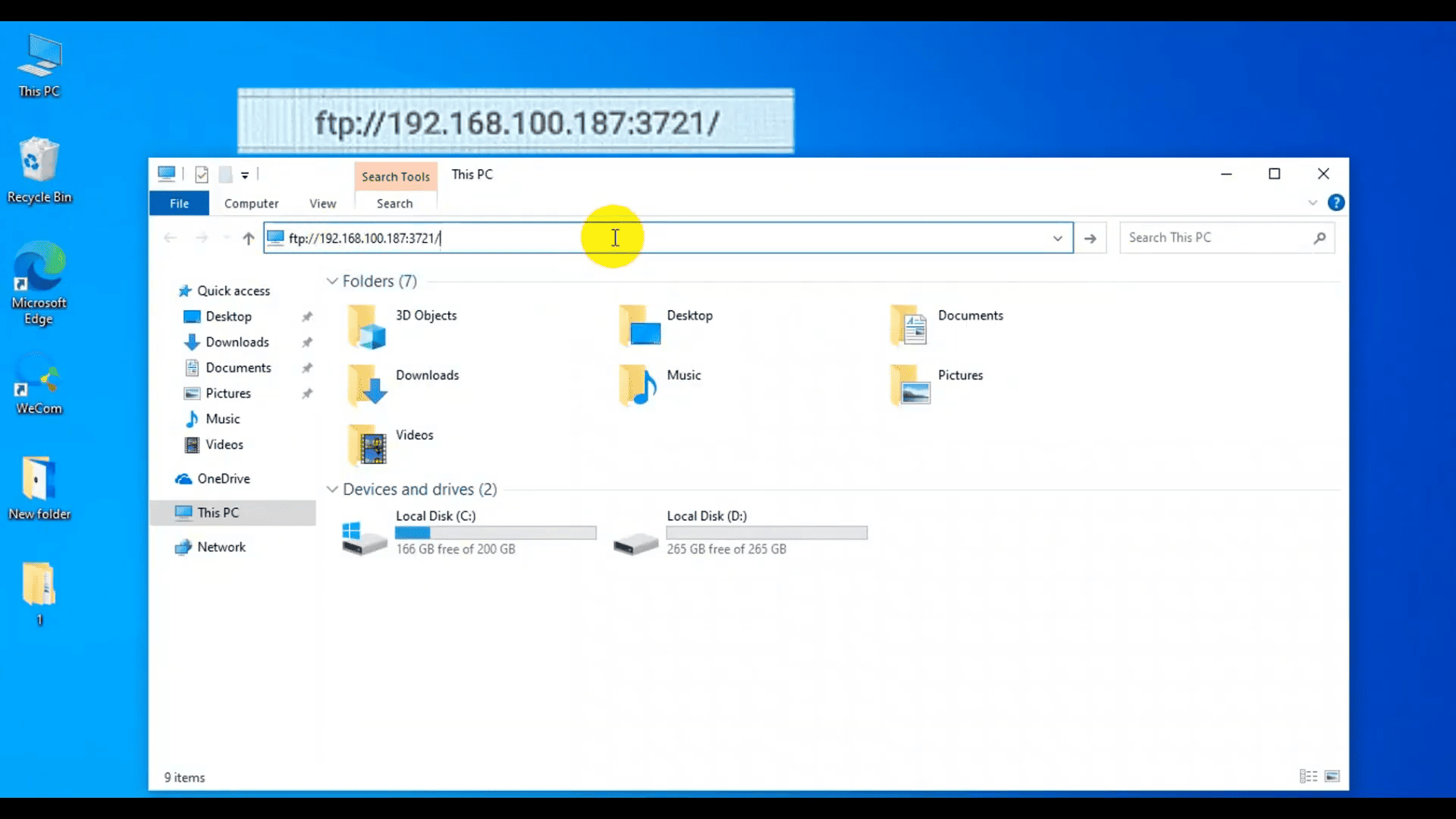
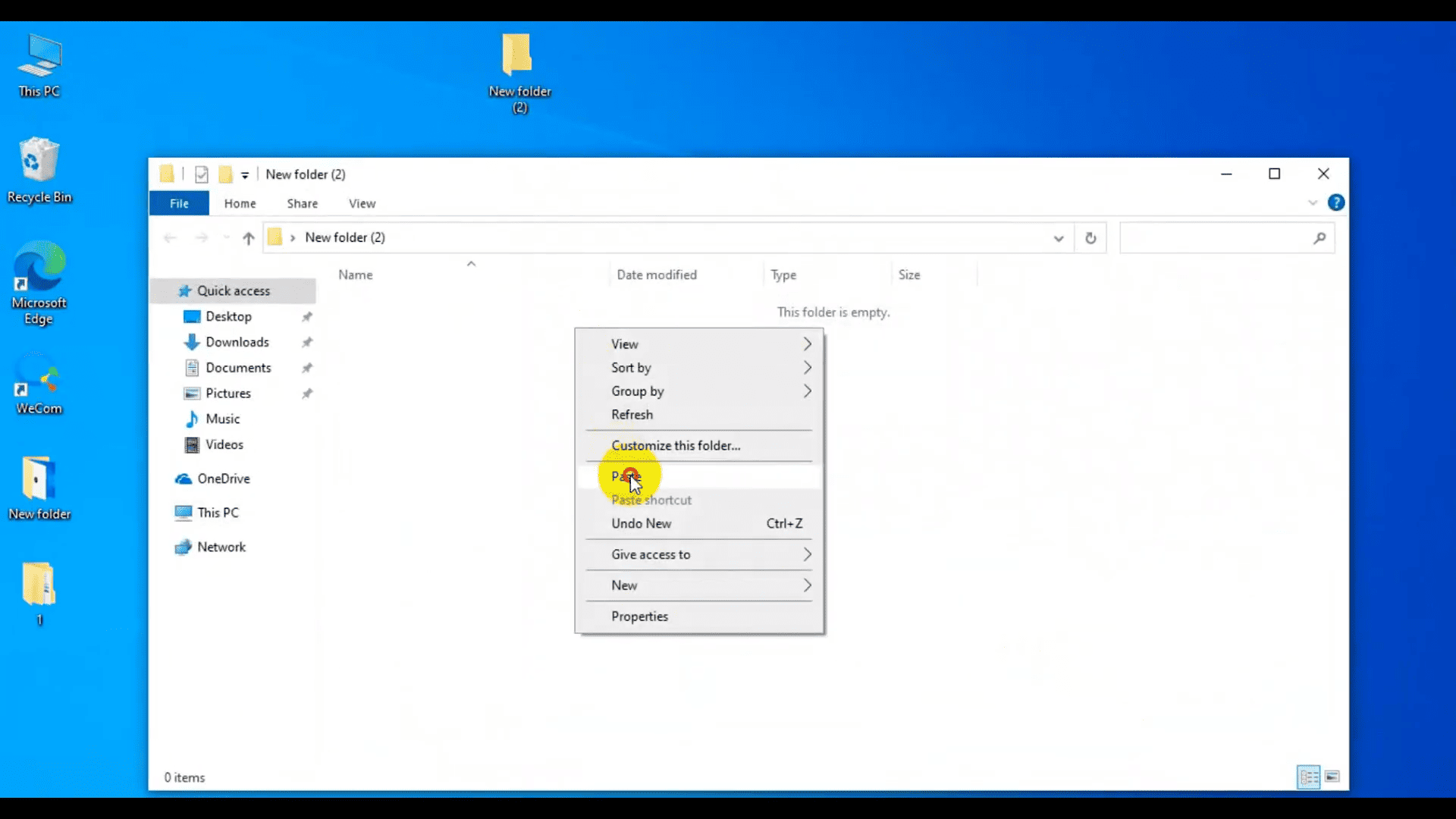
Ensure both the device and computer are on the same network. Open ES File Explorer → Remote Manager, turn it on, and enter the server address on your PC. Navigate to the Data folder and transfer the files wirelessly.
These three methods make data export on DC706 ECU/TCM/BCM Programmer safe, fast, and convenient for daily workshop use.
Read also:
How to Read and Write Data on FORD MG1CS036 ECM Using OBDSTAR DC706
OBDSTAR DC706 Set ECT on BMW MEVD17.2.3 B38 ECM Bench Mode
Leave a Reply