



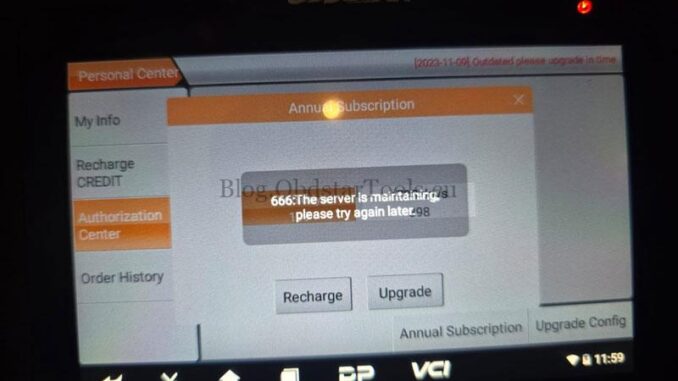
Many users of OBDSTAR diagnostic tools may encounter the frustrating “Renew Error 666: The service is maintaining, try later” notification even after renewing their software subscription. This issue can prevent further software updates and feature access, making your tool temporarily unusable for new coverage or functions.
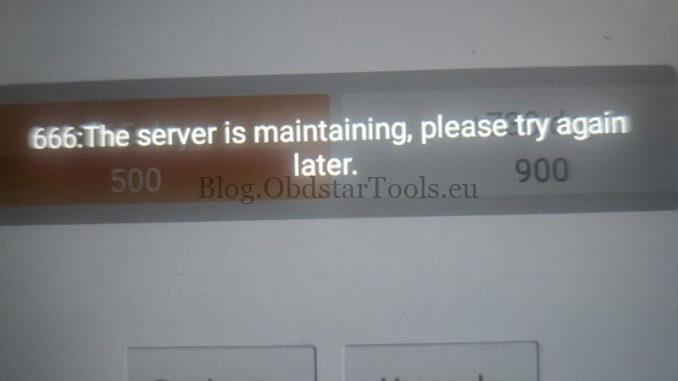
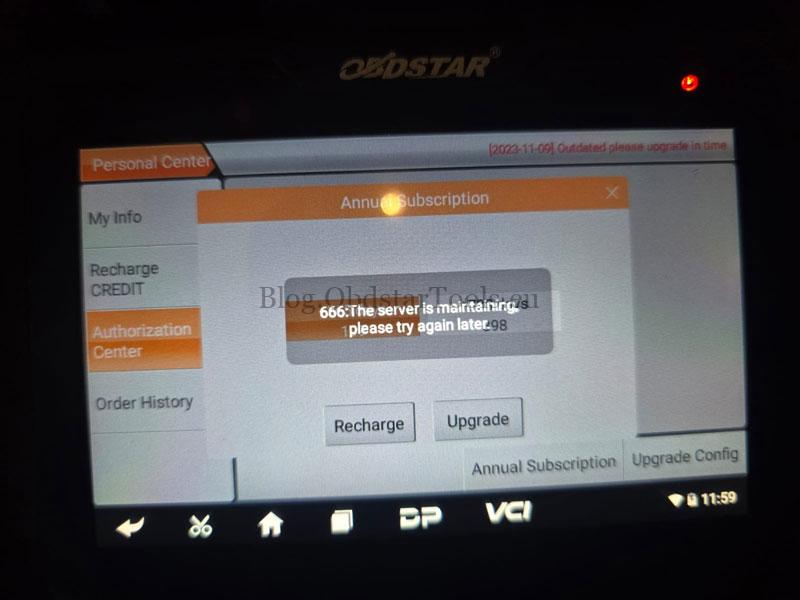
What Causes OBDSTAR Renew Error 666?
This error usually appears when:
The renewal has not been fully processed on the server
The device still has an active session with expired credentials
The internal software cache has not refreshed after the renewal
In some cases, the message is shown simply because the device is trying to verify the renewed license with the OBDSTAR update server, which may be under maintenance or experiencing delay.
This issue can occur on many OBDSTAR platforms, including:
X300 DP Plus/X300 Pro4
OBDSTAR P50
OBDSTAR DC706
ODO Master
Other OBDSTAR diagnostic tools that rely on online license verification
OBDSTAR Renew Error 666 message typically does not indicate a license failure, but rather an authentication or server sync delay. By re-logging, clearing app cache, or in rare cases performing a factory reset, most users can quickly resolve the issue and continue using their OBDSTAR diagnostic tools without disruption.
Leave a Reply