




The Setup:
We’re using a 24C64 cluster, a GT 110 harness, and a 12V power source to power everything up. OBDSTAR G3 is our main tool for this job, and it’s surprisingly easy to use once you know the steps.
Here’s How You Do It:
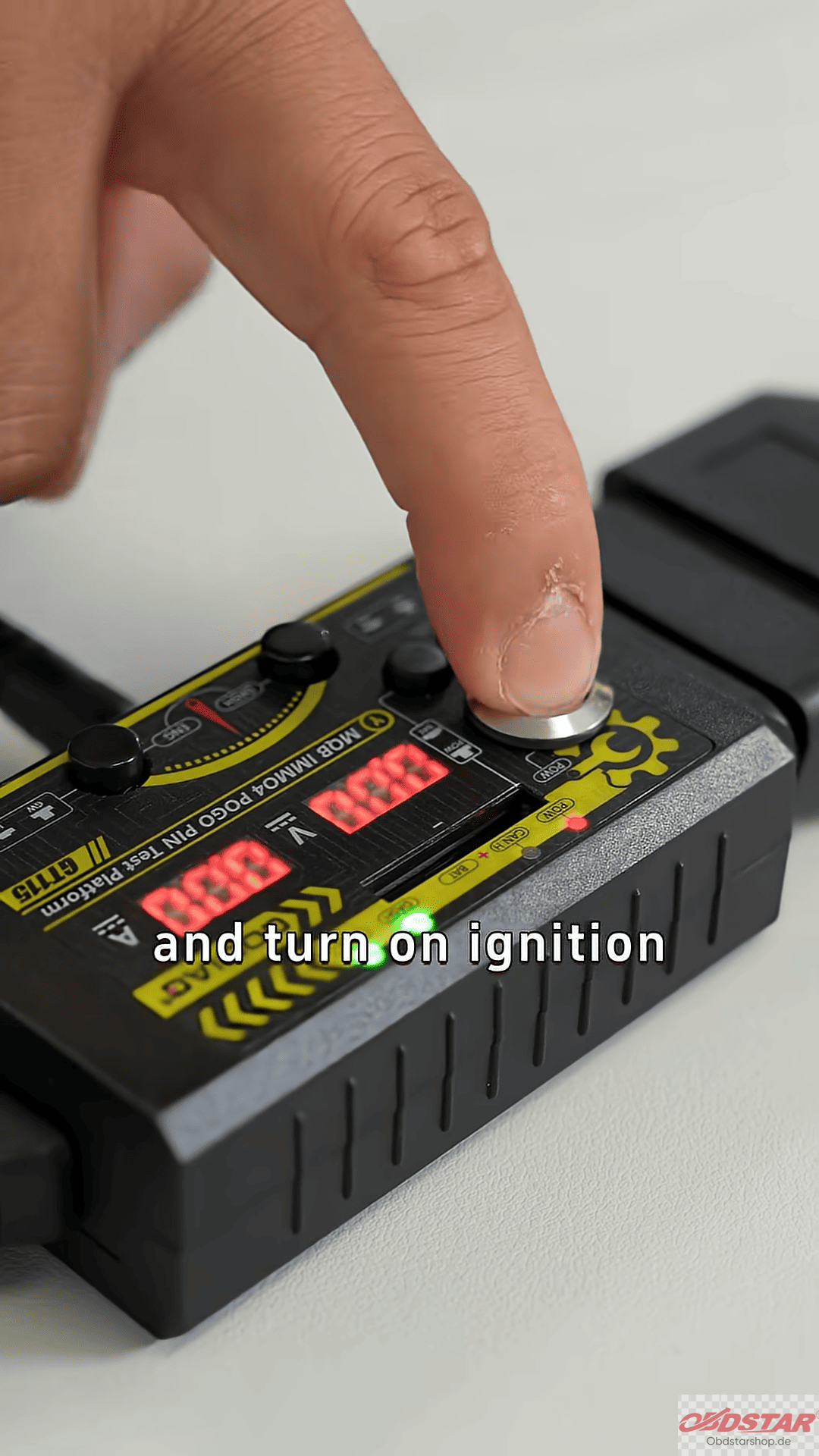
First, connect the cluster to KeyMaster G3 and plug in the 12V power source. Turn on the ignition and launch OBDSTAR G3. Navigate to the “IMMO” section, find VW, and enter Manual Mode.
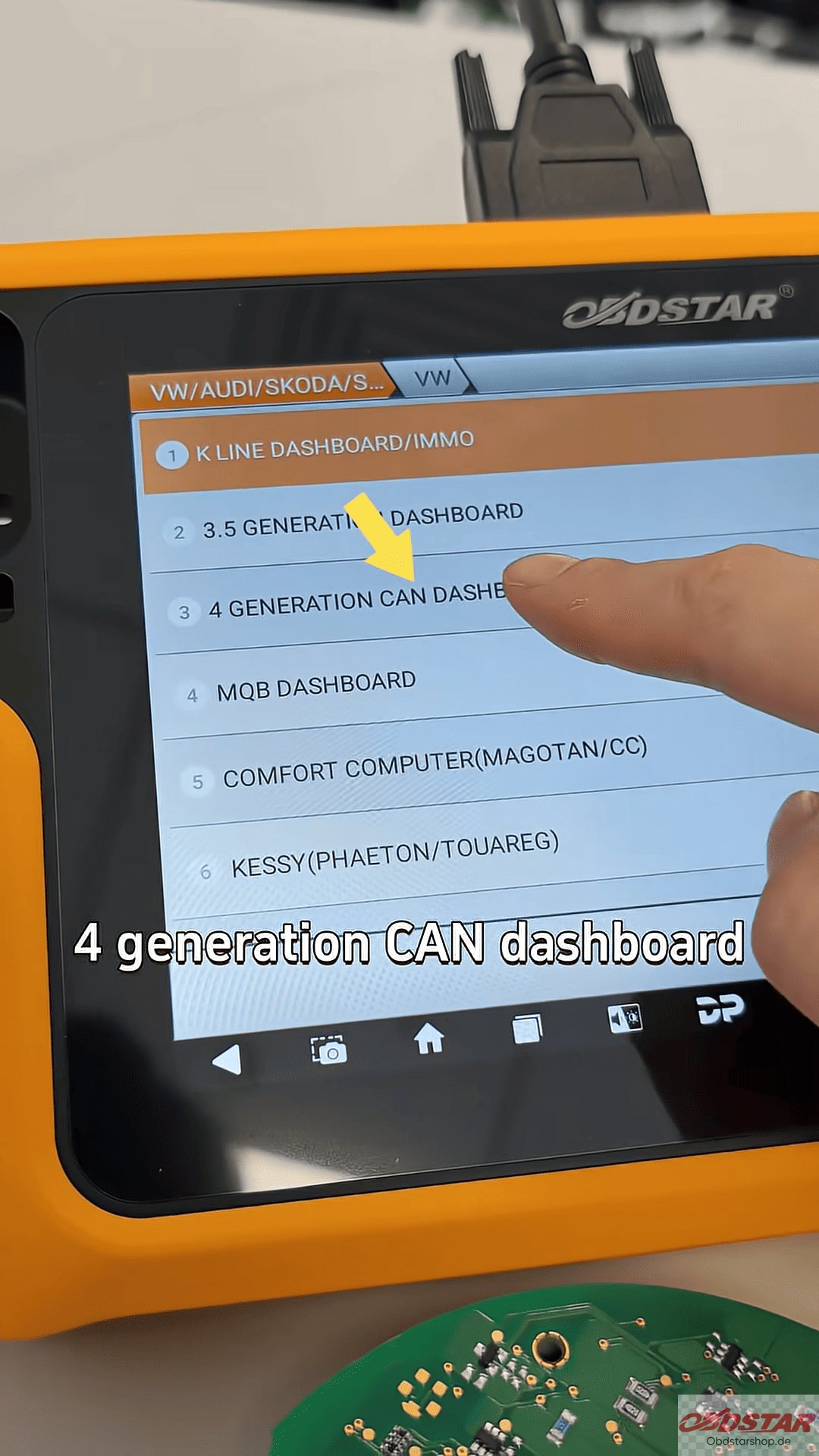
From there, select the system and choose “VW Fourth Generation CAN Dashboard”. Since we’re working with a 24C64 cluster, we pick that option. The system will guide you through the steps.
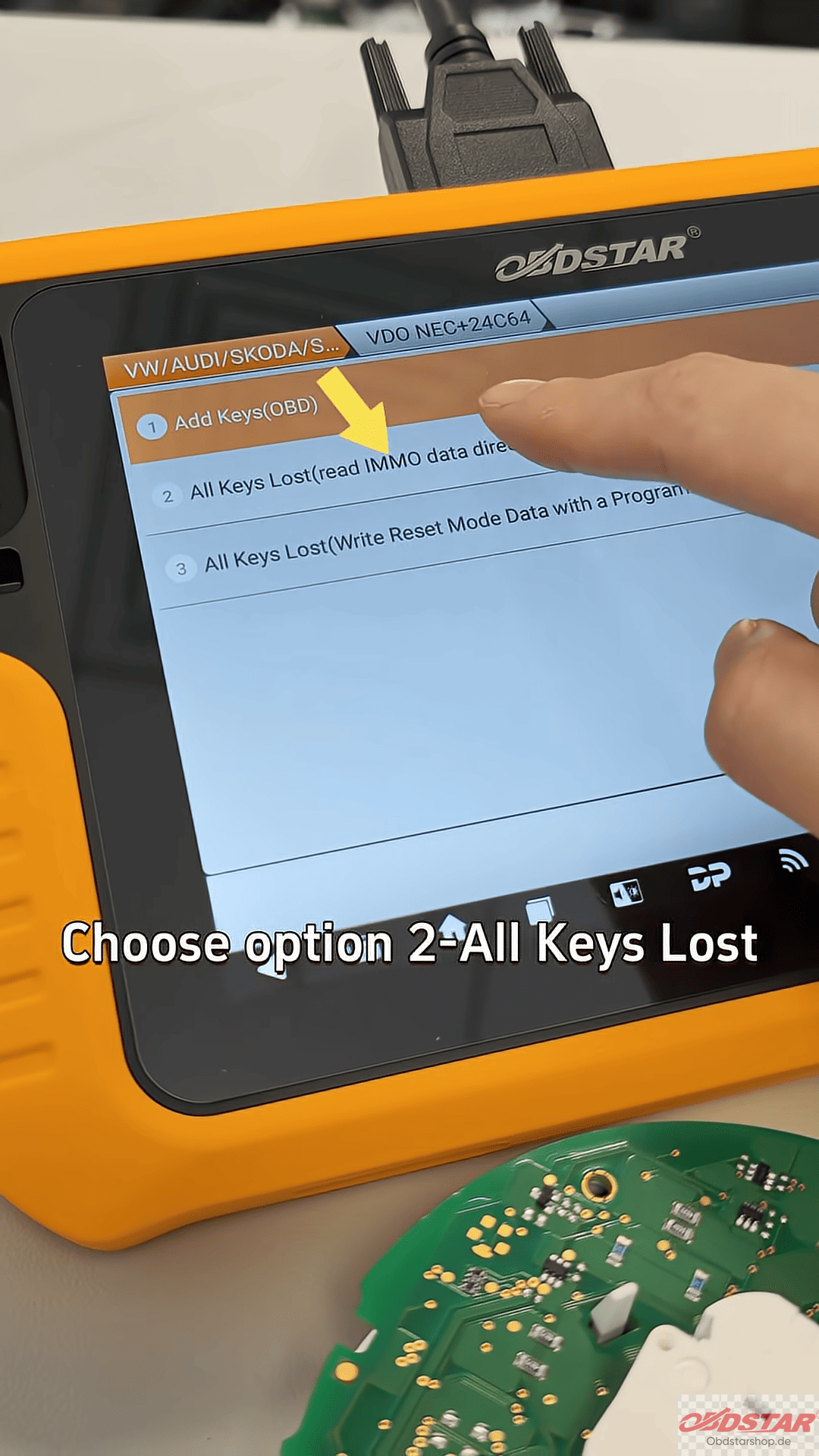
OBDSTAR X300 Classic G3 will tell you exactly what to do. For instance, you’ll need to find the fifth pin on the cluster (check the diagram) and use a prop to step on it. Once you do that, turn the ignition back on. You should hear a distinctive “dot” sound from the cluster. That’s how you know you’re in the right mode.
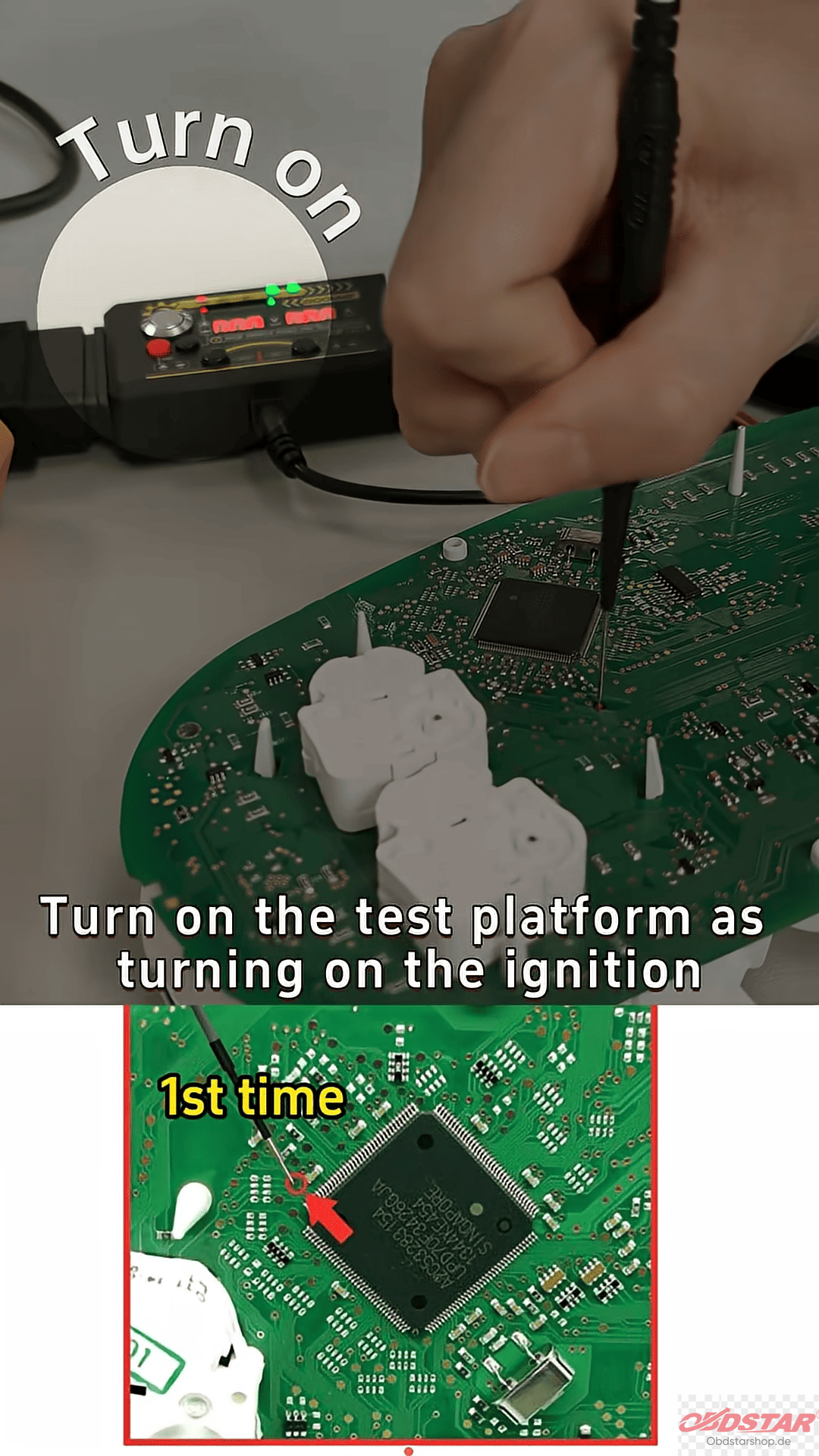
Reading the Data:
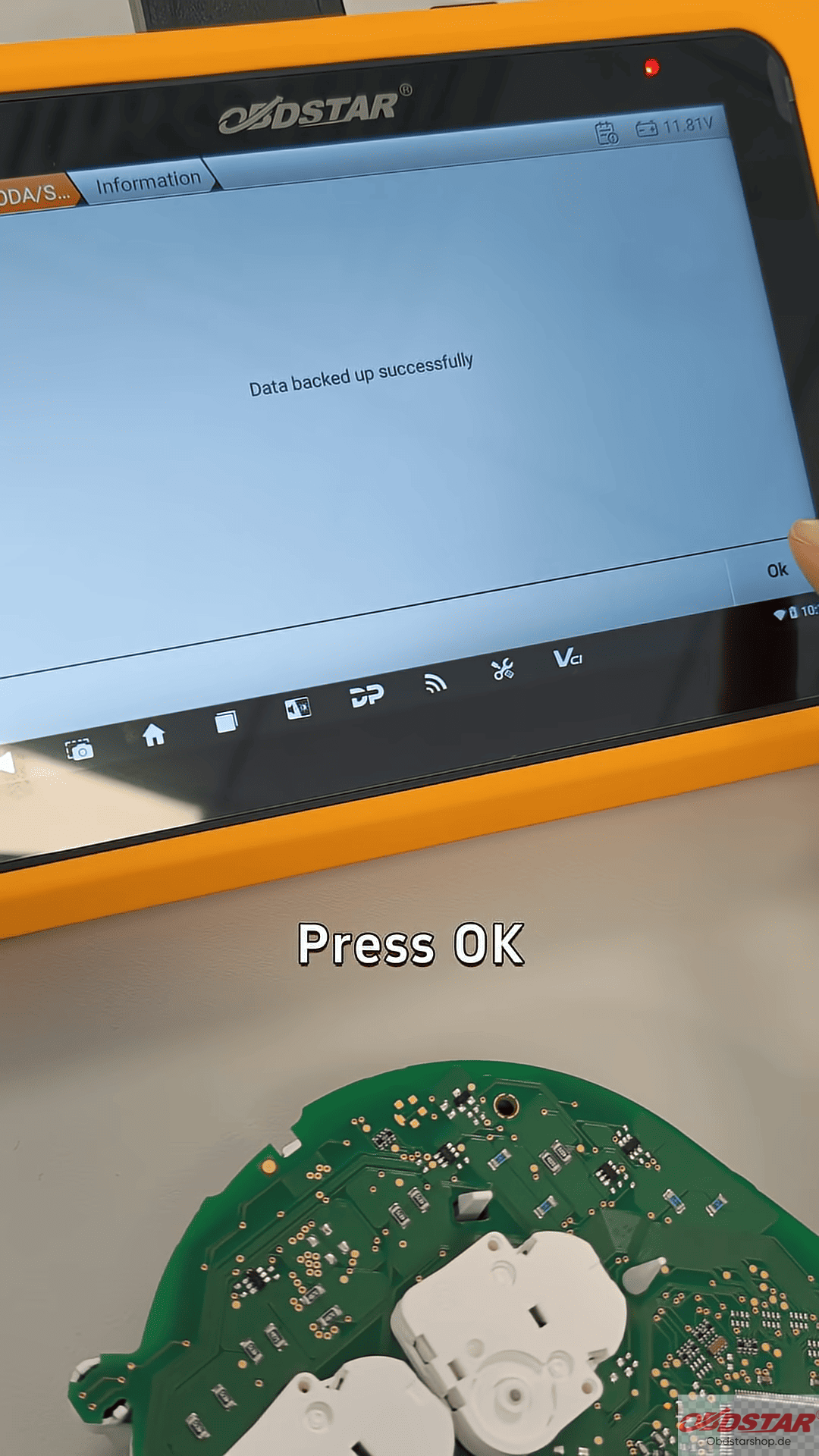
Once you’ve done that, just hit OK, and the tool will start reading the cluster’s data. After it finishes, press OK again to confirm. Now you’ve got the file you need for the next steps.
IMMO Data & Programming the Key:
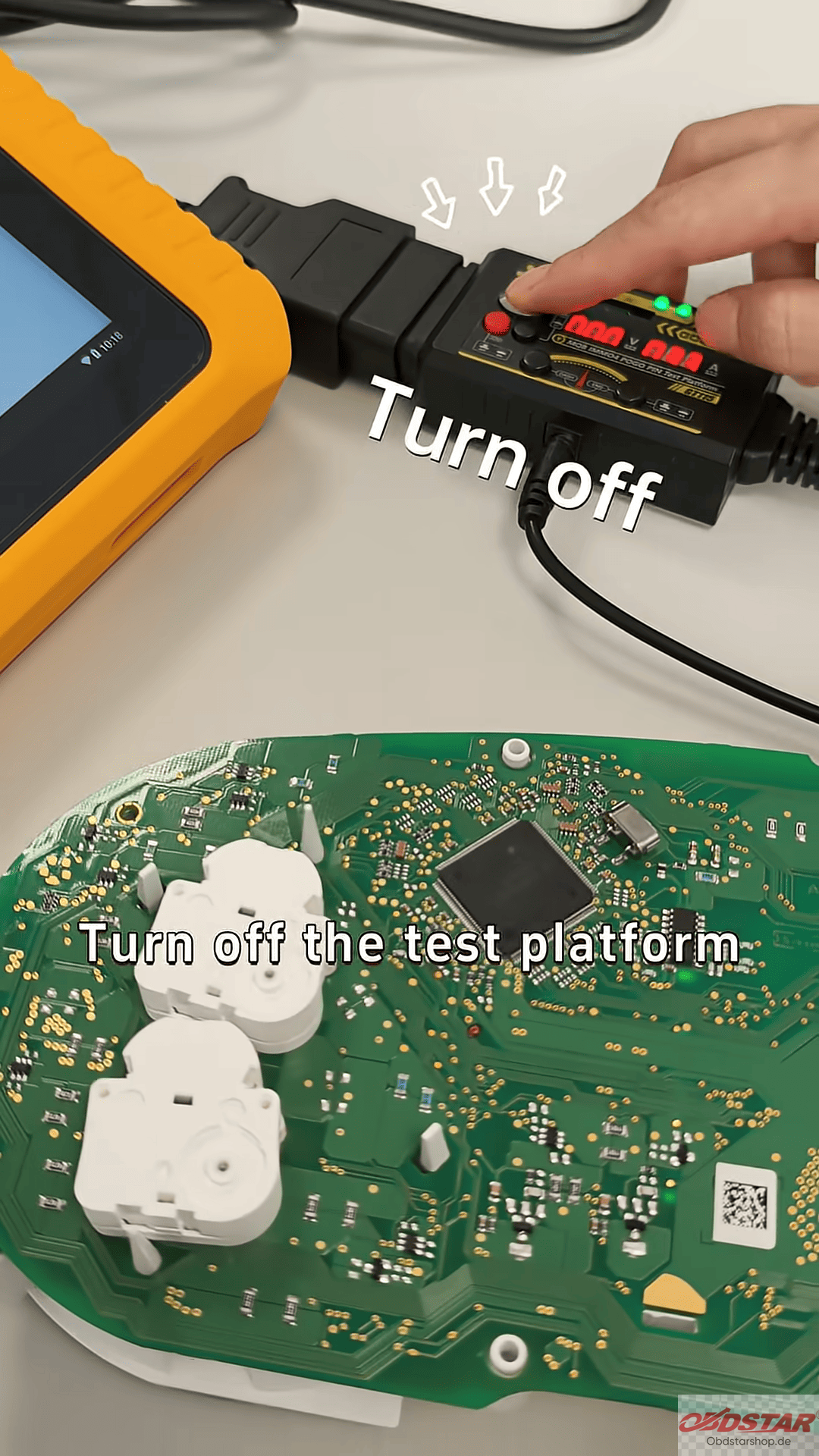
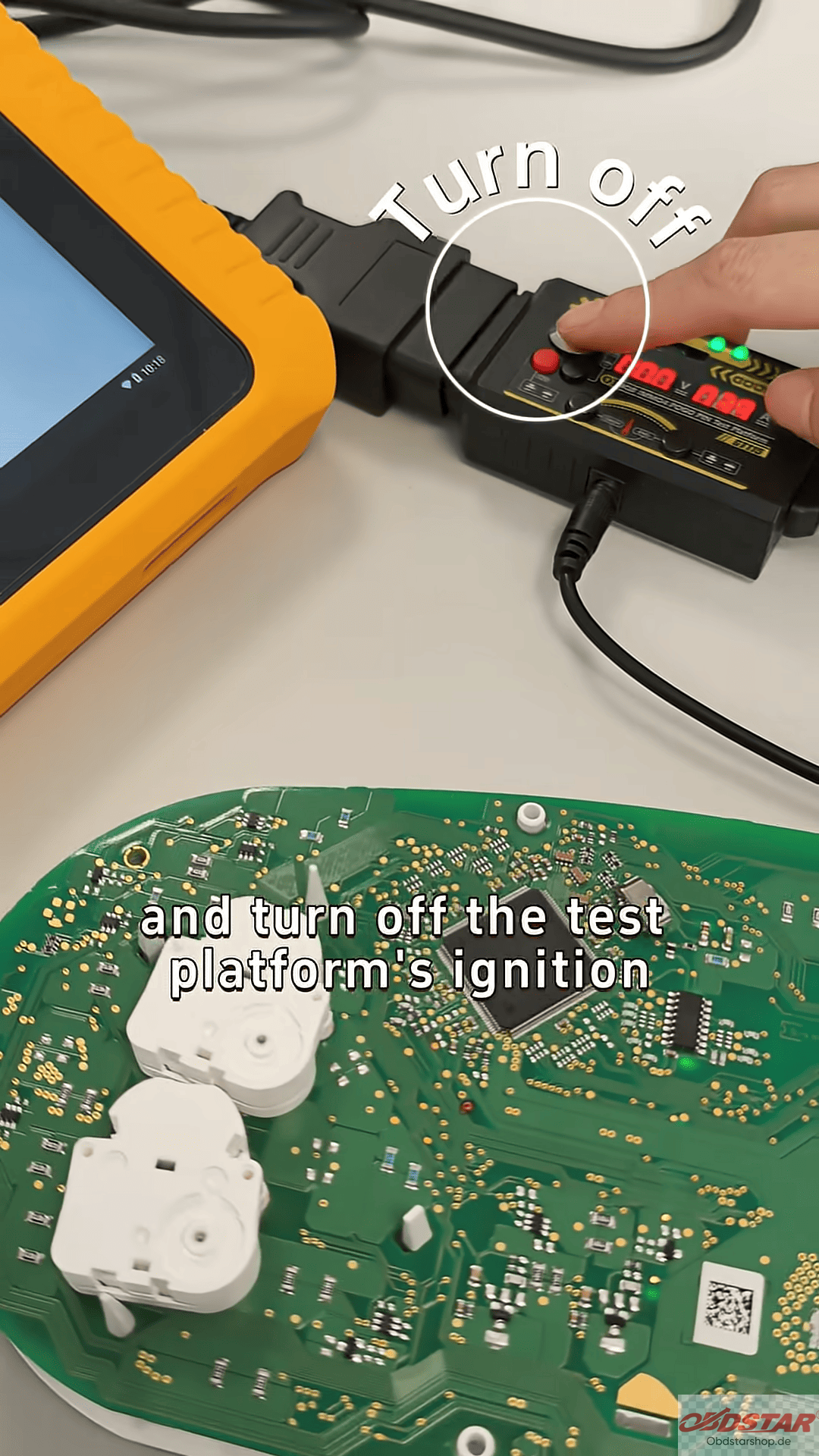
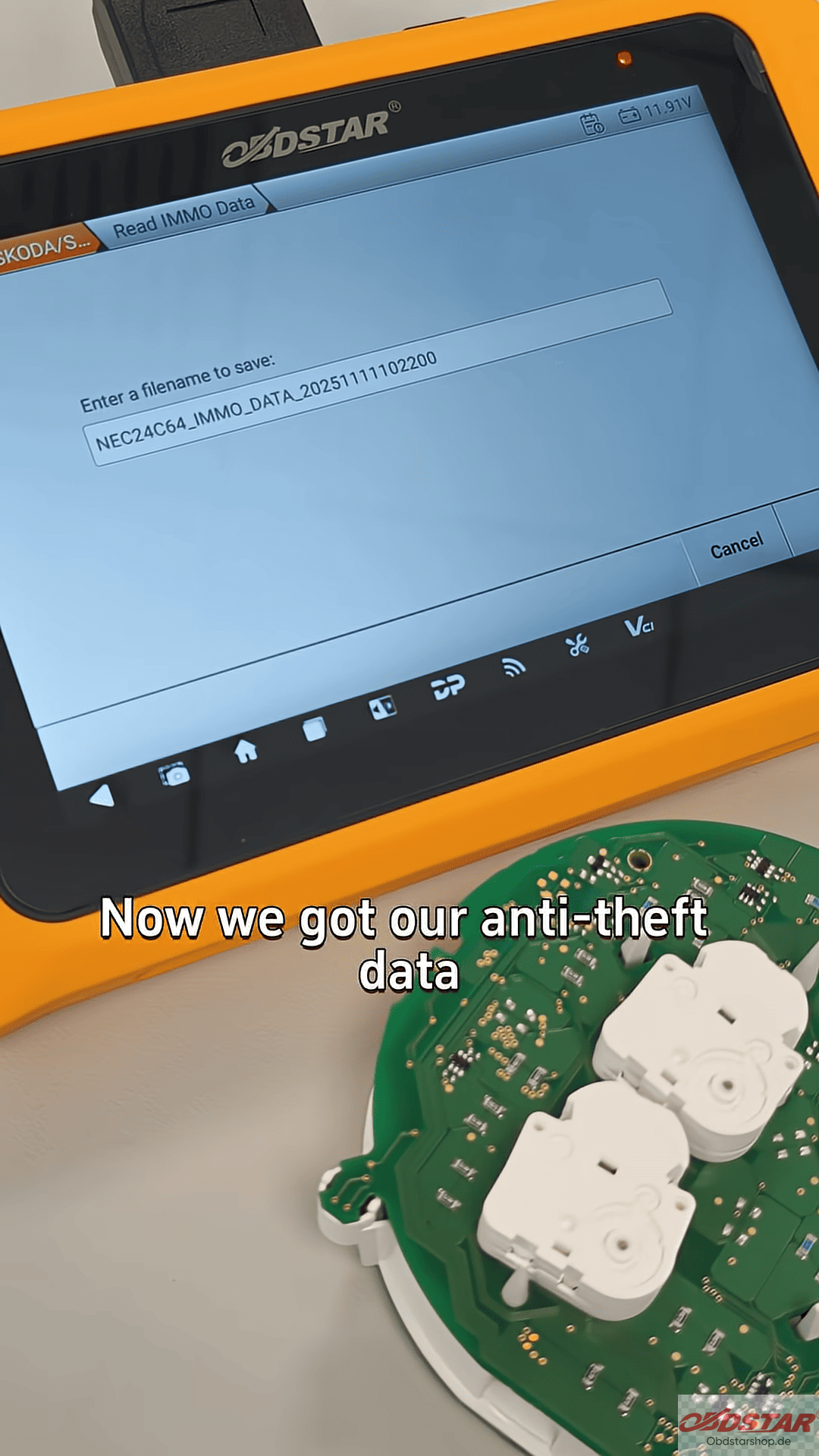
Next, go to the “Read Emo Data” option on X300 Classic G3. Follow the guidance to turn off the test platform ignition and step on that fifth pin once again. Turn the ignition back on, and you’ll hear the cluster make a starting sound.
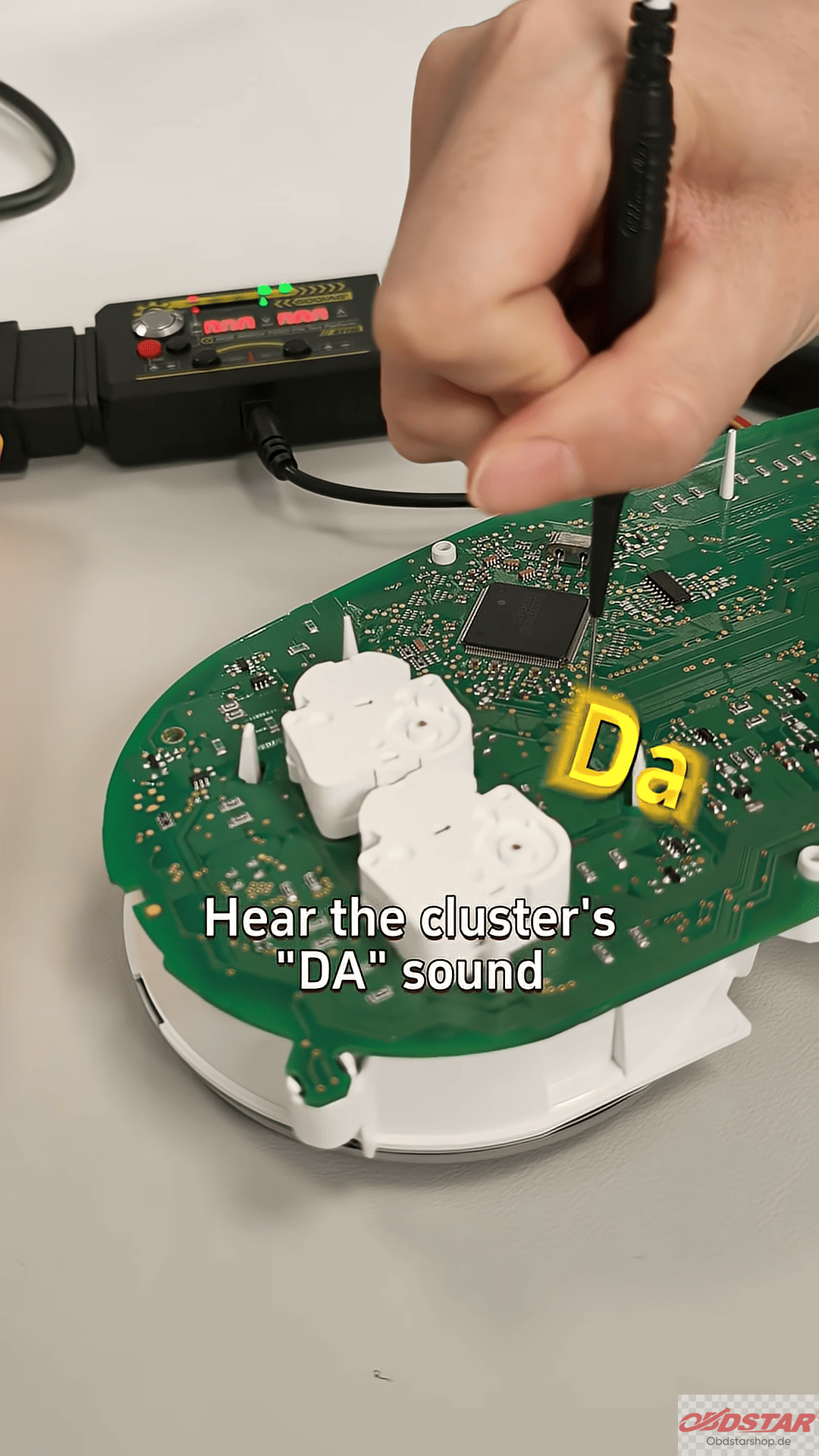
Now, you’ll have the anti-safe data you need, and you’re ready to start programming your new key.
Read also:
KeyMaster G3 Motorcycle ECU Cloning Guide for Bosch MS9 Bench Mode
Leave a Reply