

Mercedes-Benz Continental CPC3 BCM is used in various commercial vehicles, including the Actros MP4/MP5, Arocs, Atego and selected Mercedes-Benz coaches.
Common CPC3 issues include CAN communication faults, power supply problems, accelerator pedal signal faults and corrupted EEPROM or parameter data.
OBDSTAR ECU MASTER supports Internal Flash and external EEPROM reading and writing in BOOT and JTAG modes. This guide demonstrates the JTAG procedure for a CPC3 module equipped with an MPC5566 processor and a 25256 EEPROM.
Required Tools
- OBDSTAR ECU MASTER Configuration C
- C4-10 adapter
- USB cable and jumper wires
- Regulated DC power supply
CPC3 Read and Write Procedure
1. Open [ECU Flasher] and select [Mercedes-Benz Commercial Vehicle BCM].
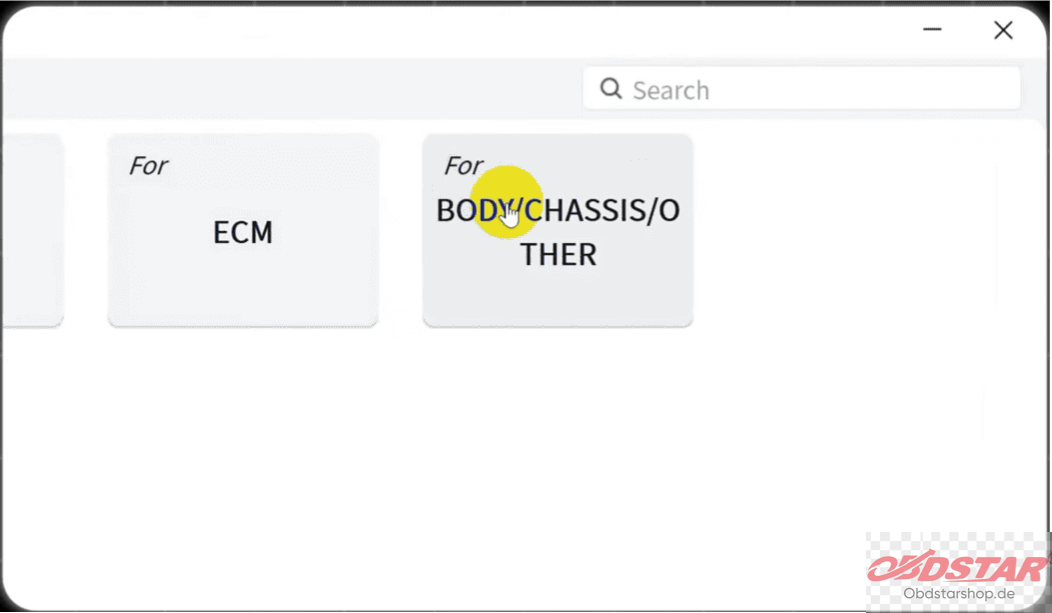
2. Search for CPC3, select [MPC5566 + 25256], and tap [Start].
3. Check the wiring diagram and connect the module according to the specified pinout.
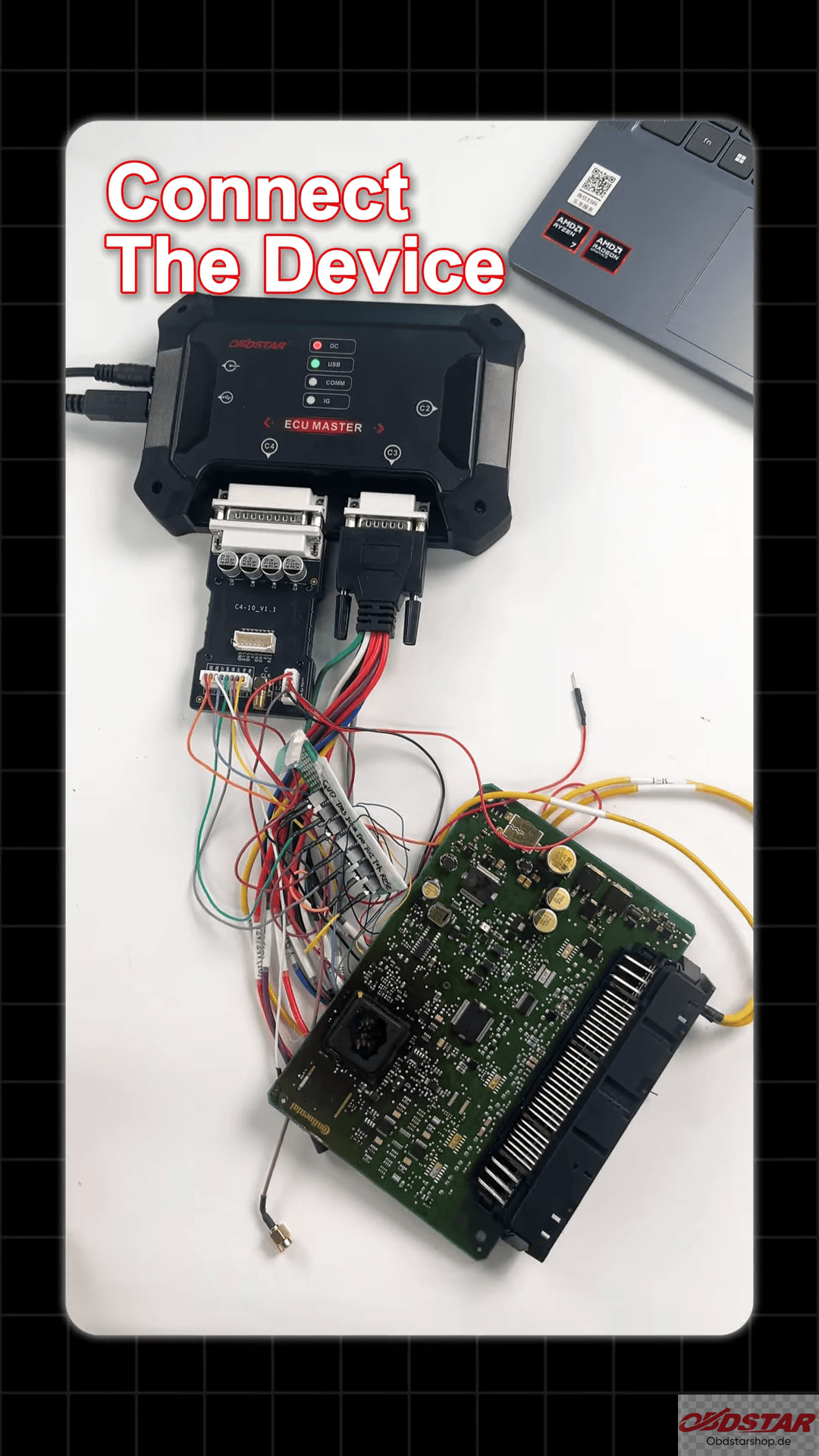
4. Tap [Connect] and wait for a successful connection.
5. Read and save the original Internal Flash and external EEPROM data as a backup.
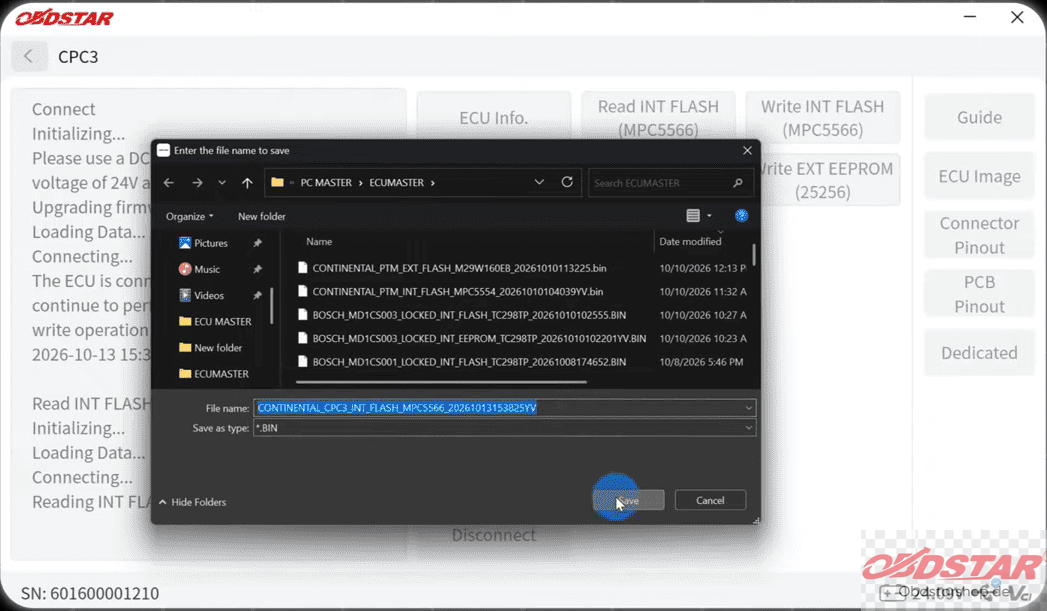
6. Use the corresponding write functions to program the required Flash and EEPROM data.
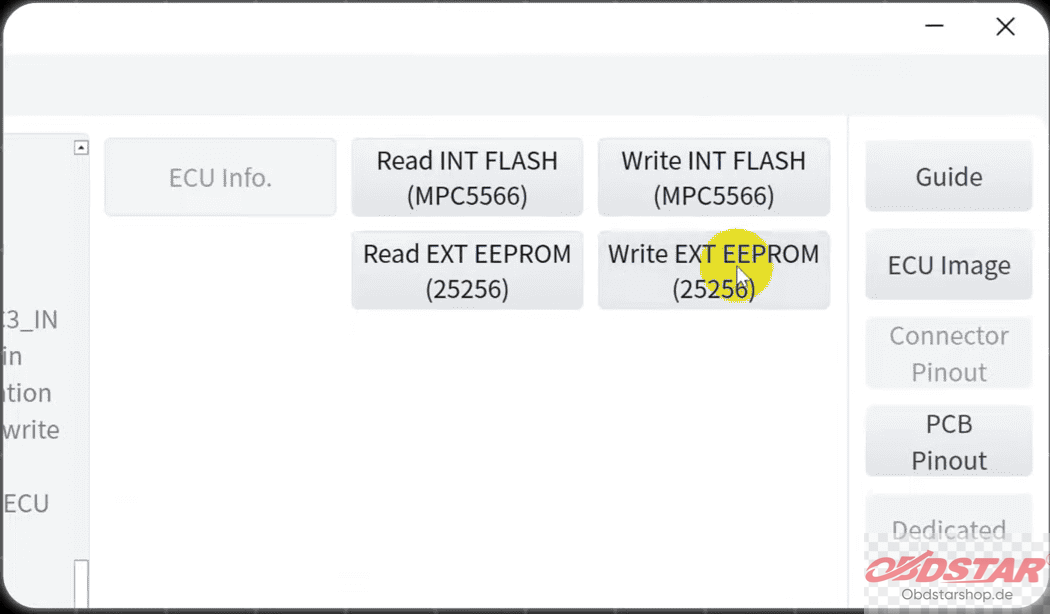
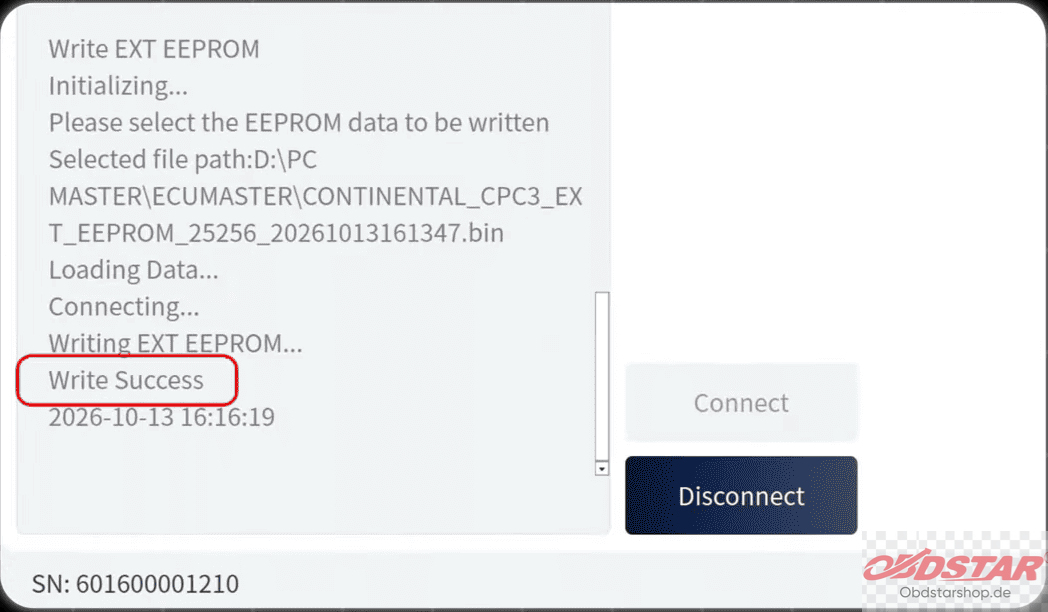
7. Confirm that the writing operation completes successfully.
Important Notes
Always verify the ECU hardware and wiring before connecting. Back up the original data before writing, use a stable power supply, and ensure that the files match the target module.
Check the official OBDSTARshop.de instructions and compatibility list before starting.
Leave a Reply