




In this guide, we demonstrate how to program a key for a 2019 Roewe i5 using OBDSTAR X300 Classic G3, following the same steps used by professional automotive locksmiths.
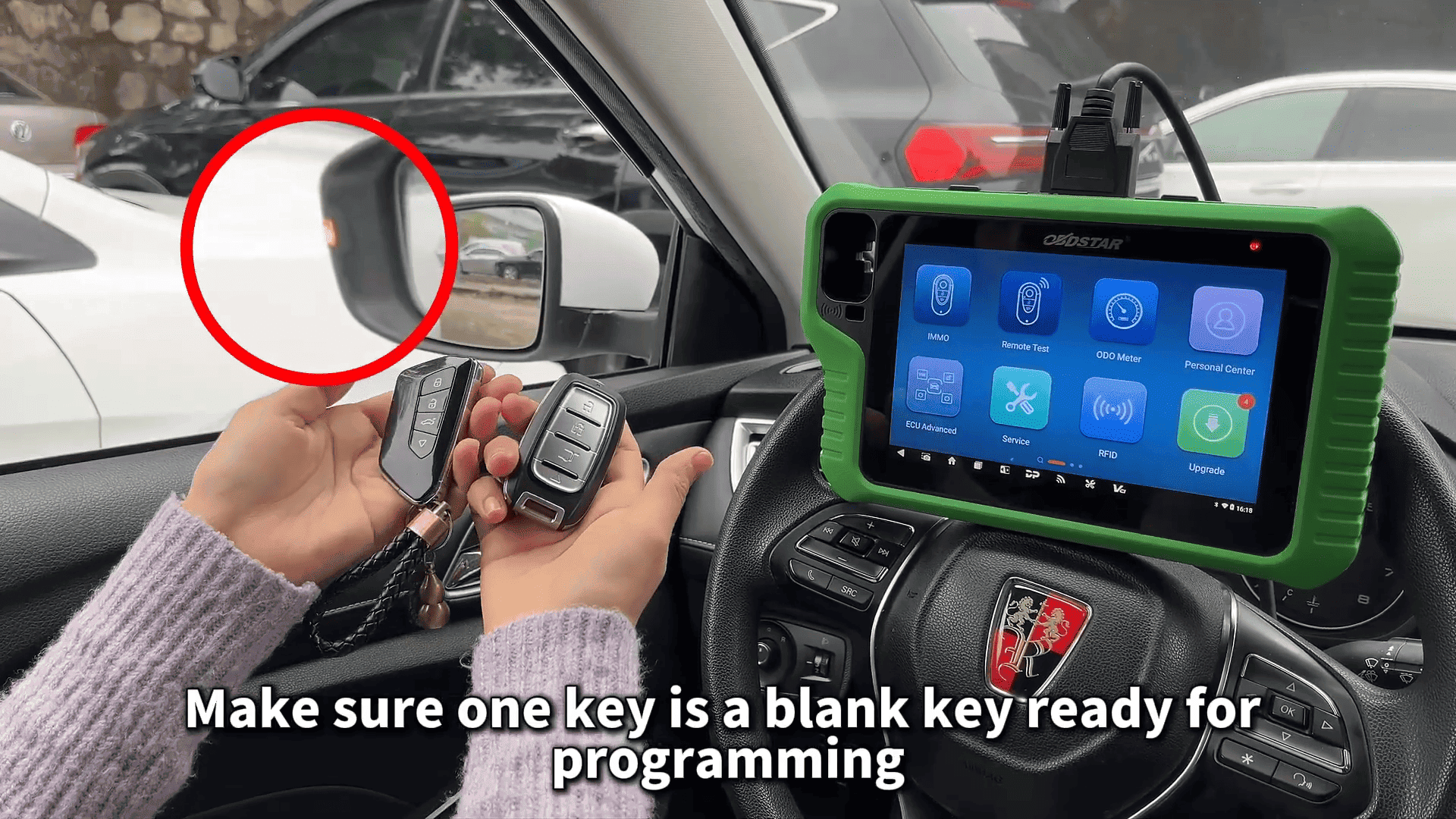
Before starting the Roewe i5 key programming procedure, prepare the following tools:
KeyMaster G3 key programming device
Main diagnostic cable
Two keys: One original working key
One new blank key ready for programming
Make sure the blank key is compatible with the Roewe i5 immobilizer system.
Steps:
Follow these steps to complete the Roewe i5 key programming with KeyMaster G3.
1. Connect the Device
Connect OBDSTAR G3 to the vehicle using the main diagnostic cable.
2. Enter the Immobilizer System
On the device screen:
Select IMMO.
In the search bar, type ROEWE.
Select Auto Detect Model.
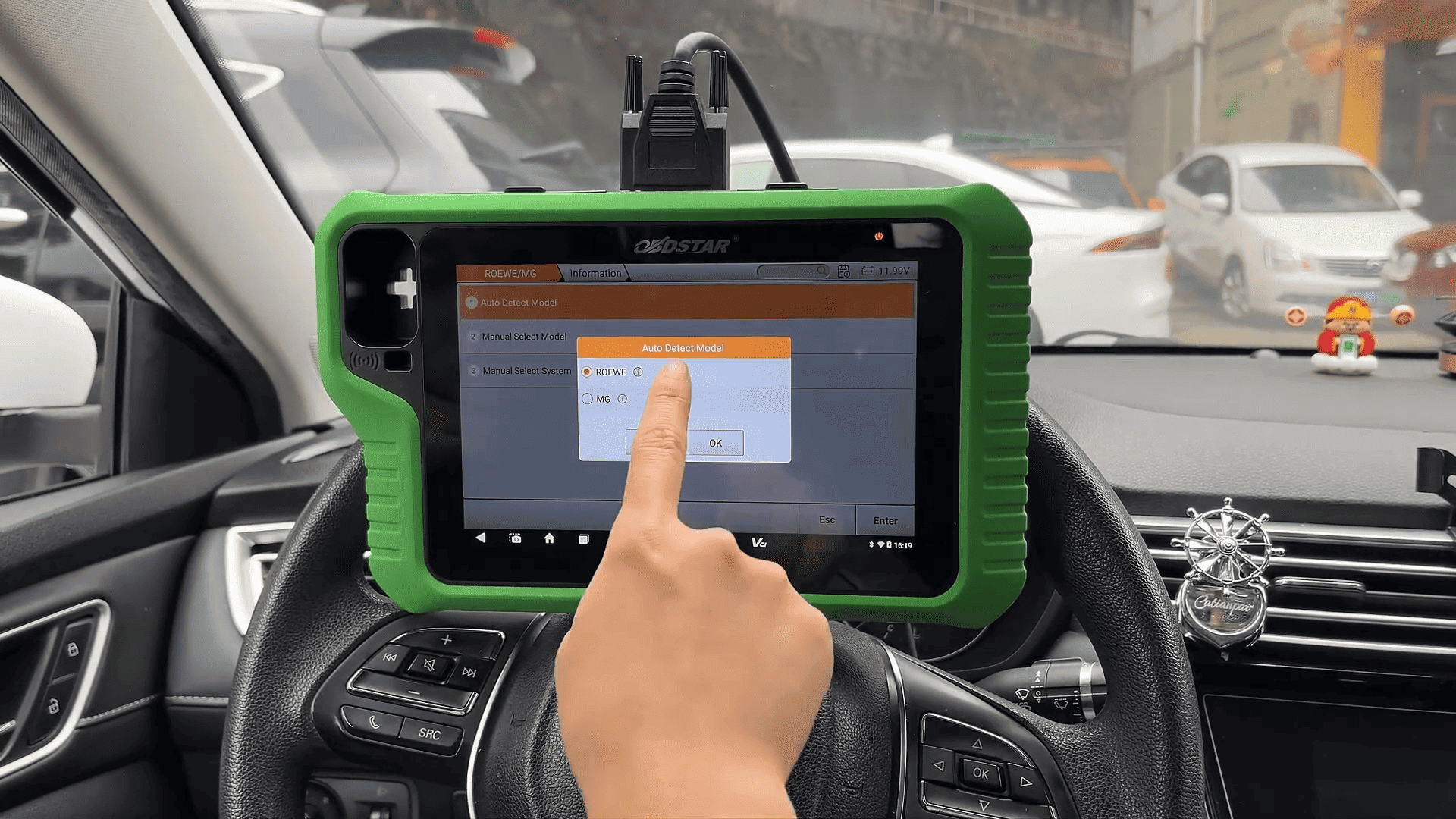
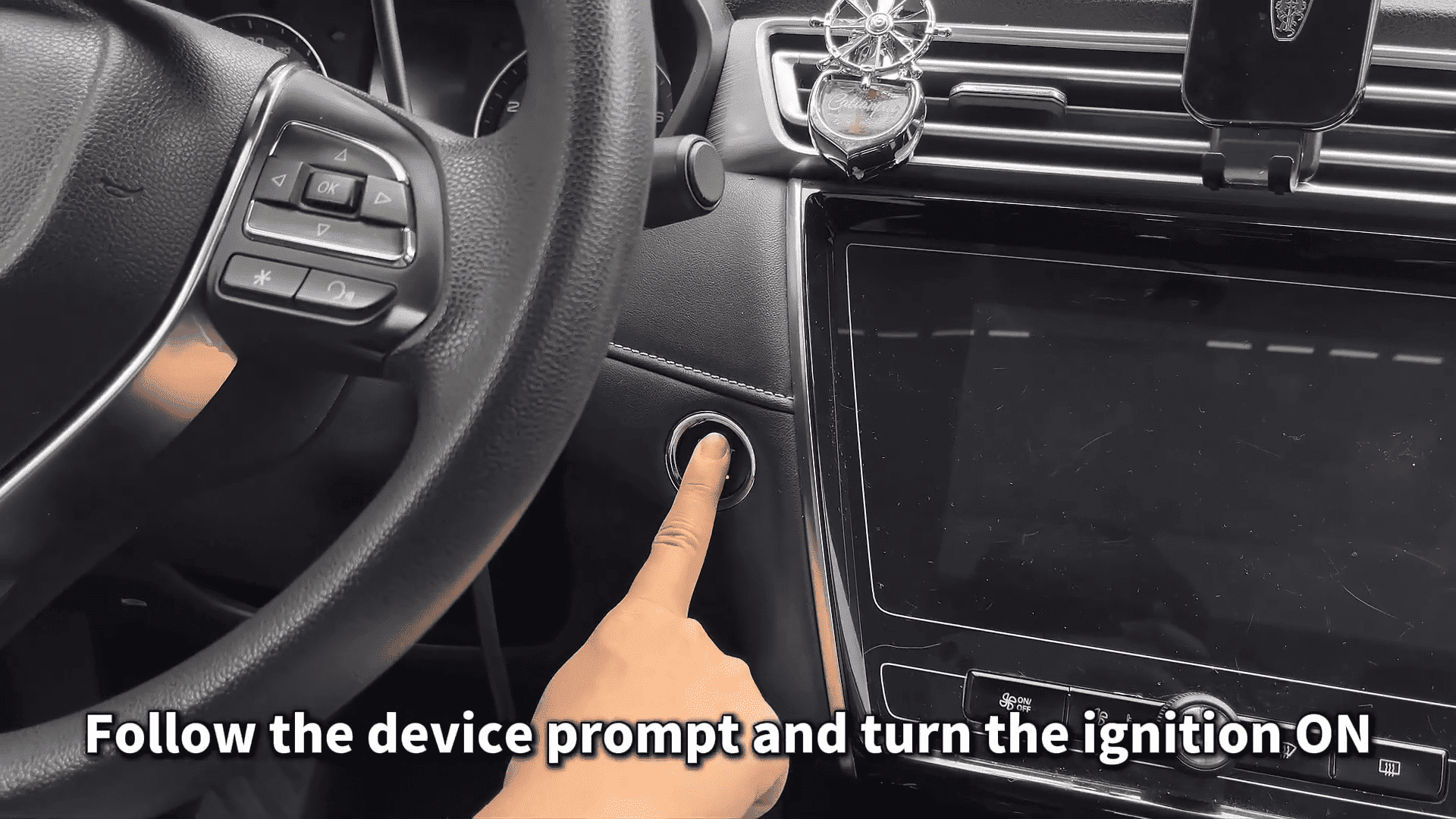
Follow the device prompt and turn the ignition ON, then tap OK.
3. Confirm Vehicle Information
The system will display the detected vehicle model.
Tap Yes to confirm and continue.
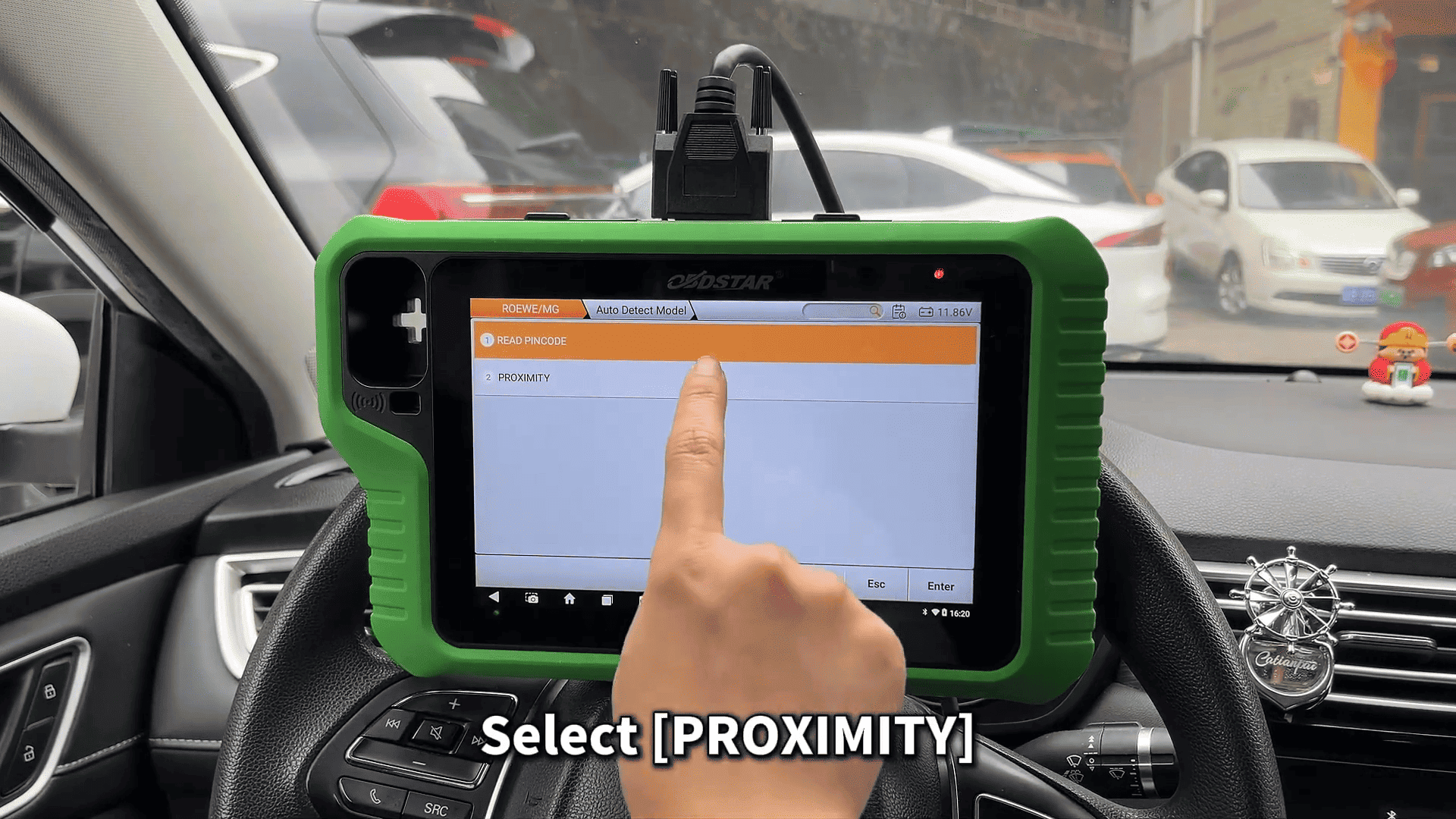
4. Access Proximity Key Functions
Select PROXIMITY to enter the key management menu.
5. Read the Current Number of Keys
Tap Read Keys to check how many keys are currently programmed.
The system will display the number of existing keys. In this example, it shows one key.
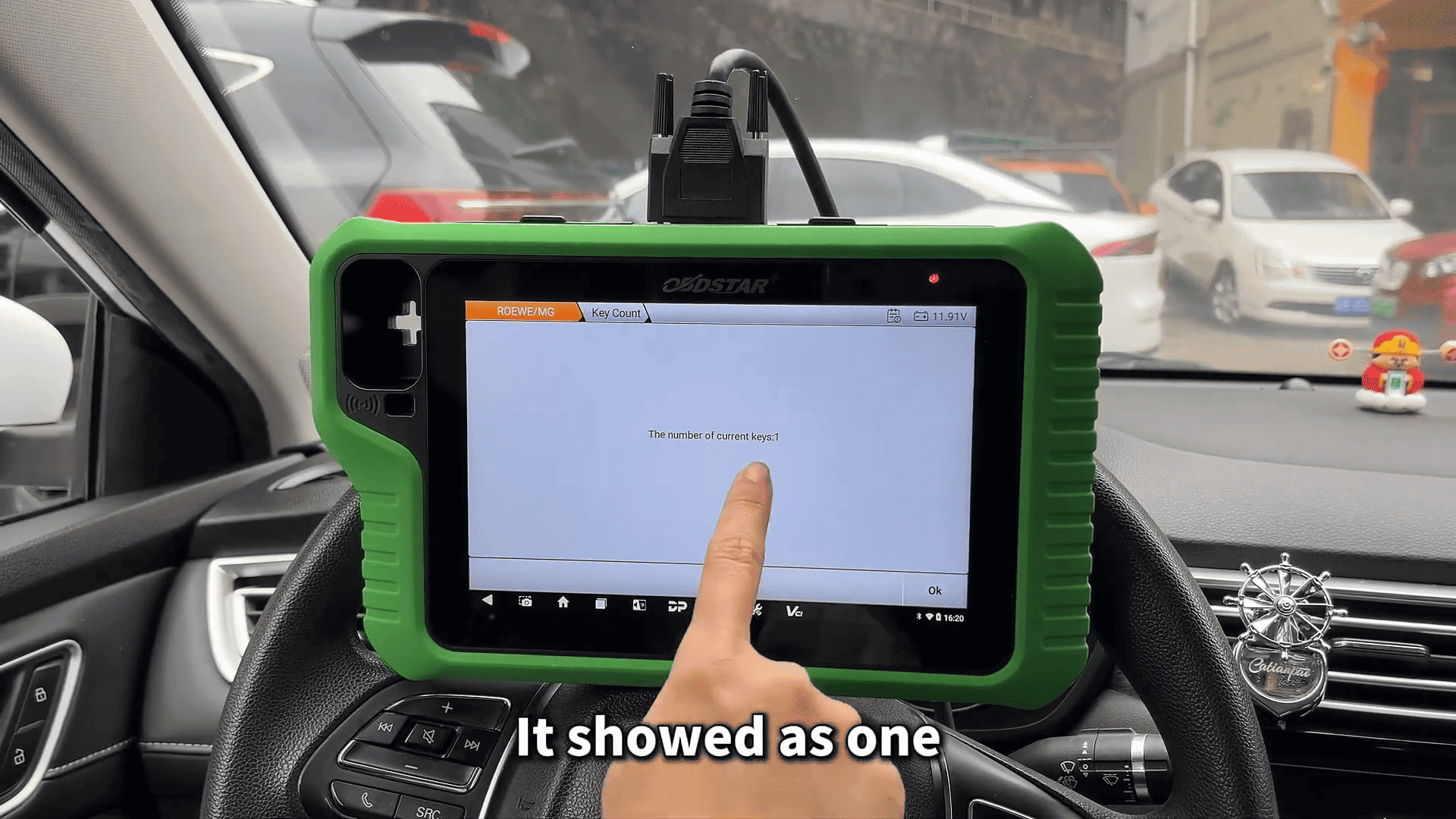
Tap OK to proceed.
6. Add a New Key
Select Add Keys.
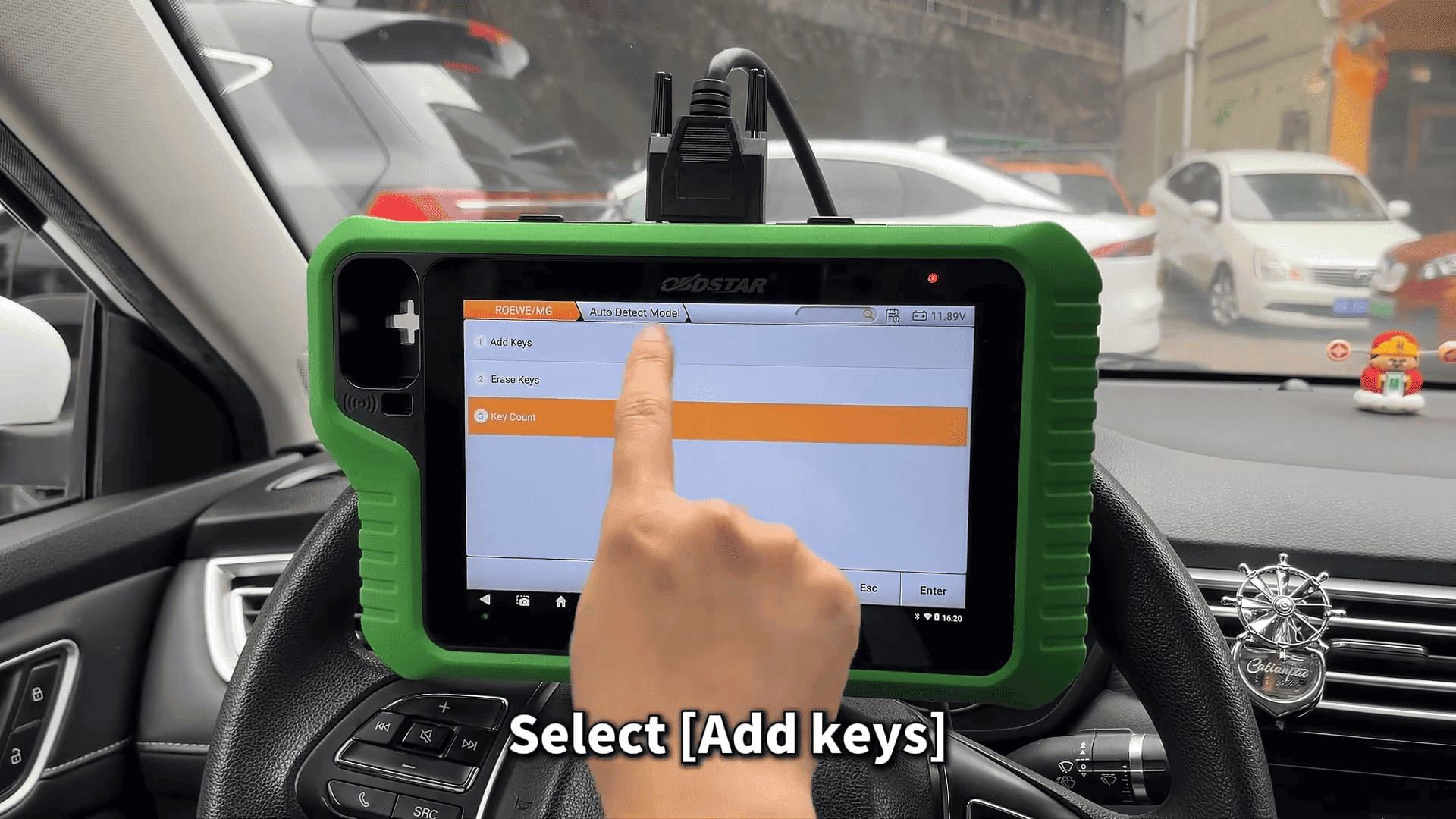
Turn the ignition ON when prompted.
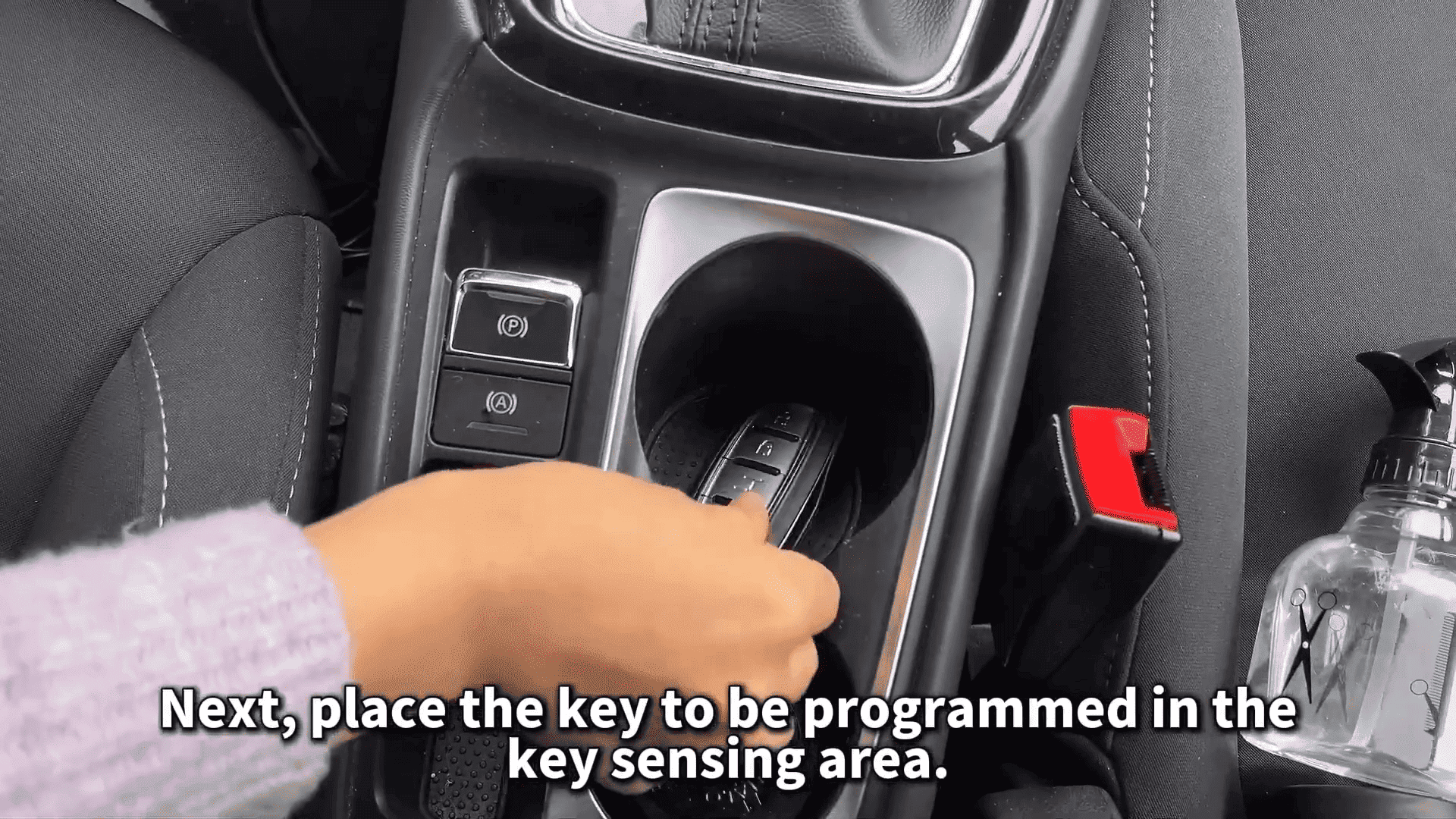
Place the new key to be programmed in the key sensing area.
Tap Yes to continue.
7. Confirm VIN and Enter Security Code
Confirm the VIN code displayed on the screen.
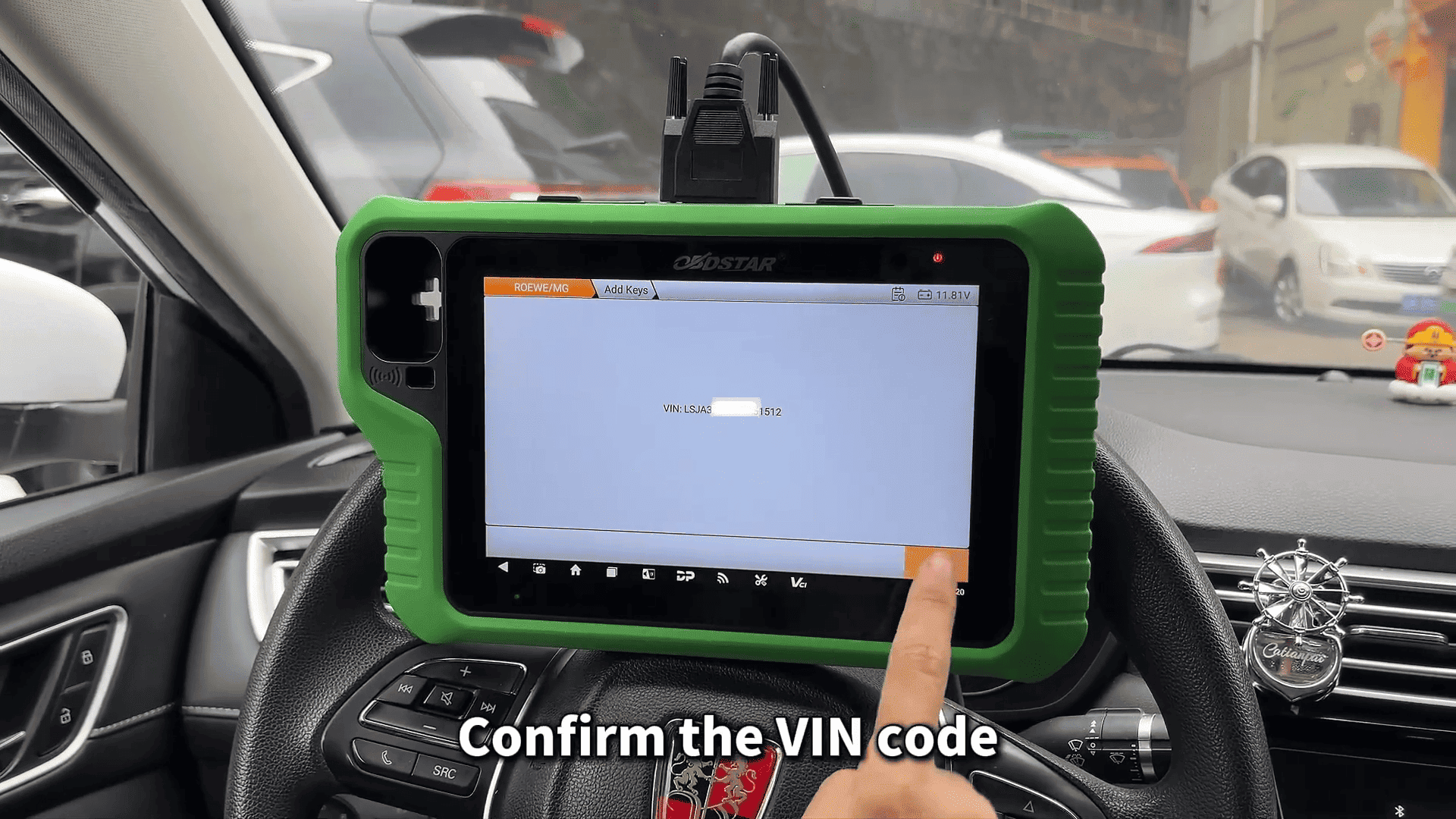
Next, enter the Immobilizer PIN code when prompted.
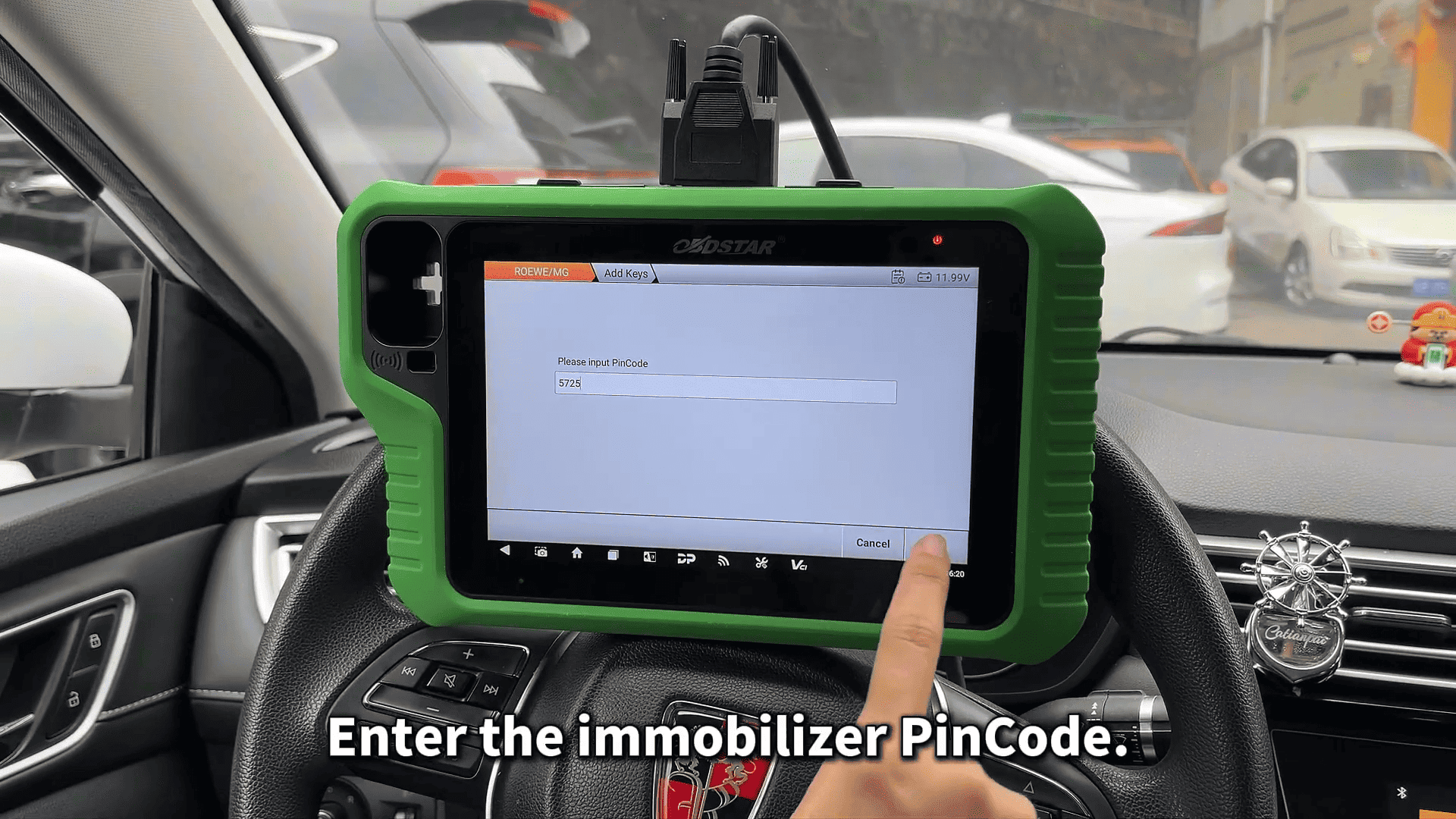
After entering the correct PIN code, the Roewe i5 key programming process will be completed successfully.
8. Verify Key Programming
To confirm the result:
Read the number of keys again.
The system should now display two keys.
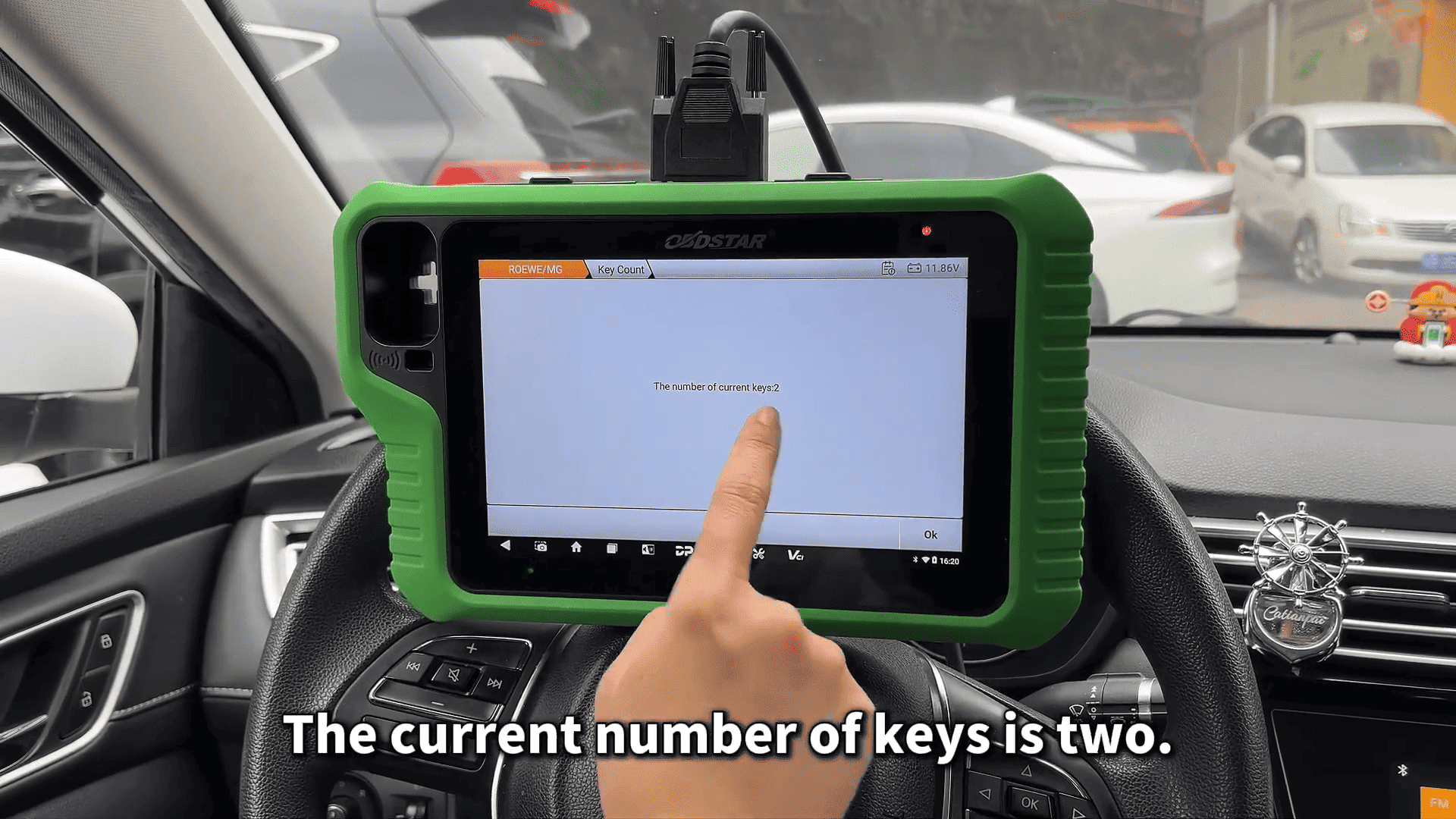
This indicates that the new key has been successfully programmed to the 2019 Roewe i5.
Using KeyMaster G3 to program a key for the 2019 Roewe i5 is a straightforward process when the correct steps are followed. By accessing the IMMO system, adding a proximity key, and verifying the key count, technicians can quickly complete the Roewe i5 key programming procedure.
Read also:
OBDSTAR X300 Classic G3 Resetting Mercedes-Benz via JTAG Mode
OBDSTAR G3 Yellow vs Green vs Blue: The Complete Comparison
Leave a Reply