




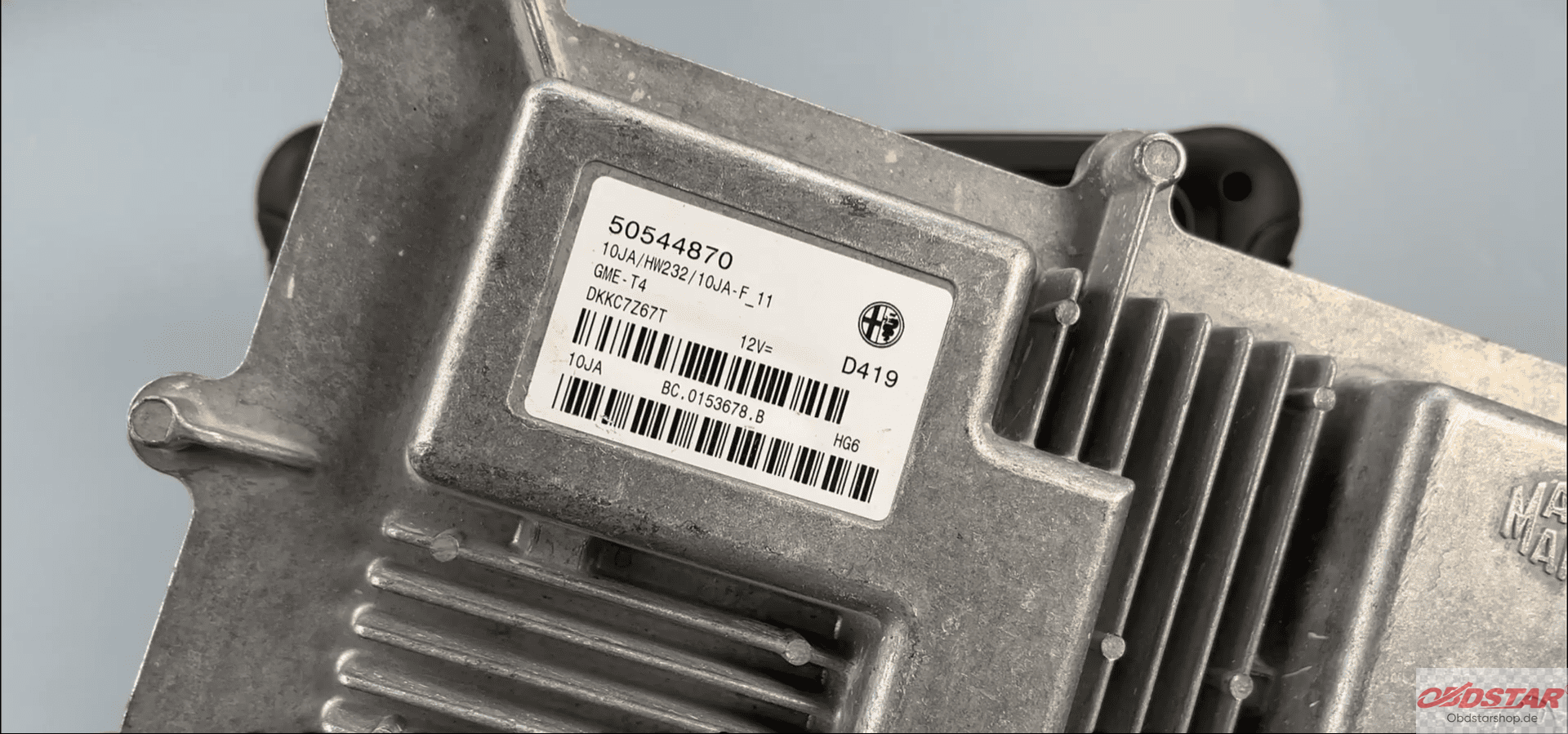
In this simplified guide, we will show you how to easily read and write INT/EXT data on the ALFA ROMEO MM10JA ECM using OBDSTAR DC706 full version.
What You’ll Need:
OBDSTAR DC706 (or KeyMaster G3)
High-power DC regulated power supply
Main cable
ECU clone jumper
MP001 programmer
ALFA ROMEO MM10JA ECM
Make sure your software is updated before starting the process.
Steps:
Open ECU Flasher Tool
Tap on [ECU Flasher] in the software.
Select Car ECM
Choose the ALFA ROMEO MM10JA ECM from the options.
Search for the Module
Use the search bar in the top-right corner to quickly find the
ALFA ROMEO MM10JA ECM.
Read the Guide
Tap [Guide] to read the necessary instructions and special notes before continuing.
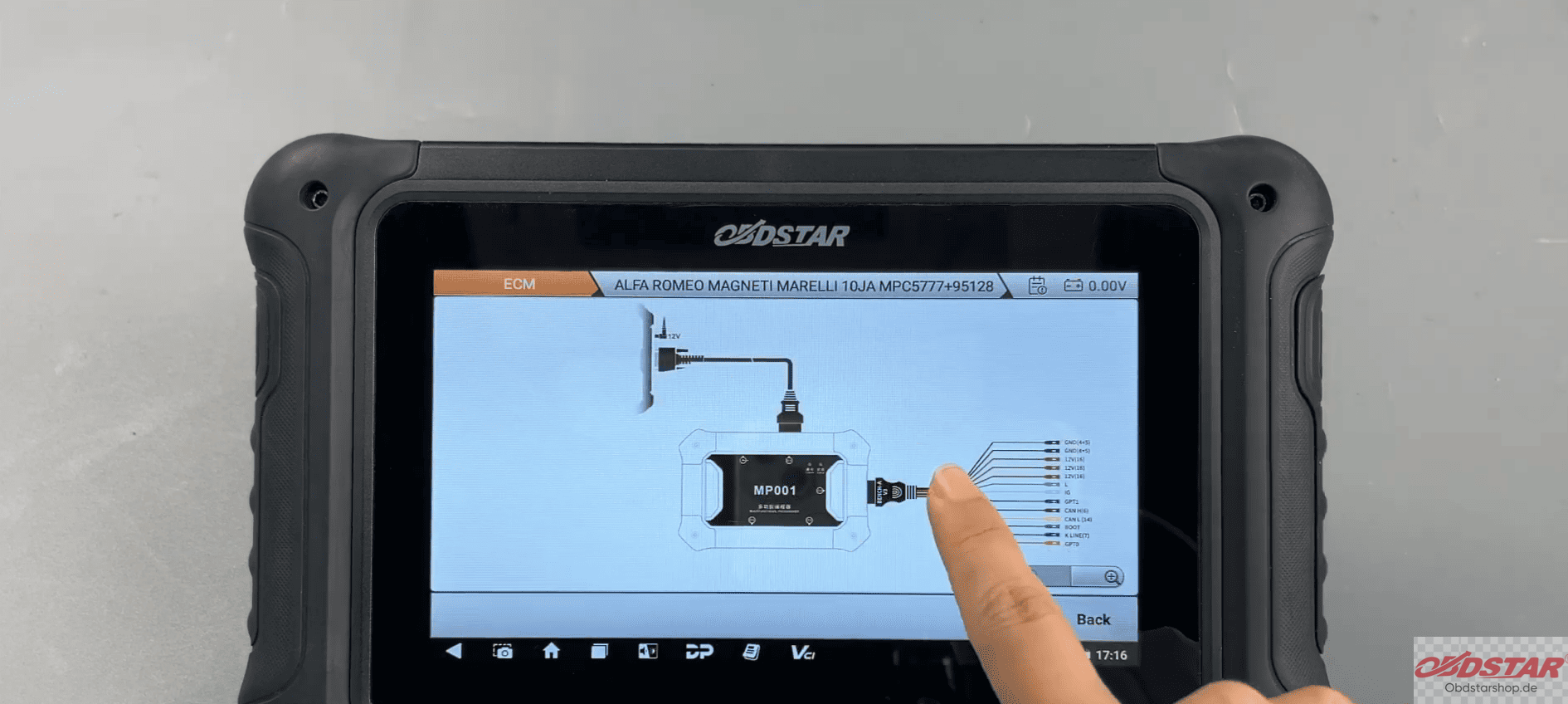
Select BENCH Mode
Choose BENCH mode and connect the correct adapter.
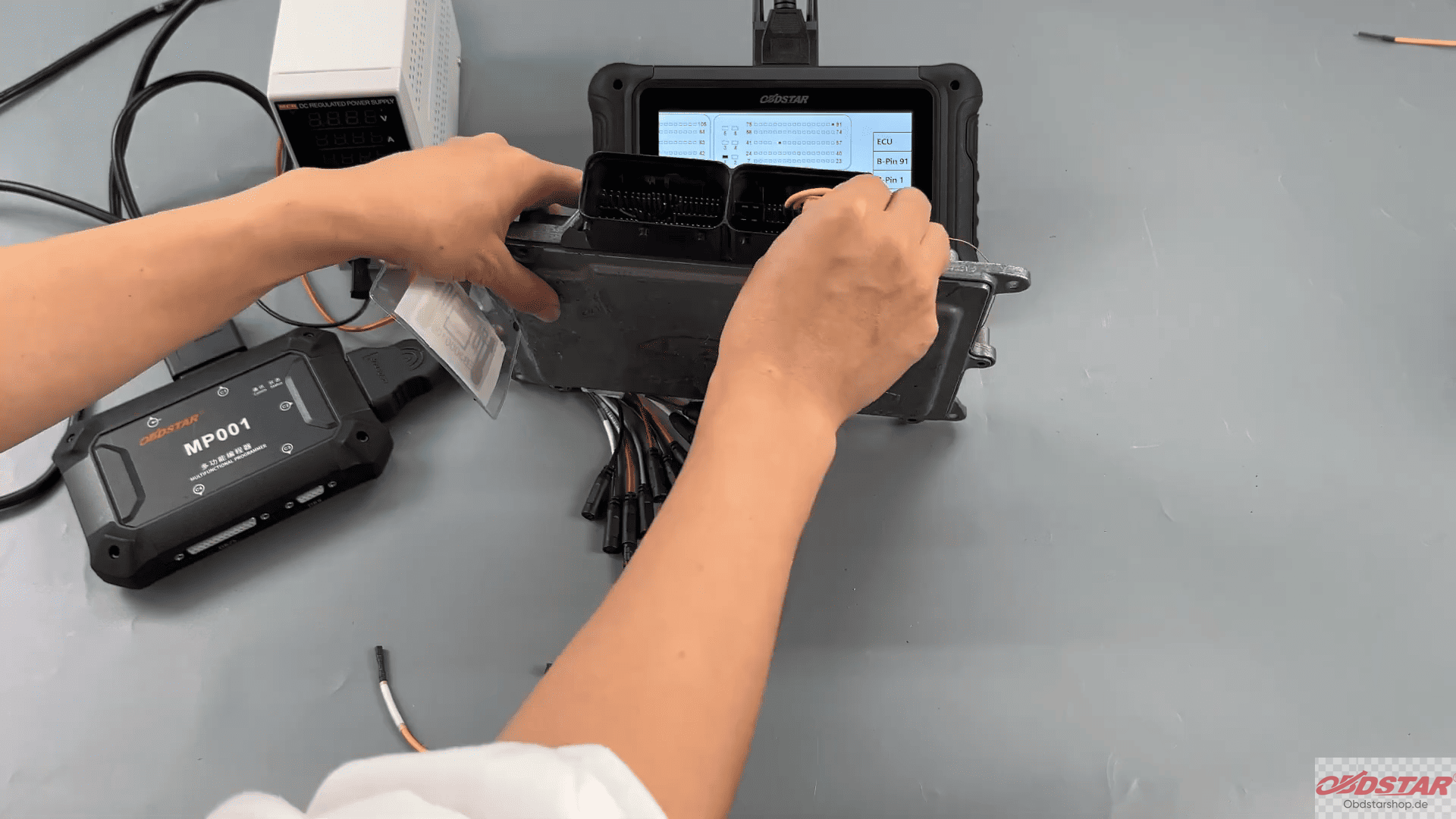
Check Connections
Tap [Connector Pinout] and refer to the wiring diagram to make the correct connections.
Start the Operation
Tap [Start] to begin the process.
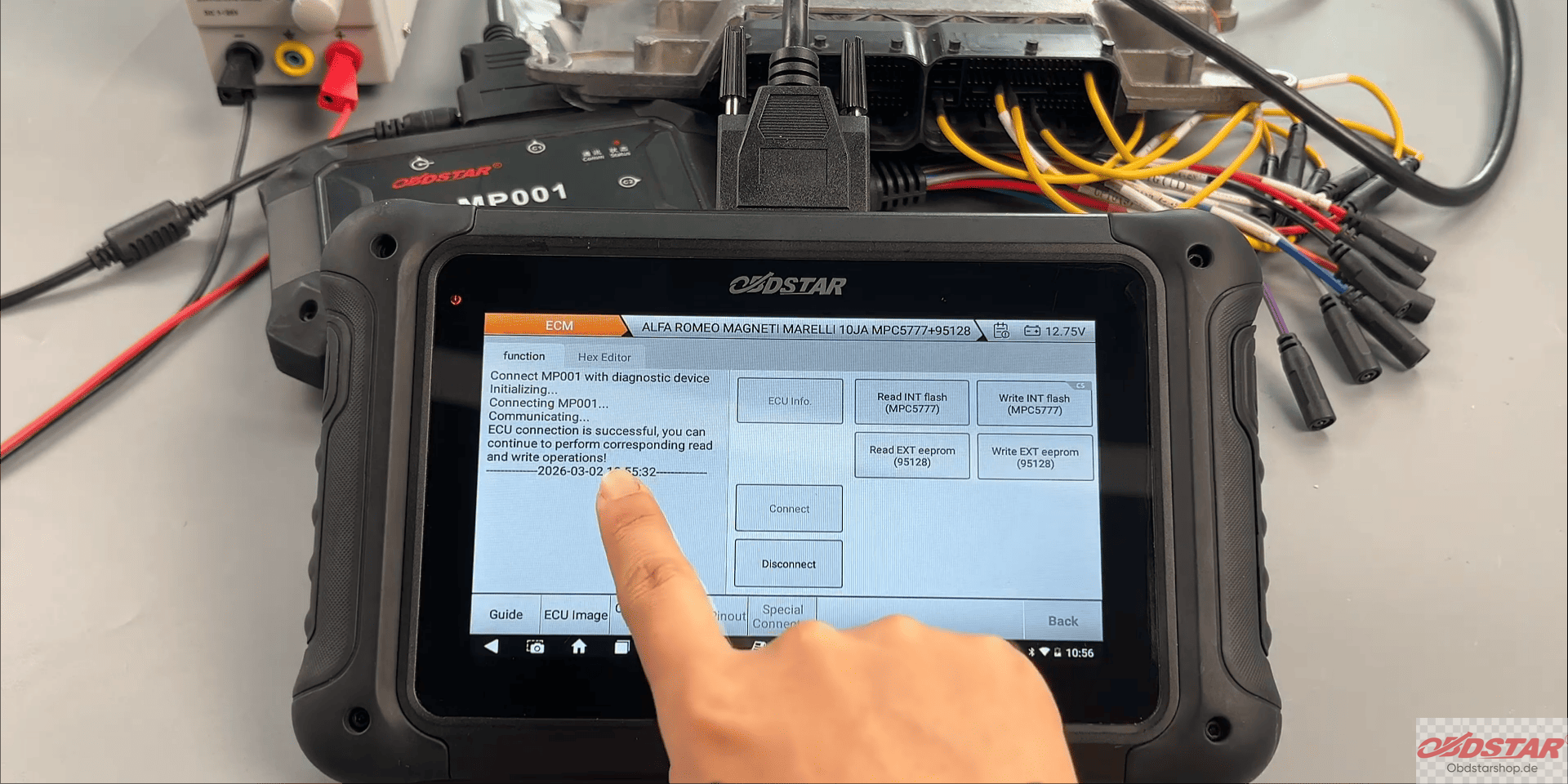
Connect the ECU
Ensure the ECU is properly connected.
Backup Original Data
Back up the original data by choosing a file name and saving location.
Write Data to the ECM
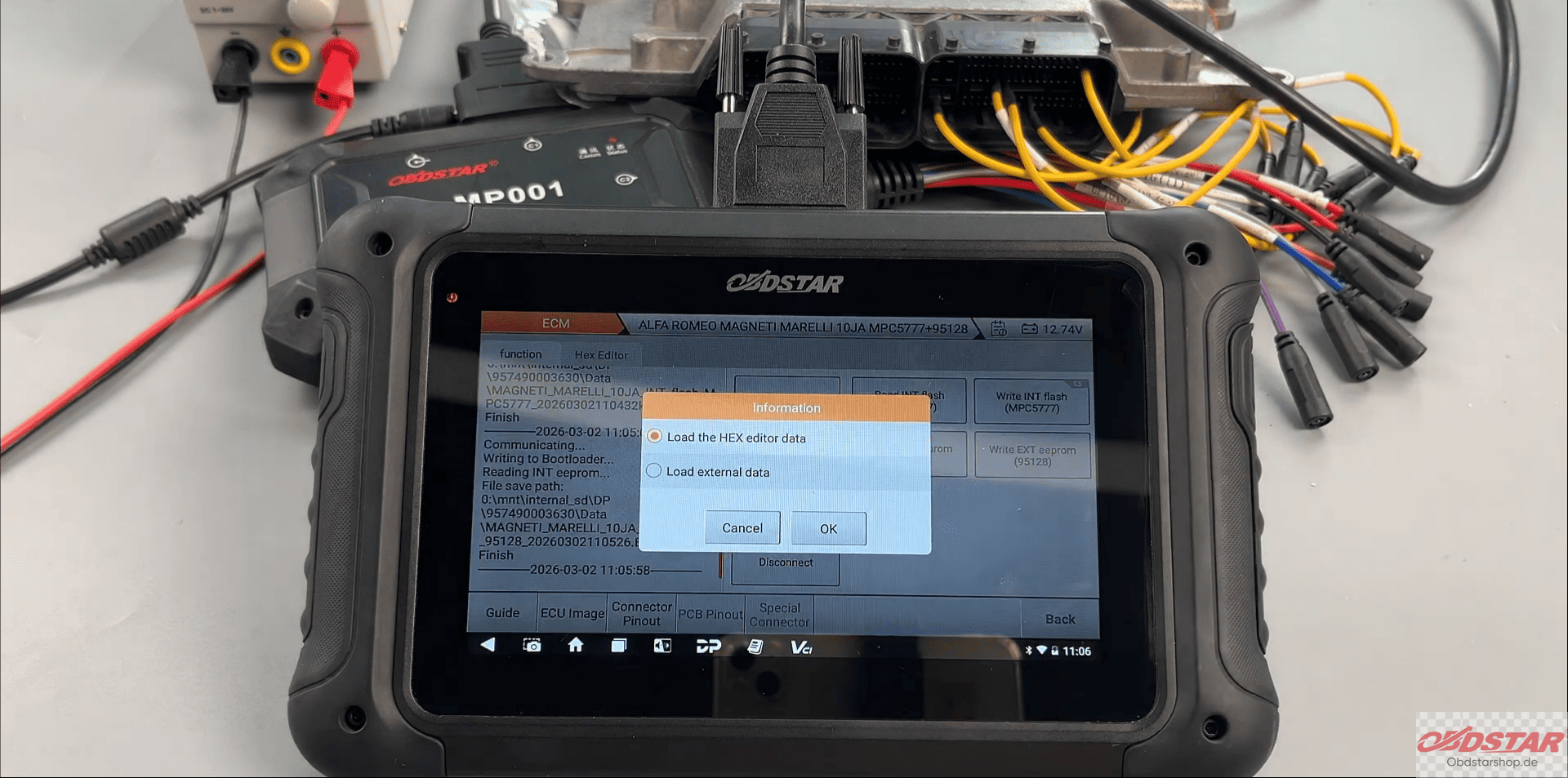
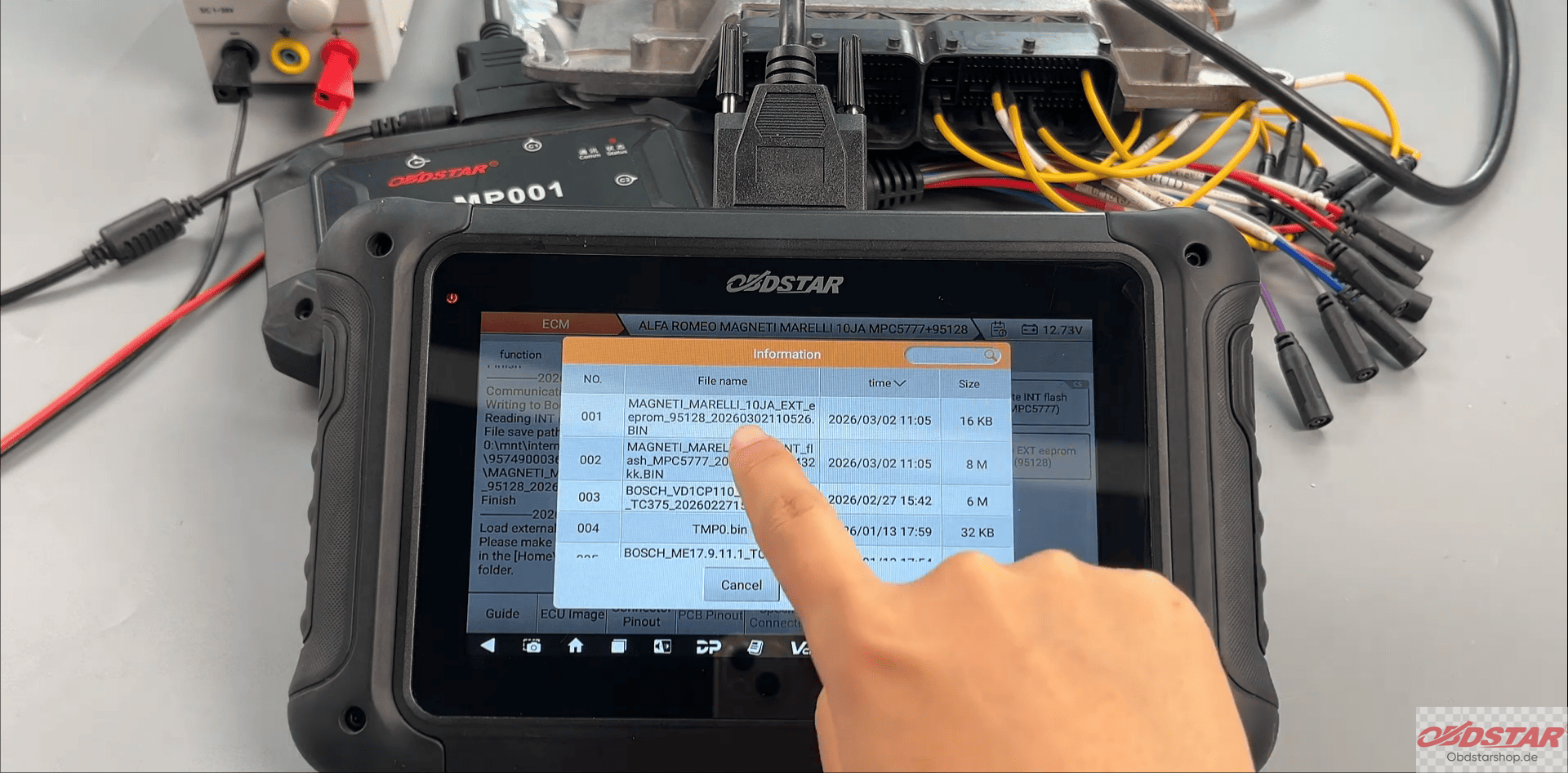
Tap [Load External Data] and select the file you want to write. If modifications were made to the file, confirm the checksum process.
Complete the Process
Tap [OK] to write the data. When successful, the operation will be completed.
Using DC706 Programmer, you can easily read and write data on the ALFA ROMEO MM10JA ECM by following these simple steps. Always ensure connections are correct and backups are done before proceeding. With this tool, the process is fast and efficient.
Read also:
How to Export Data from OBDSTAR DC706
How to Read and Write SsangYong ECU with OBDSTAR DC706
Leave a Reply