




In this article, we will demonstrate how to perform a full diagnostic process on a SEA-DOO (BRP) jet-ski using OBDSTAR MarineMaster. This powerful marine diagnostic tool allows technicians to quickly access ECU data, read fault codes, and perform advanced functions with ease.
What You’ll Need:
OBDSTAR MarineMaster A+B
Main cable
M043 Dedicated Cable
A new key (optional for related operations)
Steps
1. Connect the Device
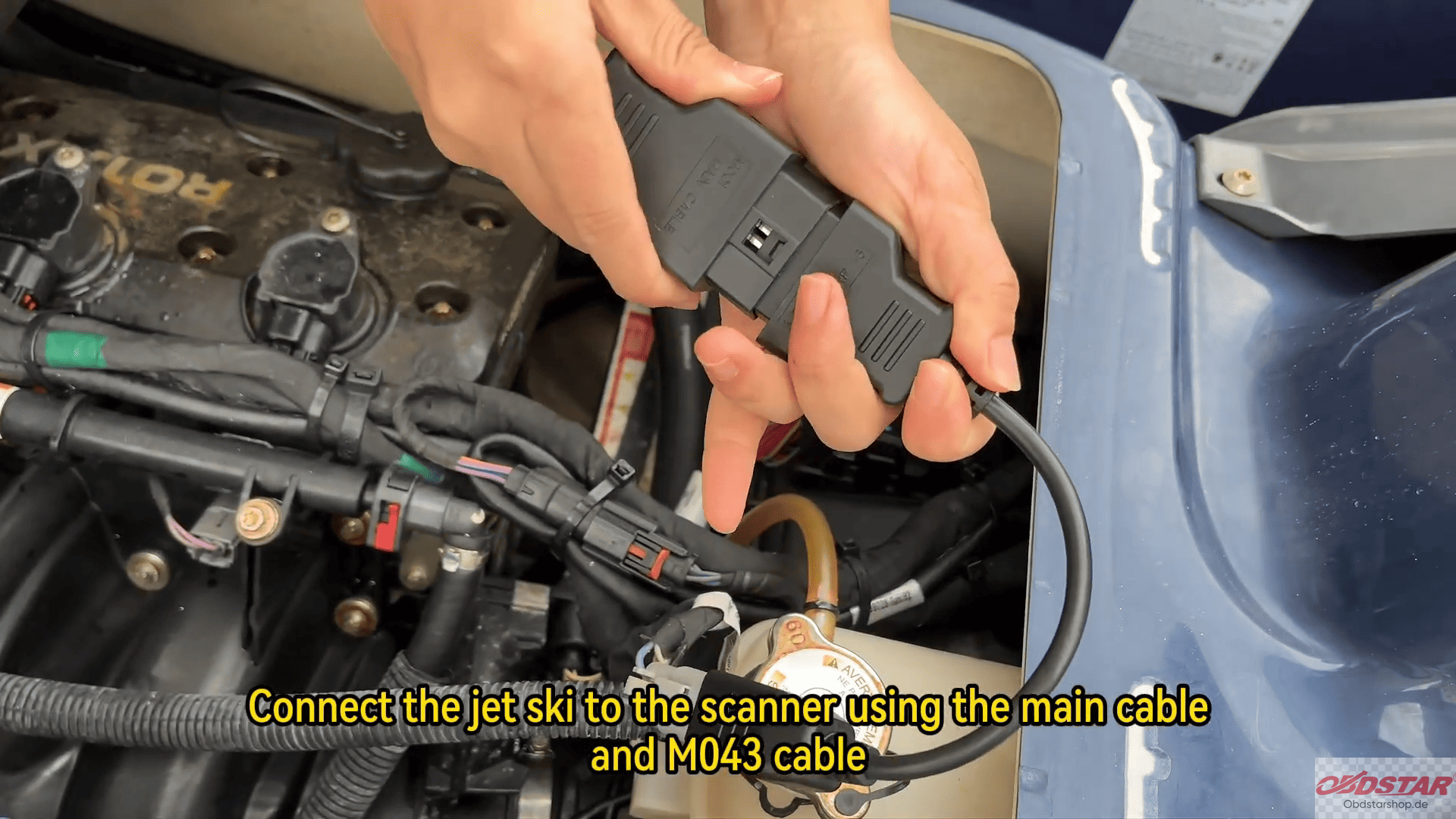
Start by connecting the OBDSTAR MarineMaster to the jet-ski using the main cable and M043 dedicated cable. Ensure all connections are secure before proceeding.
2. Access Marine Diagnostics
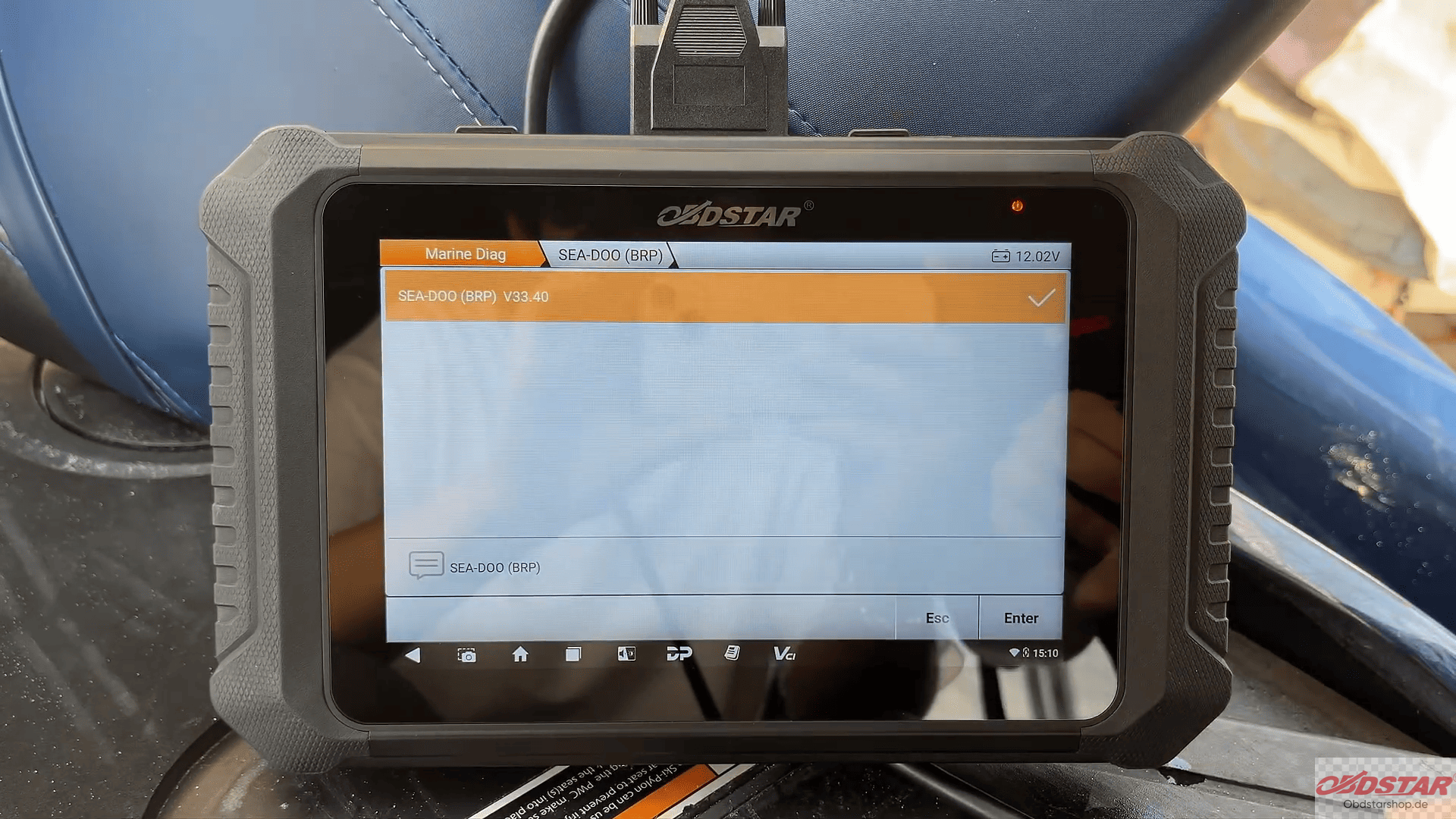
Tap [Marine Diag] on the main interface
Select [Jet Ski]
Choose [SEA-DOO (BRP)]
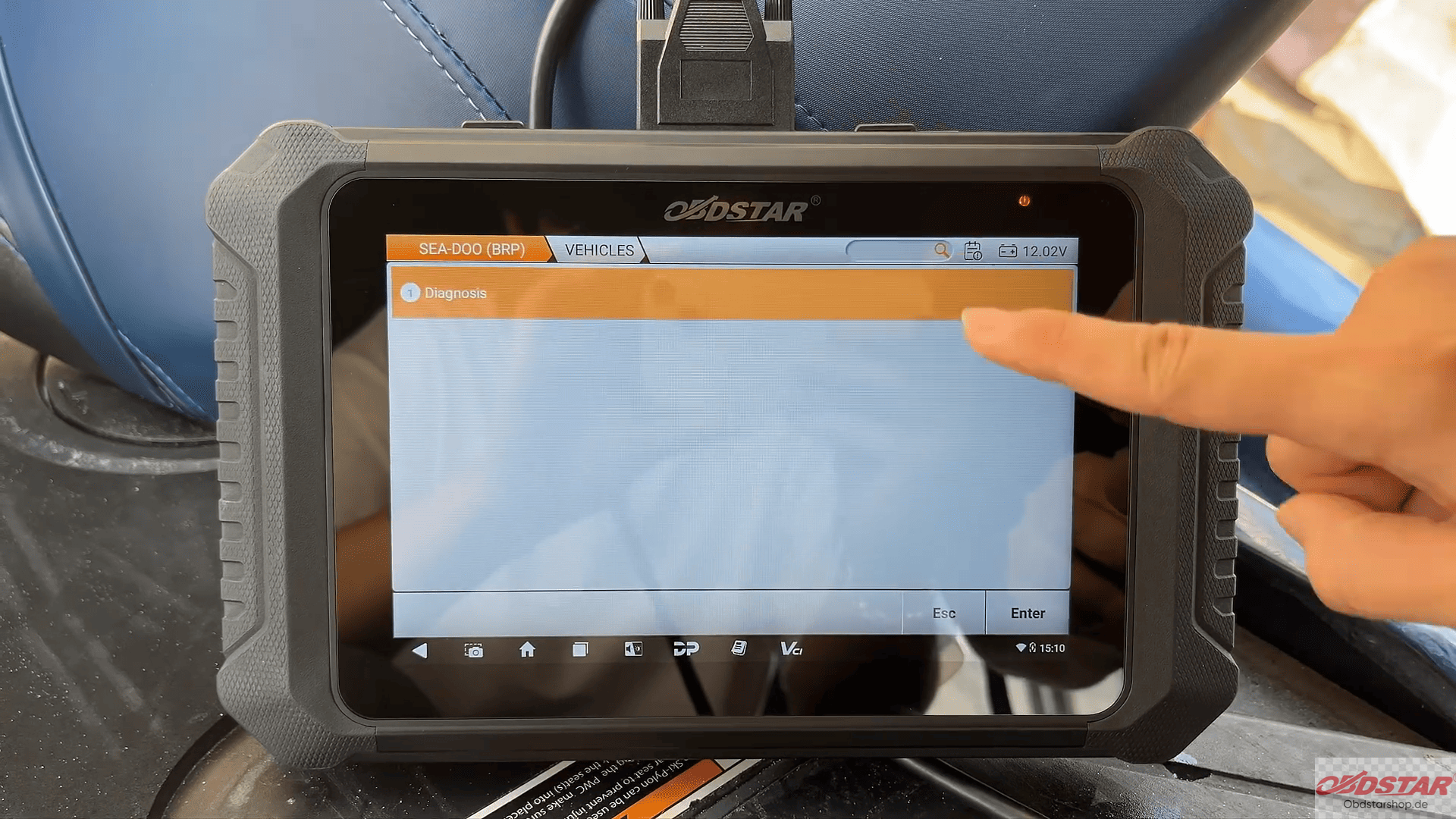
Tap [Diagnosis]
3. Select System and Scan
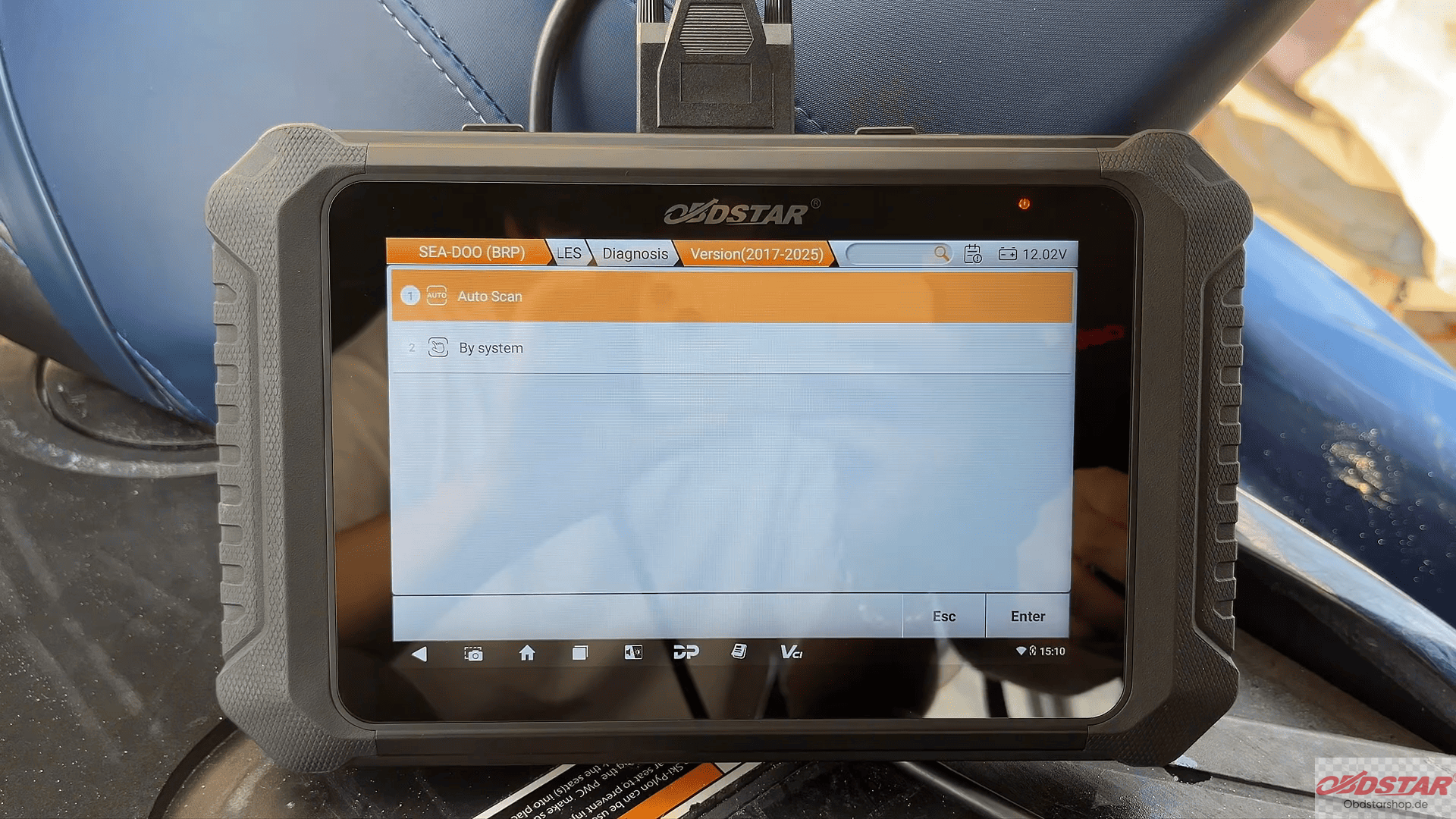
Choose the latest software version
Tap [Auto Scan] to begin system detection
Tap [OK] to confirm
At the bottom of the screen, tap [Scan ECU], then select [ECM] to access engine control module data.
4. View ECU Information
Once connected, you can view detailed diagnostic session information, including system status and ECU details.

5. Perform Diagnostic Functions
With OBDSTAR MarineMaster, you can perform multiple key diagnostic operations:
Read DTC (Diagnostic Trouble Codes): Identify faults in the system

Read Live Data: Monitor real-time engine parameters
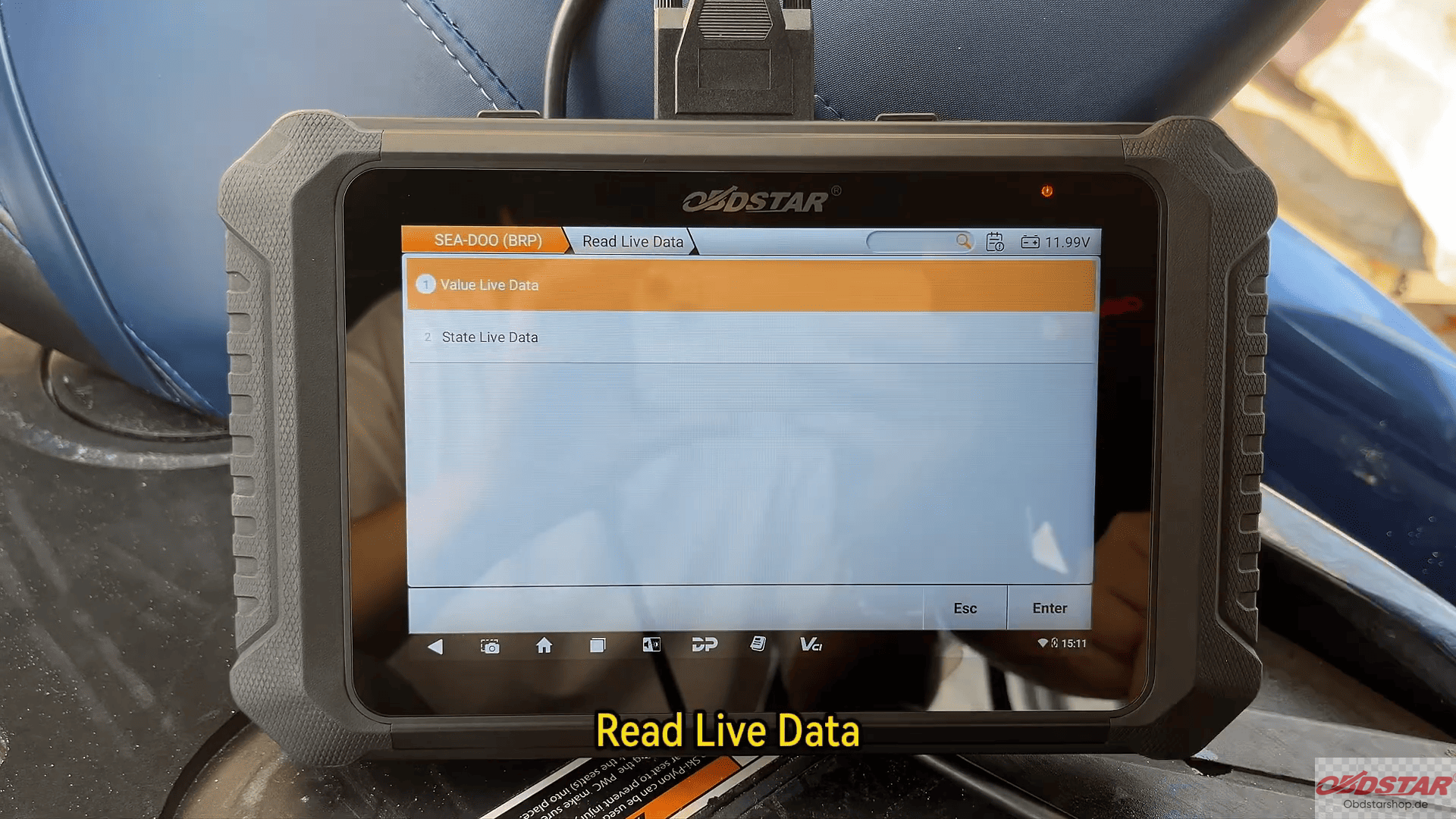
Special Functions: Access advanced features for deeper diagnostics and system control

Conclusion
Using OBDSTAR MarineMaster, diagnosing a SEA-DOO (BRP) jet-ski becomes fast and efficient. From scanning the ECU to reading fault codes and analyzing live data, this tool provides everything you need for accurate marine diagnostics.
Leave a Reply