
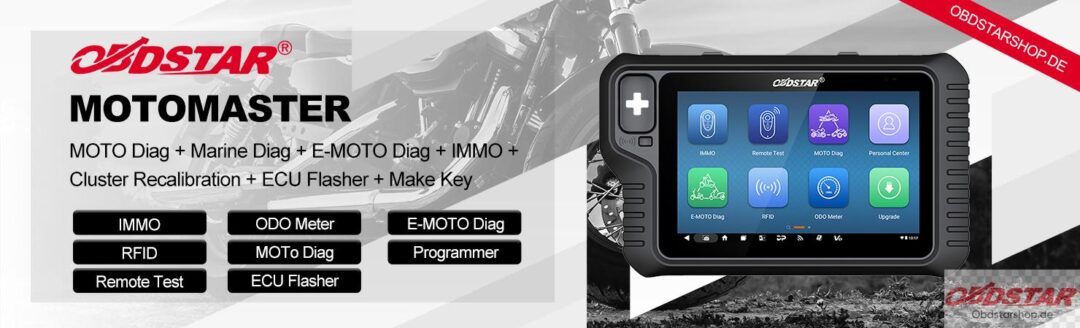

OBDSTAR MOTOMASTER supports gear sensor initialization and shift shaft reference value learning for compatible KTM motorcycles.
This tutorial demonstrates both procedures on a KTM 1290.
1. Gear Sensor Initialization
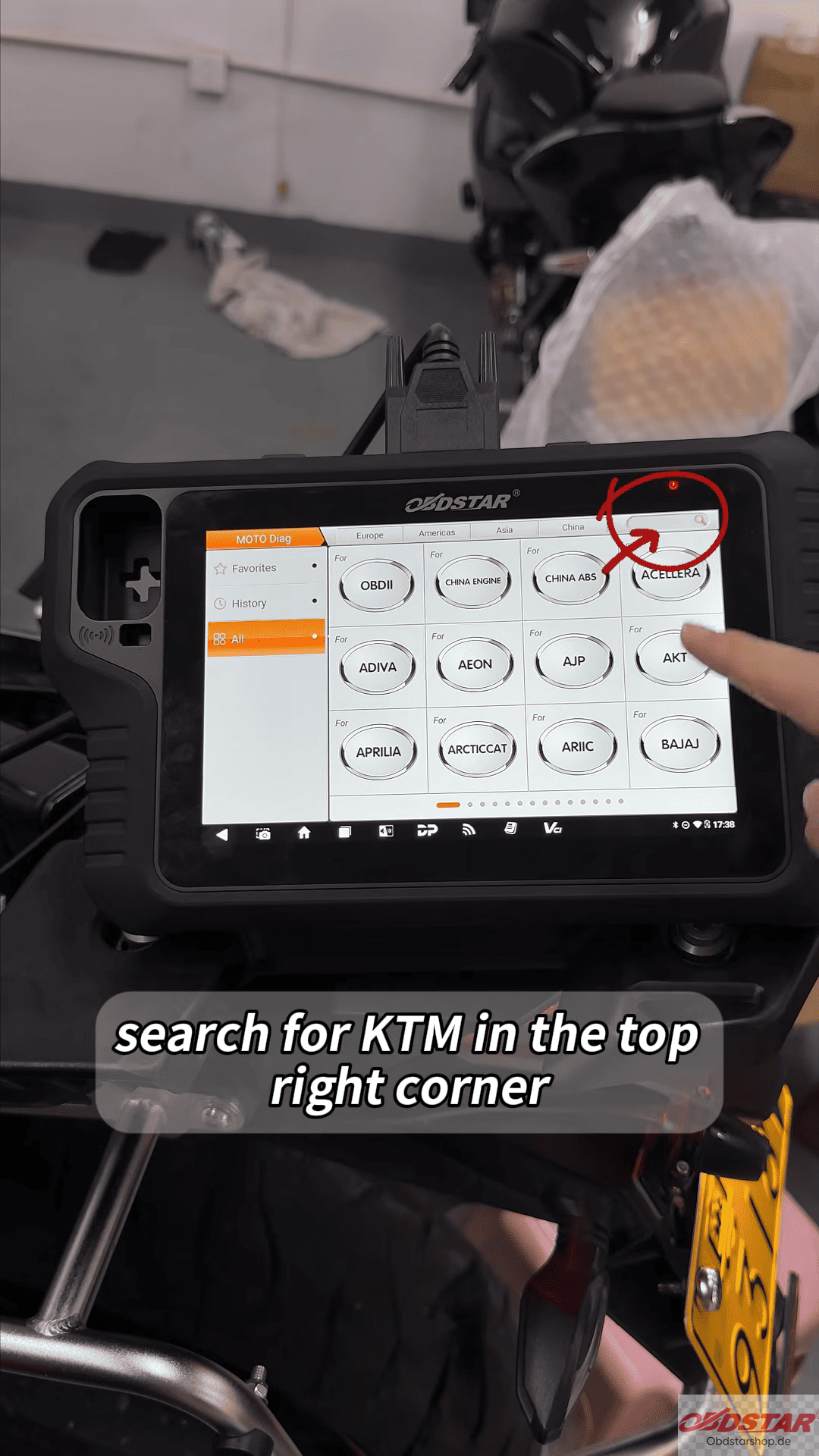
- Search for KTM and select the motorcycle by model.
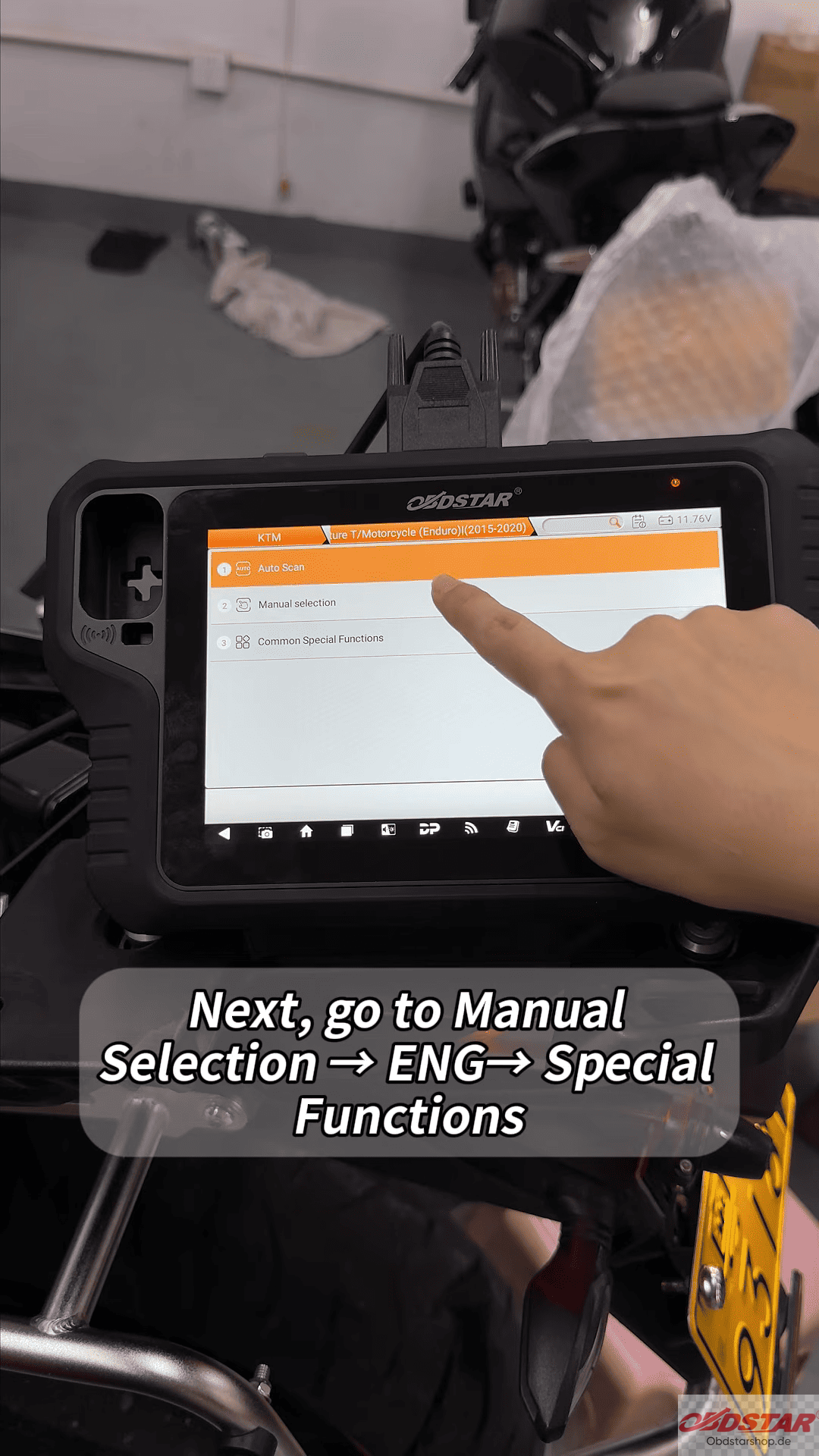
- Go to Menu Selection → ENG → Special Functions.
- Select Gear Sensor Initialization.
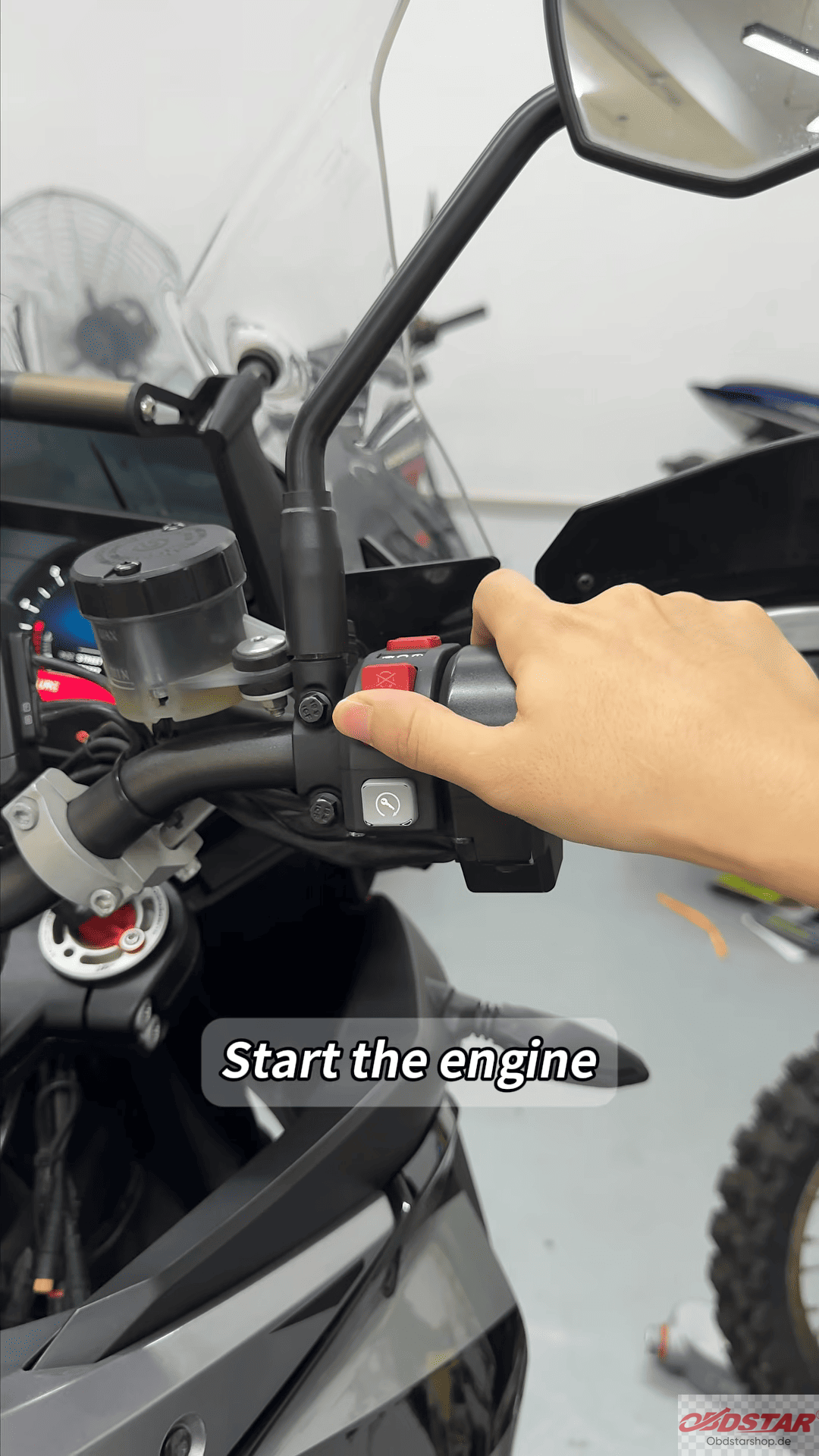
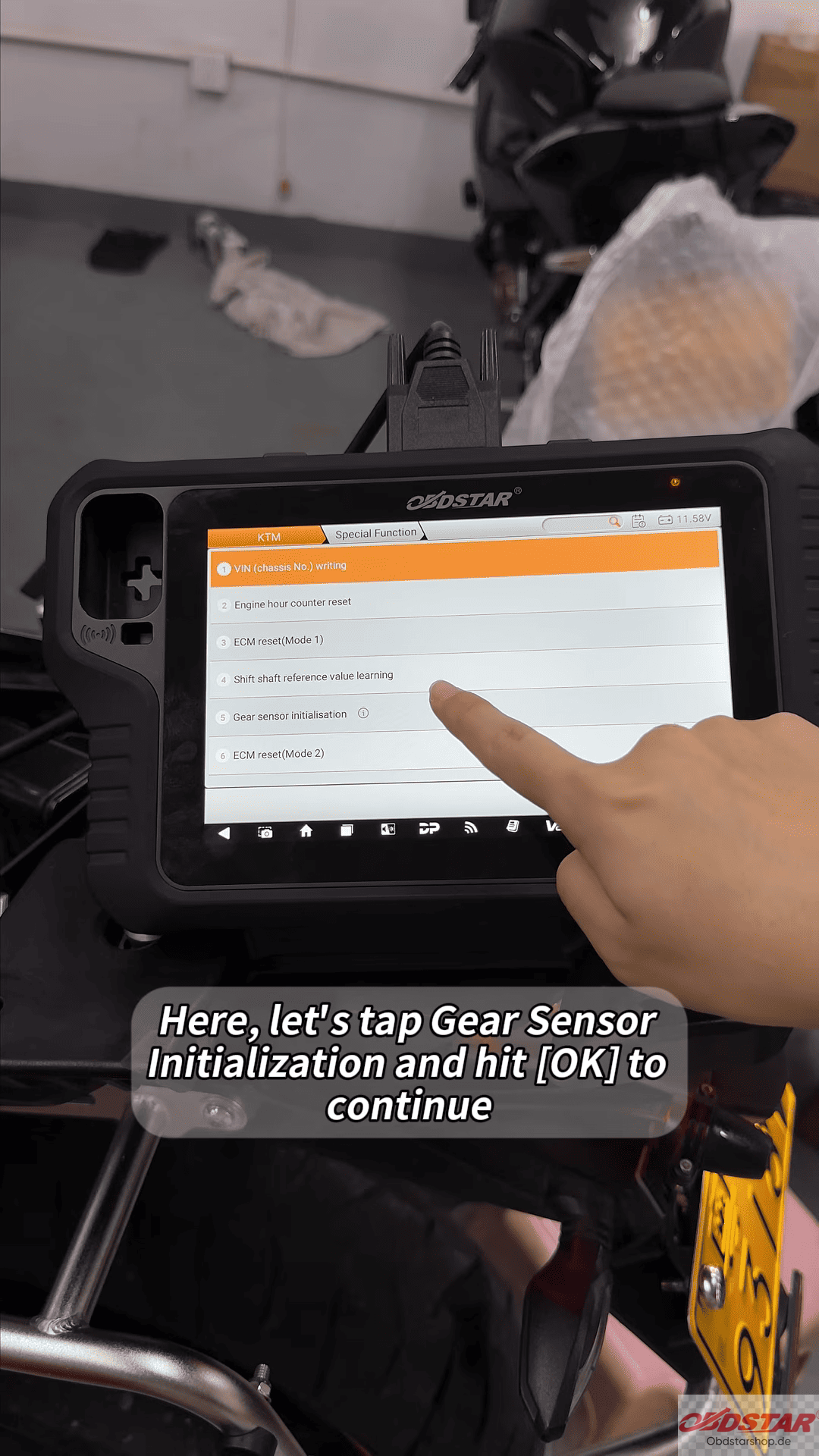
- Follow the on-screen instructions and press OK.
- Wait until the device confirms the operation is complete.
2. Shift Shaft Reference Value Learning
- Select Shift Shaft Reference Value Learning.
- Follow the device instructions and operate the quick shifter.
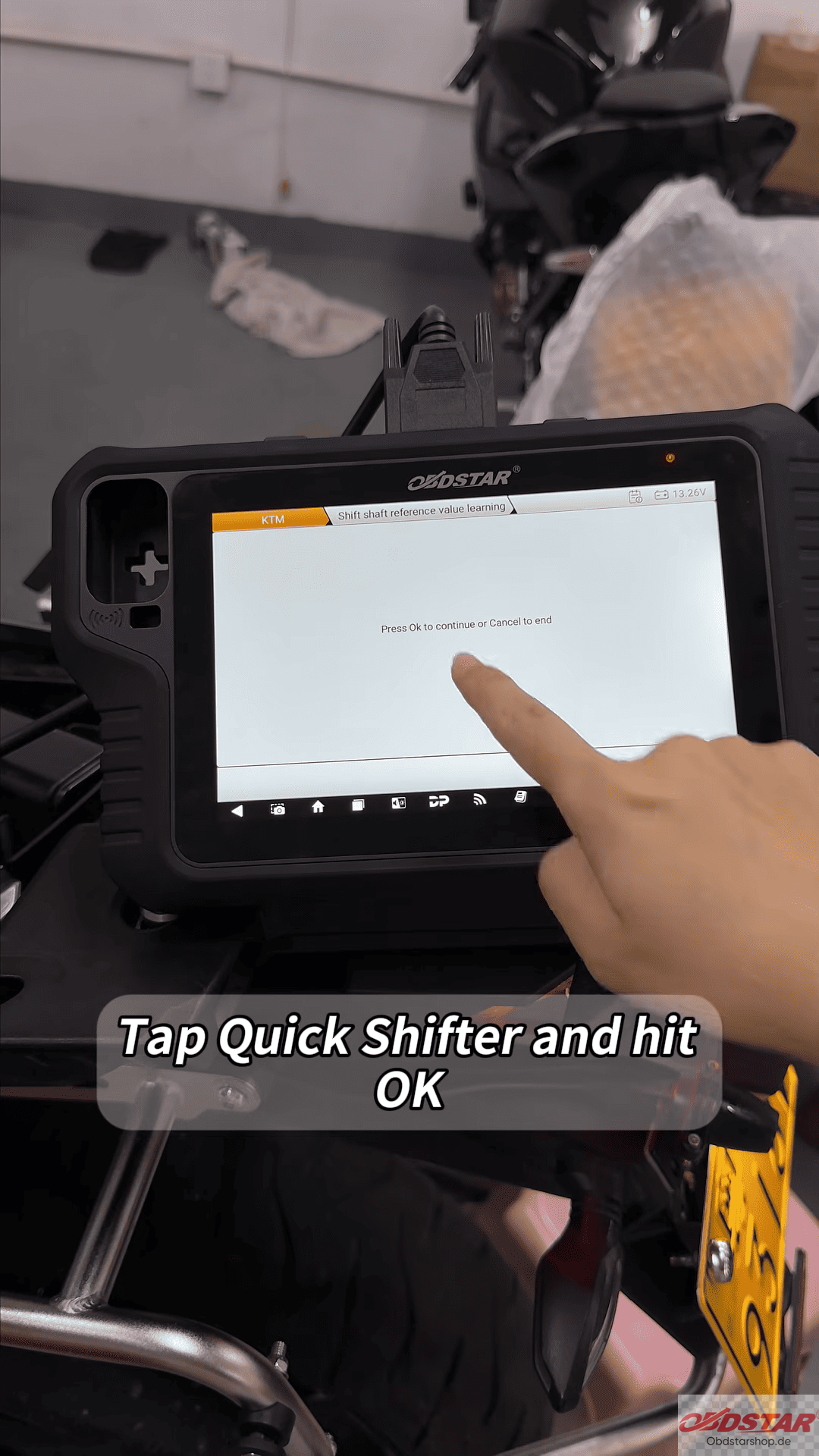
- Check the engine RPM displayed on the screen.
- Shift into 6th gear, then return to Neutral.
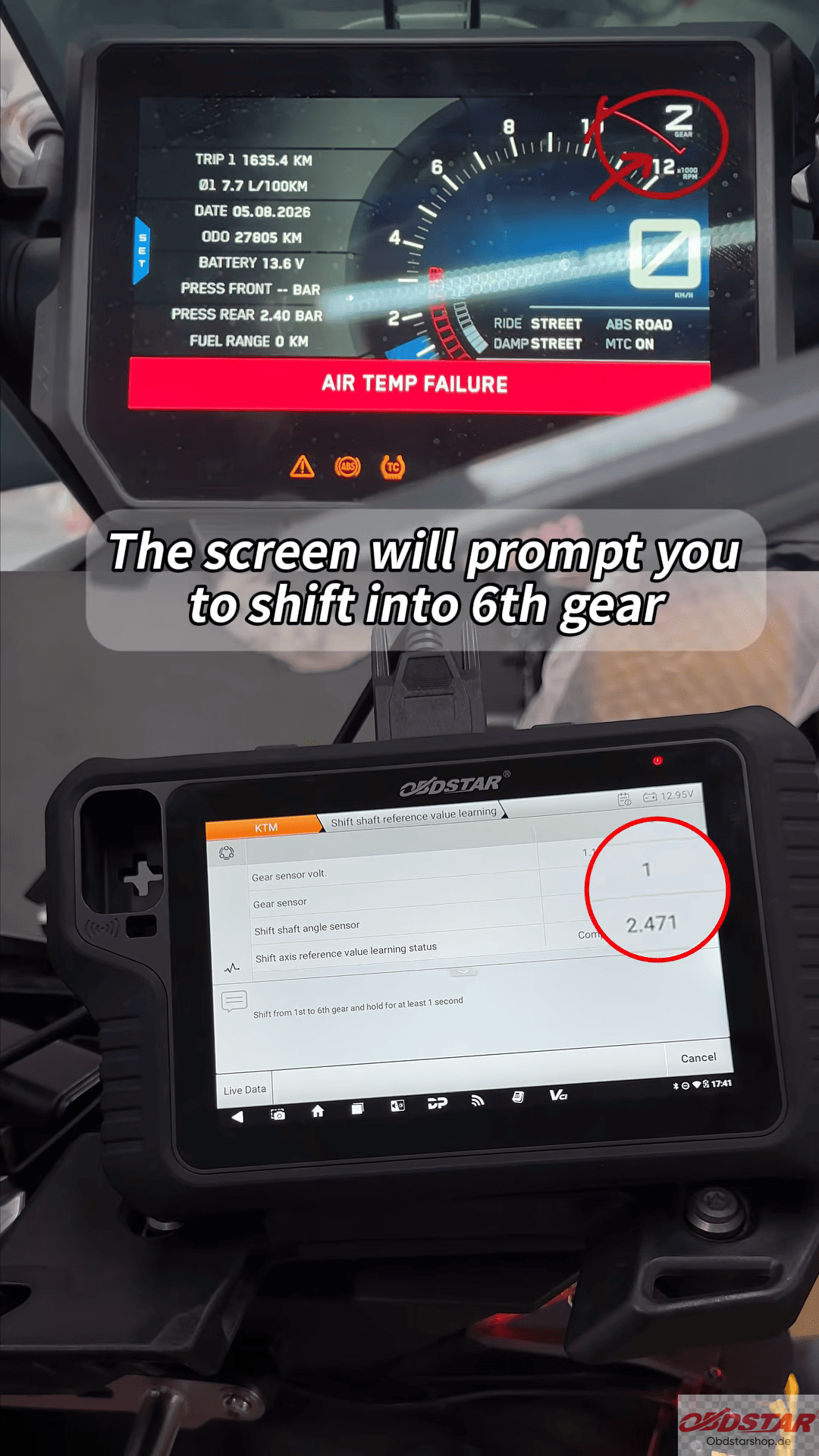
- Wait for the learning process to finish and confirm the success message.
Important Notes
Perform gear sensor initialization or the required adaptive parameter reset before shift shaft reference value learning.
These operations may cause gear indicator issues or affect cruise control and aftermarket functions.
If the gear display malfunctions, refer to the manual gear calibration tutorial and technical bulletins in the OBDSTAR app.
Related post
How to Write Ducati VIN Codes with OBDSTAR MOTOMASTER
Tech support
E-Mail: sales@OBDSTARshop.de
WhatsApp: +86 15223201143
Tel: 0086-15223201143
Leave a Reply