

OBDSTAR ECU MASTER Configuration C supports bench-mode reading and writing of the internal Flash and external EEPROM data on the Mercedes-Benz EBS4+ module, without opening the ECU. It also supports one-click BIN file modification, helping technicians handle common data-related repair tasks.
This guide demonstrates how to connect ECU MASTER C and perform data backup, writing, and modification on a Mercedes-Benz EBS4+ module.
1. Connect the ECU MASTER to a computer using the USB cable and open the ECU Flasher software.
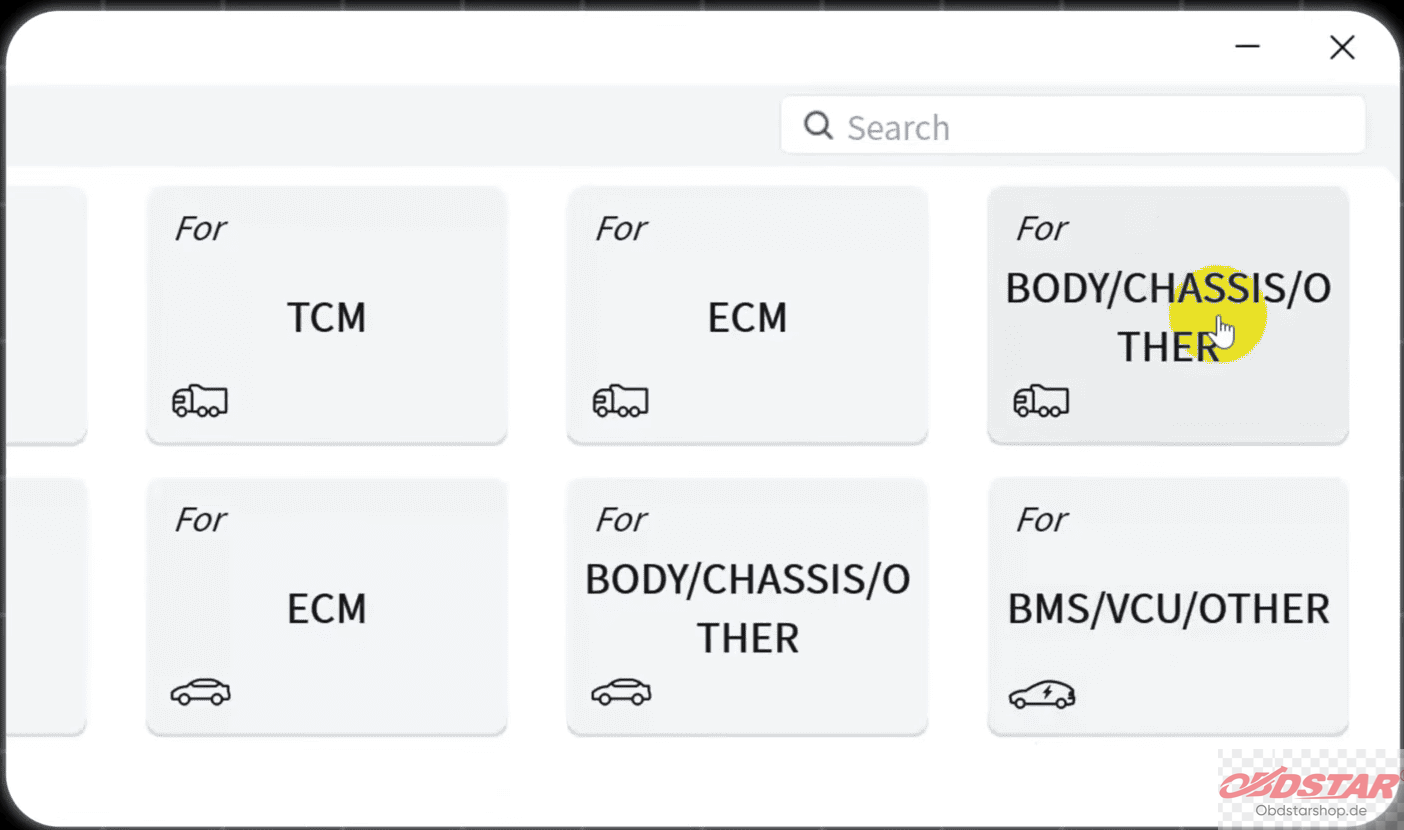
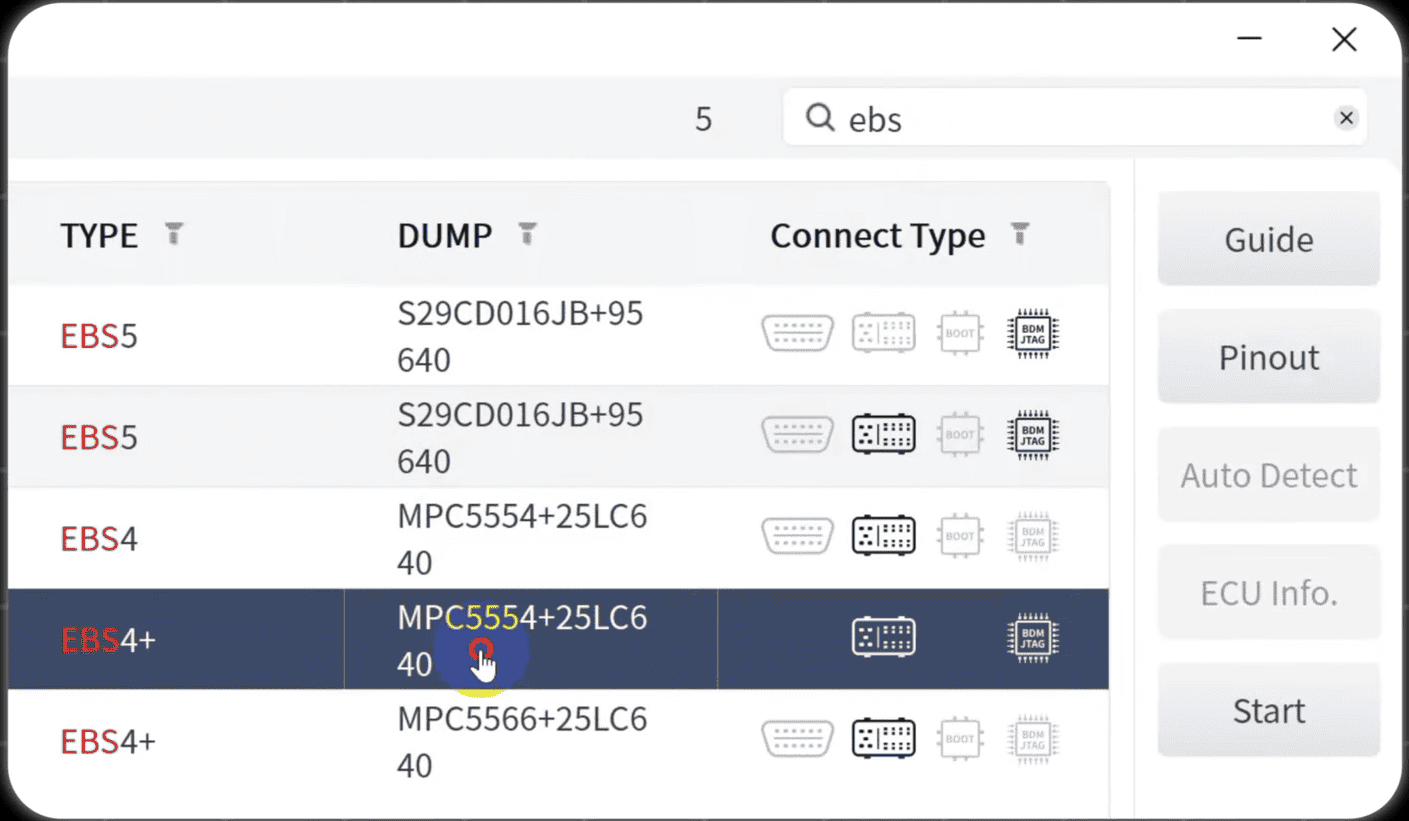
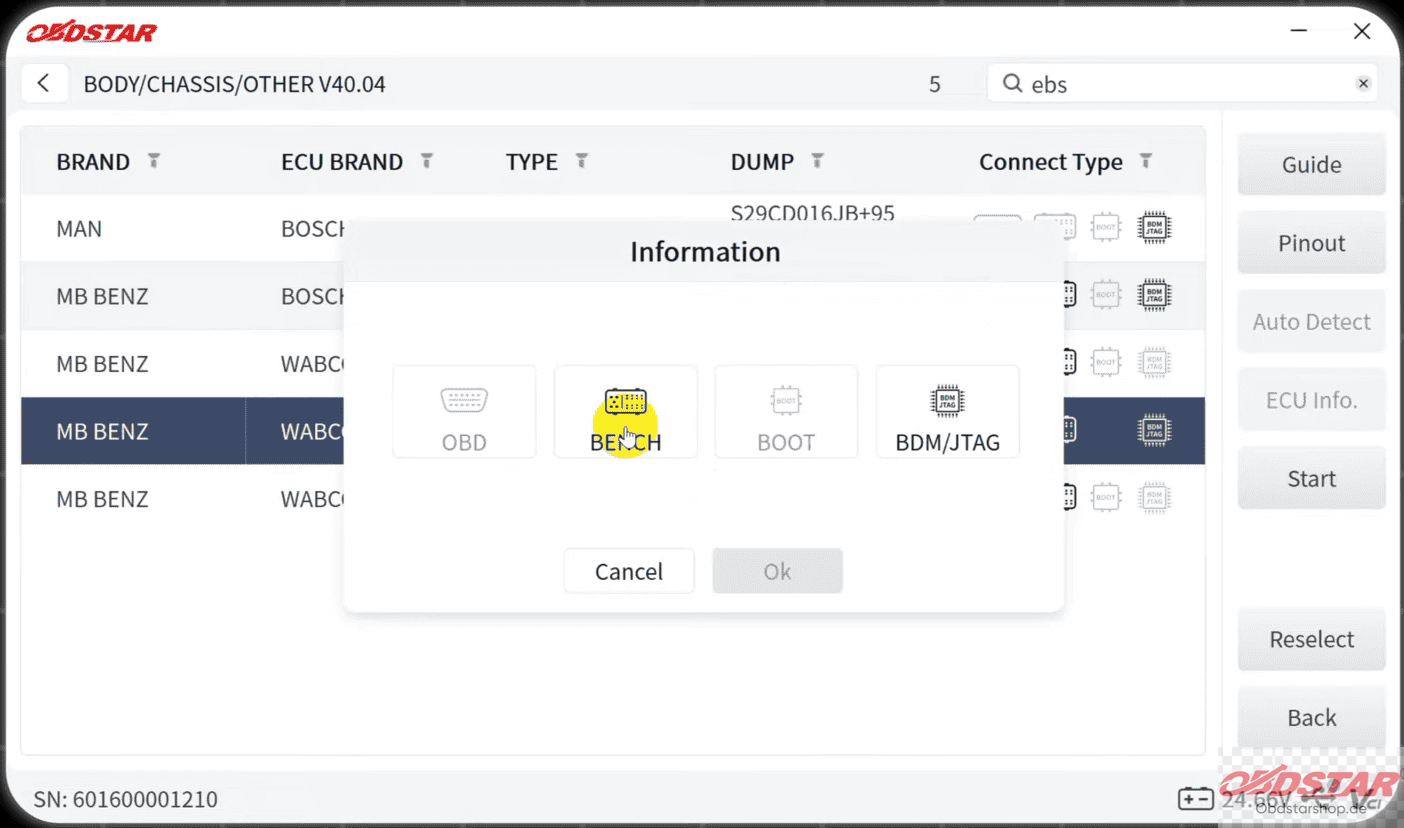
Select HD BCM, search for Benz EBS4+, and choose the corresponding MPC5554 chip model.
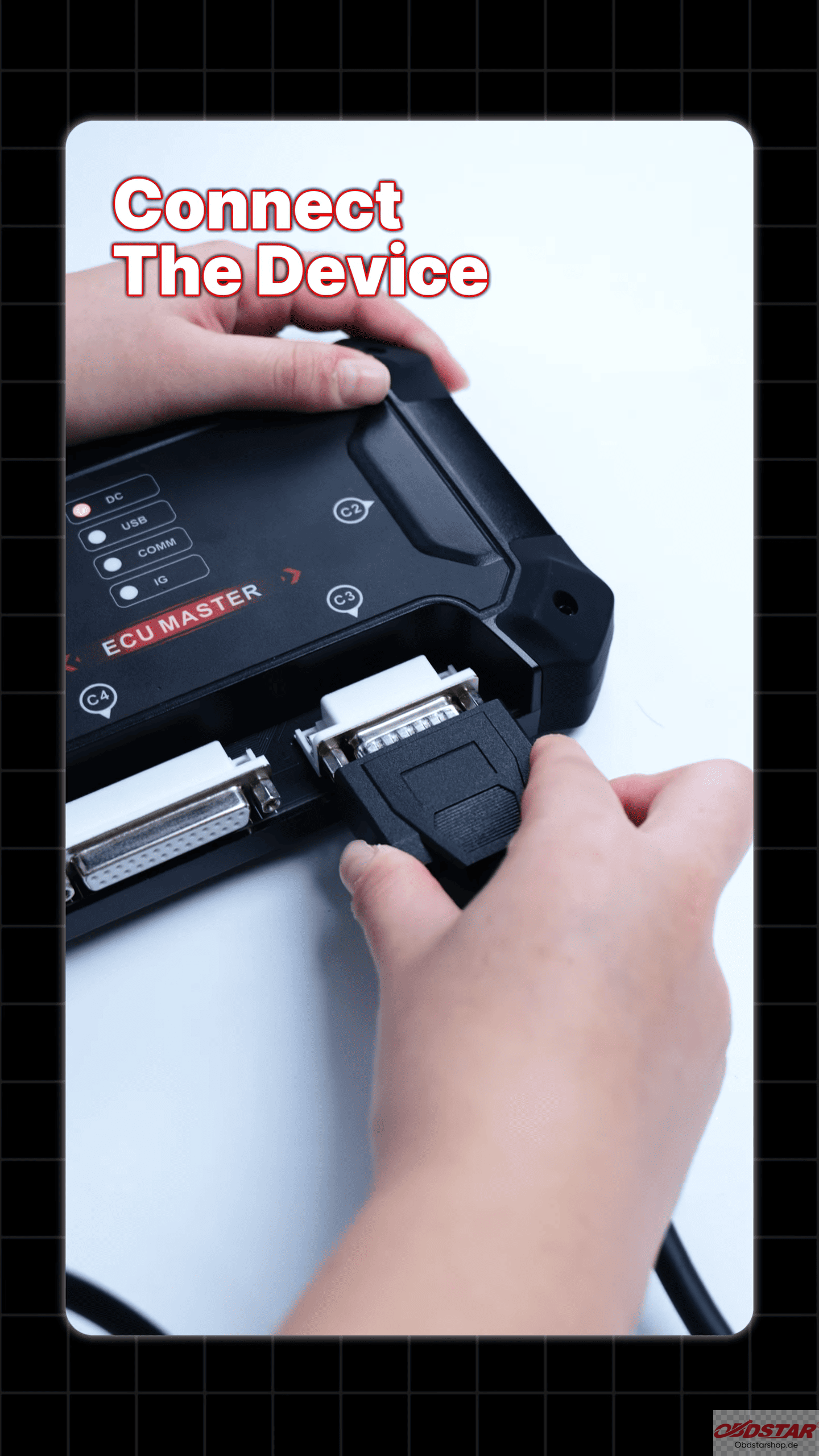
2. Connect the ECU MASTER to the EBS4+ module using Bench-D V1 cable and HD15 cable according to the wiring diagram.
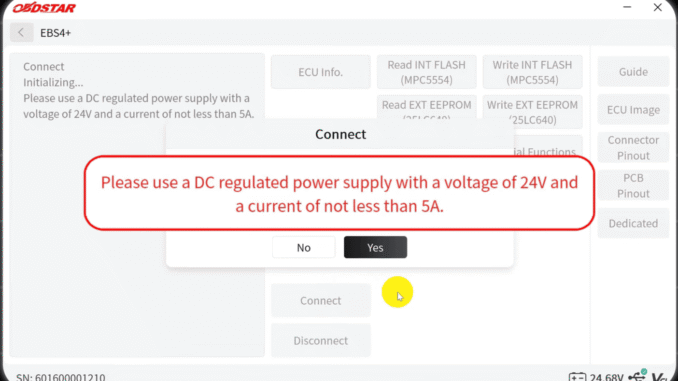
3. Connect a regulated power supply to the module. Use a 24V power supply rated at 5A or higher, as specified in the demonstration.
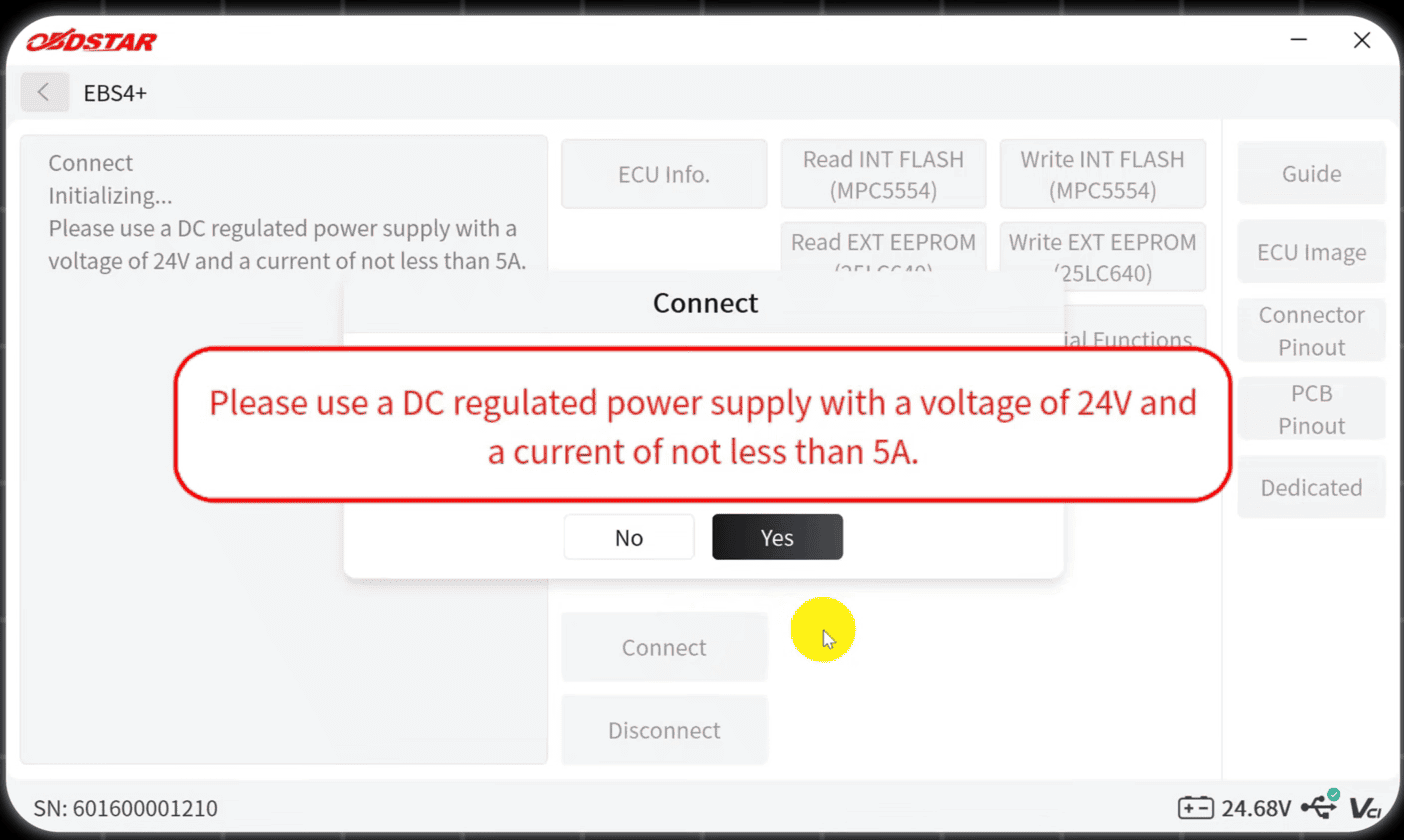
Once all connections are ready, click Connect in the software. Wait for the ECU MASTER to establish communication with the module.
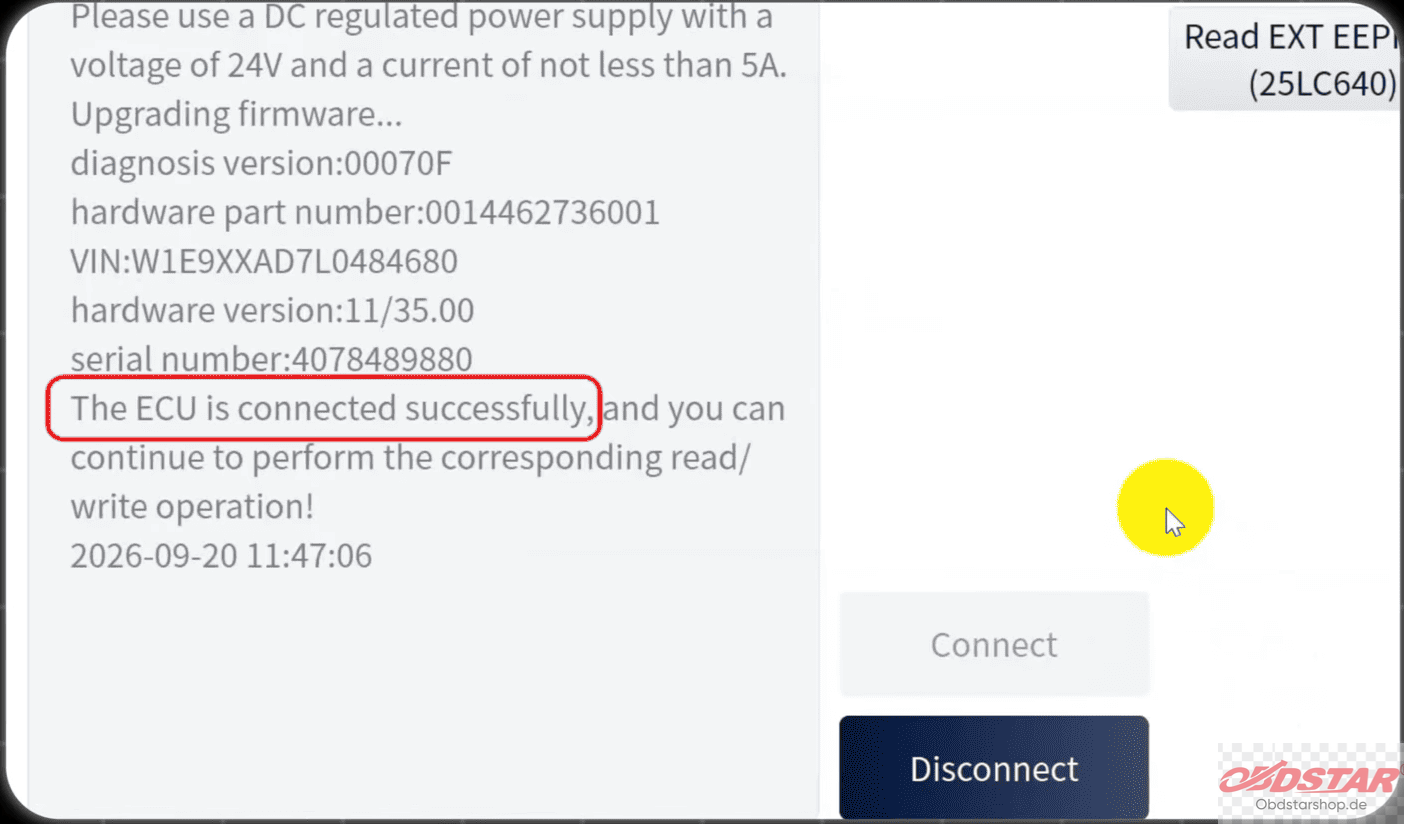
4. After a successful connection, back up the original module data before making any changes.
Select Read Int Flash to read the internal Flash data.
Select Read Ext EEPROM to read the external EEPROM data.
Save both files to your computer.
Keeping a backup of the original data is recommended before performing any writing or modification.
5. After backing up the original data, you can write the required files to the module.
Click Write EXT EEPROM.
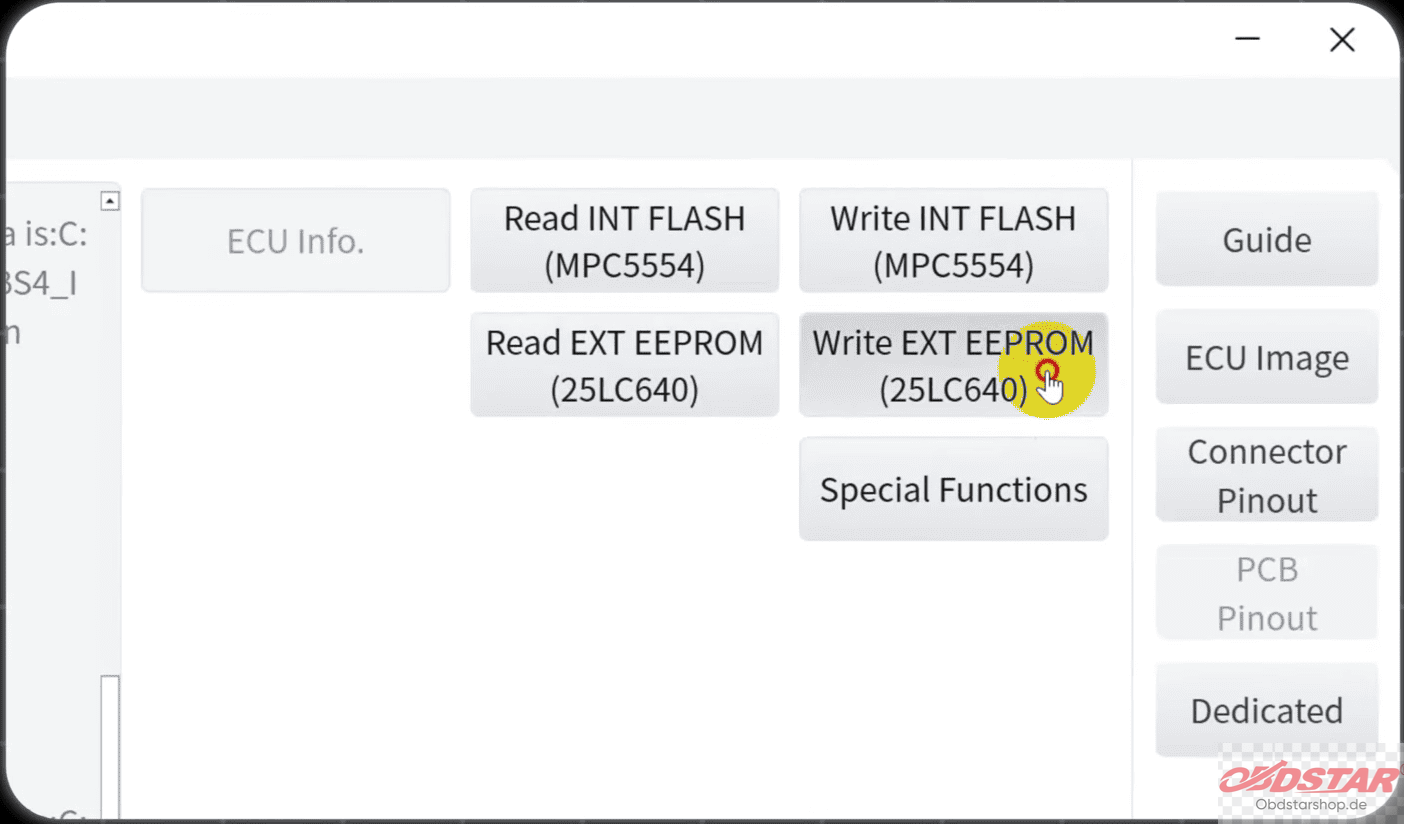
Select the target EEPROM file.
Start the writing process and wait for it to finish.
Once completed, select Write Int Flash.
Load the target internal Flash file and complete the writing process.
Follow the software prompts and do not disconnect the device or power supply while data is being written.
6. After writing the data, enter the Special Functions menu.
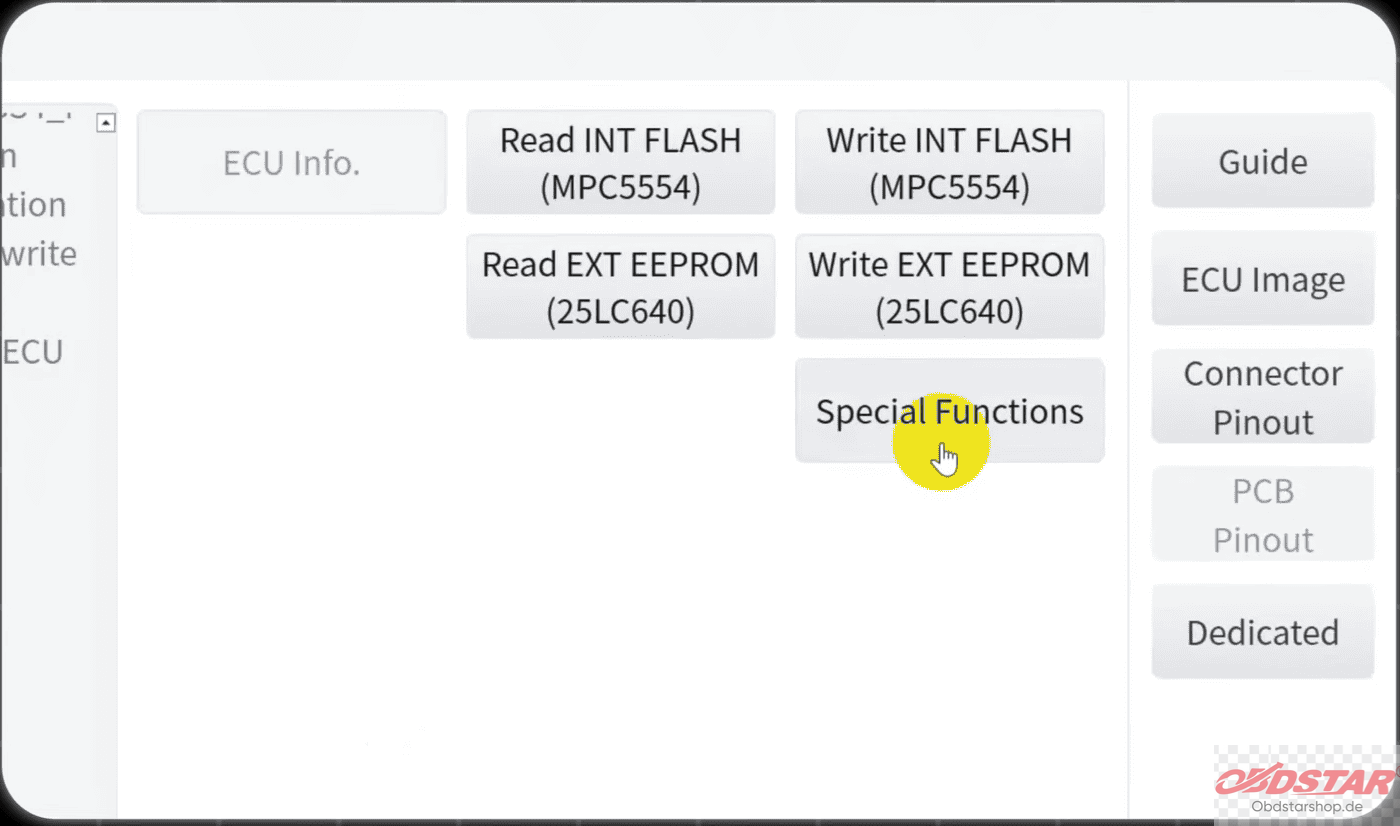
Select the appropriate function and follow the on-screen instructions. Check that the displayed information is correct, then click Yes to proceed with the modification.
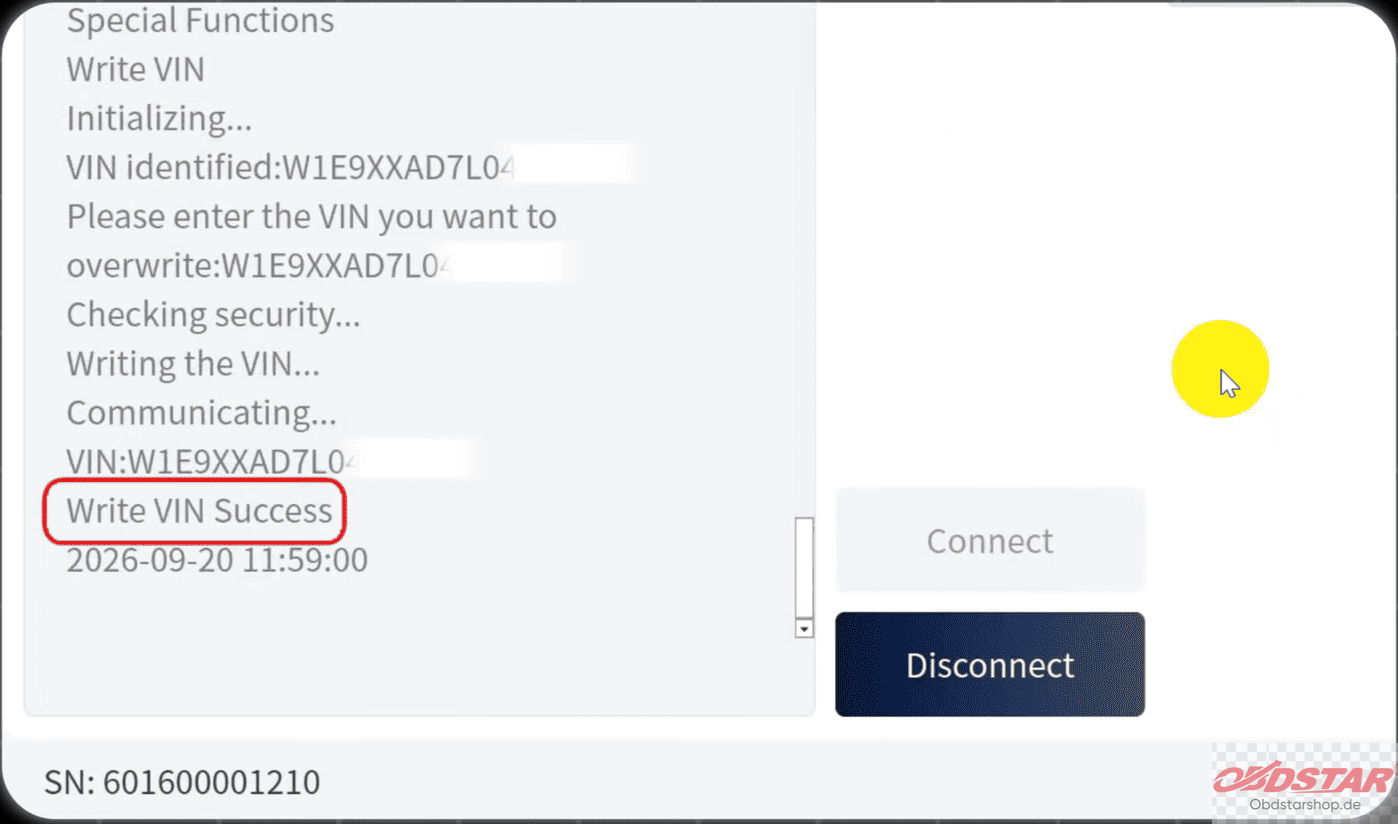
ECU MASTER C also supports one-click BIN modification, providing an additional option for technicians working on EBS4+ data-related repairs.
Leave a Reply