




Working with the Volvo MPS6 GEN3 TCM has never been easier thanks to OBDSTAR X300 Classic G3. In this guide, we’ll show you how to safely read and write TCM data on the bench.
Tools Needed:
KeyMaster G3
High-Power DC Regulated Power Supply
Main Cable
TCM-008 Special Wiring Harness
MP001 Programmer
Volvo MPS6 GEN3 TCM
1. Setup
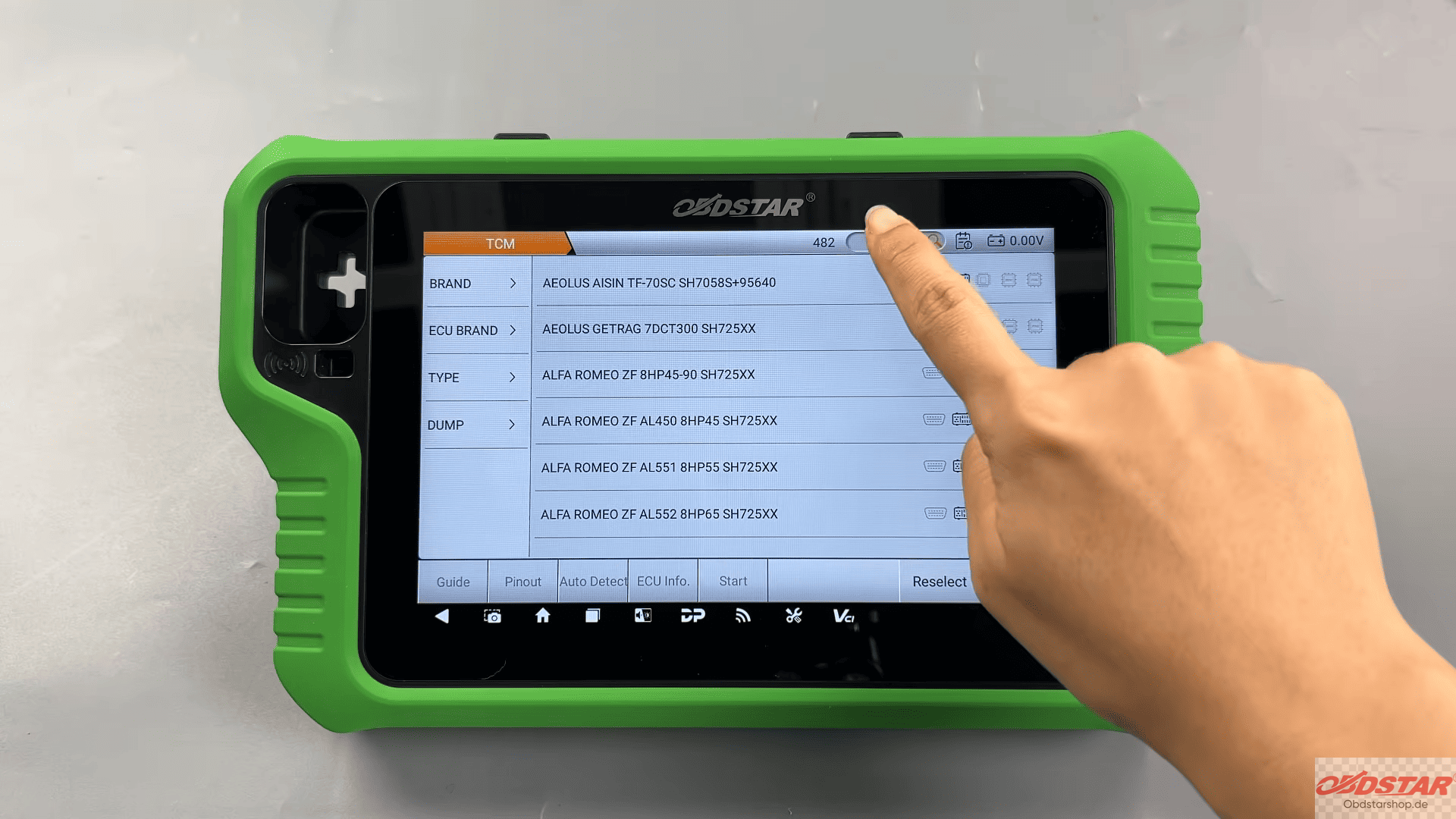
Update the software to the latest version. Select ECU Flasher → TCM and choose the correct software version. Search for your ECU model in the top-right corner.
2. Connect the ECU
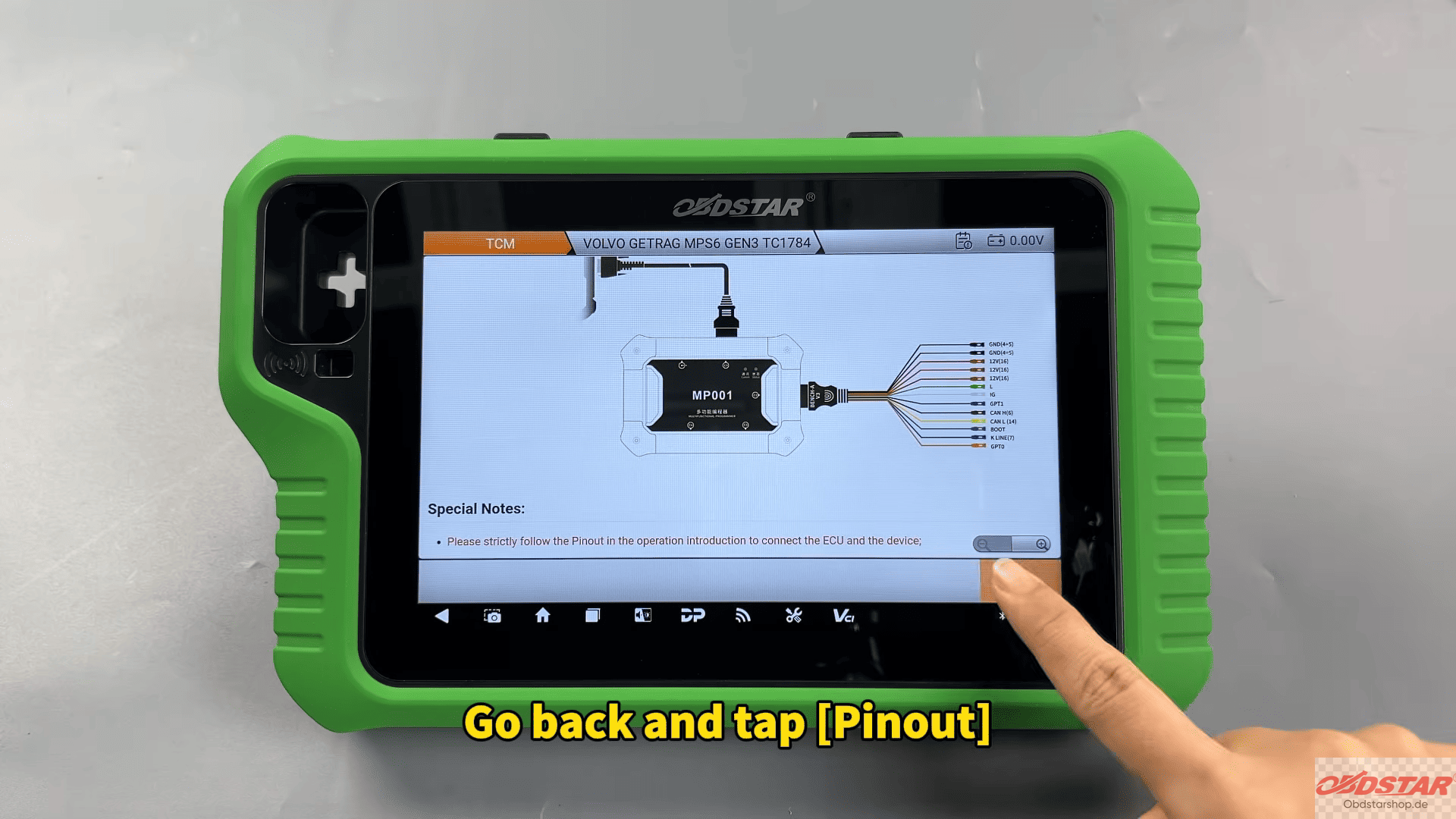
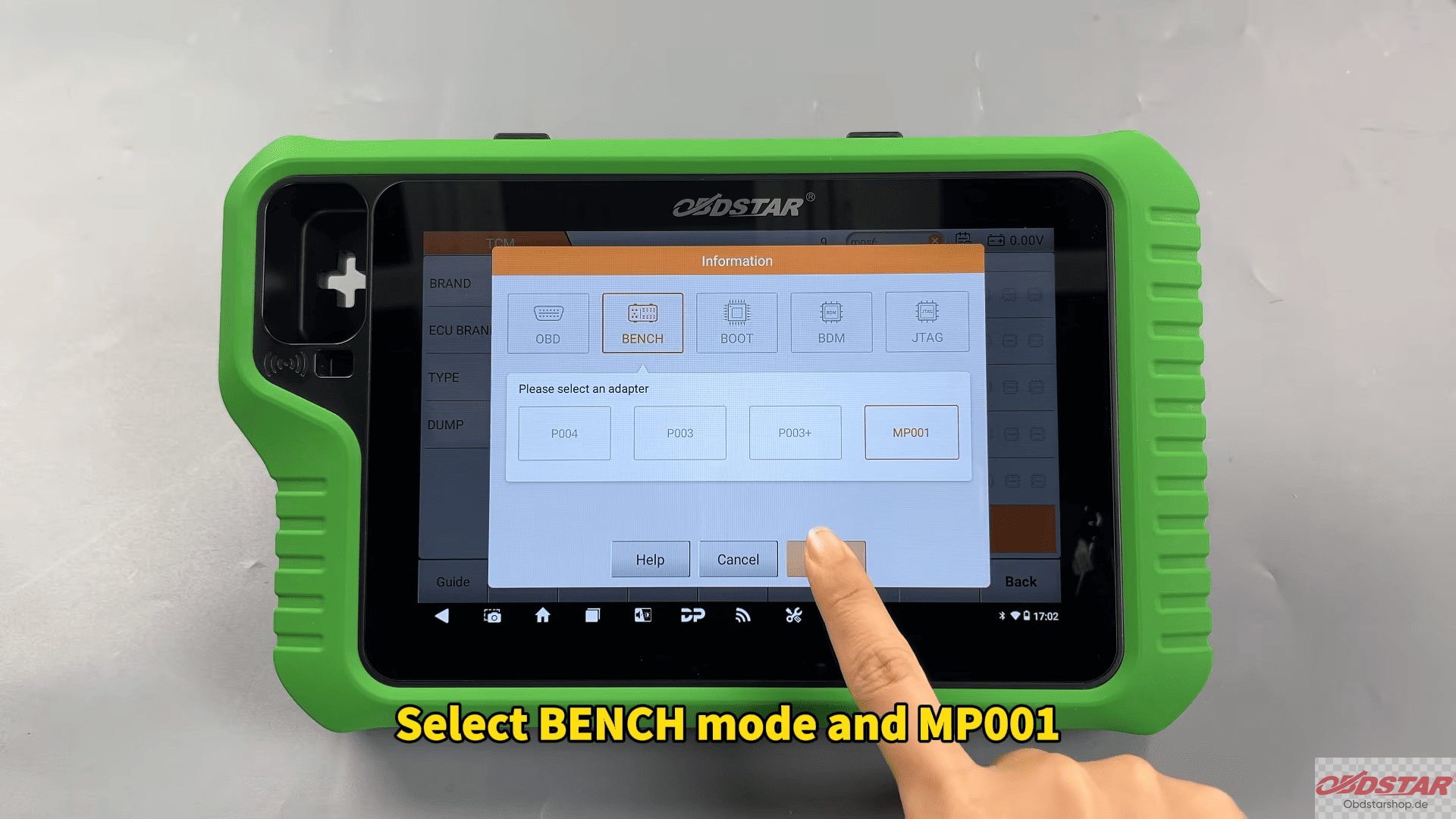
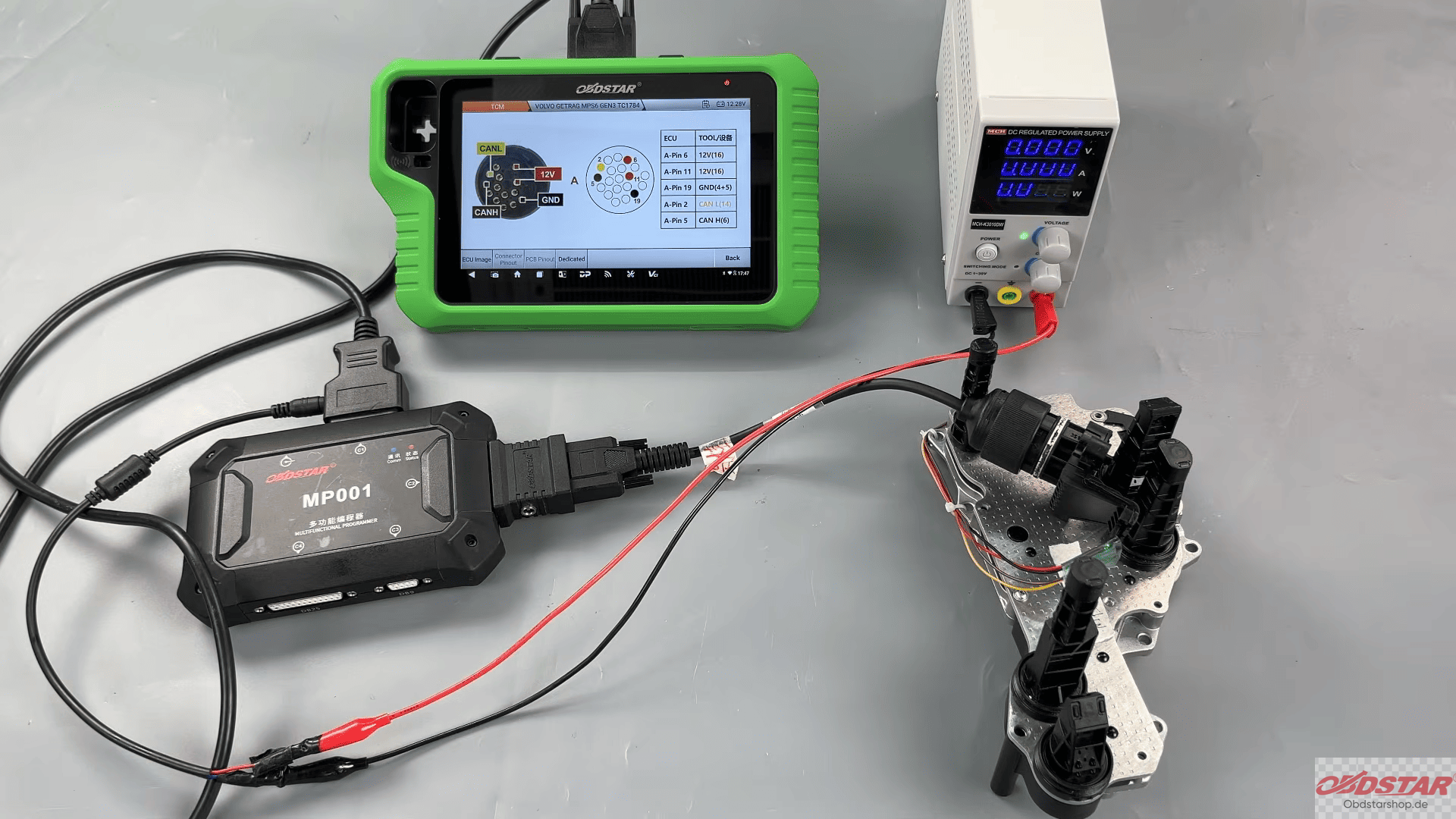
Tap Guide to check the wiring diagram, then tap Pinout. Select BENCH mode with MP001 and confirm the module appearance. Connect the cables as shown, and make sure to connect the 12V power supply.
3. Read Data
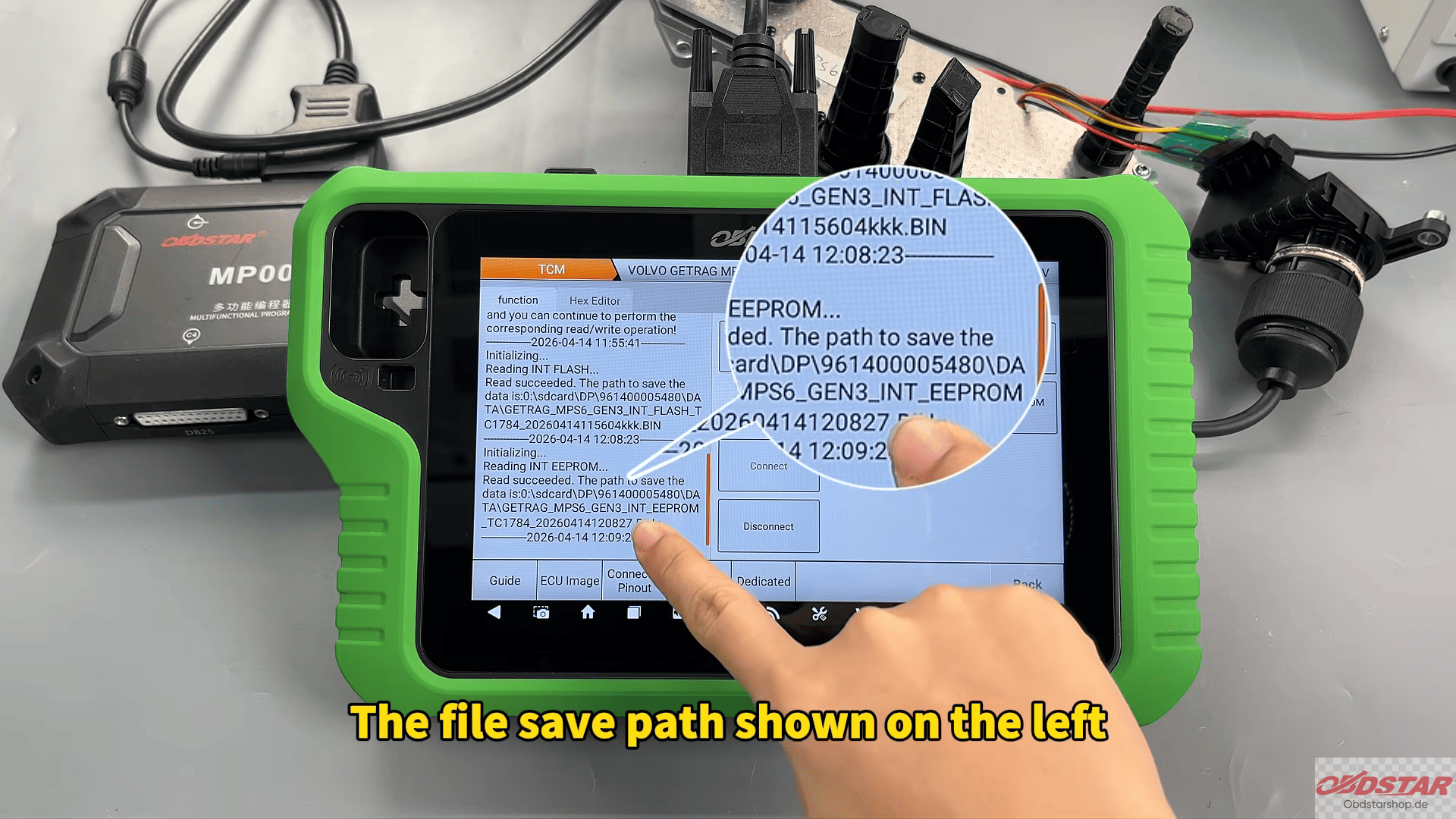
FLASH: Tap Start → Connect → Read FLASH → Save file
EEPROM: Tap Read EEPROM → Save file
4. Write Data
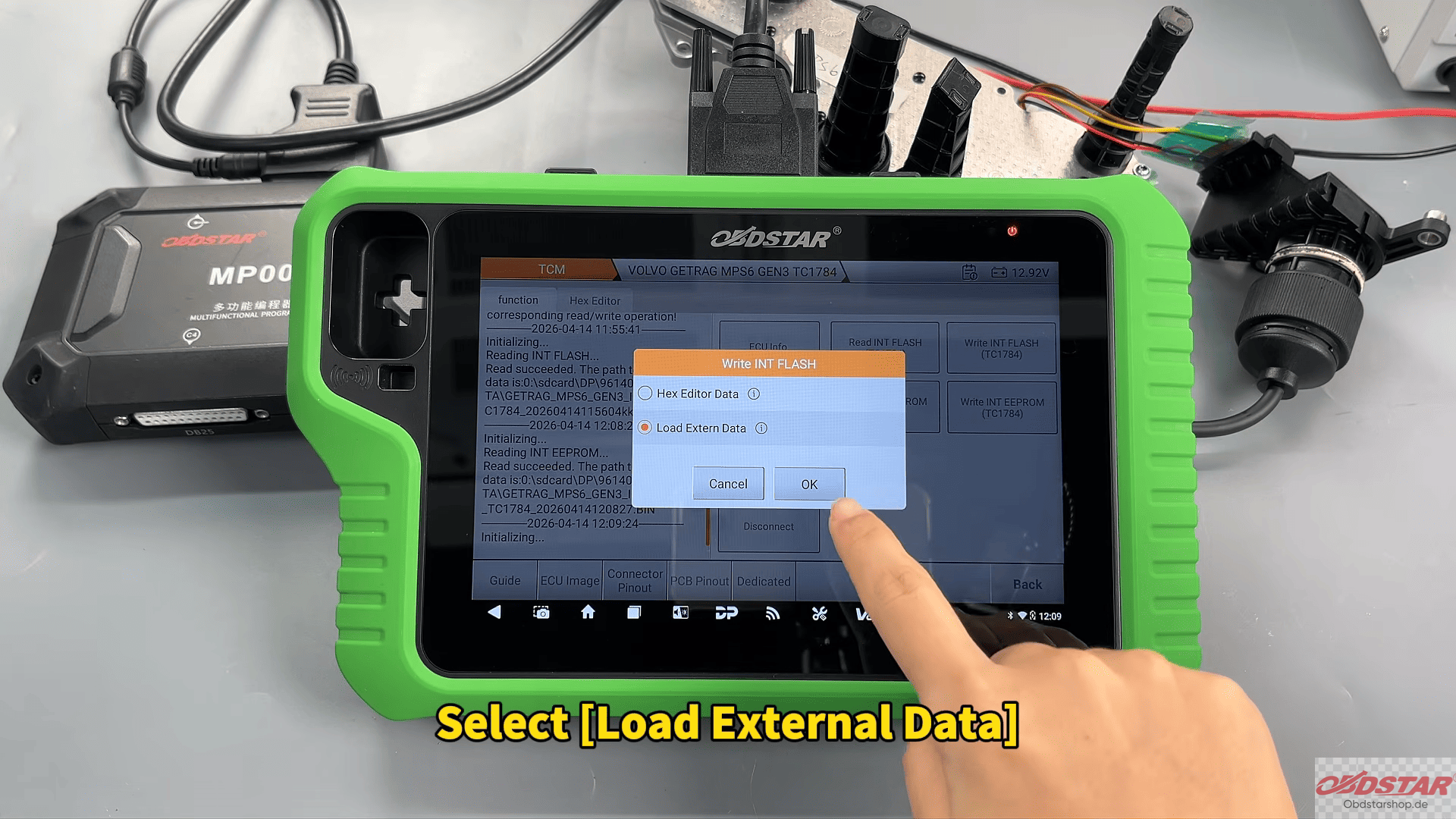
FLASH: Select Load External Data → Choose backup → Write → Confirm
EEPROM: Select Load External Data → Choose backup → Write → Confirm
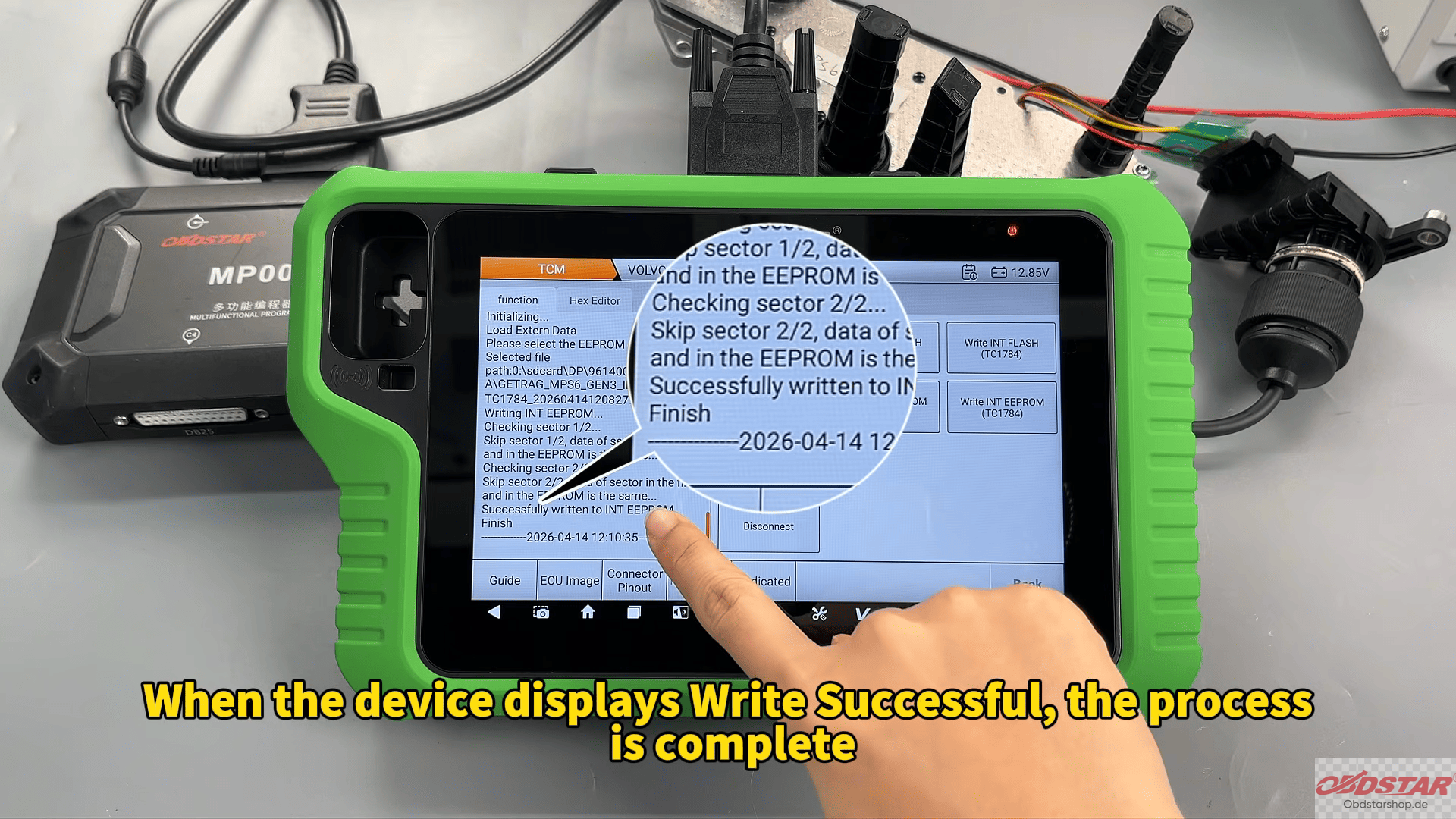
Once complete, the device will show Write Successful. Your TCM data is now safely updated and ready to use.
With OBDSTAR G3, bench programming your Volvo TCM is safe, efficient, and reliable.
Read also:
OBDSTAR G3 Clones KTM MG1CA094 ECU
Leave a Reply