



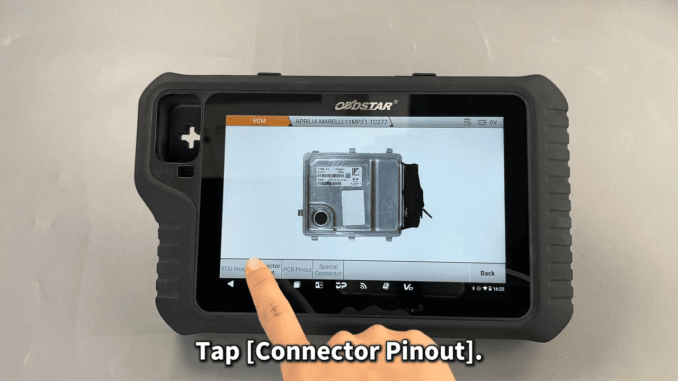
This post demonstrates how to read and write data on APRILIA 11MP.F1 TC277 ECM
Tools required:
MotoMaster
High-power DC regulated power supply
Main cable
Jumper wires
MP001 programmer
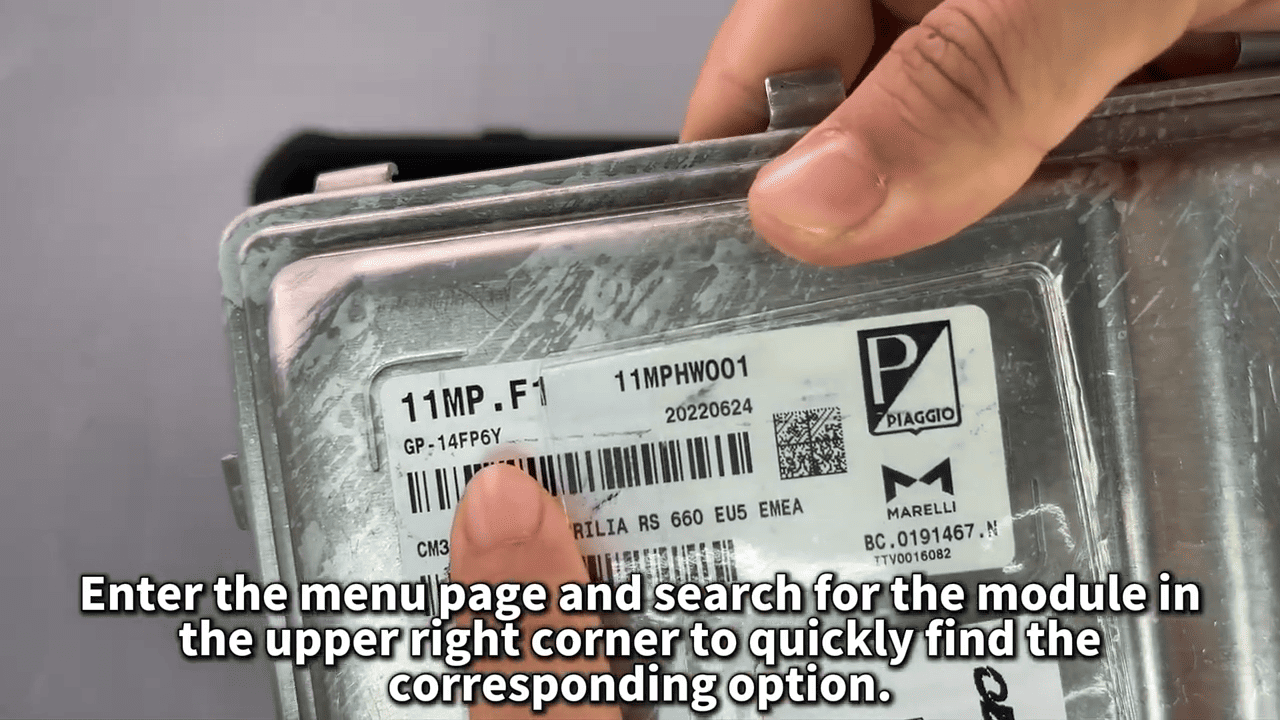
APRILIA 11MP.F1 ECM
Make sure to update the software to the latest version before we get started
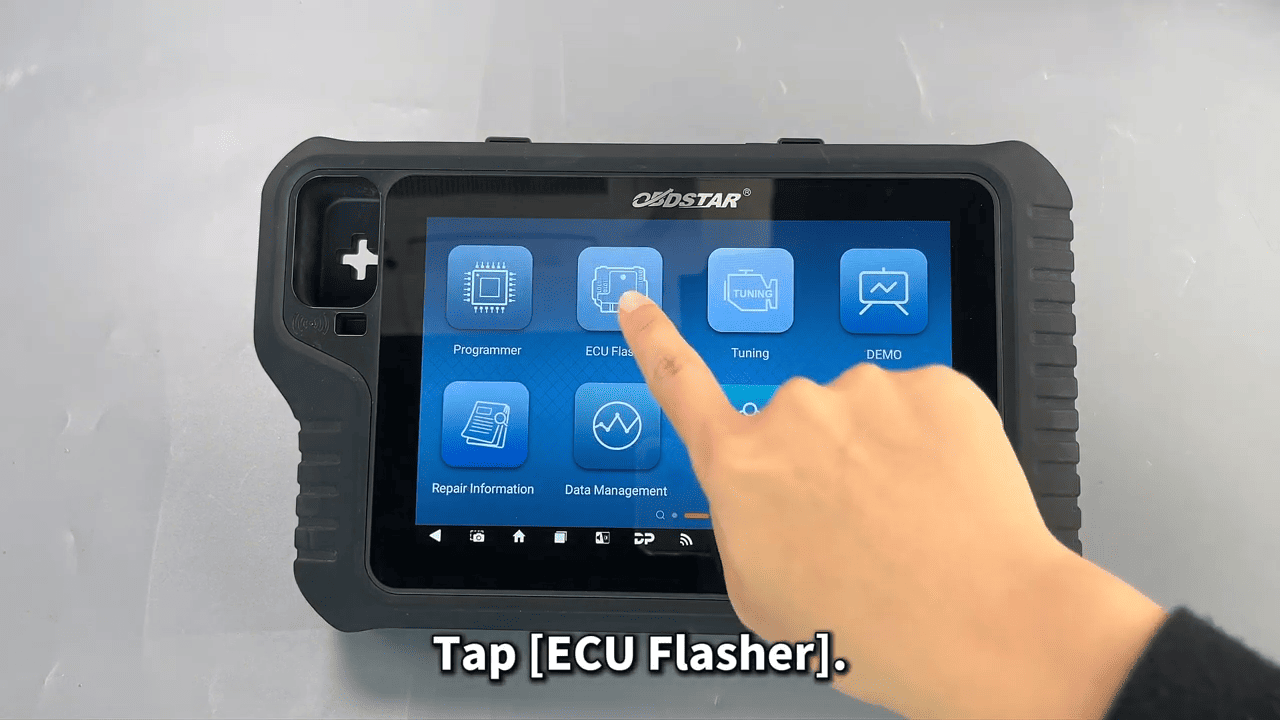
Tap [ECU Flasher]
Enter the menu page and search for the module in the upper right corner to quickly find the corresponding option
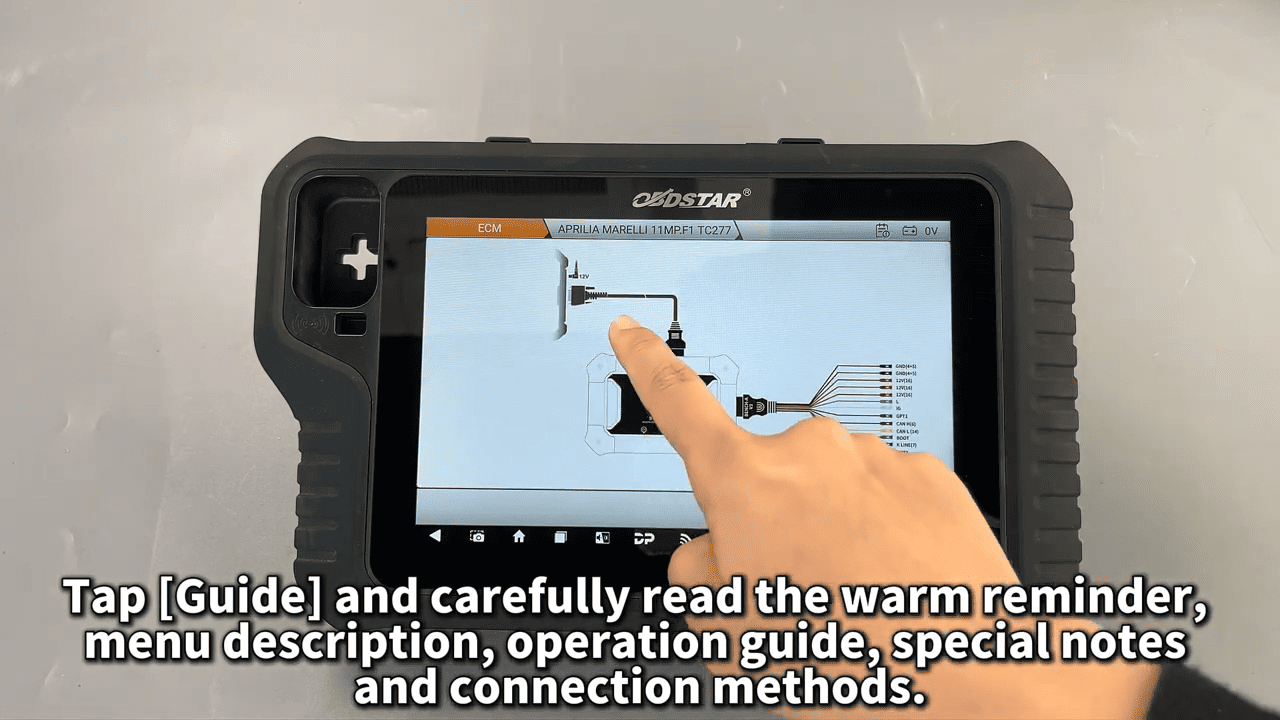
Tap [Guide] and carefully read the warm reminder, menu description, operation guide, special notes and connection methods
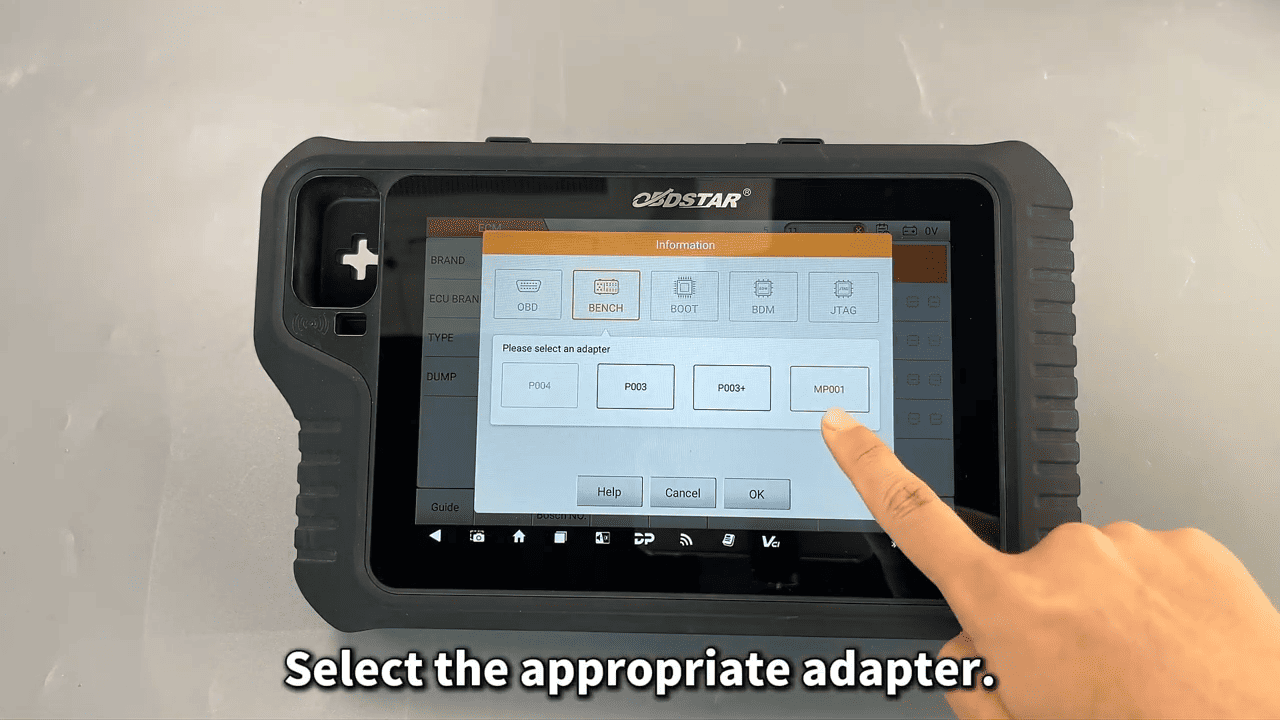
Select the appropriate adapter
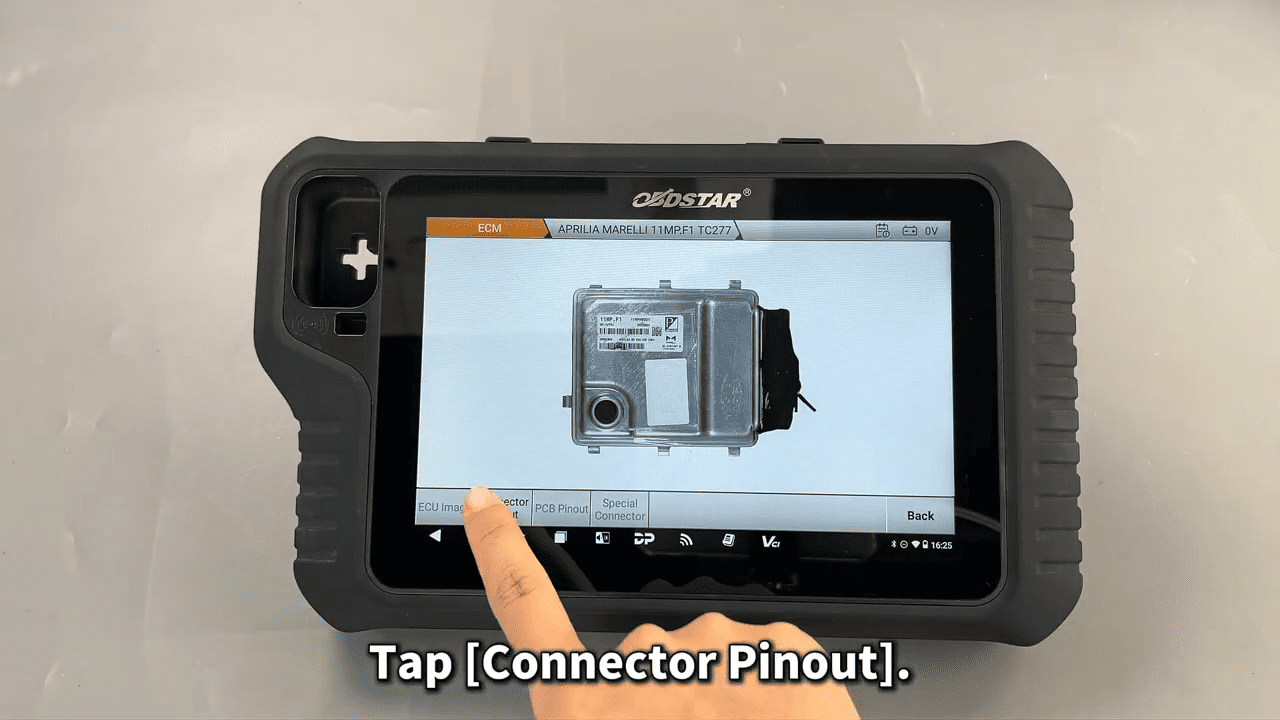
Confirm that the module appearance is consistent by checking the [ECU Image]
Tap [Connector Pinout]
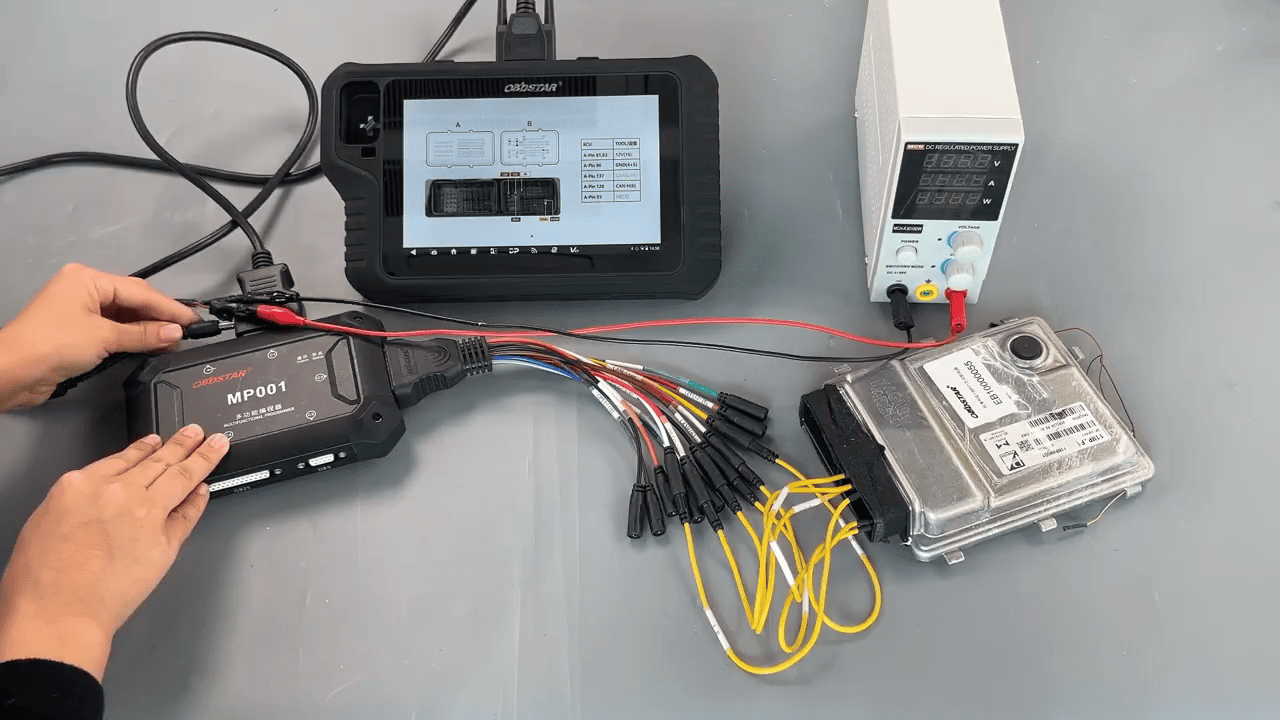
Now refer to the wiring diagram to make the connection
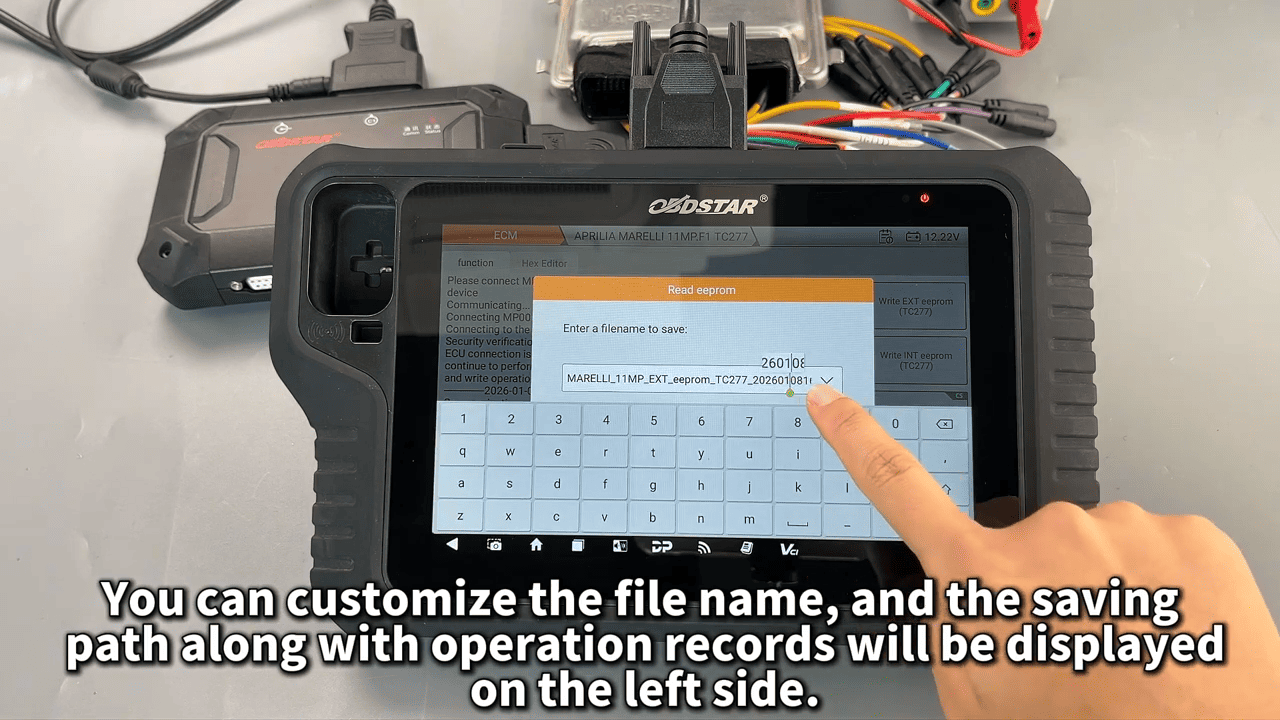
After the connection is successful, first back up the original eeprom/flash data
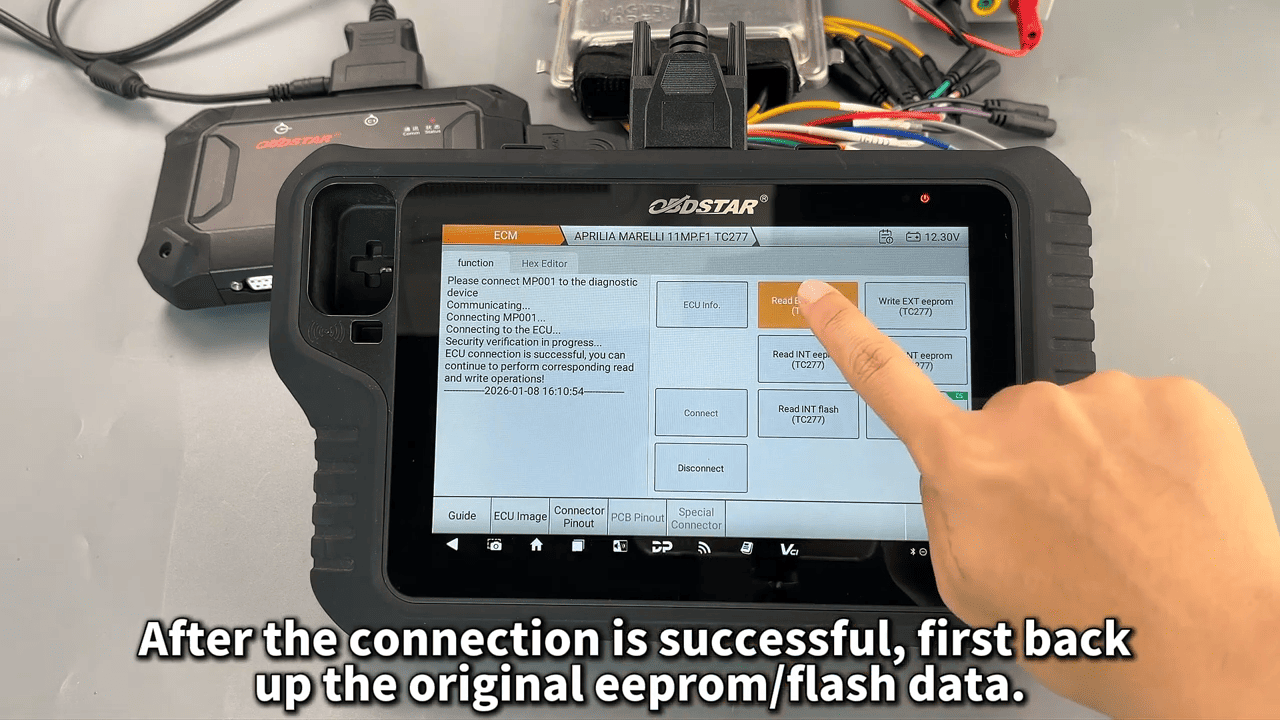
You can customize the file name, and the saving path along with operation records will be displayed on the left side
Now we’ll show how to write data to the module(1min 38s)
The ‘CS’ label in the upper-right corner of the write button indicates that this data supports checksum verification
Operation completed
Leave a Reply