




In this tutorial, we demonstrate how to clone an IVECO Bosch EDC17CV41 ECU using the bench mode function of OBDSTAR ECU MASTER.
Required Equipment
- OBDSTAR ECU MASTER
- Laptop
- Bosch EDC17CV41 ECU
- Replacement ECU
- ECU Cloning Procedure
1. Select ECU Model
Open the ECU Flasher function and select [ECM] → [ECM V40.00] → [Bosch EDC17CV41] → [IVECO]
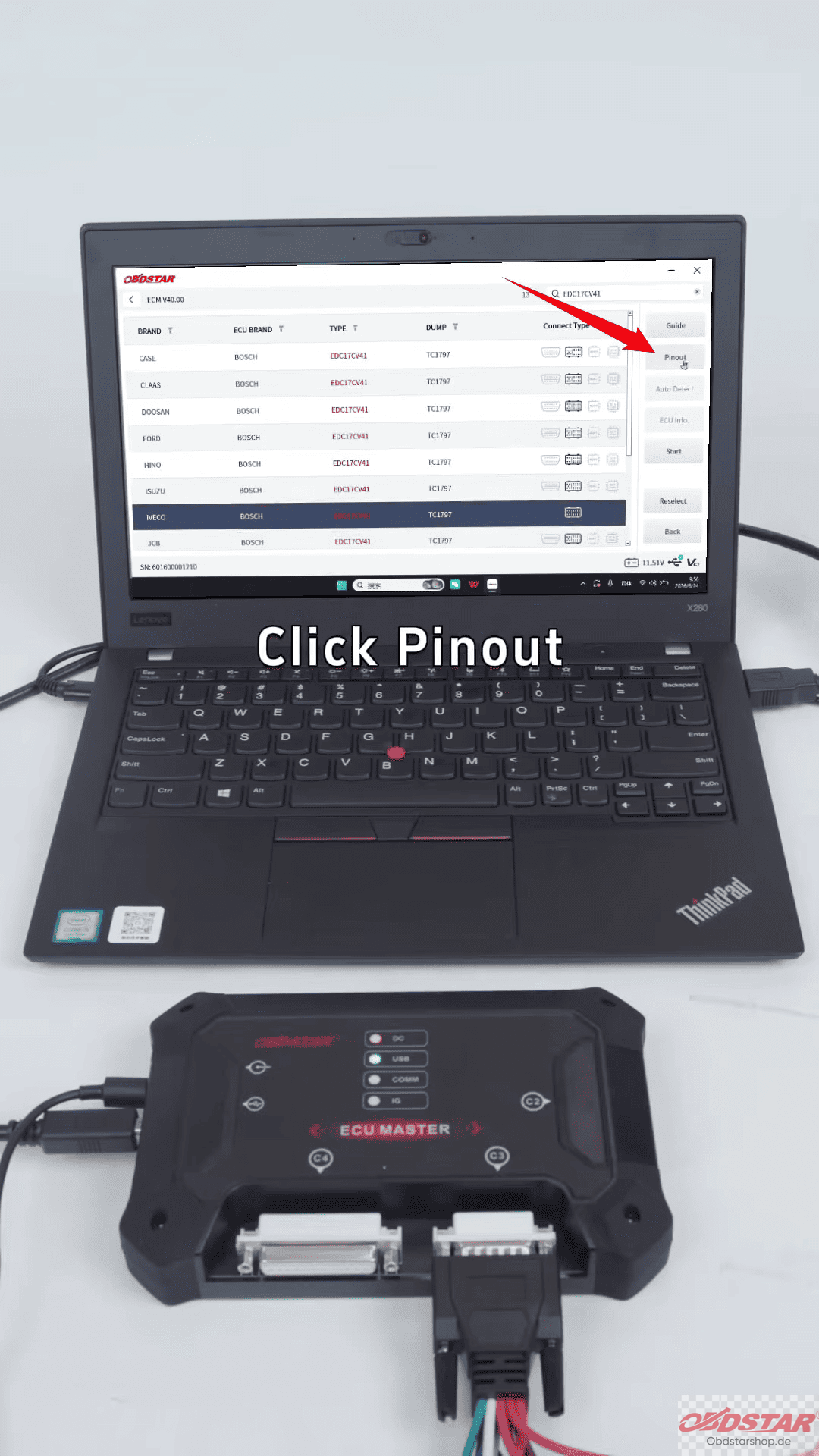
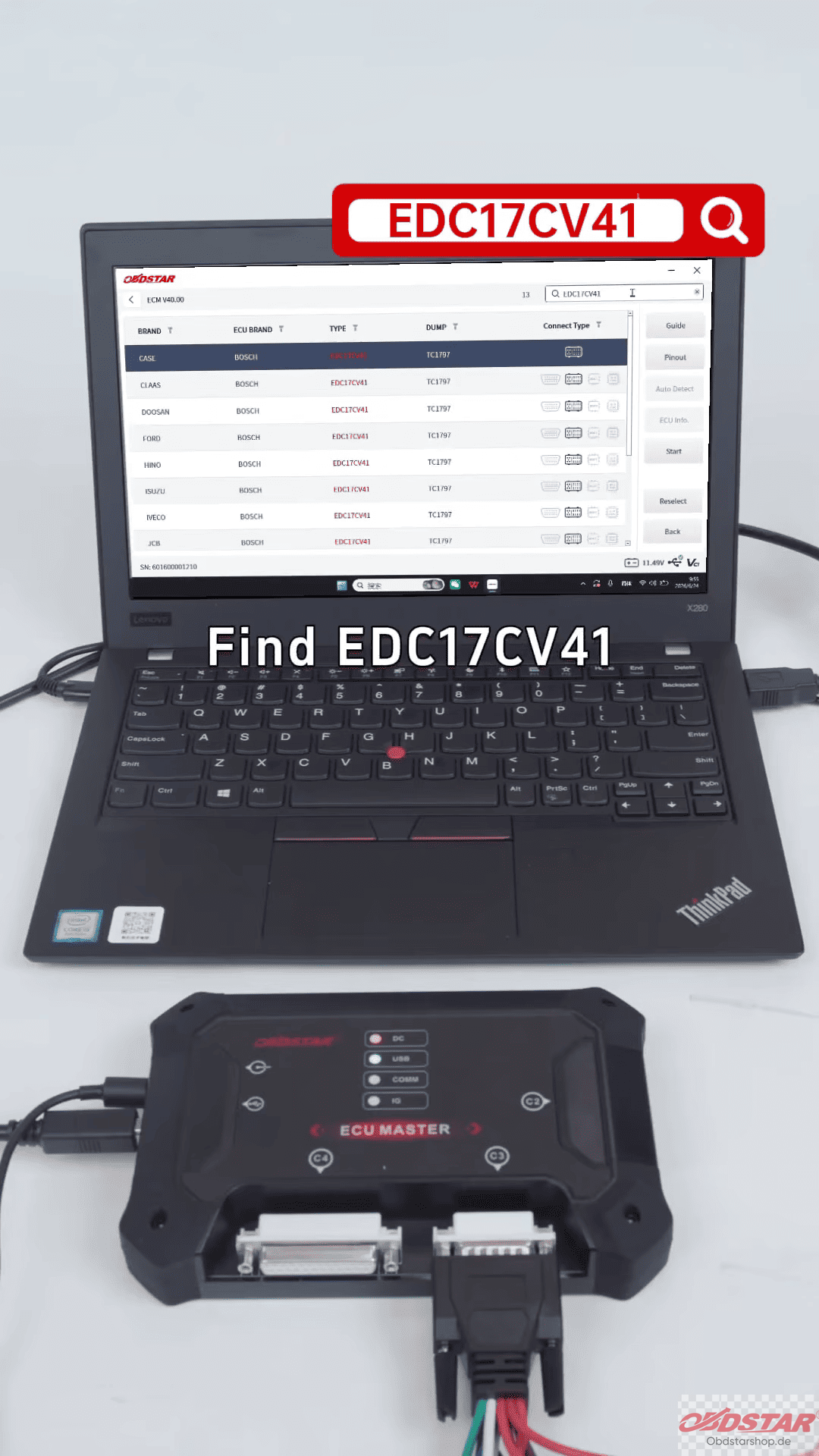
Then check the ECU pinout information and choose Bench Mode.
2. Connect ECU
Follow the wiring diagram and connect the ECU correctly according to the pinout.
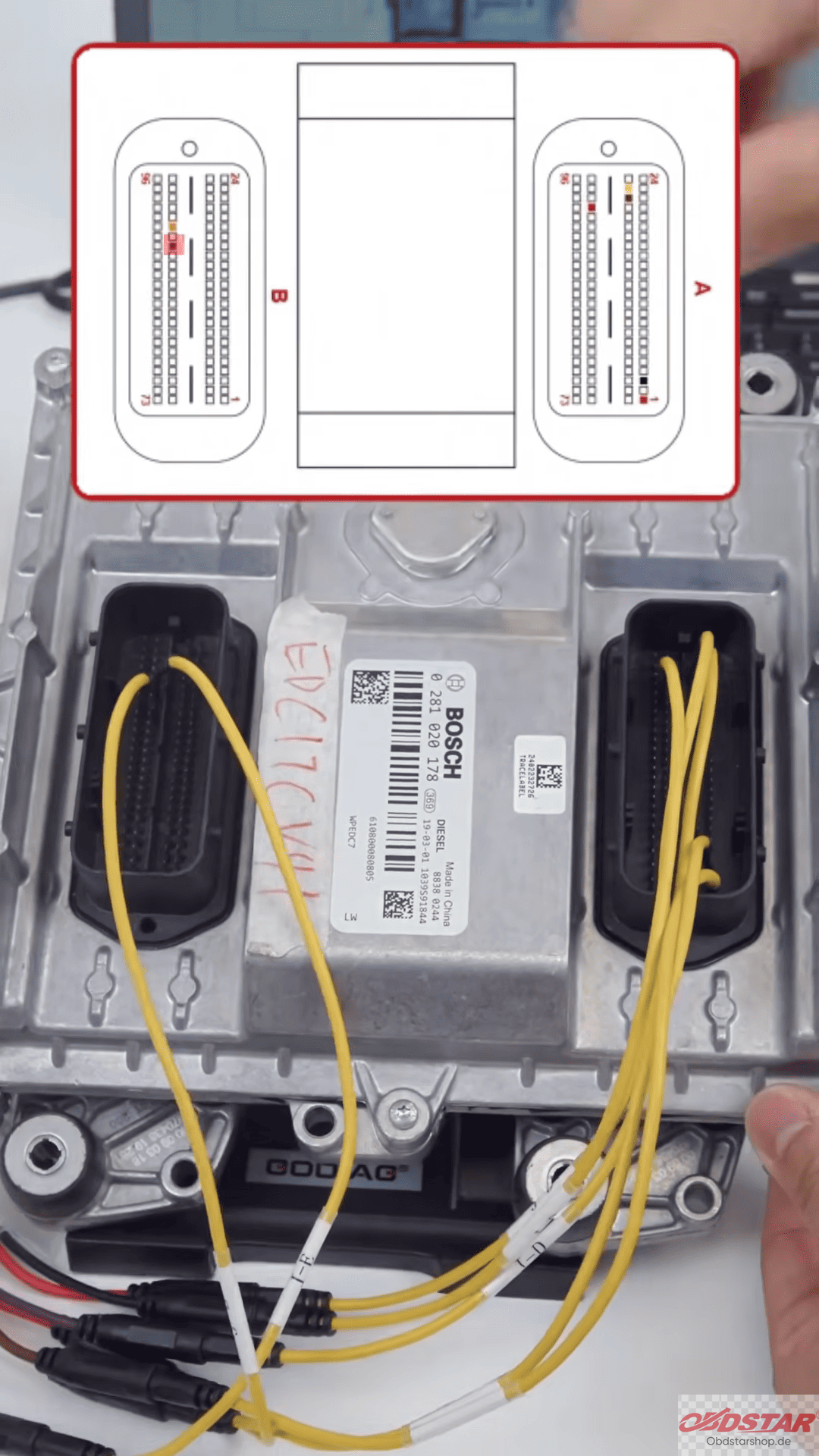
Connect ECU MASTER to the laptop, then click [Start] → [Bench] → [Connect]
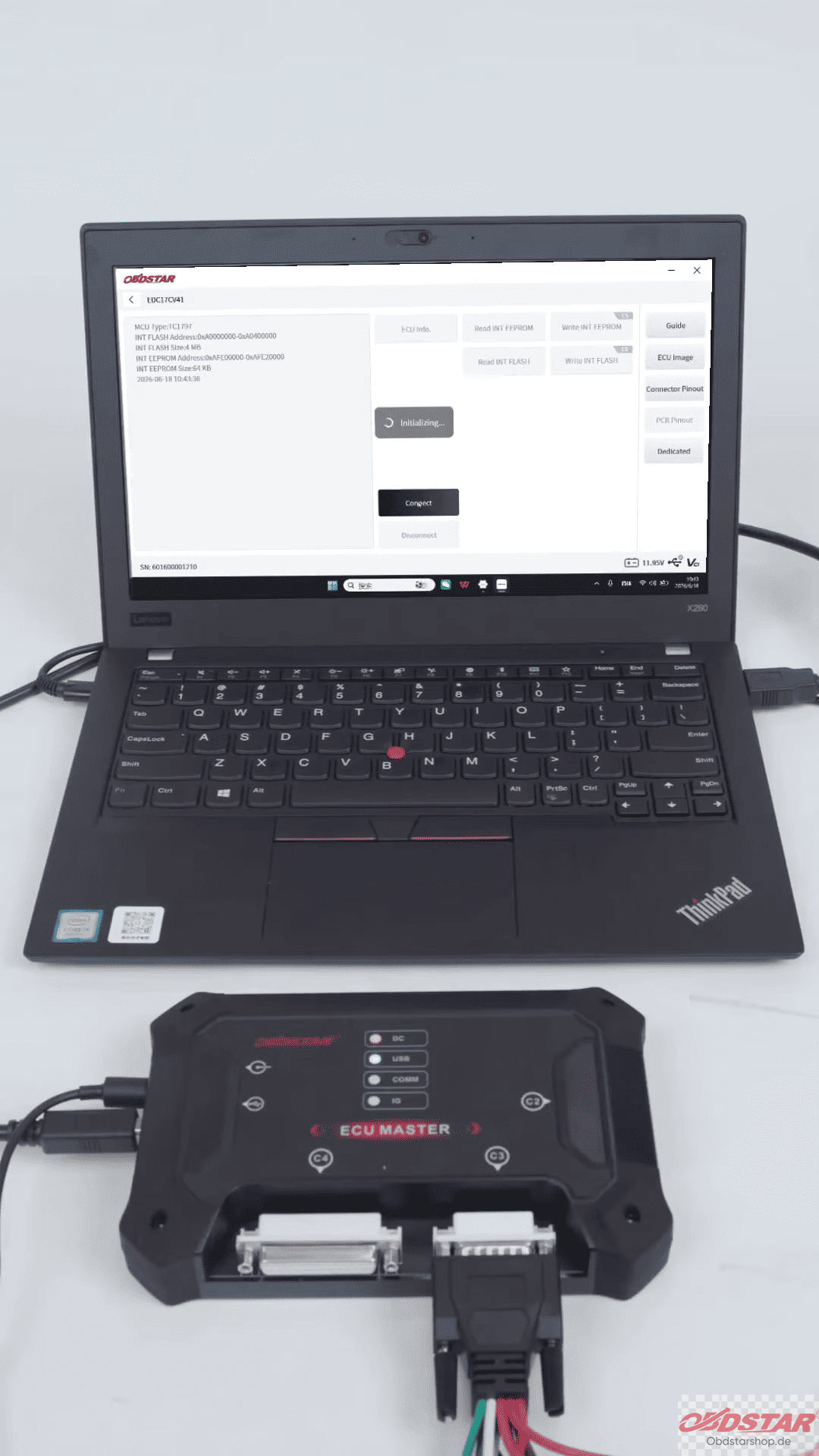
3. Read Original ECU Data
First, read the EEPROM data and save the file.
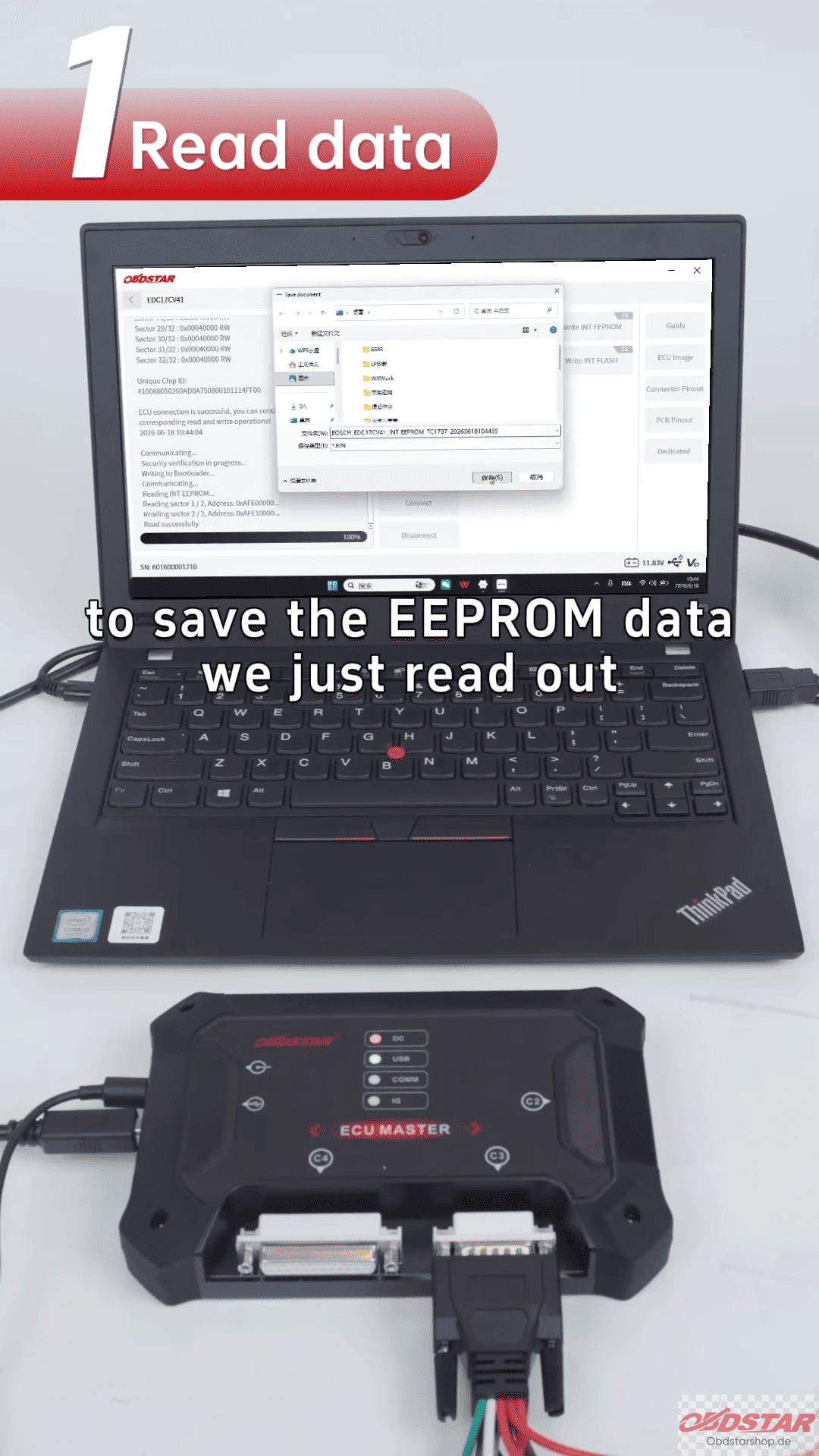
Then read the Flash data and save the file for the next step.
4. Write Data to Replacement ECU
Connect the replacement ECU to ECU MASTER.
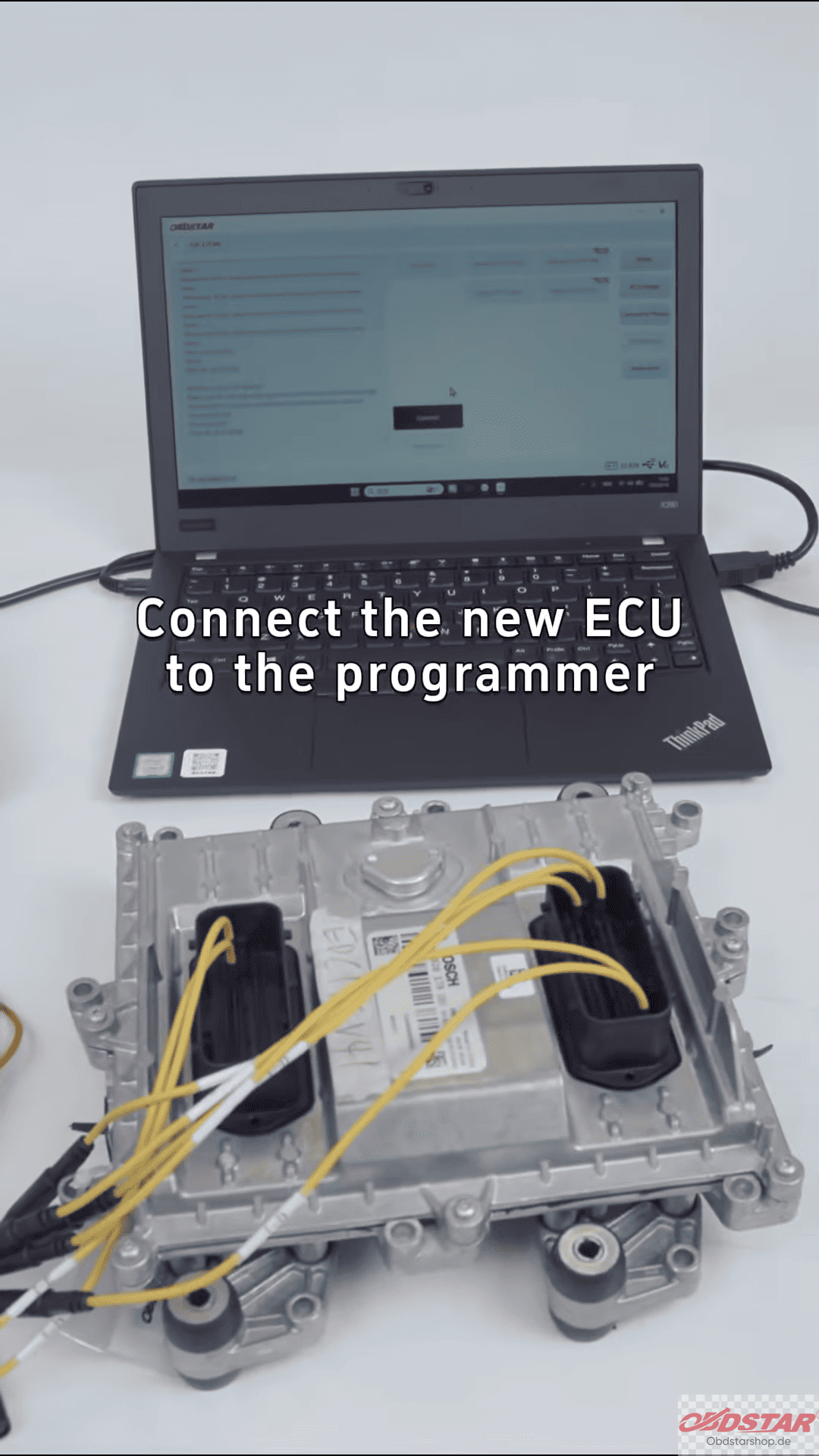
Select the saved EEPROM file and write the data.
After EEPROM writing is completed, select the saved Flash file and write the Flash data.
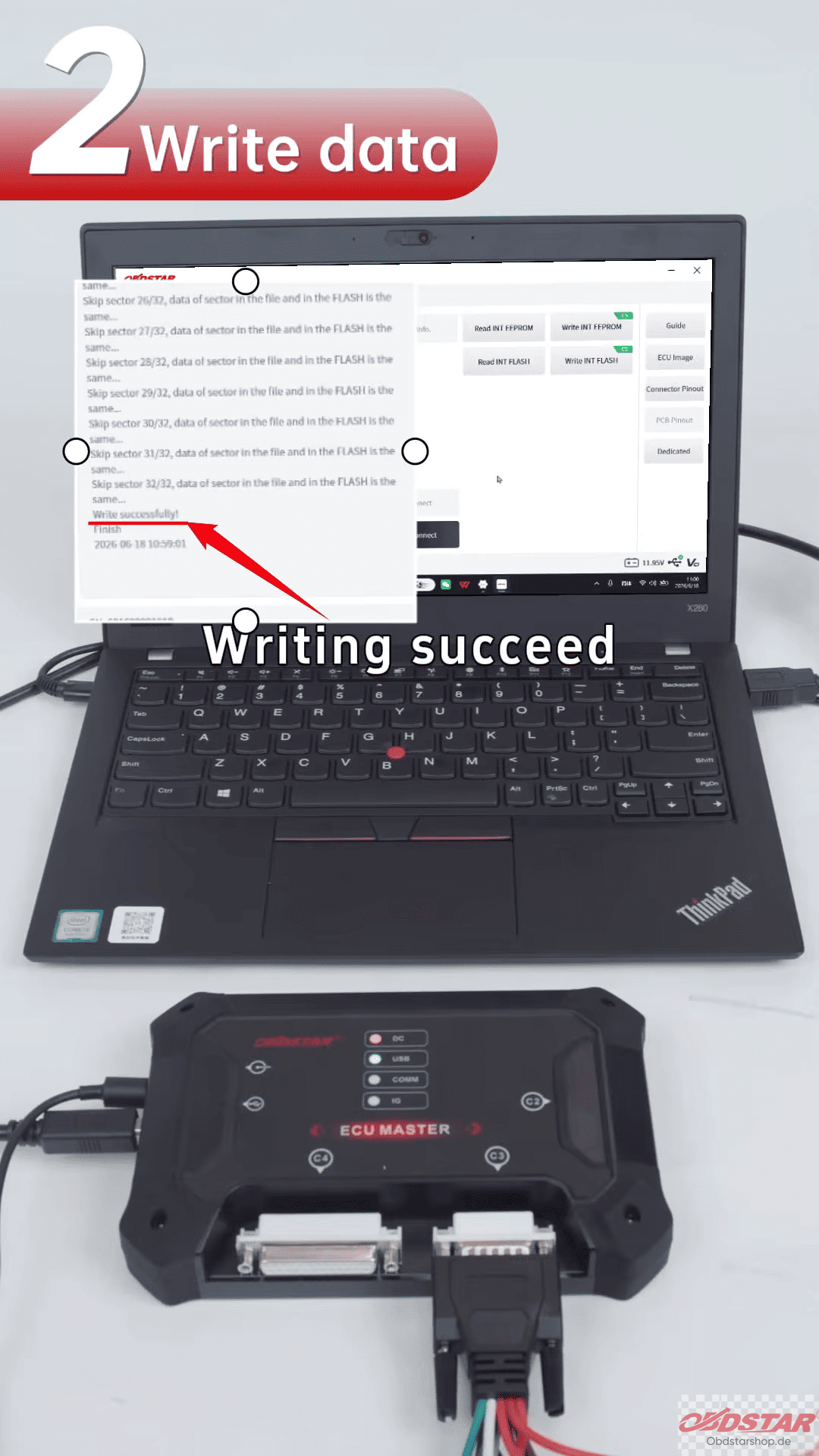
When both operations are successful, the ECU cloning process is complete.
This tutorial shows the cloning process of an IVECO Bosch EDC17CV41 ECU through Bench Mode, making ECU replacement faster and more convenient for professional users.
Read also:
OBDSTAR ECU Master Software Download & Installation Guide
Leave a Reply