




Adding a new smart key to modern vehicles requires reliable equipment and accurate procedures. In this guide, we will show how to program a Nissan X-Trail key using KEYMASTER G3.
1. Connect KEYMASTER G3 to the Vehicle
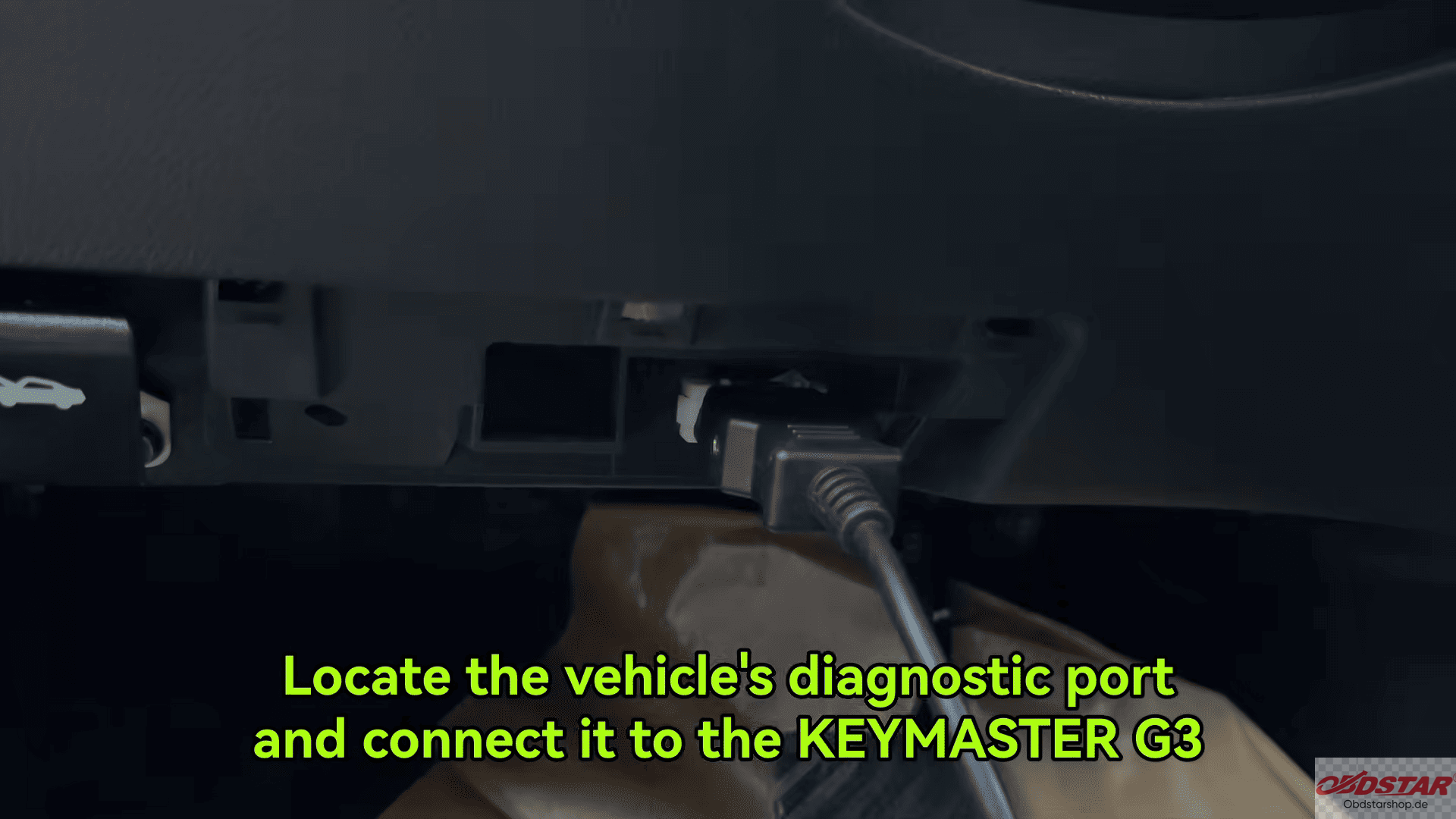
Locate the vehicle’s diagnostic port and connect OBDSTAR G3 using the main cable.
Enter the IMMO function and search for NISSAN from the vehicle menu.
Users can either select the vehicle manually or use the Auto Detect Model function to identify the vehicle automatically.
2. Access Key Programming Function
Select Program Keys
Follow the on-screen instructions to switch the ignition OFF
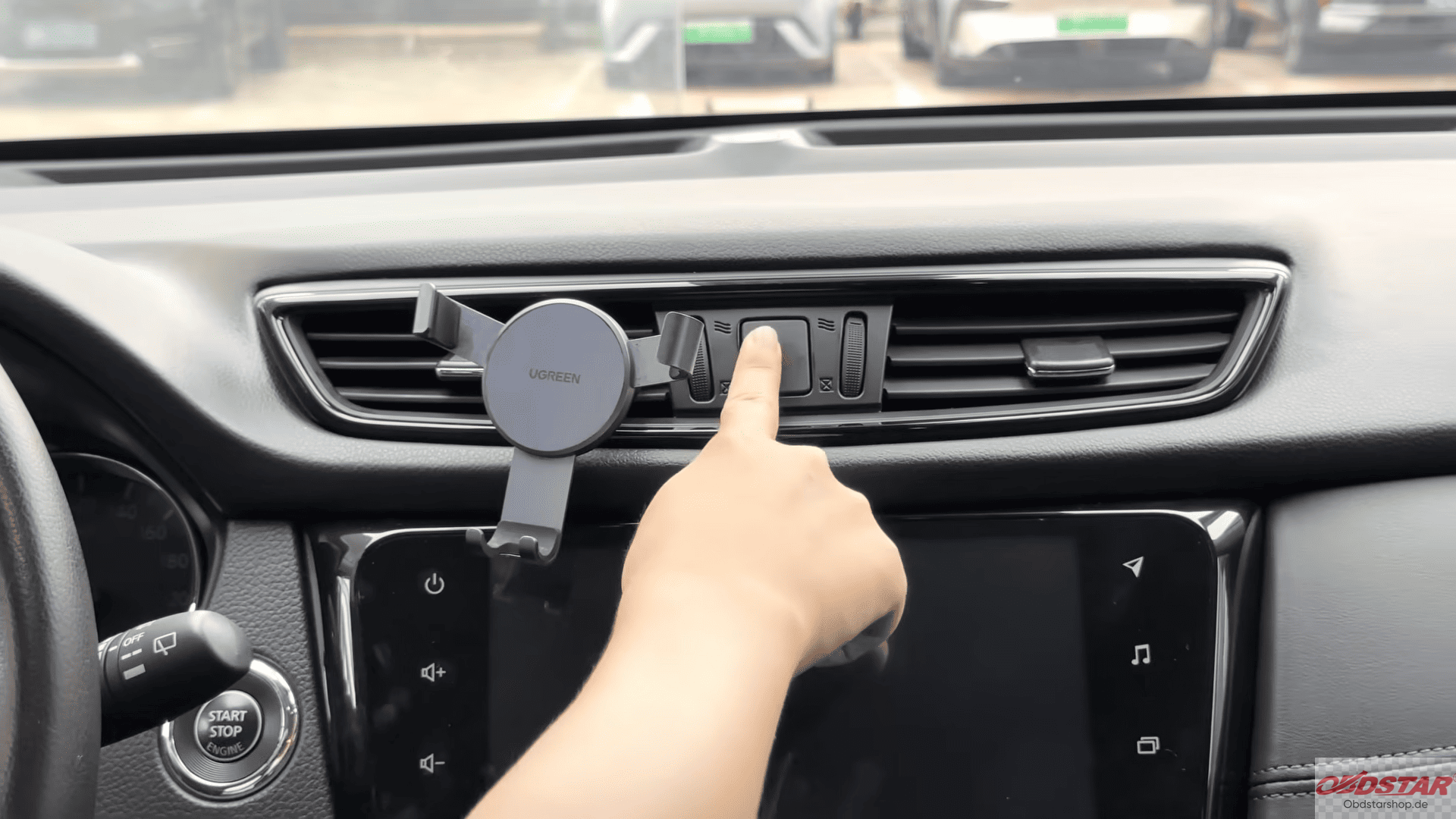
Confirm the vehicle information
Close all doors before continuing
Important Note:
Some Nissan BCM part numbers may experience module freezing during All Keys Lost programming. Always check BCM information carefully and proceed with caution.
3. Program the Smart Key
Open the vehicle door once as required
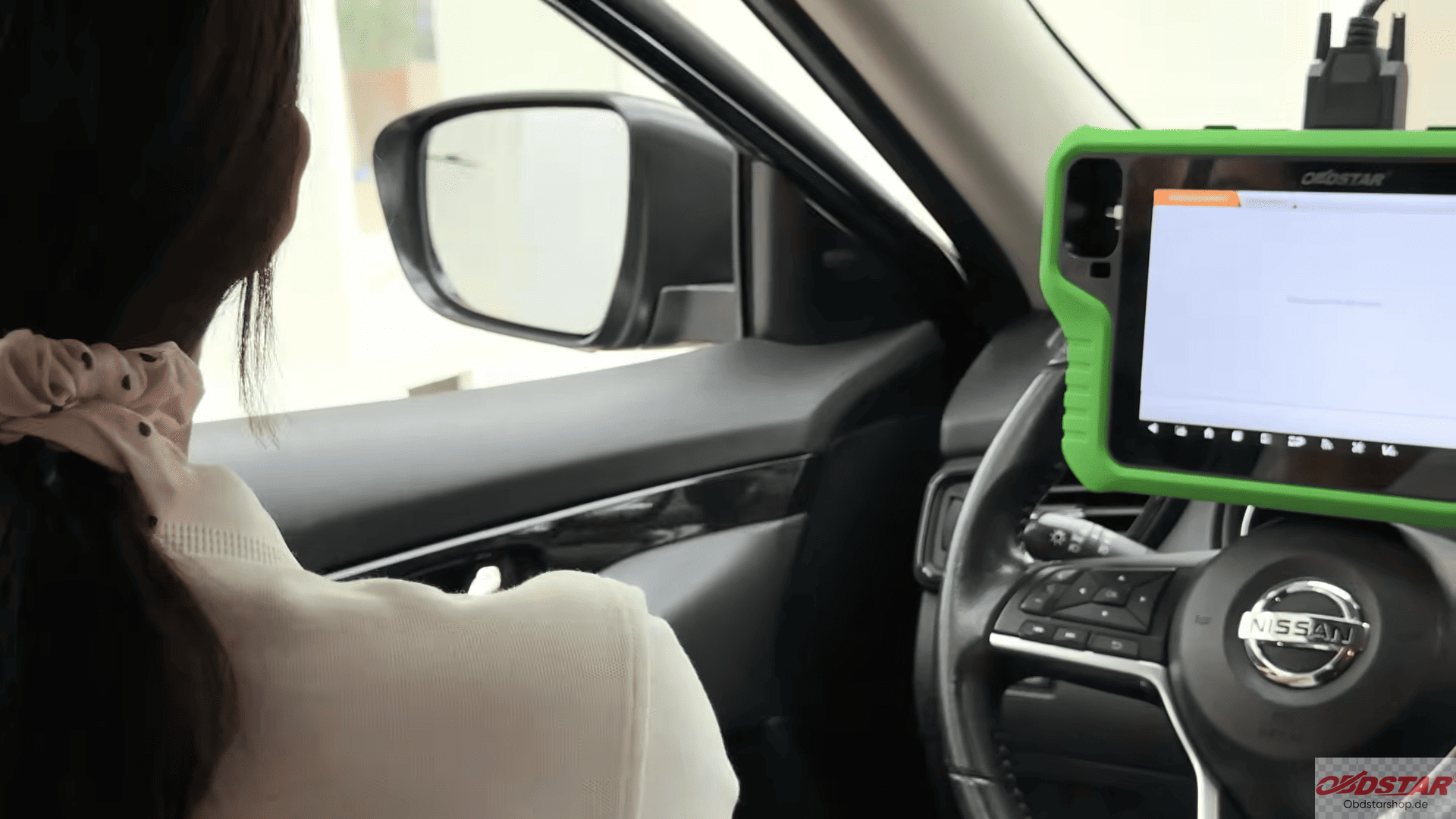
Confirm key erase operation
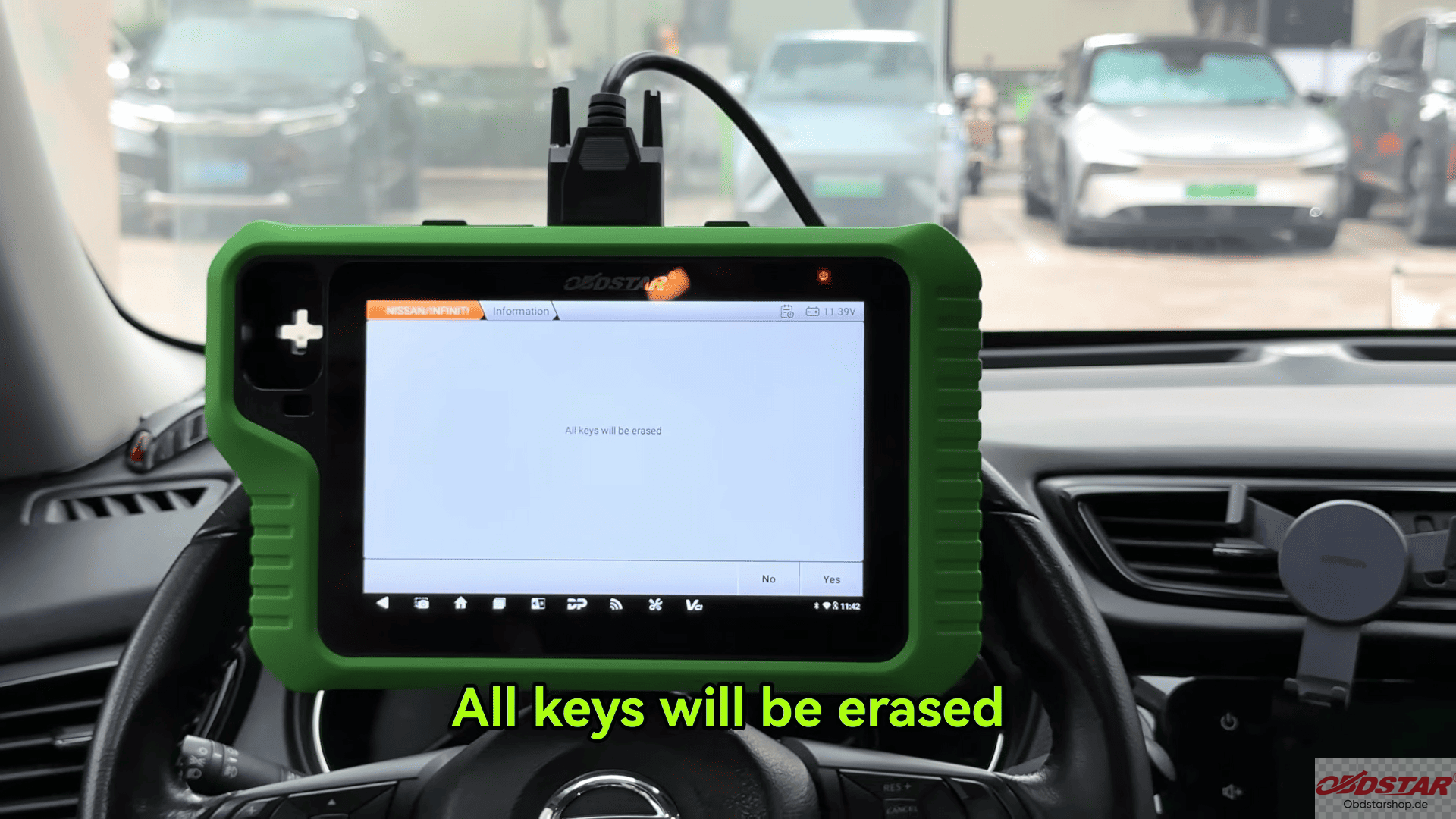
The system will display that up to four keys can be programmed
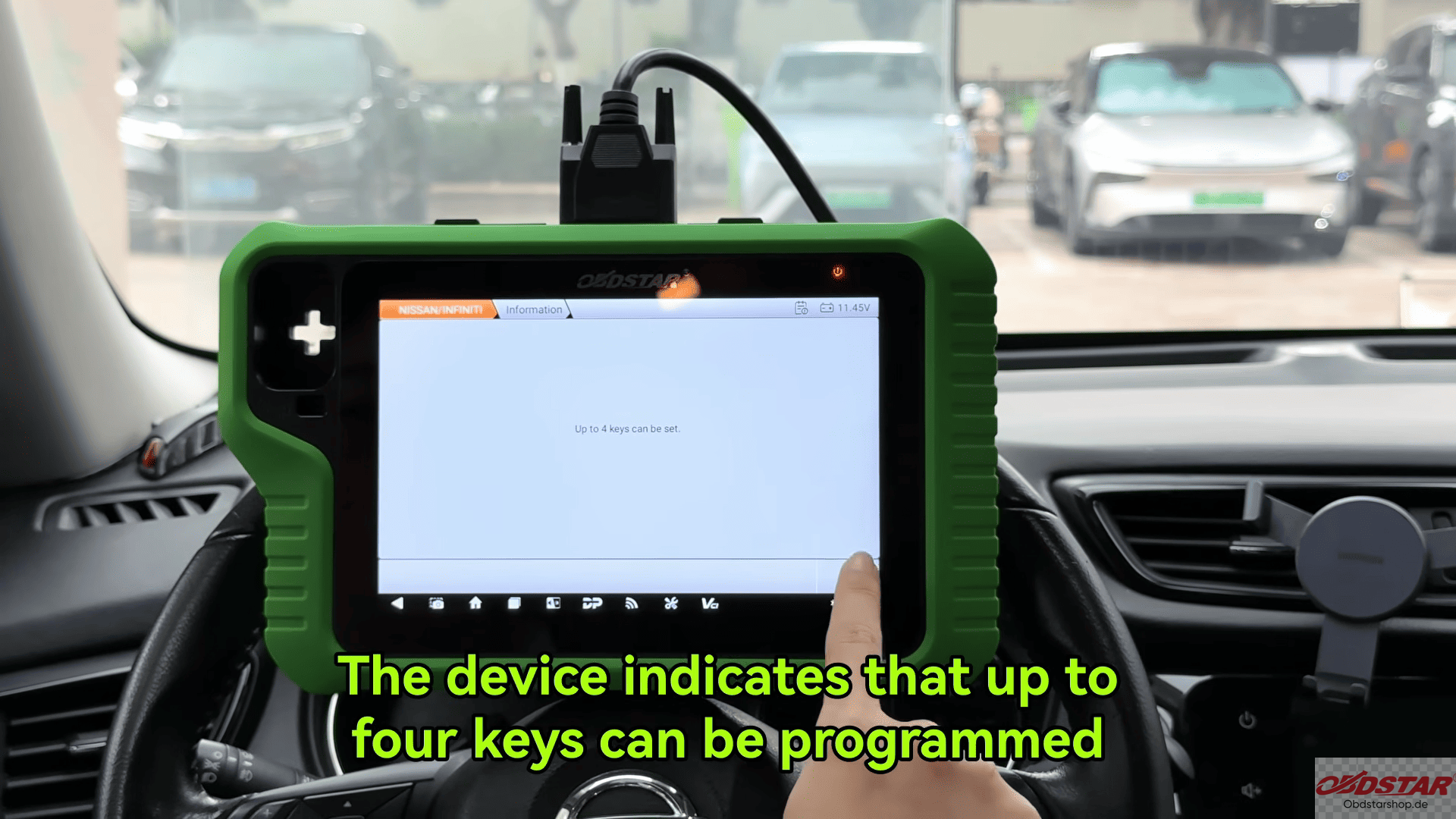
Press the Start button once according to the instructions
Place the key near the Start/Stop button detection area
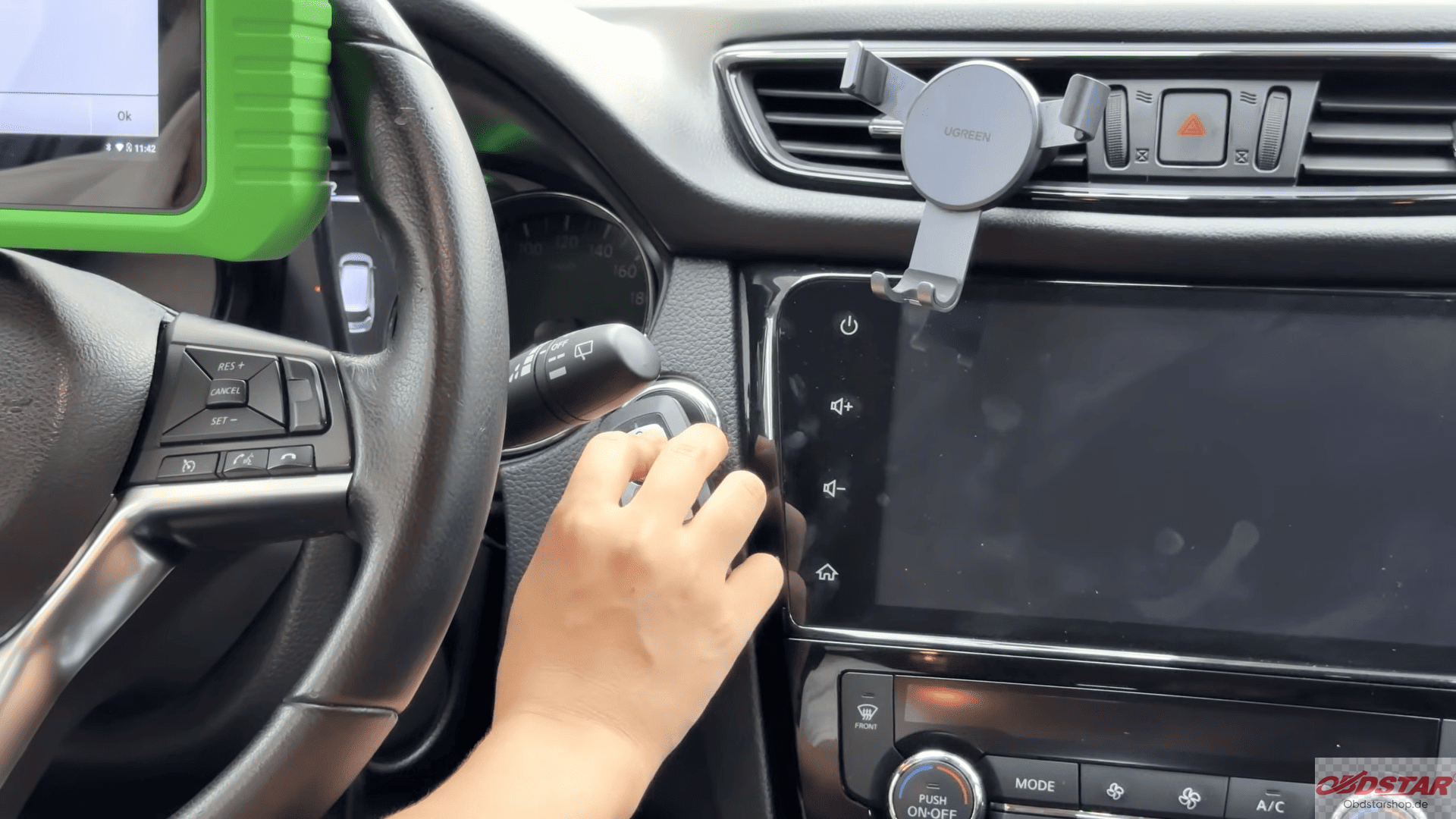
The device will communicate with the vehicle and begin the key learning process.
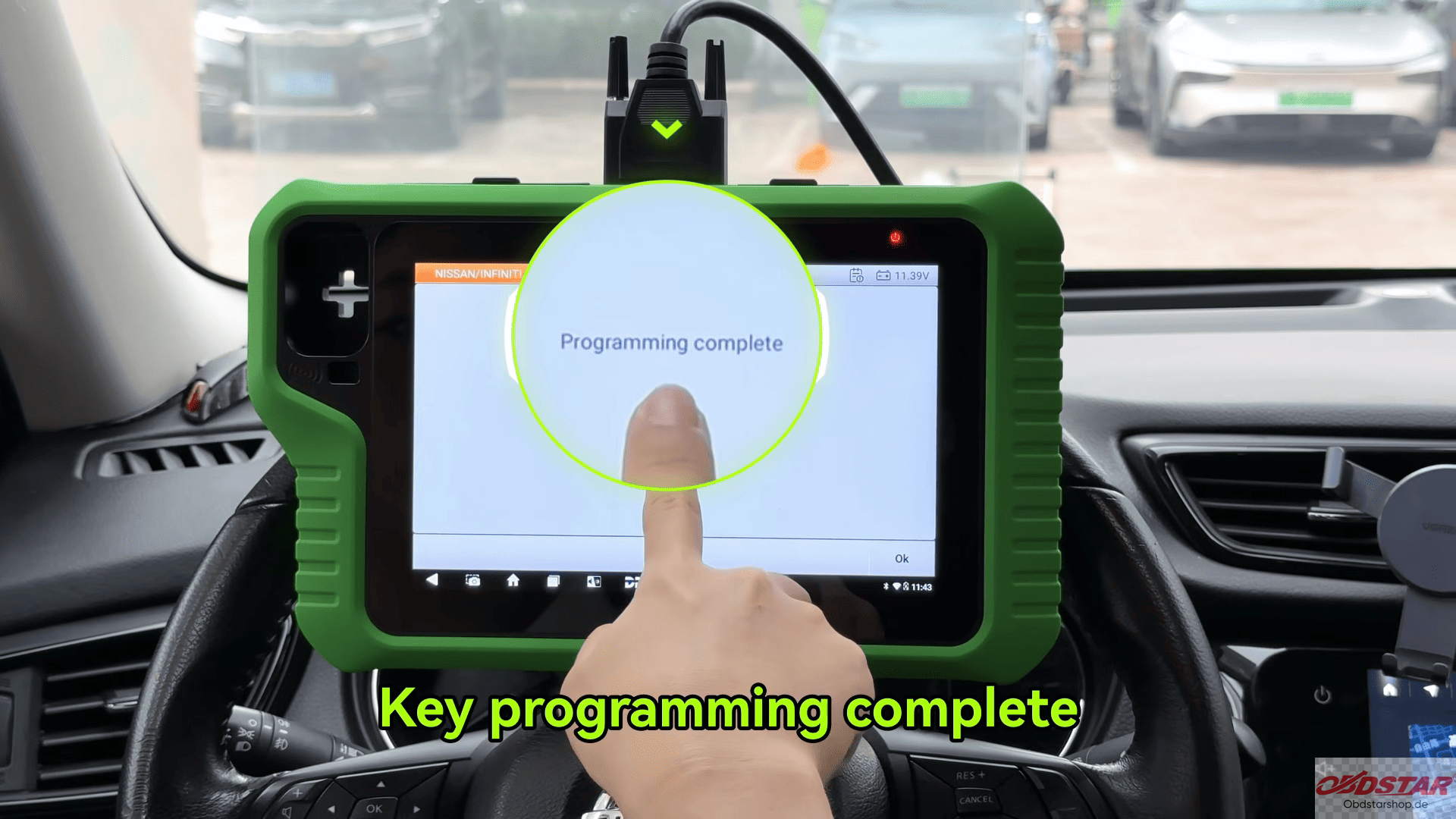
4. Complete Key Programming
The system will ask whether to program another key
Select No if only one key is required
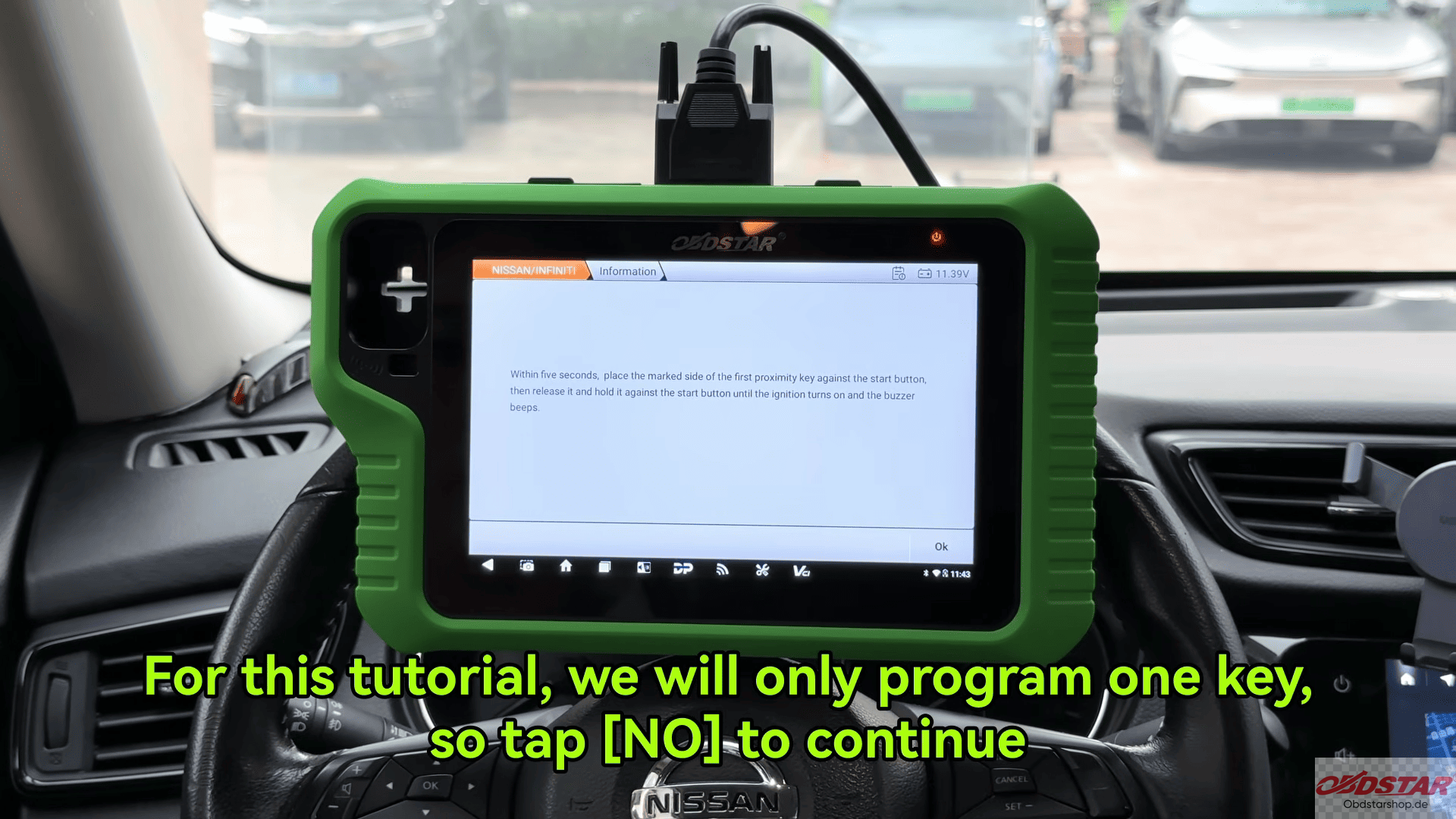
Follow the instructions to place the key near the Start/Stop button within the required time
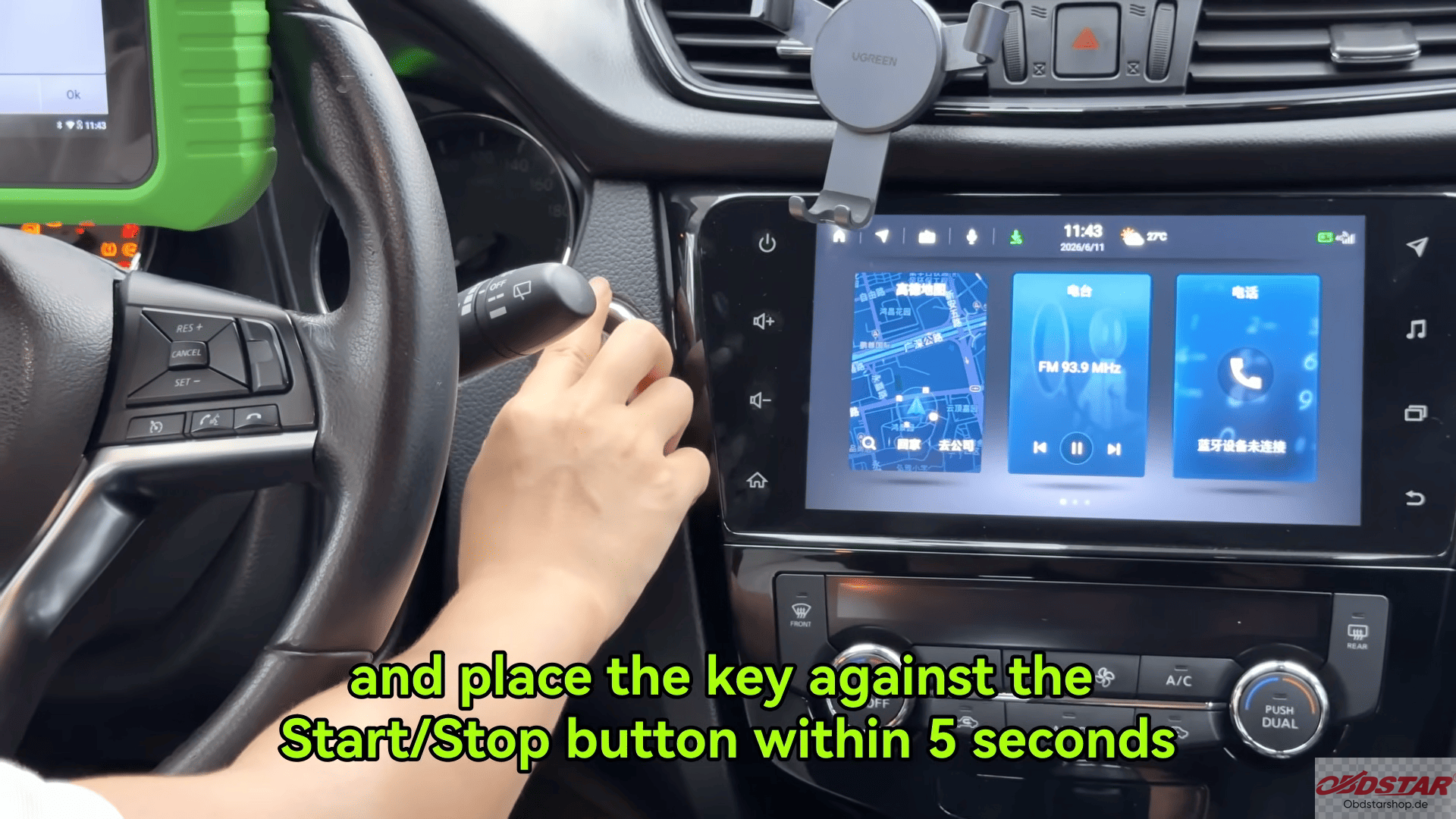
When the vehicle beeps, the programming process is completed.
Video guide
Read also:
How to Read & Write DONGFENG ECU Data with KEYMASTER G3
Leave a Reply