



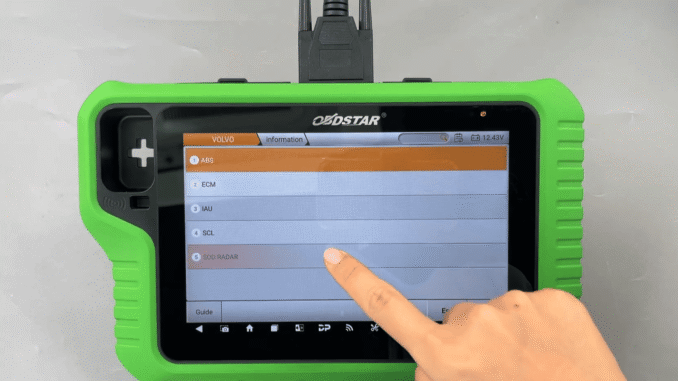
In this guide, we will show you how to use KeyMaster G3 for VOLVO SOD RADAR ECU Unlock and Reset Virgin, helping technicians complete radar module operations quickly and safely.
Steps:
Follow these steps to perform ECU Unlock and Reset Virgin on VOLVO SOD RADAR using KeyMaster G3:
Step 1 – Prepare the Device
Prepare OBDSTAR X300 Classic G3 and main cable, then connect the device to the vehicle.
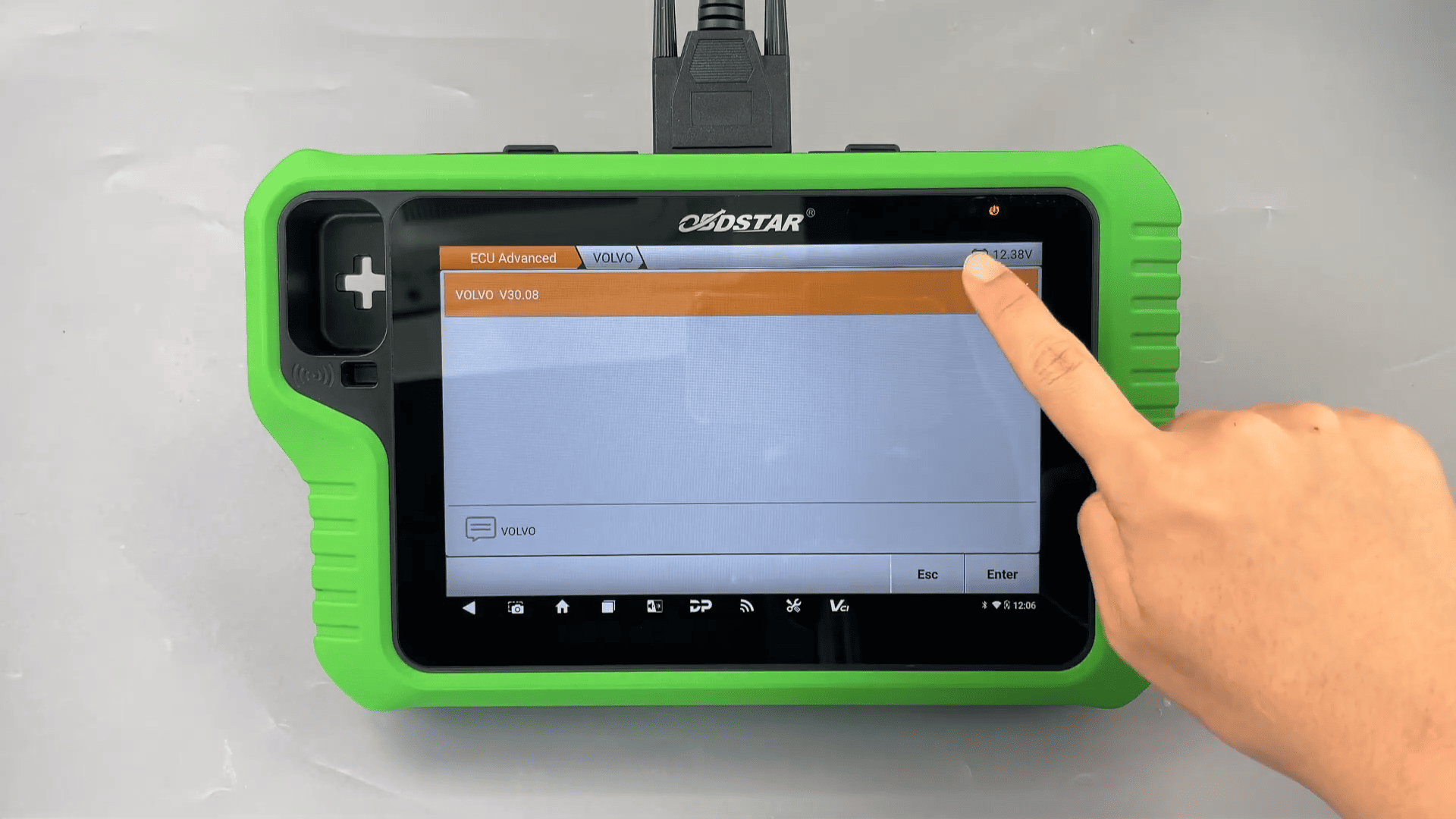
Step 2 – Enter ECU Advanced Menu
On the device, tap [ECU Advanced], then select VOLVO.
Step 3 – Check Guide Information
Tap [Guide] and carefully read the background, function introduction, and menu description.
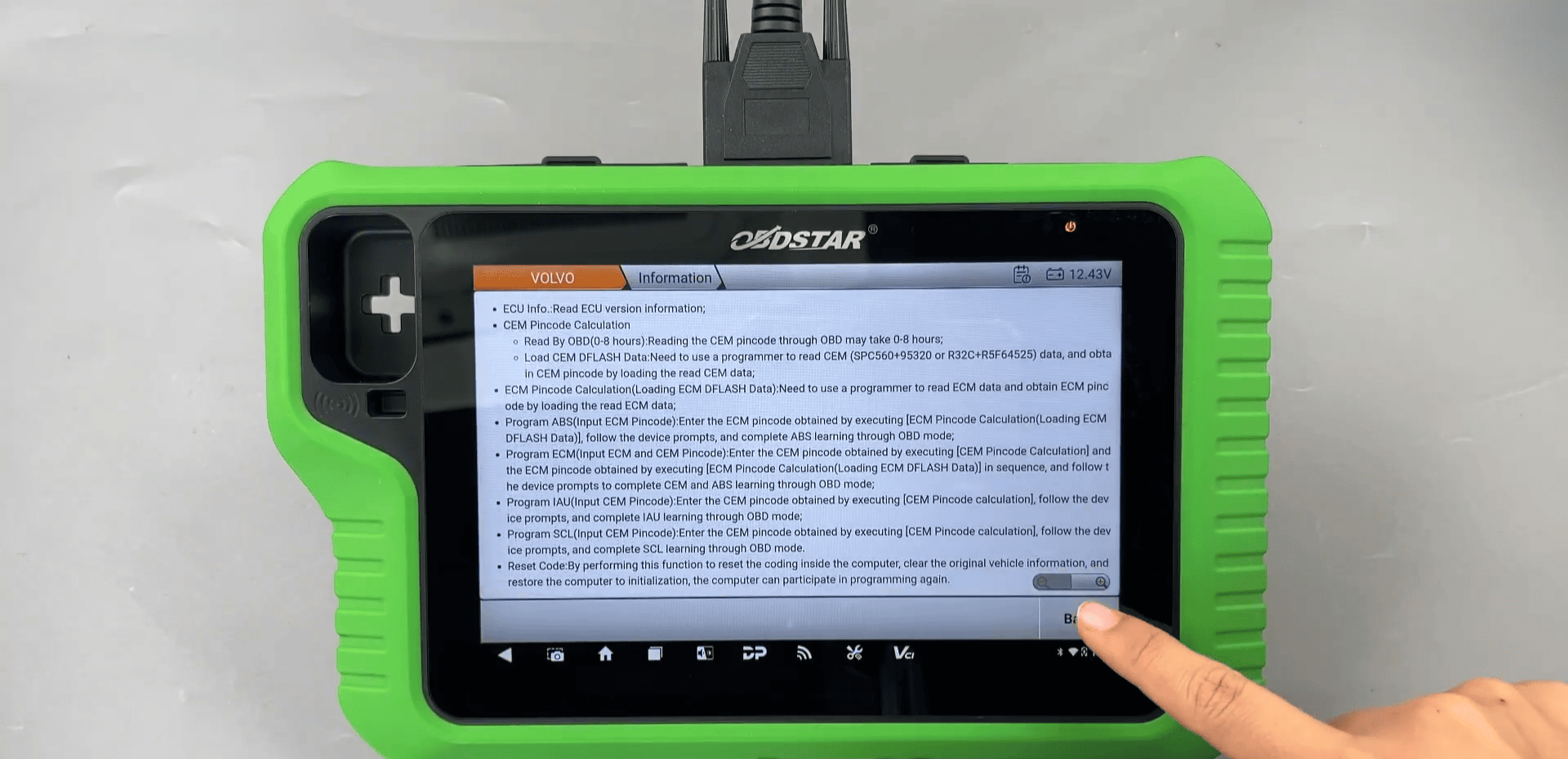
After reviewing, tap [Back].
Step 4 – Select SOD RADAR Module
Choose [SOD RADAR], then select [LEFT RADAR].

Step 5 – Connect via OBD
Select [OBD] to establish communication.

Step 6 – Perform ECU Unlock
Tap [ECU Unlock] and wait until the operation is completed successfully.

Step 7 – Execute Reset Virgin
Tap [Reset Virgin] to reset the radar module.
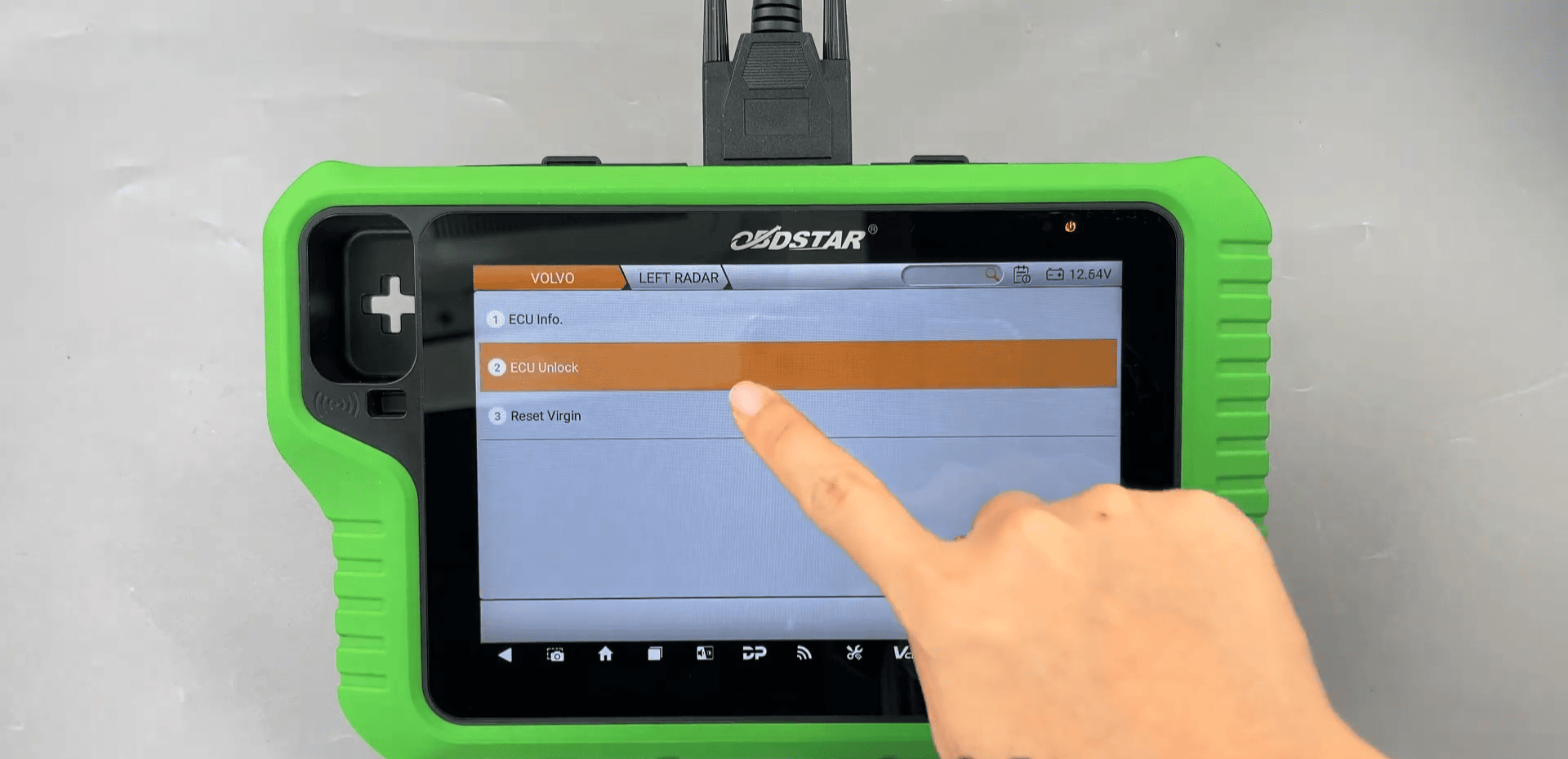
Once completed, the operation is successful.
Step 8 – Repeat for Right Radar
Perform the same steps on the right radar module.

Using OBDSTAR G3 full version for VOLVO SOD RADAR ECU Unlock and Reset Virgin makes it easy to unlock and reset radar modules through OBD.
Leave a Reply