




OBDSTAR MOTOMASTER provides an efficient solution for generating and programming start authorization keys for Piaggio motorcycles. In this tutorial, we’ll demonstrate how to create a master key or sub-key in BENCH Mode using the appropriate adapters and a transponder chip.
Required Equipment
- OBDSTAR MOTOMASTER
- High-Power DC Power Supply
- Main Cable
- Jumper Wires
- P004 Adapter
- Transponder Chip
- Piaggio ECU
Before starting, make sure your MOTOMASTER is updated to the latest software version.
1. Select Piaggio IMMO Function
From the main menu: [IMMO] → [PIAGGIO] → [Manual Select Mode]
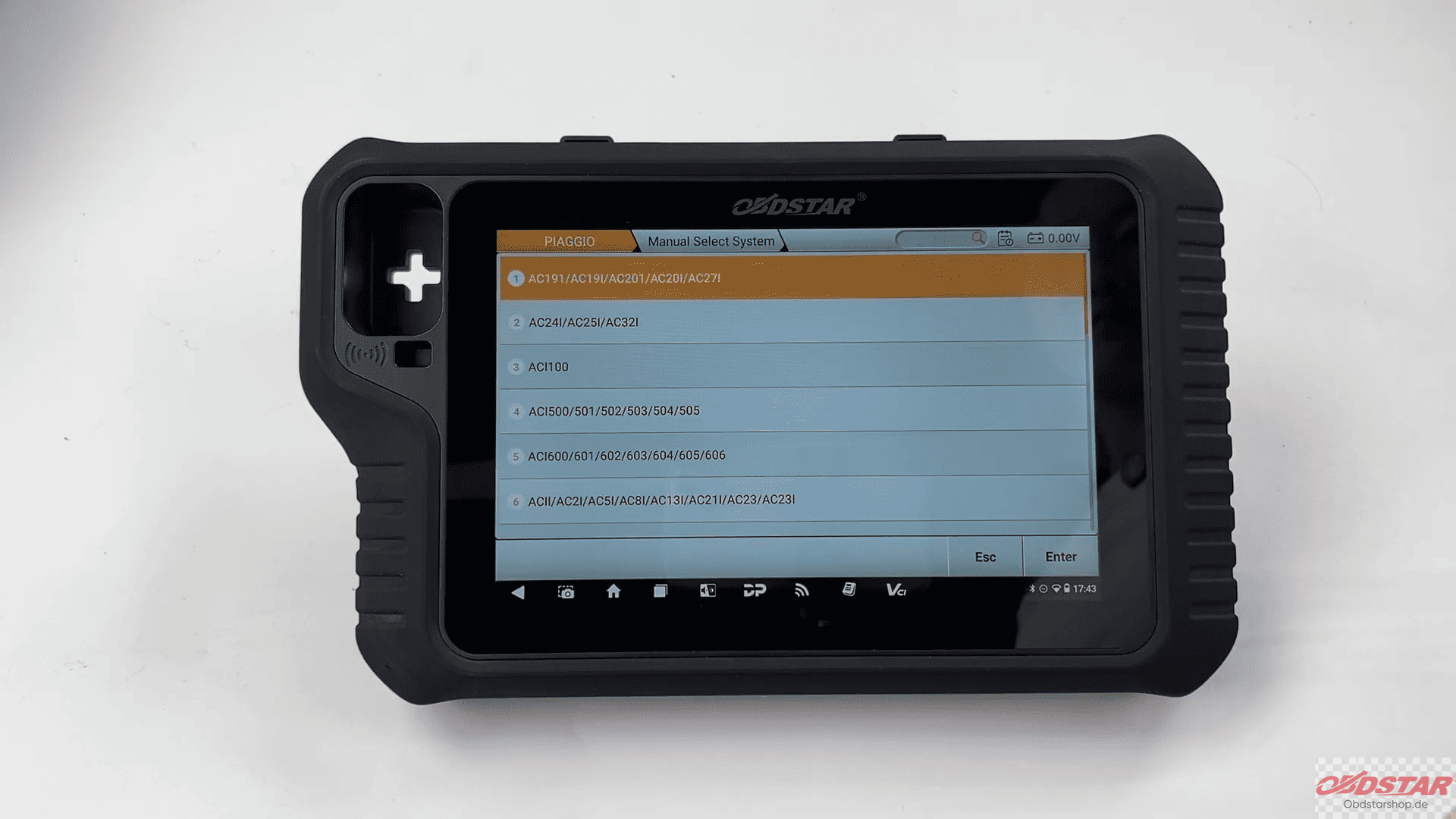
Choose the correct ECU type, then select [BENCH Mode].
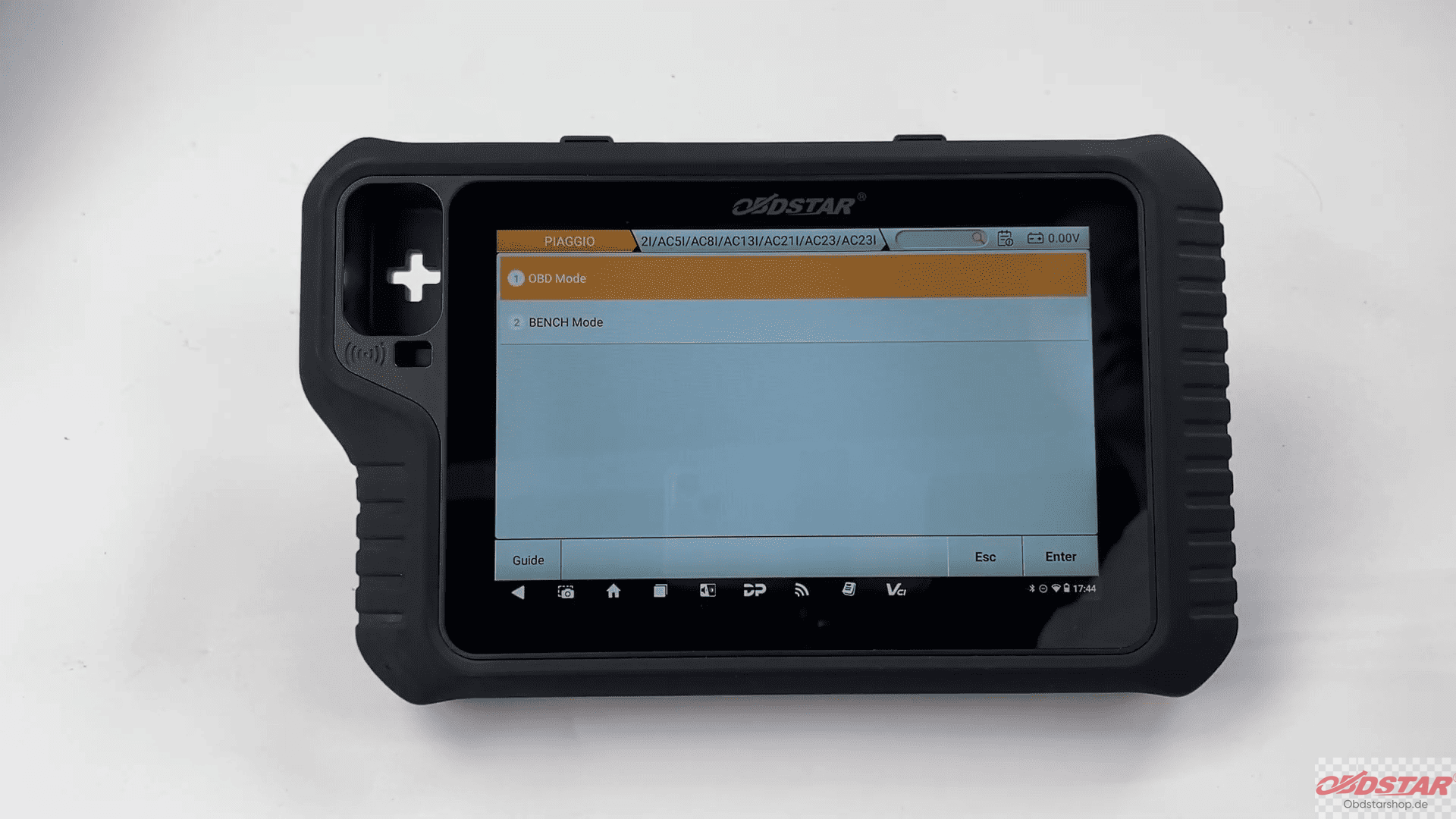
2. Check the Wiring Guide
Tap [Guide] to view:
- Function description
- Menu instructions
- Operation overview
- Wiring diagrams for different connection modes
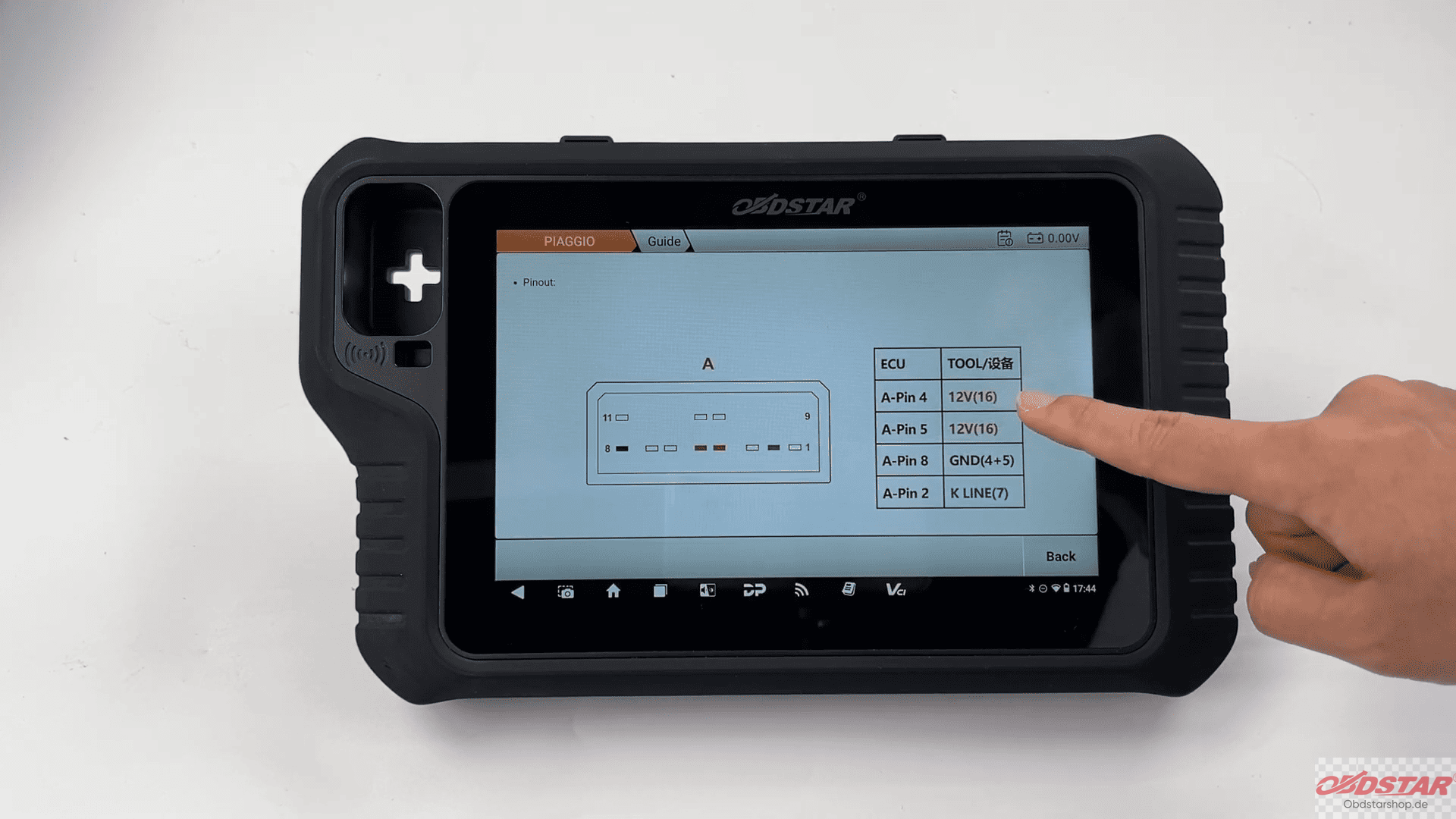
Connect the ECU according to the displayed wiring diagram.
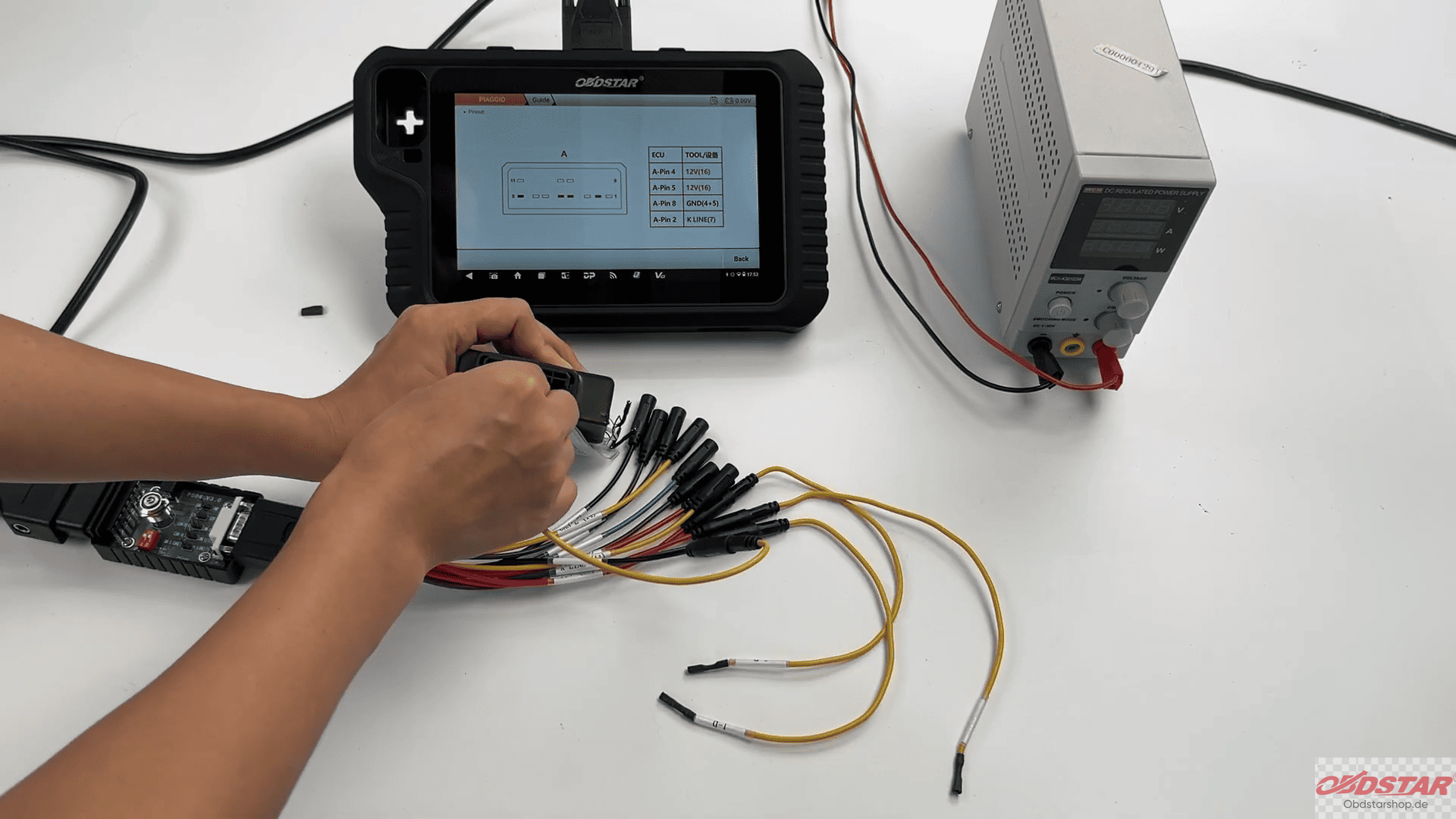
3. Generate the Start Authorization Key
Return to the previous menu and select [Make Start Key].
The device will first read and save the original ECU data file.
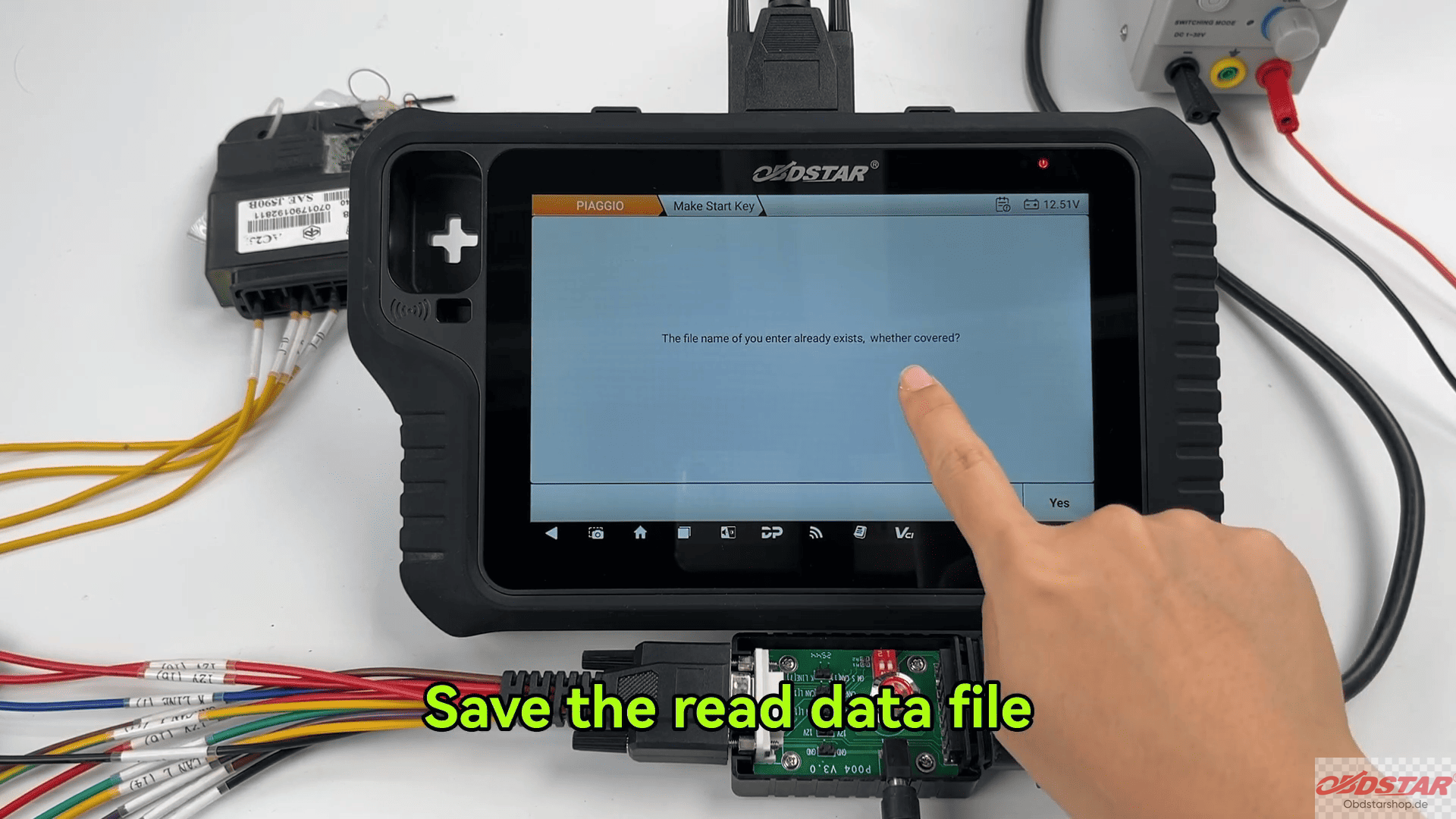
Next, choose whether to generate:
- Master Key
- Sub-Key
Follow the on-screen instructions and place the transponder chip in the sensing area when prompted.
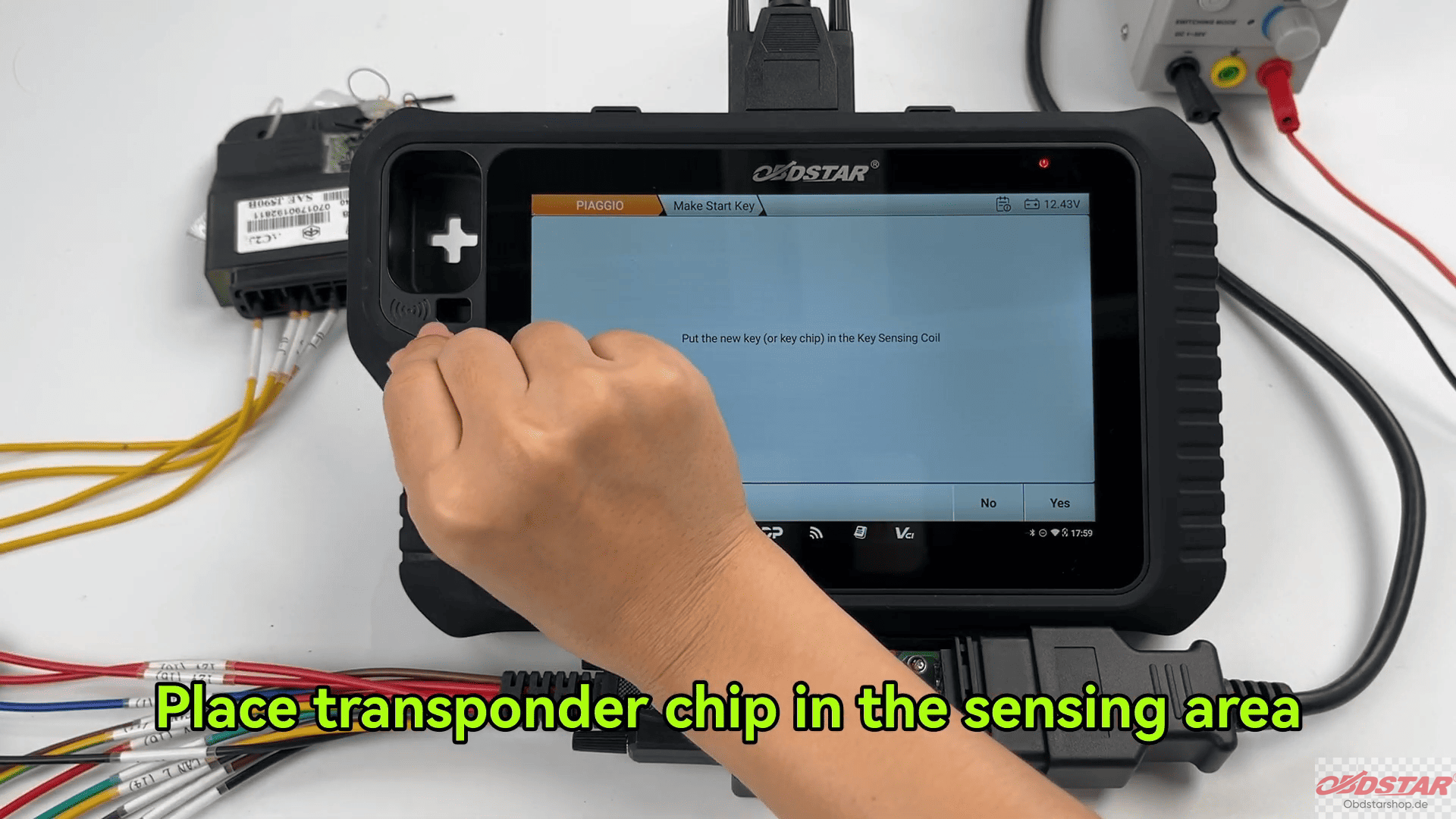
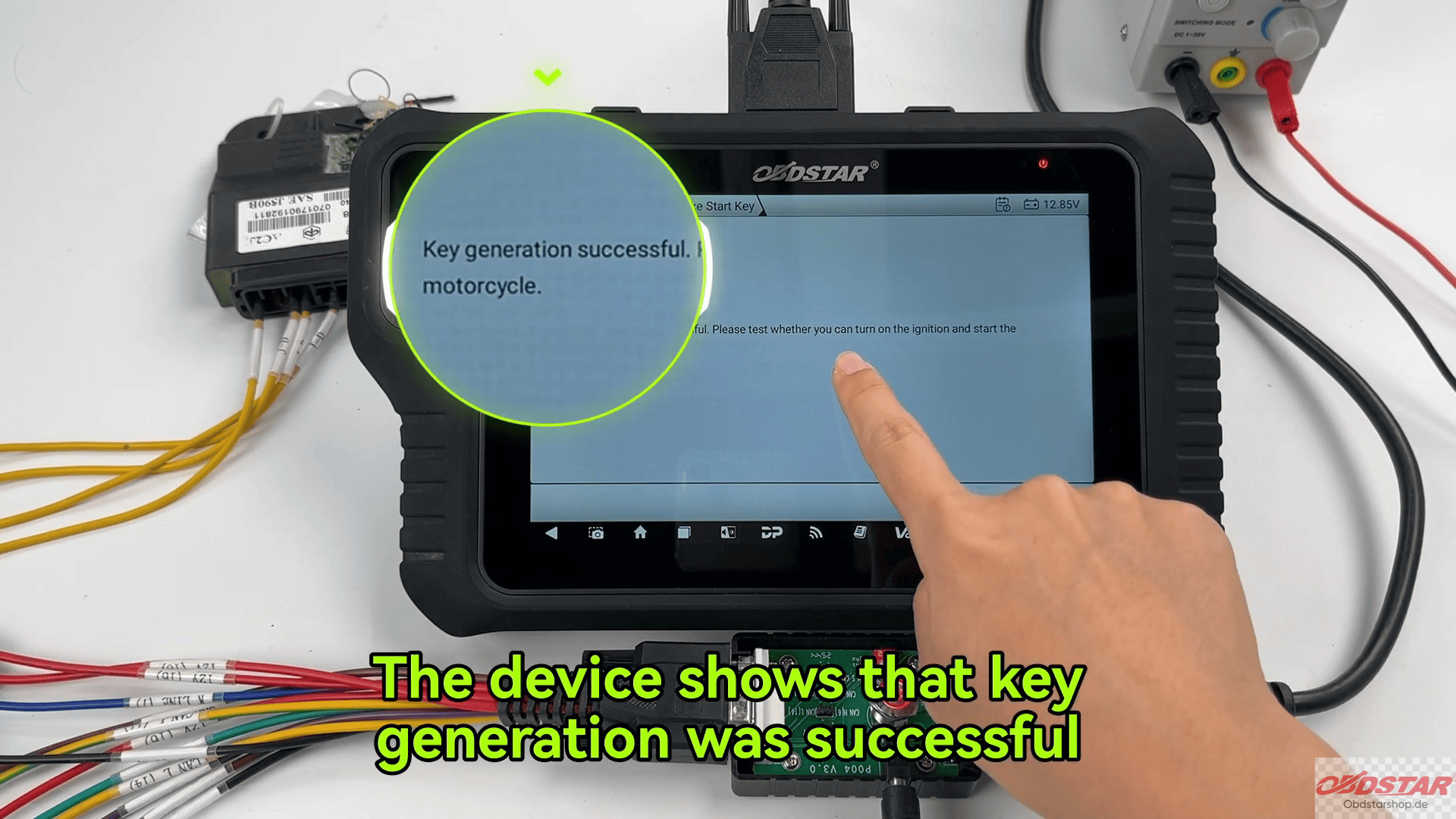
After the writing process is complete, the device will display Key Generation Successful.
Stay tuned for more OBDSTARshop.de programming tutorials and practical demonstrations.
Read also:
How to Program a Yamaha R6 Key with OBDSTAR MotoMaster
Leave a Reply