
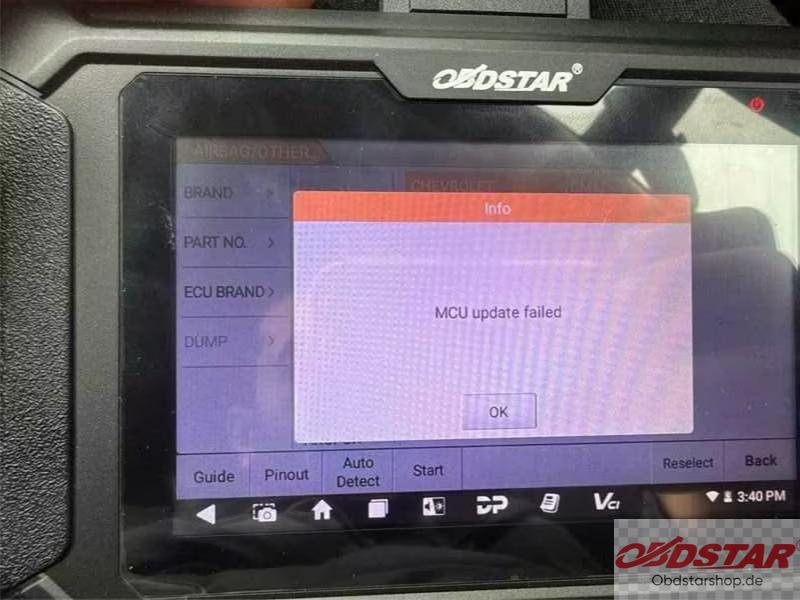
If your OBDSTAR P50 cannot perform airbag crash reset functions, displays an MCU Update Failed error, or fails to detect vehicles automatically, reinstalling the airbag software may help.
Solution: Reinstall the Airbag Software
1. Open the airbag software on your P50 airbag reset tool.
2. Press and hold the airbag software version number to uninstall it.
3. Enter the device’s Update function.
4. Download and install the airbag software again.
5. Reopen the software and check whether the crash reset function and automatic vehicle detection work properly.
If the problem persists or no updates are available, contact OBDSTARshop.de technical support for further assistance.
Note: Make sure the device has a stable internet connection before downloading the software.
Leave a Reply