




The OBDSTAR X300 Classic G3 provides a practical solution for Volvo transmission module service, including FLASH and EEPROM data reading and writing. In this tutorial, we will walk through the complete BENCH operation process for the Volvo MPS6 GEN3 TCM using the MP001 programmer.
Before starting, prepare the following equipment:
- OBDSTAR X300 Classic G3
- High-Power DC Regulated Power Supply
- Main Cable
- TCM-008 Special Wiring Harness
- Converter
- MP001 Programmer
- Volvo MPS6 GEN3 TCM
It is recommended to update X300 Classic G3 software to the latest version before operation to ensure compatibility and stability.
Start by entering the ECU Flasher menu on the device and selecting the TCM section. Choose the correct software version, then search for the Volvo MPS6 GEN3 model using the search box in the upper-right corner.

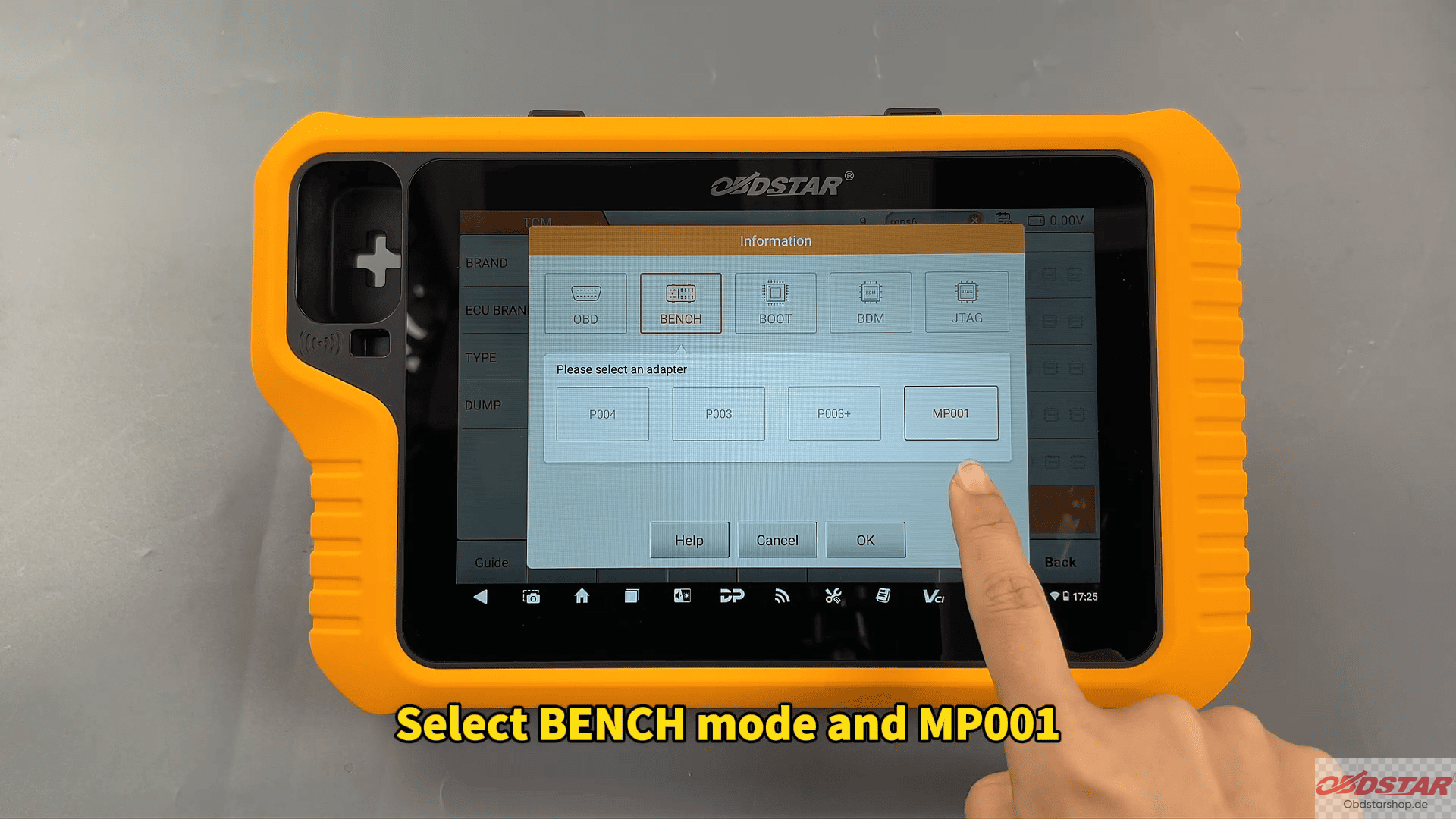
Next, open the Guide section to check the official connection diagram. After confirming the wiring information, return to the main menu and enter Pinout. Select BENCH mode together with OBDSTAR MP001, then verify that the module appearance matches the displayed image.
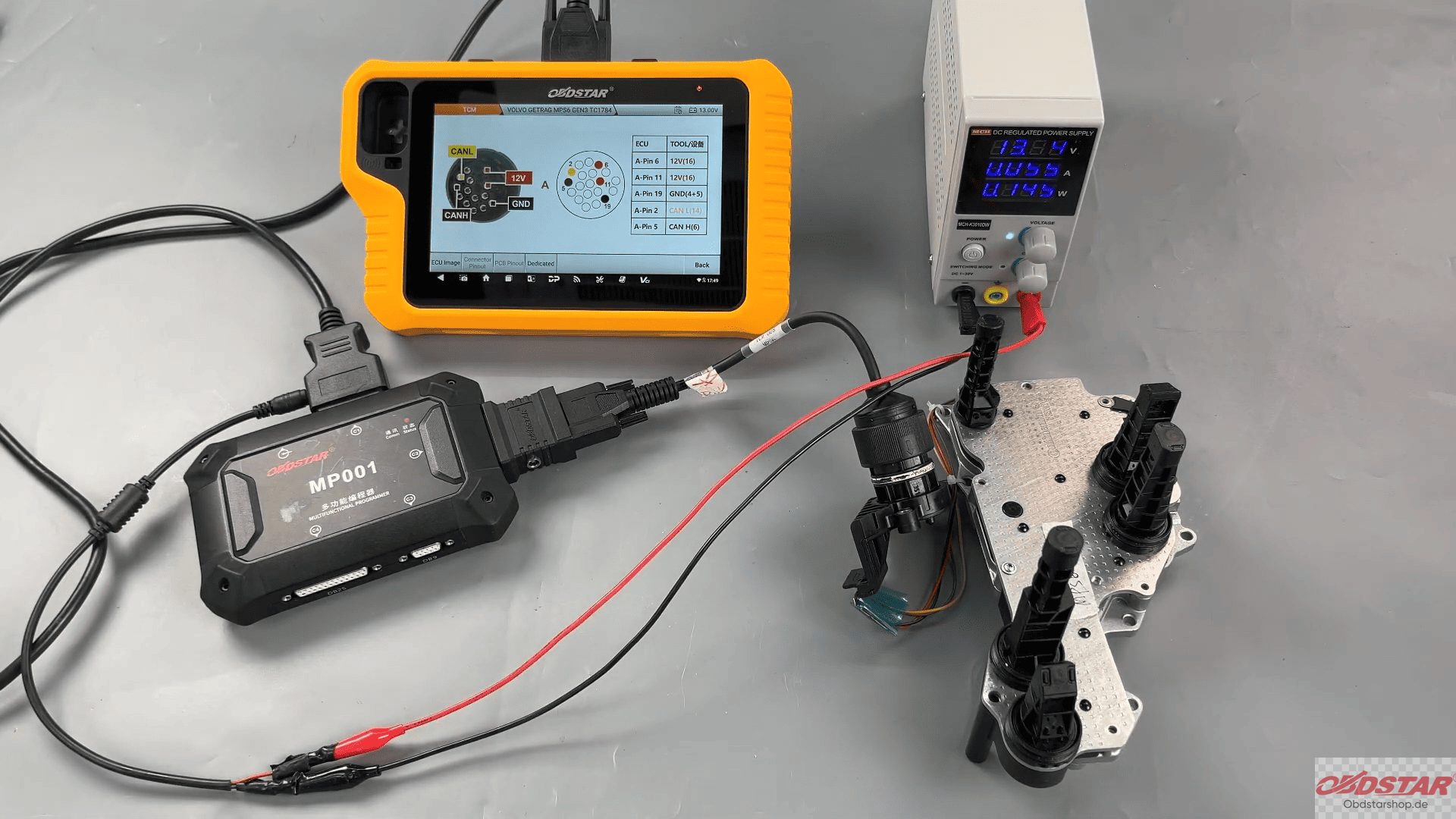
Open Connector Pinout and connect all cables according to the wiring diagram carefully. Stable wiring and power supply are very important during TCM operations.
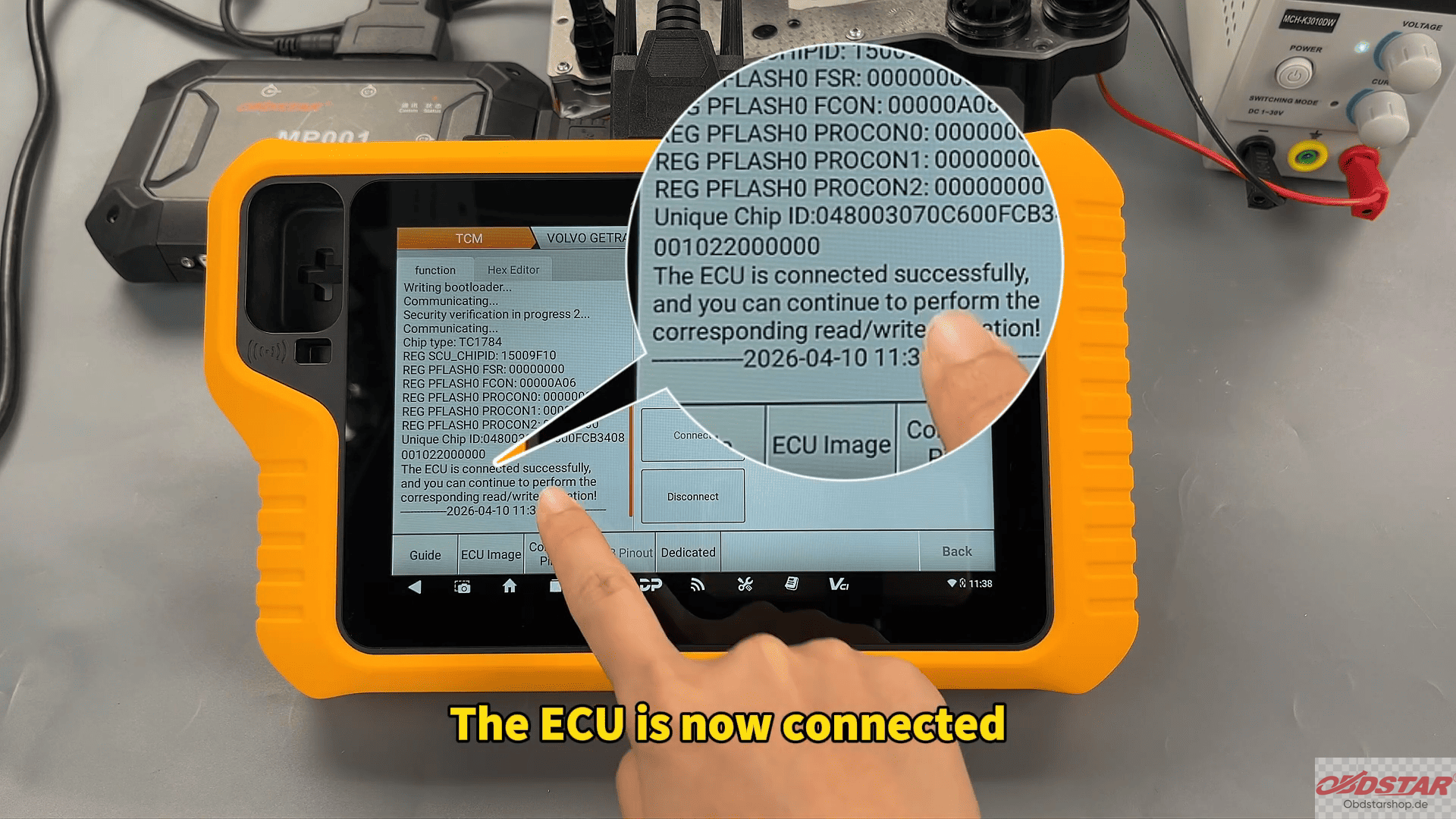
Once the connection is complete, tap Start, select BENCH mode and MP001 again, then press Connect. After confirmation, the device will establish communication with the TCM successfully.
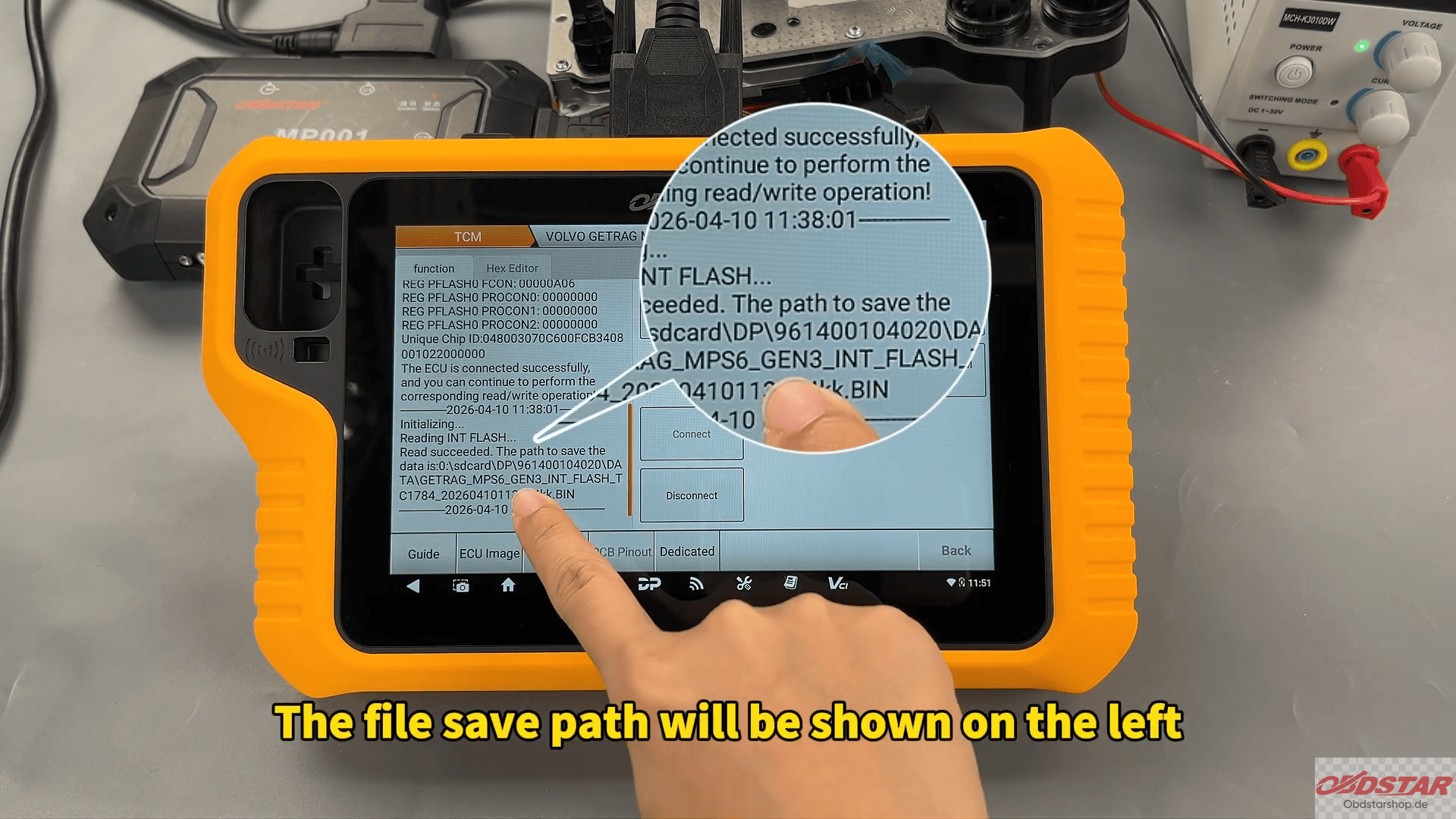
The first step is backing up the original data. Read the FLASH data and save the file. Users can rename the backup file according to different projects for easier management. The save path will be displayed on the left side of the screen.
After that, continue to read the EEPROM data and save the backup as well. Keeping both FLASH and EEPROM backups is strongly recommended before any repair or replacement operation.
When writing data back into the module, select Write FLASH Data and choose Locate External Data. The backup files can be searched by file name, date, or size. Load the correct FLASH backup file and start the writing process.

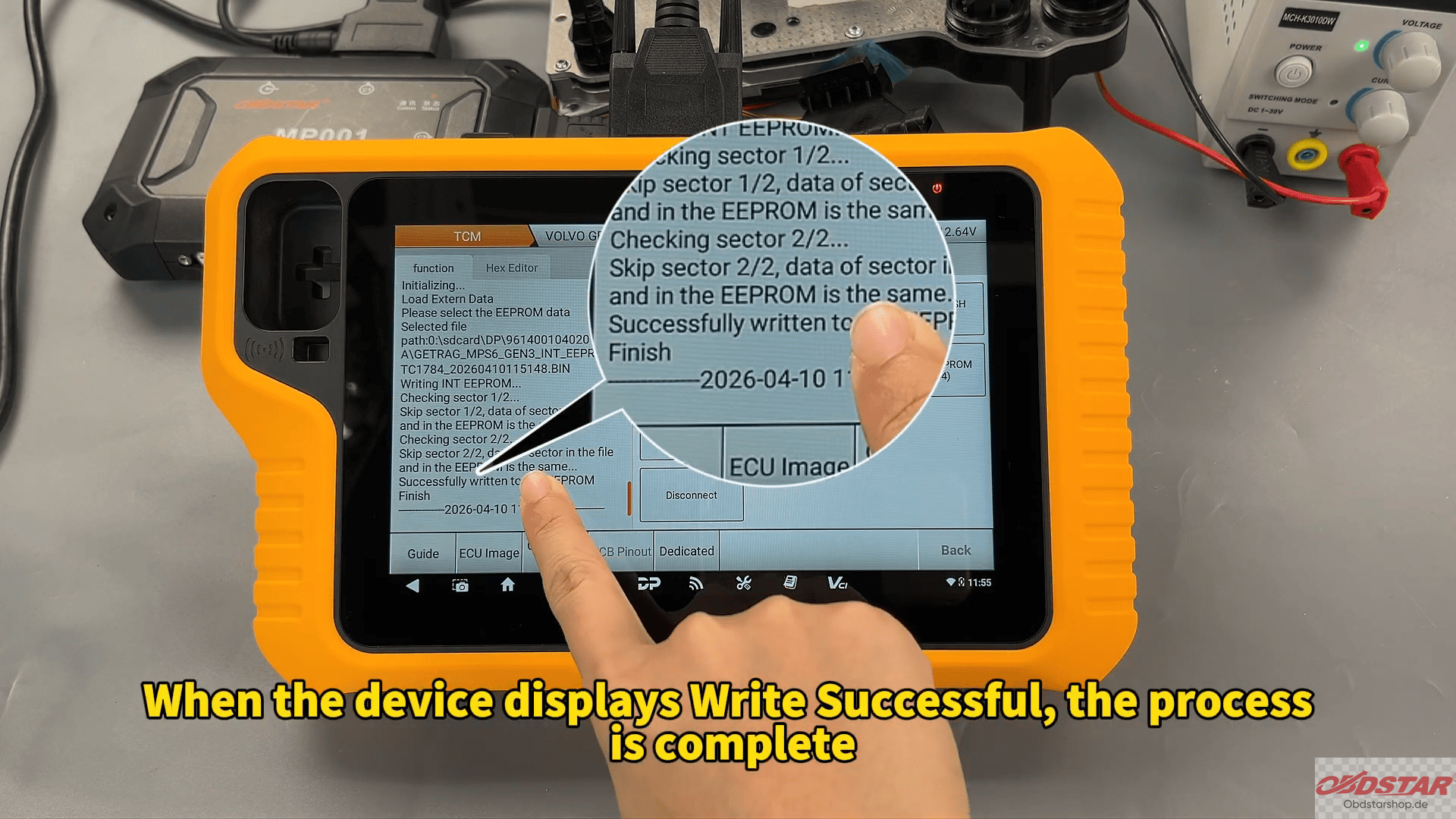
After FLASH writing is completed successfully, continue with EEPROM writing. Select Load External Data again, choose the correct EEPROM backup, and confirm the operation.
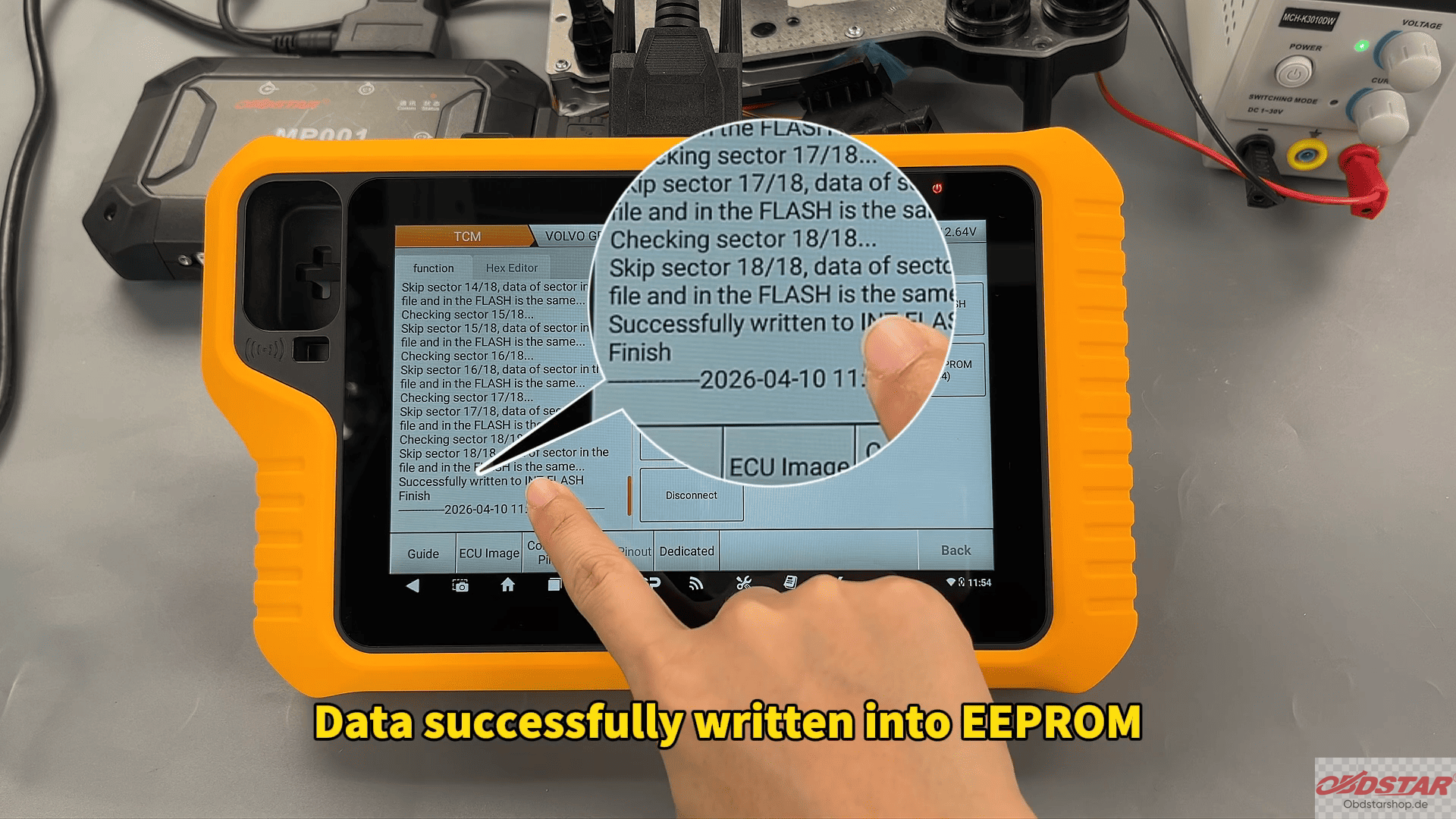
When the device displays “Write Successful”, the Volvo MPS6 GEN3 TCM read and write process is fully completed.
With BENCH mode support and MP001 integration, OBDSTAR G3 offers an efficient solution for Volvo TCM backup, cloning, repair, and module replacement operations.
Read also:
How to Read and Write FORD EMS2910 ECU Data with KeyMaster G3
Leave a Reply