




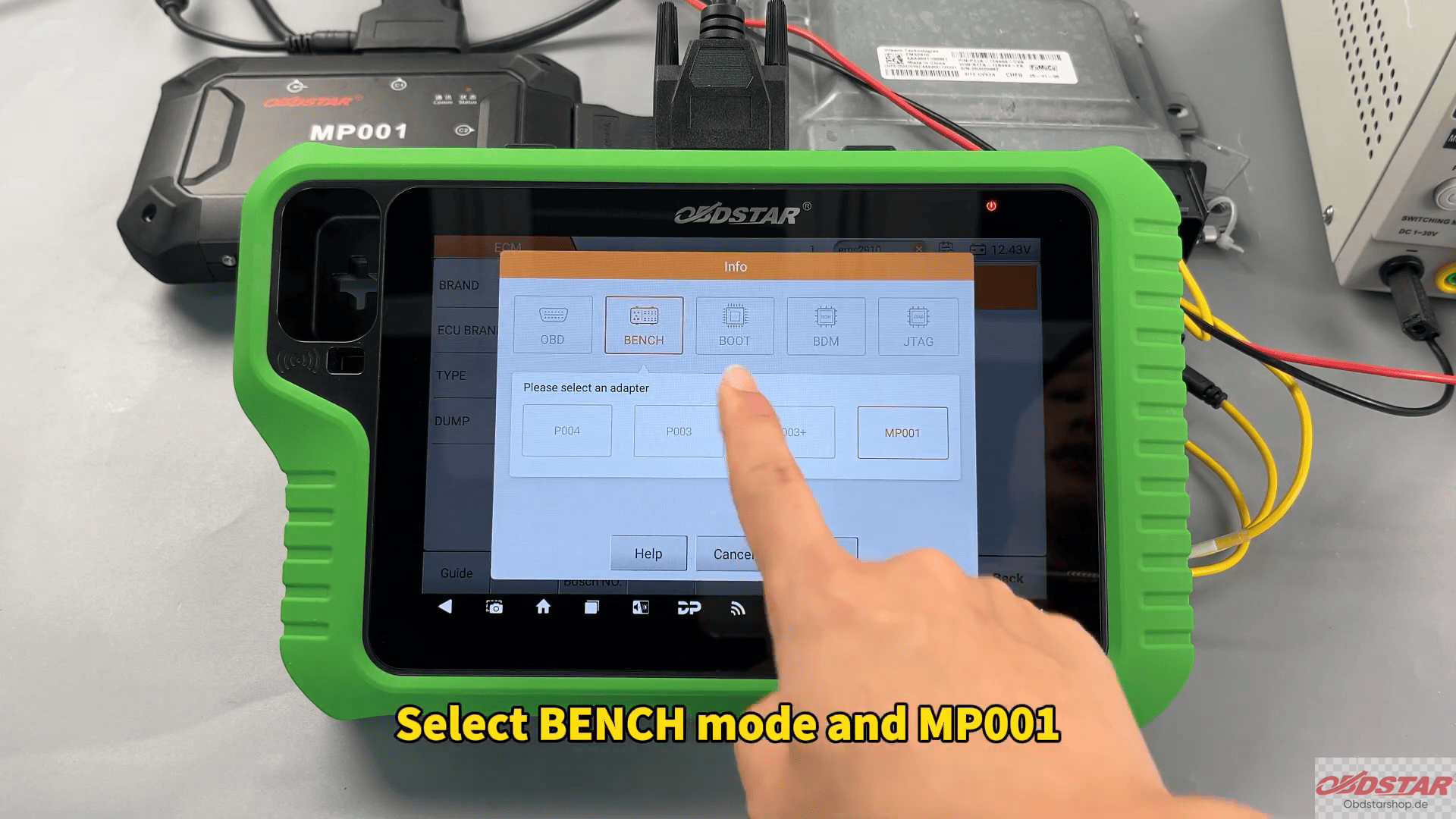
In this test, we used KeyMaster G3 together with the MP001 programmer to complete ECU data backup and writing in BENCH mode.
The operation is suitable for technicians who need to back up original ECU files, recover damaged modules, or write repaired data back into the ECU safely.
Devices Used in This Test
OBDSTAR X300 Classic G3
MP001 Programmer
High-Power DC Regulated Power Supply
Main Cable
Jumper Wires
FORD EMS2910 ECU
Before starting, make sure KeyMaster G3 software has been updated to the latest version to ensure protocol compatibility.
Entering FORD EMS2910 ECU Flasher Mode
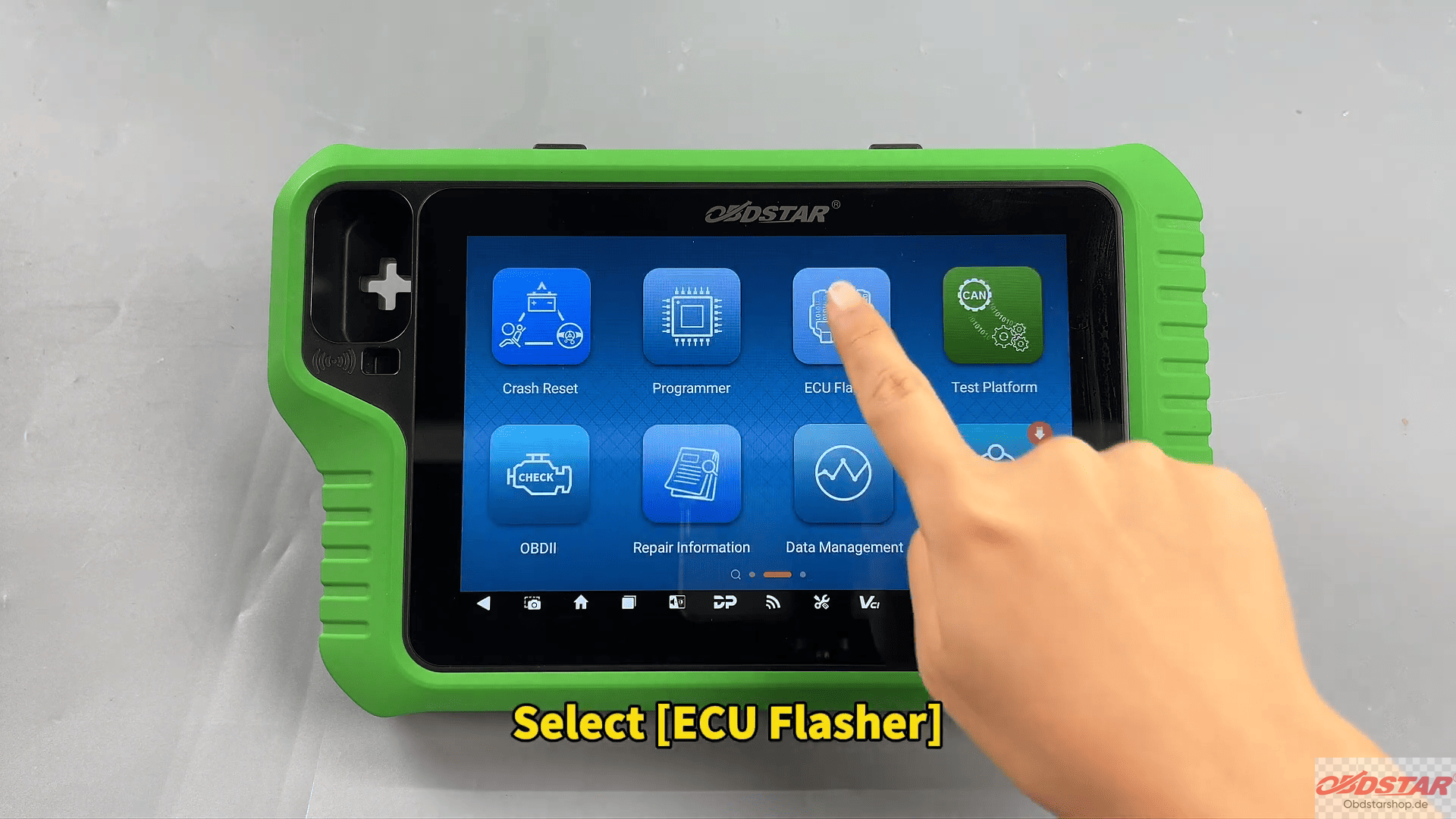
From the main menu, enter ECU Flasher and select the passenger car engine category.
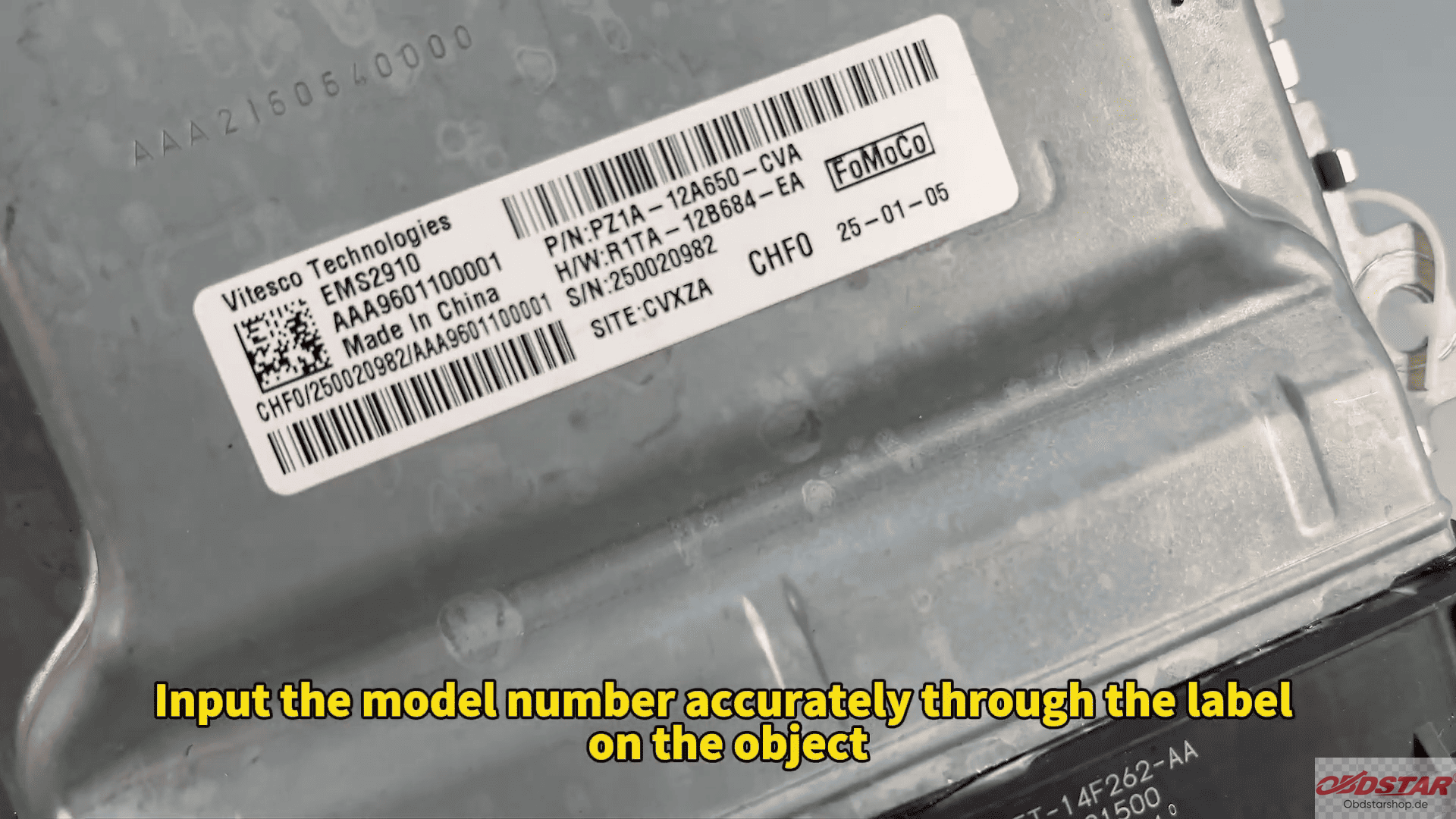
The EMS2910 model can be identified directly from the ECU label, so checking the hardware number carefully before operation is important.
Inside the software, the built-in Guide section provides the BENCH wiring diagram and pinout information. After confirming the module appearance matches the diagram, connect the ECU according to the displayed wiring instructions and attach the MP001 programmer and power supply.
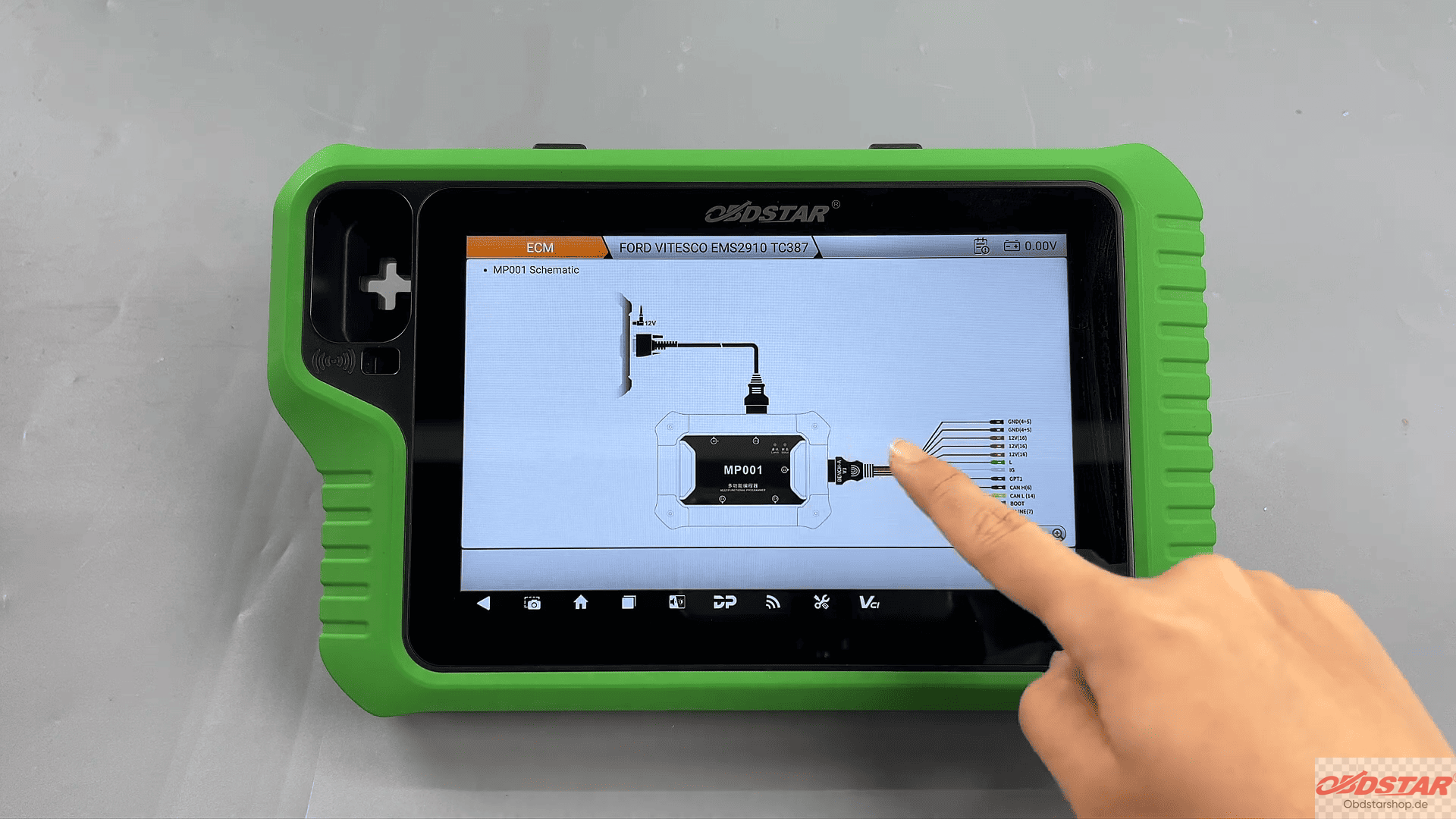
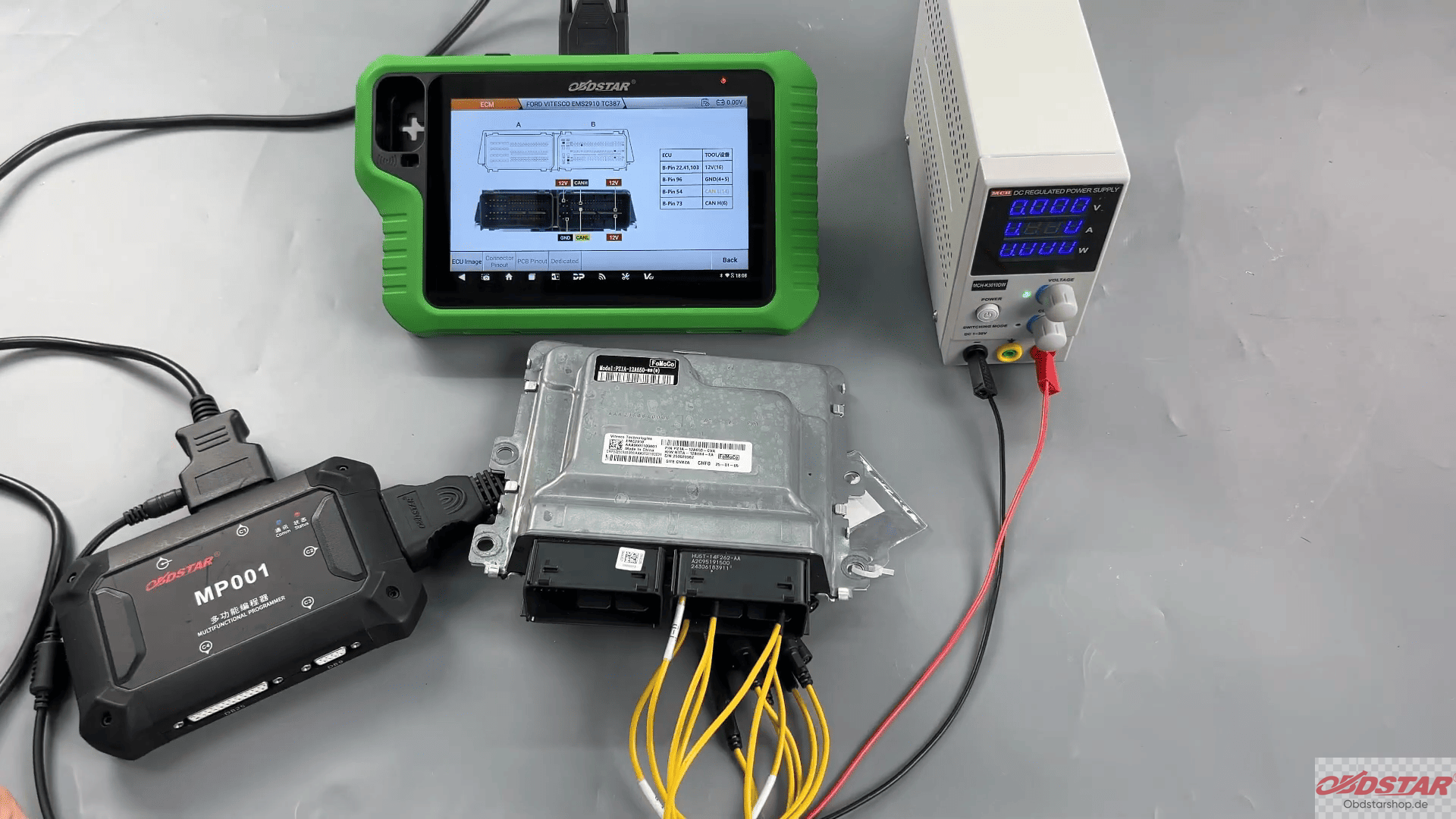
Once wiring is complete, the G3 can establish communication with the ECU in BENCH mode.
Reading FORD EMS2910 MAPS Data
After successful connection, the software allows reading of MAPS data from the ECU.
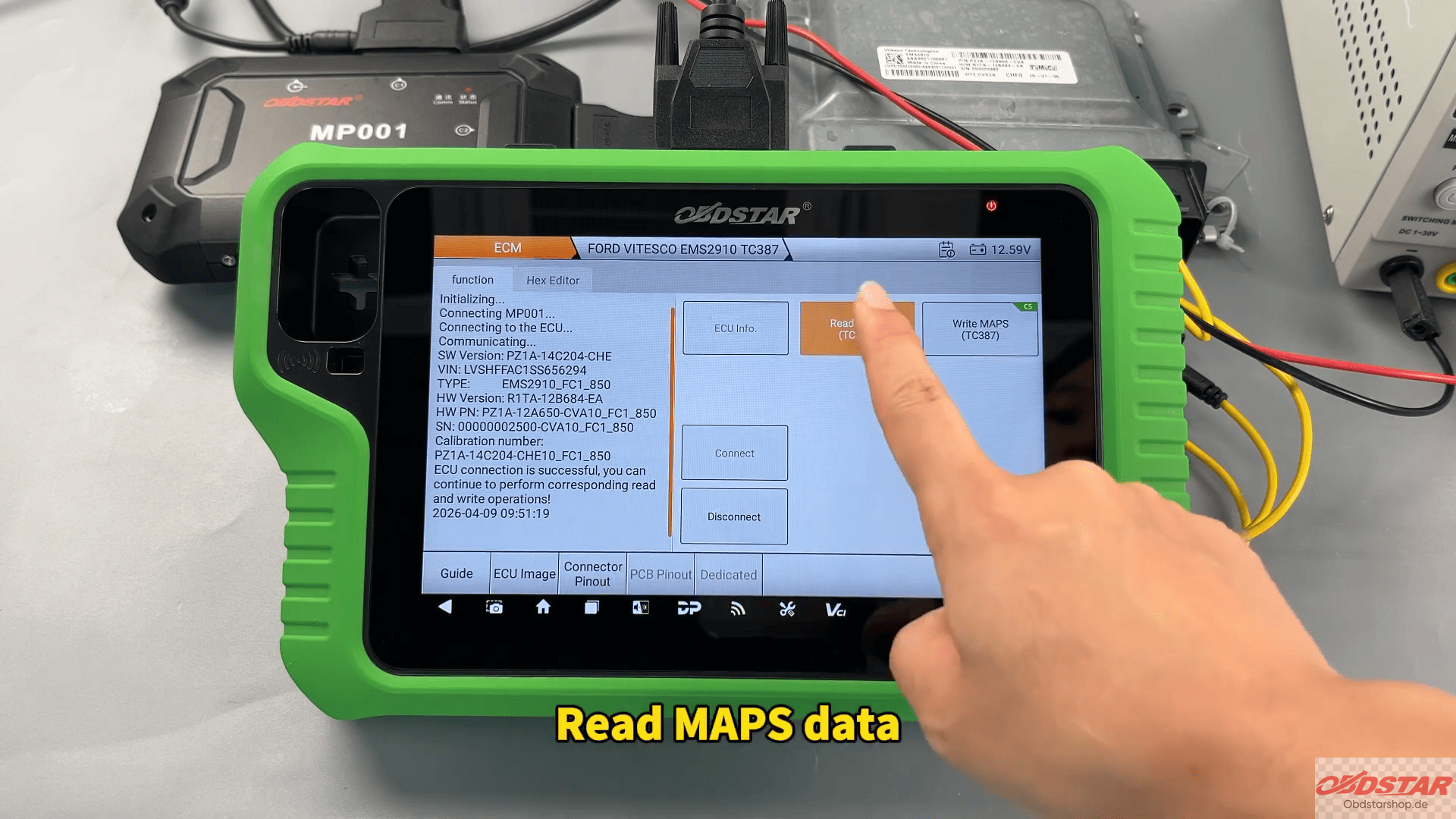
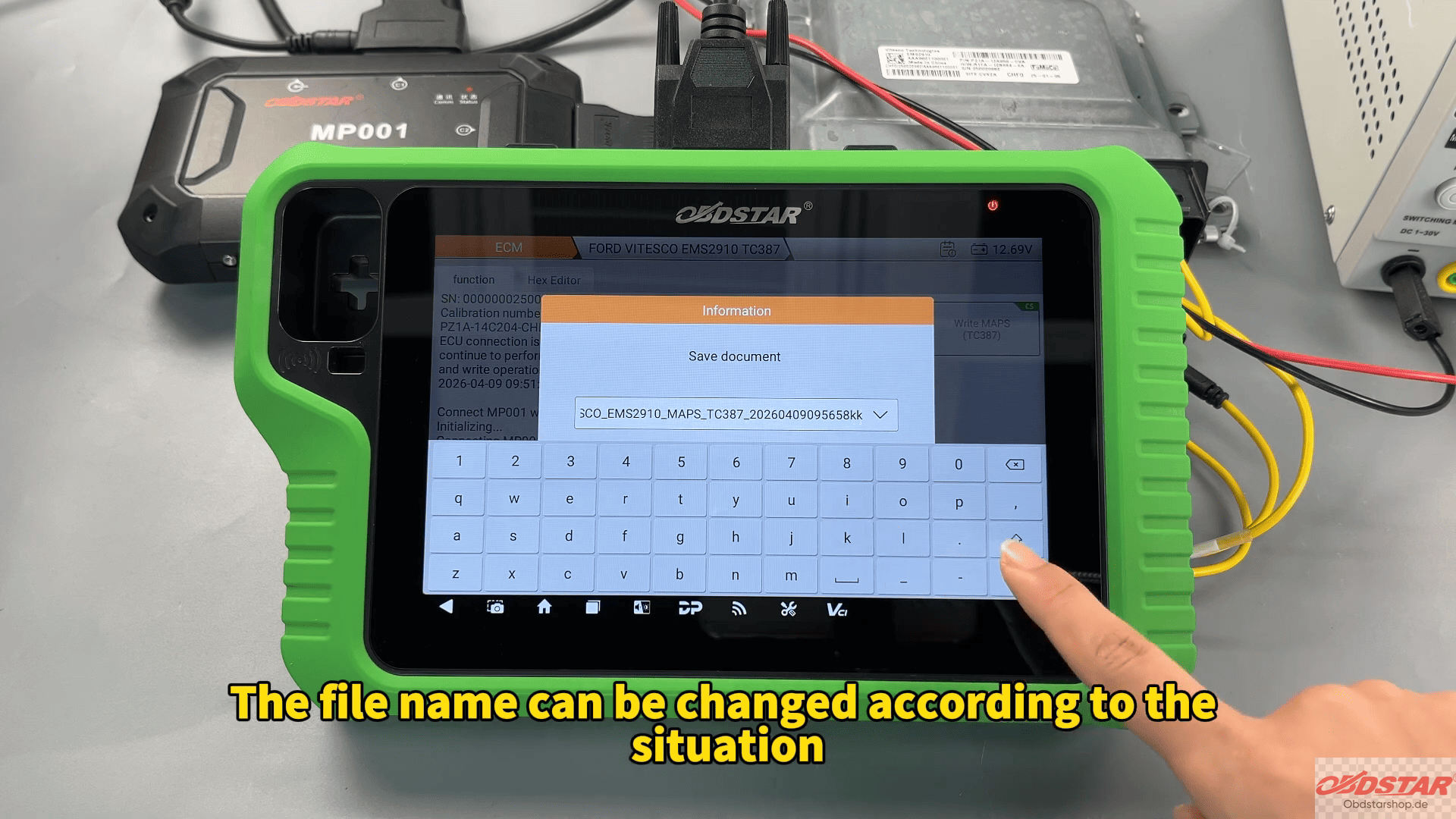
The backup file can be renamed according to workshop requirements, making future recovery or cloning jobs easier to organize. During the process, the software also displays checksum support through the “CS” icon in the upper-right corner.
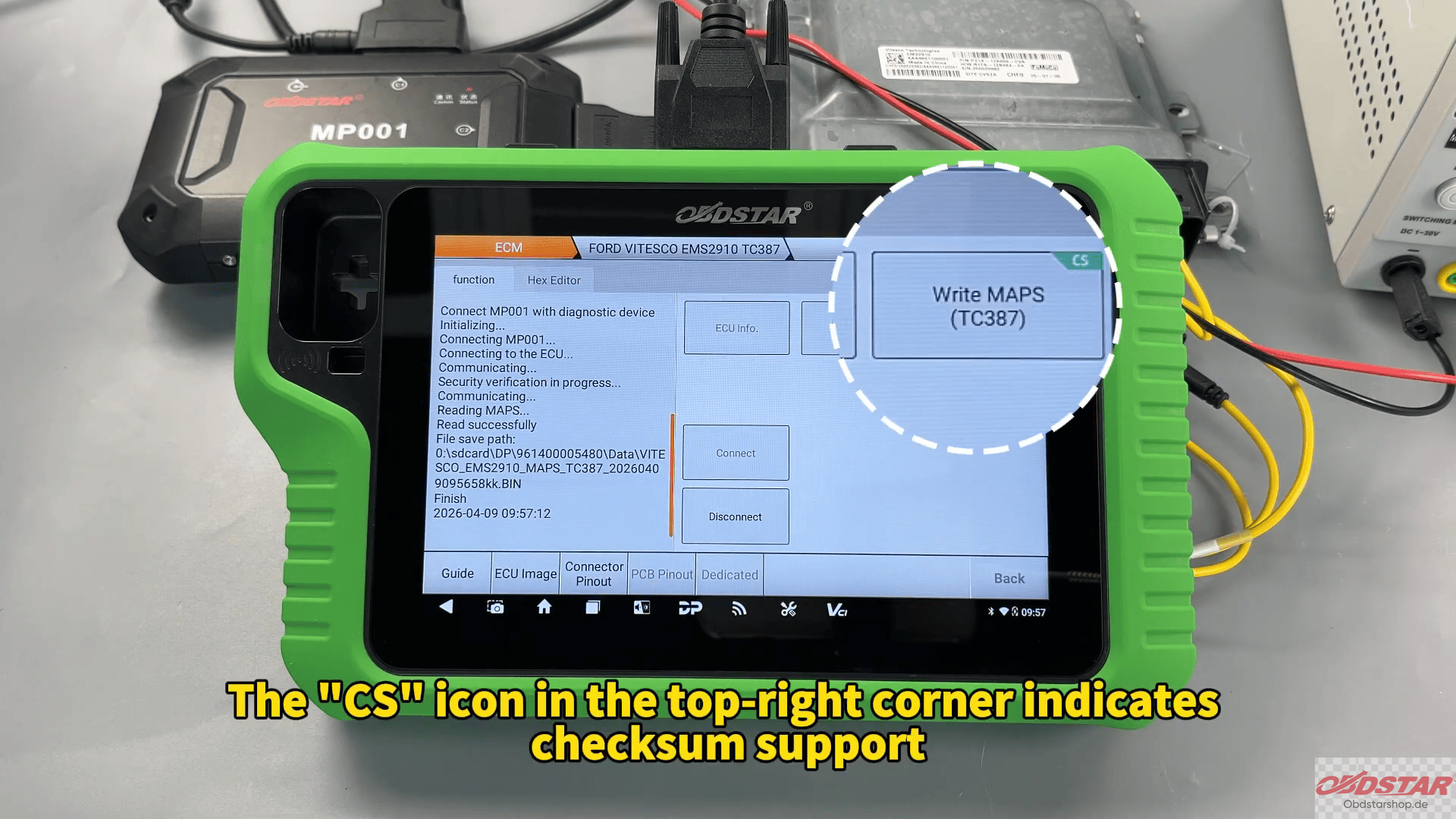
This feature is especially useful when handling modified ECU files because checksum correction helps avoid write errors and startup issues.
Writing Data Back into the ECU
When writing MAPS data, technicians can load the previously saved backup file directly from local storage. The search function makes it easy to locate files by name, size, or save time.
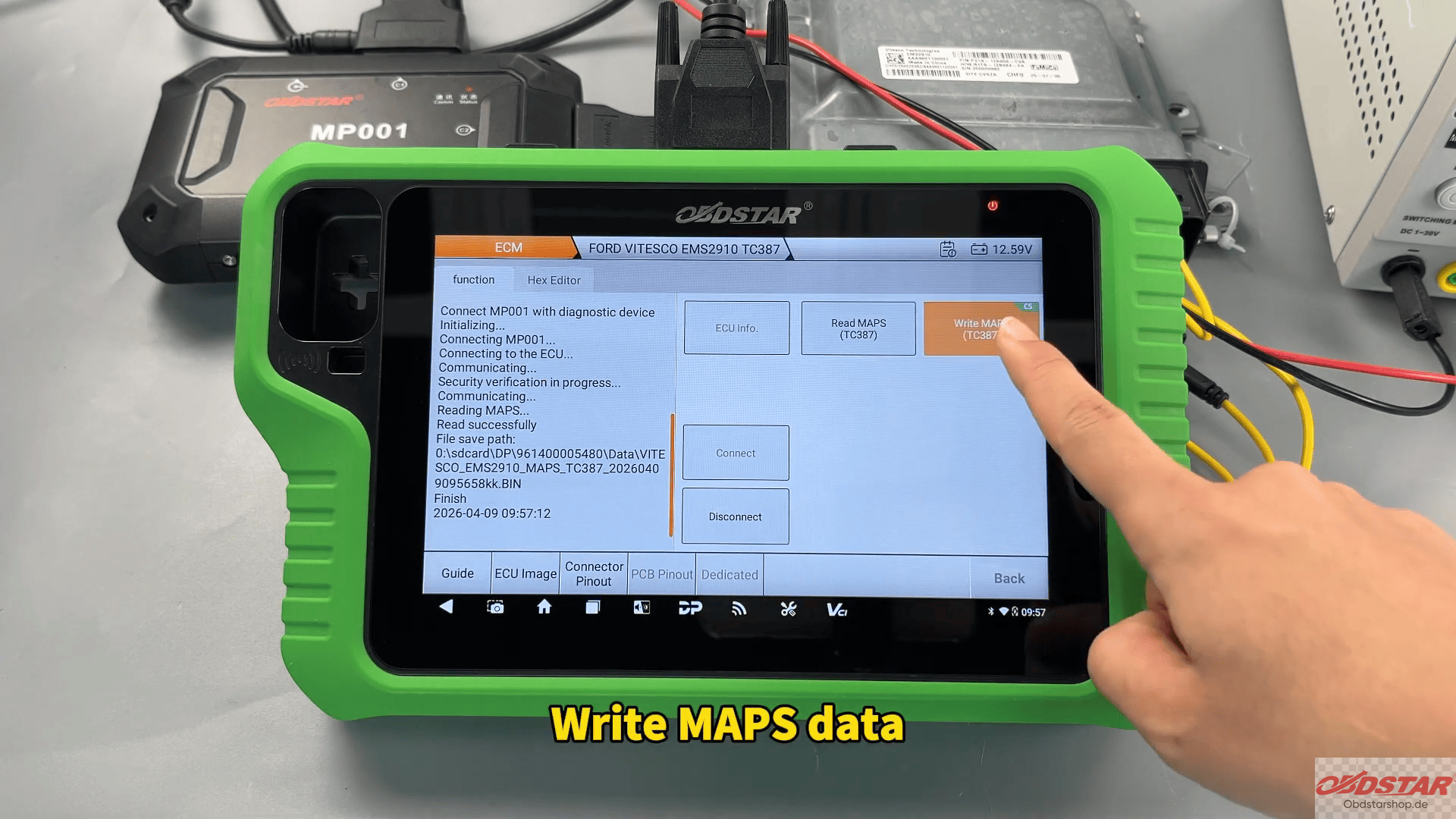
If the file has not been modified, checksum calculation is not required and the software can proceed directly with writing.
After confirmation, OBDSTAR G3 completes the writing process automatically. Once “Write Successful” appears on the screen, the ECU operation is finished.
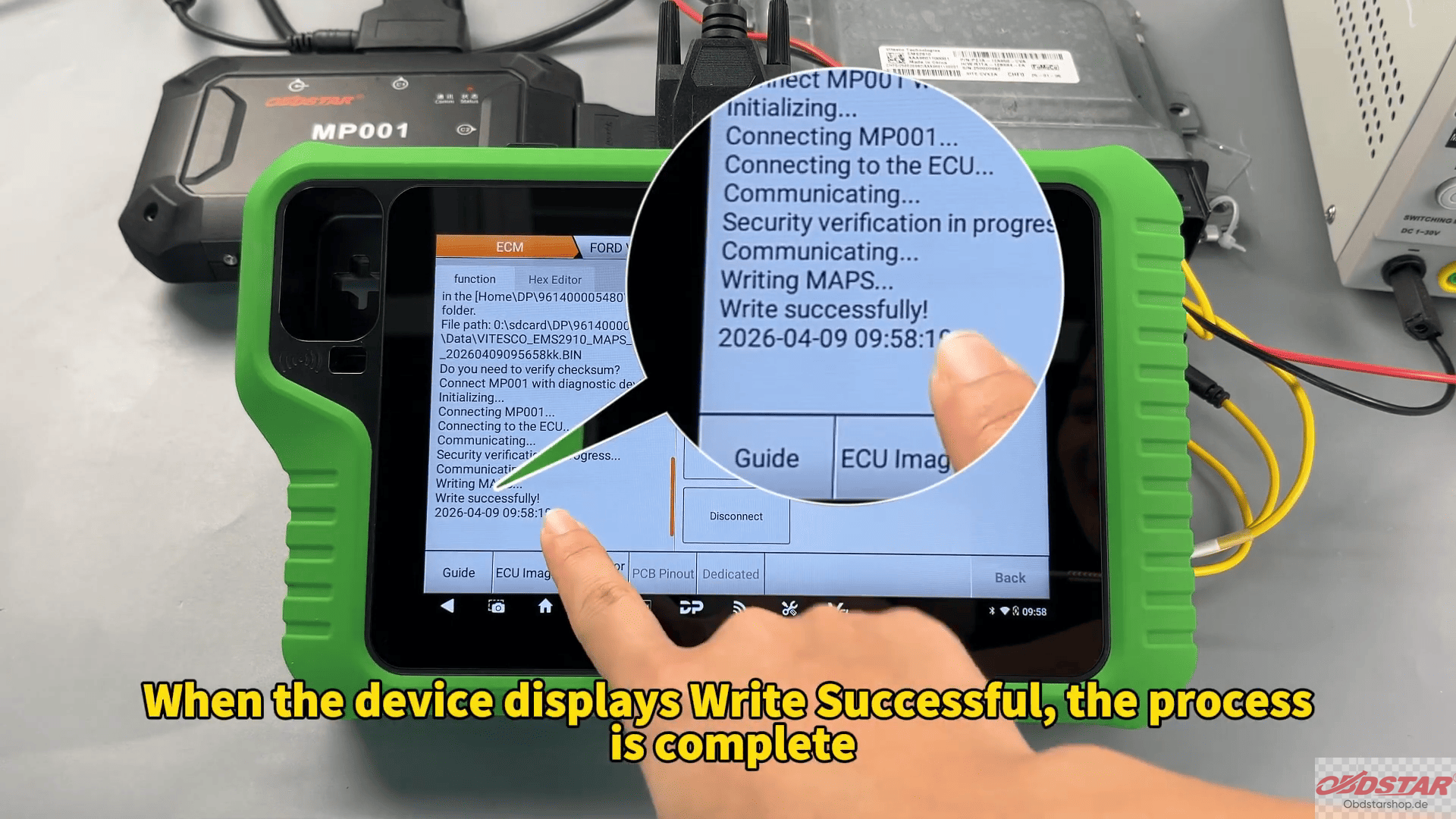
For workshops handling Ford ECU repair or data backup jobs, X300 Classic G3 provides a practical BENCH solution for reading and writing FORD EMS2910 data safely and efficiently.
With built-in checksum support, OBDSTAR MP001 compatibility, and guided wiring diagrams, the process becomes much easier for daily ECU service work.
Leave a Reply