



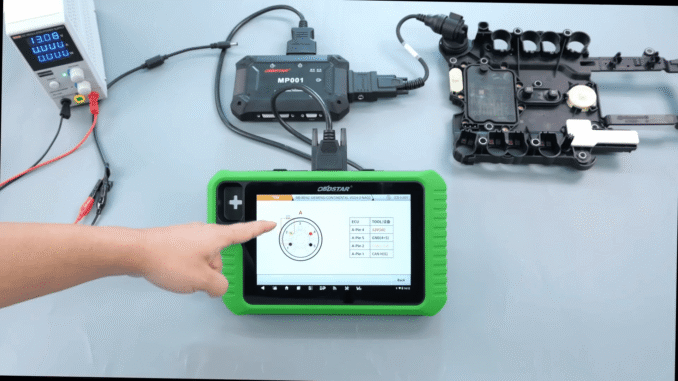
This post will demonstrates how to use KeyMaster G3 for VGS4-0-NAG2 TCM virginization via Bench Mode. Step-by-step guide, tools required, and expert tips for automotive professionals.
Required Tools (KeyMaster G3)
OBDSTAR X300 Classic G3
OBDSTAR M001 Main Cable
MP001 programmer
TCM-012 dedicated cable (optional)
BENCH jumper wires (if no dedicated cable)
Used VGS4-0-NAG2 TCM
Stabilized power supply
Steps:
1. Enter Function
Open OBDSTAR G3
Select ECU Flasher → TCM

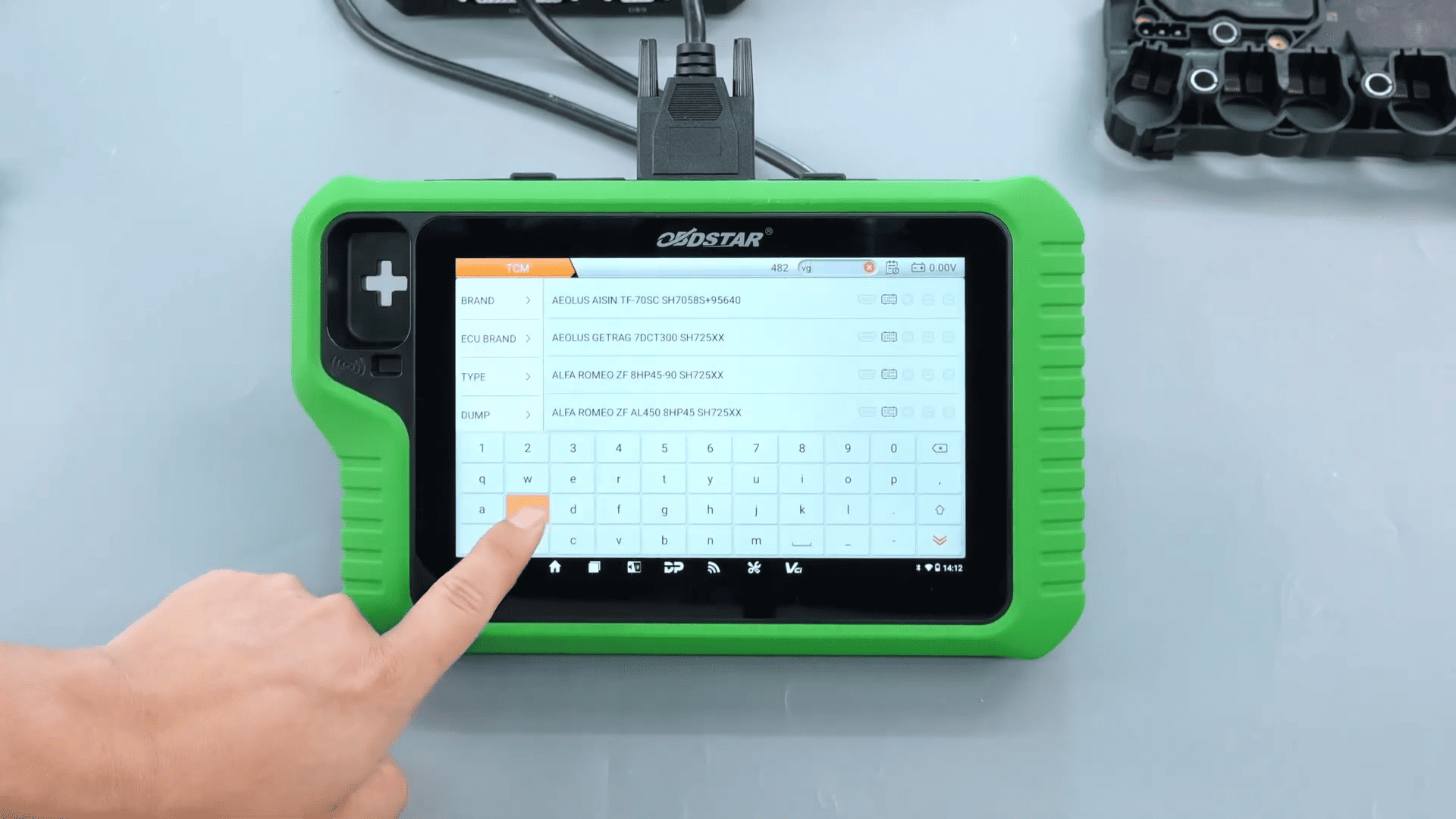
2. Select Model
Search VGS4
Choose VGS4-0-NAG2
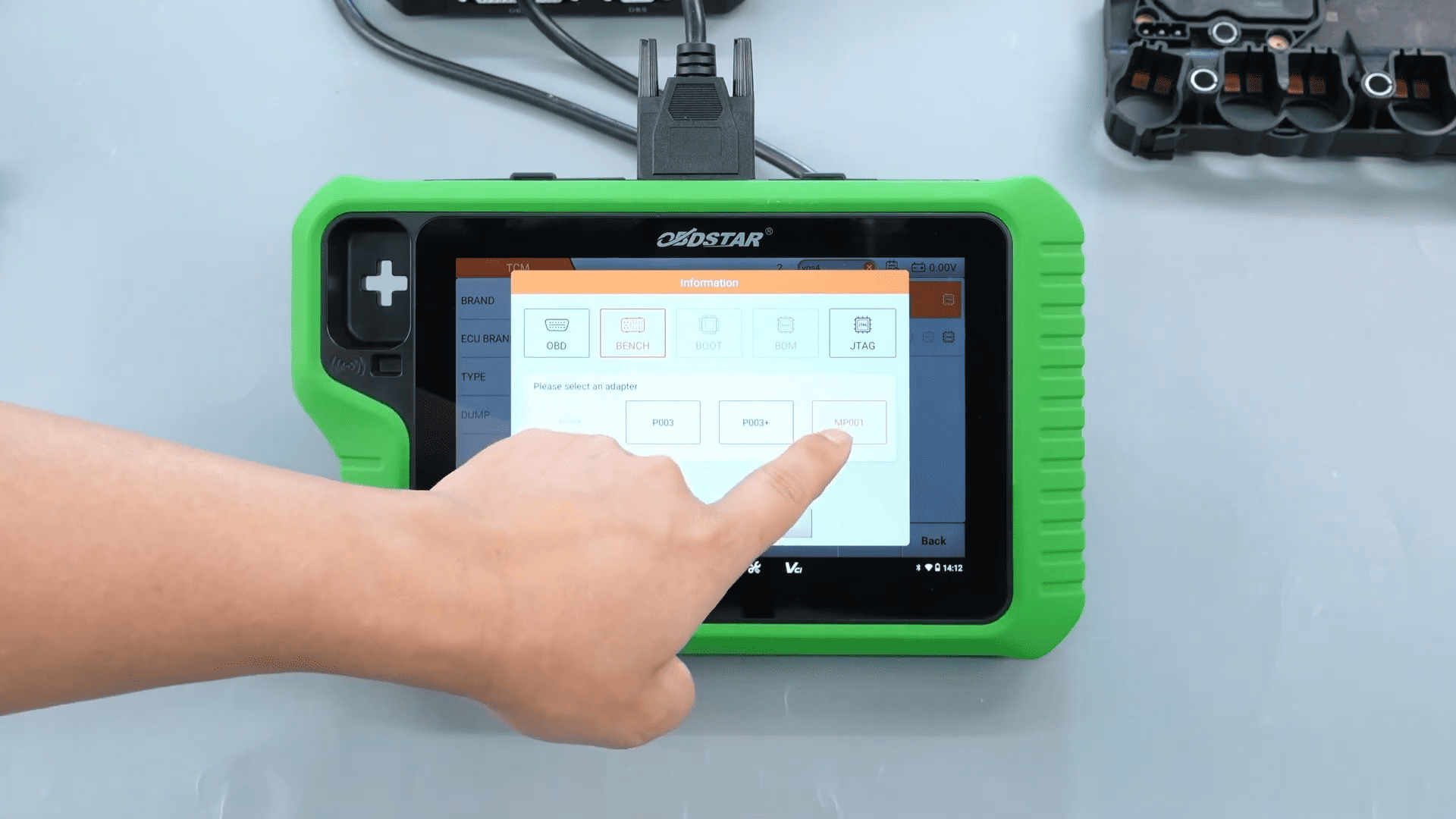
Select BENCH Mode – MP001
3. Wiring
Connect according to wiring diagram
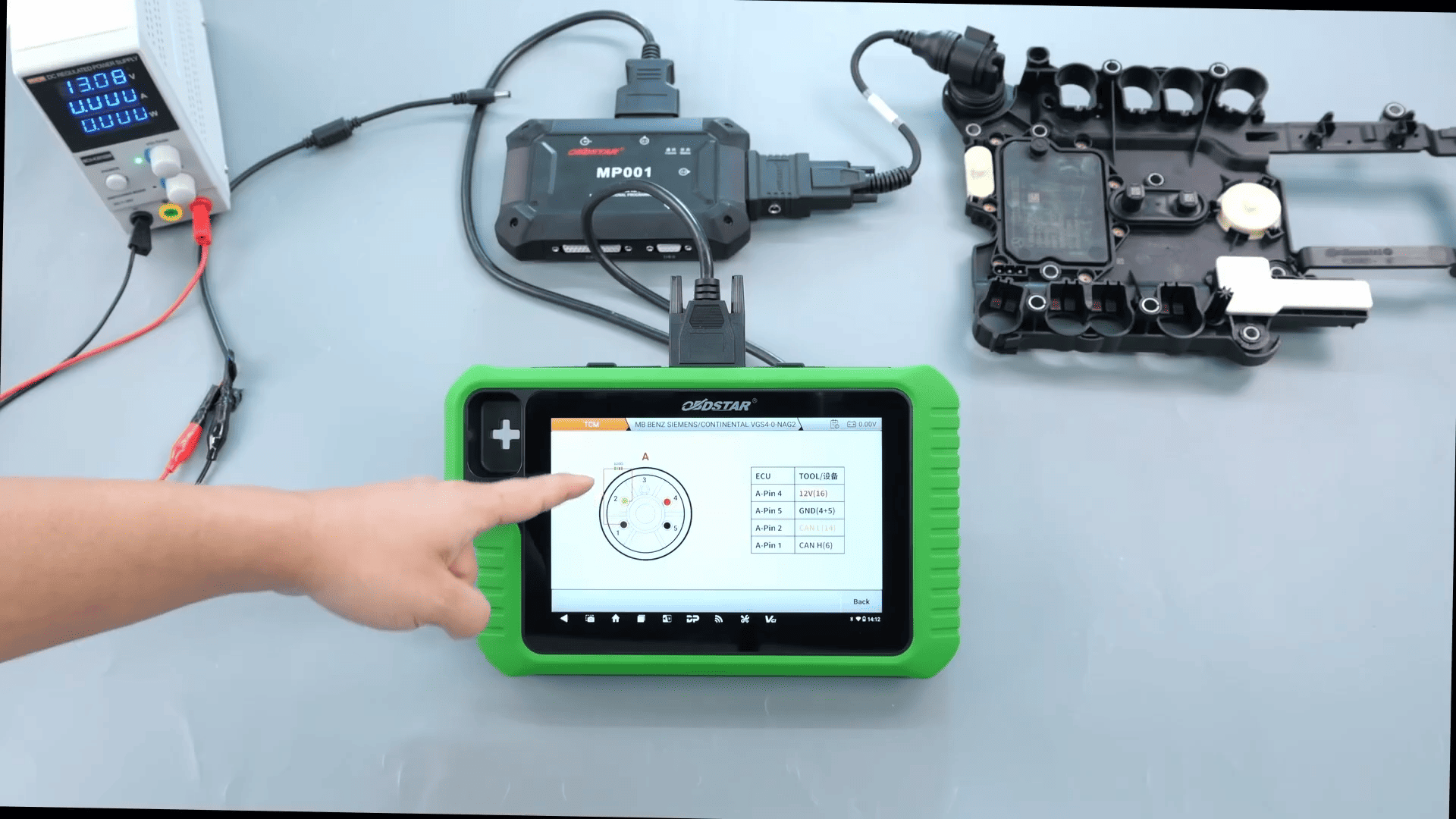
Use TCM-012 cable (recommended)
Or use jumper wires if unavailable
Note:
MP001: No 120Ω resistor required
P003/P003+: 120Ω resistor required
4. Read Data
Power on device
Connect and read ECU info
Save backup data

5. Virginization
Go to Advanced Functions
Execute virginization
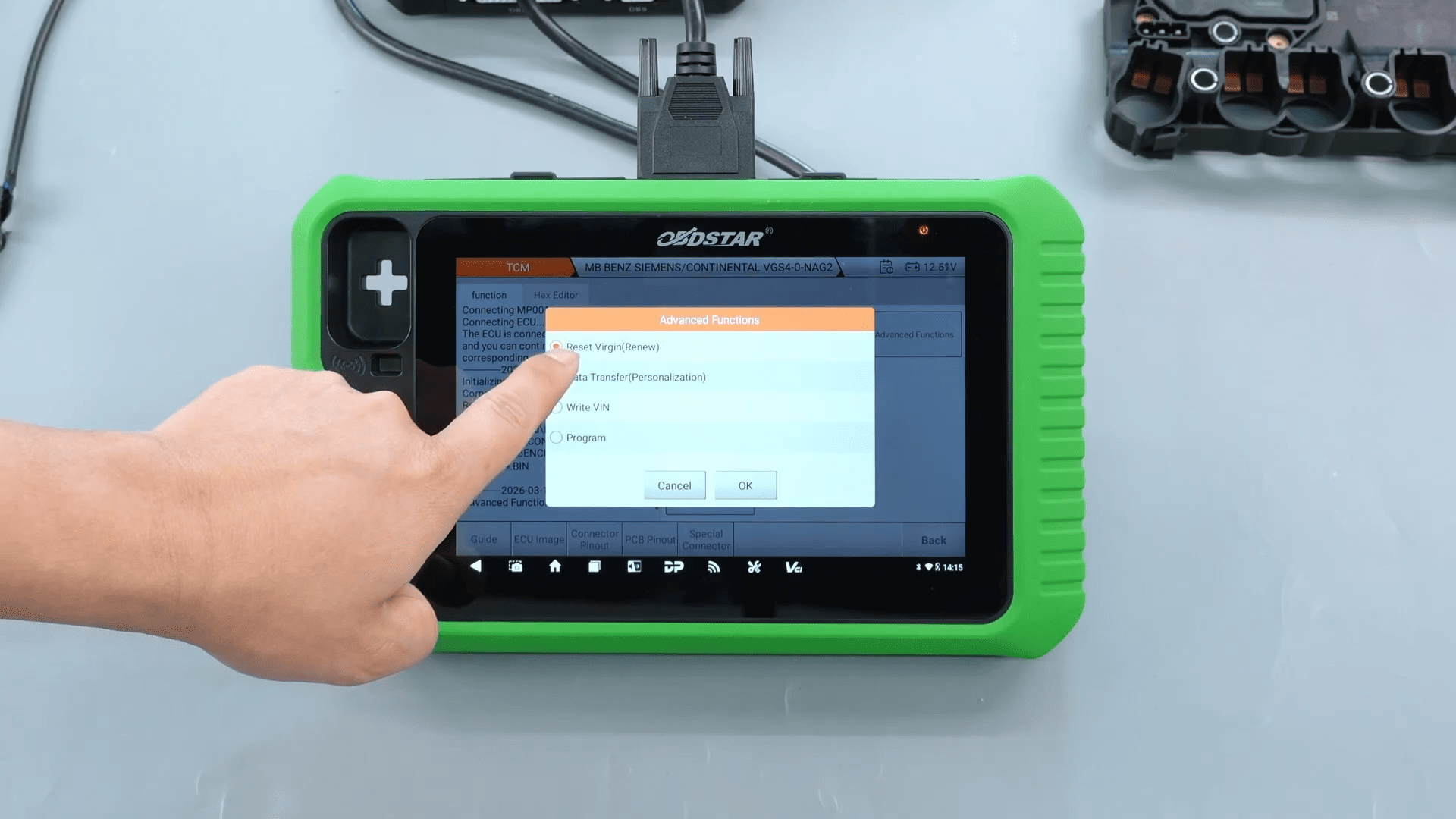
Confirm status shows Erased

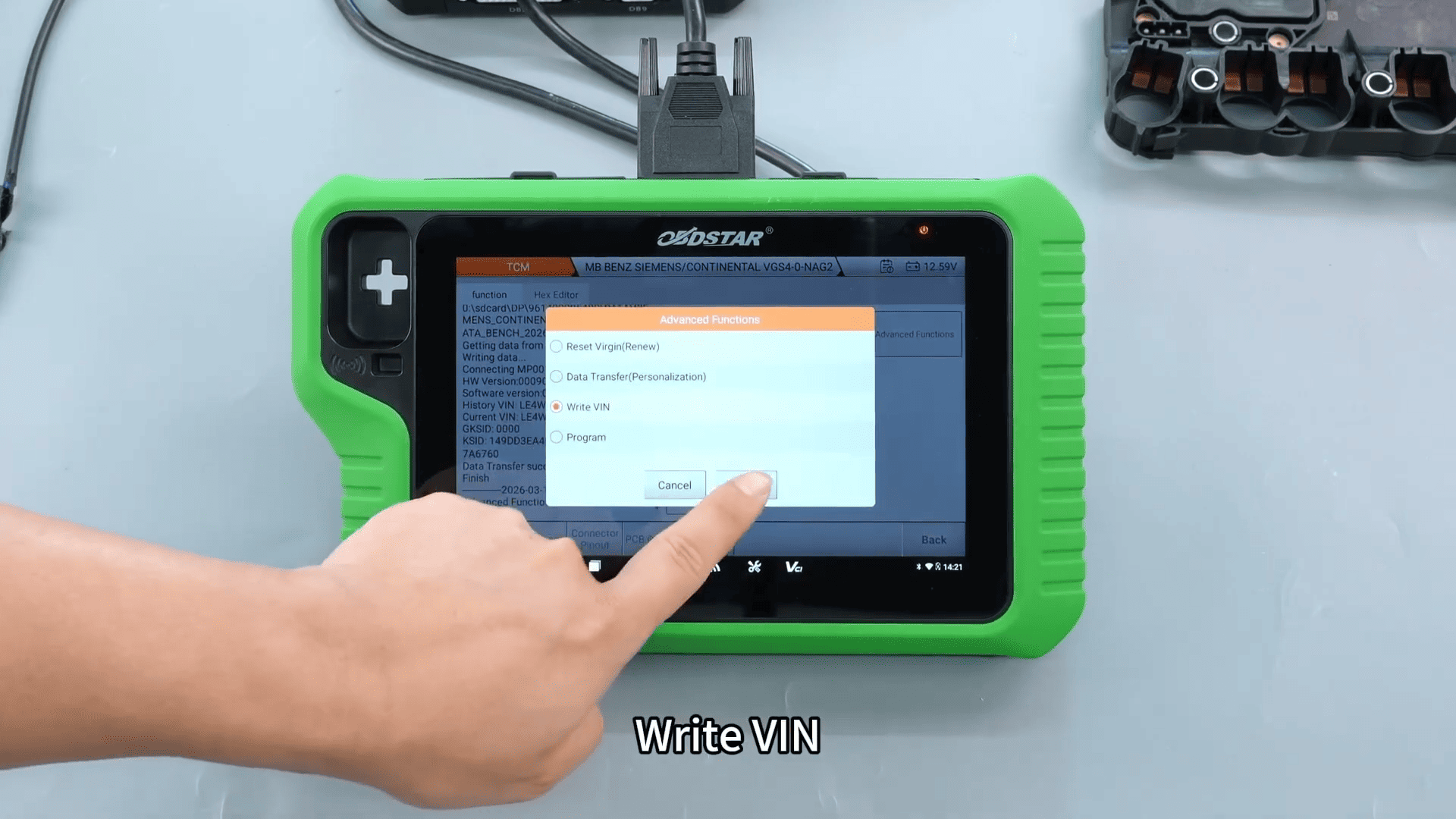
6. Write Data
Load backup file

Restore data
Write VIN
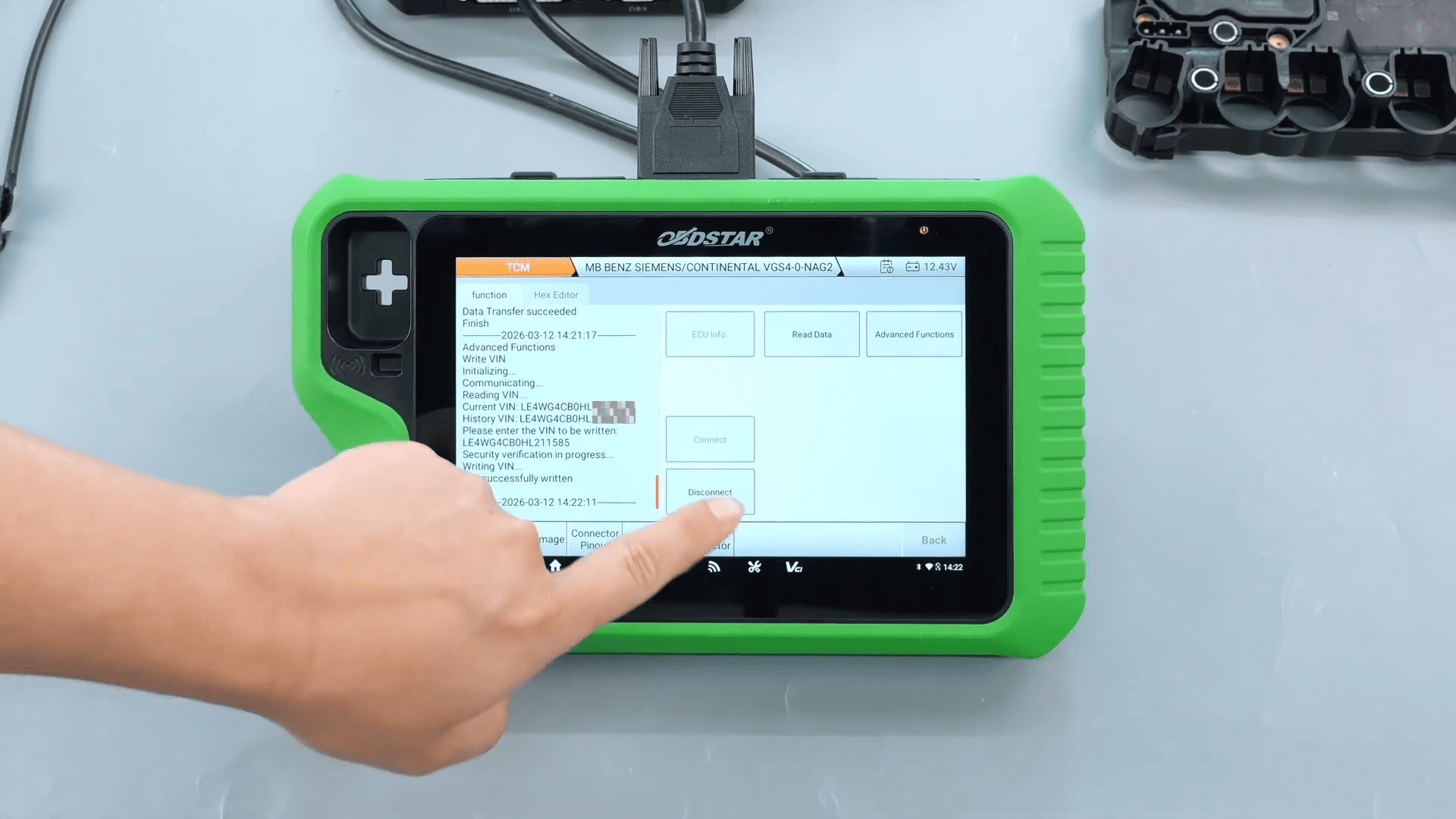
7. Finish
Read ECU info again
Confirm VIN is correct
X300 Classic G3 full version simplifies complex ECU and TCM procedures, making it an indispensable tool for automotive professionals. With its non-destructive approach and advanced features, KeyMaster G3 significantly improves workflow efficiency and reduces operational risks.
Read also:
How to Reset Volvo CEM Crash Data Using KeyMaster G3 via OBD
Leave a Reply