



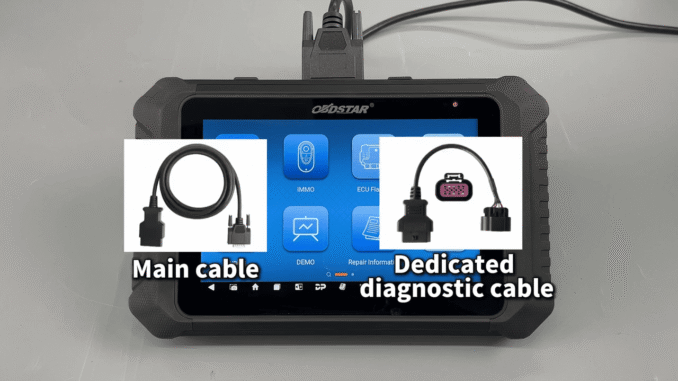
This post demonstrates how to reset Mercury Marine maintenance and oil service reminders using OBDSTAR MarineMaster. A simple and professional diagnostic solution for marine workshops and technicians.
Mercury Marine Maintenance Reset Procedure
Using MarineMaster diagnostic tool, follow these simple steps:
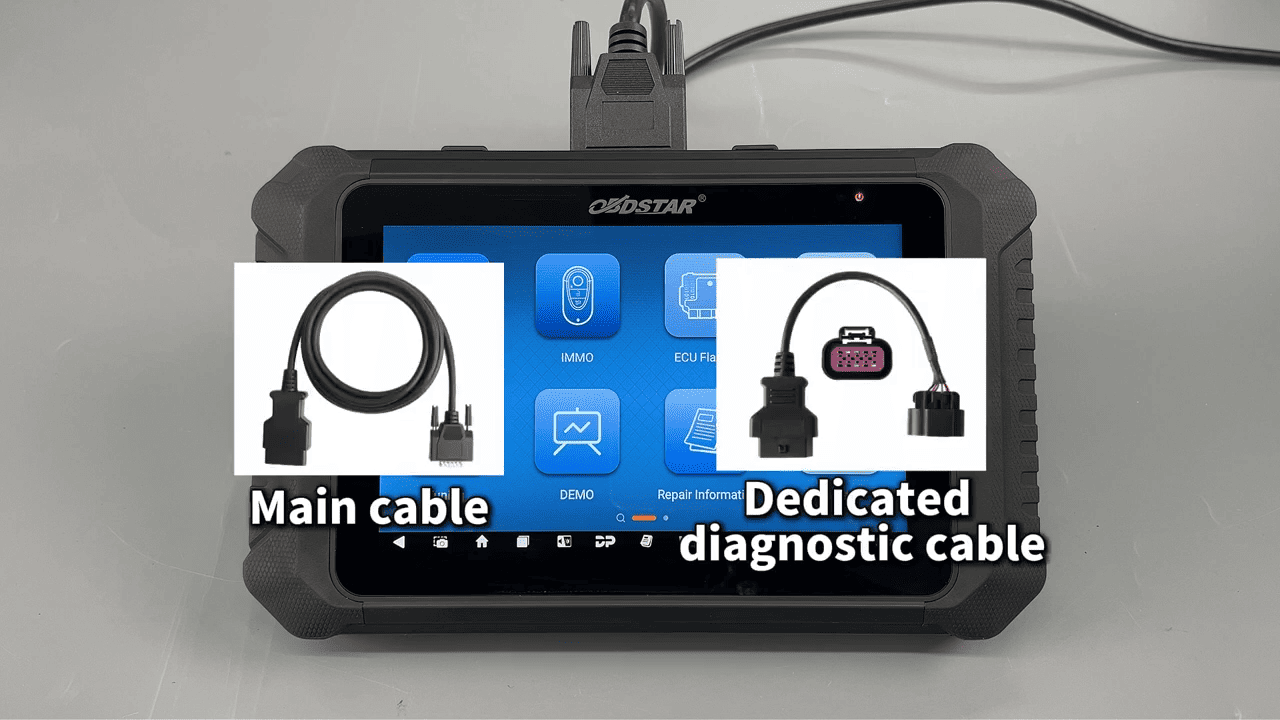
1. Connect the OBDSTAR MarineMaster to the boat using the main cable and Mercury diagnostic cable.
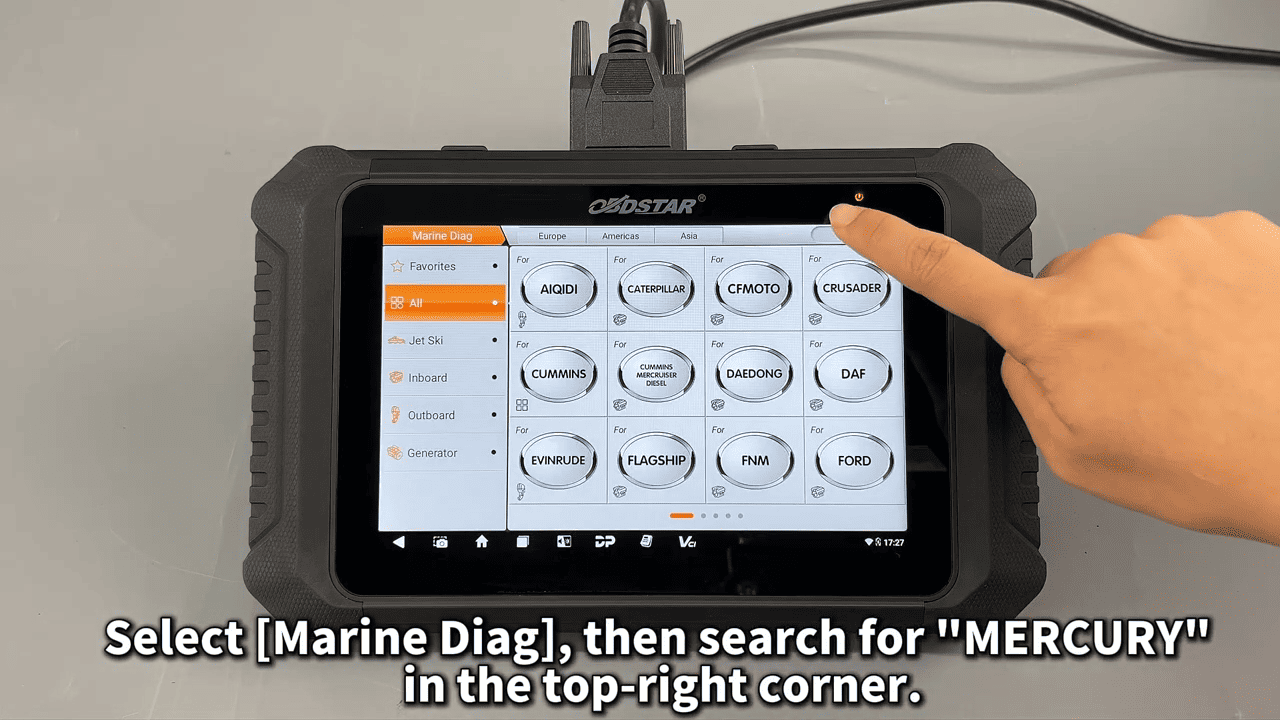
2. Enter Marine Diagnostics, select Mercury, and perform an Auto Scan.
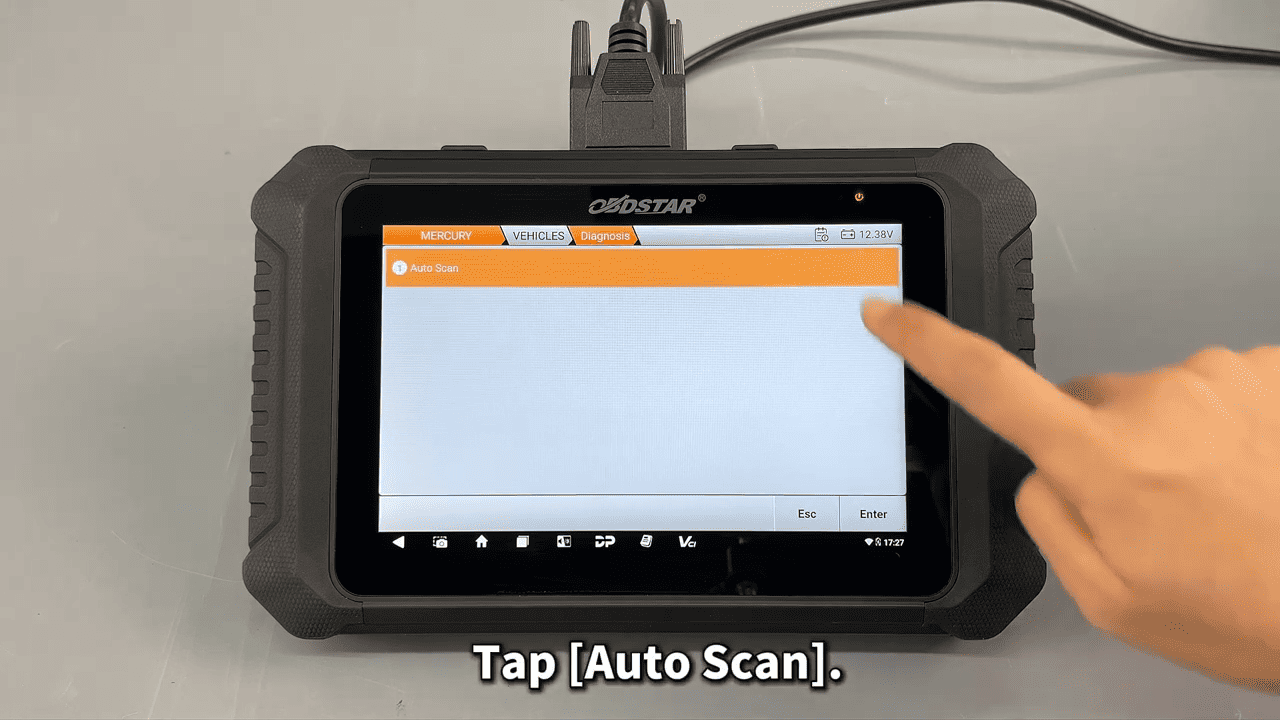
3. Go to Special Function → Maintenance.
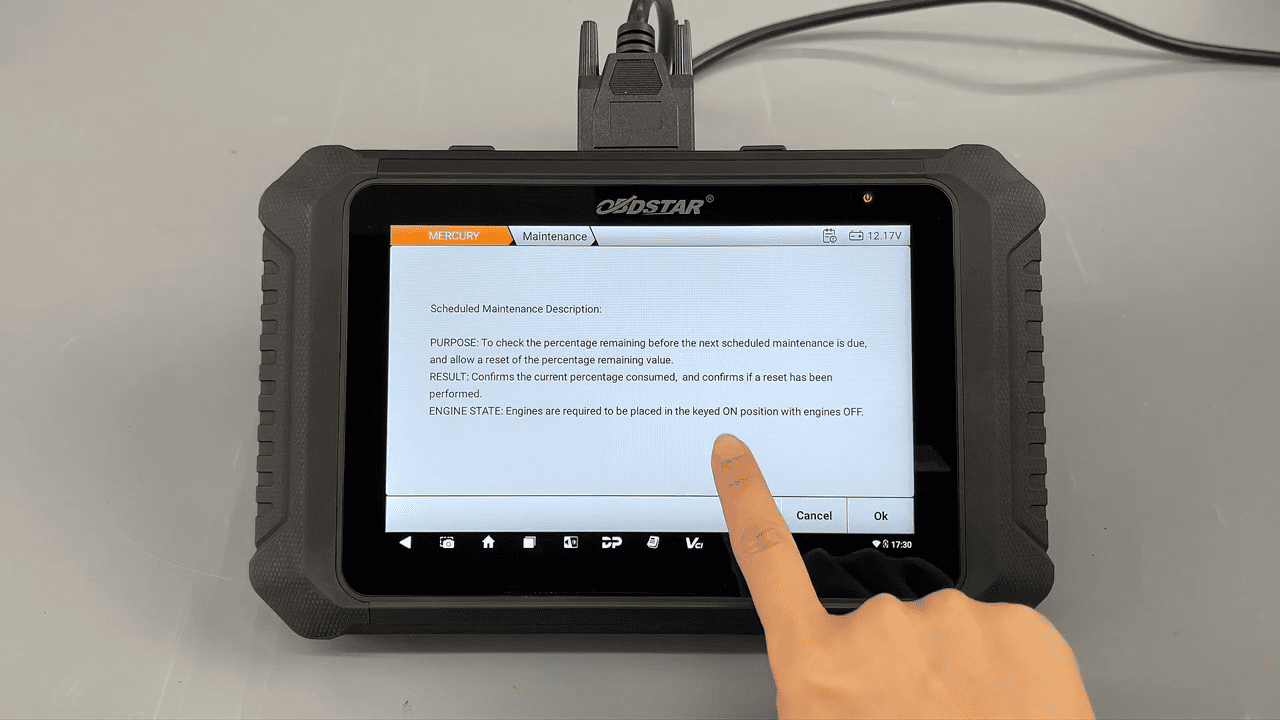
Check the oil life status and select Reset when service is completed.
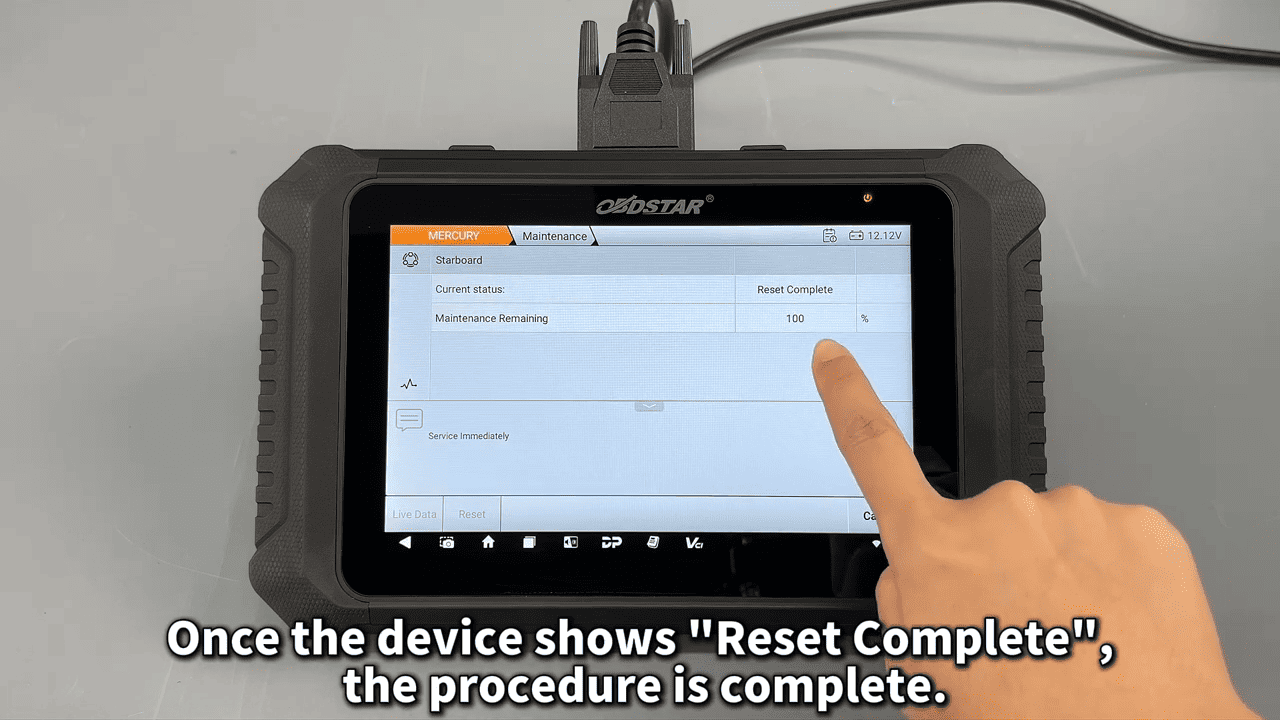
Confirm the reset. If the vessel has dual engines, repeat the process for the second engine.
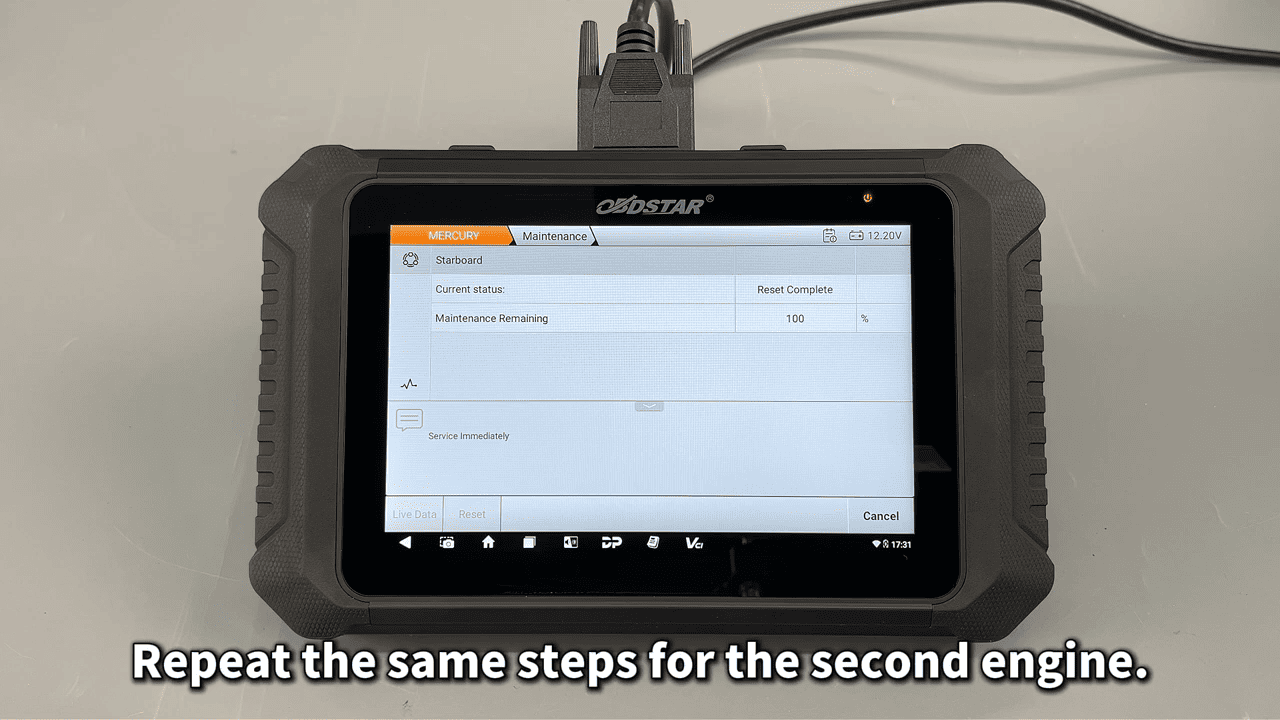
Once finished, the Mercury Marine service reminder will be cleared successfully.
Video guide:
Read also
How to Read and Write Data on FORD MG1CS036 ECM Using OBDSTAR DC706
Leave a Reply