




OBDSTAR ECU MASTER is a PC-based ECU programming tool designed for different types of vehicles and electronic control modules. Instead of offering only one fixed software package, ECU MASTER is available in several configurations, allowing users to choose the functions they actually need.
The four main configurations are A, B, C and D. They can also be combined into packages such as A+B+C, A+C+D and A+B+C+D.
Understanding what each configuration covers can help you choose the right ECU MASTER package without paying for functions you do not need.
What Do OBDSTAR ECU MASTER A B C and D Mean?
A = Passenger Cars and EVs
B = Motorcycles
C = Heavy Duty Vehicles
D = Airbag and Reset Functions (P50 G2)
Each configuration focuses on a different vehicle or system category.
Configuration A for Passenger Cars and EVs
ECU MASTER Configuration A is designed mainly for passenger vehicles and electric vehicles.
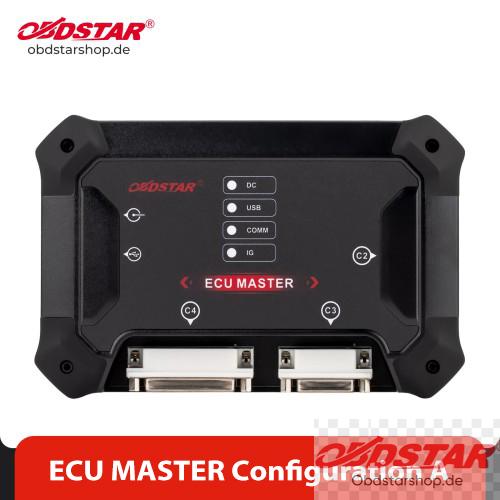
It covers supported passenger-car
- ECM
- TCM
- Body and chassis modules
- Other supported control units
For EV applications, Configuration A also covers supported
- BMS
- VCU
- Other EV modules
Typical applications include ECU cloning, reading and writing supported ECM/TCM data, and other module programming functions.
Configuration A is therefore the most suitable choice if your workshop mainly works on passenger cars and EVs.
Configuration B for Motorcycles
ECU MASTER Configuration B is dedicated to motorcycle ECM programming.
It supports 100+ motorcycle brands and 300+ motorcycle ECU types, according to current ECU MASTER product information.
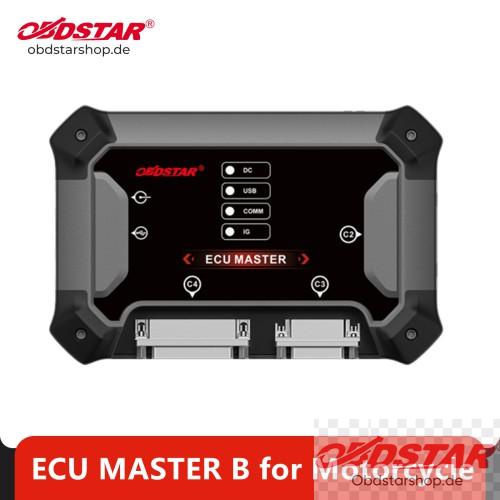
If you mainly work on motorcycles and need to read, write or clone supported motorcycle ECUs, Configuration B is the package to choose.
It is important to note that motorcycle ECM coverage belongs to Configuration B rather than Configuration A or C.
Configuration C for Heavy Duty Vehicles
ECU MASTER Configuration C is designed for commercial and heavy-duty vehicles, including supported trucks, tractors and off-highway machinery.
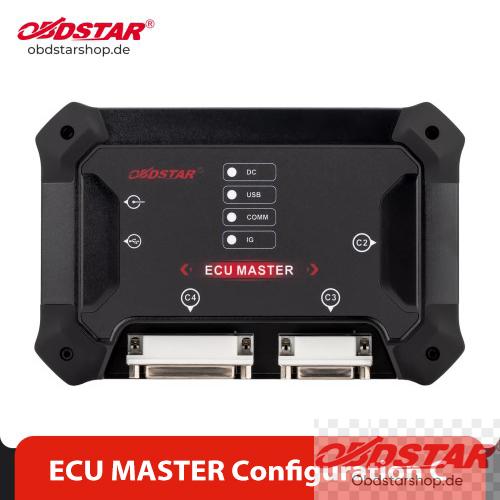
It covers supported
- ECM
- TCM
- Body and chassis modules
- Other heavy-duty control units
This makes Configuration C more suitable for workshops working with trucks, agricultural machinery and other heavy-duty applications.
Heavy-duty applications may require dedicated cables or adapters depending on the ECU and vehicle being serviced.
Configuration D for Airbag and Reset Functions
OBDSTAR P50 G2 is different from A, B and C.
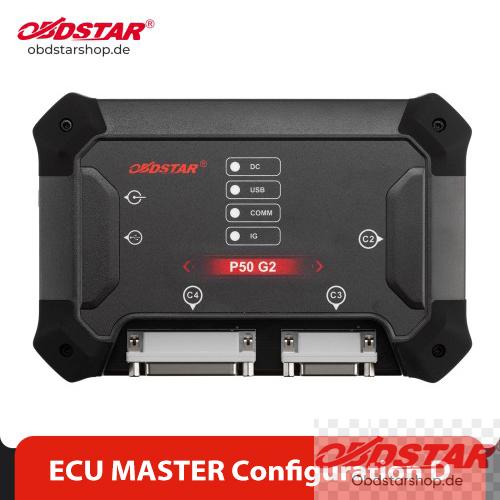
It focuses mainly on safety and reset-related functions
- Airbag functions
- Battery reset
- SAS reset
- Other supported reset functions
Therefore, P50 G2 (Configuration D) should not simply be regarded as another ECU cloning package. It is mainly intended for workshops that need additional airbag, battery and steering angle sensor reset functions.
Which ECU MASTER Combination Should You Choose?
A+B+C Configuration
Passenger Cars + EVs + Motorcycles + Heavy Duty
A+B+D Configuration
Passenger Cars + EVs + Motorcycles + Safety/Reset Functions
A+C+D Configuration
This is the configuration many professional automotive workshops may find interesting.
Passenger Cars + EVs + Heavy Duty + Safety/Reset
Therefore, if your workshop mainly handles cars, EVs, trucks or heavy-duty machinery and also needs airbag, battery and SAS reset functions, A+C+D can be a suitable configuration.
B+C+D Configuration
Motorcycles + Heavy Duty + Safety/Reset
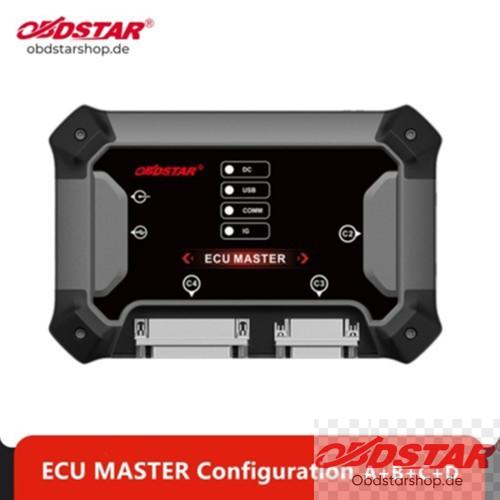
Full Configuration A+B+C+D
For workshops that want the widest coverage, the Full Configuration A+B+C+D combines all four packages.
A → Passenger Cars + EVs
B → Motorcycles
C → Heavy Duty
D → Airbag + Battery + SAS Reset
Important Note
The configuration determines the software coverage, but specific ECU compatibility still depends on the supported ECU type, vehicle application and current software coverage. OBDSTAR regularly updates ECU MASTER coverage, so it is recommended to check the latest function/coverage list before purchasing or starting a specific ECU job. OBDSTAR provides ECU MASTER software through its official download center.
This configuration system makes ECU MASTER more flexible because users can start with the category they work with most and add other configurations when their business expands.
Read also:
OBDSTAR ECU Master Software Download & Installation Guide
Leave a Reply