




This guide follows the demonstrated procedure using the KRONE Bosch EDC7C32 with M58BW016XB and 95640 using OBDSTAR ECU MASTER C.
Prepare the Tools
Computer
OBDSTAR ECU MASTER Configuration C
High Power DC Regulated Power Supply
USB Cable
OBDSTAR HD-008 Cable
BENCH-D-V1
KRONE Bosch EDC7C32 M58BW016XB + 95640
1. Connect ECU MASTER
Connect ECU MASTER to the computer using the USB cable.
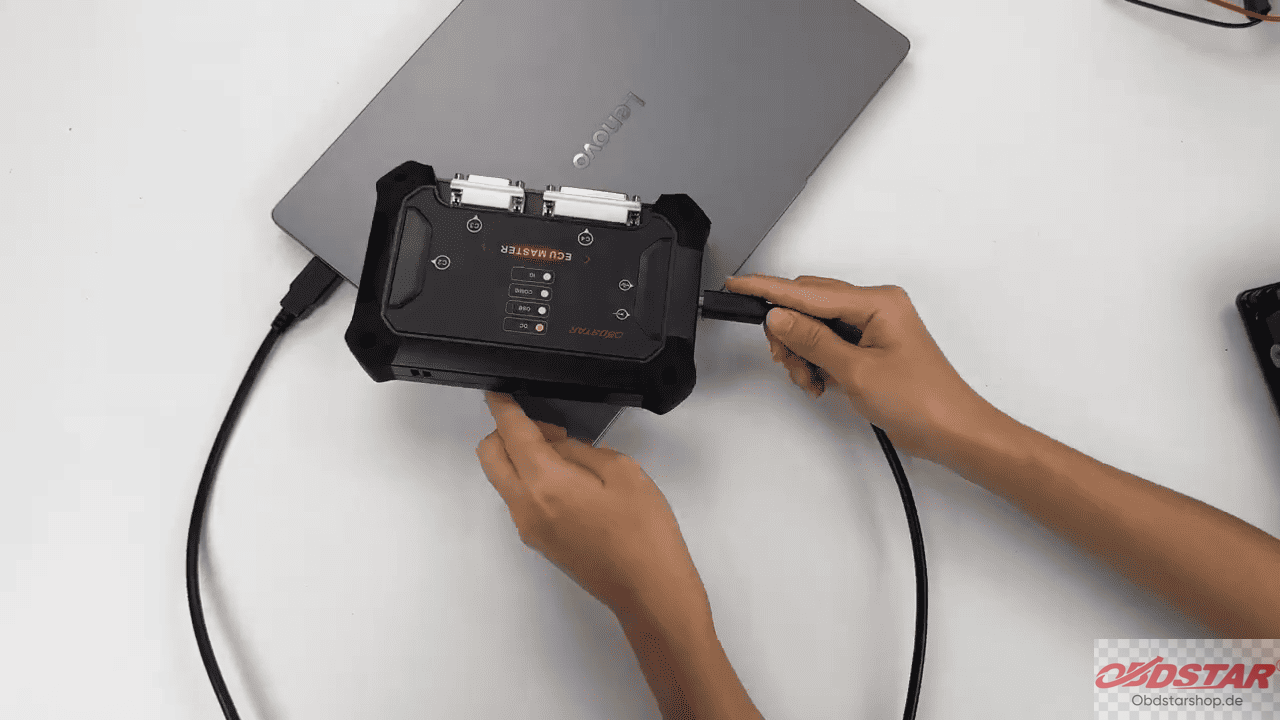
Open the software and select [ECU Flasher] > [HD] > [ECM].
Use the search function in the upper-right corner to find the corresponding ECU model. Select the required ECU and tap Start.
2. Select Bench Mode
Select BENCH mode and tap Guide.
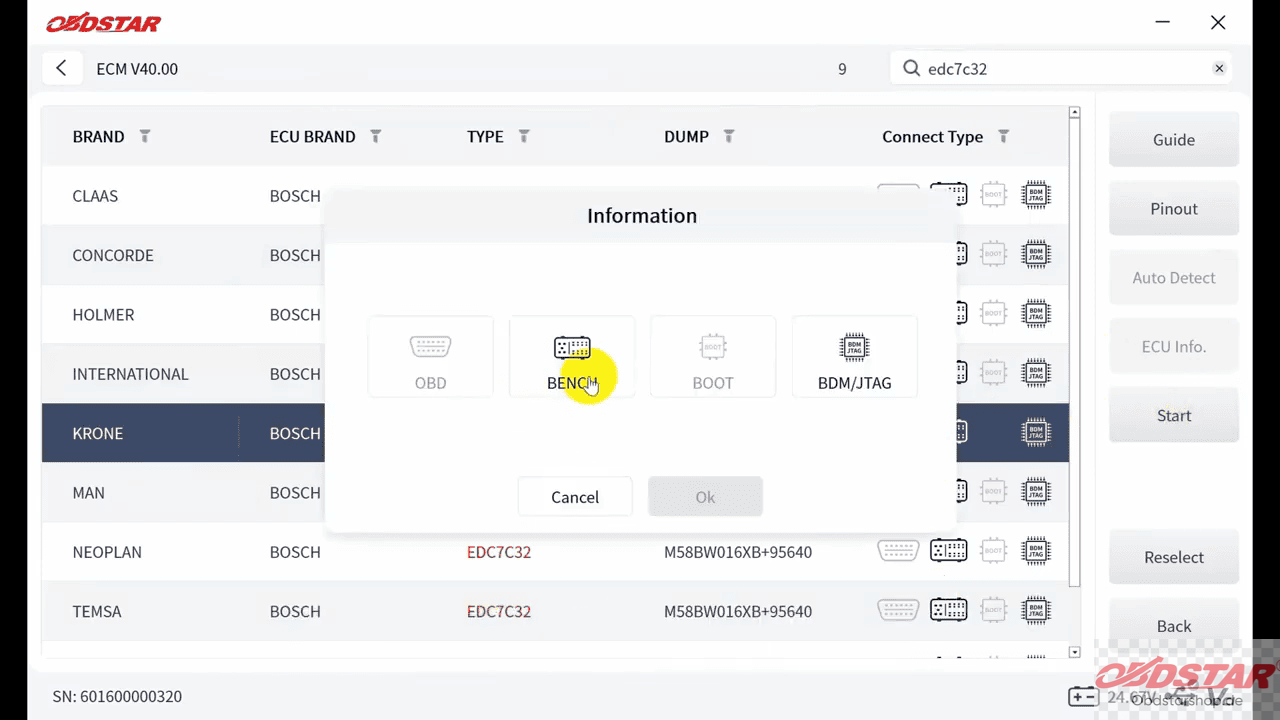
Review the detailed notes and connection information provided by the software.
You can also check the ECU image before making any connections.
Tap Connector Pinout, then select Dedicated to view the dedicated connection information.
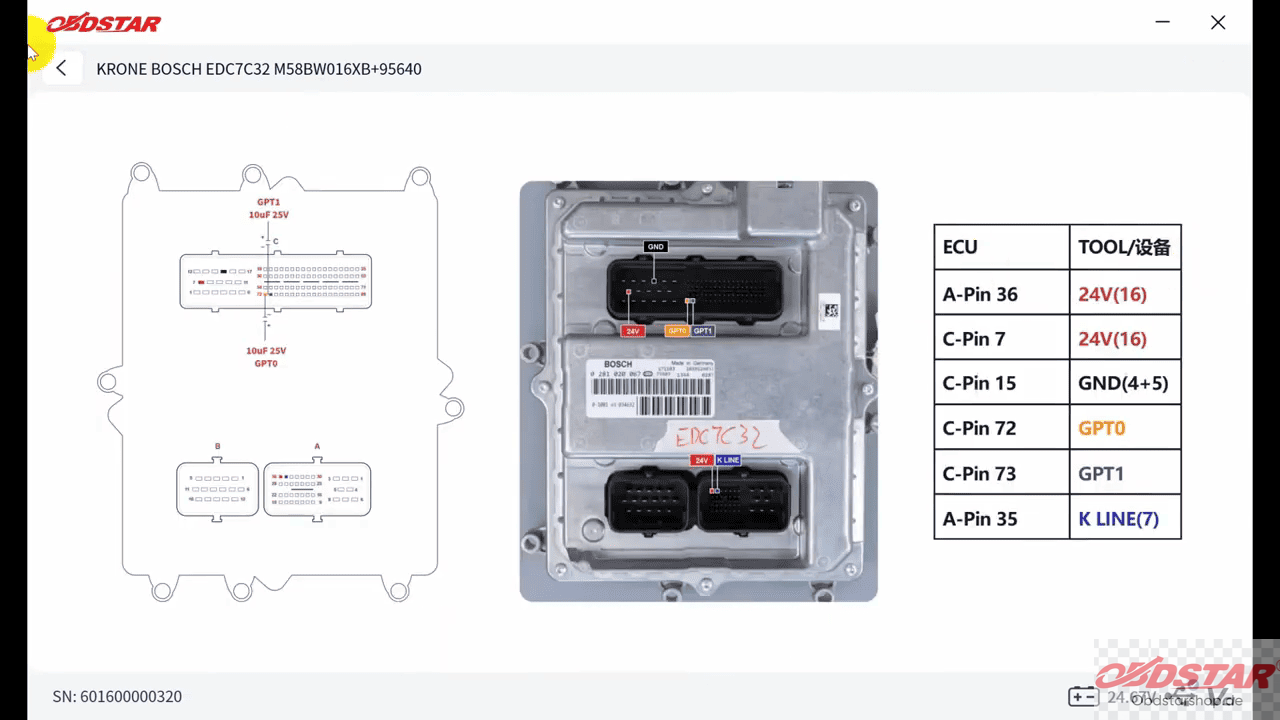
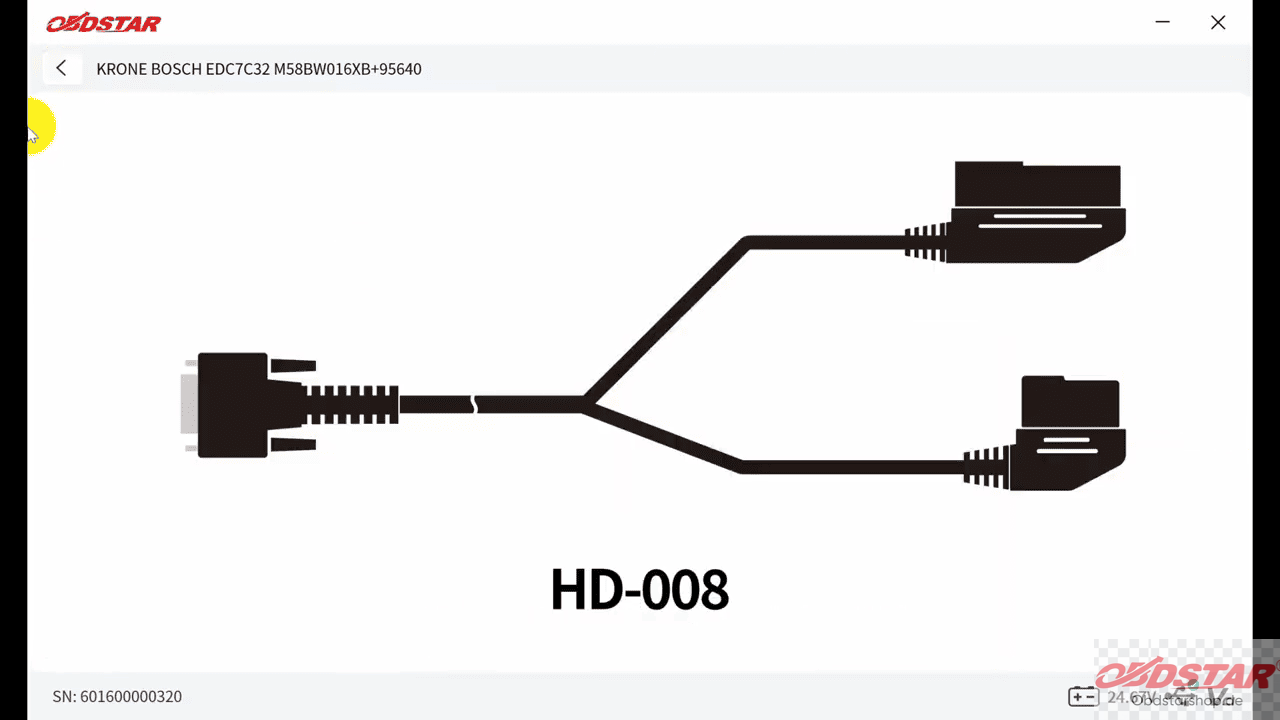
Connect the wiring according to the displayed connector wiring diagram.
3. Connect to the ECU
After checking all connections, tap Connect.
When the confirmation prompt appears, select Yes.
The left panel will display the ECU communication status. Once the ECU is connected successfully, you can proceed with the data operations.
4. Read EXT FLASH & EEPROM
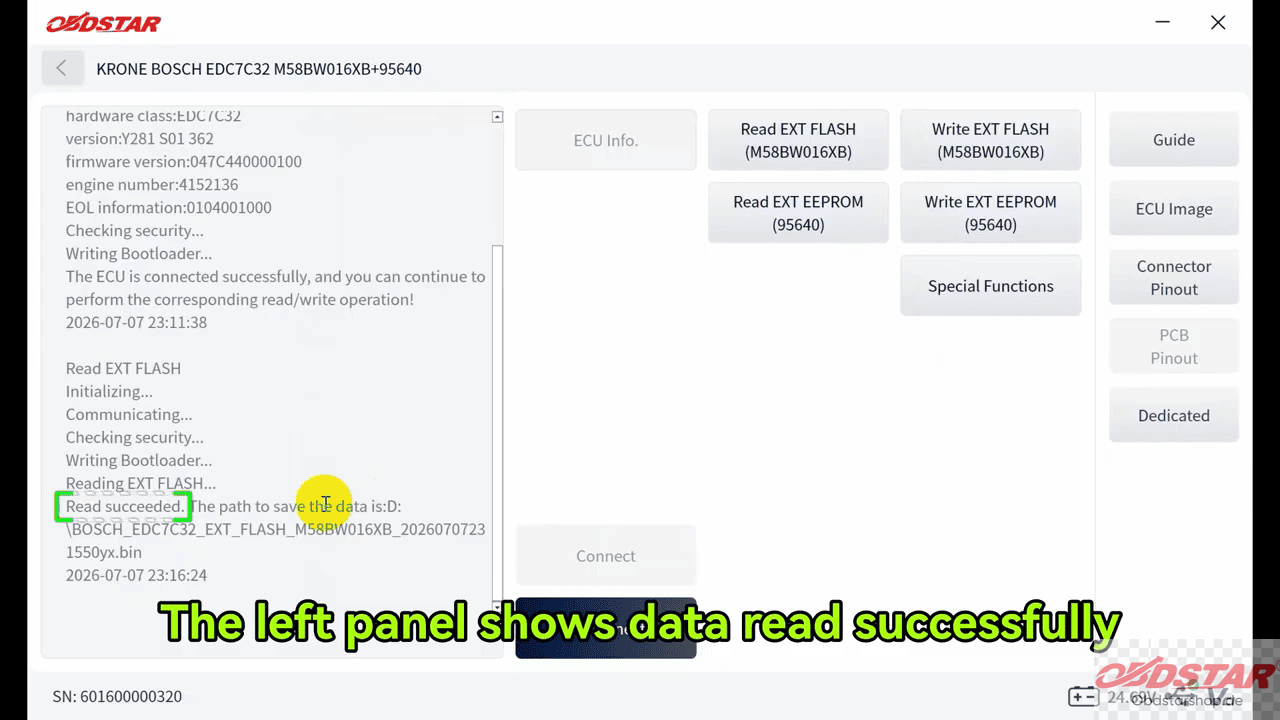
Select [Read EXT FLASH] .
The software will allow you to rename the file and select the desired save location.
Wait for the reading process to finish.
The left panel will confirm when the data has been read successfully.
5. Write EXT FLASH & EEPROM
Select Write EXT FLASH.
Choose the required data file from the saved files.
The software will display a confirmation prompt asking whether you want to continue.
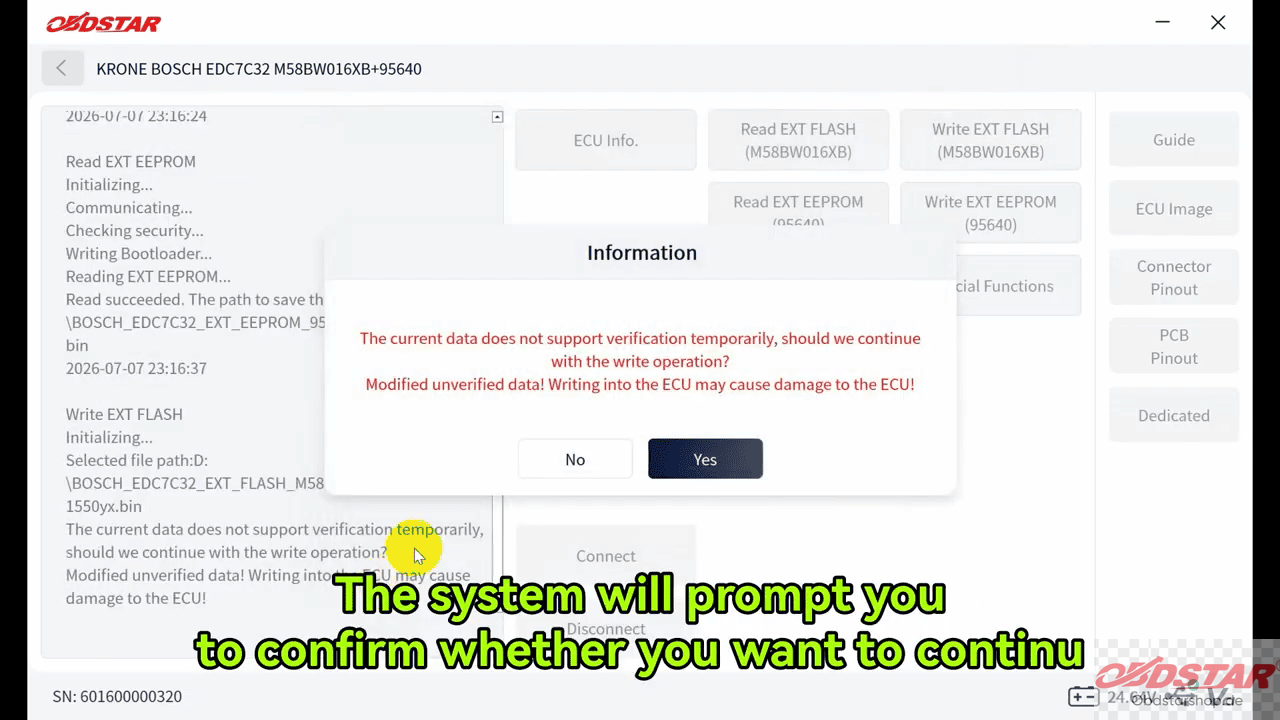
Select [Yes] to start writing the Flash data.
Once completed, the software will indicate that the data has been written successfully.
6. Write the VIN
After completing the data writing operations, enter [Special Functions].
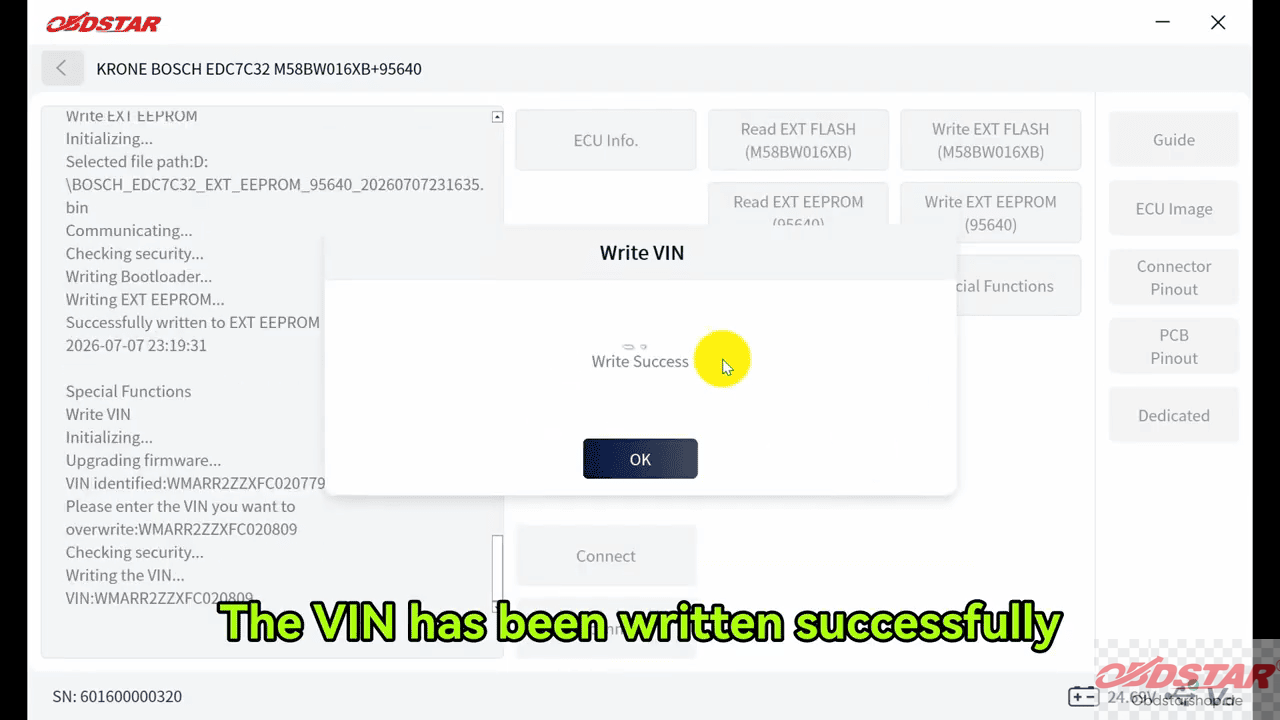
Select [Write VIN].
![Select [Write VIN]](http://blog.obdstarshop.de/wp-content/uploads/2026/08/Bosch-EDC7C32-Bench-Programming-7.png)
Enter the required new VIN and confirm the operation.
The software will indicate when the VIN has been written successfully.
7. Disconnect the ECU
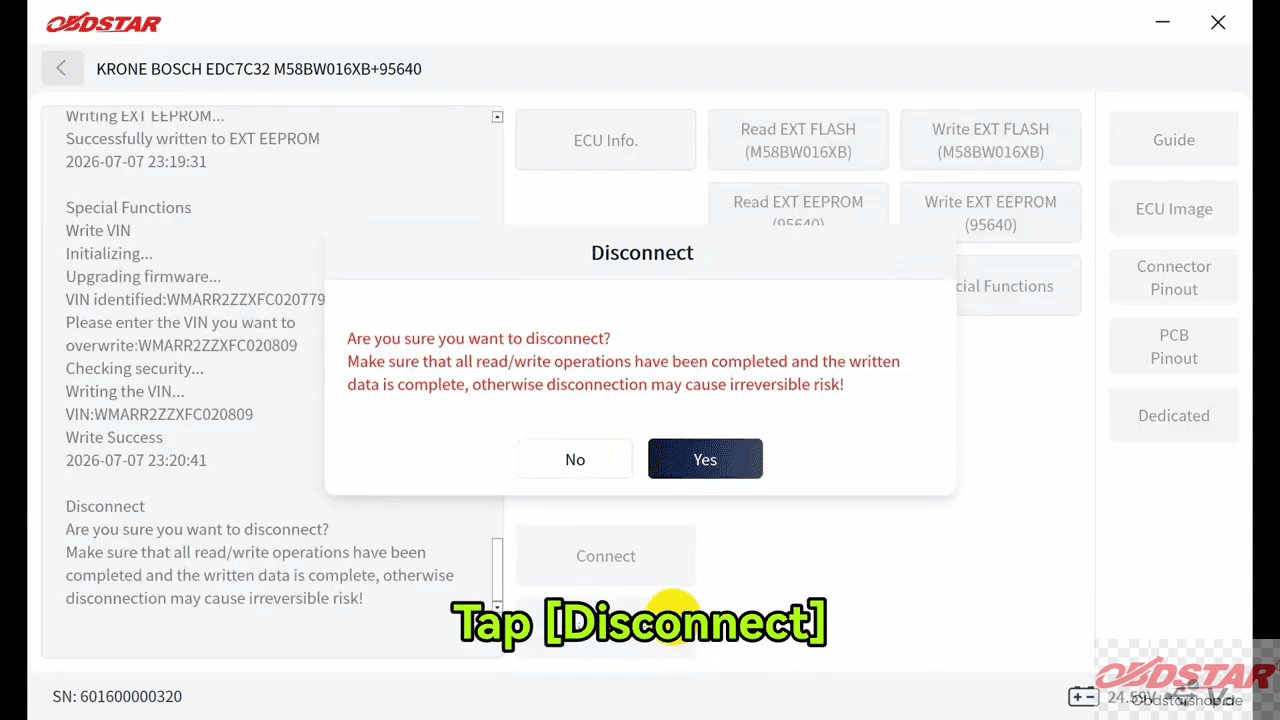
After all operations are complete, select [Disconnect].
Important Note
Always follow the wiring diagram provided by the software and check the connections carefully before establishing communication. It is also recommended to save the original EXT FLASH and EXT EEPROM data before writing new files.
Read also:
OBDSTAR P50 G2 Crash Reset Tool for Airbag Battery Update
Leave a Reply