




If all keys are lost on a 2013 Dodge Journey, the key programming process can be completed with KeyMaster G3 and the main cable. This guide follows the procedure demonstrated in the video, from reading the PIN code to programming a new proximity key.
Required Tool
Key Master G3
Main Cable
An unprogrammed proximity key
1. Select the Vehicle
Connect OBDSTAR G3 to the vehicle using the main cable.
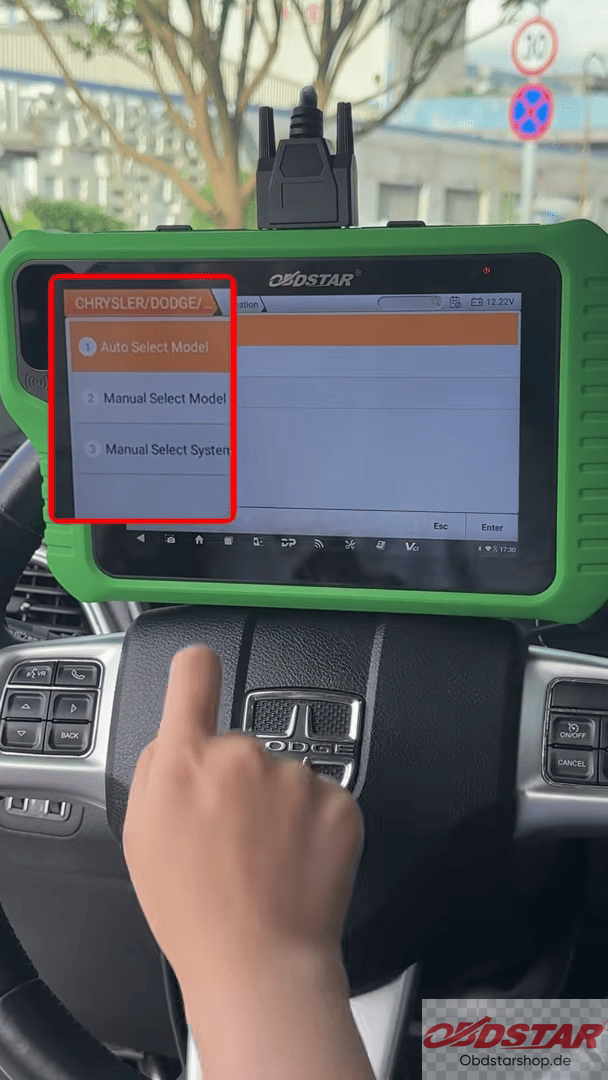
Enter the IMMO function and search for Dodge. Select Auto Select Model and follow the on-screen instructions.
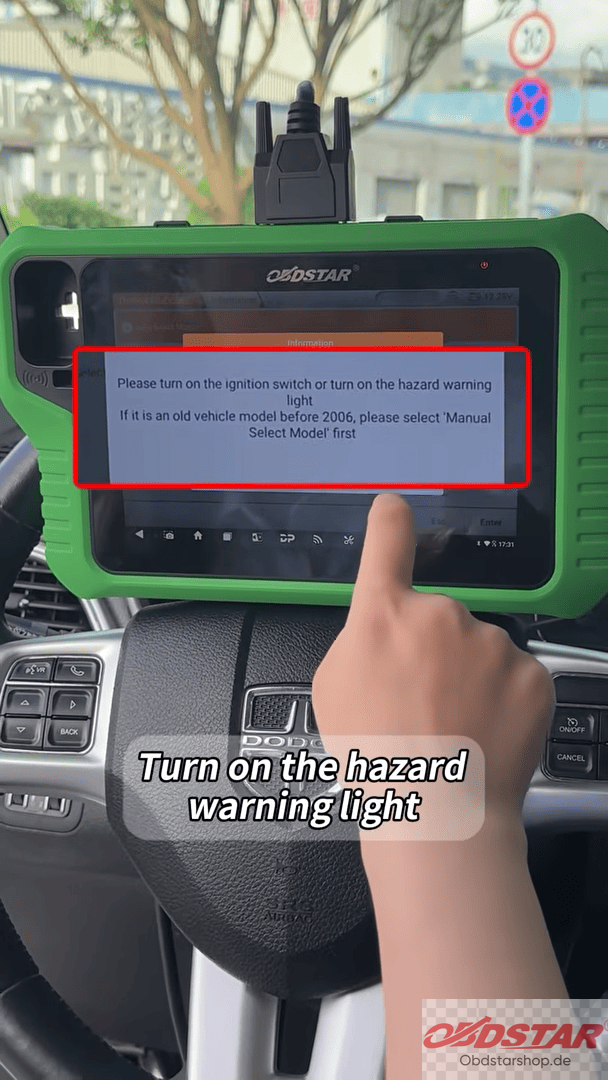
Before continuing, turn on the vehicle’s hazard warning lights as required by the procedure.
2. Select the Proximity Key Function
Select Proximity from the available key programming options.
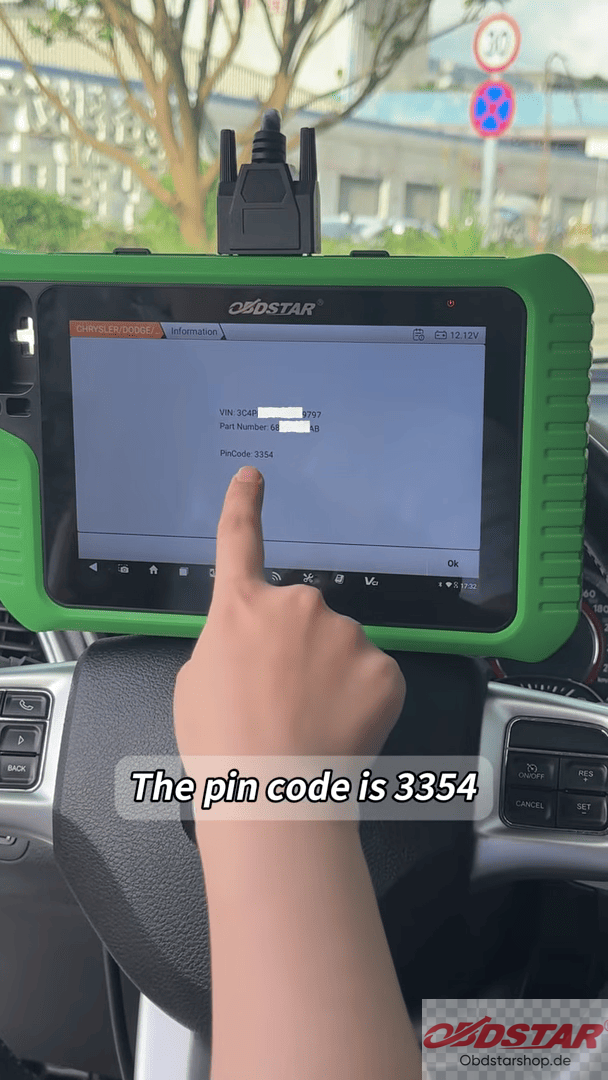
The first step is to read the vehicle’s PIN code. In the demonstrated case, the PIN code is 3354.
3. Check the Key Count
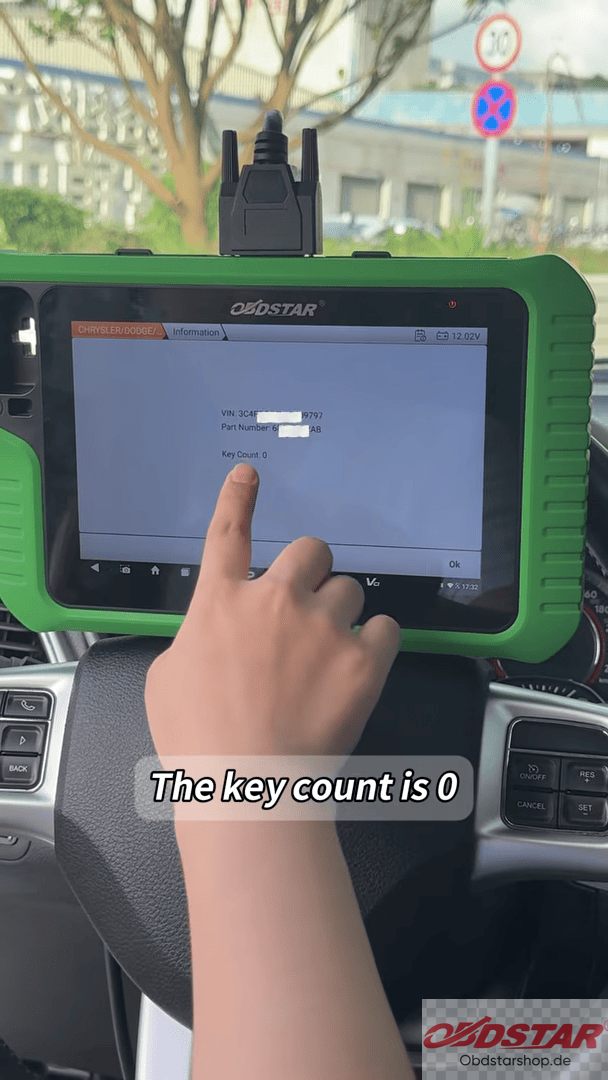
After reading the PIN code, check the current key count.
The system shows that the vehicle currently has zero programmed keys.
Select Add Keys and enter the number of keys to be programmed.
4. Program the New Key
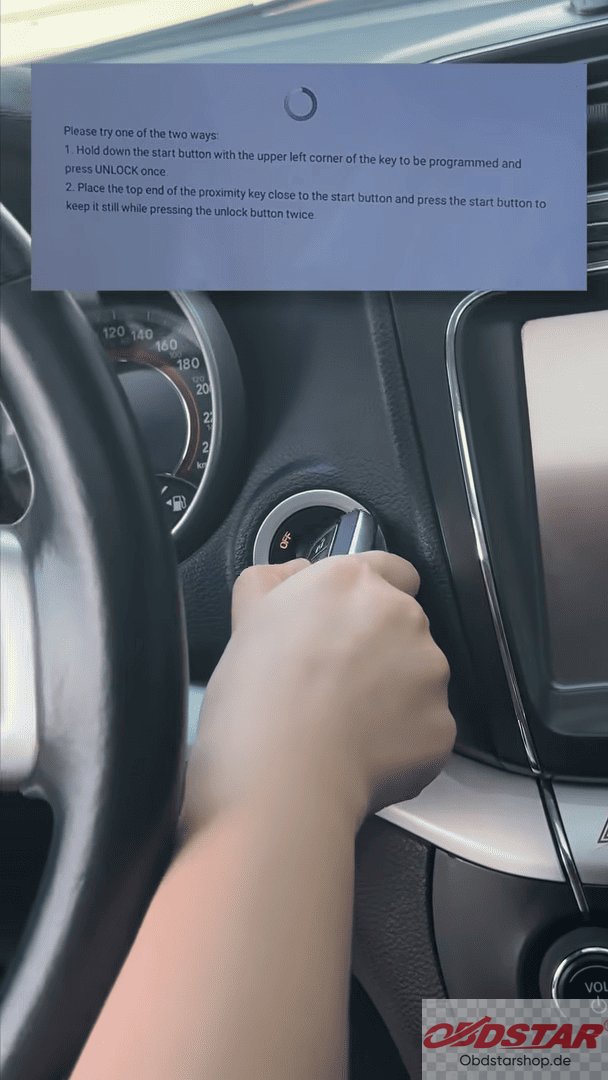
Follow the prompts displayed on X300 Classic G3.
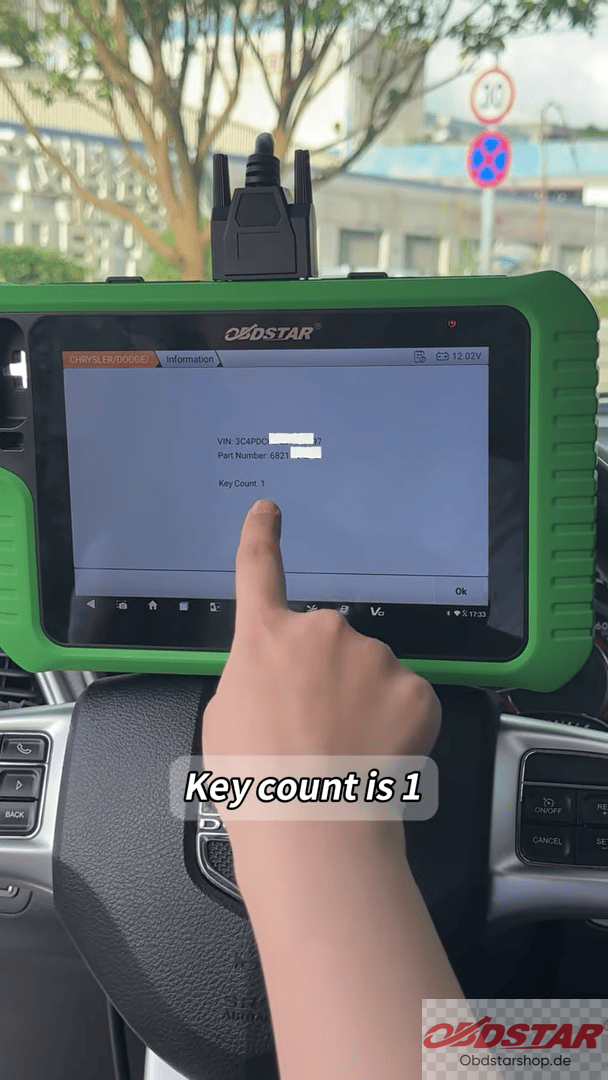
The system updates the key count from zero to one, indicating that the new proximity key has been successfully added.
Once programming is completed, the tool displays the successful programming message.
Read also:
How to Program Key on Mitsubishi Outlander with KEYMASTER G3
Leave a Reply