




This guide shows the basic OBD key programming procedure for 2015–2018 Range Rover models using KEYMASTER G3.
1. Connect the Device
Connect X300 Classic G3 to the vehicle using OBDSTAR main cable.
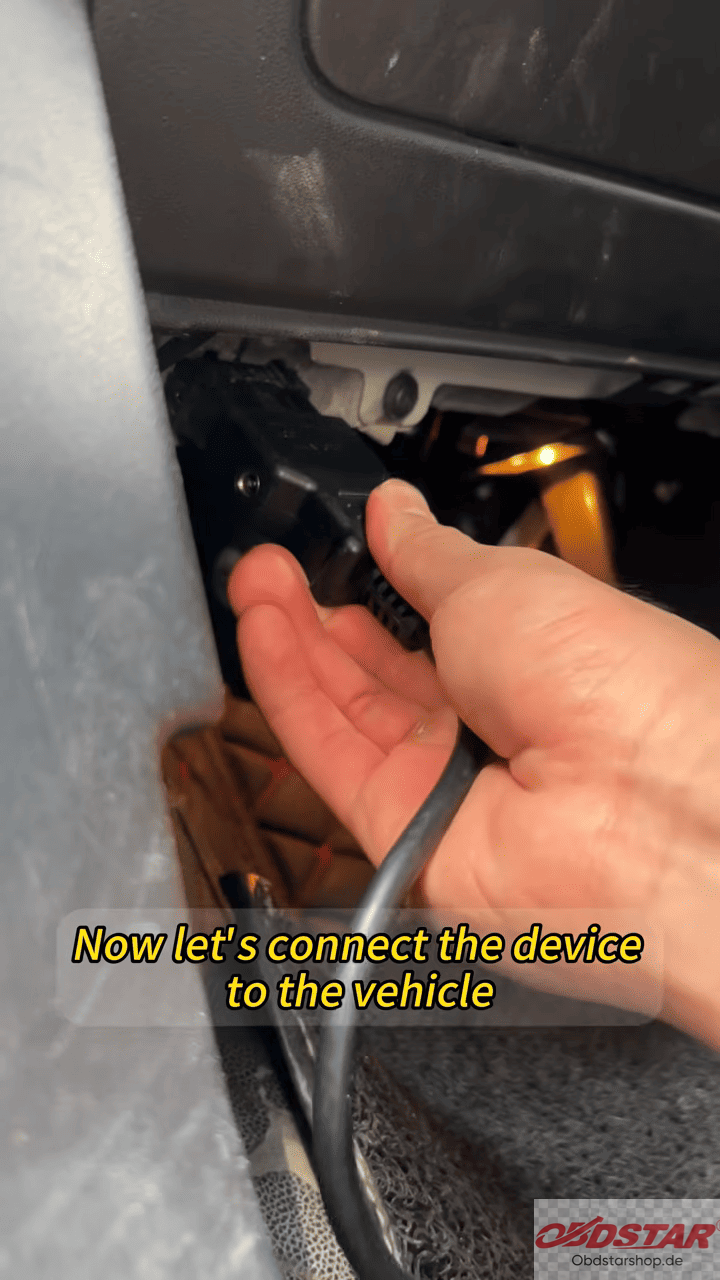
Open the IMMO function and select Land Rover.
2. Select the Vehicle
Manually select the vehicle model.
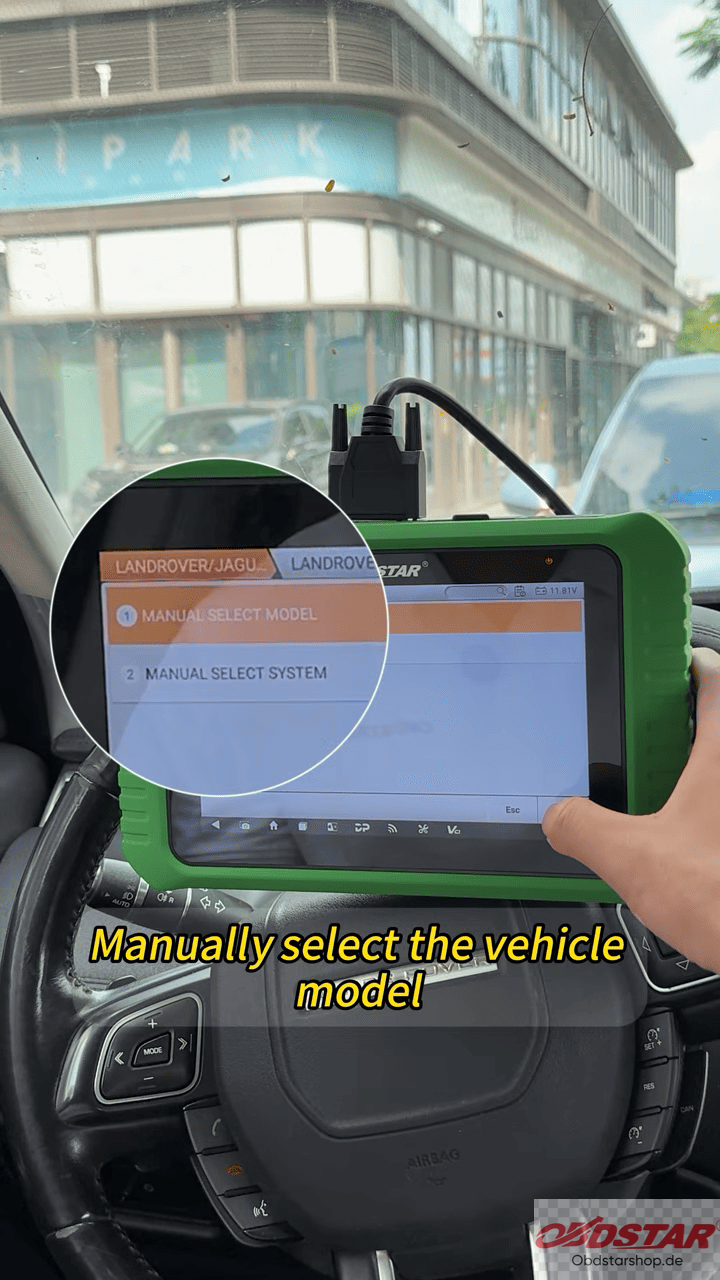
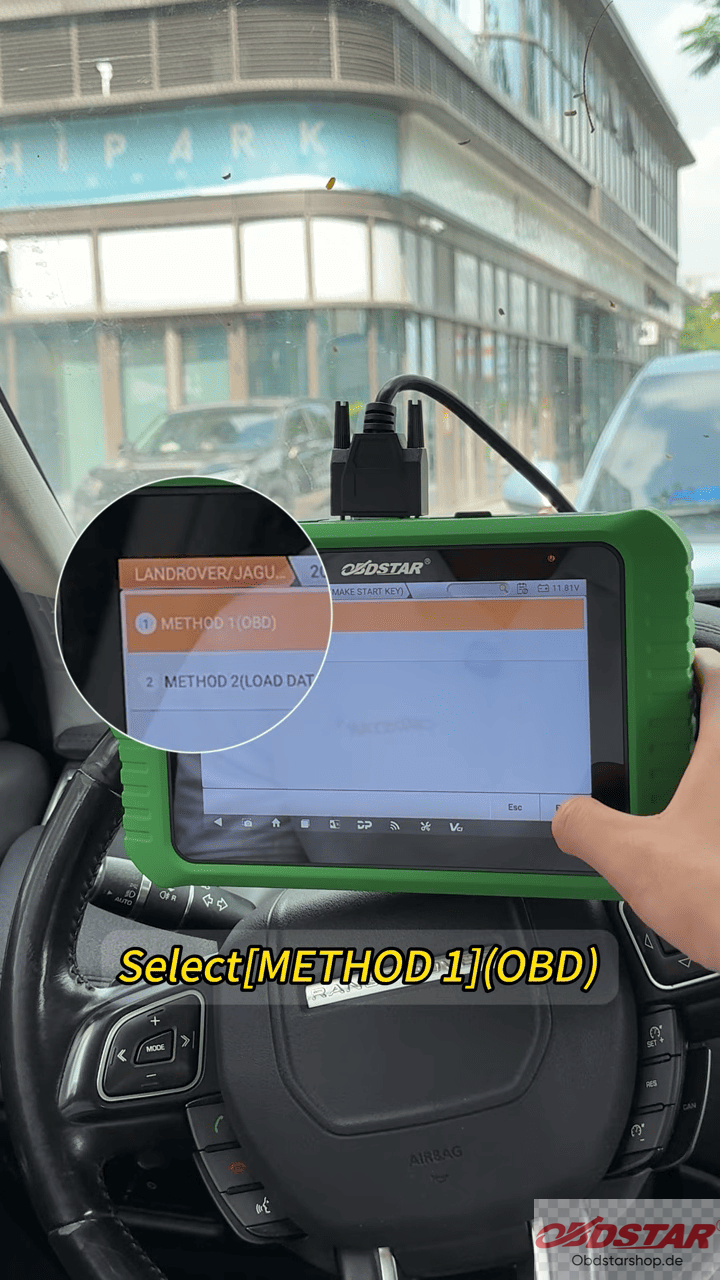
Choose the 2015–2018 model range and select Method 1 (OBD).
3. Enter Key Programming
Select Key Programming.
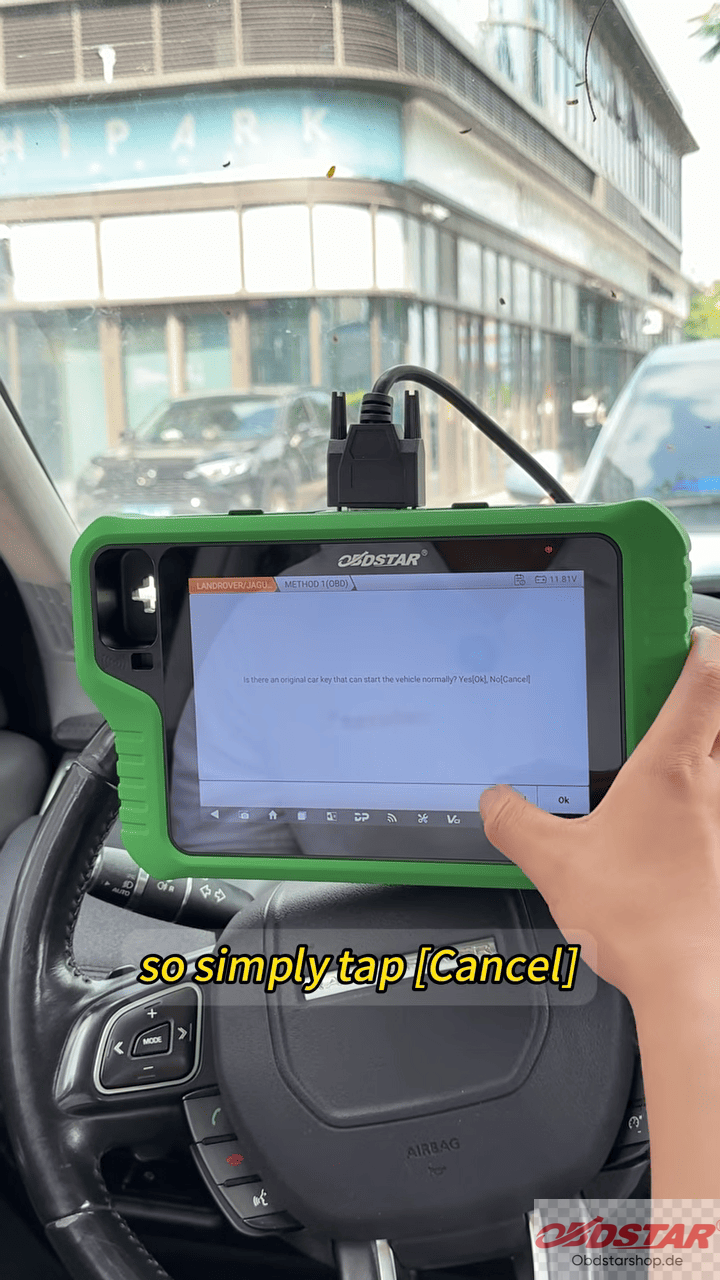
For this procedure, there is no need to read the key ID. Tap Cancel, then select Lost Key and choose Make Start Key.
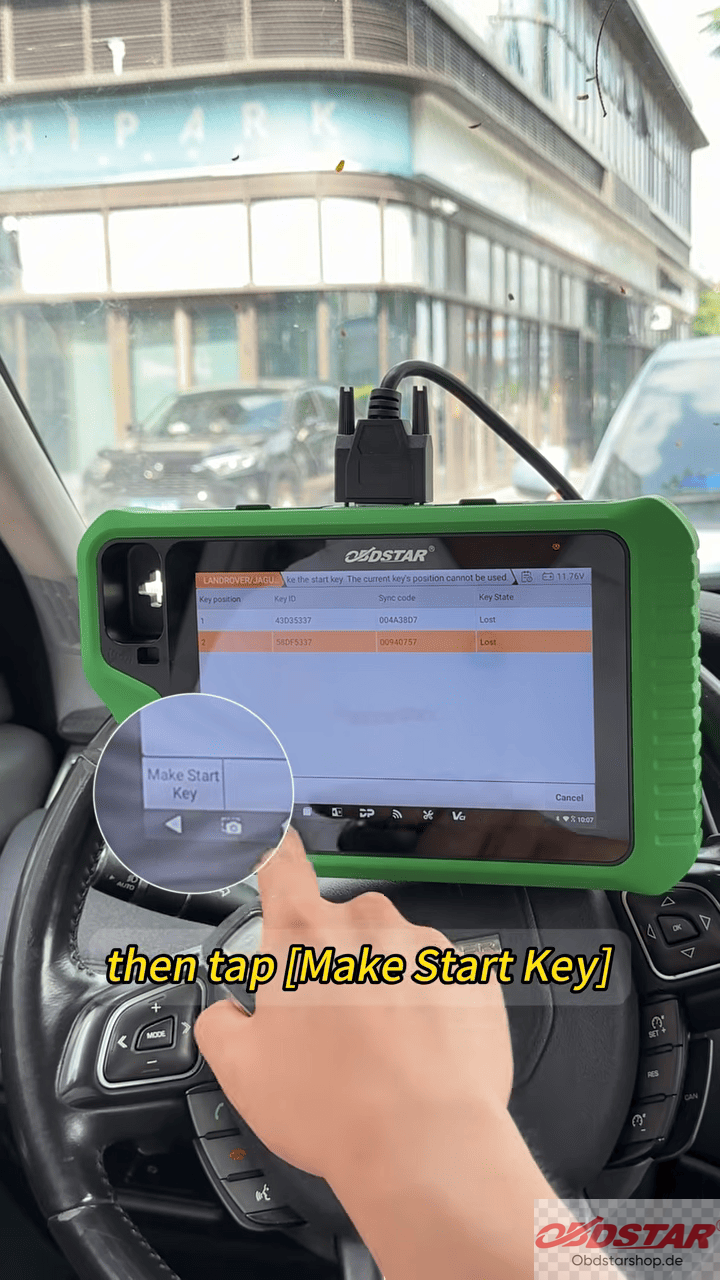
4. Generate the Start Key
Follow the instructions displayed on OBDSTAR G3 screen.
When prompted, place the key to be programmed on the key sensing coil.
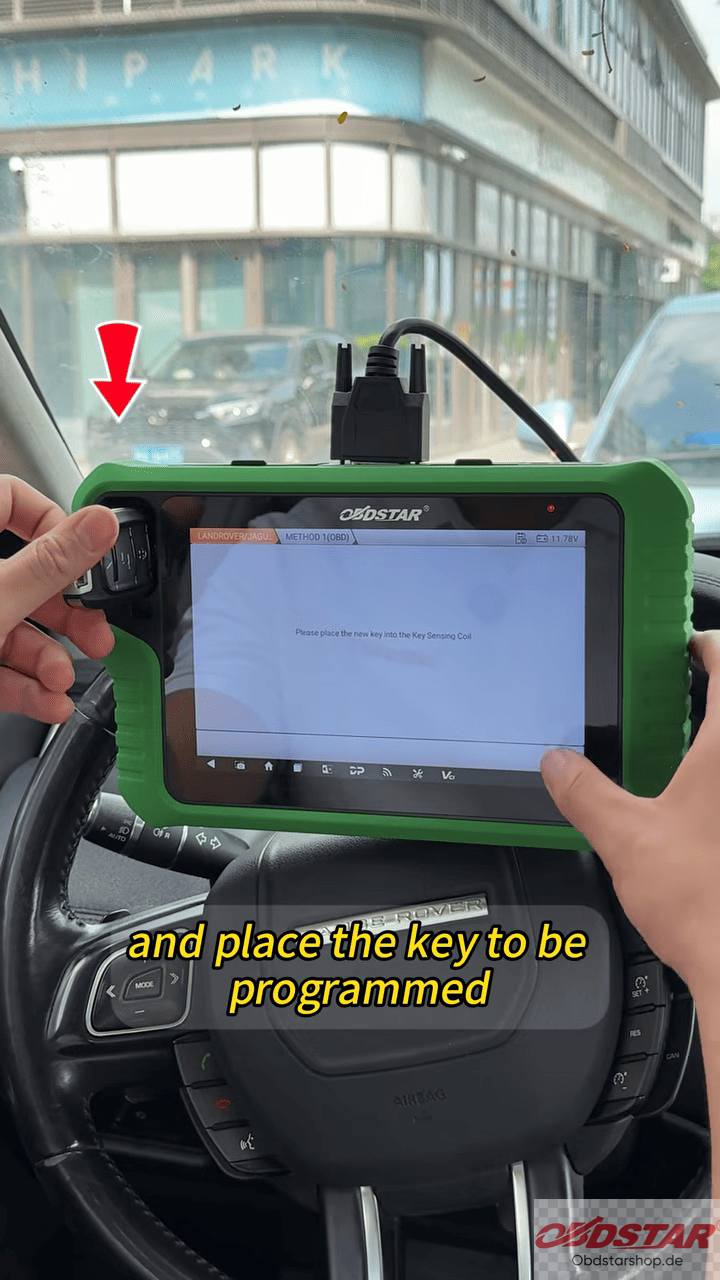
The device will then generate the start key.
5. Test the Key
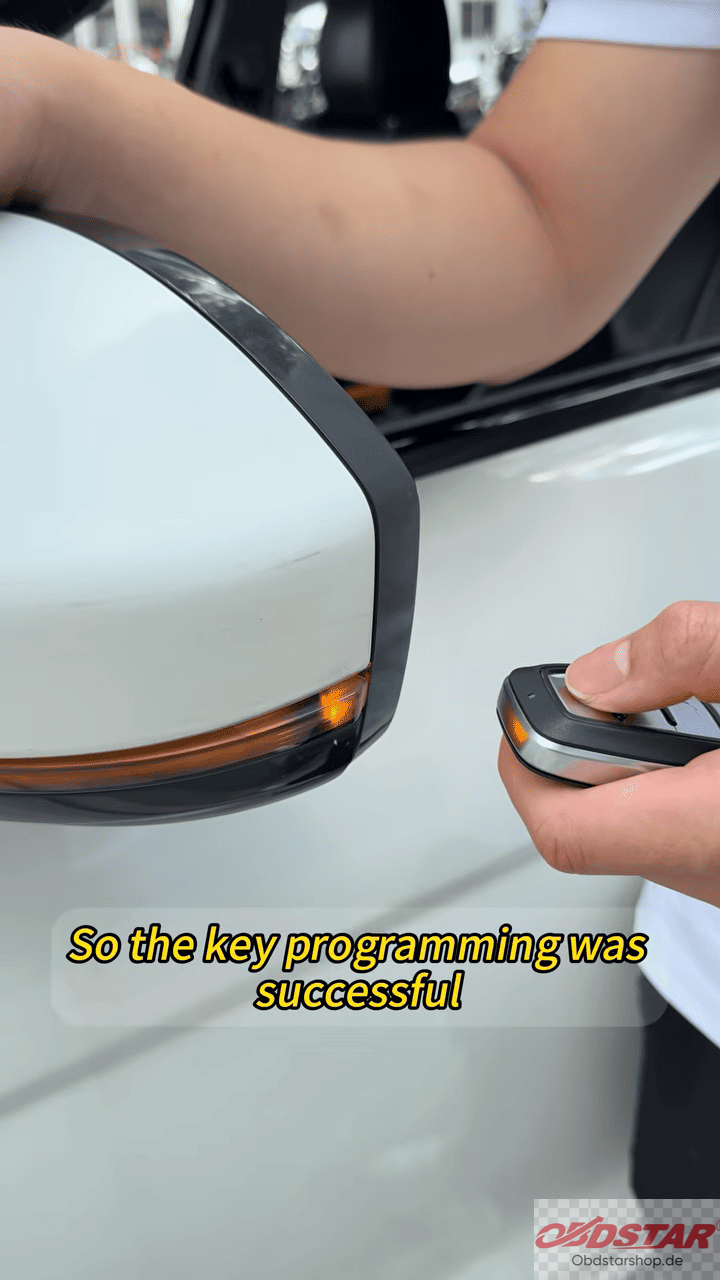
After the generation process is completed successfully, test the programmed key to confirm that the key programming operation was successful.
Note: The procedure and supported functions may vary depending on the specific vehicle configuration and software version. Always follow the instructions displayed by the diagnostic tool during programming.
Read also:
How to Read & Write Audi ECU Data with KEYMASTER G3
Leave a Reply