



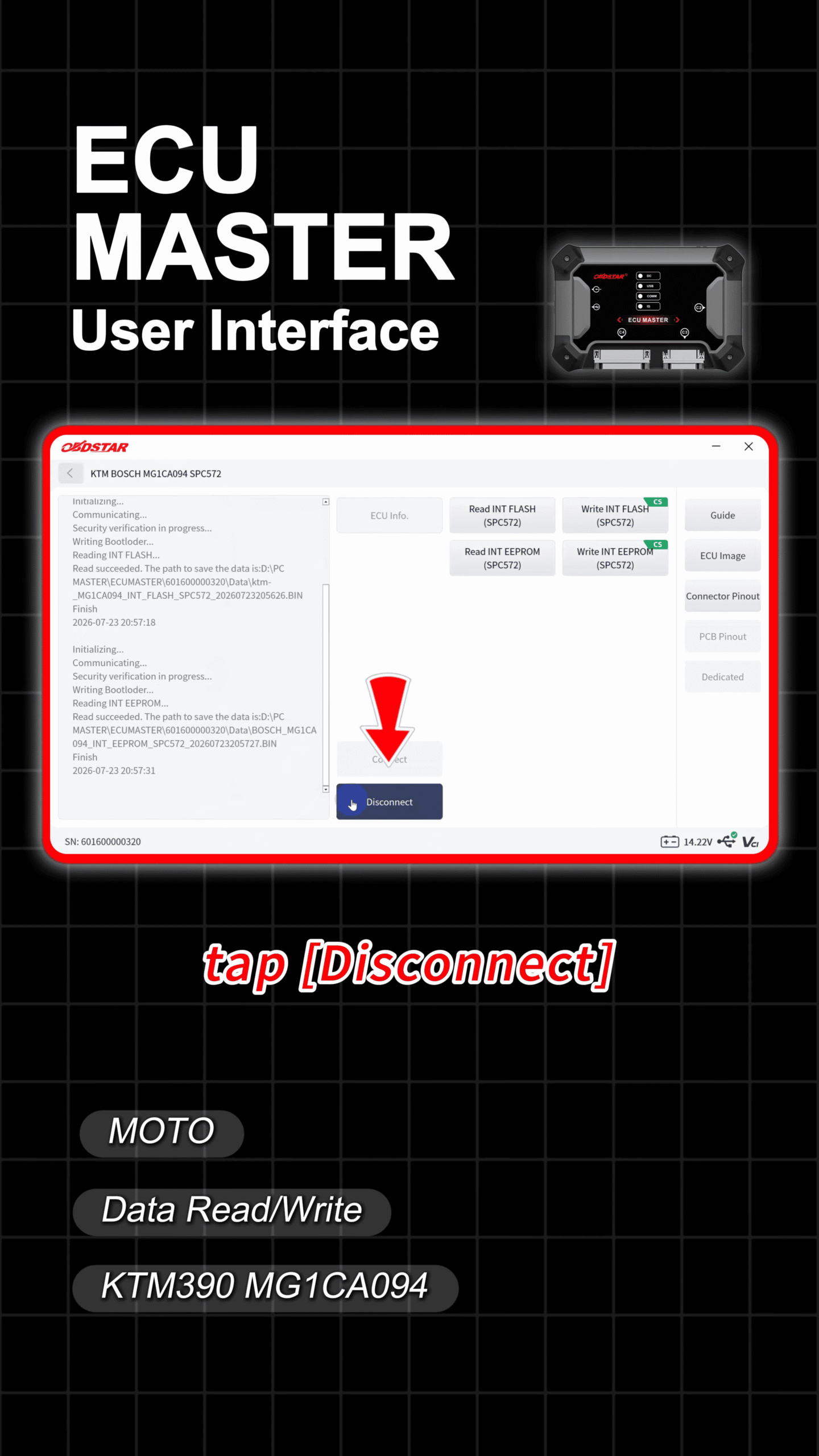
In this guide, we will demonstrate how to read and write data on the MG1C94 ECU used in the KTM390 with OBDSTAR ECU MASTER step by step.
Required Tools
- ECU Master
- USB cable
- Jumper wires
- High-power Regulated Power Supply
1. Select the ECU Model
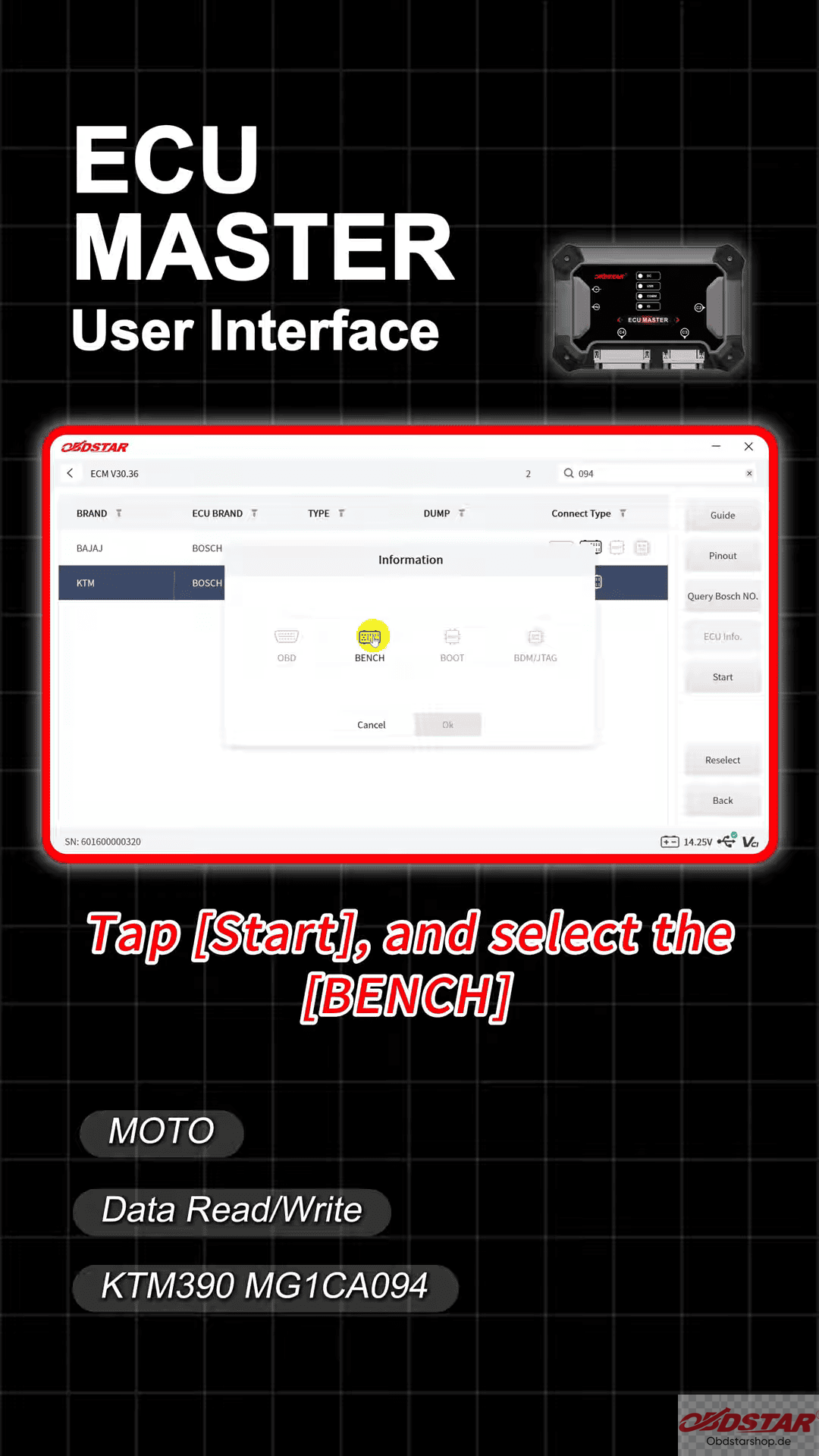
Open the ECU flasher software and select [ECU Flasher] → [ECM] → [KTM 390 MG1C94]
After searching for the corresponding model, tap [Start] and choose the [Bench] option.
2. Connect the ECU
Tap the connector pinout information at the bottom of the screen.
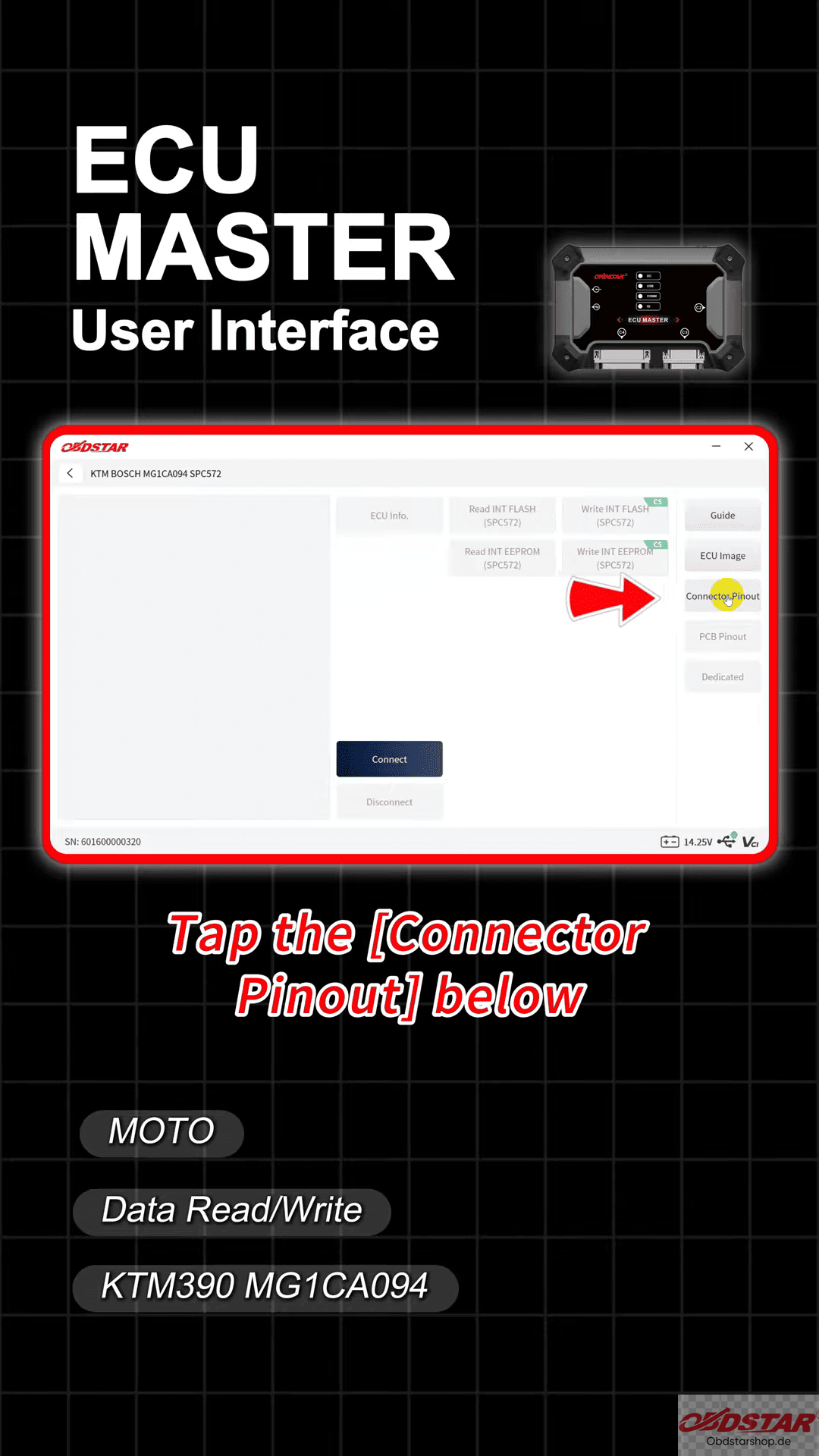
Follow the displayed wiring diagram and connect the jumper wires to the ECU correctly.
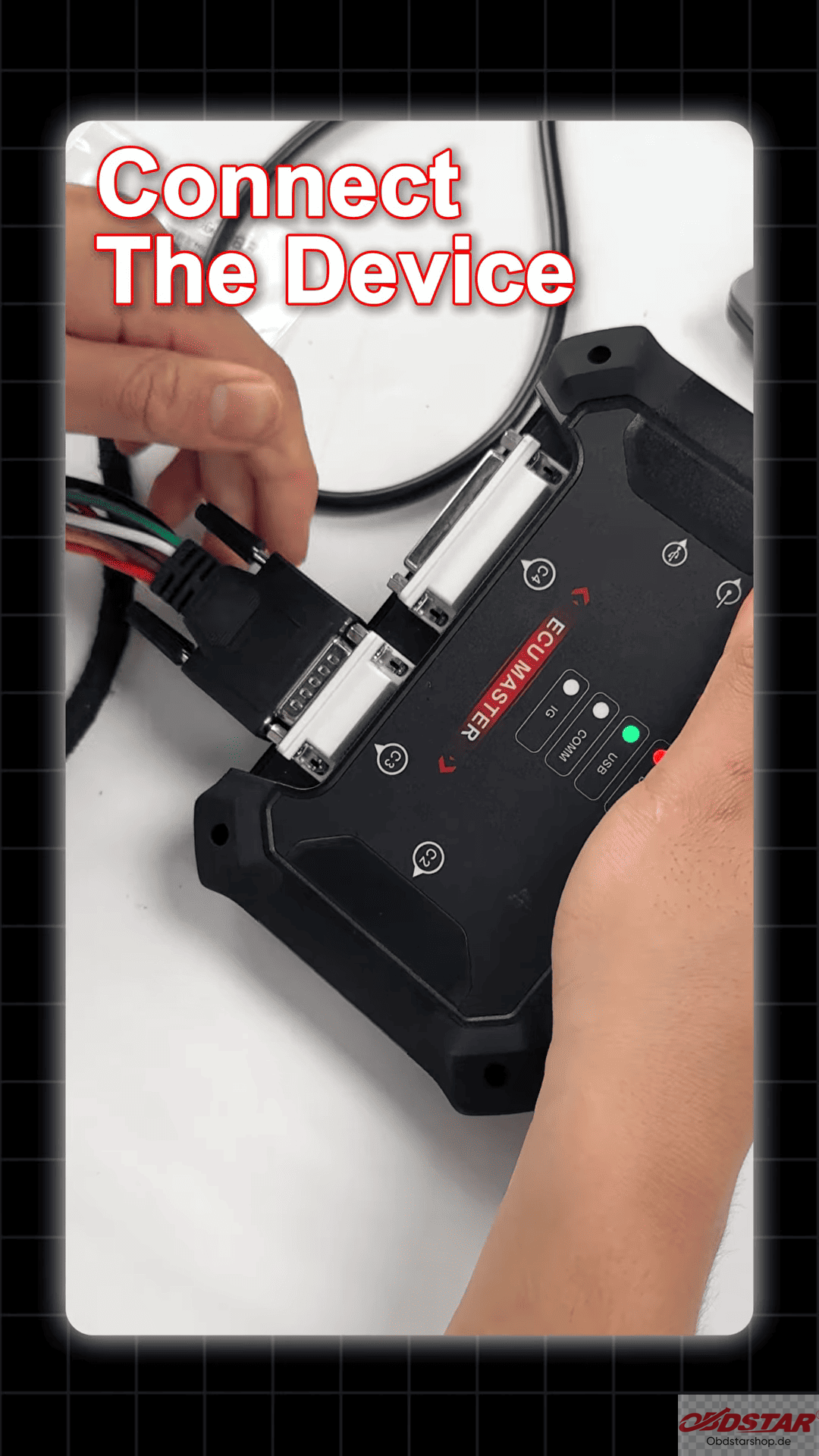
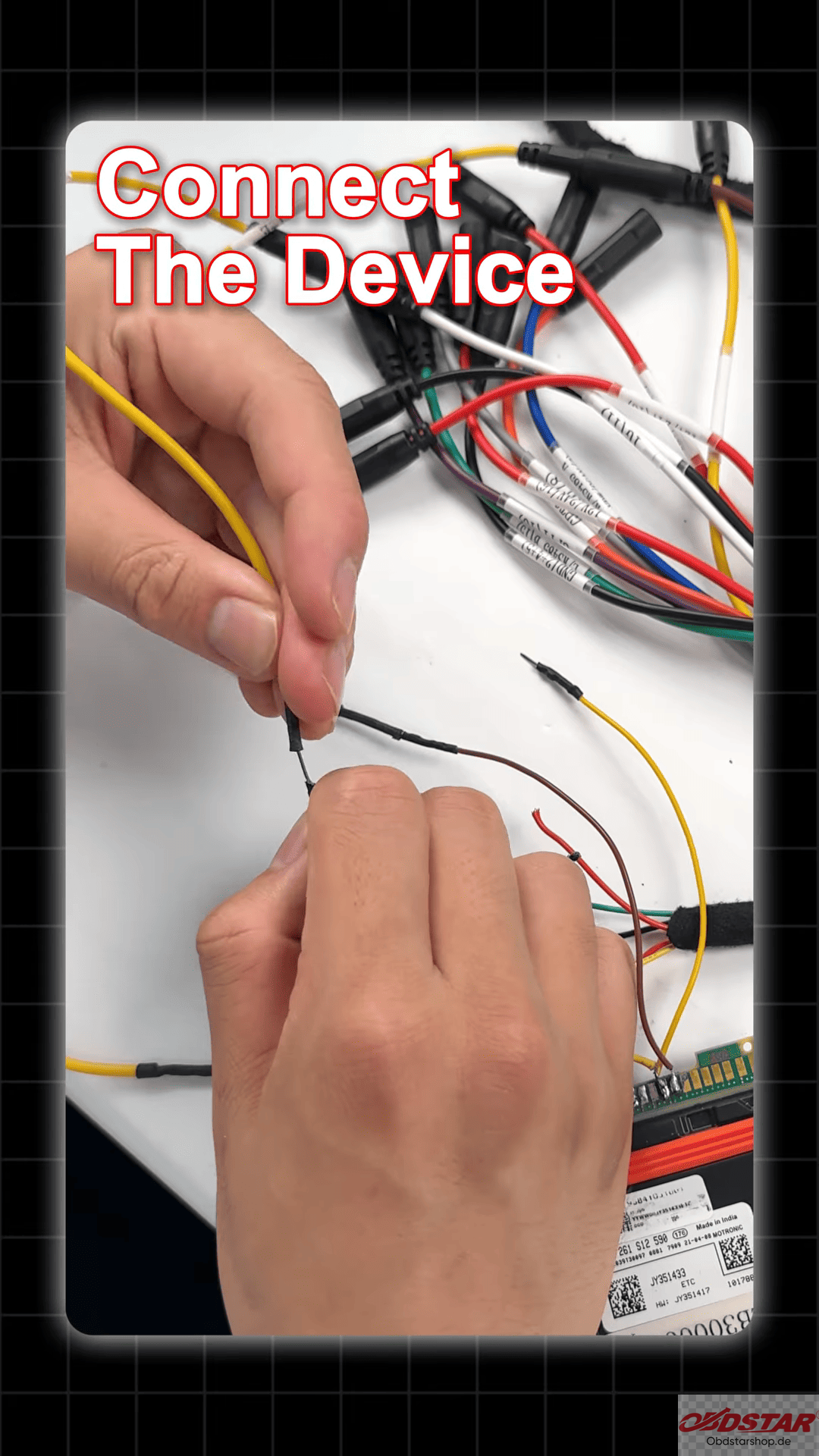
After confirming all connections, tap [Connect].
3. Read and Backup Original ECU Data
- Select [Read INT EEPROM] to back up important ECU data.
- Read the [INT FLASH] data.
- Save the original ECU files safely.
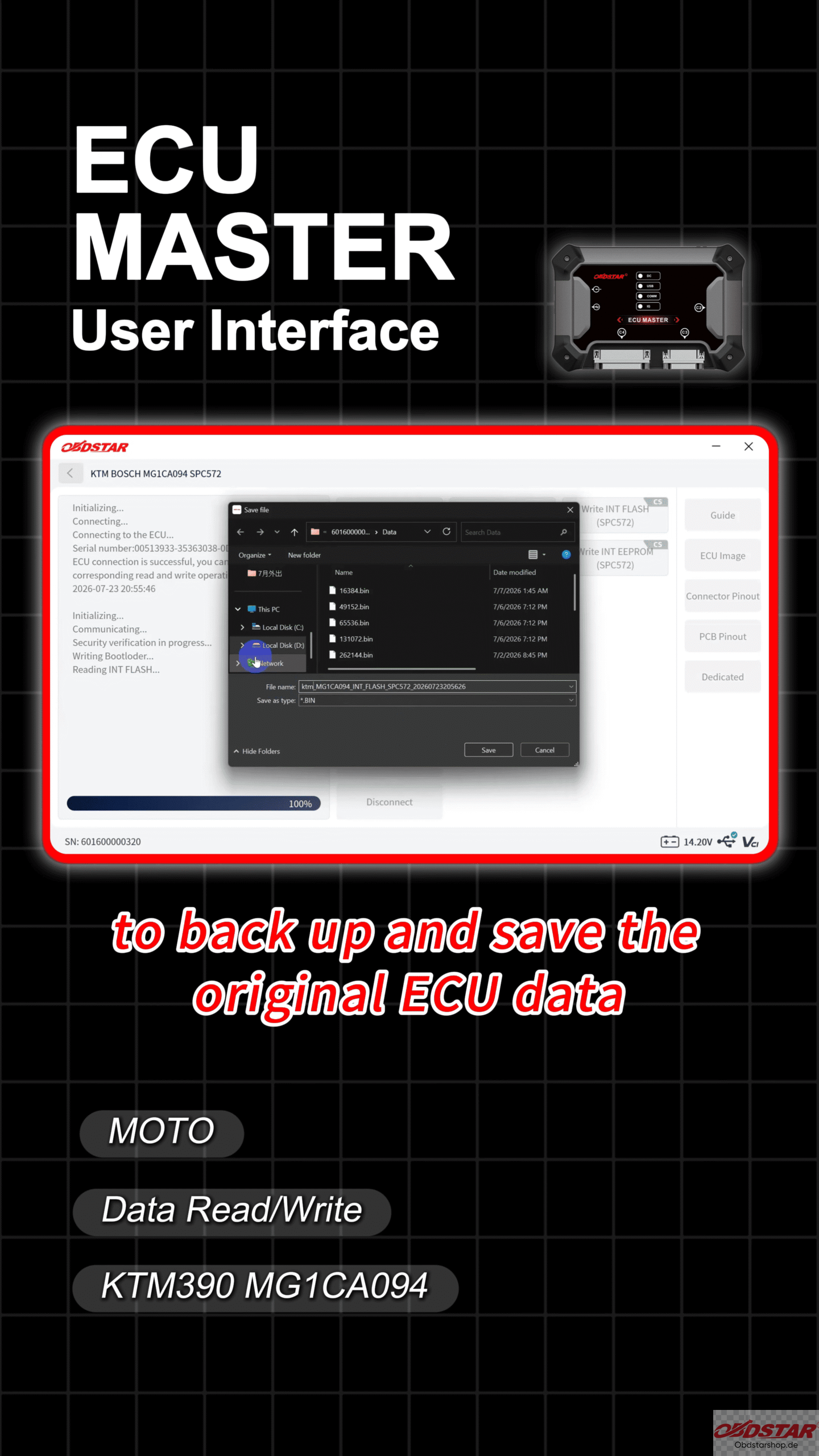
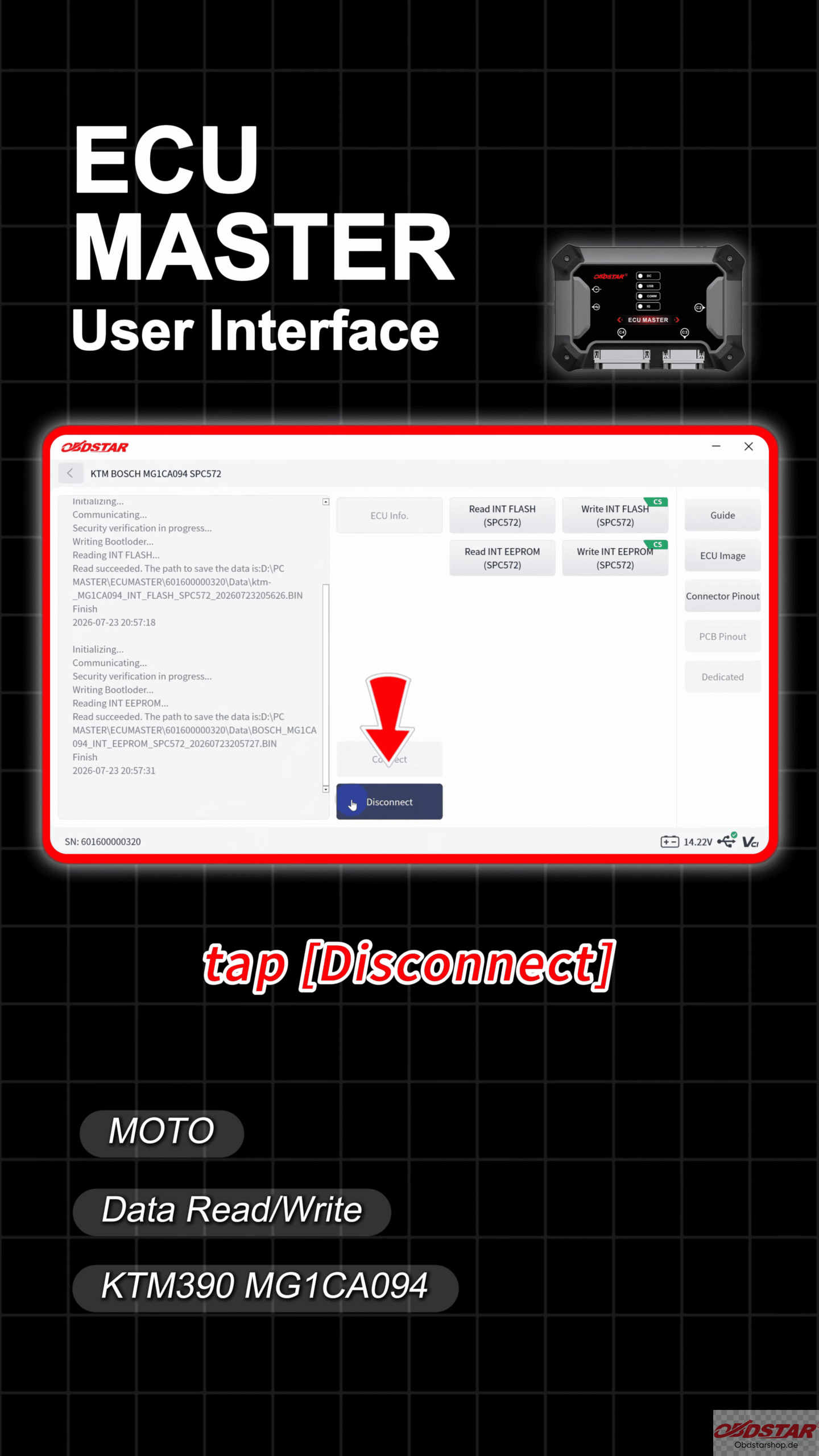
Backing up the original data is a crucial step before performing any writing operation.
4. Prepare the New ECU
Disconnect the original ECU and connect the replacement ECU using the same bench wiring setup.
Before writing new data
- Read and save the new ECU’s original EEPROM data.
- Read and back up the new ECU’s INT FLASH data.
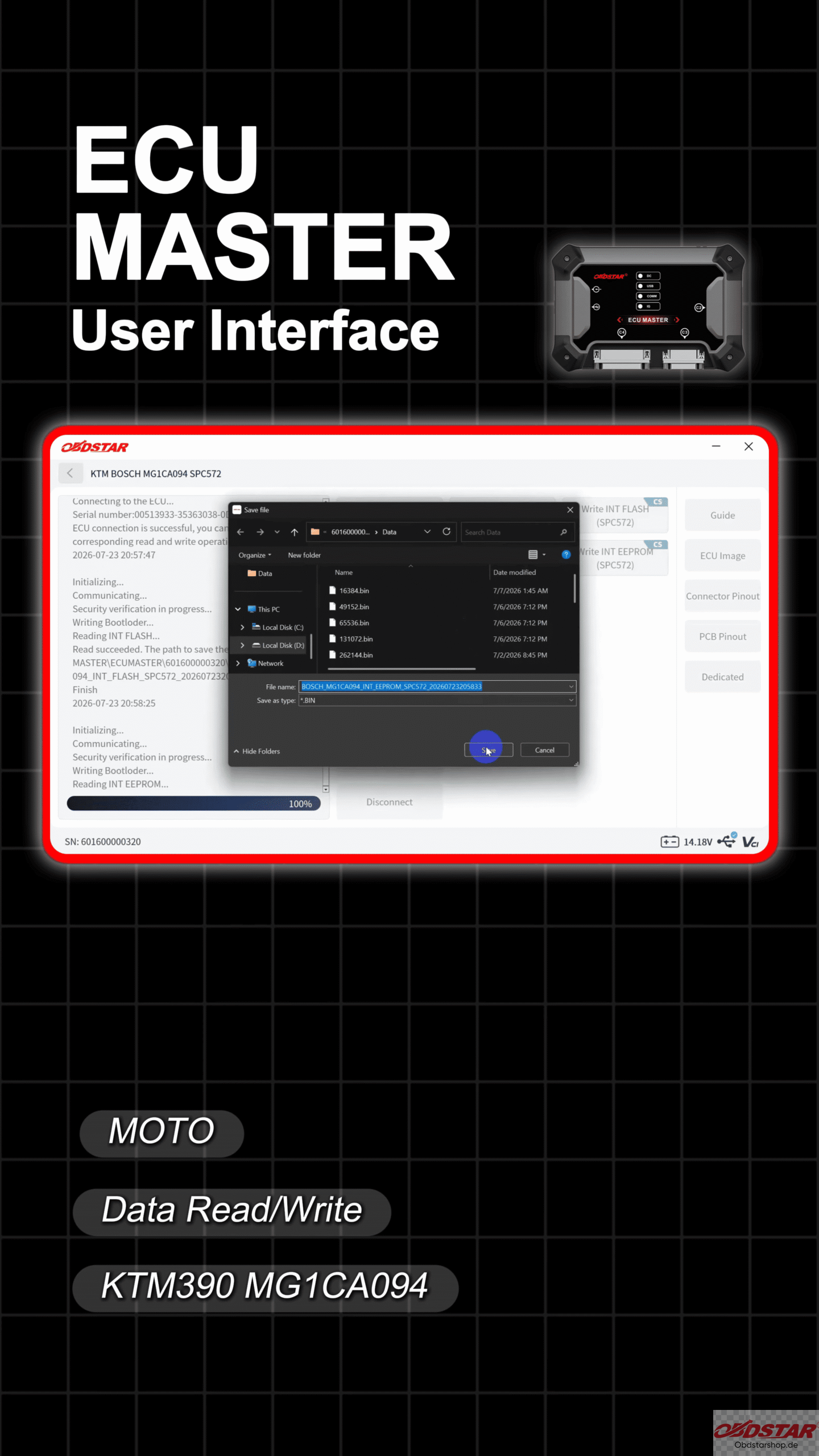
5. Write ECU Data
Select [Write EEPROM] and write the required data.
Select [Write INT Flash] and transfer the saved ECU information.
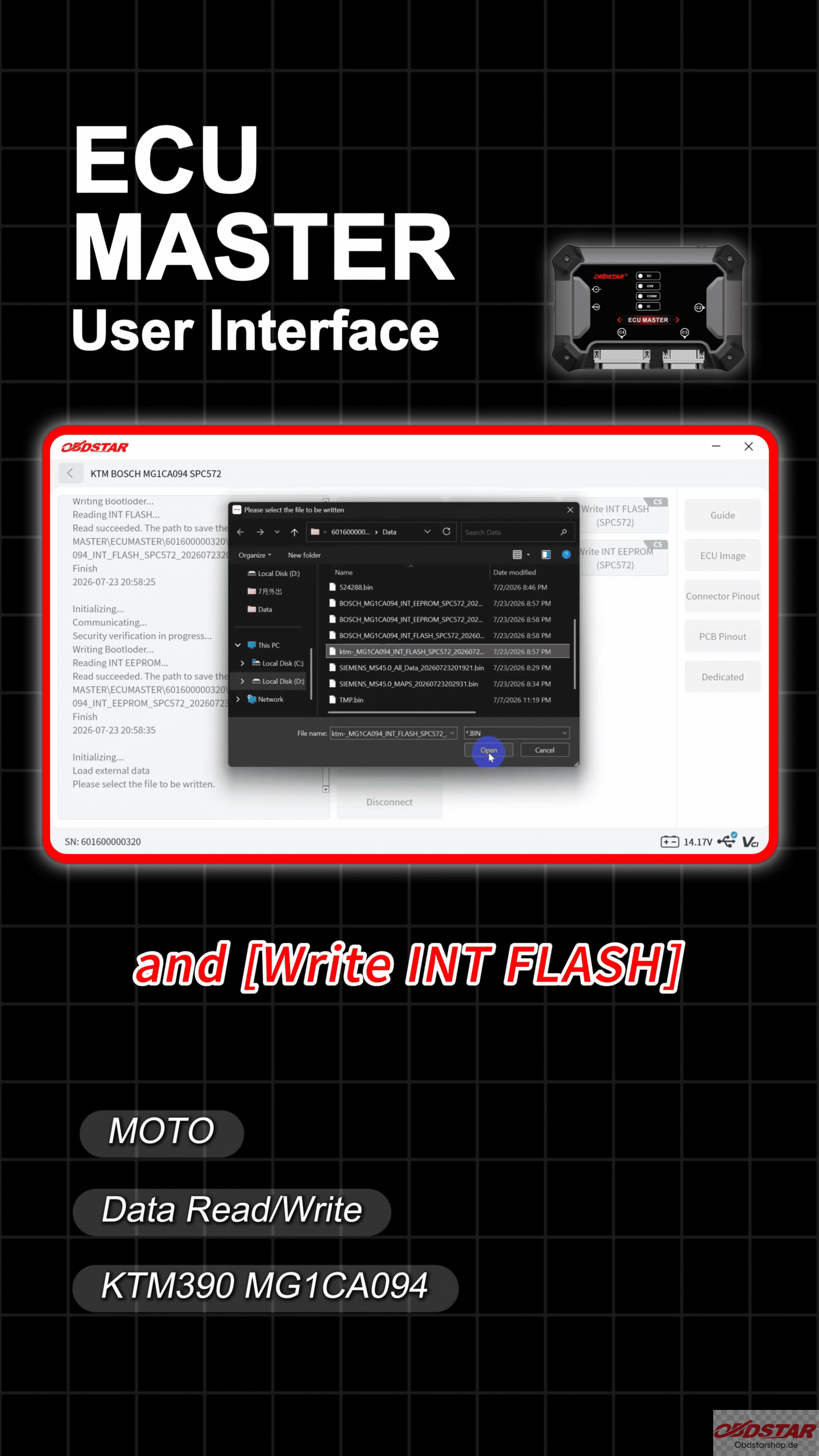
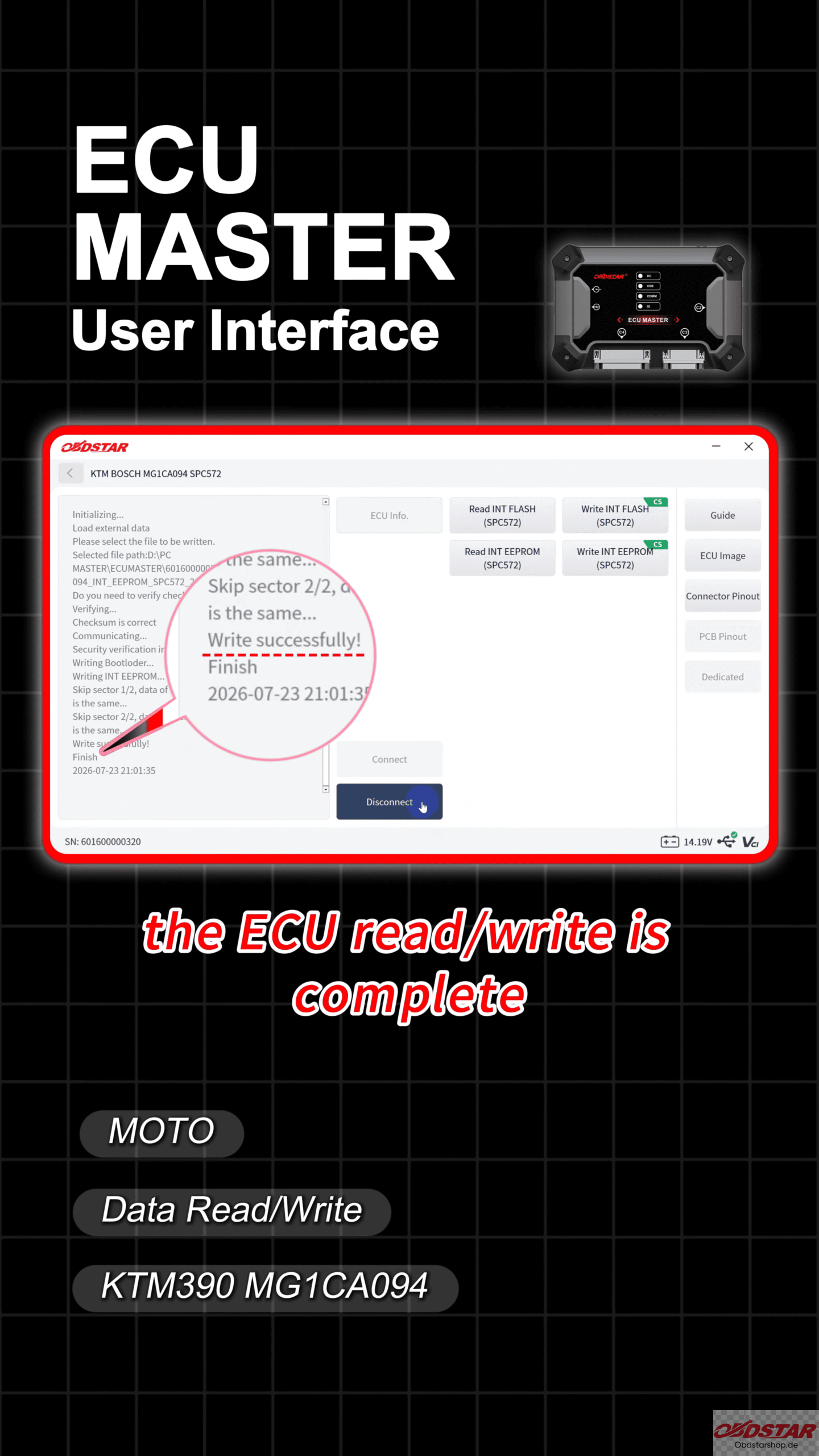
Wait until the writing process is completed successfully.
Read also:
OBDSTAR ECU MASTER ECU Cloning for IVECO Bosch EDC17CV41
How to Read & Write Ford ECU with OBDSTAR ECU MASTER
Leave a Reply