




In this guide, we will show how to use OBDSTAR DC706 to read and write data from a SsangYong Delphi DCM6.2AP ECU through BENCH mode.
Required Tools
OBDSTAR DC706
High-power DC power supply
Main cable
Jumper wires
MP001 Programmer
SsangYong Delphi DCM6.2AP ECU
Make sure DC706 software is updated to the latest version before beginning.
1. Enter ECU Flasher Function
First, turn on the OBDSTAR DC706 and enter [ECU Flasher] → [ECM]
Then search for the corresponding ECU model in the upper-right corner. Select [SsangYong Delphi DCM6.2AP]
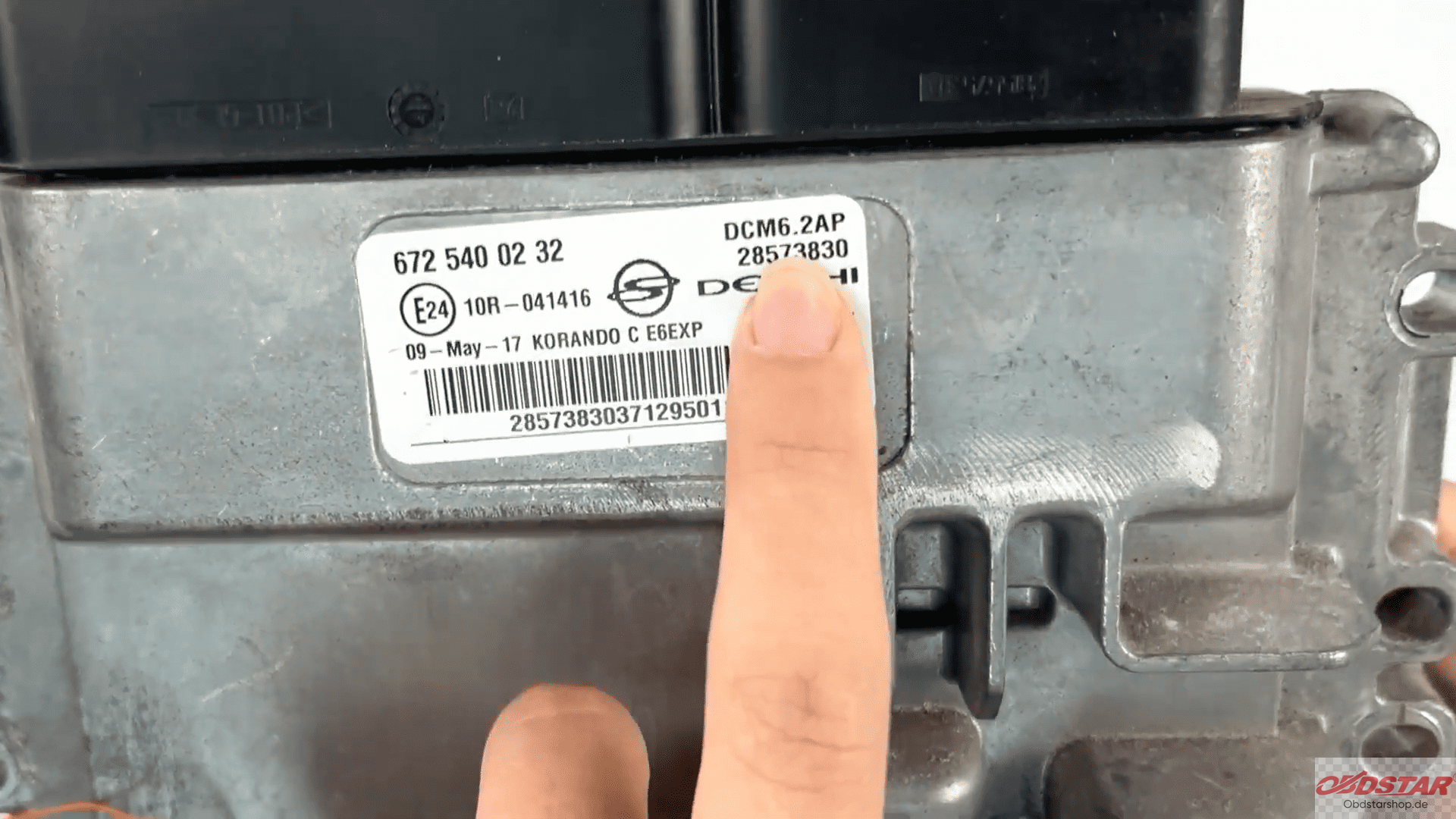
Tap Start to continue.
2. Select BENCH Mode and Connect ECU
Select BENCH mode and choose the corresponding adapter.
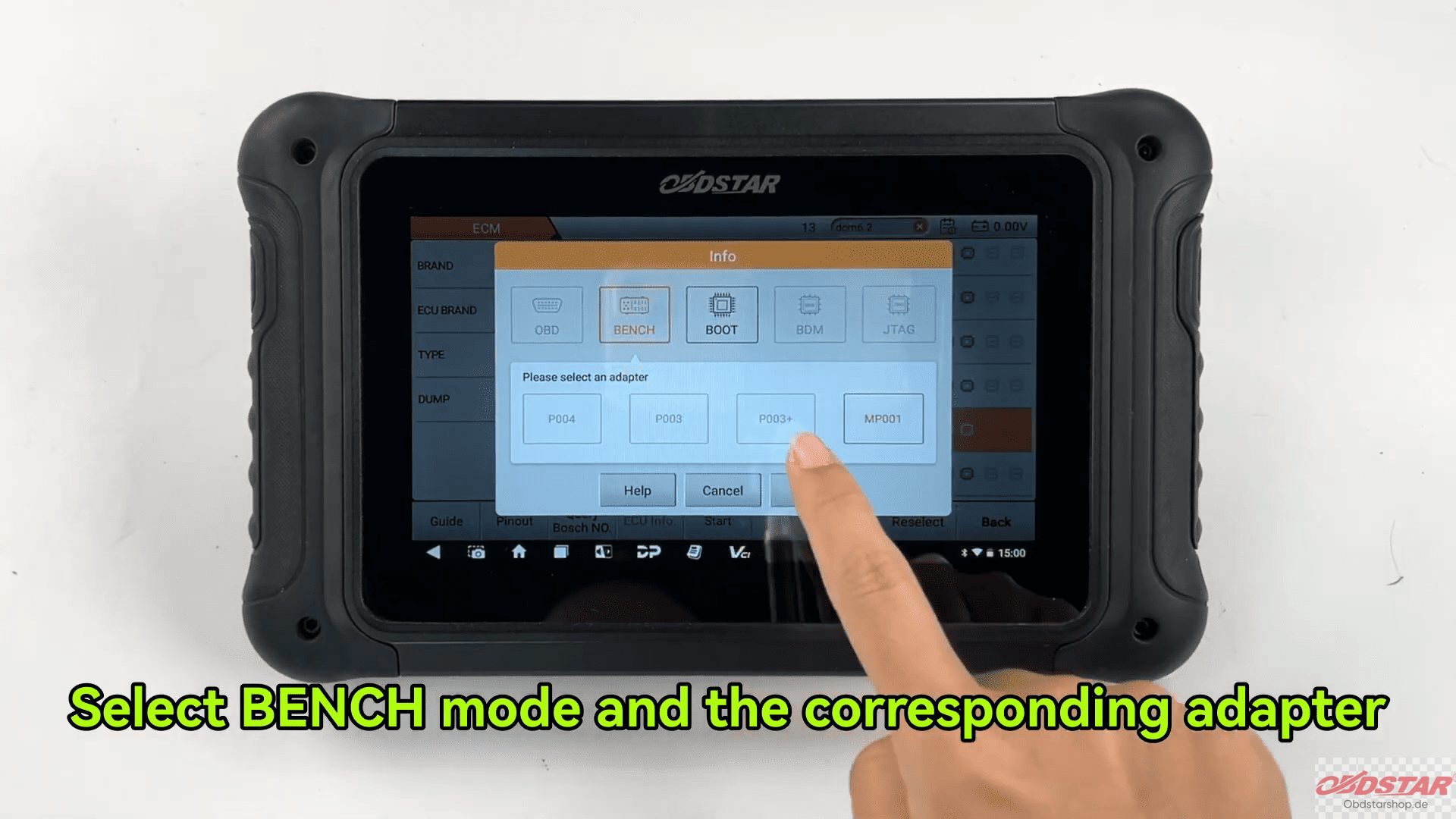
Tap Guide to view detailed operation instructions, the Connection notes, Adapter information and Wiring diagrams
Next, tap ECU Image to check whether the displayed ECU appearance matches the actual ECU.
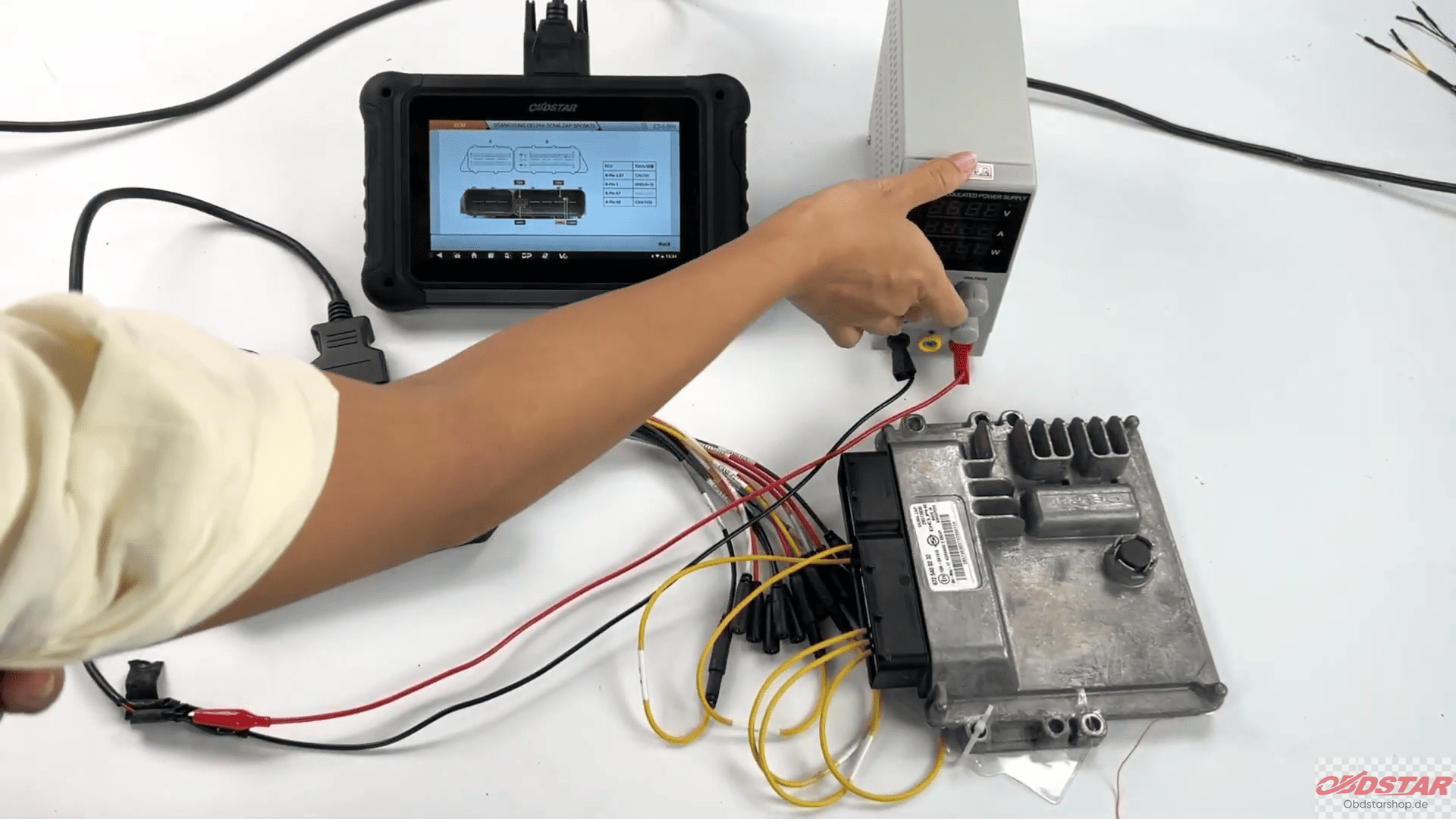
After confirmation, select Connector Pinout.
Follow the wiring diagram to connect the ECU correctly.
Tap Connect and select Yes when the confirmation prompt appears.
3. Read MAPS Data
After successful connection, select [Read MAPS]
The device will begin reading ECU data.
During the process, the read file can be renamed, and the save location will be displayed on the left side of the screen
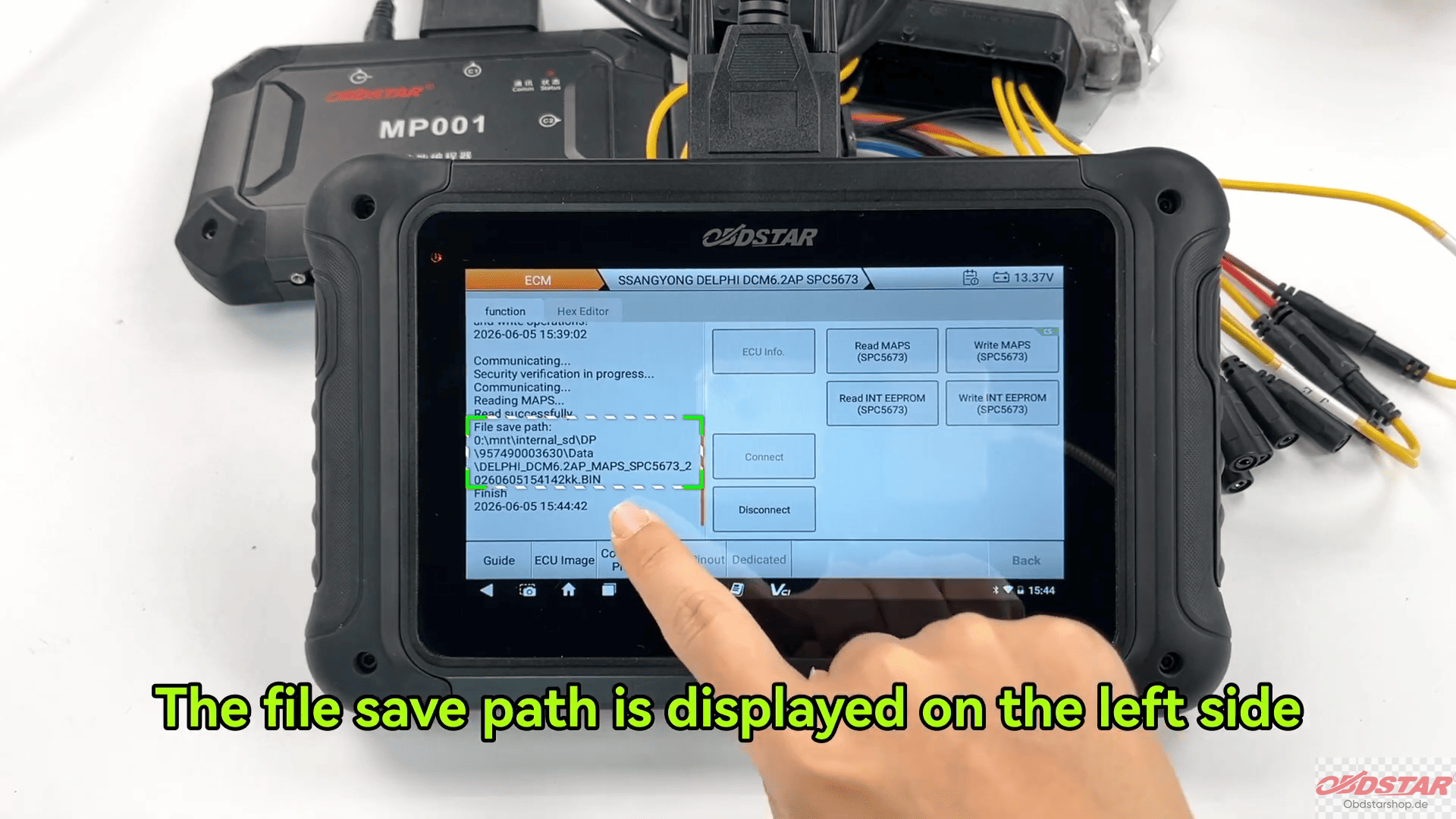
After the MAPS data reading is completed, follow the same procedure to read the EEPROM data.
4. Write MAPS Data
To write ECU data, select [Write MAPS]
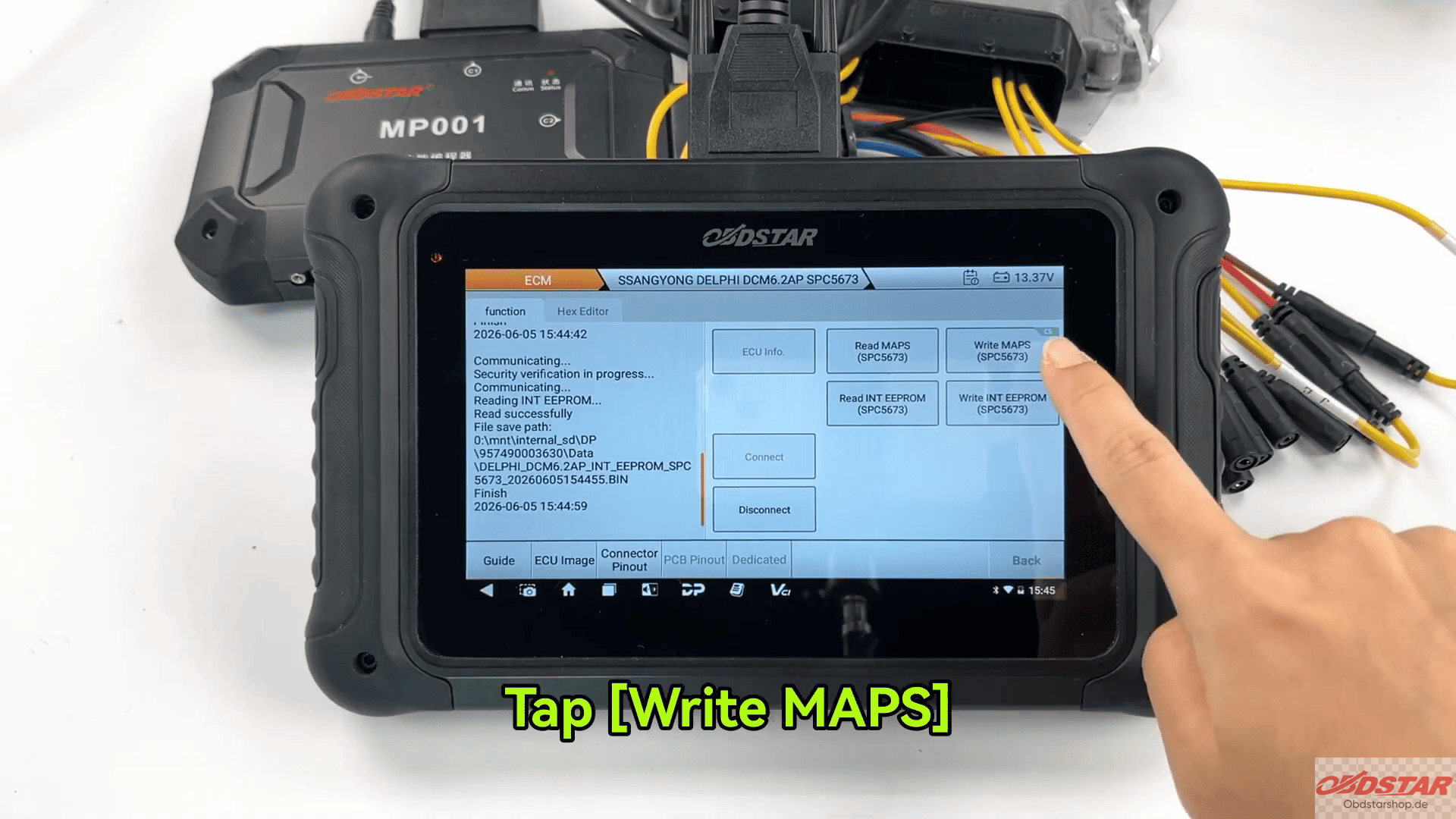
Then choose [Load External Data]
The target file can be located quickly by File name, Creation time, Search function
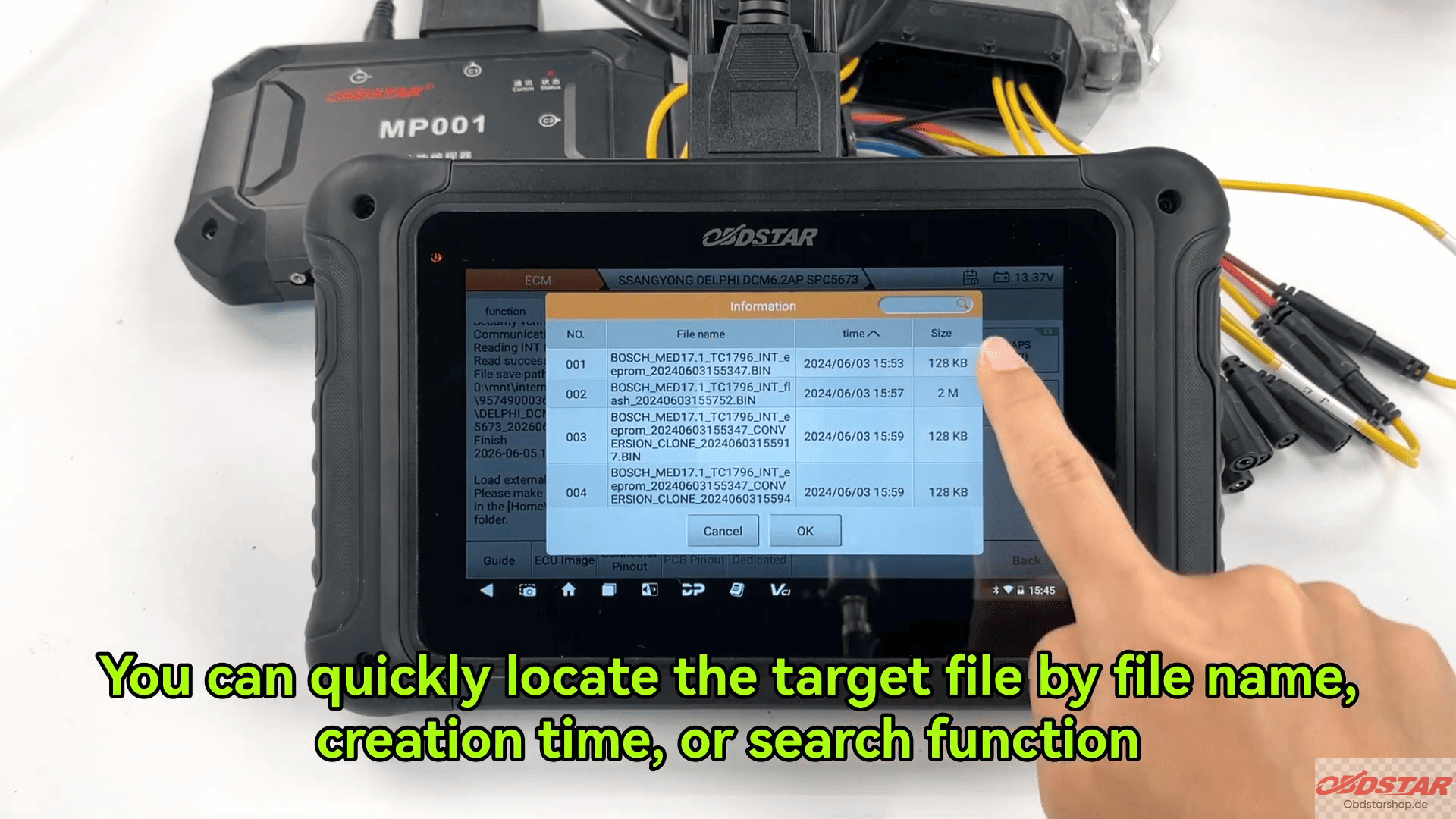
After selecting the required file, the device will ask whether to calculate the checksum. Tap [Yes]
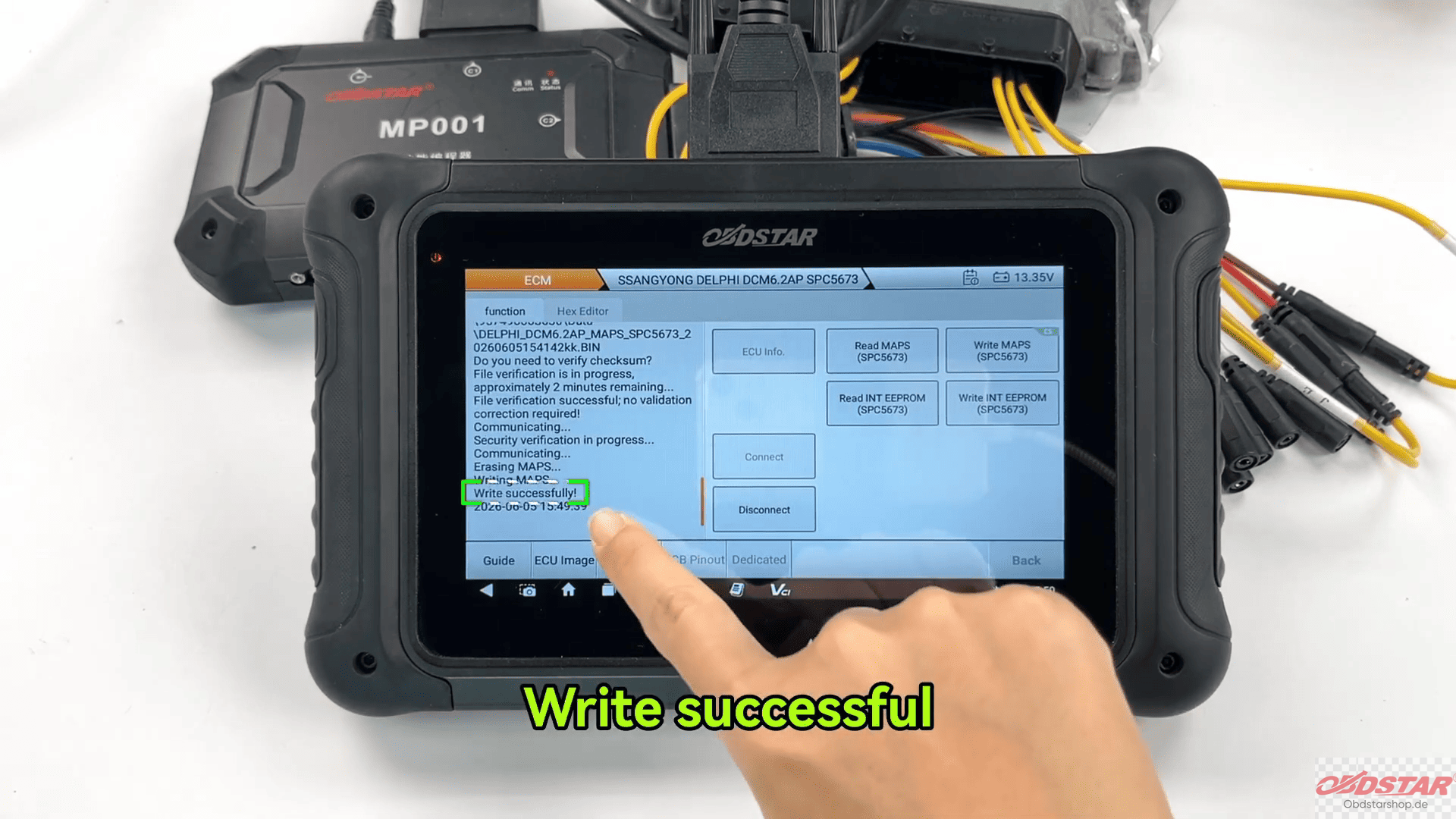
Wait until the writing process is completed.
The device will display a successful write message when finished.
5. Write EEPROM Data
After completing MAPS writing, repeat the same operation steps to write the EEPROM data.
Make sure the connection remains stable throughout the entire writing process.
Read also:
How to Read & Write INT/EXT Data on ALFA ROMEO MM10JA ECM with OBDSTAR DC706
Leave a Reply