




In this guide, we will show how to read and write data from a DONGFENG DELPHI DCM6.24 ECU using OBDSTAR ECU MASTER.
This tutorial covers the required tools, ECU connection, BOOT mode selection, data reading, and writing procedures.
Tools Required
ECU MASTER full version
Computer
USB cable
High-power DC power supply
Jumper wires
DONGFENG DELPHI DCM6.24 ECU
Make sure the ECU is properly powered and all connections are secure before beginning.
ECU MASTER Connection and Software Operation
1. Connect ECU MASTER to Computer
Connect ECU MASTER to the computer using a USB cable.
Open the ECU MASTER software and select [ECU Flasher] → [HD] → [ECM]
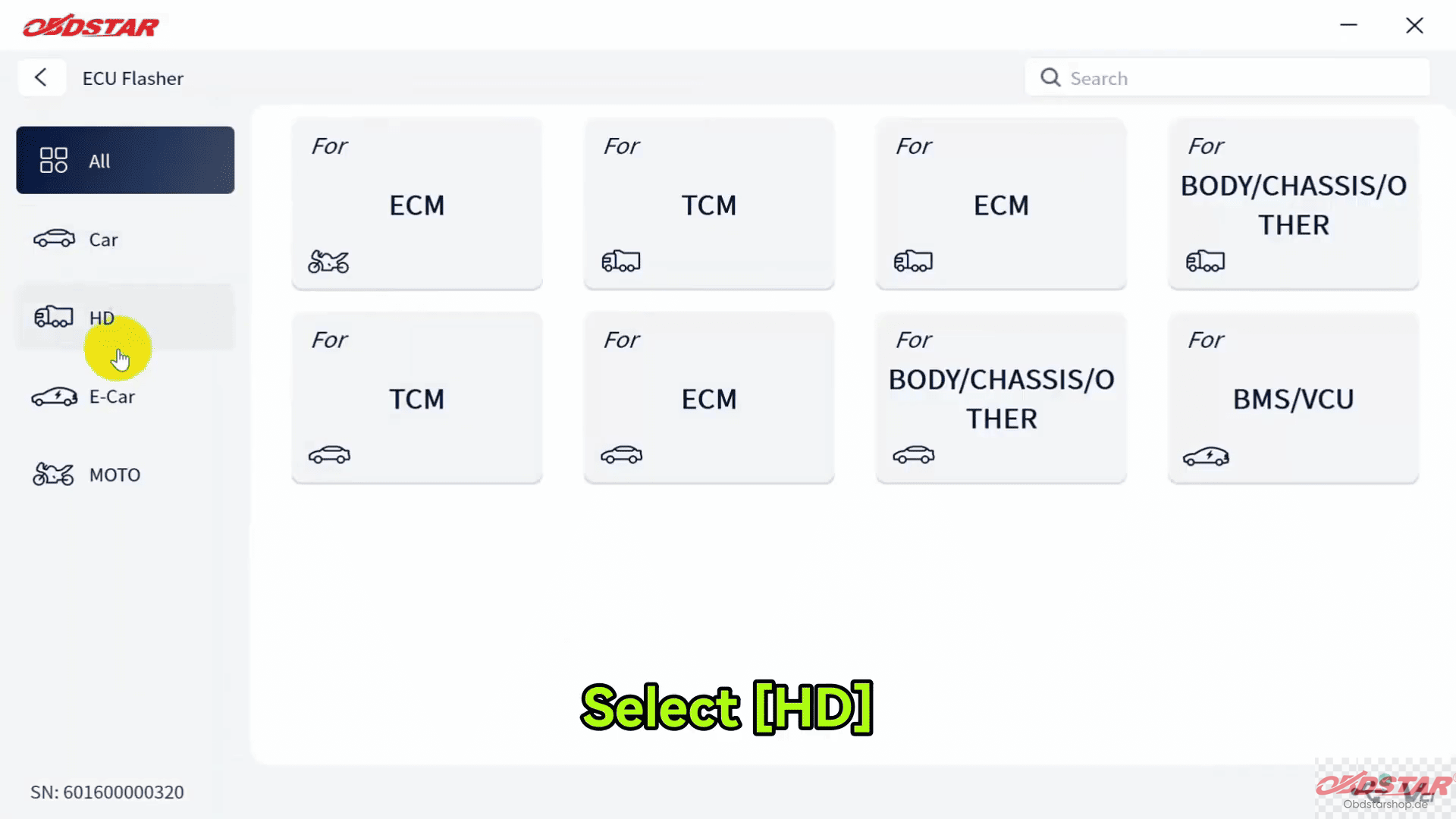
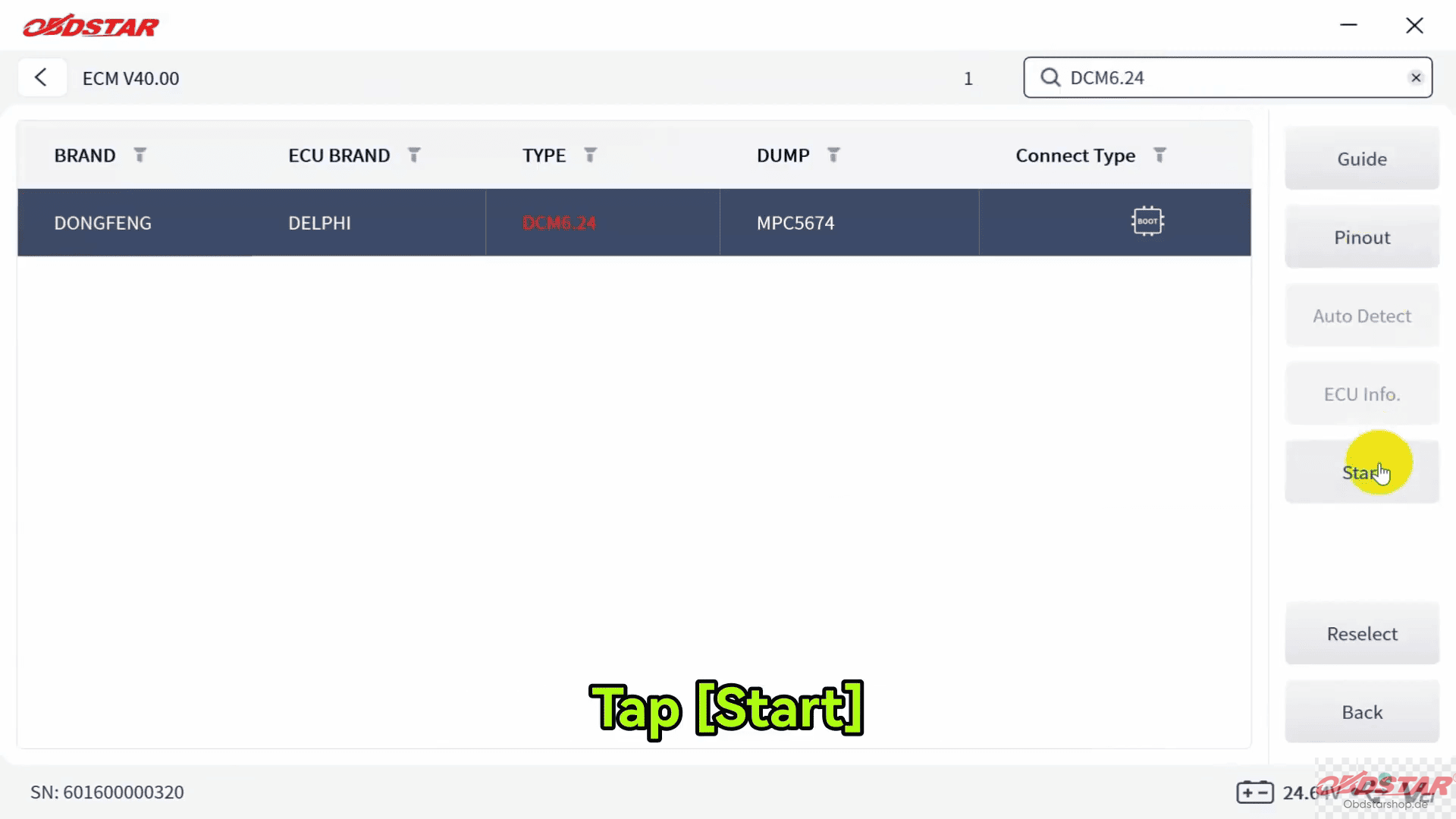
Then search for the corresponding ECU model using the search function in the top-right corner.
Select [DONGFENG DCM6.24] and click [Start].
2. Enter BOOT Mode
Select [BOOT] → [Guide]
The software will display detailed guidance information
Recommended adapters
Connection diagrams
ECU images
PCB pinout information
You can check the ECU image and select PCB Pinout for detailed connection instructions, then tap [Connector Pinout]
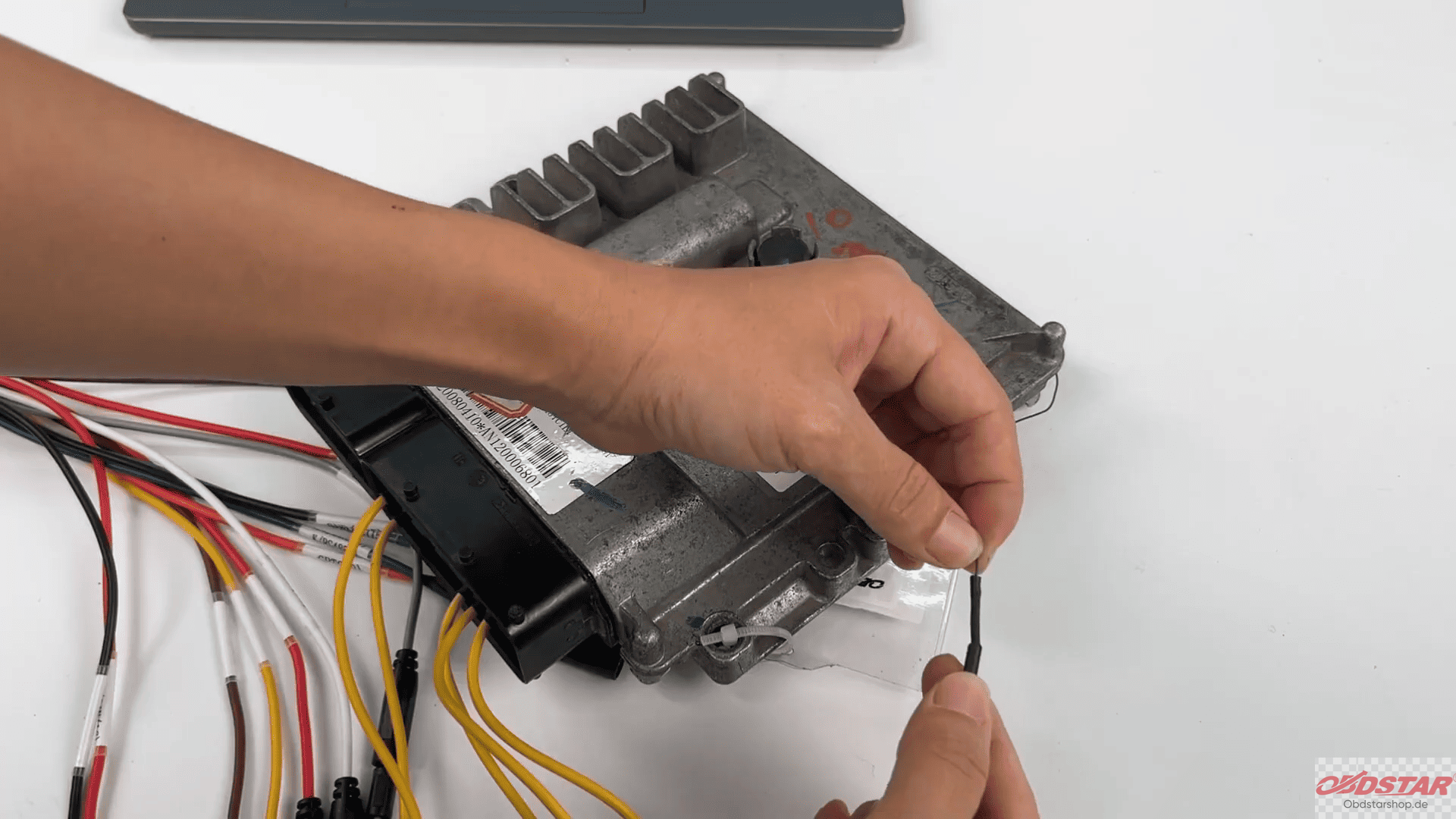
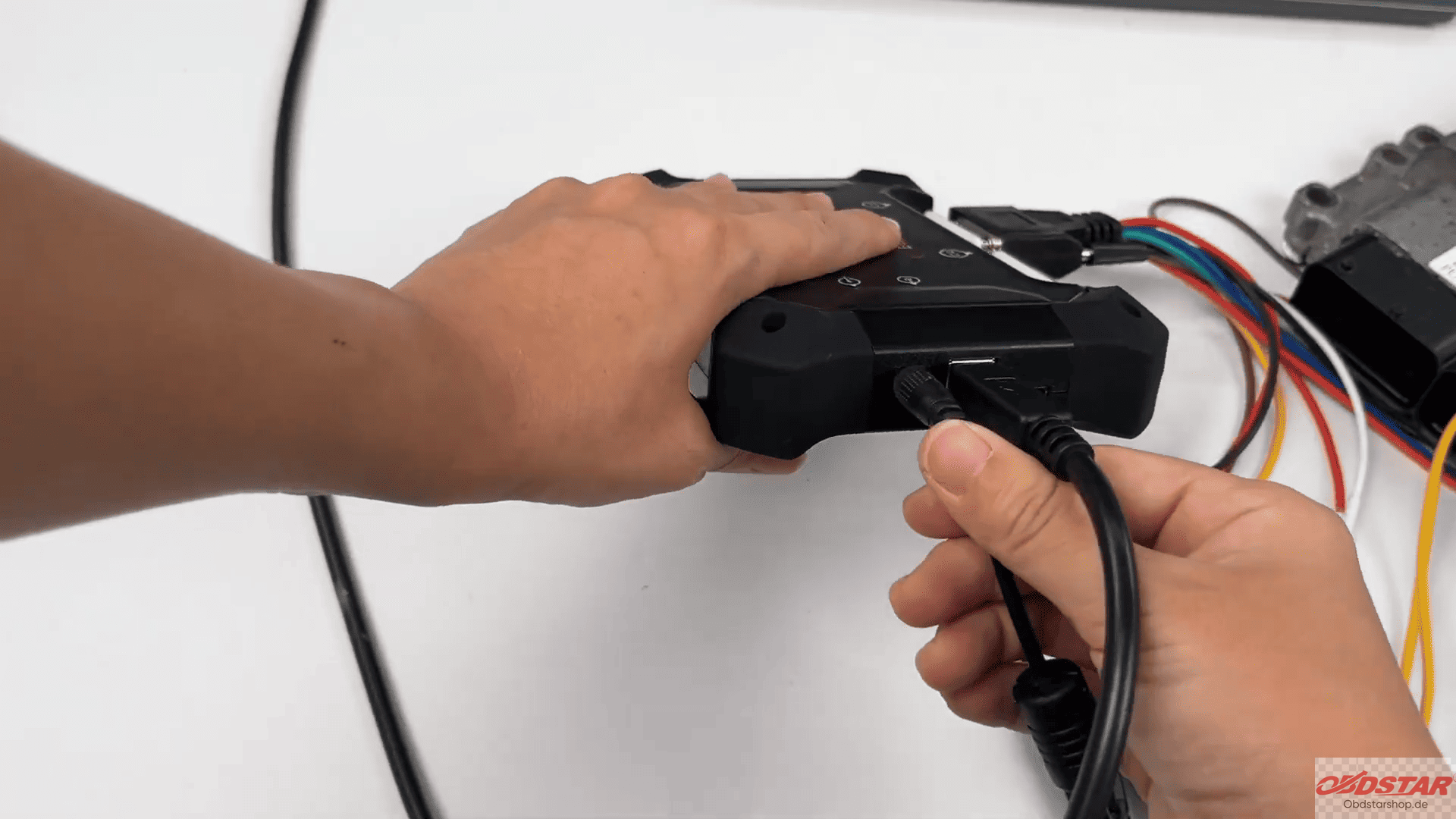
Follow the wiring diagram and connect the ECU according to the displayed pin configuration.
3. Connect to ECU
Tap Connect.
When the confirmation message appears, select [Yes].
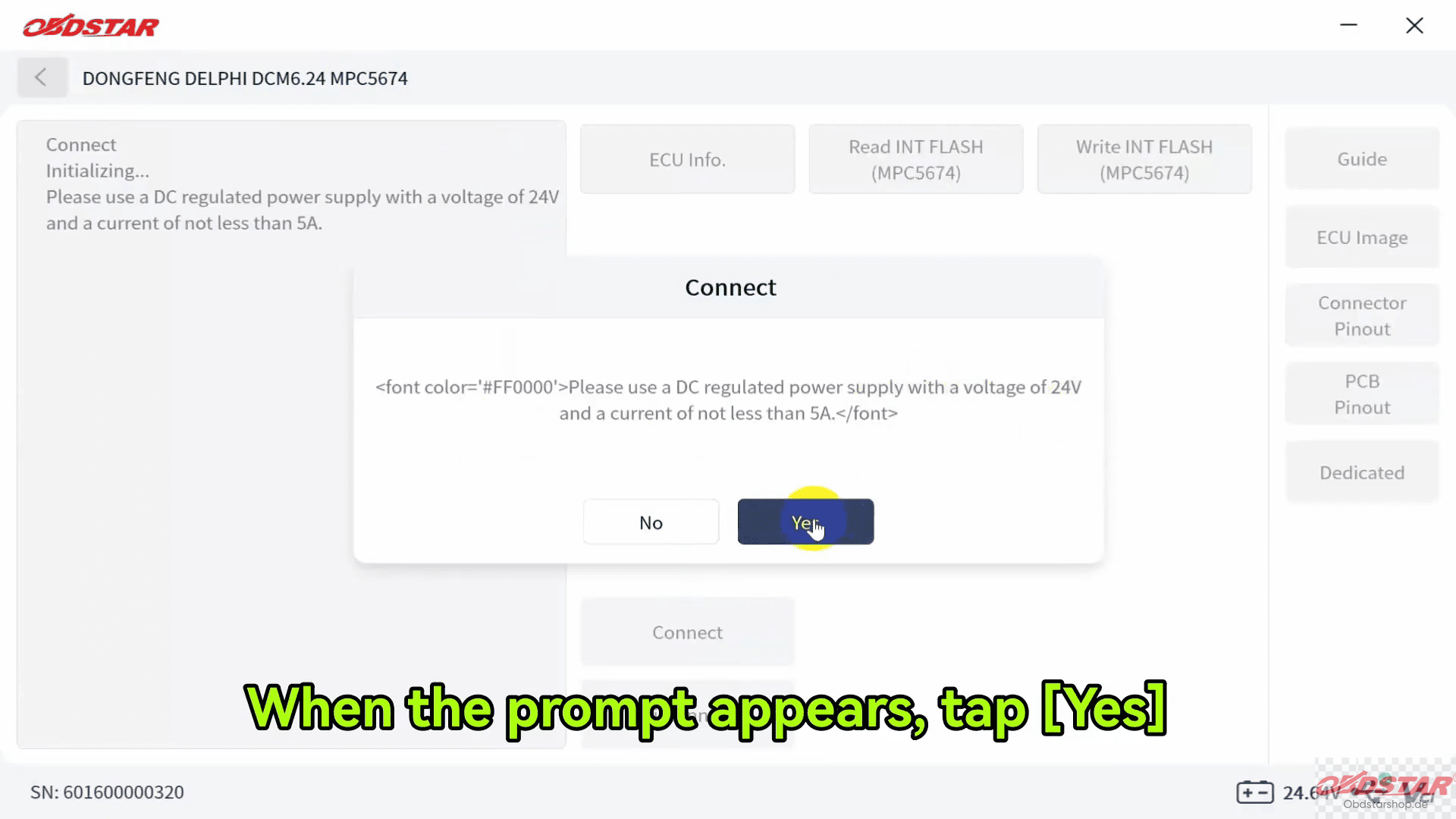
The left panel will display that the ECU has been connected successfully.
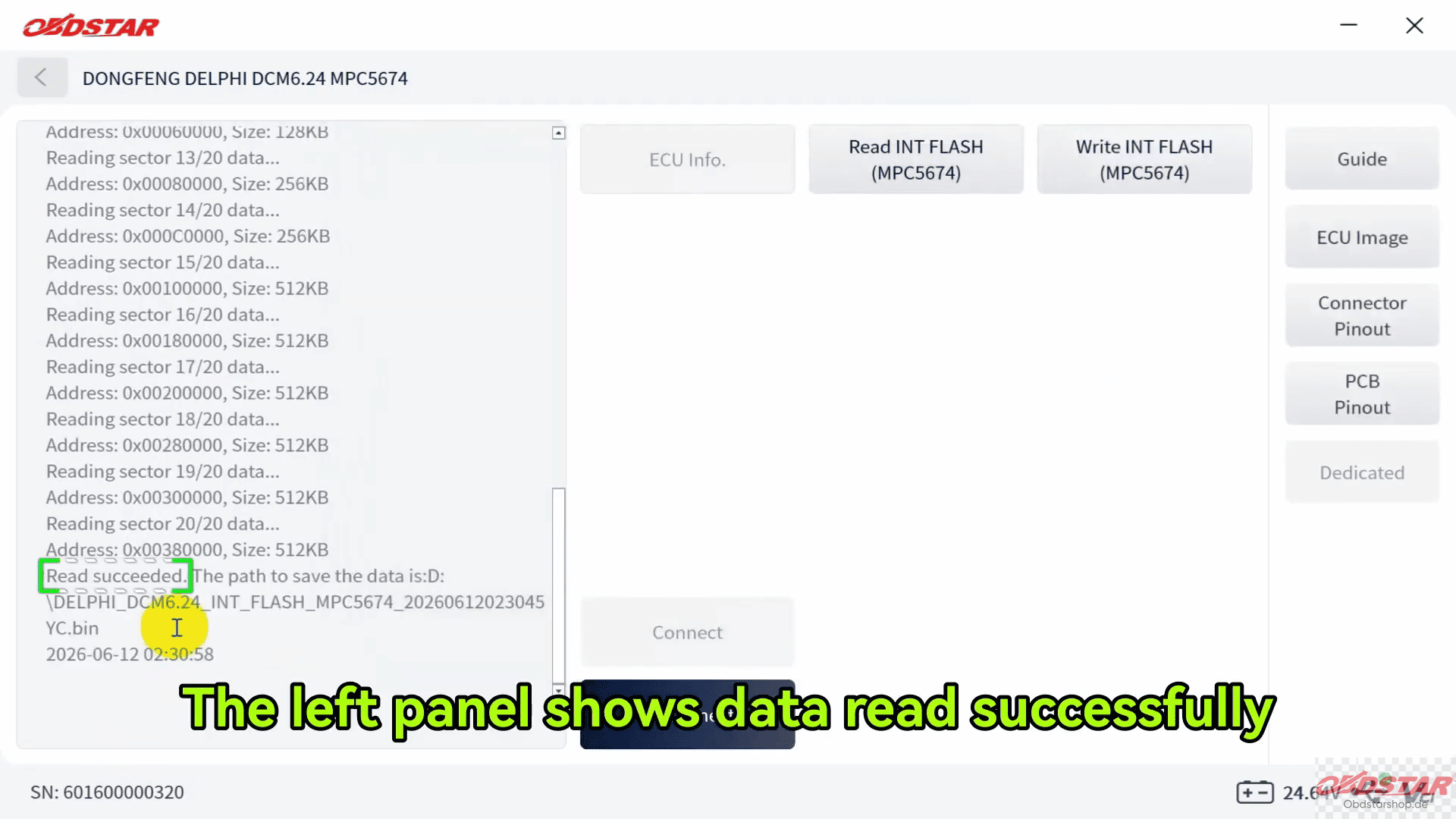
4. Read ECU Data
Select [Read INT FLASH]
The software will allow you to rename the read file and choose the save location.
After completion, the left panel will confirm that the ECU data has been read successfully.
5. Write ECU Data
Select [Write INT FLASH]
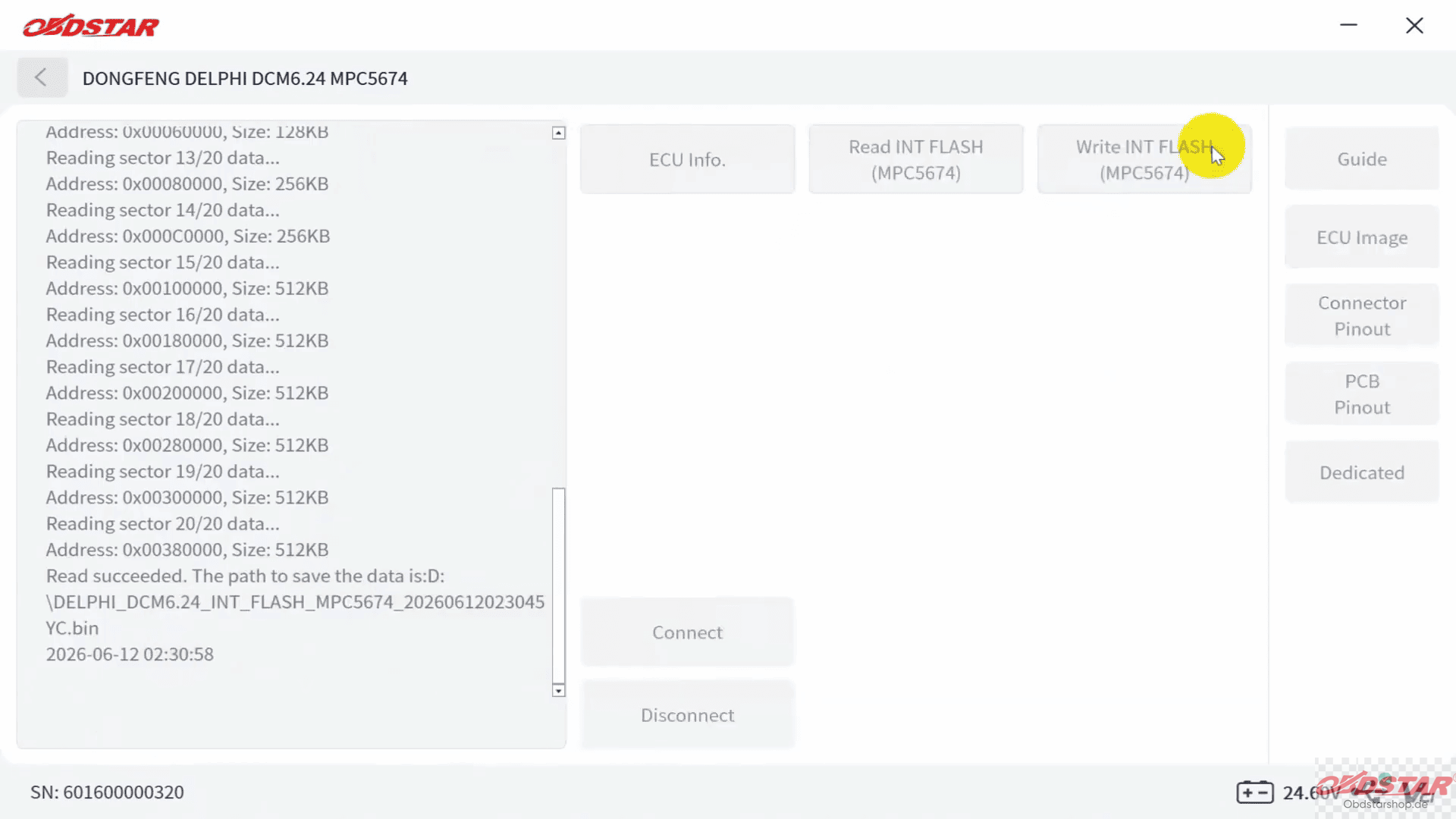
Choose the required data file. Click Yes to start writing.
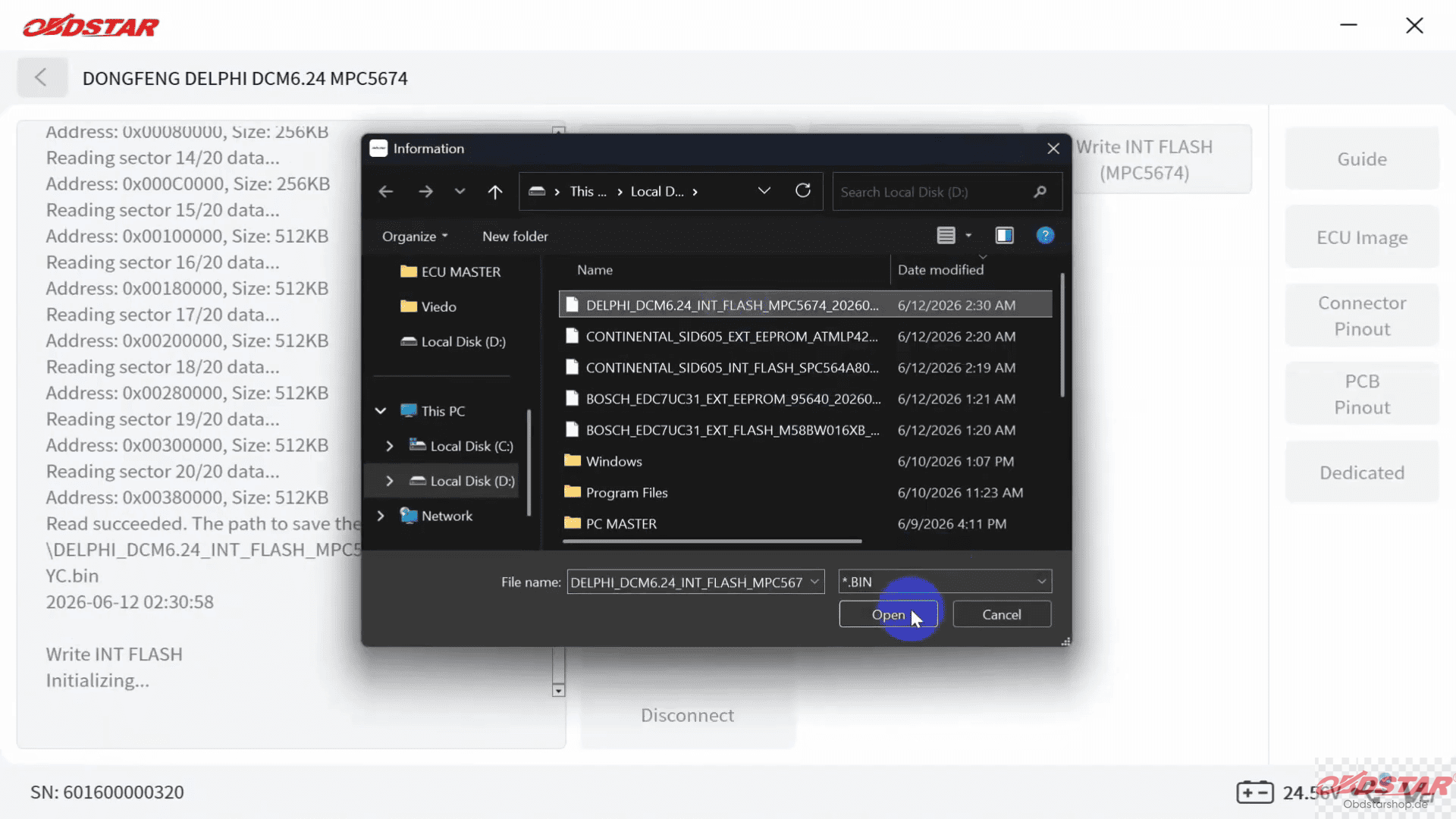
Then the software will display that the data has been written successfully.
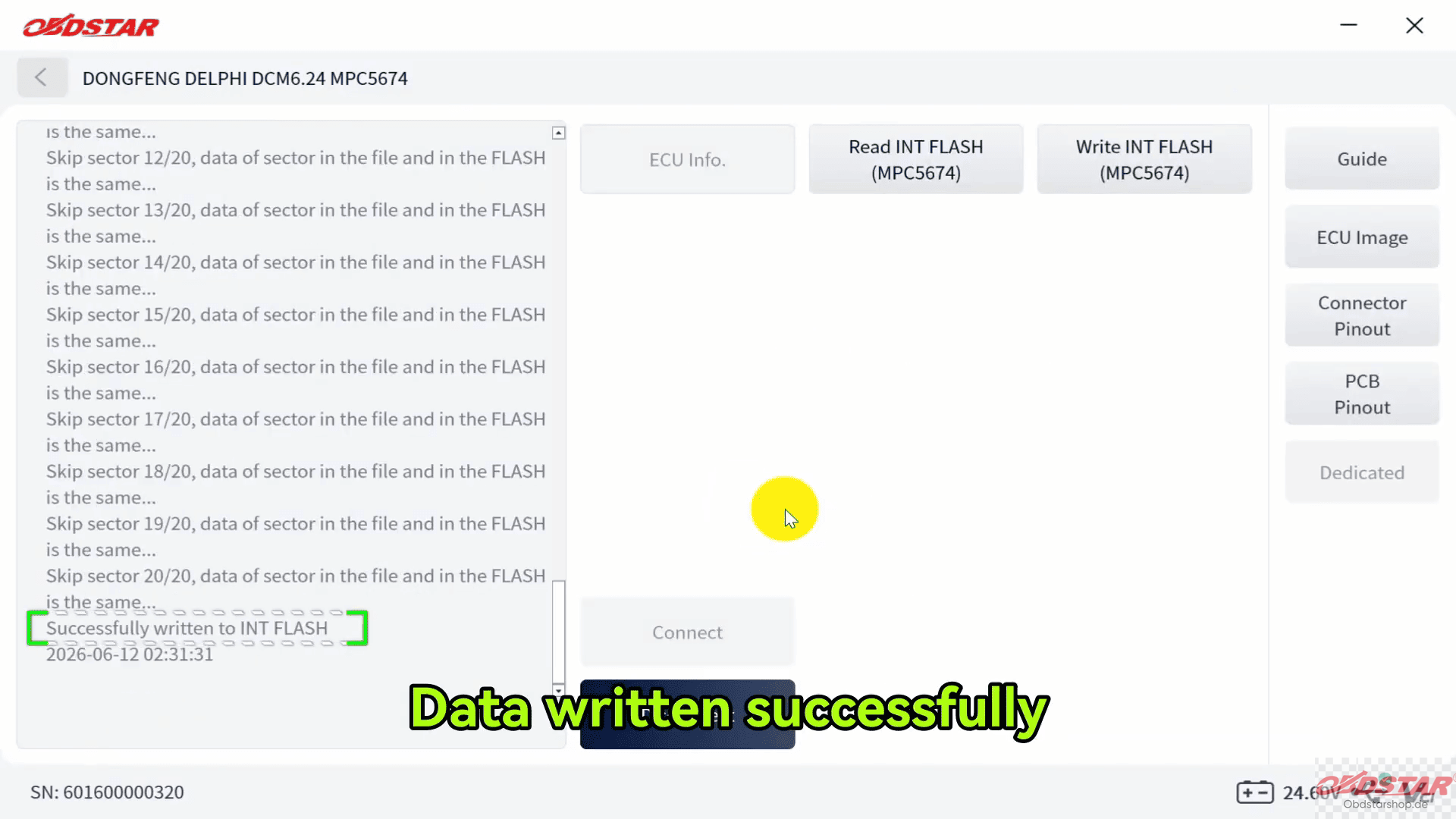
Finally, tap [Disconnect] to finish the operation.
Read also:
OBDSTAR ECU Master Software Download & Installation Guide
Leave a Reply