




Mercedes transmission ECU repair often involves complicated procedures. Some traditional solutions require opening the ECU housing, drilling holes, or soldering, which increases the risk of damage.
With KEYMASTER G3 and MP001 Programmer, technicians can perform Mercedes Gen4 VGS4-0-NAG2 TCM virgin reset and cloning through a safer method without opening the ECU case.
Required Equipment
- OBDSTAR X300 Classic G3
- OBDSTAR MP001
- M001A Main Cable
- TCM-012 Harness
- Mercedes Gen4 VGS4-0-NAG2 Transmission ECU
- Stable power supply
1. Connect the Equipment
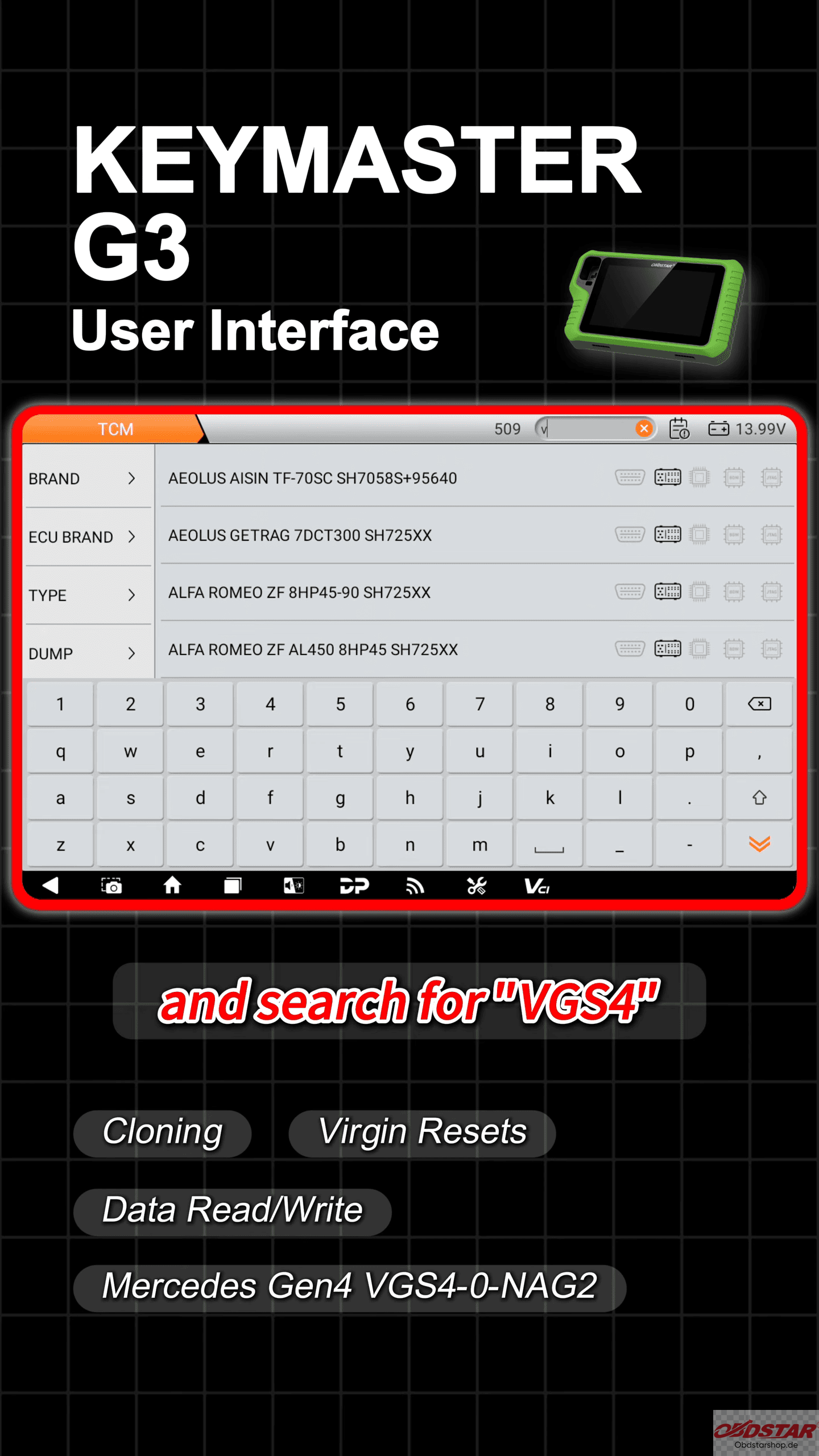
Open the ECU Flasher function on OBDSTAR G3.
Select [TCM] → Search VGS4
Then connect the module according to the wiring diagram.
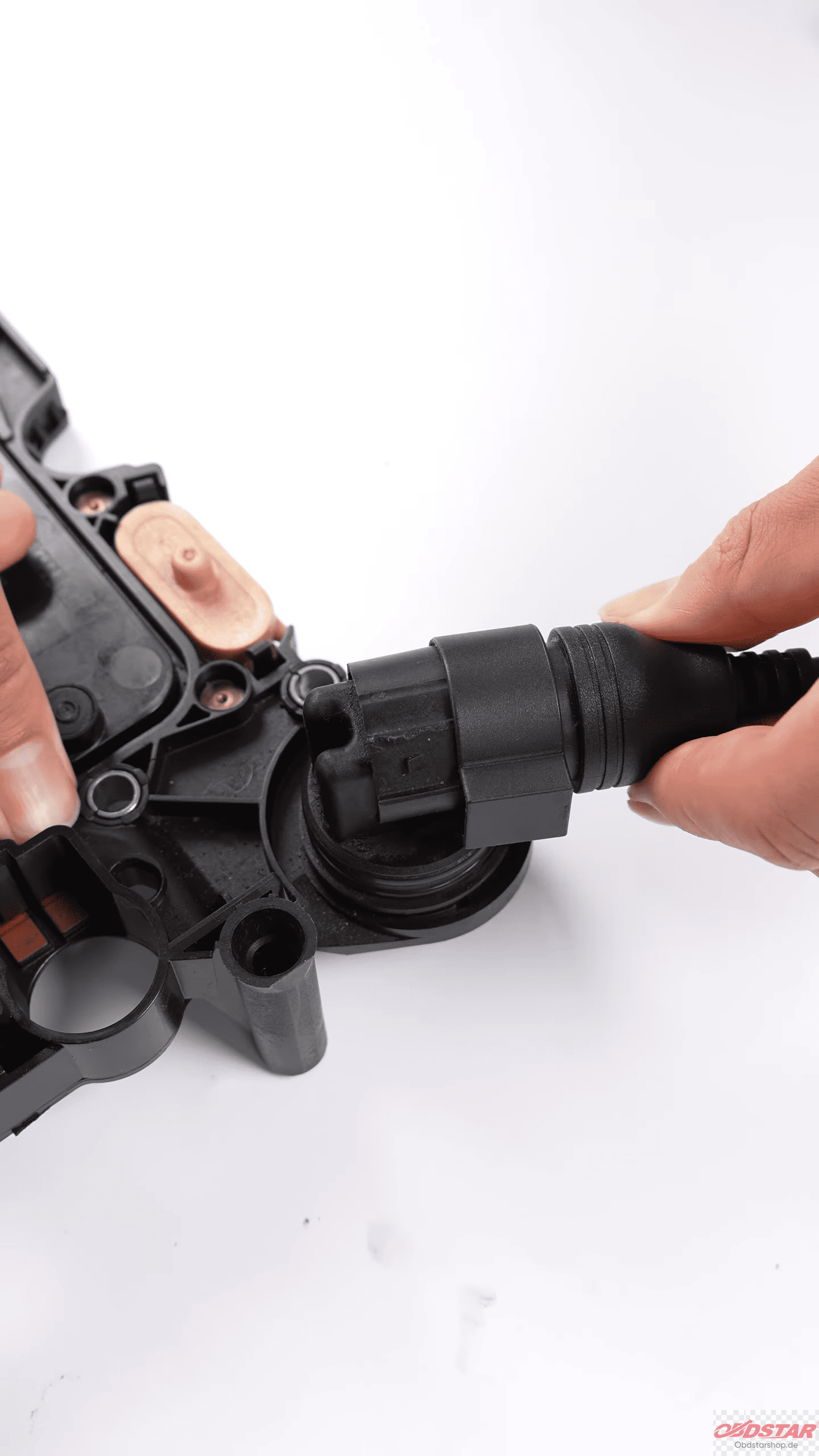
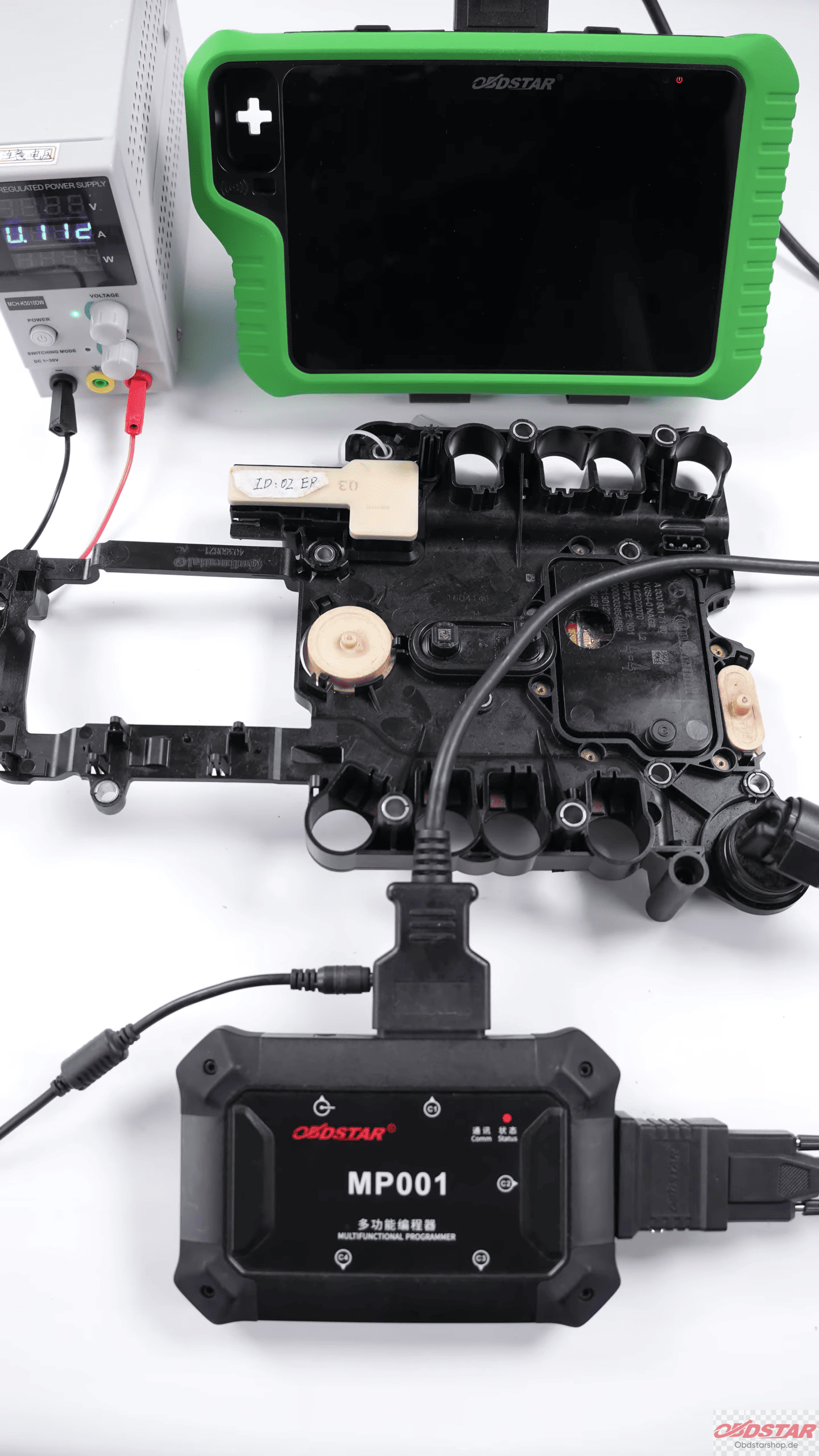
2. Backup Original vehicle data
Before performing any reset operation, it is important to read and save the original vehicle data.
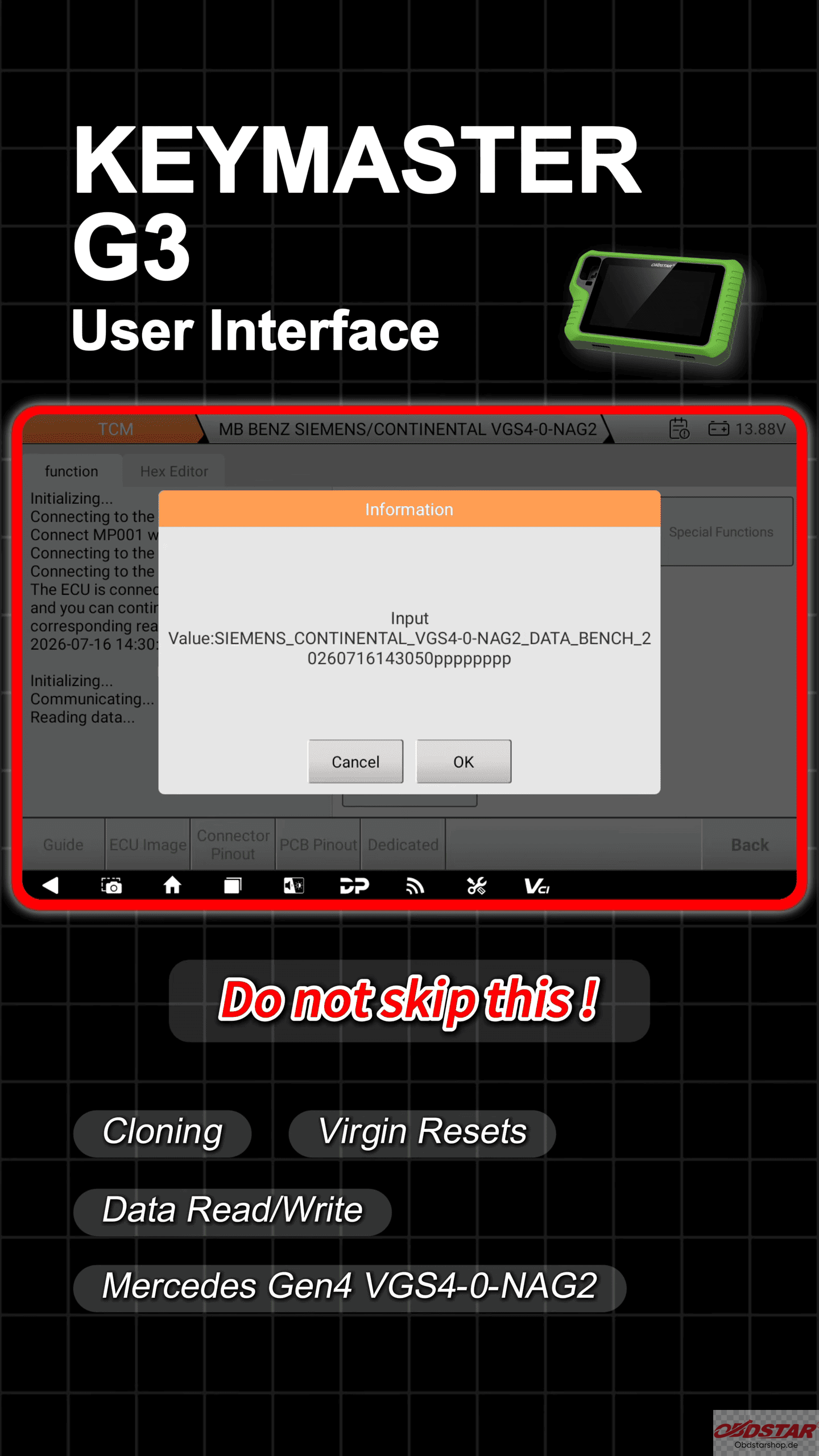
This backup data will be required for transferring information to the replacement module later.
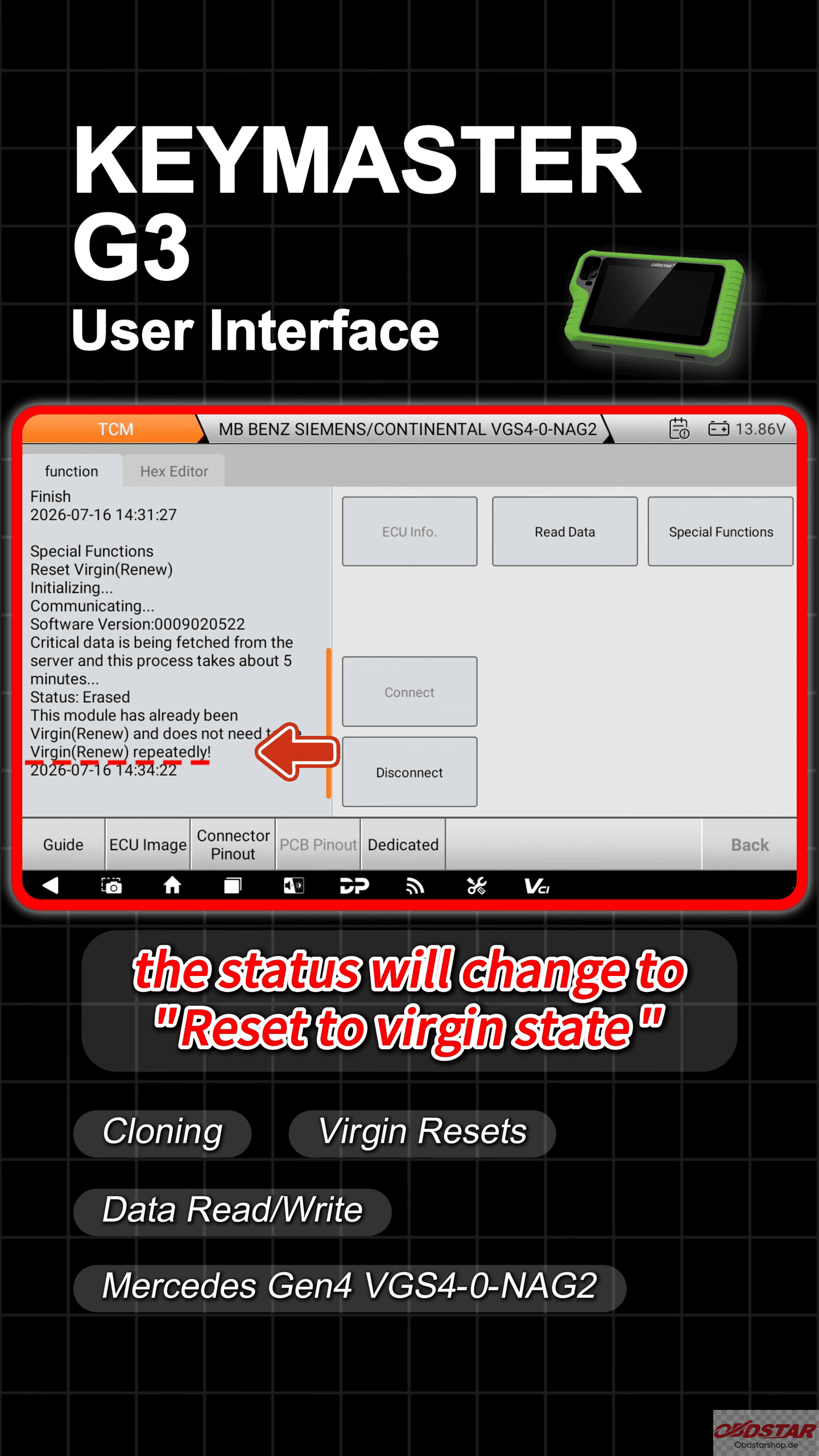
3. Reset ECU to Virgin State
After saving the original data, go to [Advanced Functions] → [Reset ECU]
When the status changes to “Reset to virgin state”, it confirms that the immobilizer data has been cleared successfully.
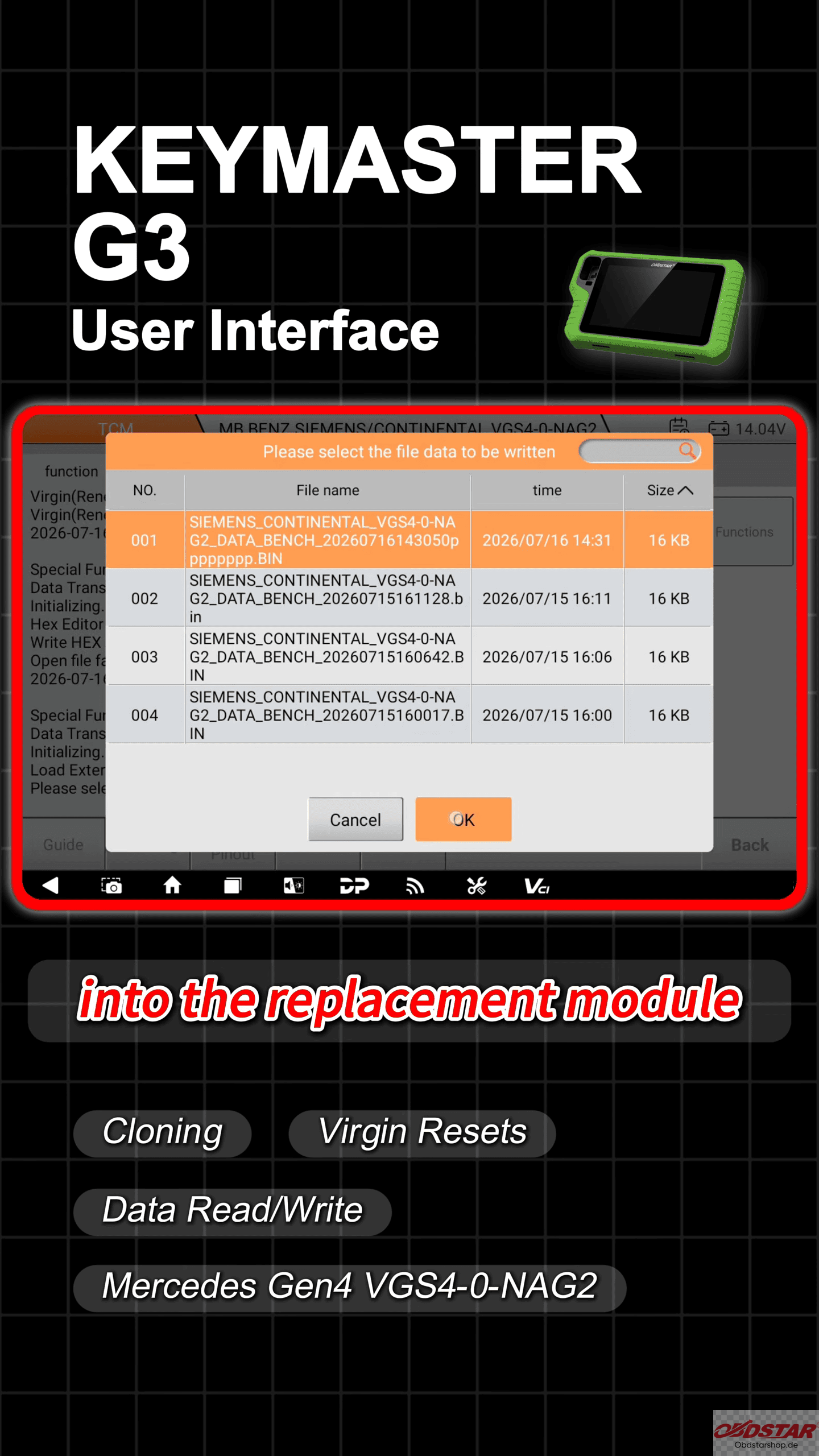
4. Transfer Data to Replacement Module
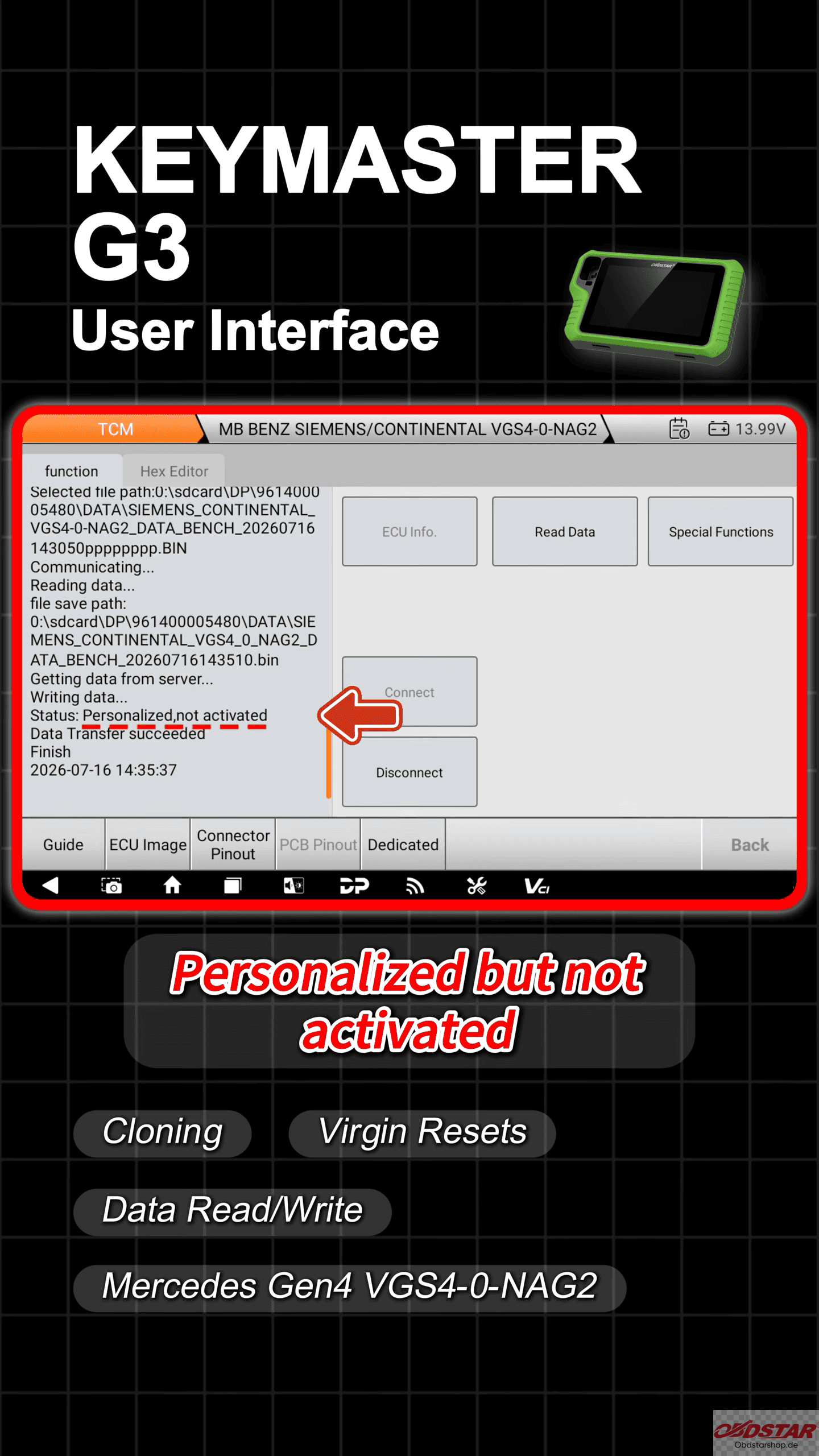
Use the Data Transfer function to write the saved original data into the replacement transmission ECU.
After successful writing, the module status will become “Personalized but not activated”
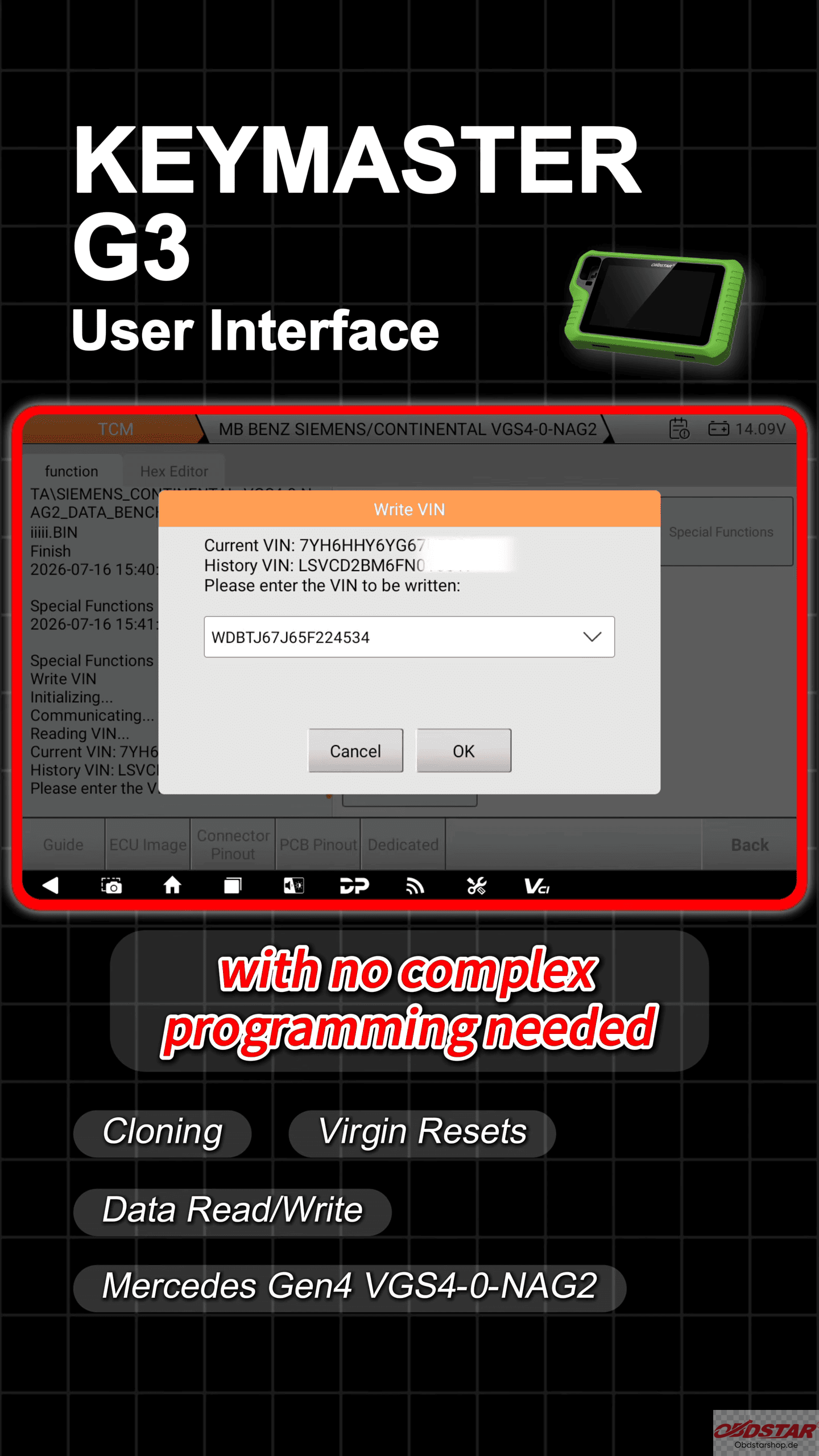
The replacement module is now ready for installation.
Read also:
Nissan BEM548-500 ECU Read & Write Guide Using KEYMASTER G3
Leave a Reply