




OBDSTAR MOTOMASTER is a professional motorcycle diagnostic and programming tool designed for advanced ECU and immobilizer operations. In this tutorial, we’ll demonstrate how to read ECU data, write ISN, modify VIN, and perform ECU data writing on a BMW motorcycle.
Required Tool
OBDSTAR MOTOMASTER
1. Select the Immobilizer Function
Power on MOTOMASTER and navigate to [IMMO] → [BMW] → [Manual Select System] → [PROXIMITY] → [ID8A]
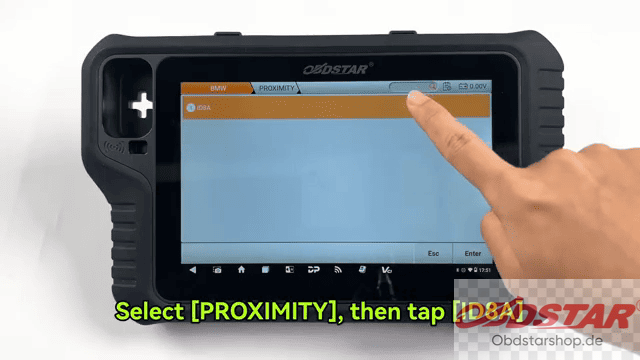
Next, choose the connection method based on your operation.
2. Connect the Motorcycle
OBD Mode
If using the diagnostic connector, select Diag Socket,
locate the motorcycle’s diagnostic socket, and connect the device.
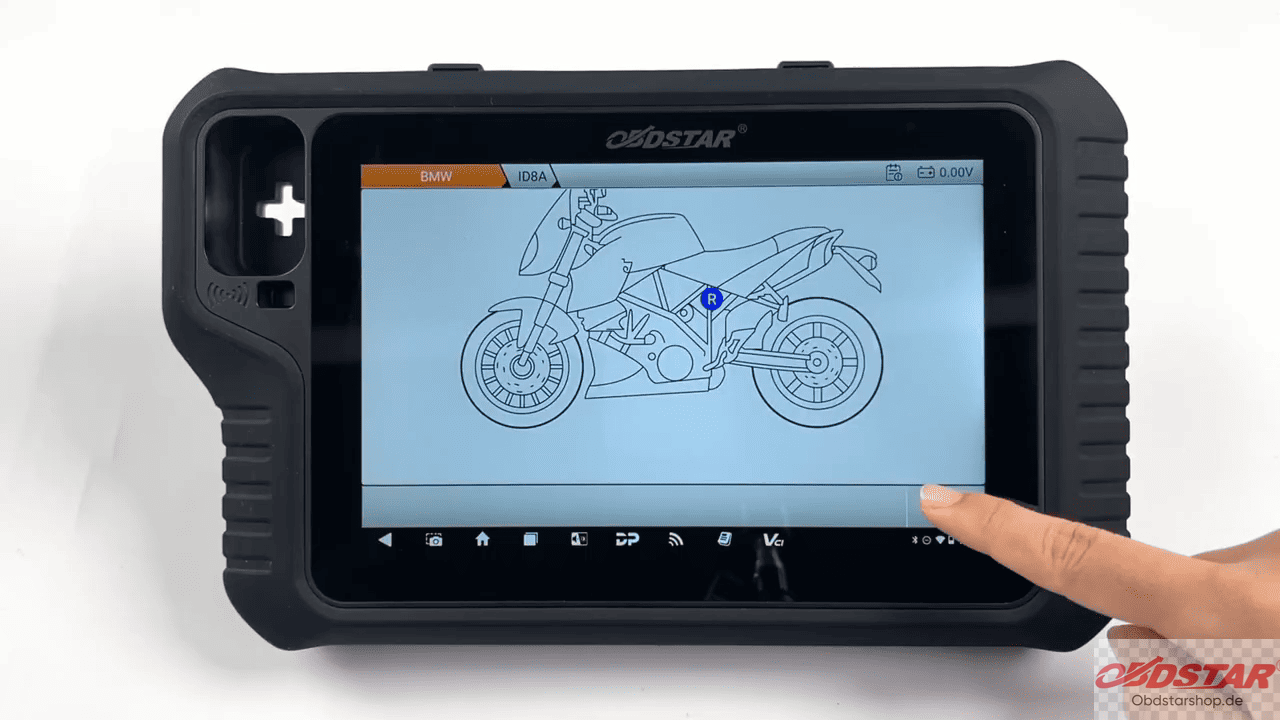
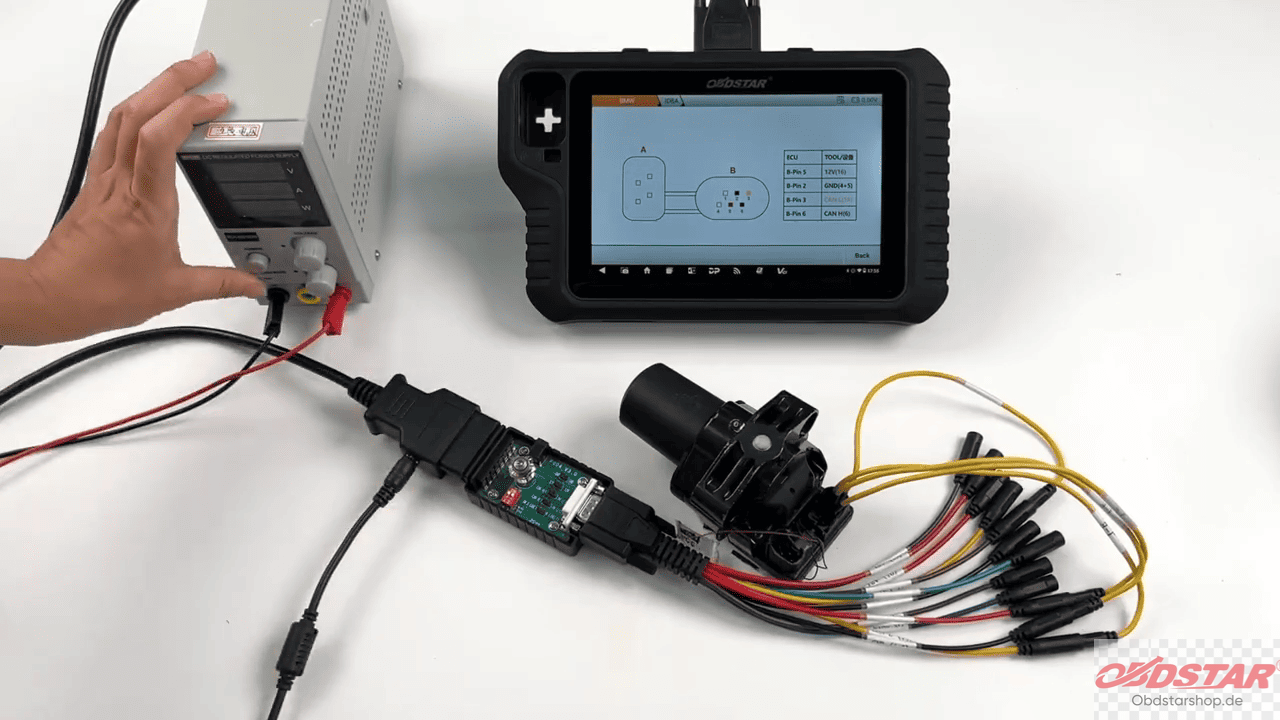
BENCH Mode
If performing the operation on the bench, tap [Guide], review the connection notes and wiring diagram, connect the wiring according to the diagram, and return to the previous menu.
3. Renew the X_SLZ Module
Select Renew X_SLZ.
Follow the on-screen instructions
Press the ignition switch once when prompted.
Tap Yes.
Continue pressing the ignition switch every two seconds until the operation is completed.
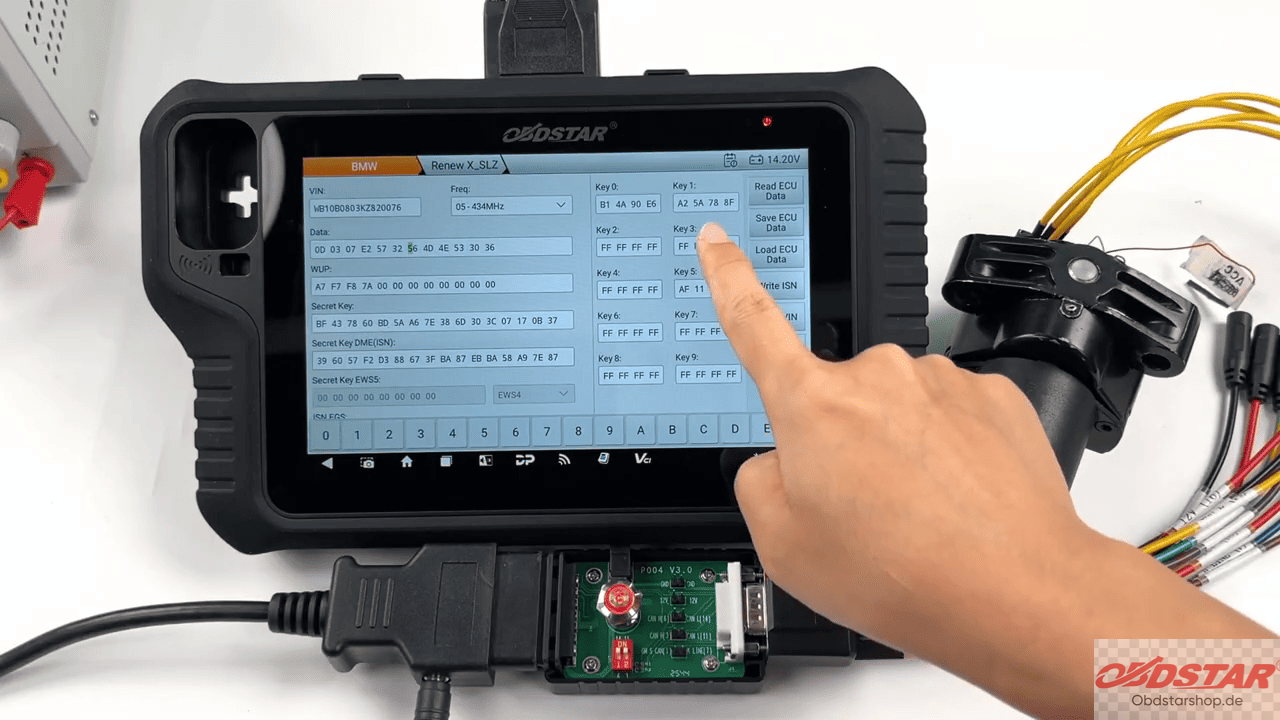
4. Read ECU Data
Follow the prompts to switch the ignition ON and OFF when required.
After the reading process is complete, the device displays important ECU information, including the VIN, ISN, key information
Tap Save ECU Data to back up the original ECU data.
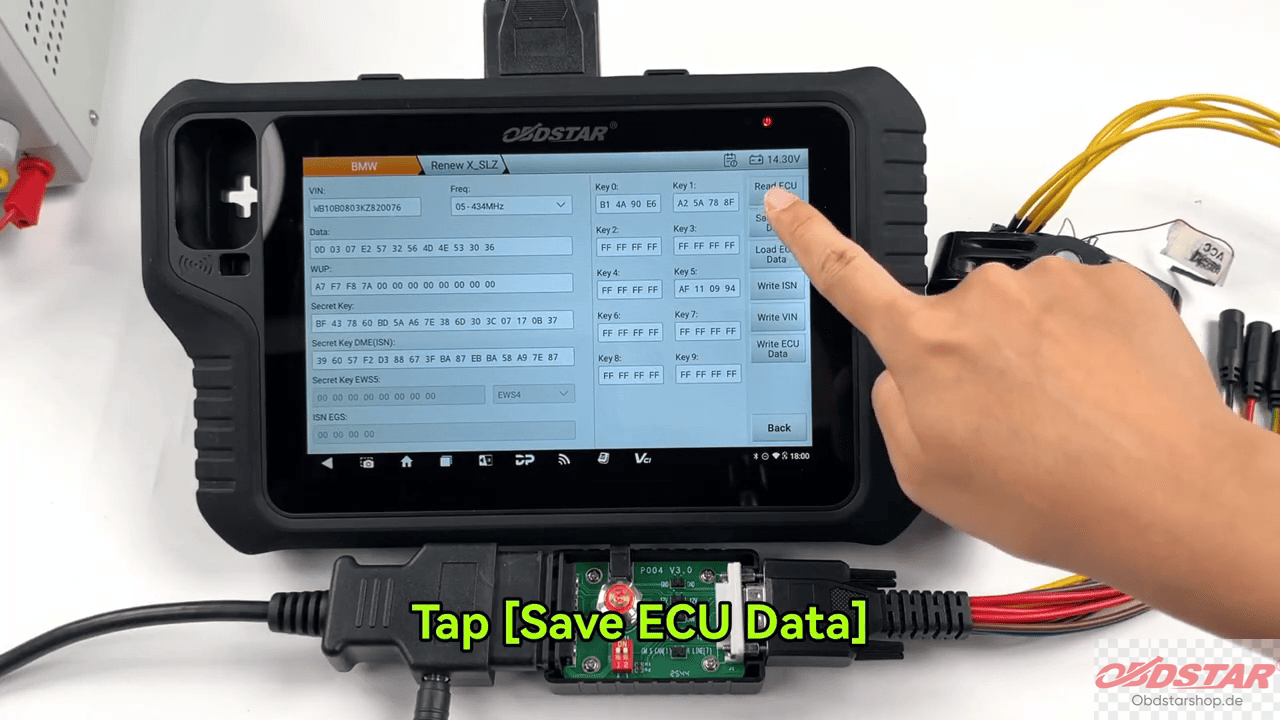
The save location will be displayed after the backup is completed.
5. Write the ISN
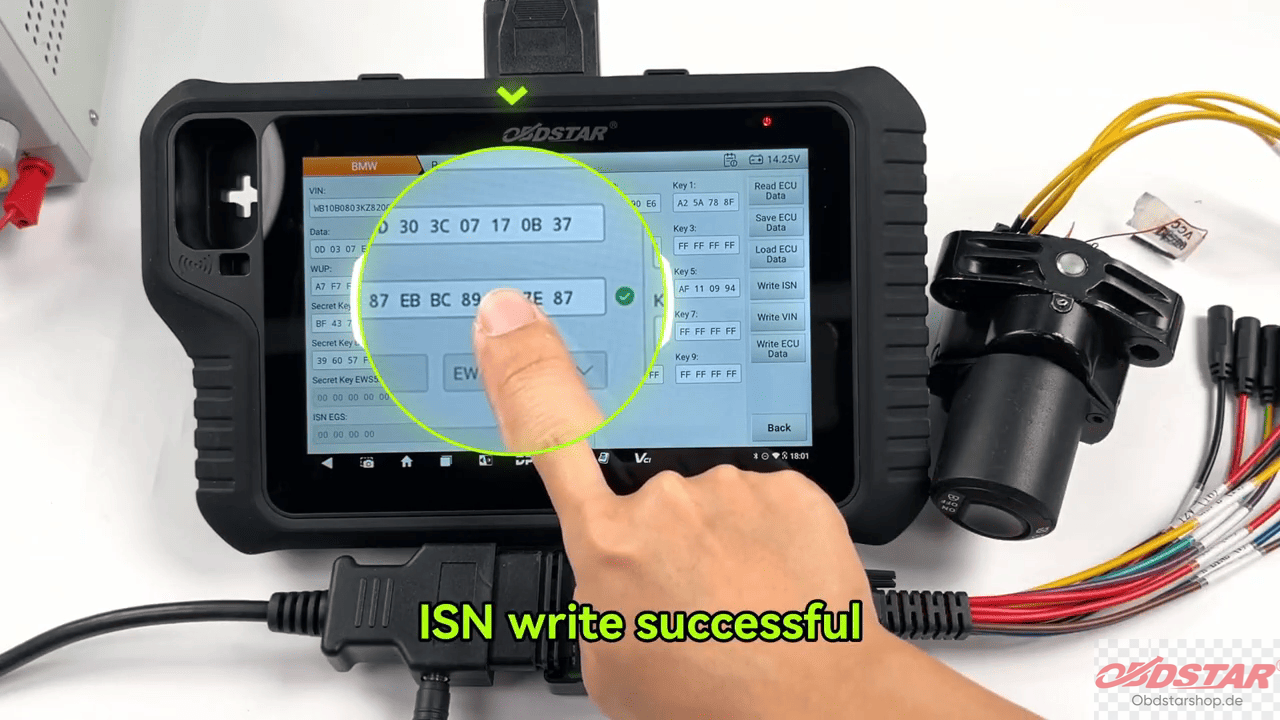
Select Write ISN.
Follow the ignition ON/OFF prompts displayed by the device.
Once completed, the system will confirm that the ISN has been written successfully.
6. Modify the VIN
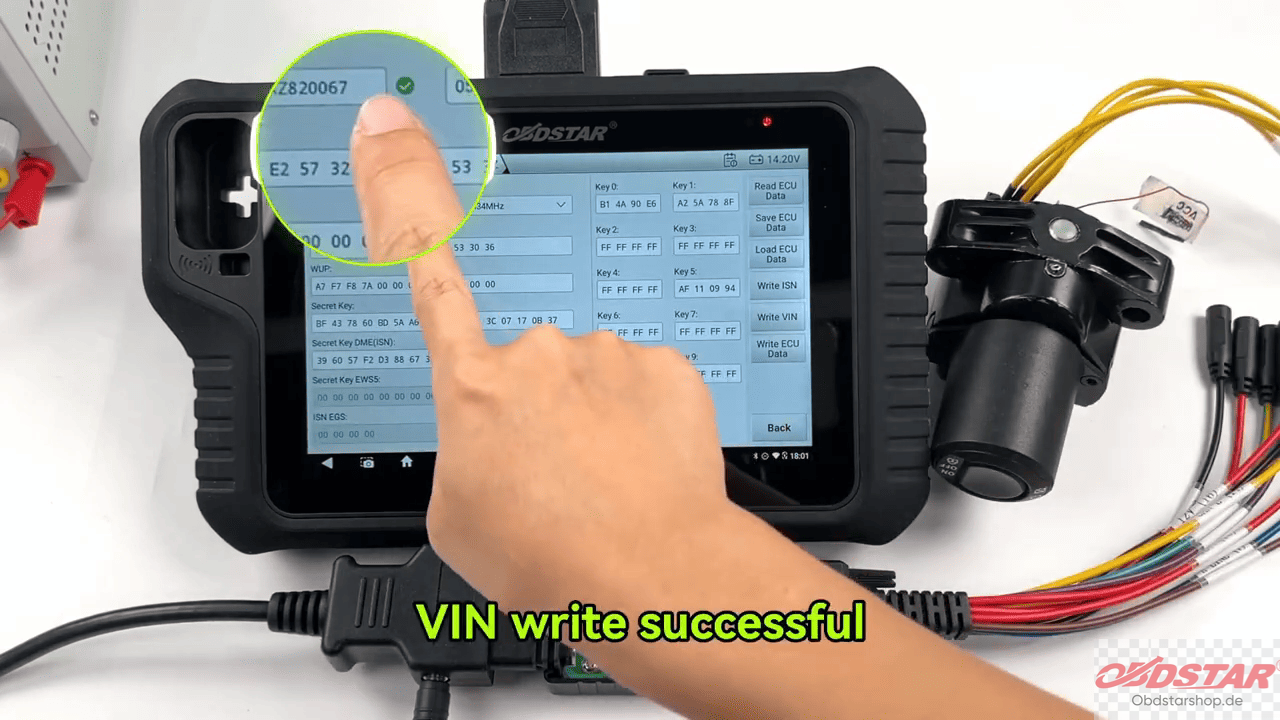
Select Write VIN. Again, follow the on-screen ignition instructions.
After the process finishes, the new VIN will be written successfully.
7. Modify Complete ECU Data
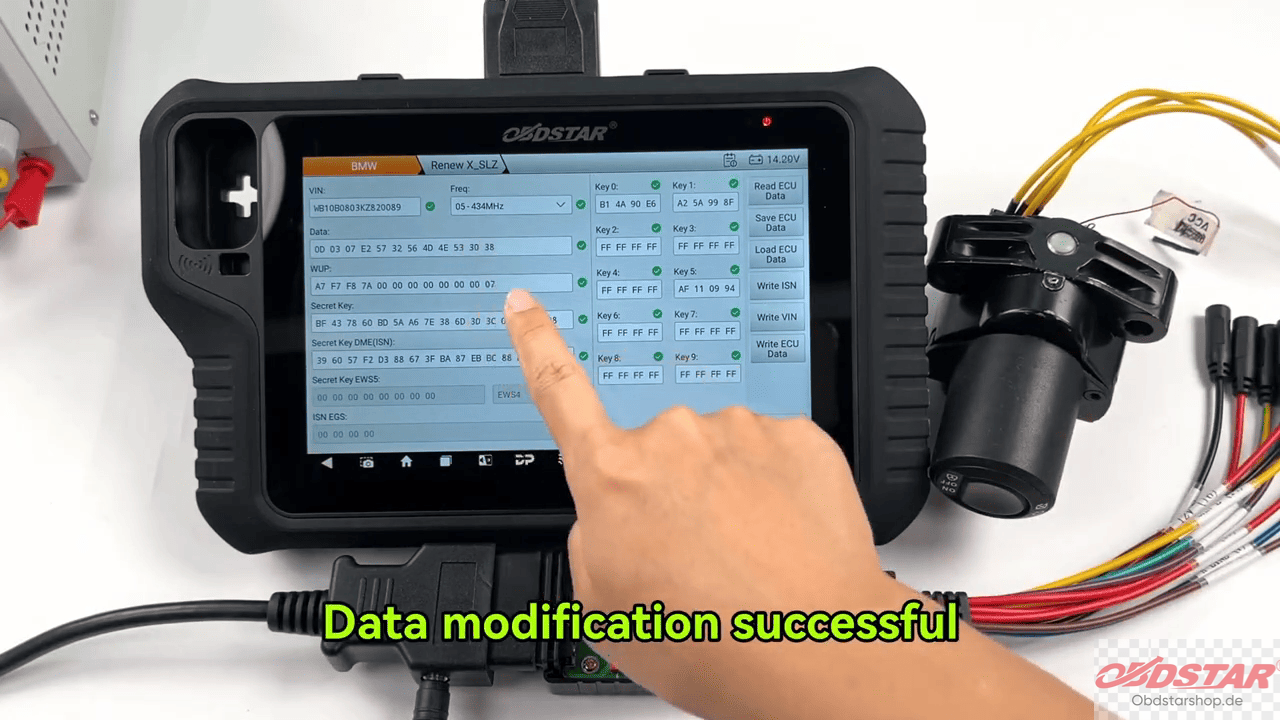
In addition to VIN and ISN programming, MOTOMASTER scanner also supports writing the complete ECU data.
Follow the ignition prompts throughout the procedure.
When finished, the device will indicate that the ECU data modification has been completed successfully.
Read also:
How to Write Ducati VIN Codes with OBDSTAR MOTOMASTER
Leave a Reply