




In this tutorial, we’ll demonstrate how to read the INT FLASH and write MAPS data for the Nissan BEM548-500 ECU using KEYMASTER G3.
Required Tools
- OBDSTAR X300 Classic G3
- High-Power DC Power Supply
- Main Cable
- MP001 Programmer
- Nissan BEM548-500 ECU
Note: Update the KEYMASTER G3 software to the latest version before beginning the operation.
1. Enter ECU Flasher
Power on OBDSTAR G3 and select [ECU Flasher] → [ECM]
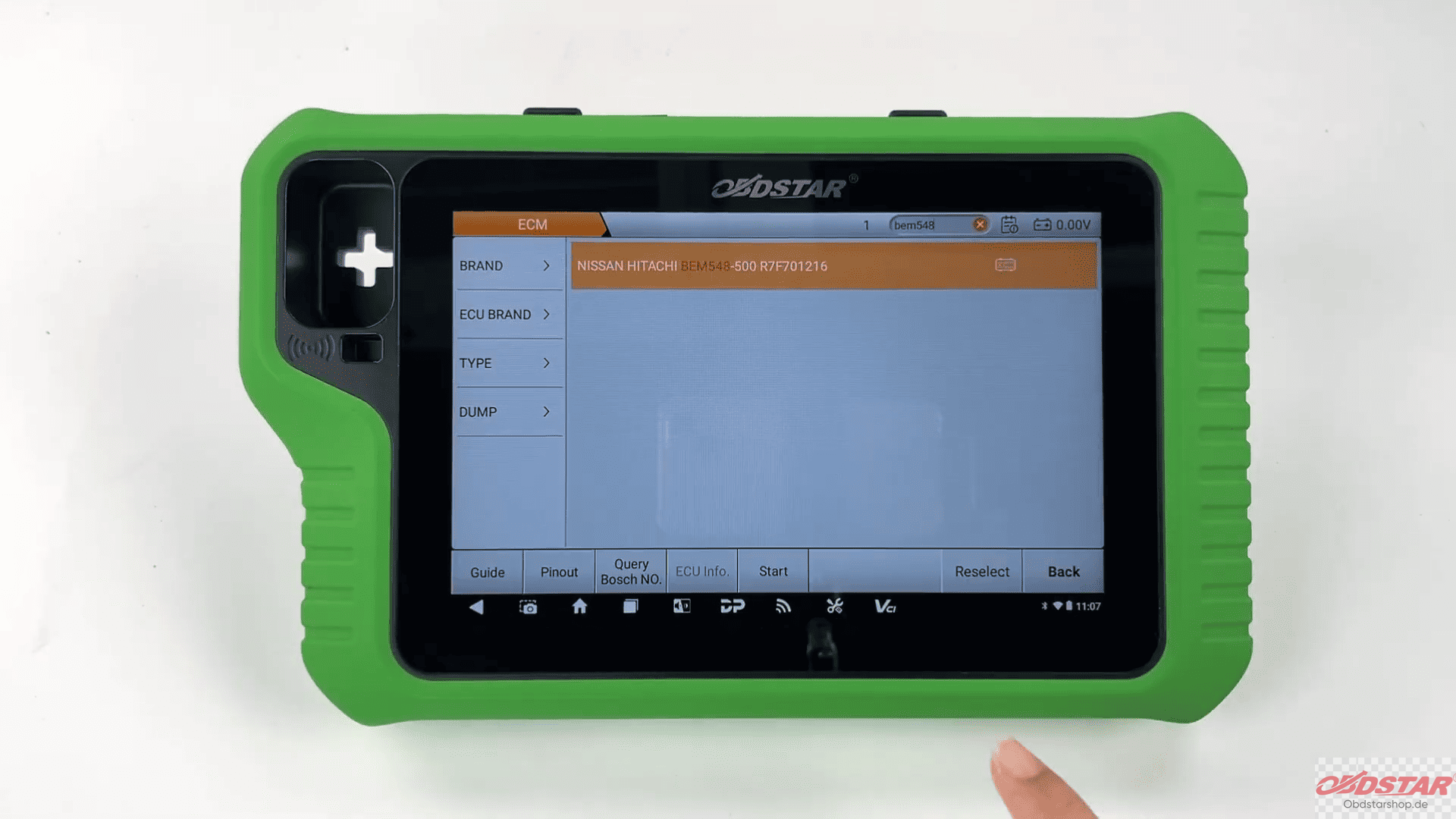
Search for BEM548-500 in the search box located in the upper-right corner. Tap Start.
2. Configure the BENCH Connection
Select [BENCH Mode] → [MP001 Programmer]
Before wiring the ECU, tap Guide to view detailed connection instructions and wiring diagrams for the selected adapter.
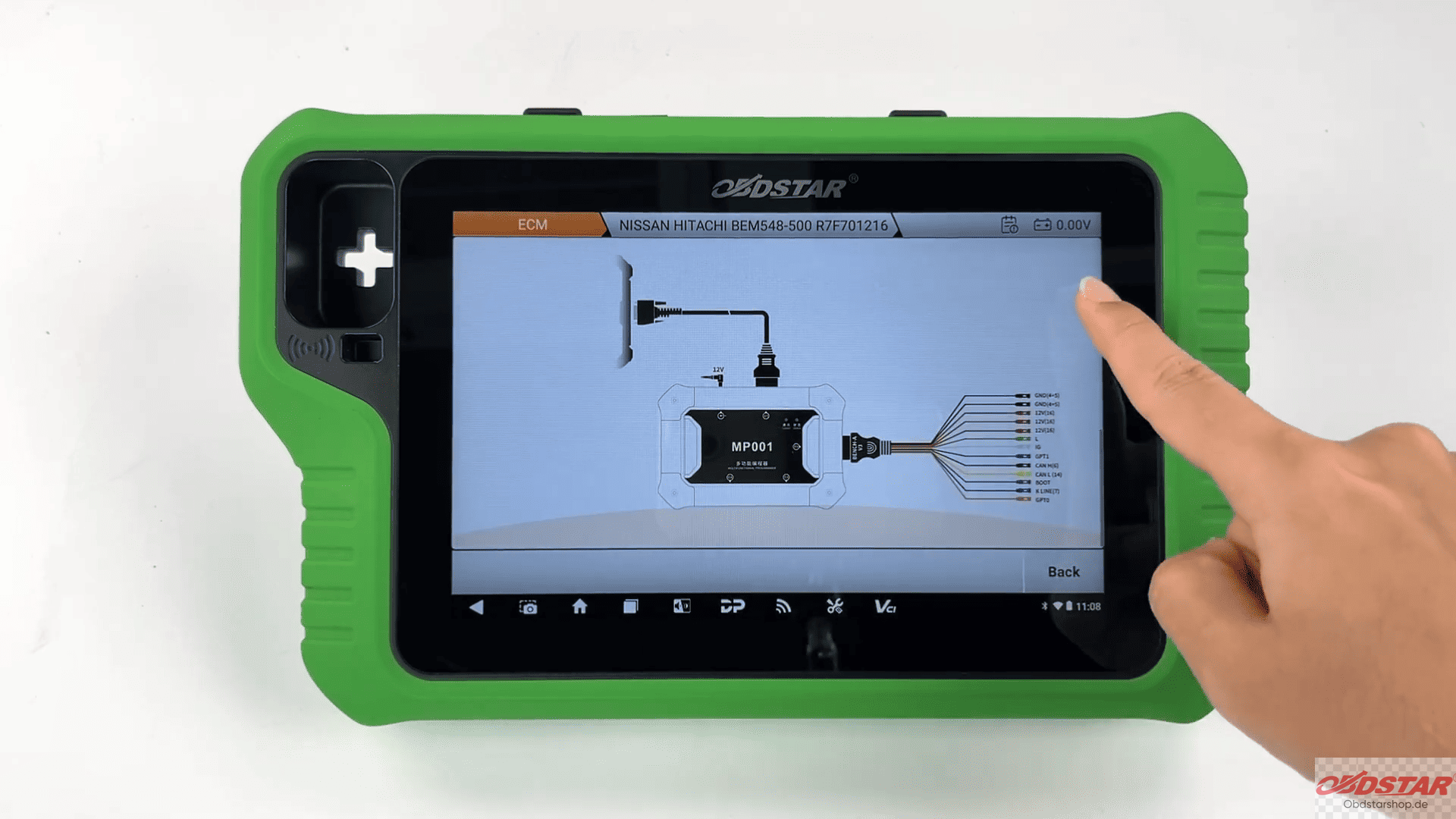
Return to the previous menu after confirming the wiring information.
3. Connect the ECU
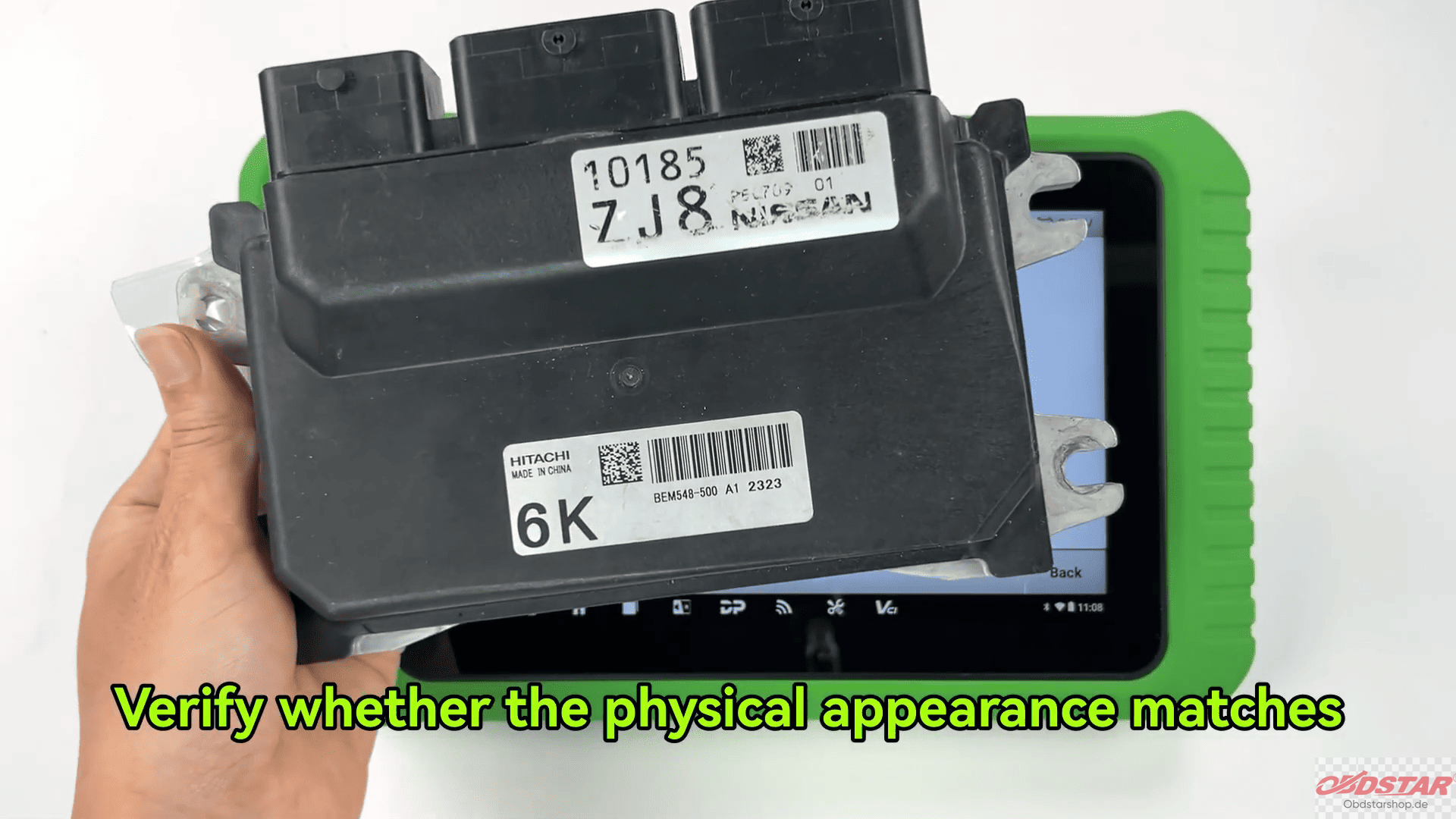
Tap ECU Image to verify that the ECU matches the one displayed on the screen.
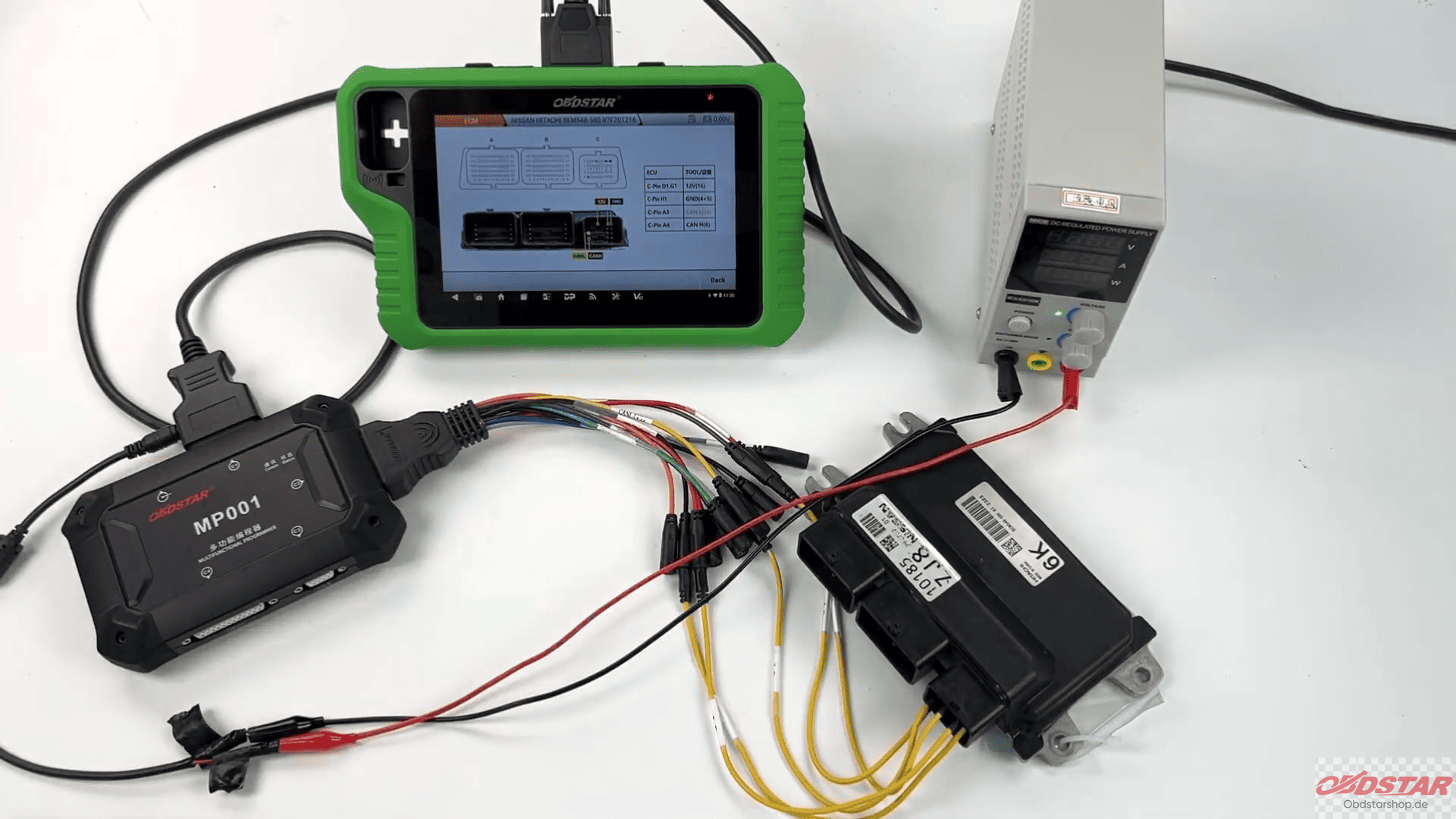
Next, tap Connector Pinout and connect the wiring according to the provided pinout diagram.
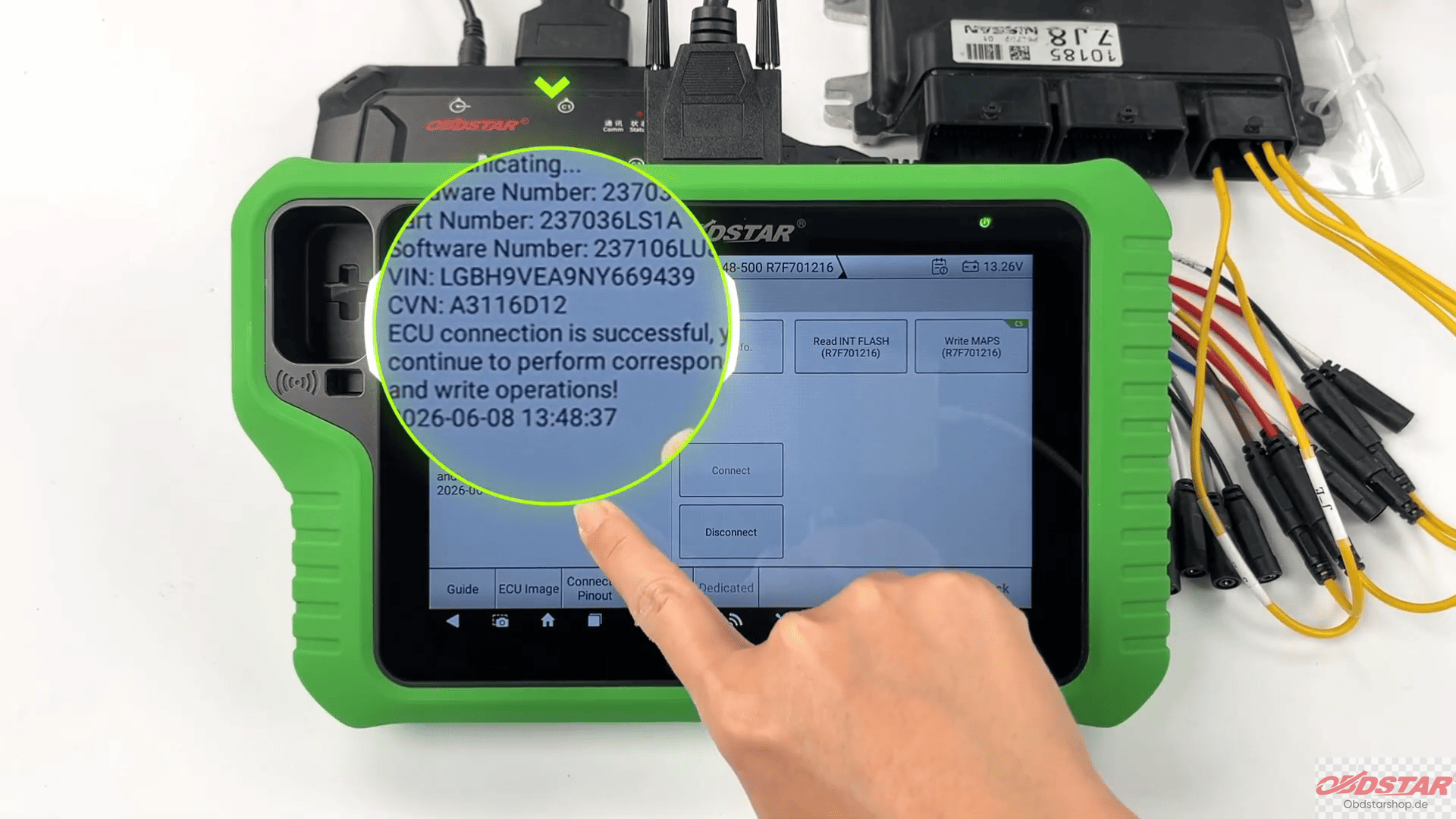
Tap Connect and follow the on-screen prompts.
When communication is established successfully, the status panel on the left will indicate that the ECU is connected.
4. Read INT FLASH
Select Read INT FLASH.
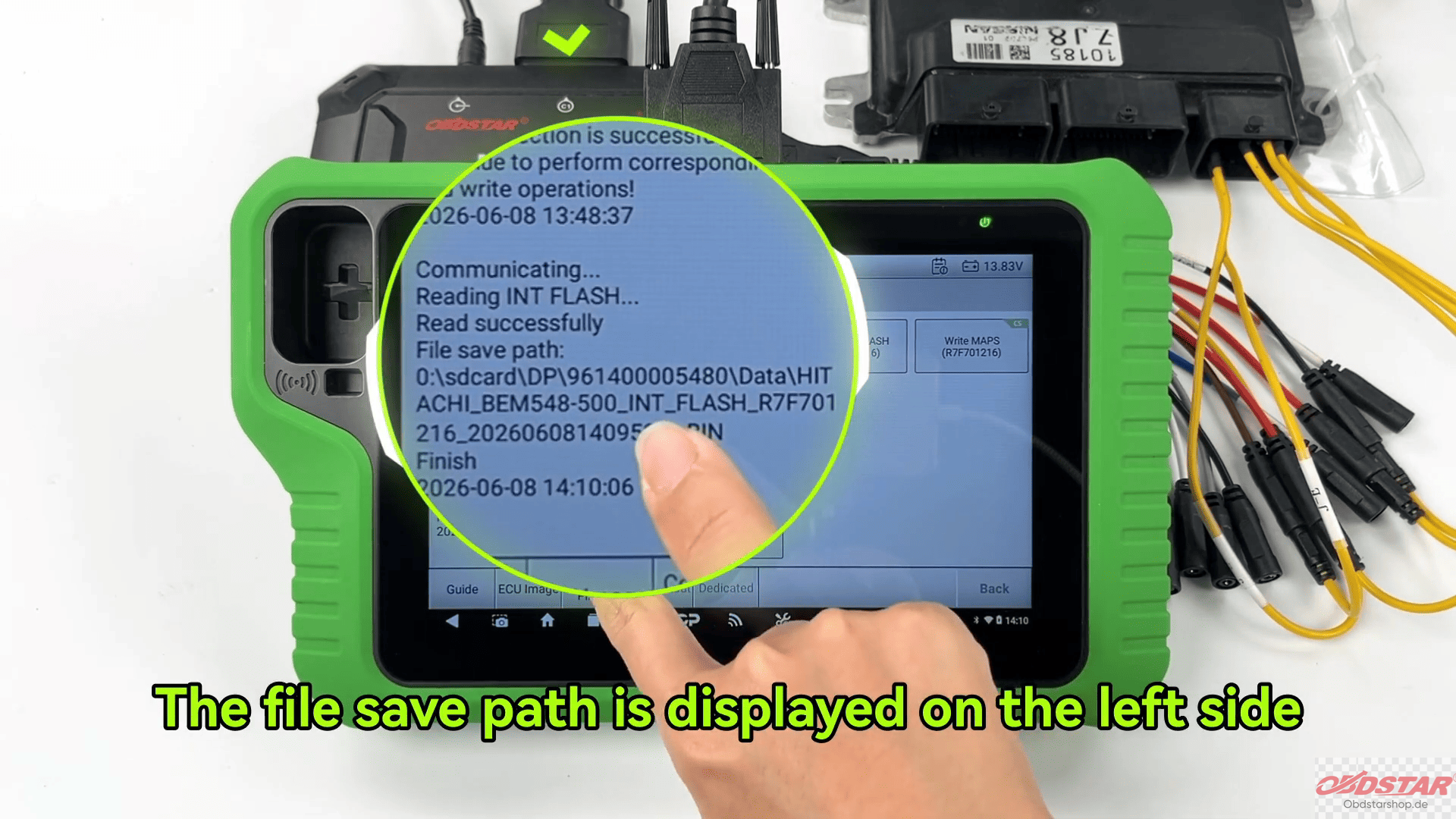
The reading process will begin automatically.
After completion, Rename the backup file if required.
The save path is displayed on the left side of the screen for future reference.
Backing up the original data before making any modifications is highly recommended.
5. Write MAPS Data
Select Write MAPS.
Tap Load Extern Data and locate the target file using:
- File name
- Creation time
- Search function
After selecting the correct file, the system will ask whether to verify the checksum.
If the data has not been modified, tap NO to continue.
Once the writing process is complete, the left status panel will display MAPS Writing Successful.
Read also:
KEYMASTER G3 Repair Encrypted Jaguar Airbag ECU Crash Data via JTAG
KEYMASTER G3 Mercedes VGS4-0-NAG2 TCM Virgin Reset and Clone
Leave a Reply