



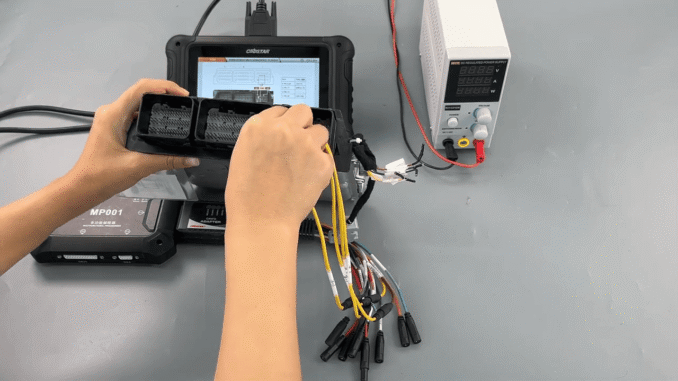
This guide explains how to perform FORD MG1CS036 ECM read and write operations using OBDSTAR DC706 ECU Flasher. It is designed for professional technicians who need a safe and efficient method to program the FORD MG1CS036 engine control module.
Required Tools for FORD MG1CS036 ECM Programming
To complete FORD MG1CS036 ECM programming, prepare the following tools:
OBDSTAR DC706 (or KEYMASTER G3)
High-power DC regulated power supply
CANFD adapter and MP001 programmer
Main cable, OBDSTAR ECU Bench Jumper, and 120Ω resistor
FORD MG1CS036 ECM
Make sure the device software is updated to the latest version before starting.
Steps to Read and Write FORD MG1CS036 ECM Data
Enter [ECU Flasher], search for FORD MG1CS036 ECM, and open the [Guide] to review operation notes and wiring instructions.


Select the correct adapter, confirm the ECU image, and follow the connector pinout to complete the wiring.
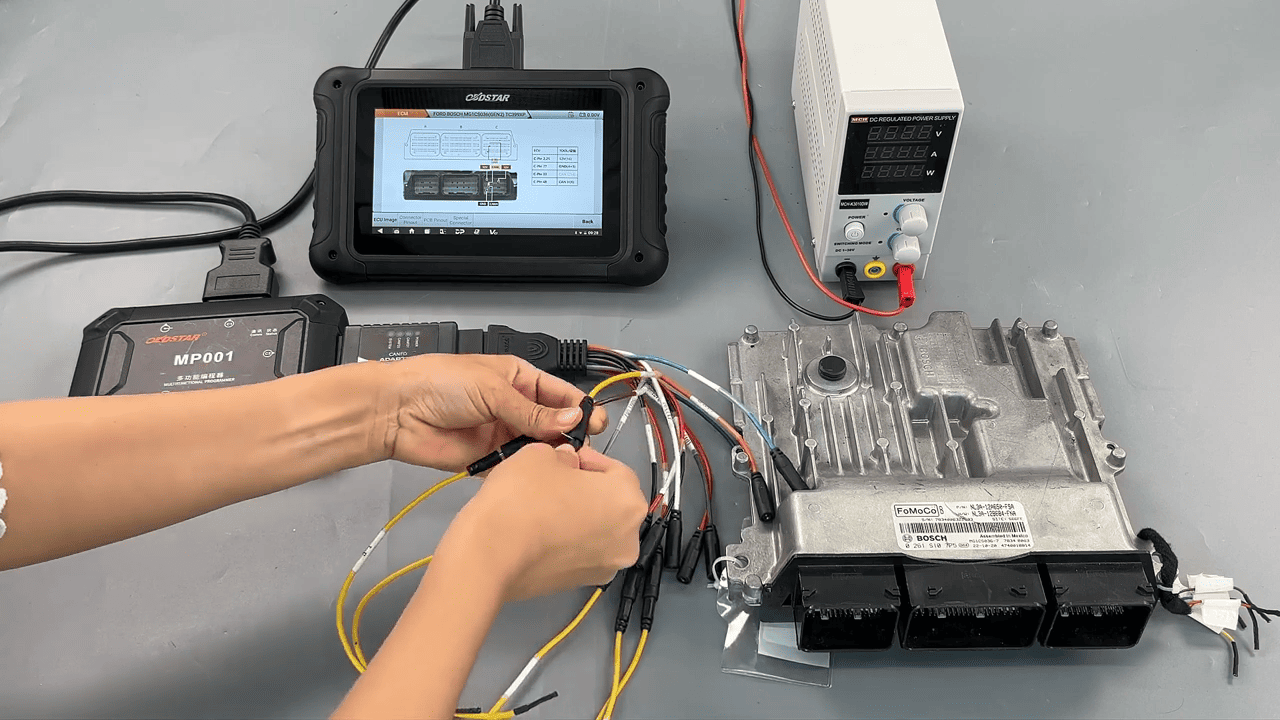
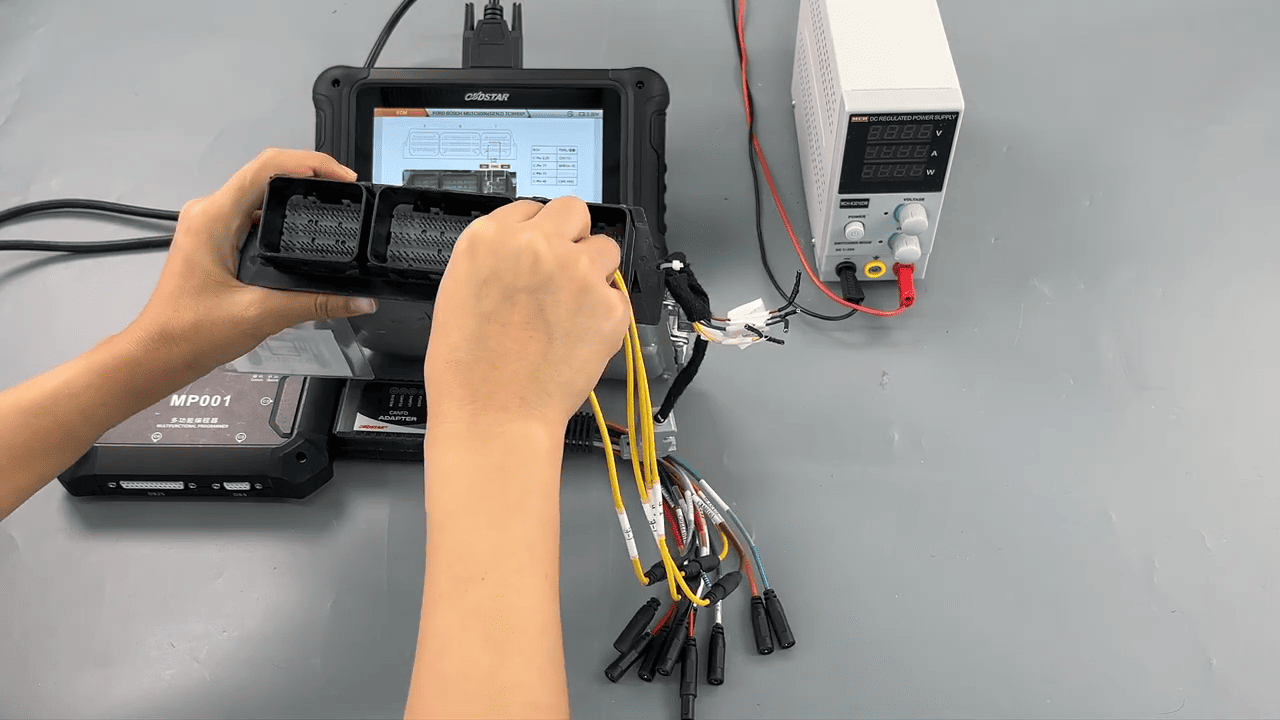
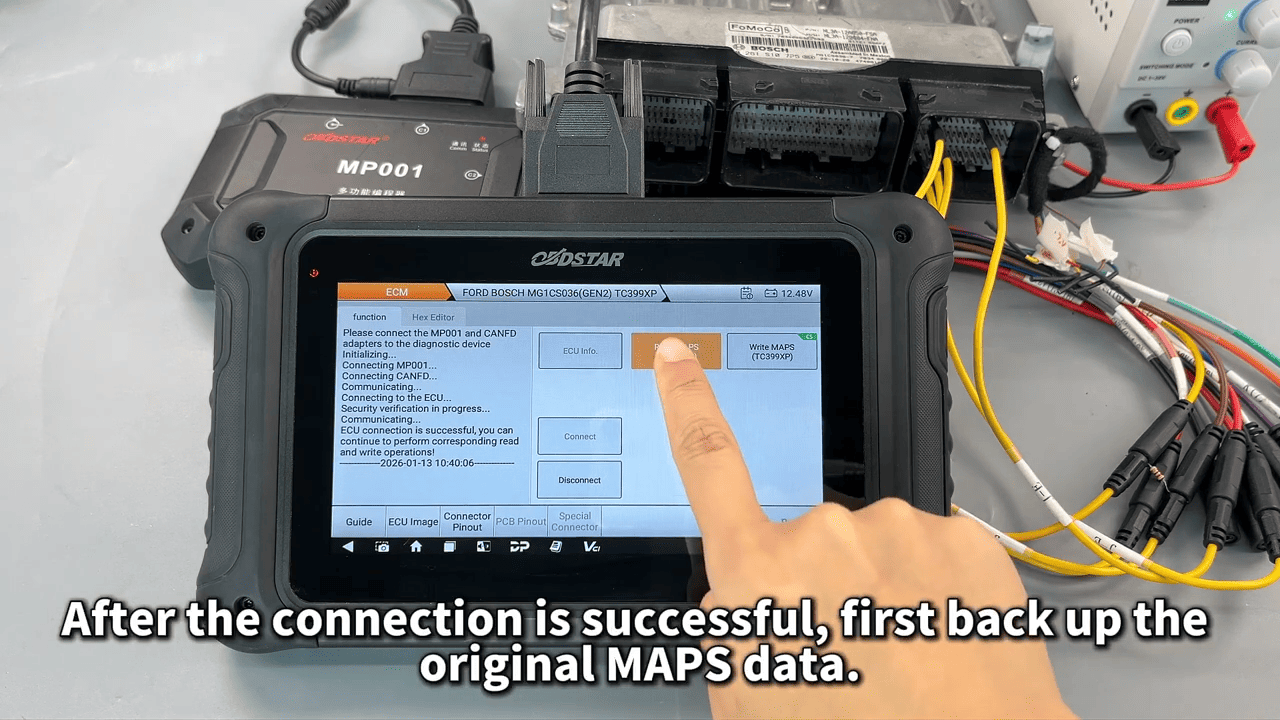
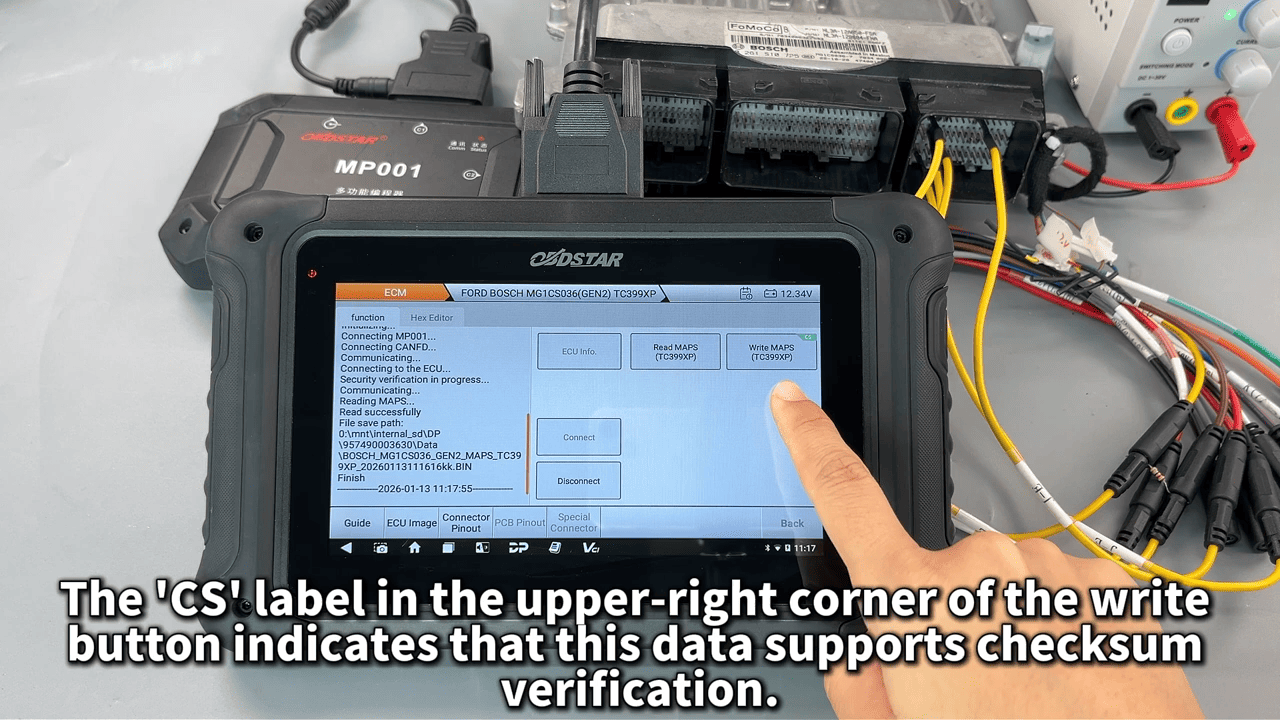
After a successful connection, back up the original MAPS data. The file name and save path can be customized and reviewed on the screen.
When writing data to the FORD MG1CS036 ECM, the CS checksum label indicates checksum verification support, ensuring data integrity and programming safety.
Read also:
OBDSTAR DC706 Set ECT on BMW MEVD17.2.3 B38 ECM Bench Mode
Leave a Reply