



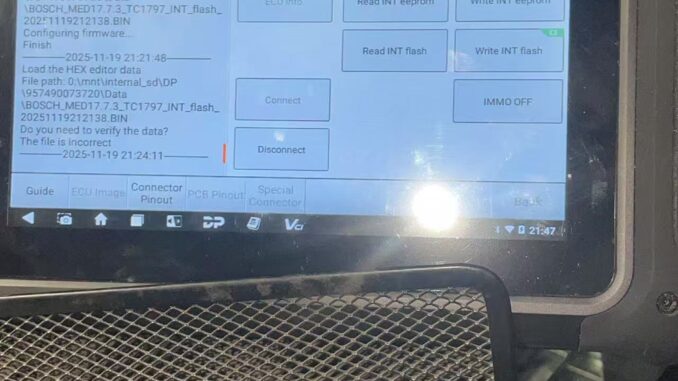
If your OBDSTAR DC706 reports that it won’t allow writing both the INT EEPROM and INT flash after reading them, the problem is often a menu-selection error rather than a hardware fault. Symptom: you successfully read INT flash and INT EEPROM, but when trying to write back, the device refuses or only loads the flash data. Cause: after reading flash, selecting the “Load Hex Editor Data” option will load the previously read flash data into the editor — not the EEPROM file you intended to write. That leads to the wrong file being used and prevents correct EEPROM/flash programming.
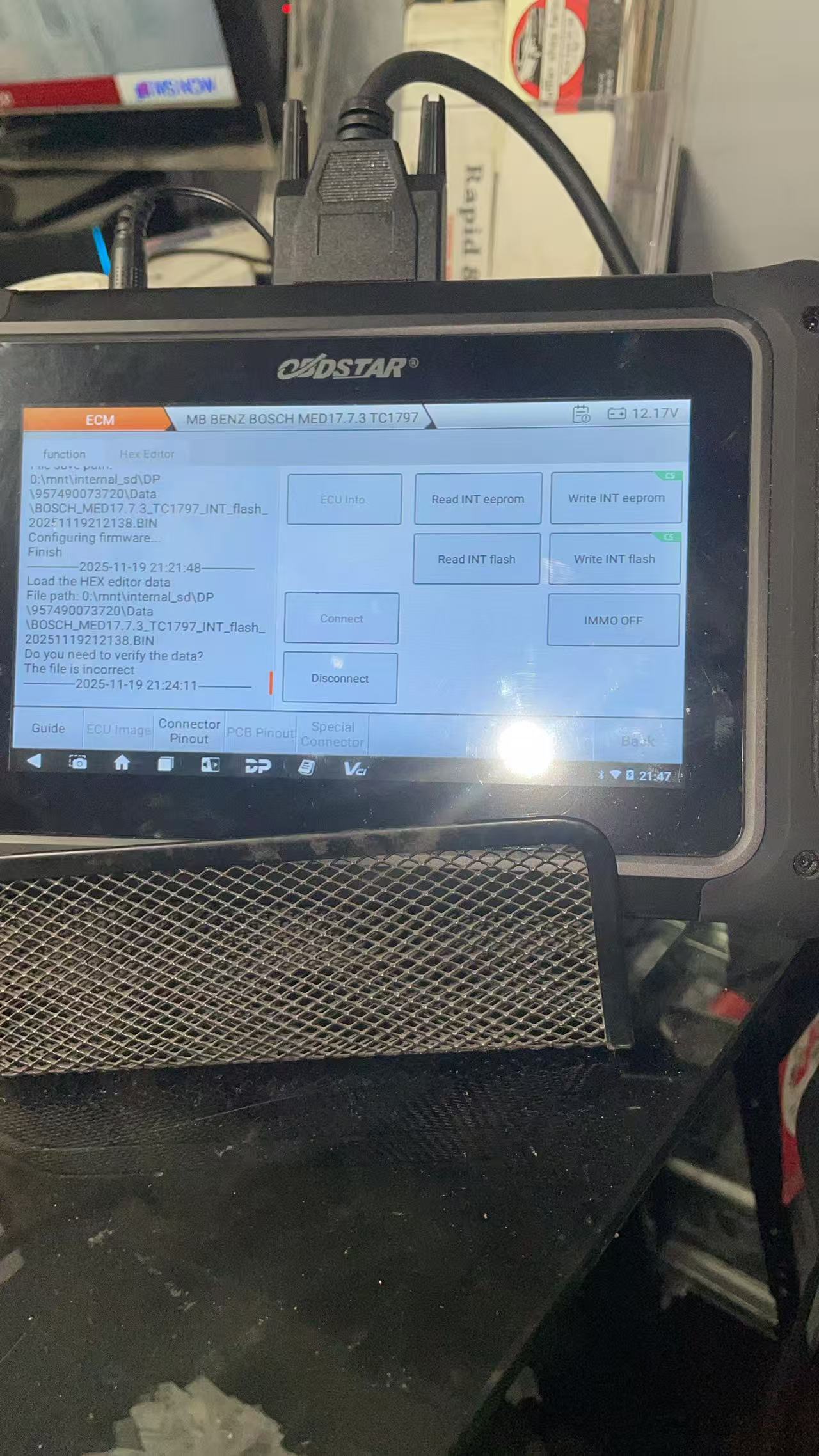
Solution (step-by-step):
1. Always back up both INT flash and INT EEPROM files first.
2. After reading, choose the “Load External Data” menu (not “Load Hex Editor Data”).
3. In “Load External Data” you will see a file list; select the correct EEPROM file to write.
4. Confirm file names and sizes before writing, then proceed to write EEPROM and flash as required.
5. If you still get errors, verify cable/adapter connections and try another known-good file.
Tip: clearly label backups (Flash vs. EEPROM to avoid confusion. If unsure, contact OBDSTARshop DE support or an experienced technician before making further writes.
E-Mail: sales@OBDSTARshop.de
WhatsApp: +86 15223201143
Tel: 0086-15223201143
Leave a Reply