




Problem
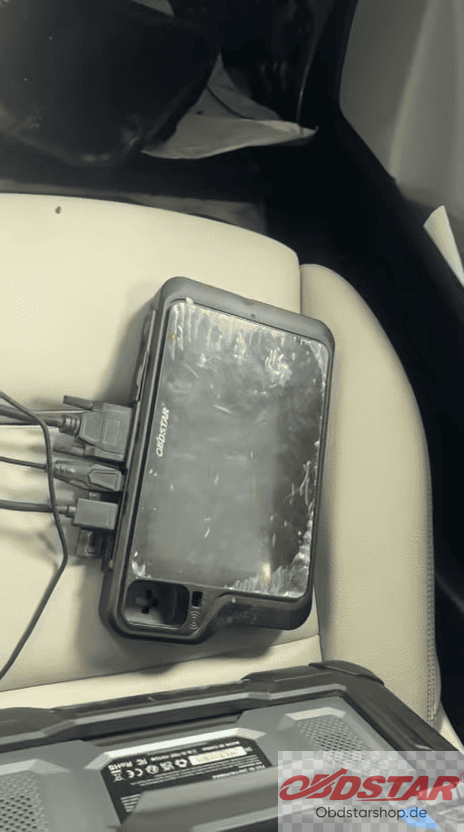
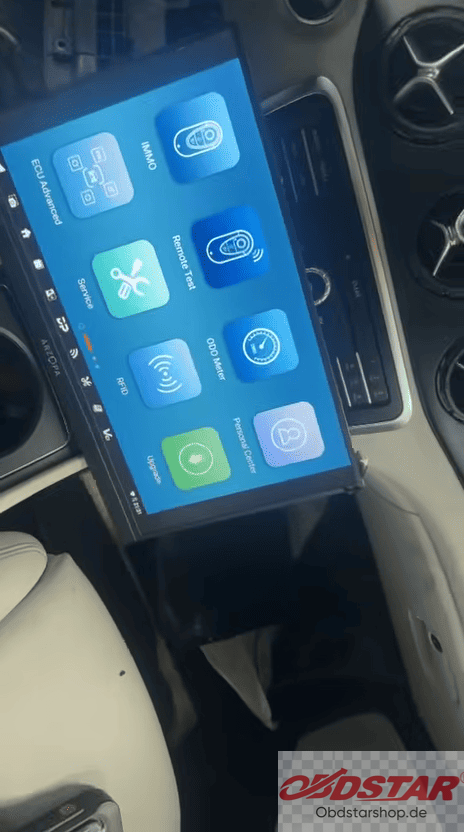
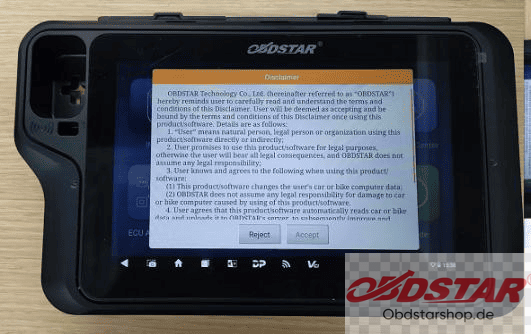
The screen on my KEYMASTER G3 isn’t lighting up, so I’ve had to resort to split-screen display. How can I troubleshoot this—or do I simply need to replace the screen?
Solution
First, open the device’s rear cover and measure the resistance across C75 to see what the value is; we will need this to confirm further details.
Detection and Repair for KEYMASTER G3 That Can’t Start Up
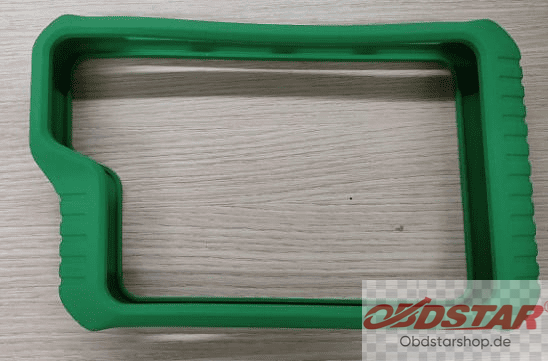
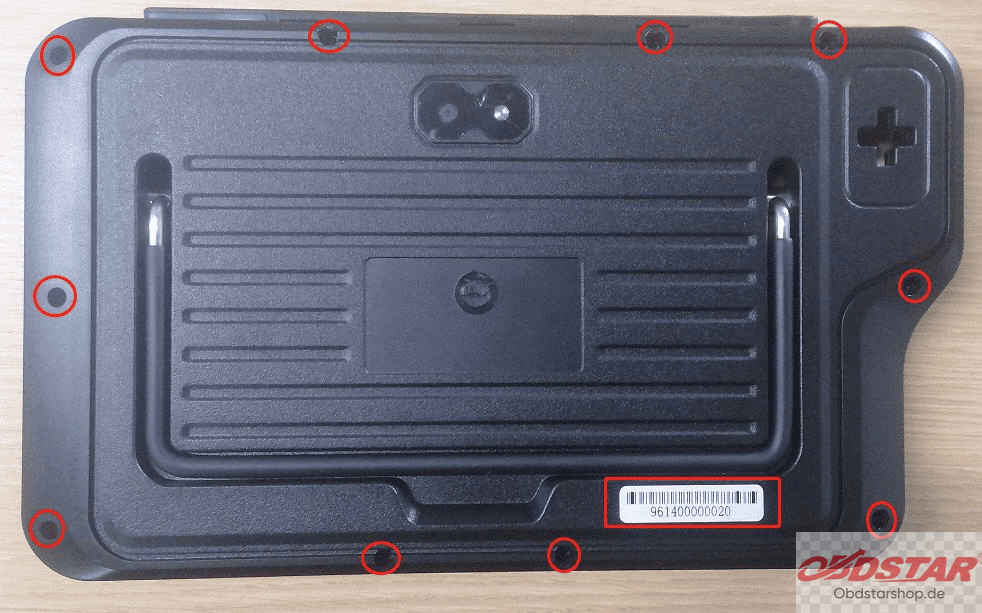
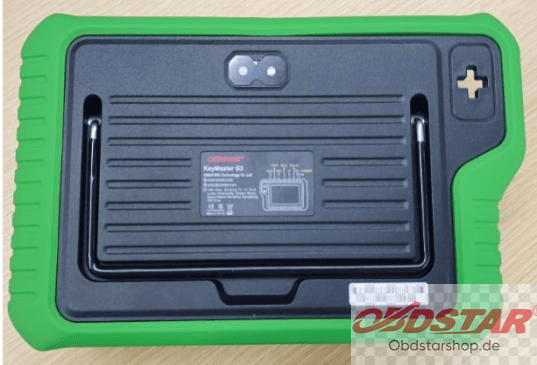
Step 1: Remove the rubber case. Then, use a srewdriver to loosen and remove the fixed jex screws
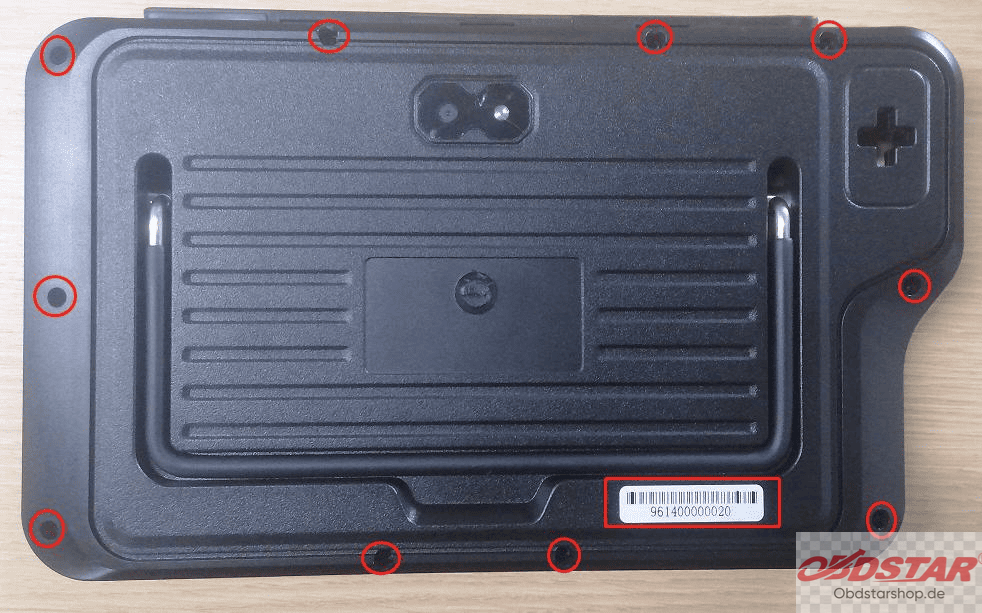
Step 2: Open the back cover and press down on the battery connector clip with your hand, then pull out the battery connector.
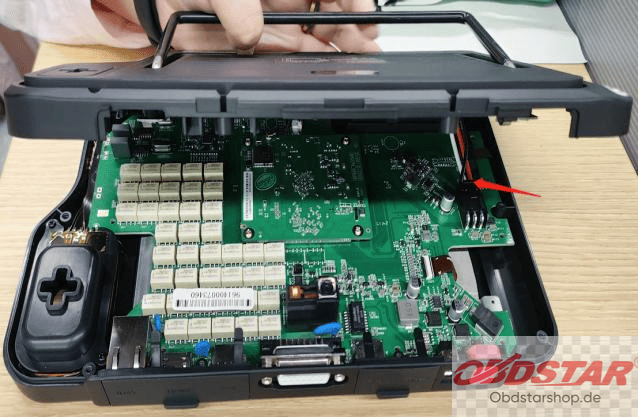
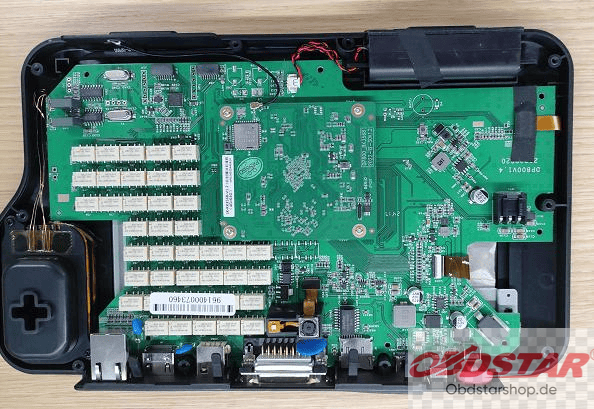
Step 3: Use a multimeter set to the ohms rang to test the two ends of capacitor C75. If the resistance is around 0Ω, it indicates that U17 and L8 are damaged and causing a short circuit. Replace U17 and L8.
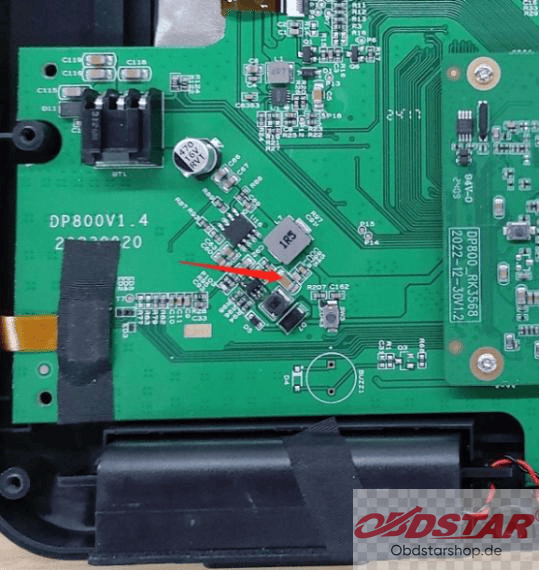
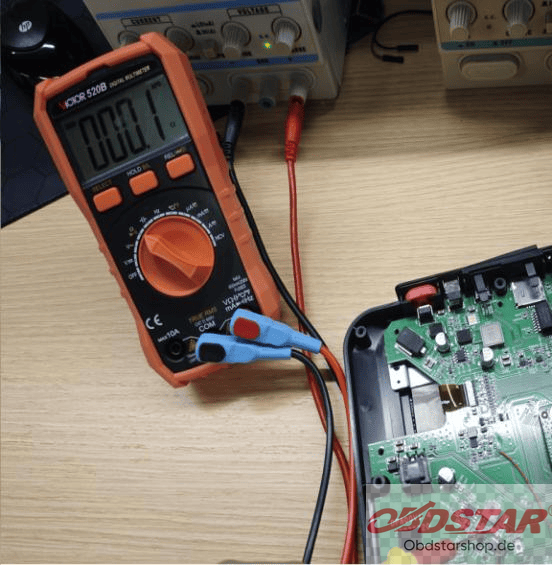
Step 4: Use a soldering iron or hot air gun with the temperature set to 350 ± 10℃ to desolder and remove U17 and L8 (Replace L8 with a 1uH indicator.)
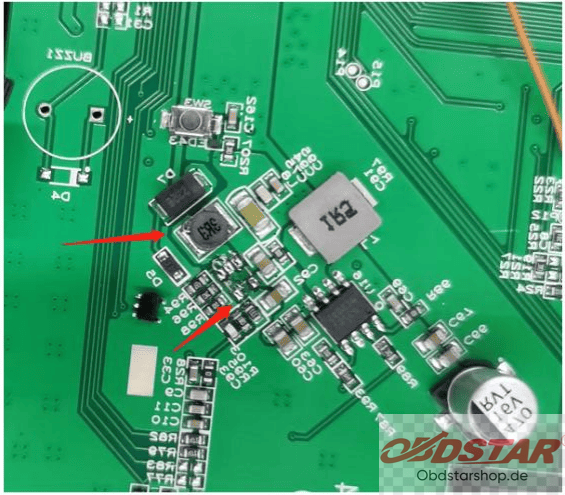
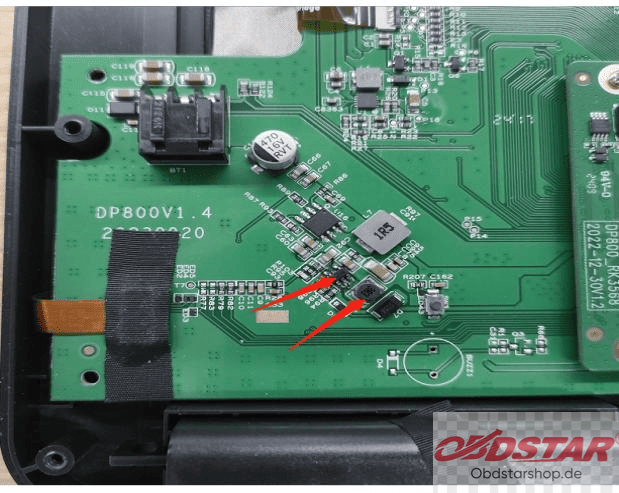
Step 5: After the replacement, use the multimeter set to the ohms range to test tht two ends of capacitor C75 again. If the resistance is approximately 1.36KΩ, it confirms that U17 and L8 have been successfully replaced.
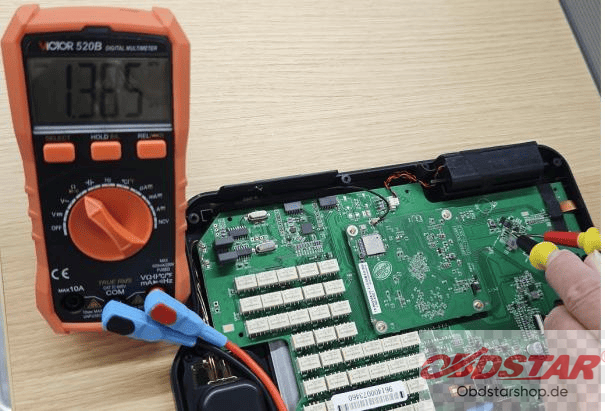
Step 6: Insert the battery connector, reassemble the back cover, and press the power button to turn on the device. If it starts up normally, the replacement is successful.
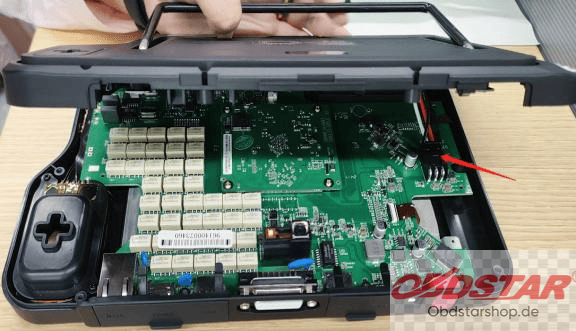
Step 7: Use a screwdriver to fasten the screws to the back cover, and put the rubber case back on. The replacement is complete
Leave a Reply