




OBDSTAR ECU MASTER A can be used with a computer to read and write the Ford Siemens SID902 MPC563 ECU in Bench mode. This guide explains the basic connection and operation process.
Required Tools
- Computer
- High-power DC regulated power supply
- USB cable
- Jumper wires
- ECU MASTER Configuration A
- Ford Siemens SID902 MPC563 ECU
1. Connect ECU MASTER
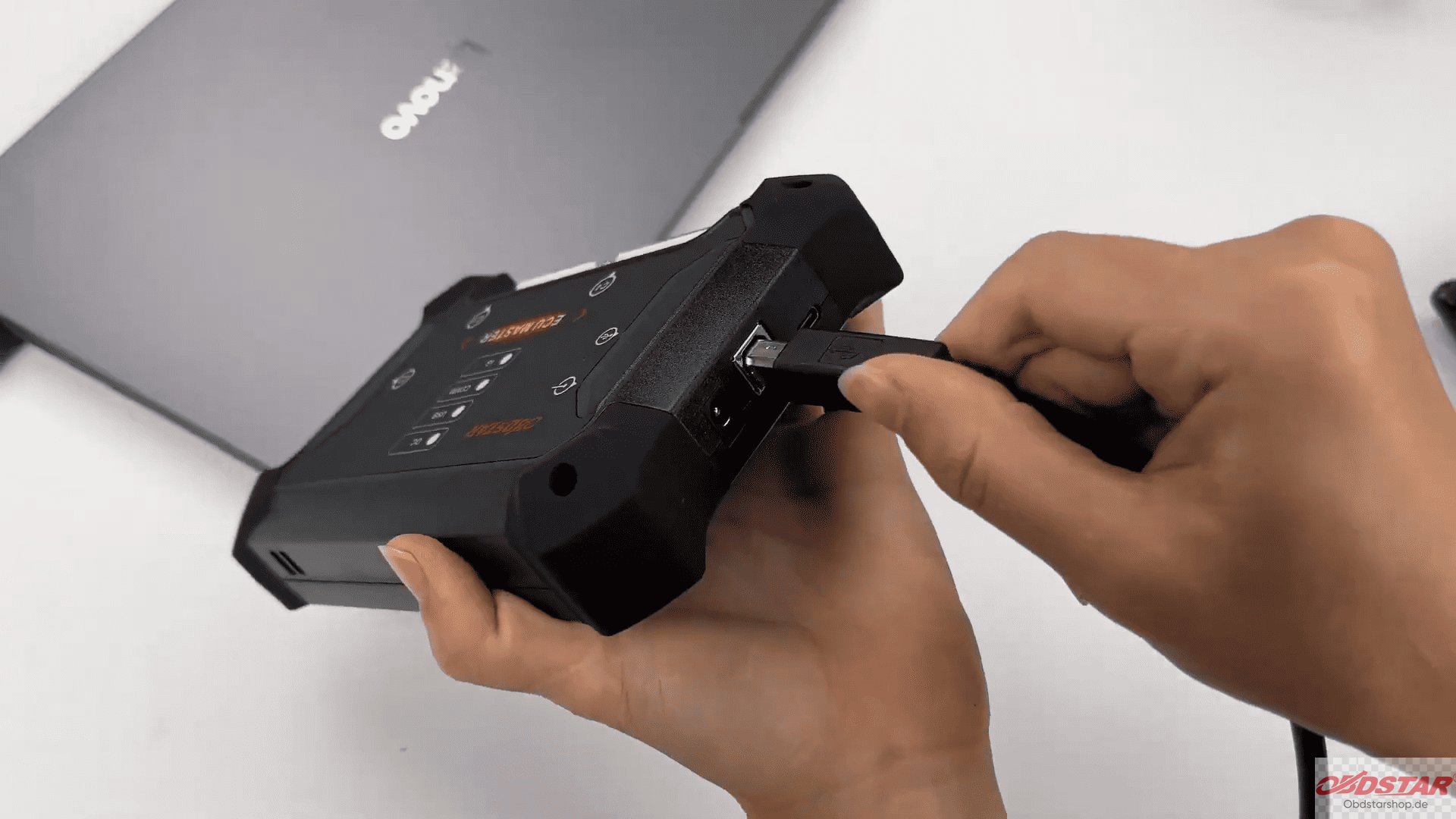
Connect the OBDSTAR ECU MASTER to the computer using a USB cable.
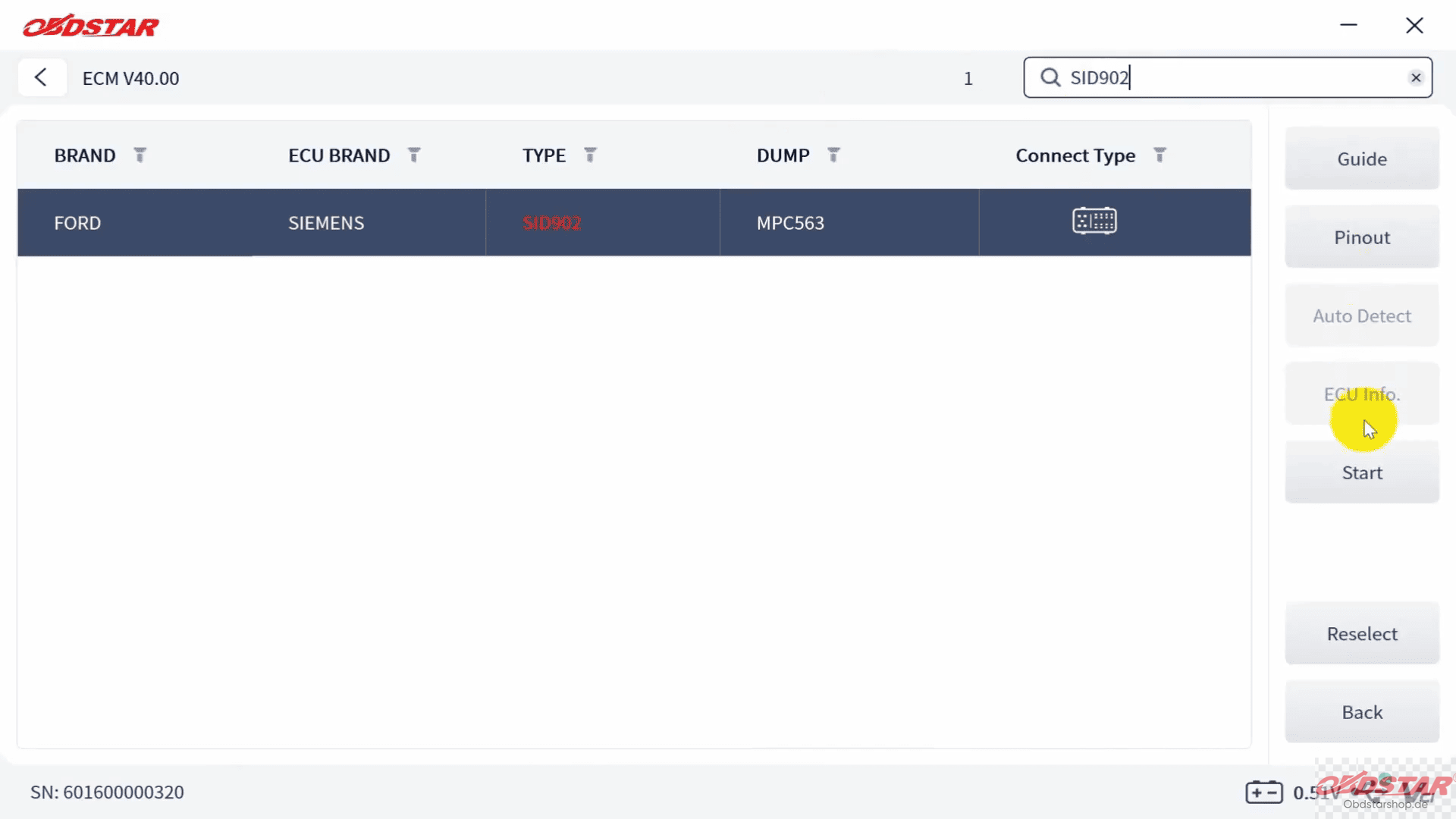
Open the ECU MASTER software and select [ECU Flasher] → [HD] → [ECM]
Search for the corresponding Ford Siemens SID902 MPC563 ECU model in the top-right corner.
2. Select Bench Mode
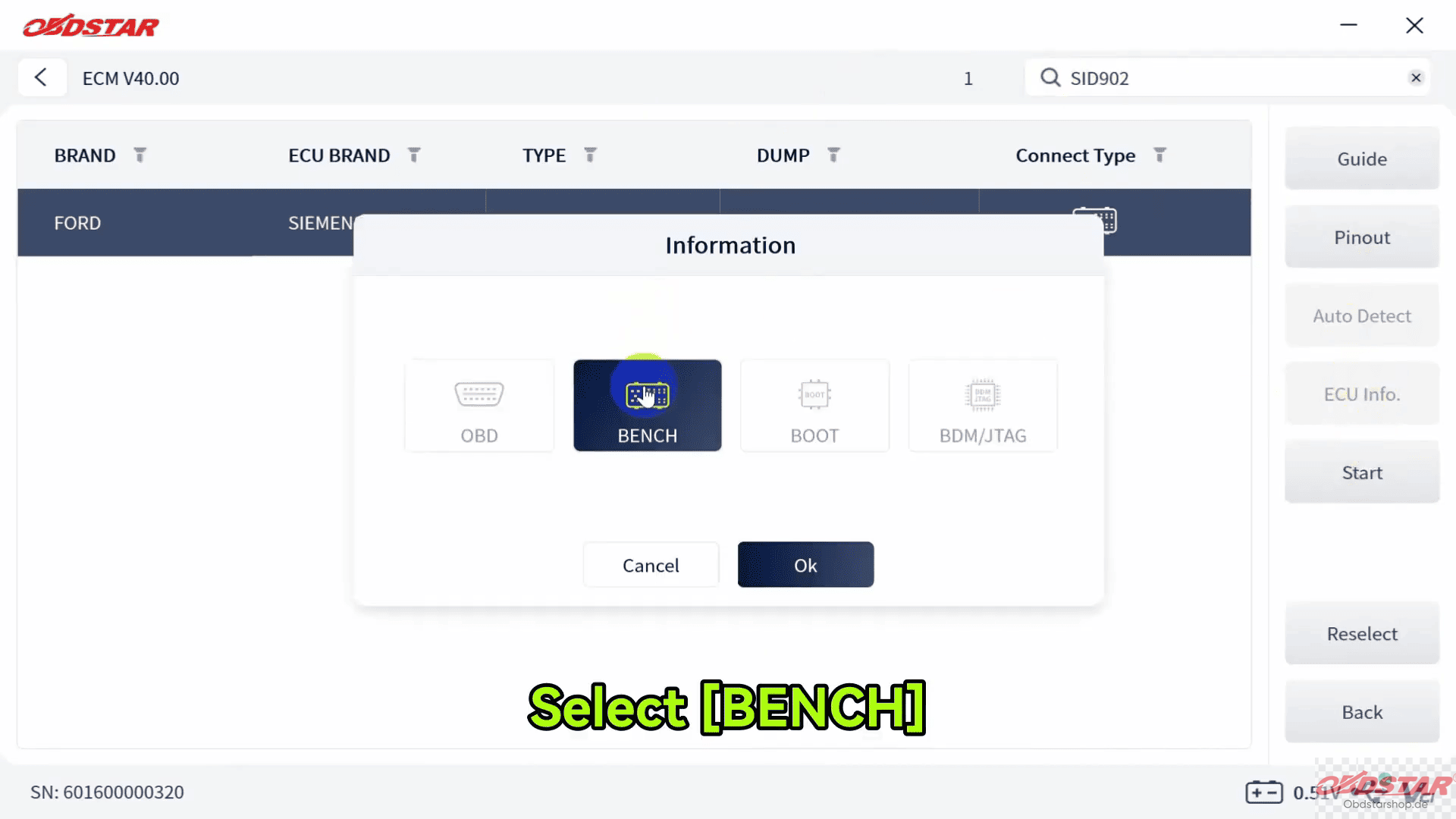
Tap Start and select [BENCH mode].
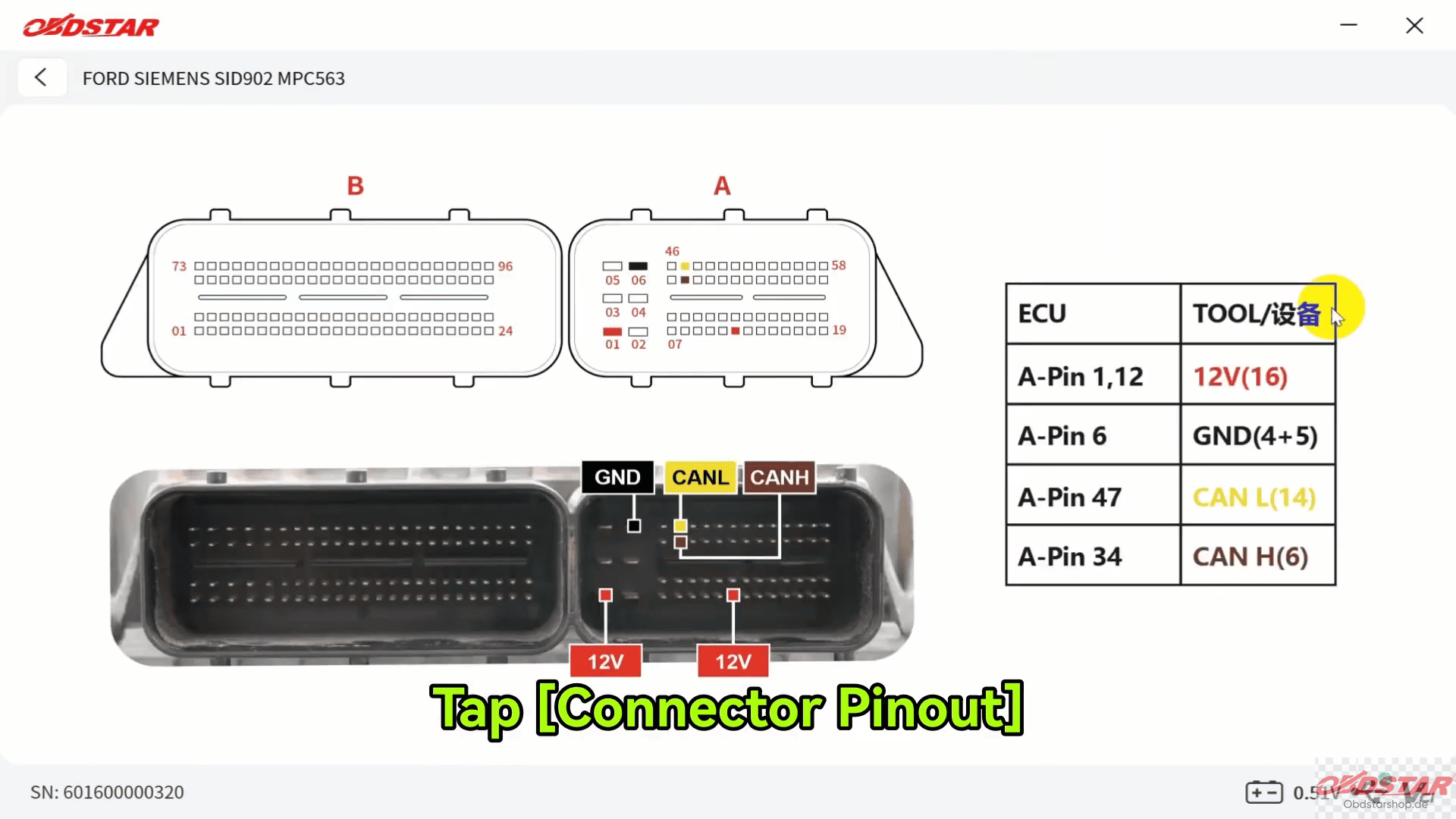
Then tap Guide to view the detailed operating instructions and connection diagram.
Check the ECU image and open Connector Pinout to identify the required connection points.
3. Connect the ECU
Follow the connector wiring diagram and connect the jumper wires to the ECU correctly.
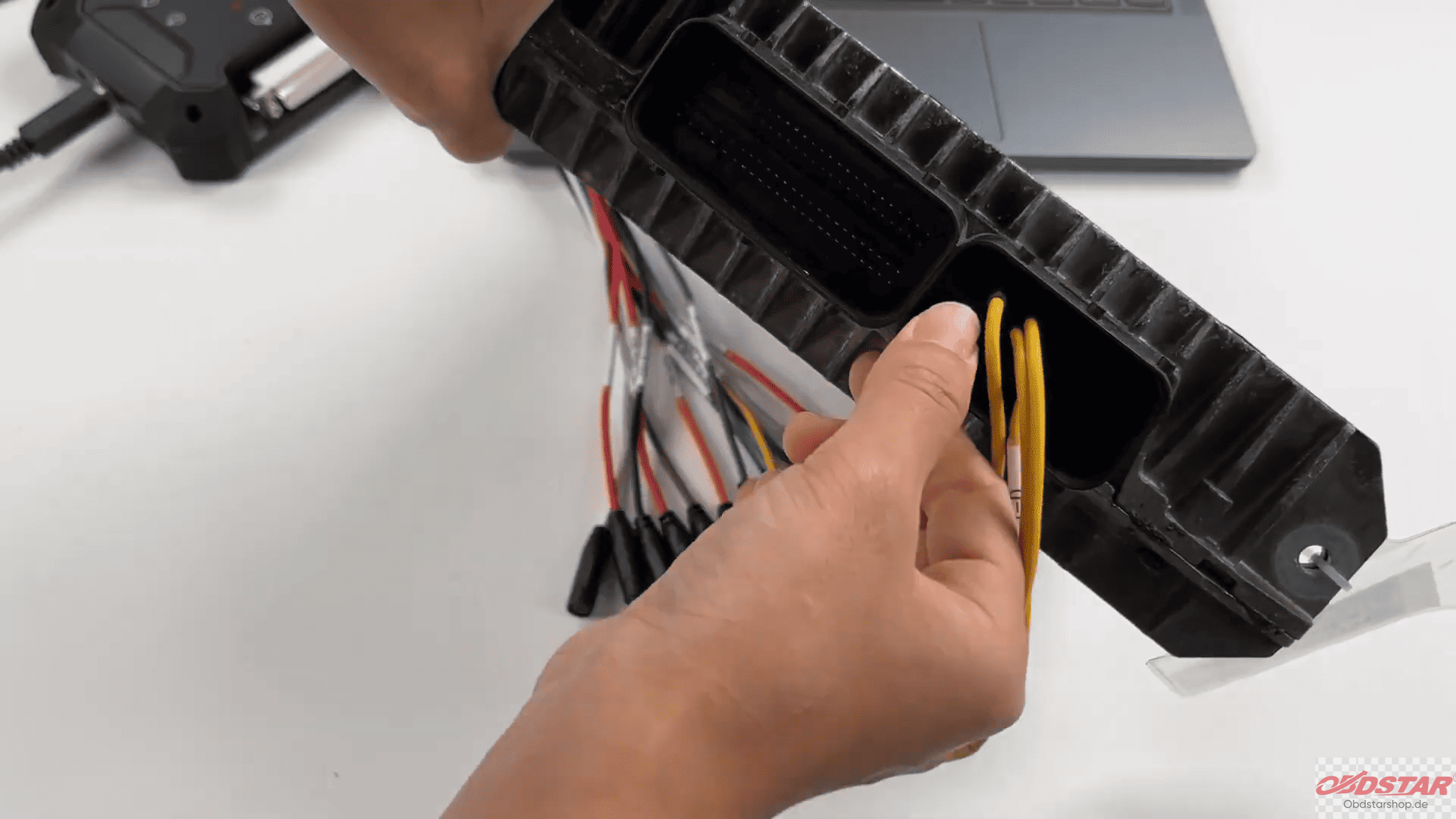
After completing the wiring, click [Connect].
When the confirmation prompt appears, click [Yes].
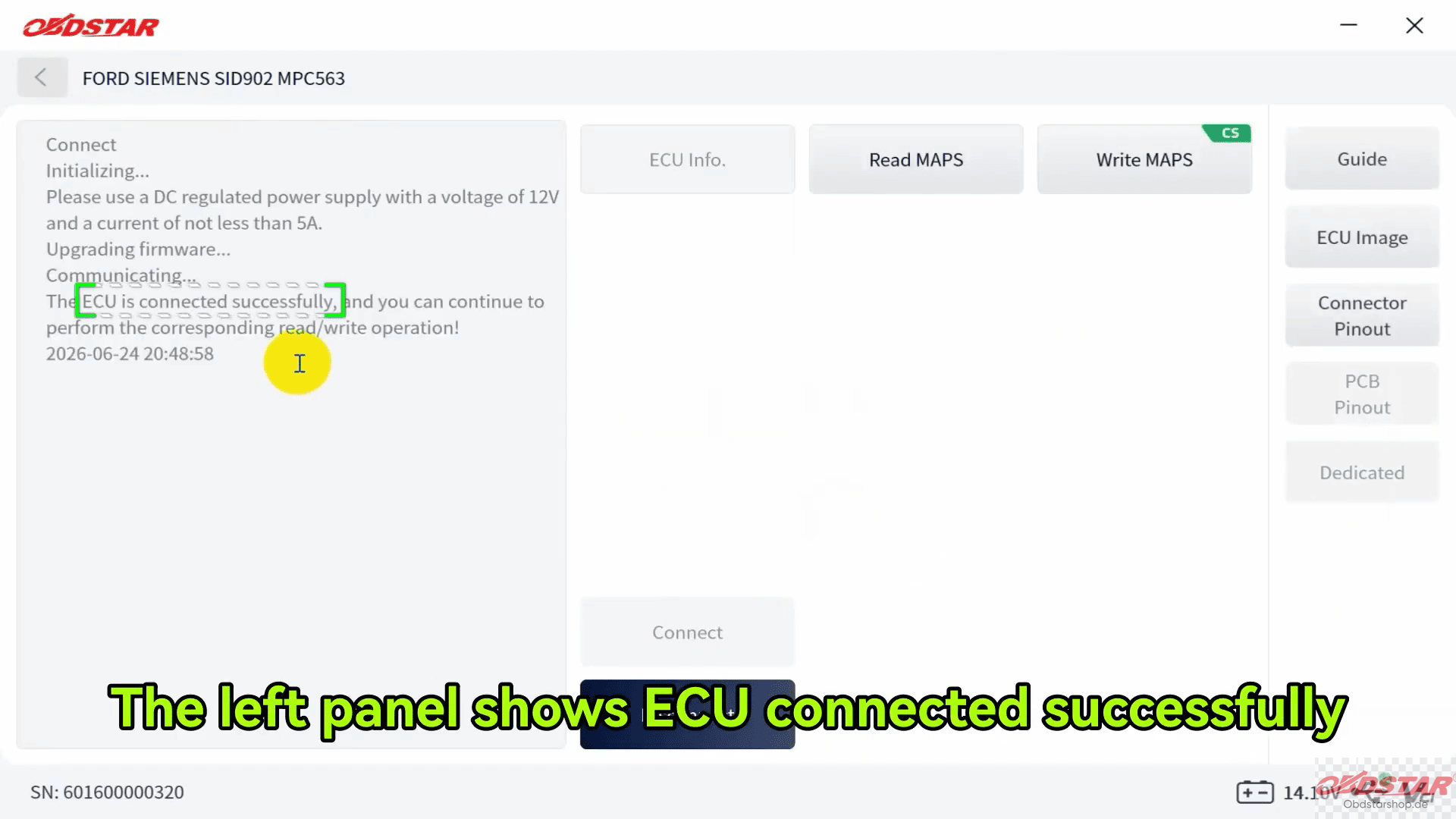
If the connection is successful, the left panel will display that the ECU has been connected successfully.
4. Read MAPS Data
Select Read MAPS to read the ECU data.
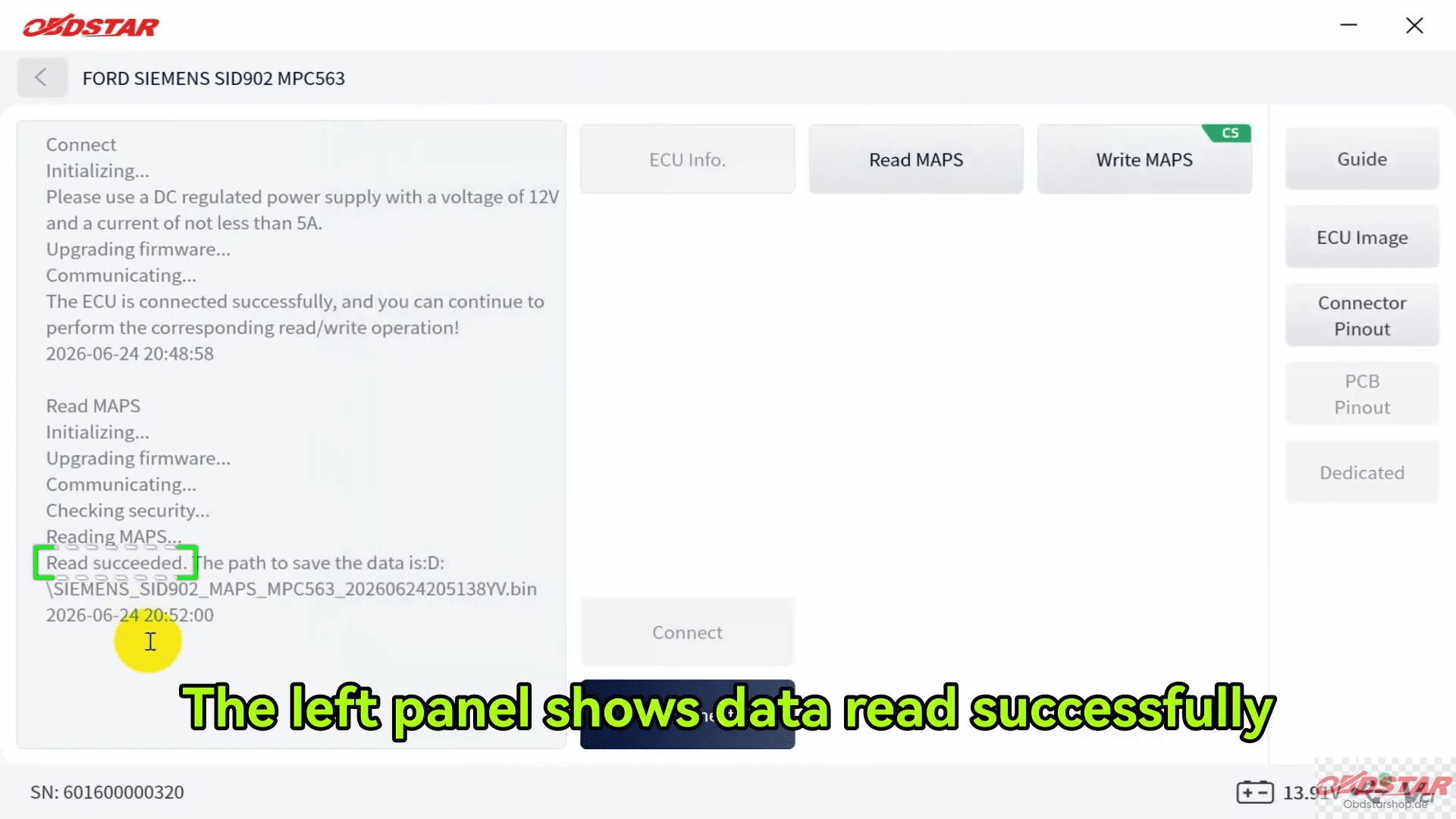
Before saving, you can rename the file and select the desired storage location.
Once the operation is completed, the left panel will indicate that the data has been read successfully.
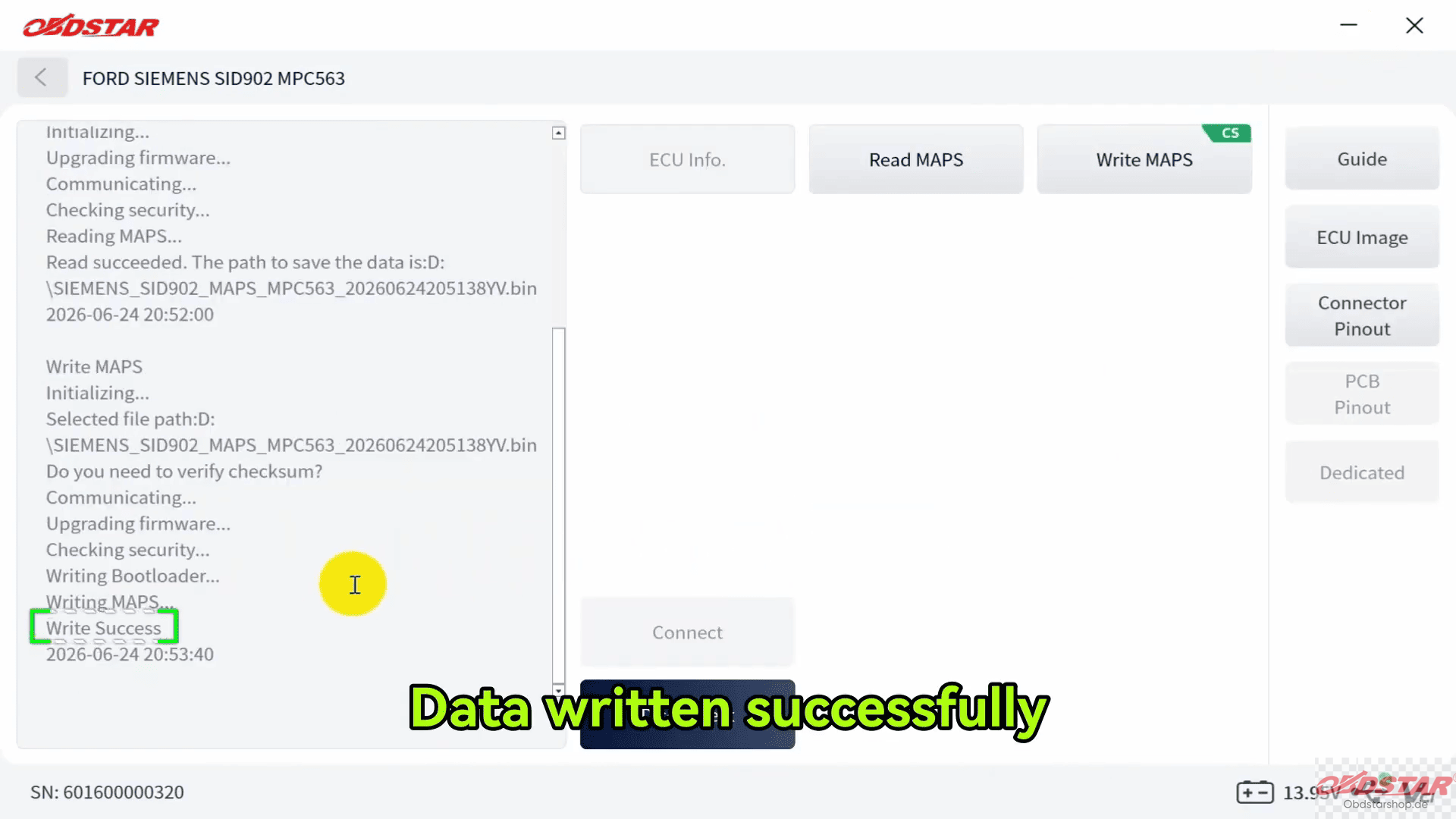
5. Write MAPS Data
To write new data, click [Write MAPS] and select the required data file.
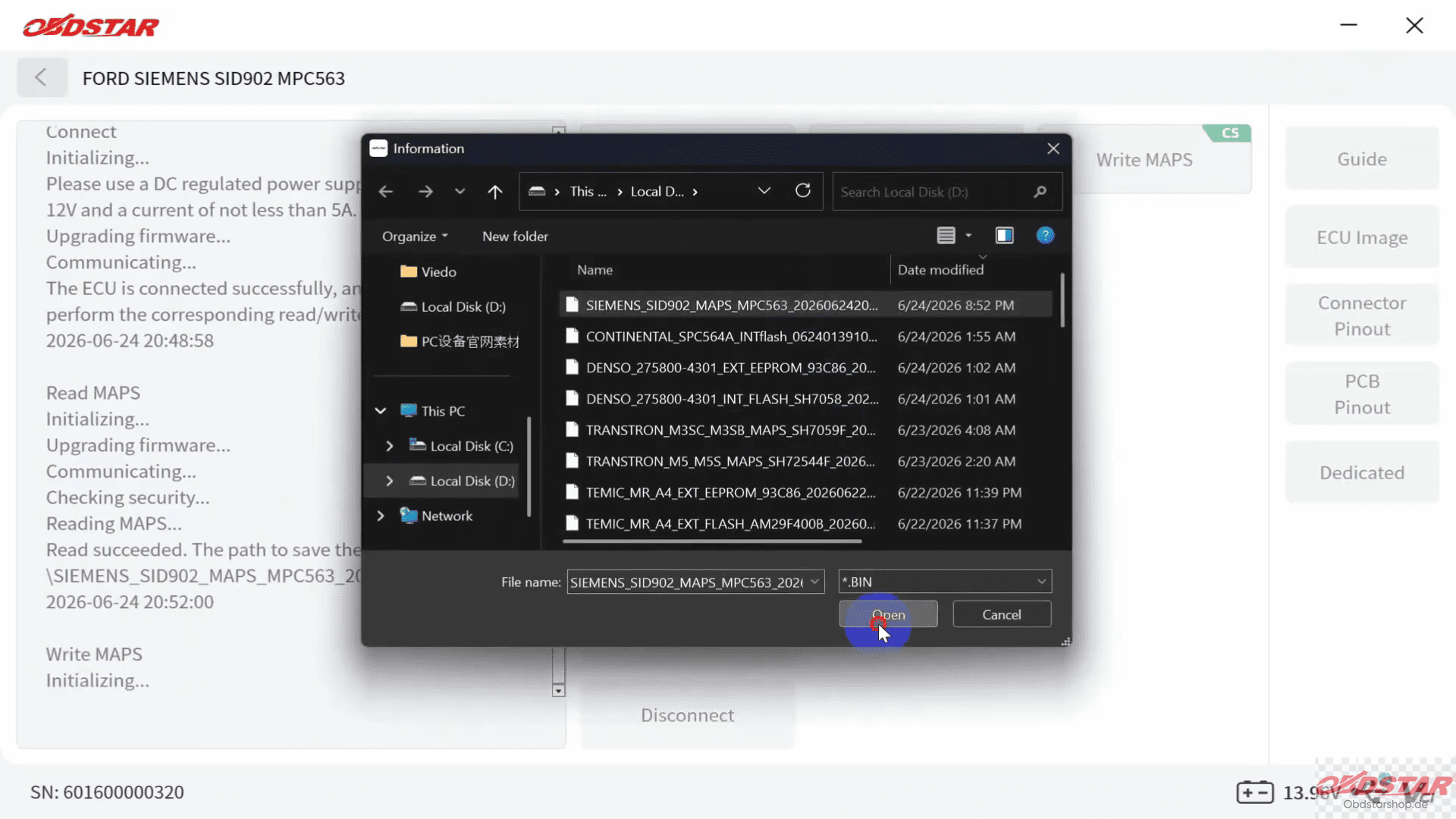
The system will then indicate whether checksum correction is required.
According to the demonstrated procedure, select No when prompted.
Wait for the writing process to finish. The software will display a confirmation when the data has been written successfully.
Read also:
How to Read & Write Data on KTM390 ECU with OBDSTAR ECU MASTER
Leave a Reply